Questions & Answers
- Model:
- 27MR400-B.AUSQ
- |
- SKU:
- 6560958
Q: QuestionHow does it compare to a Dell P2722H?
Asked by Gquel.
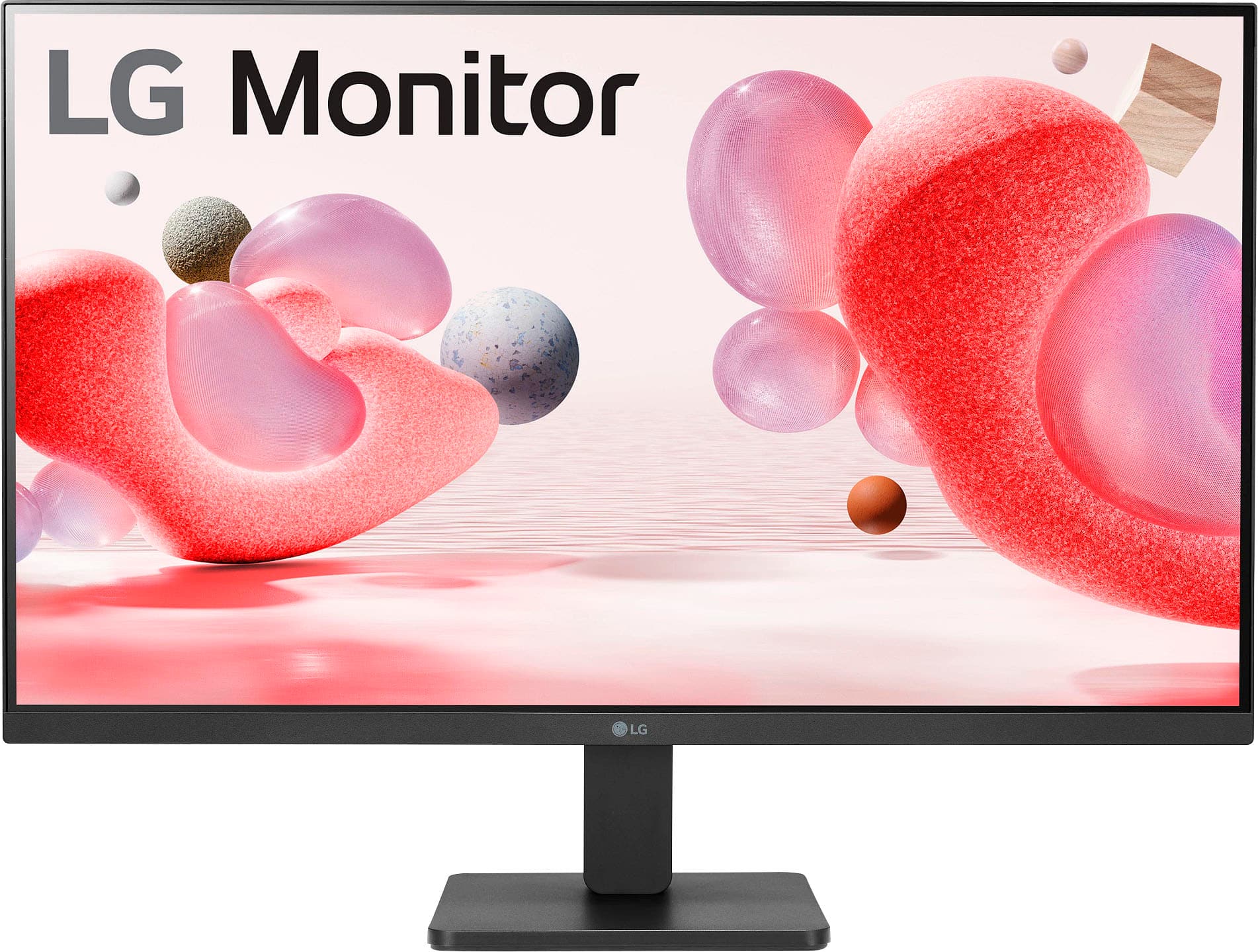
- A:Answer Hi there! Thank you for your review and for asking about how the 27MR400-B.AUSQ compares to the Dell P2722H. Both monitors are 27 inches and feature IPS panels, offering excellent color accuracy and wide viewing angles. However, the 27MR400-B.AUSQ has a higher 4K resolution (3840x2160), providing sharper and more detailed visuals compared to the Dell P2722H, which typically has a Full HD (1080p) resolution. Additionally, the 27MR400-B.AUSQ may offer enhanced features like a higher refresh rate, which could be beneficial for gaming or fast-paced content. Both monitors are designed with ergonomic stands for comfortable viewing, but the 27MR400-B.AUSQ may have additional adjustable features for a more tailored setup. You may access this link for more information, go to "All Specs": https://www.lg.com/us/monitors/lg-27mr400-b. If you have more specific questions or need further assistance, please feel free to send us a private message on social media @LGUSSupport. We’re happy to help! Thank you for choosing LG, and we appreciate your patience. —Avril
Answered by LG Digital Customer Care

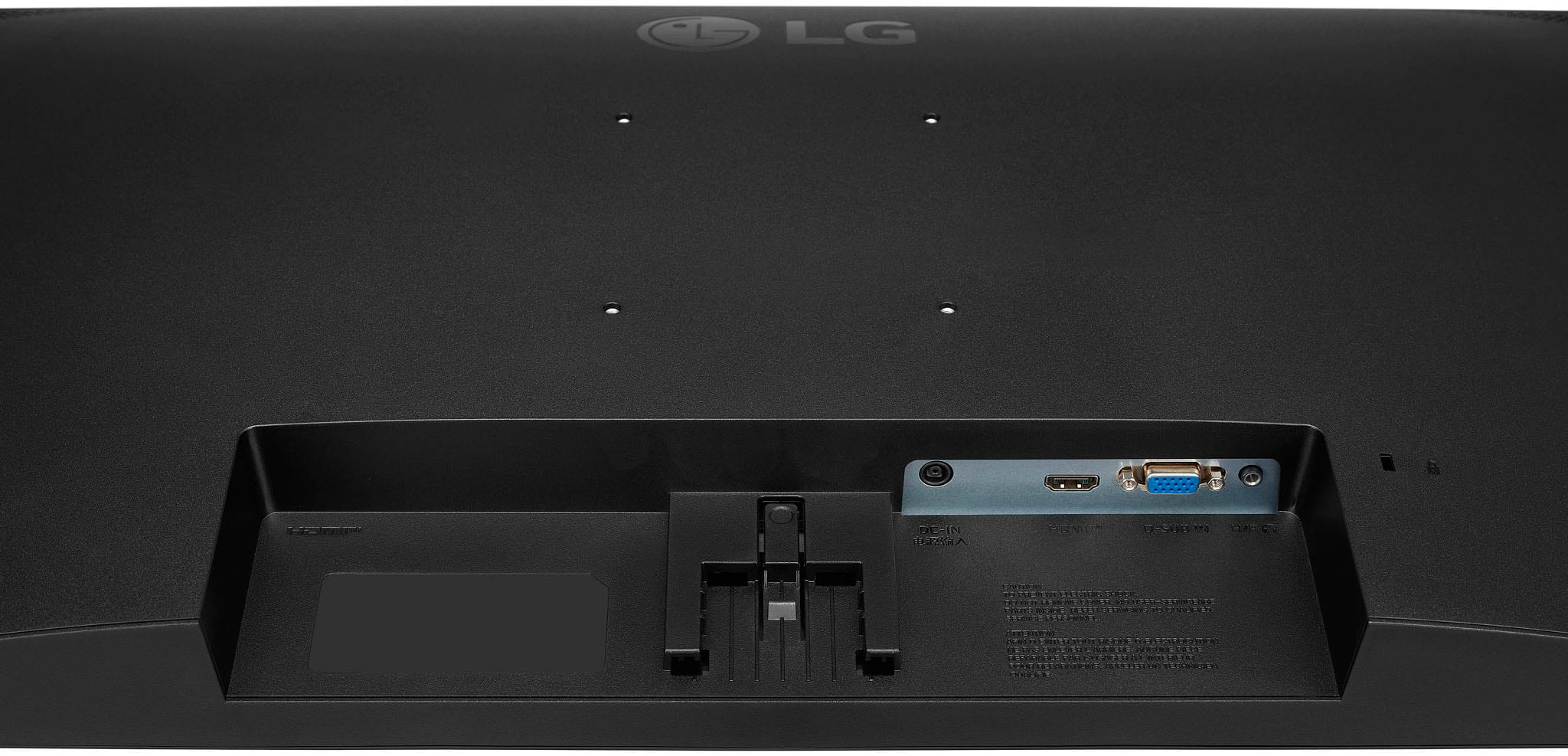
Q: QuestionWhat is the length of the power supply cord? I need to determine if it is long enough to run from the surge protector mounted on my standing desk, through the fully extended height of my monitor arm mounts.
Asked by Someone.
- A:Answer Around 4 feet
Answered by CathleenW
Q: QuestionWhat are the dimensions of the monitor base?
Asked by Striyder.
- A:Answer 7 1/2 x 7 1/2 inches
Answered by CathleenW
Q: QuestionCan this monitor work with any computer brand?
Asked by Sau.
- A:Answer I have a Dell desktop
Answered by CathleenW
Q: QuestionIs the power cord included with this monitor
Asked by rosebouquet.
- A:Answer yes
Answered by EarlH
Q: QuestionCan I set up the mac mini from Apple to this monitor?
Asked by Leo.
- A:Answer Hi there. We appreciate your question about the LG 27MR400-B.AUSQ monitor and whether it can be used with an Apple Mac Mini. Yes, the LG 27MR400-B.AUSQ monitor is fully compatible with the Apple Mac Mini. You can connect the Mac Mini to this monitor using an HDMI cable, as both the monitor and Mac Mini support HDMI connections. Simply plug the HDMI cable into the monitor and the Mac Mini, and your setup should be ready to go. If you need further assistance with the setup or any other questions, feel free to send us a private message on Social Media @LGUSSupport, and our team will be happy to assist you. —Renzo
Answered by LG Digital Customer Care

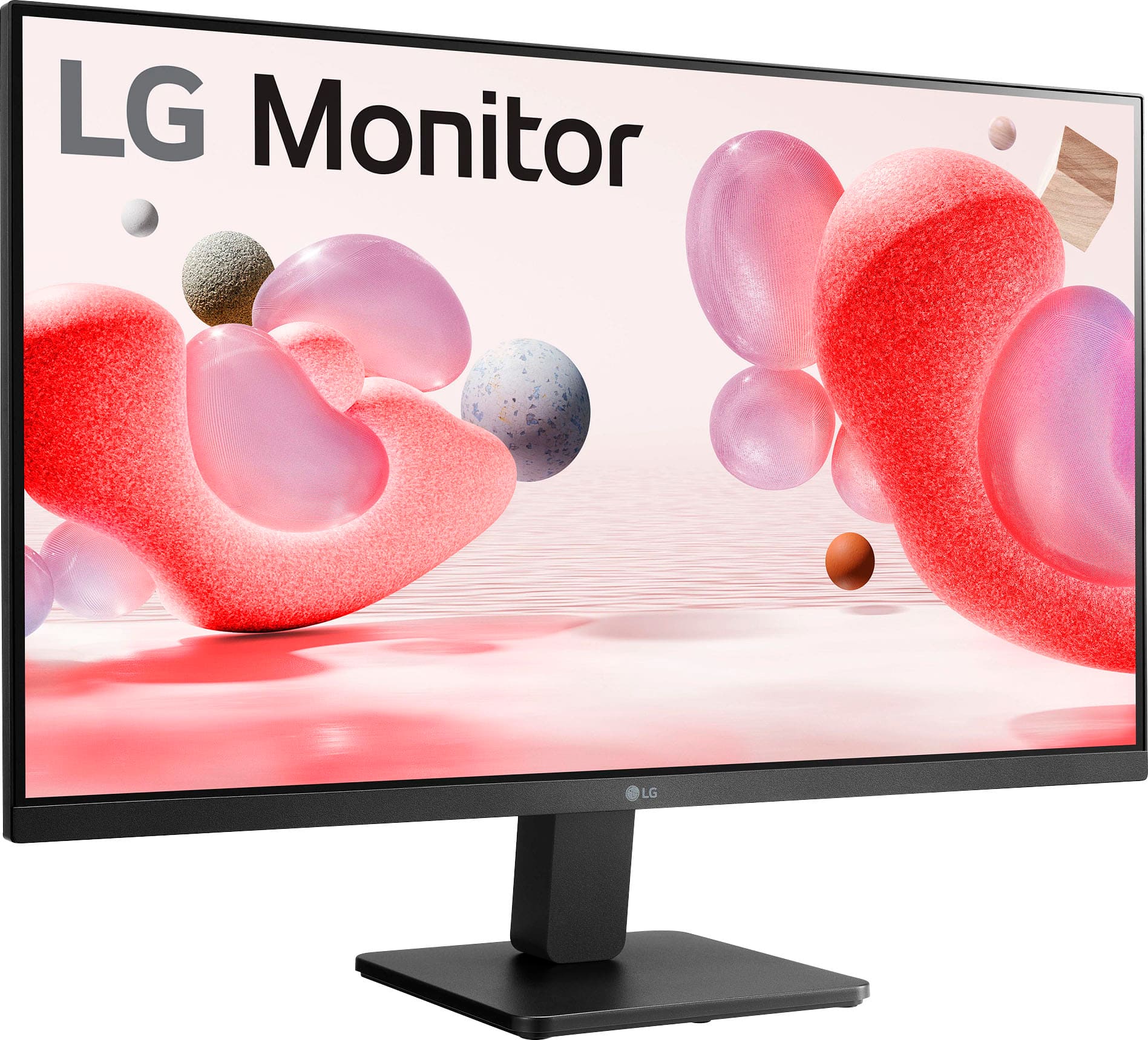
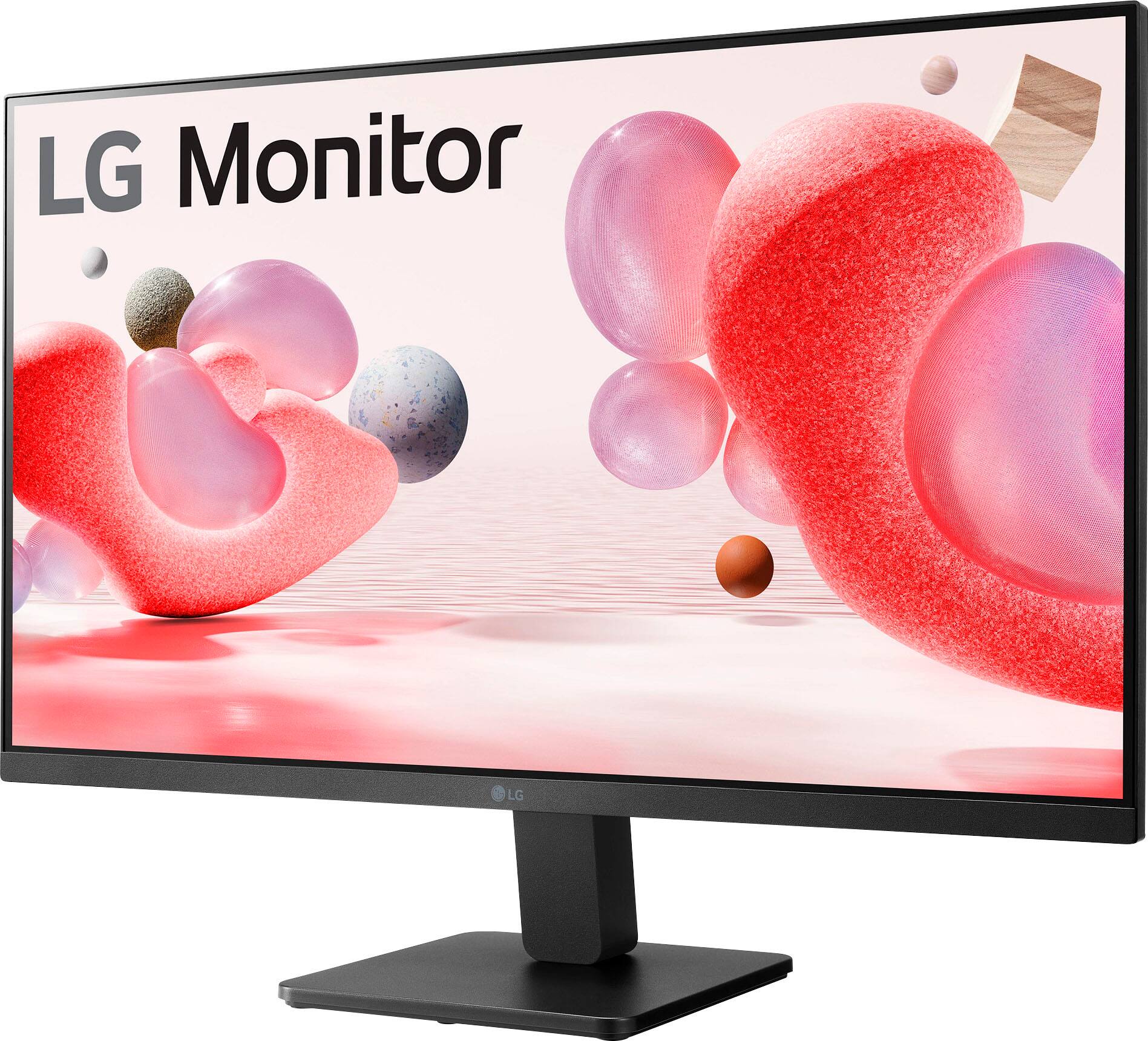
Q: QuestionWill this monitor stand in its own or do I need to buy a stand for it
Asked by Stand.
- A:Answer The monitor comes with a stand
Answered by Bill
Q: QuestionHello, my macbook pro only has type c interface. Shall I buy a hdmi to type c cable with this monitor?
Asked by carol.
- A:Answer Hi there! Yes, if your MacBook Pro only has a USB-C interface, you will need a USB-C to HDMI adapter or a cable to connect it to the LG 27MR400-B.AUSQ monitor. Ensure that the adapter or cable supports the resolution and refresh rate you need for the best performance. If you have any further questions or need more assistance, please send us a private message on Social Media @LGUSSupport. Our team is here to help you with your setup. We appreciate your question and are happy to assist! —Avril
Answered by LG Digital Customer Care

Q: QuestionI keep getting osd lockout on screen and it doesn't let me navigate the menu box. Is there a fix for this?
Asked by Anonymous.
- A:Answer Hello there. We understand the frustration caused by the OSD lockout on your 27MR400-B.AUSQ monitor. This issue can often be triggered by accidental button presses or settings configurations. To resolve this problem, please consider the following steps. First, press and hold the Menu button on the monitor for 10-15 seconds. This action should unlock the OSD menu, allowing you to navigate it once more. Second, If the previous step does not resolve the issue, power off the monitor, unplug it from the power source, and wait for approximately 1 minute. Then, reconnect the power and turn the monitor back on. Try accessing the OSD menu again. If the OSD lockout persists despite these efforts, there may be a more complex issue at hand. In such cases, we recommend reaching out to our support team for further assistance. Please send us a private message on Social Media @LGUSSupport with your contact information and a brief description of the issue. Our team is ready to provide the necessary support. —Mau
Answered by LG Digital Customer Care

Q: QuestionCan this be connected with desk top computer? Can I use it for meeting? Hear and see people at the meeting?
Asked by Dailygrace.
- A:Answer Does not have built in web camera
Answered by EarlH
Q: QuestionIs there a way to straighten this display? It tips downward and does not seem to be adjustable.
Asked by Anonymous.
- A:Answer Thank you for reaching us regarding LG Monitor. Yes, the LG 27MR400-B monitor allows for height adjustment. You can download its owner's manual through this link for more information: https://www.lg.com/us/support/product/lg-27MR400-B.AUSQ. For additional assistance, please reach out to us on social media @LGUSSupport so we can help you further. ^Cris
Answered by LG Digital Customer Care

Q: QuestionIs there a way to turn off the monitor display info box that pops up on the screen evertime I turn on the computer? You can not hover over it with your mouse and I dont want to press the on off button to flip it off each time I open from sleep mode.
Asked by hyperxkey.
- A:Answer Hello, Thank you for reaching out regarding the LG model 27MR400-B.AUSQ monitor. To address the issue of the monitor display info box appearing every time your computer wakes from sleep mode or is powered on, please follow these steps based on information from LG's official website: Begin by pressing the menu button on your monitor to access the on-screen display (OSD) menu. Navigate through the menu using the monitor's navigation buttons to locate settings related to the info box or OSD. Look for an option within these settings that allows you to disable or turn off the info box notifications. Once you've found this option, select it and save your changes before exiting the OSD menu. If you encounter any challenges or need further assistance, please refer to the user manual for detailed instructions or contact LG customer support for personalized guidance. If you have any more questions or need further assistance, feel free to ask. —Renzo
Answered by LG Digital Customer Care

Q: QuestionDoes this support hdr
Asked by rager.
- A:Answer Thank you for reaching us regarding LG Monitor. Yes, the LG 27MR400-B monitor supports HDR (High Dynamic Range) when activated in the computer's settings. HDR provides a better picture quality for gaming, movies, and streaming. You can download its owner's manual through this link for more information: https://www.lg.com/us/support/product/lg-27MR400-B.AUSQ. If problem persist, please reach out to us on social media @LGUSSupport so we can help you further. ^Cris
Answered by LG Digital Customer Care

Q: QuestionIs this a touchscreen?? Does it have speakers??
Asked by Anonymous.
- A:Answer https://www.lg.com/us/monitors/lg-27mp400-b-fhd-monitor
Answered by PatR
Q: Questionis this compatible with a 13-inch MacBook Air?
Asked by Anonymous.
- A:Answer yes
Answered by Focus16
Q: QuestionDo you have to hook this monitor up to a big computer box? Or can I just use it without it hooking up to anything
Asked by Tom.
- A:Answer Hello there, Tom. Thank you for your inquiry about the 27MR400-B.AUSQ monitor. This monitor typically requires a connection to a computer or another device to display content, as it does not have built-in functionality to operate independently. However, if you're looking for a display without needing to hook it up to a big computer box, you might consider options like smart monitors or all-in-one systems that can operate without a traditional computer setup. If you have any more questions or need further assistance, please feel free to send us a private message on Social Media @LGUSSupport. We’re happy to help with any additional information you might need. Thank you for choosing LG! —Avril
Answered by LG Digital Customer Care

Q: Questionit it a touch screen?
Asked by rick.
- A:Answer No. See specifications
Answered by UpsideDownMonitorUser
Q: QuestionCan i use this monitor without connecting it to any processor or PC?
Asked by Lucy.
- A:Answer What are these multiple question about "Will it work without connecting it to anything" What will supply or drive the picture?
Answered by UpsideDownMonitorUser
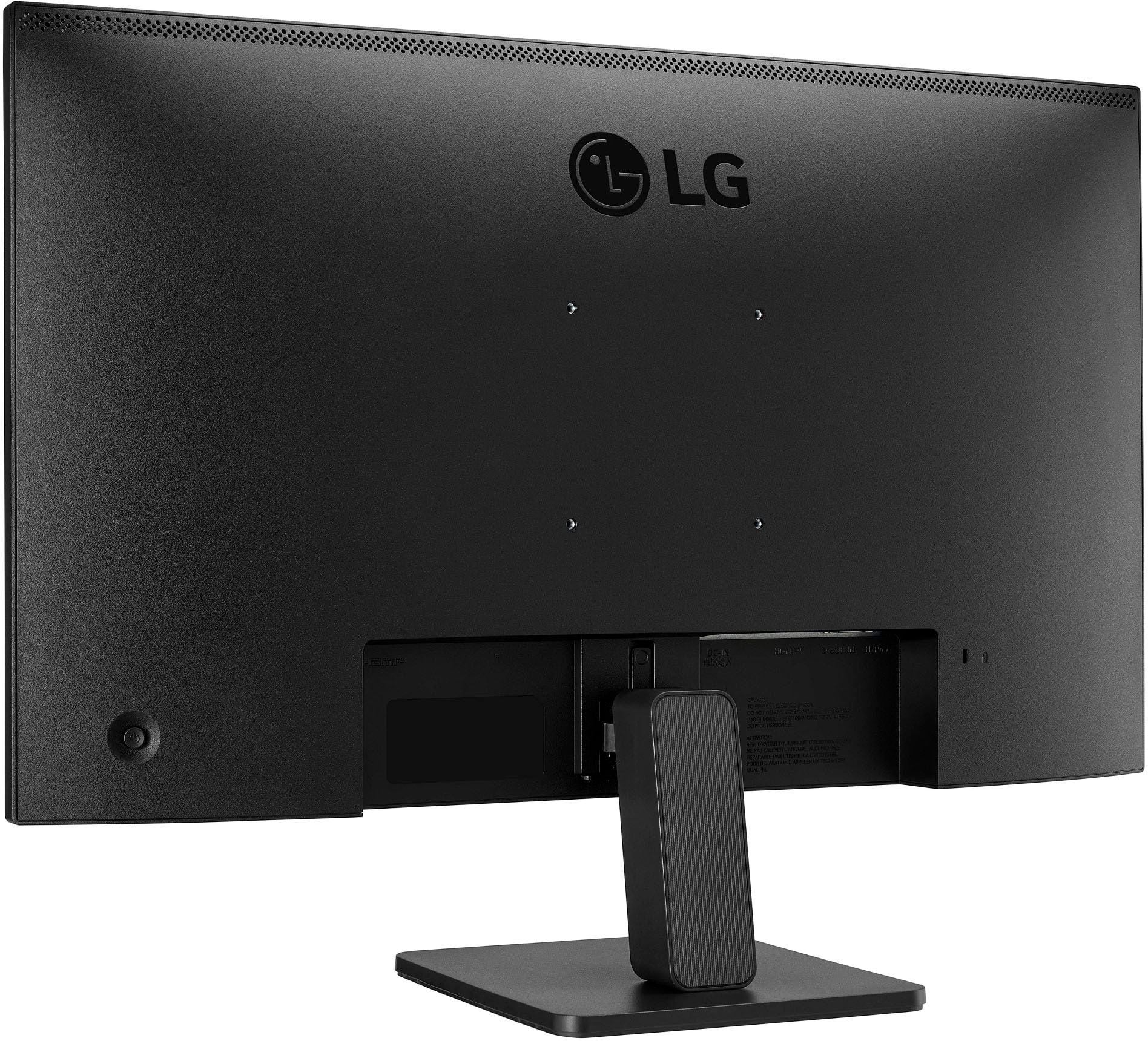
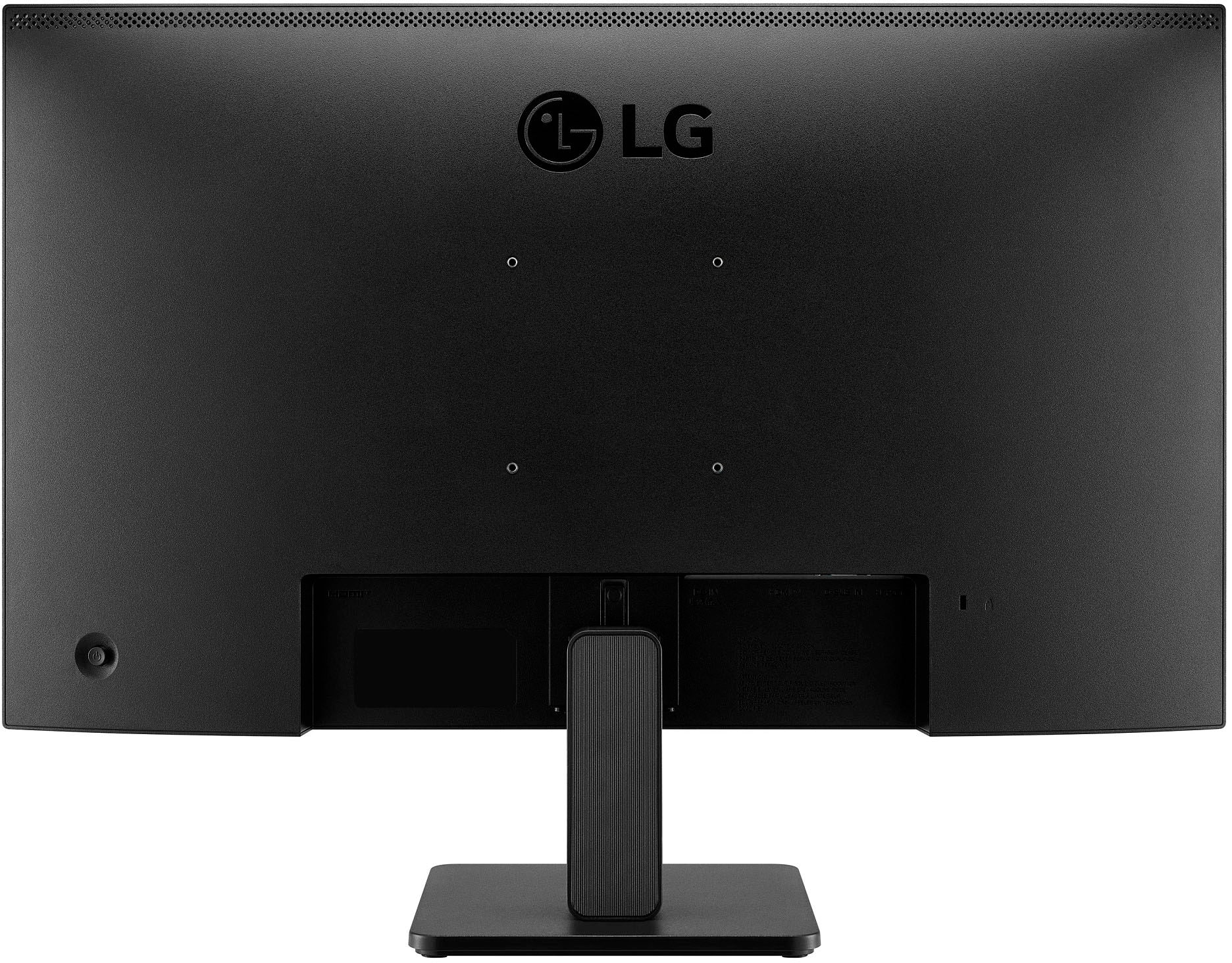
Q: QuestionCan this monitor be hung from a wall?
Asked by Anonymous.
- A:Answer Hi there! Thank you for your inquiry about the 27MR400-B.AUSQ monitor. Yes, this monitor can indeed be hung on a wall! It is VESA compatible, which means you can use a VESA wall mount to securely attach it to your wall. When selecting a wall mount, be sure to choose one that matches the VESA specifications for this model to ensure proper fit and stability. If you have any further questions or need assistance with your monitor setup, please feel free to send us a private message on Social Media @LGUSSupport. We're here to help with any additional information you may need. Thank you for choosing LG! —Avril
Answered by LG Digital Customer Care

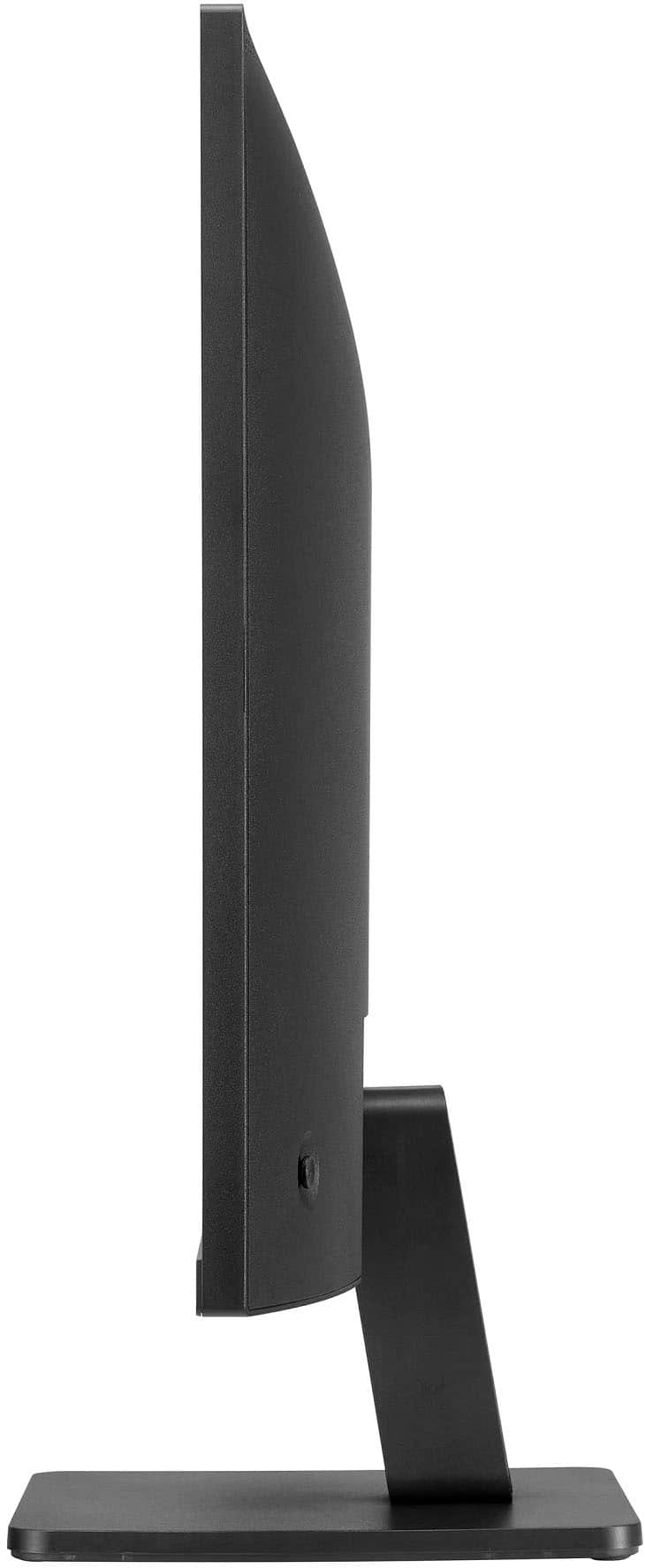
Q: QuestionHow do I get the screen to tilt or adjust? It says it does but I can’t figure out how to make it.
Asked by Anonymous.
- A:Answer The 'Adjusting the Angle' instructions on page 10 in your owner's manual for the LG 27-inch FHD 3-Side Borderless IPS 100Hz Monitor with FreeSync™, Model # 27MR400-B, has illustrated diagrams showing how to hold the monitor to tilt it...^Ivan.
Answered by LG Digital Customer Care

Top Rated
- $349.99Your price for this item is $349.99
- $86.99Your price for this item is $86.99$199.99The comparable value for this item is $199.99
- $299.99Your price for this item is $299.99$499.99The comparable value for this item is $499.99
- $104.99Your price for this item is $104.99$249.99The comparable value for this item is $249.99
- $109.99Your price for this item is $109.99$149.99The comparable value for this item is $149.99
- $119.99Your price for this item is $119.99$149.99The comparable value for this item is $149.99
- $119.99Your price for this item is $119.99
- $319.99Your price for this item is $319.99$369.99The comparable value for this item is $369.99
- $129.99Your price for this item is $129.99$169.99The comparable value for this item is $169.99
- $215.99Your price for this item is $215.99$239.99The comparable value for this item is $239.99
- $149.99Your price for this item is $149.99$189.99The comparable value for this item is $189.99
- $249.99Your price for this item is $249.99$329.99The comparable value for this item is $329.99
- $139.99Your price for this item is $139.99$169.99The comparable value for this item is $169.99
- $134.99Your price for this item is $134.99
- $79.99Your price for this item is $79.99$159.99The comparable value for this item is $159.99
- $189.99Your price for this item is $189.99
- $1,459.00Your price for this item is $1,459.00$1,599.99The comparable value for this item is $1,599.99
- $109.99Your price for this item is $109.99$149.99The comparable value for this item is $149.99
- $169.99Your price for this item is $169.99$229.99The comparable value for this item is $229.99
- $119.99Your price for this item is $119.99