Main Content

Questions & Answers

Clearance
$119.99
Save $120
The comparable value is $239.99
Page Showing 61-65 of 65 questions
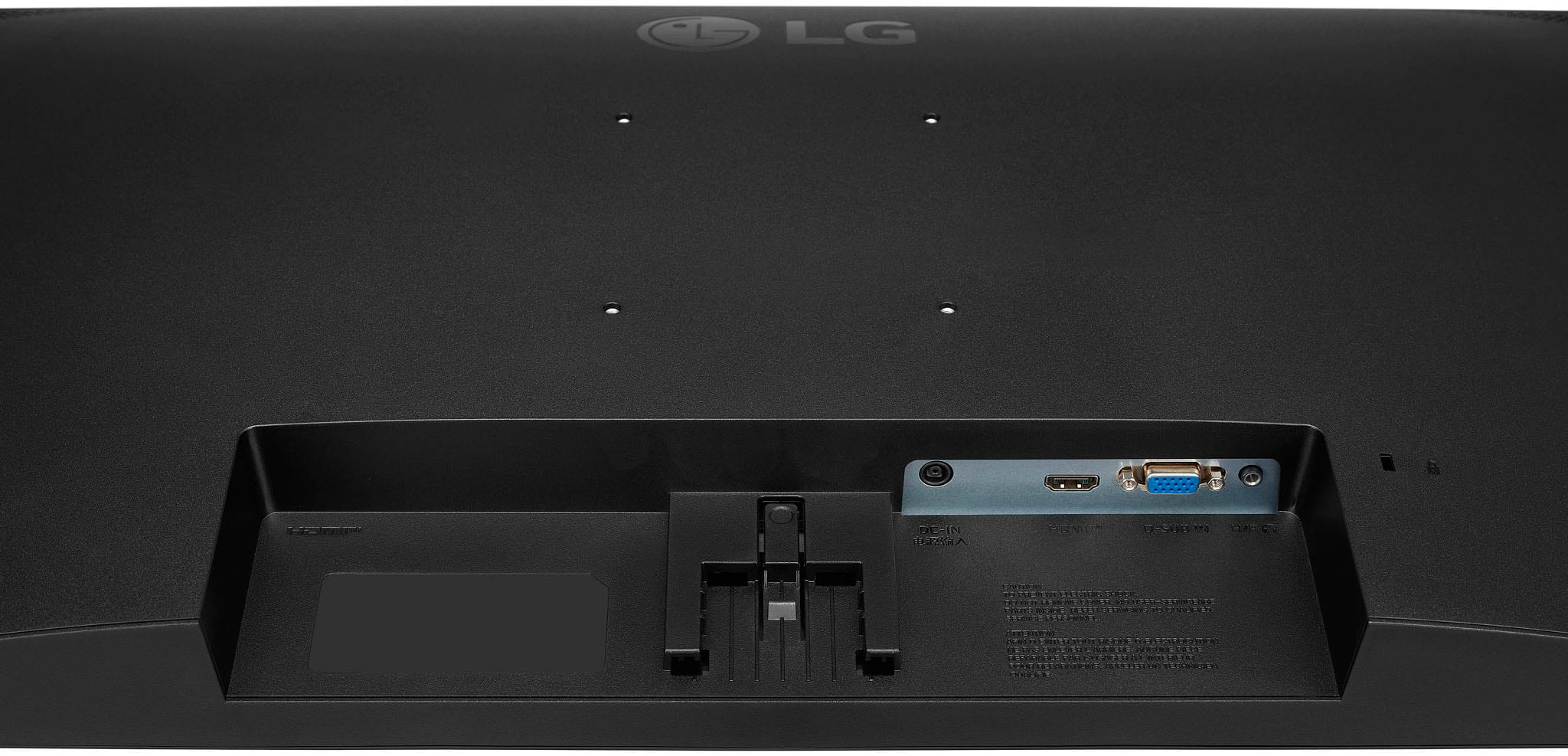
  • QuestionCan this monitor be hung from a wall?

    Asked by Anonymous.

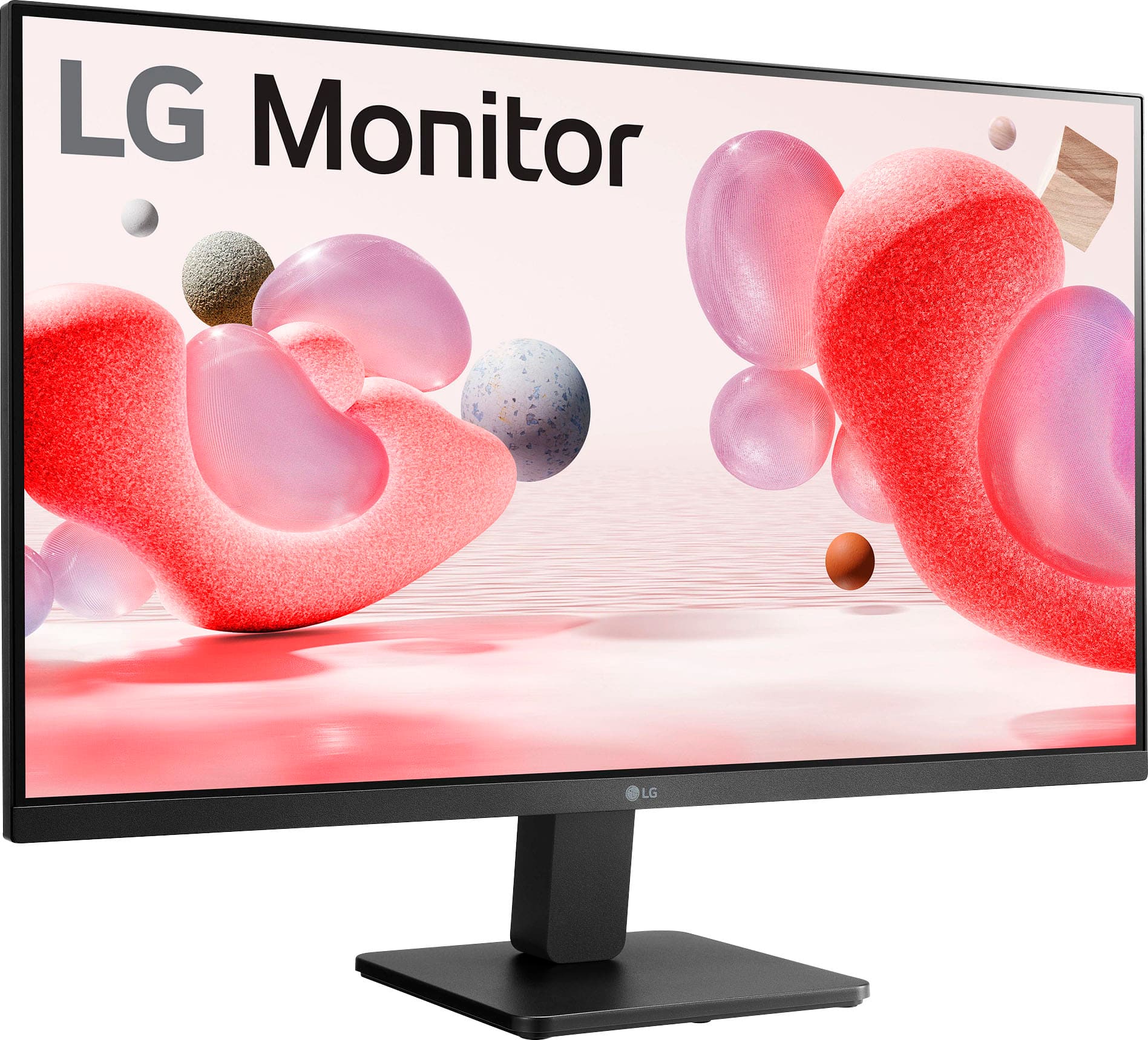
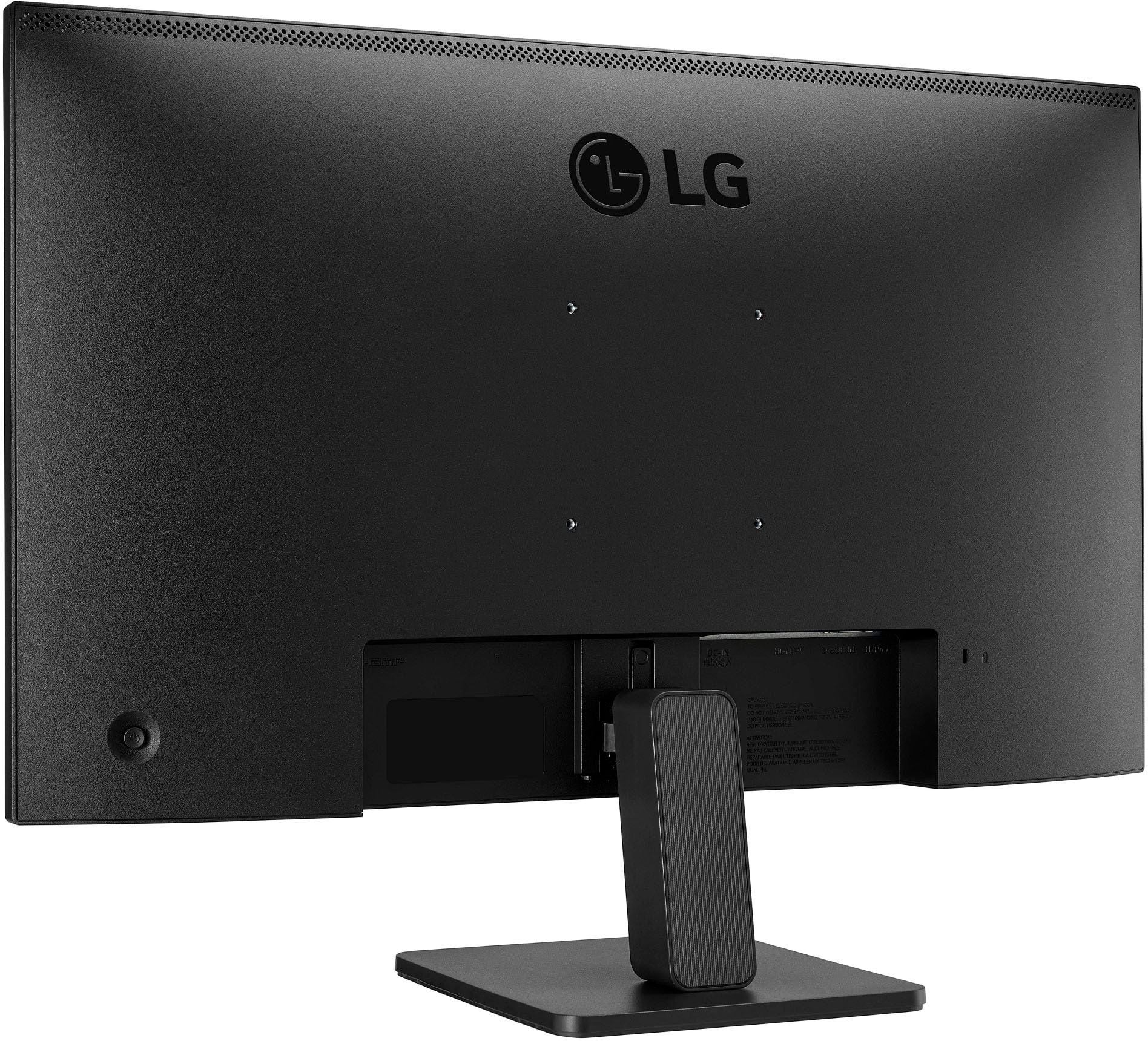
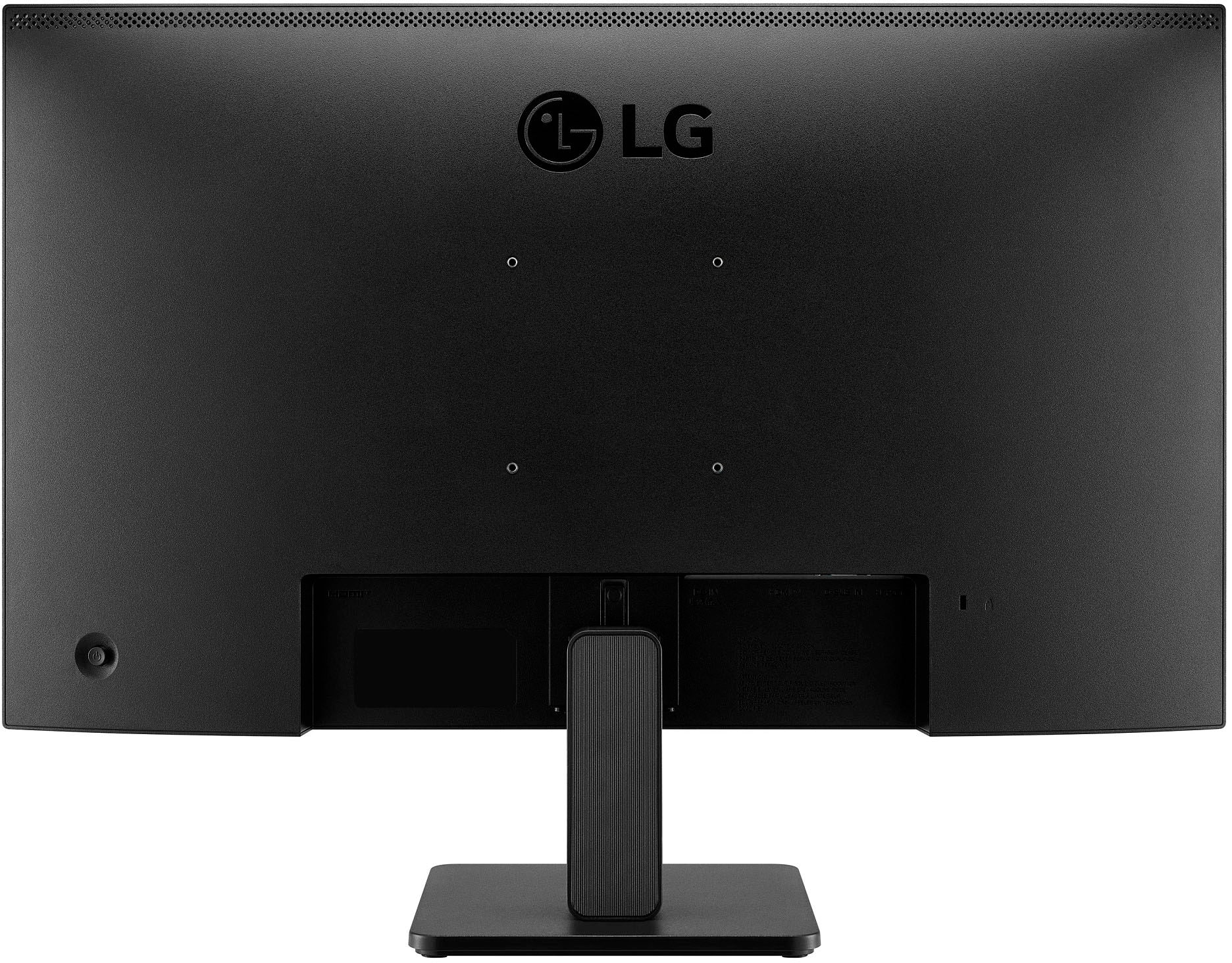
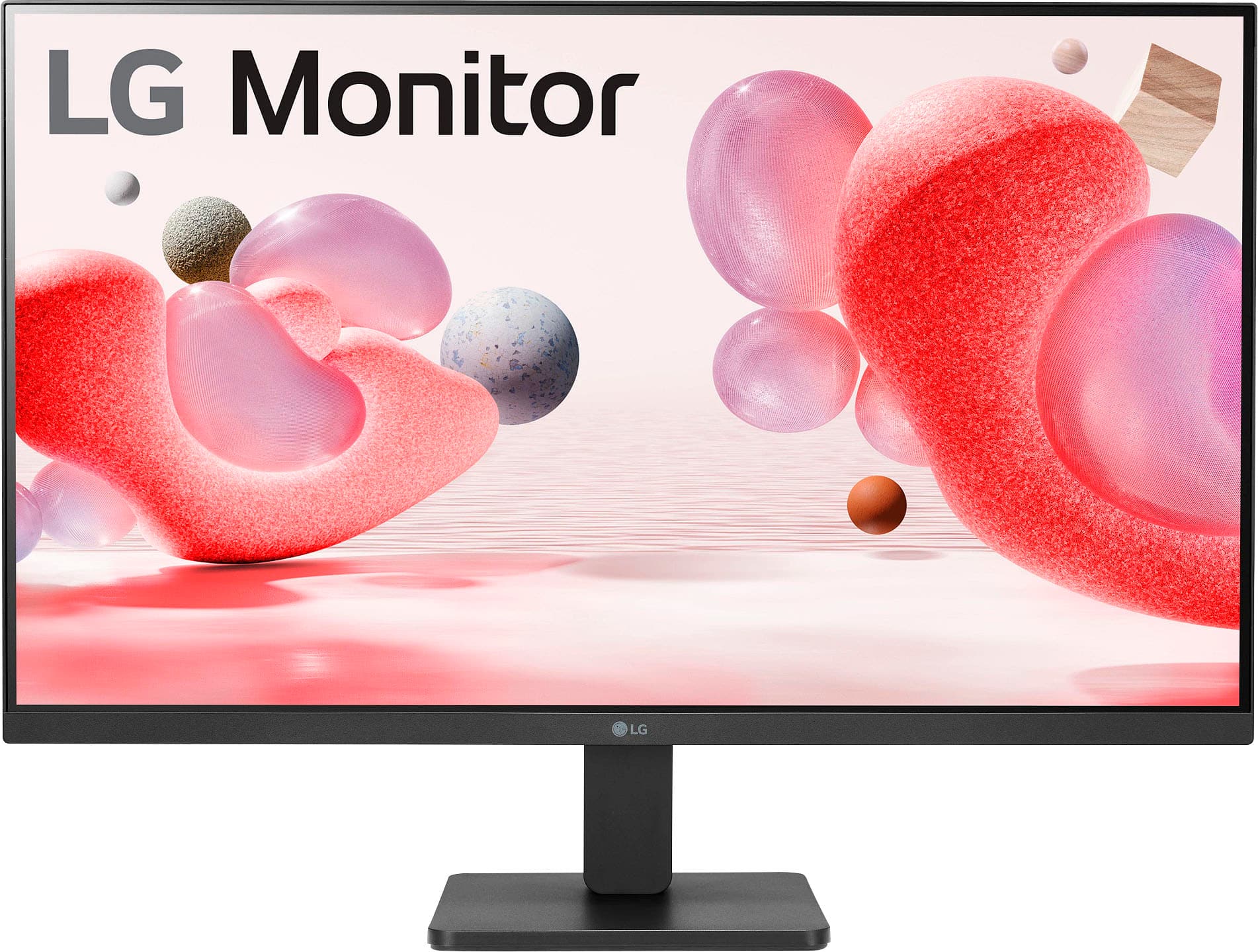
    • Answer Hi there! Thank you for your inquiry about the 27MR400-B.AUSQ monitor. Yes, this monitor can indeed be hung on a wall! It is VESA compatible, which means you can use a VESA wall mount to securely attach it to your wall. When selecting a wall mount, be sure to choose one that matches the VESA specifications for this model to ensure proper fit and stability. If you have any further questions or need assistance with your monitor setup, please feel free to send us a private message on Social Media @LGUSSupport. We're here to help with any additional information you may need. Thank you for choosing LG! —Avril
      Answered by LG Digital Customer Care

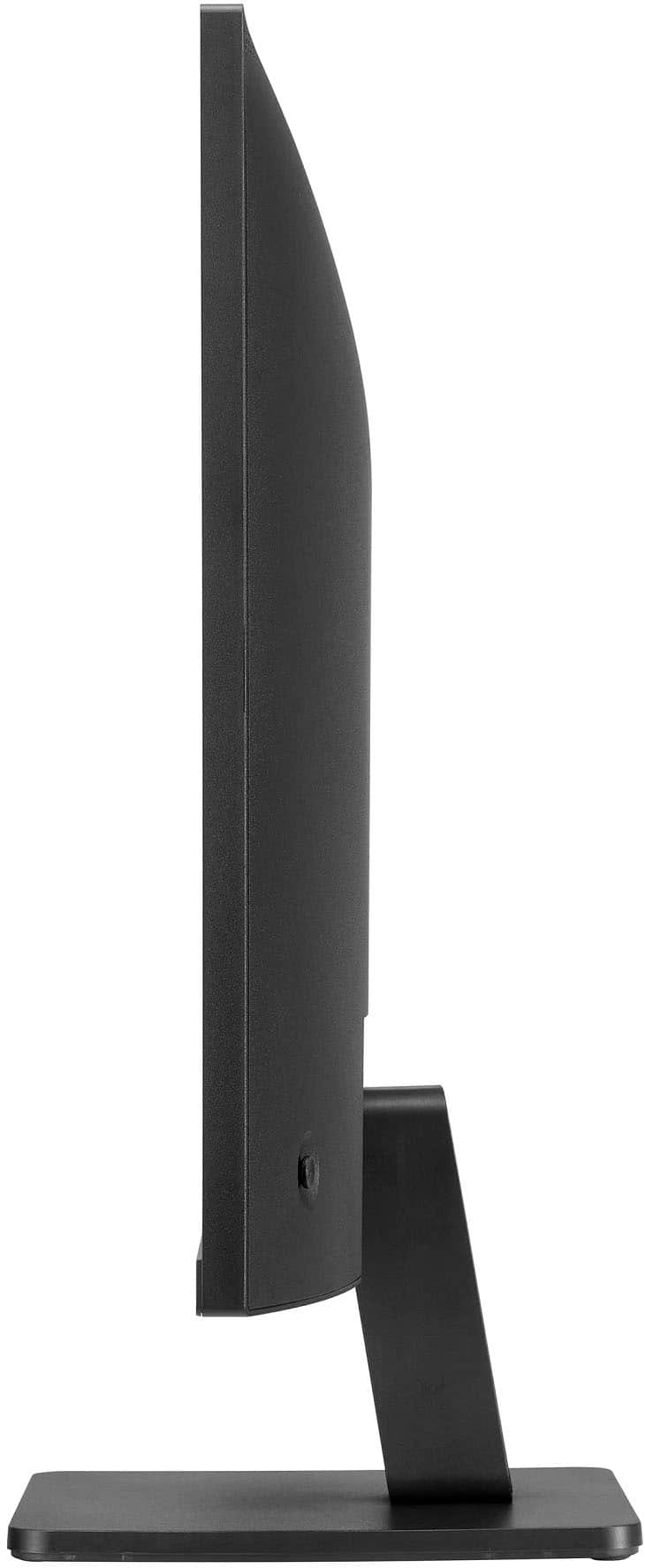
  • QuestionHow do I get the screen to tilt or adjust? It says it does but I can’t figure out how to make it.

    Asked by Anonymous.

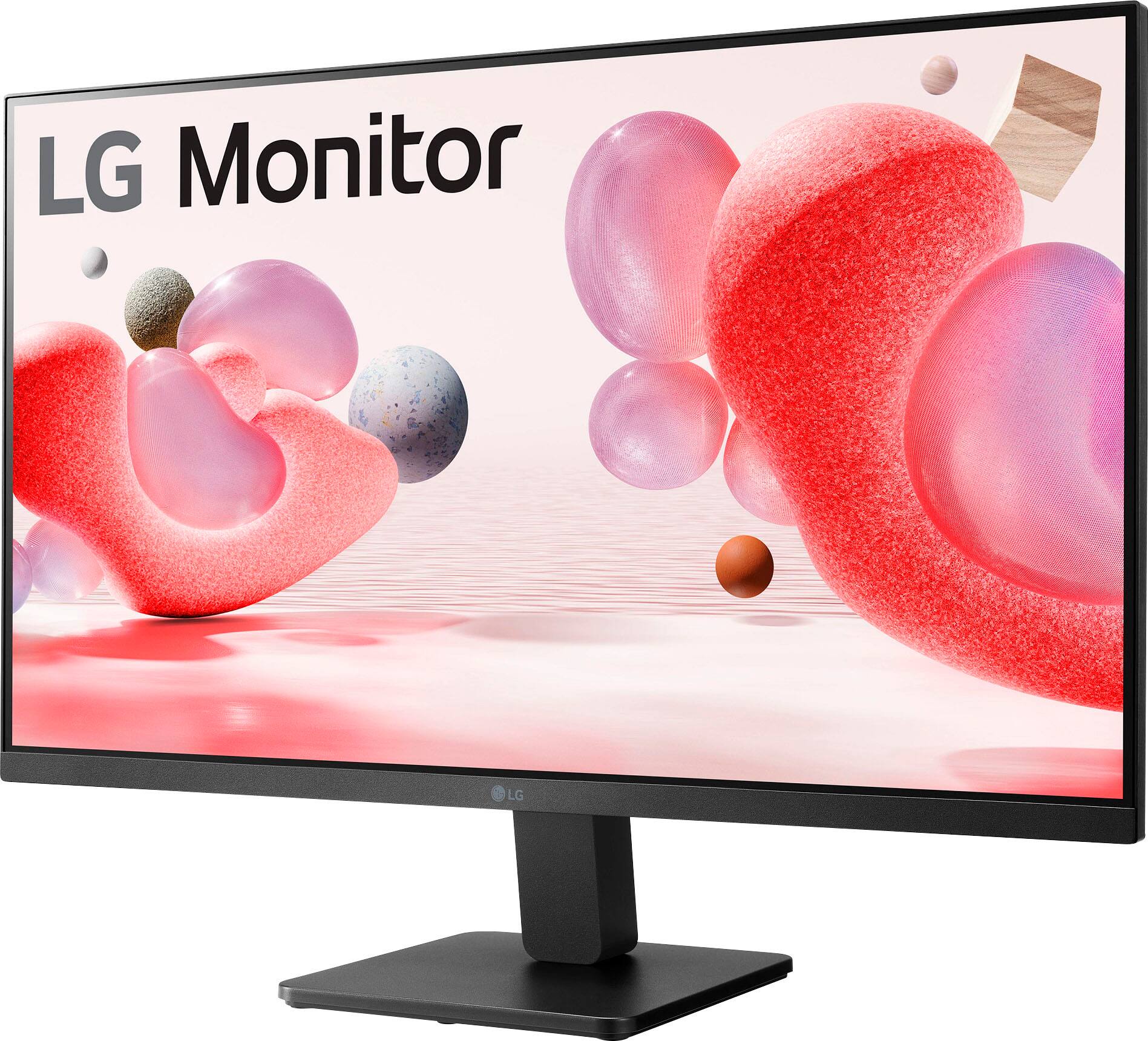
    • Answer The 'Adjusting the Angle' instructions on page 10 in your owner's manual for the LG 27-inch FHD 3-Side Borderless IPS 100Hz Monitor with FreeSync™, Model # 27MR400-B, has illustrated diagrams showing how to hold the monitor to tilt it...^Ivan.

      Answered by LG Digital Customer Care

  • QuestionCan the height be adjusted?

    Asked by Justin.

    • Answer If you put books underneath or purchase a wall mount :)

      Answered by beaglelover

  • QuestionWhat is the return policy for dead or stuck pixels.

    Asked by Bono.

    • Answer visit bestbuy return policy

      Answered by Anupam

  • QuestionMy monitors are leaning forward and I can't tell how to make them go back. I've installed the stand multiple times, but its still not right.

    Asked by colenesue620.

    • Answer Hello there! Thank you for reaching out to us regarding your LG monitor model 27MR400-B.AUSQ. We understand your concern about the monitor leaning forward despite reinstalling the stand multiple times. You may consider the following steps: ensure that the stand is securely attached to the monitor and that all screws are tightened properly. Sometimes, improper installation of the stand can cause instability or incorrect positioning. Secondly, the LG 27MR400-B.AUSQ monitor typically allows for tilt adjustment to adjust the viewing angle. Locate the tilt adjustment mechanism on the stand or monitor and adjust it to tilt the monitor backwards to your preferred angle. Lastly, check the surface on which the monitor is placed. Ensure it is stable and level. Uneven surfaces can contribute to the monitor leaning or tilting unintentionally. If you continue to experience difficulty or if the issue persists after following these steps, please send us a private message on Social Media @LGUSSupport. Our team will be more than happy to assist you further and provide additional troubleshooting steps or support. Thank you for choosing LG. We appreciate your patience and look forward to resolving this issue promptly. —Mau

      Answered by LG Digital Customer Care