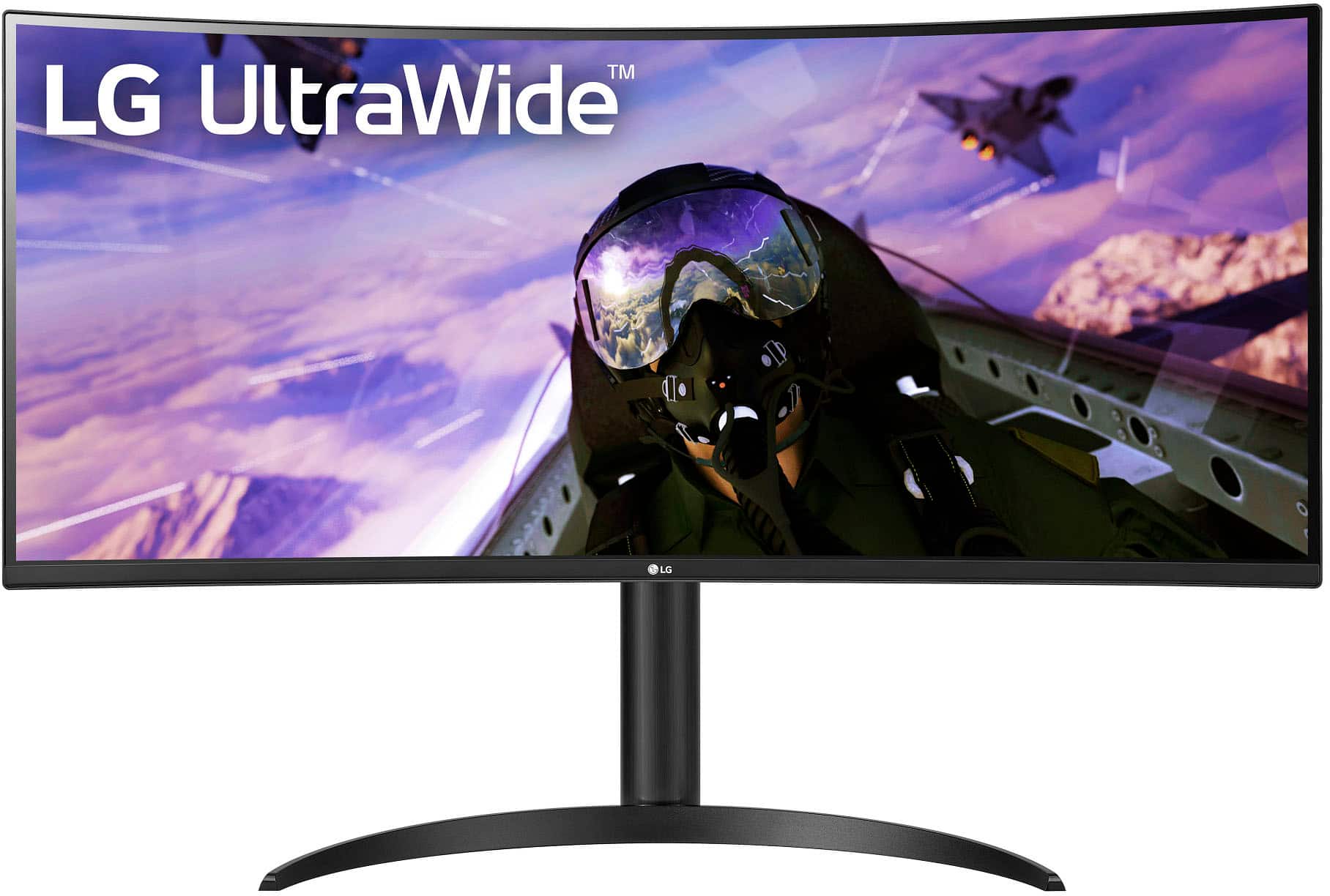
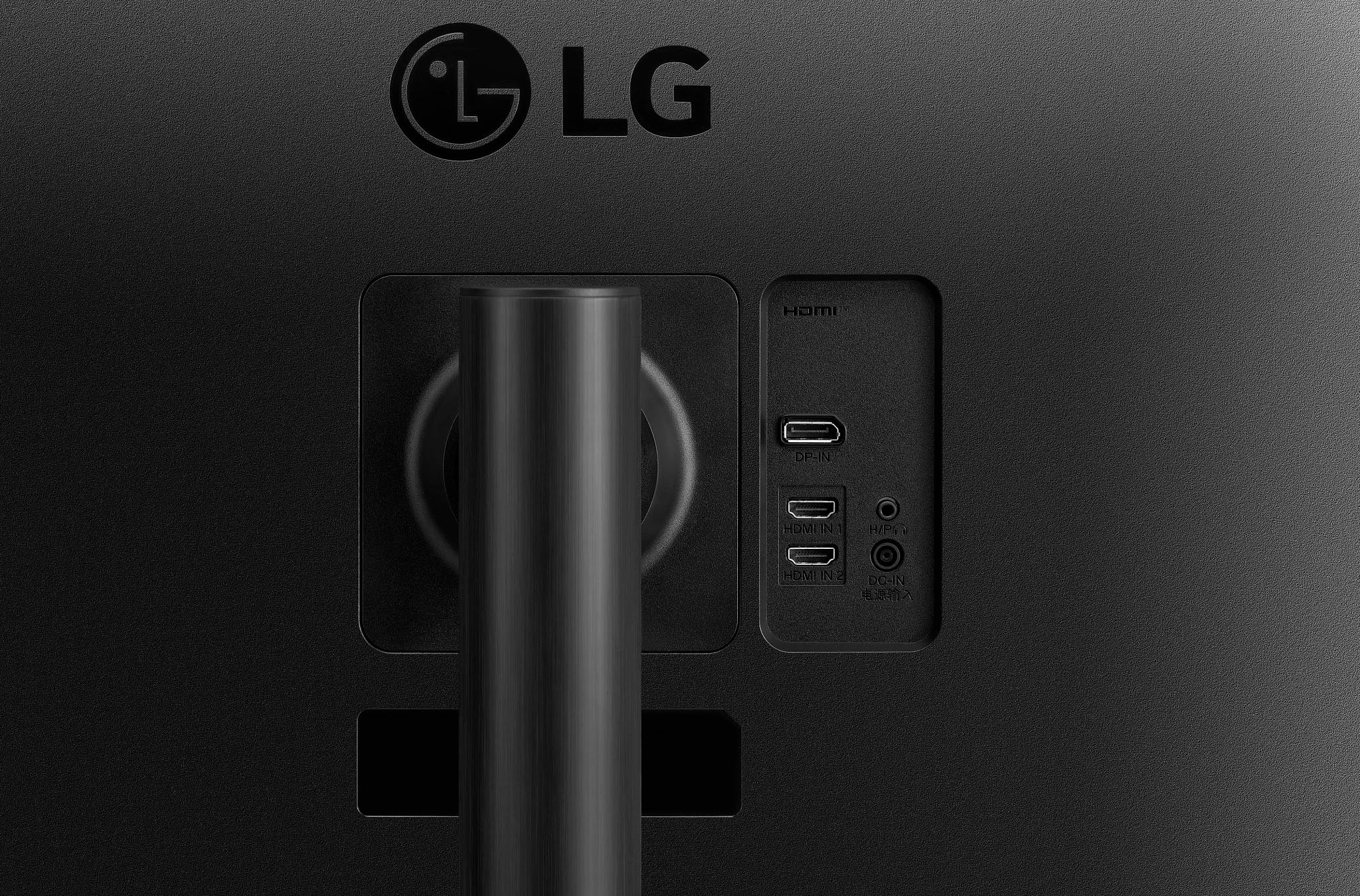
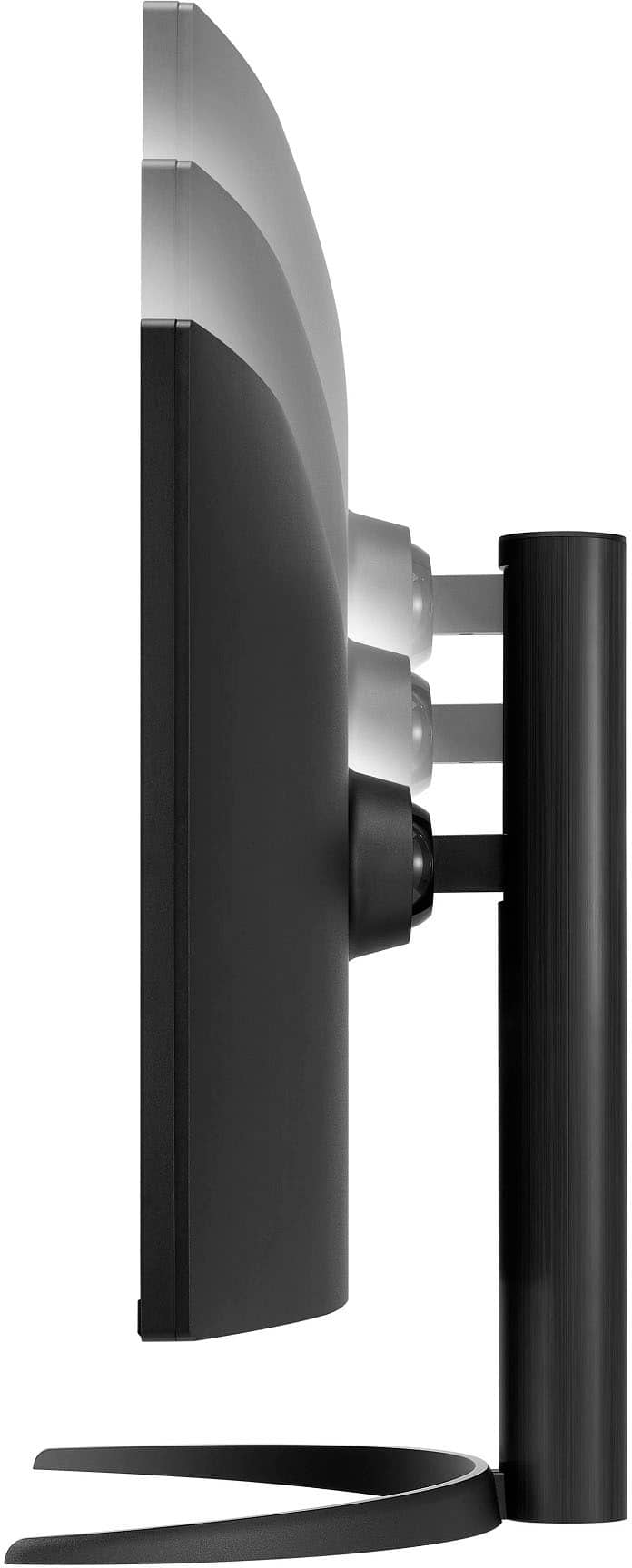
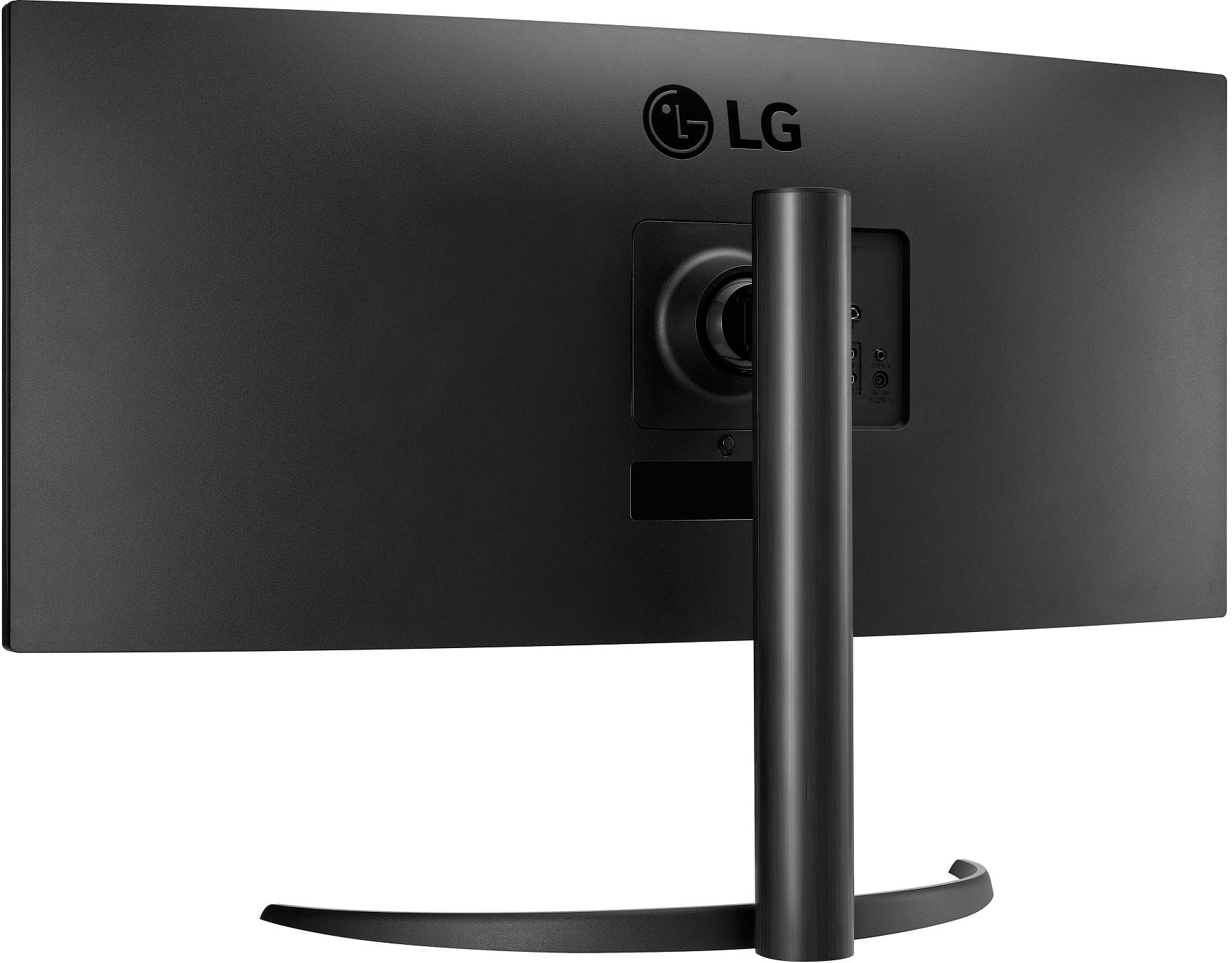
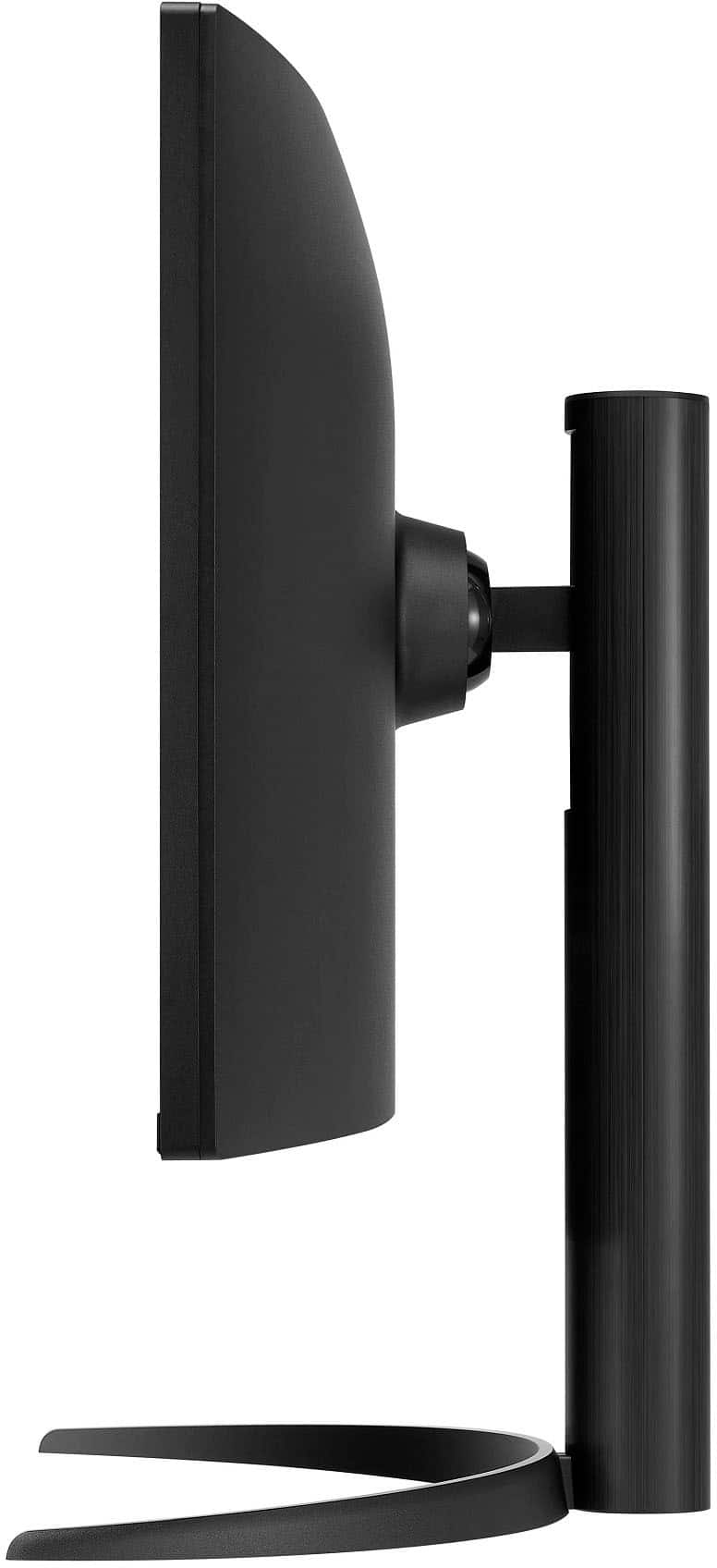
A:AnswerHello, Linda. The 34WP65C-B monitor has a height of approximately 15.8 inches (401 mm) without the stand. If you need further details or have any additional questions, please feel free to send us a private message on social media @LGUSSupport. We’re here to help! —Junel
A:AnswerHi there! Thank you for your inquiry. The LG model 34WP65C-B is an ultrawide monitor, and it should be compatible with most dual monitor stands, including the Hemudu dual vertical monitor stand, as long as the stand supports the VESA mounting pattern of the monitor.
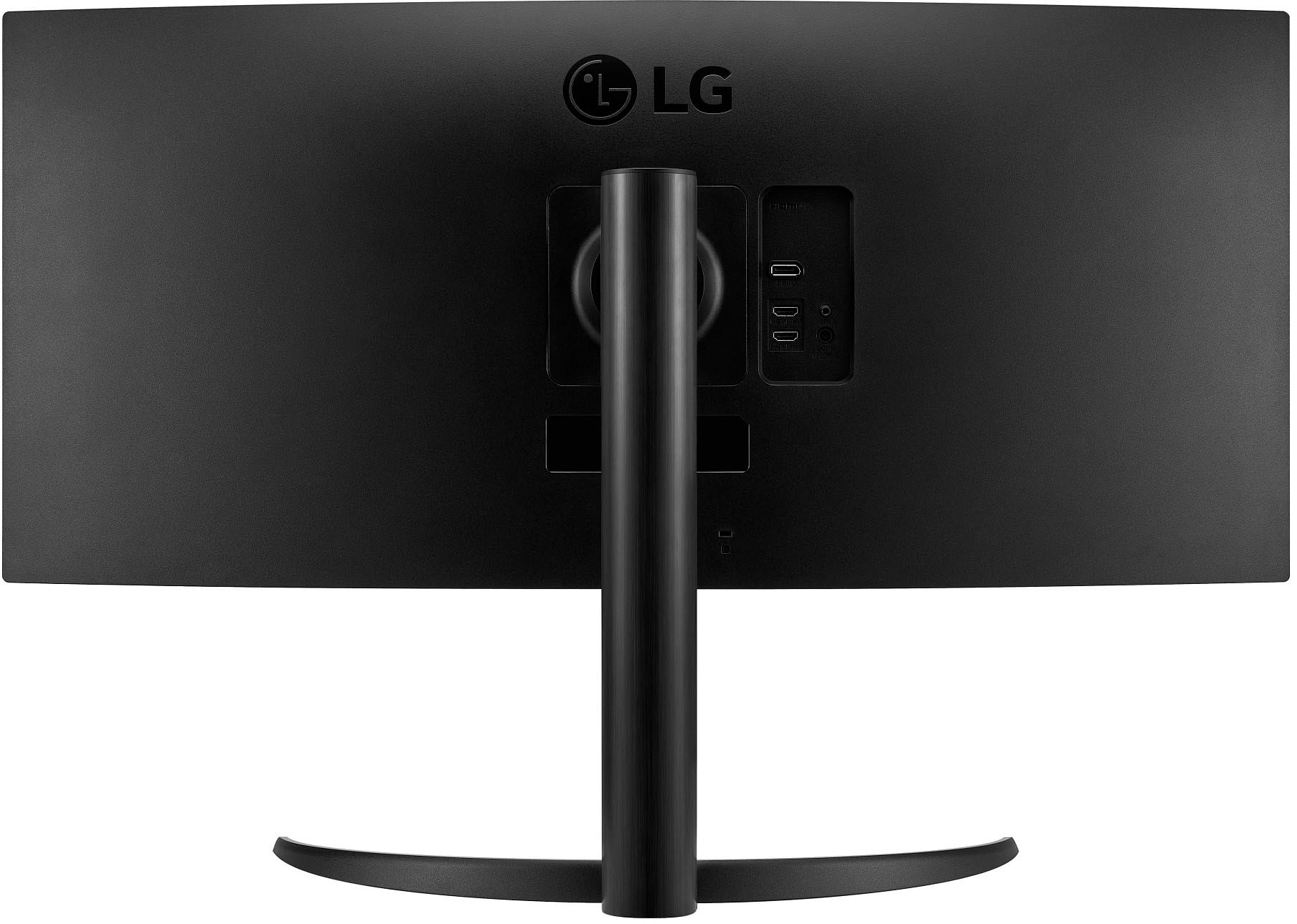
To ensure compatibility, check the VESA mounting specifications for both the monitor and the stand. The 34WP65C-B has a 100 x 100 mm VESA pattern, so make sure the stand supports this mounting pattern.
If you have any more questions or need additional assistance, please send us a private message on Social Media @LGUSSupport. We’re here to help! —Renzo
A:AnswerThank you for reaching us regarding LG Monitor. Here are some recommended adjustable arm mounts for the LG 34WP65C-B 34-Inch Curved UltraWide Monitor that are compatible with its size and weight:
1. PUTORSEN Premium Aluminum Single Monitor Arm Desk Mount
2. ONKRON G75-B Single Monitor Desk Mount
3. Vivo Height Adjustable Pneumatic Extended Arm Wall Mount
4. Bewiser Heavy Duty Ultrawide Monitor Arm Mount
You can download its owner's manual through this link for more information: https://www.lg.com/us/support/product/lg-34WP65C-B.AUS. For additional assistance, please reach out to us on social media @LGUSSupport so we can help you further. ^Cris
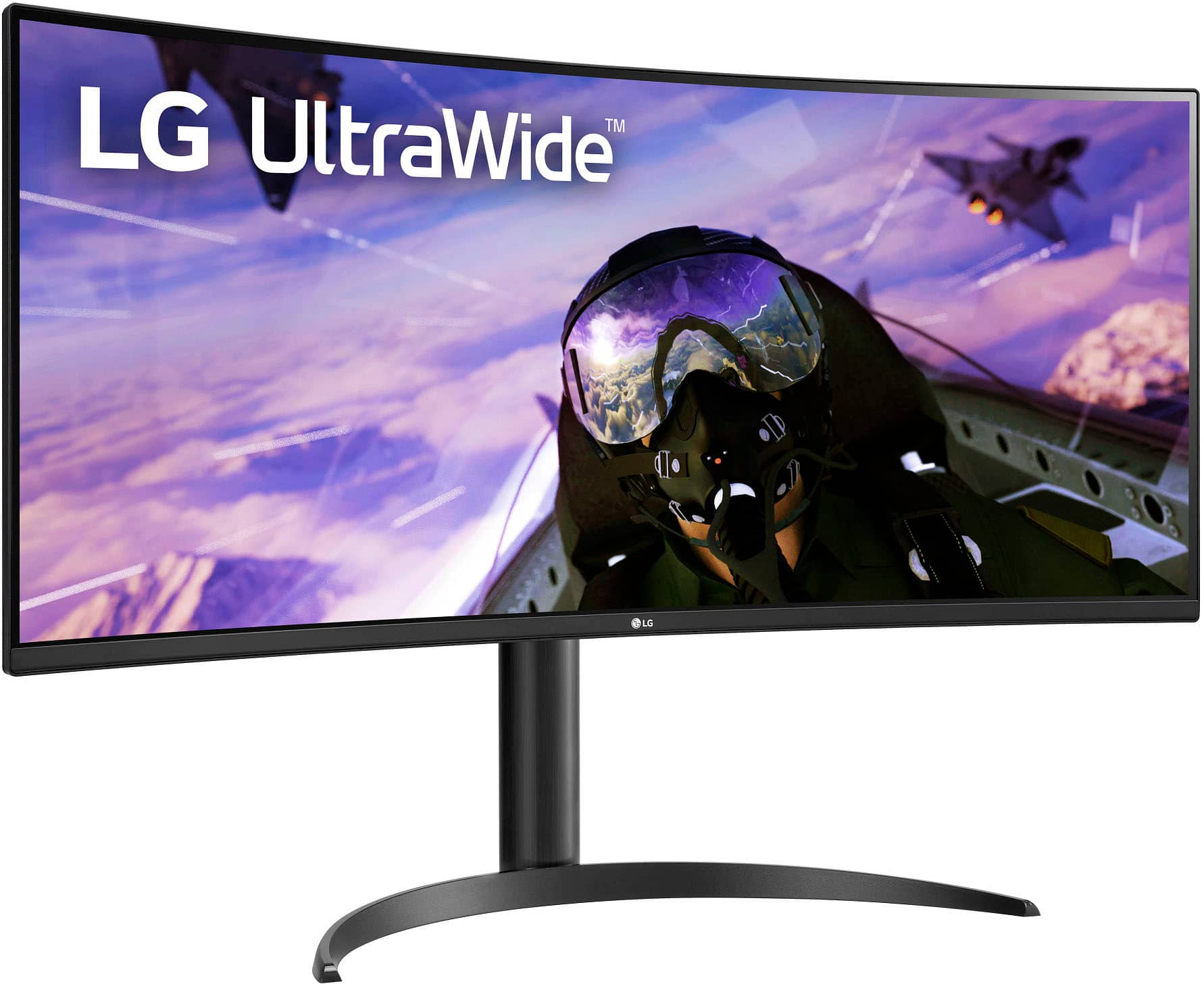
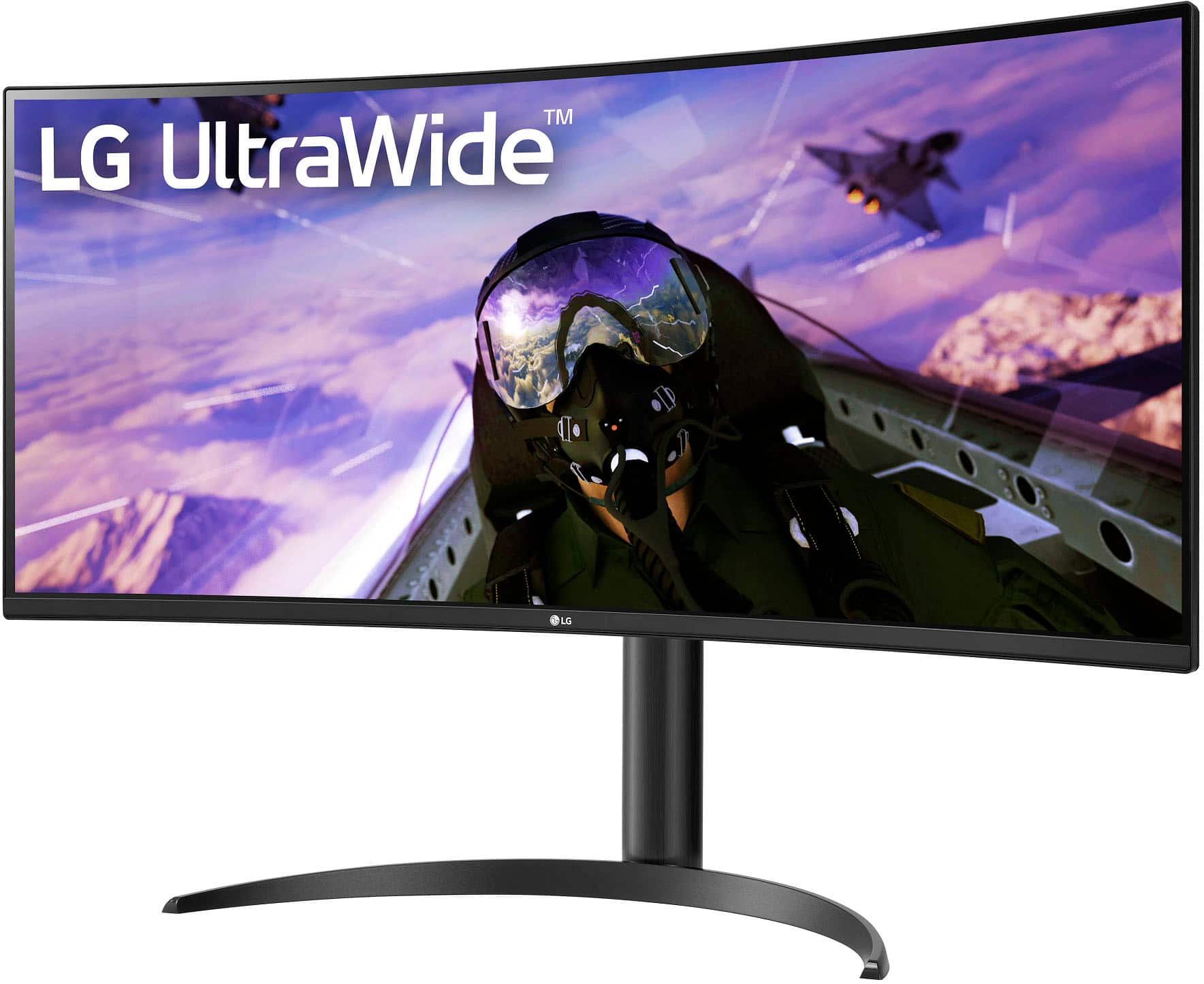
A:AnswerThank you for your interest in the LG Monitor. The LG 34WP65C-B monitor does not have a swivel stand that can rotate 180° or 360°. However, the monitor has a stand that can be adjusted for tilt and height. The stand is part of the monitor's 3-Side Virtually Borderless Design. The dimensions of the monitor with the stand are 31.9" x 22.4. You can download its owner's manual through this link for more information: https://www.lg.com/us/support/product/lg-34WP65C-B.AUS. For additional assistance, please reach out to us on social media @LGUSSupport so we can help you further. ^Cris
A:AnswerThank you for reaching us regarding LG Monitor. The LG 34WP65C-B monitor requires a 19V output voltage from the AC adapter. You can download its owner's manual through this link for more information: https://www.lg.com/us/support/product/lg-34WP65C-B.AUS. For additional assistance, please reach out to us on social media @LGUSSupport so we can help you further. ^Cris
A:AnswerThank you for your interest in the LG Monitor. No, you cannot mount the LG 34WP65C-B monitor vertically using the stand that comes with it. The monitor stand is designed for horizontal orientation only. You can download its owner's manual through this link for more information: https://www.lg.com/us/support/product/lg-34WP65C-B.AUS. If problem persist, please reach out to us on social media @LGUSSupport so we can help you further. ^Cris
A:AnswerThank you for reaching us regarding LG Monitor. Yes, the LG 34WP65C-B monitor comes with a warranty. You can download its owner's manual through this link for more information: https://www.lg.com/us/support/product/lg-34WP65C-B.AUS. ^Cris
A:AnswerIt should run fine, but if you have a 4060, you would be better off playing at 1080p on a 16:9 monitor. You can do it for sure, but you won't be able to use the full refresh rate. If I were you, I would go for a 1080p monitor with a higher refresh rate, IPS panel with HDR. If you have your heart set on this monitor, however, it will work fine. My friend pairs this monitor with his 4060 and it runs well.
A:AnswerThank you for your interest in the LG Monitor (34WP65C-B) model. Yes, However, the compatibility of the LG 34WP65C-B monitor with "PSI 5" depends on what "PSI 5" refers to. You can download its owner's manual through this link for more information: https://www.lg.com/us/support/product/lg-34WP65C-B.AUS. ^Cris
A:AnswerIf you have a graphics card in your computer, you can plug two different cables into two different monitors. If you do have a dedicated graphics card, it should be situated above the power supply switch on the back, and you should see around 2-4 video ports in a row.
A:AnswerThank you for your interest in the LG Monitor (34WP65C-B) model. The LG 34WP65C-B monitor can be used as a second display for your iMac 27-inch for photo/video editing and music production. The monitor offers multiple inputs such as DisplayPort, HDMI, and USB-C, making it compatible with a variety of devices, including Macs. You can download its owner's manual through this link for more information: https://www.lg.com/us/support/product/lg-34WP65C-B.AUS. ^Cris
A:AnswerThank you for your interest in the LG 34'' Curved UltraWide QHD HDR FreeSync™ Premium Monitor with 160Hz Refresh Rate (34WP65C-B) model. Yes, the LG 34WP65C-B monitor supports the ability to change display color temperature. In the OSD (On-Screen Display) menu, users can easily tweak the brightness, contrast, color temperature, and other display options to their preference. You can download its owner's manual through this link for more information: https://www.lg.com/us/support/product/lg-34WP65C-B.AUS. ^Cris
A:AnswerNo idea if it has PBP but the aspect ratio is 21:9, max refresh rate is 160hz and it does have both DP and HDMI, but I don't think you can use both at once.
A:AnswerTo connect the LG 34WP65C-B monitor to your Mac mini and a projector for ProPresenter 7, you can use the following connections:
- Monitor: Connect the LG 34WP65C-B monitor to your Mac mini using a USB-C to DisplayPort cable or a USB-C to HDMI cable. The monitor supports both DisplayPort and HDMI inputs, so choose the appropriate cable based on your Mac mini's available ports and the desired resolution and refresh rate.
- Projector: Connect the projector to your Mac mini using the appropriate cable or adapter based on the projector's input and your Mac mini's available ports. Most projectors support HDMI or VGA inputs, so you can use an HDMI to HDMI cable or an HDMI to VGA adapter to connect the projector to your Mac mini.
- ProPresenter 7 Output: In ProPresenter 7, configure the stage monitor output to extend the display to the projector. This will allow you to work on the ProPresenter 7 backend on the LG 34WP65C-B monitor while the output is sent to the stage monitor via the projector.
- Mac mini Video Support: The Mac mini supports connecting one display with up to 4K resolution at 60 Hz using the HDMI port. If you need to connect multiple displays, consider using a combination of the HDMI port and the Thunderbolt ports, which support higher resolutions and refresh rates.
- Adapters: If your Mac mini or projector requires a different type of connection, you may need to use an appropriate adapter. For example, you can use a USB-C to HDMI adapter or a USB-C to VGA adapter to connect the monitor or projector to your Mac mini's Thunderbolt ports.
By following these steps, you should be able to connect the LG 34'' Curved UltraWide QHD HDR FreeSync™ Premium Monitor with 160Hz Refresh Rate, model 34WP65C-B monitor to your Mac mini, extend the ProPresenter 7 output to the stage monitor via the projector, and work on the ProPresenter 7 backend on the LG monitor.