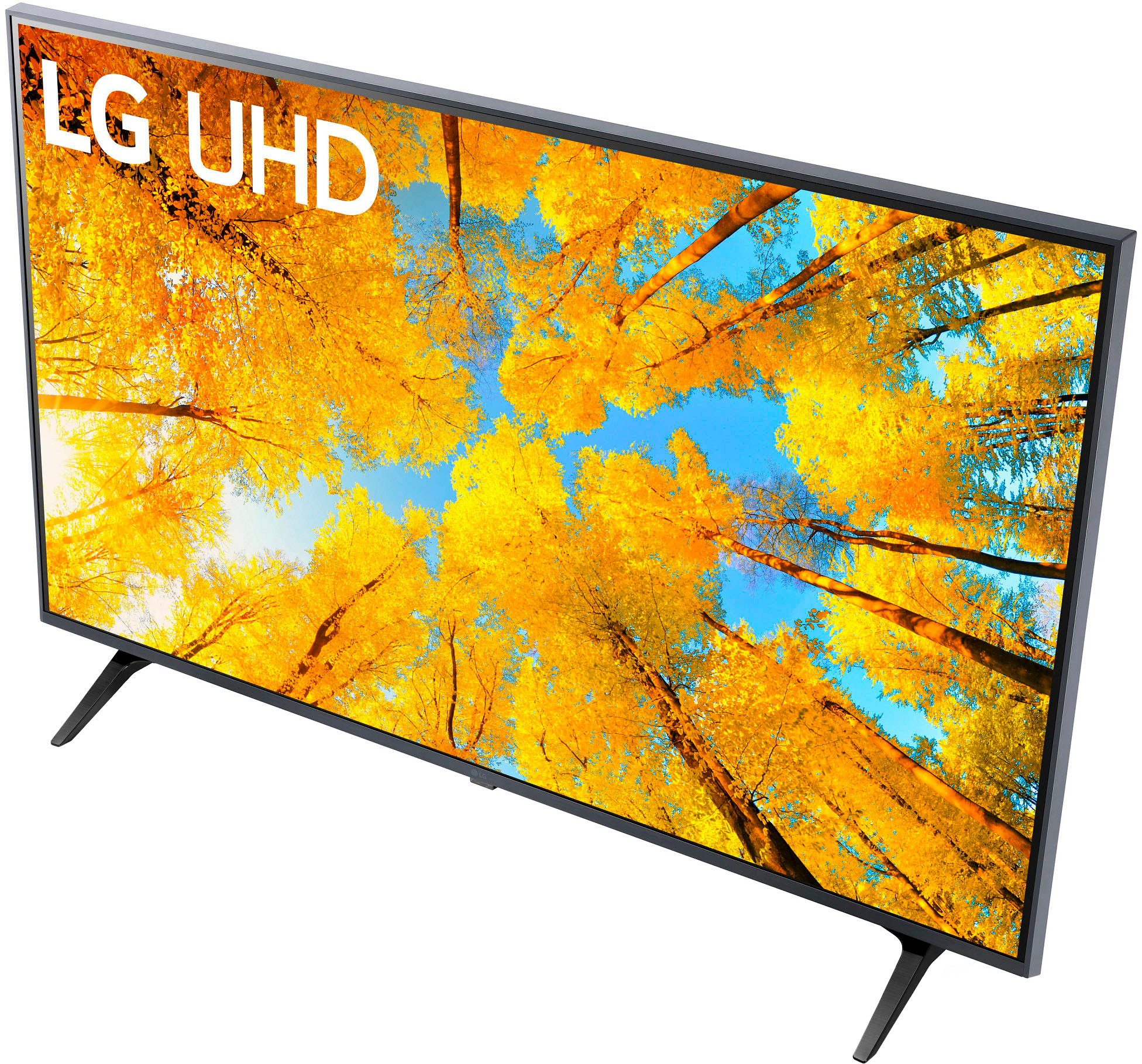
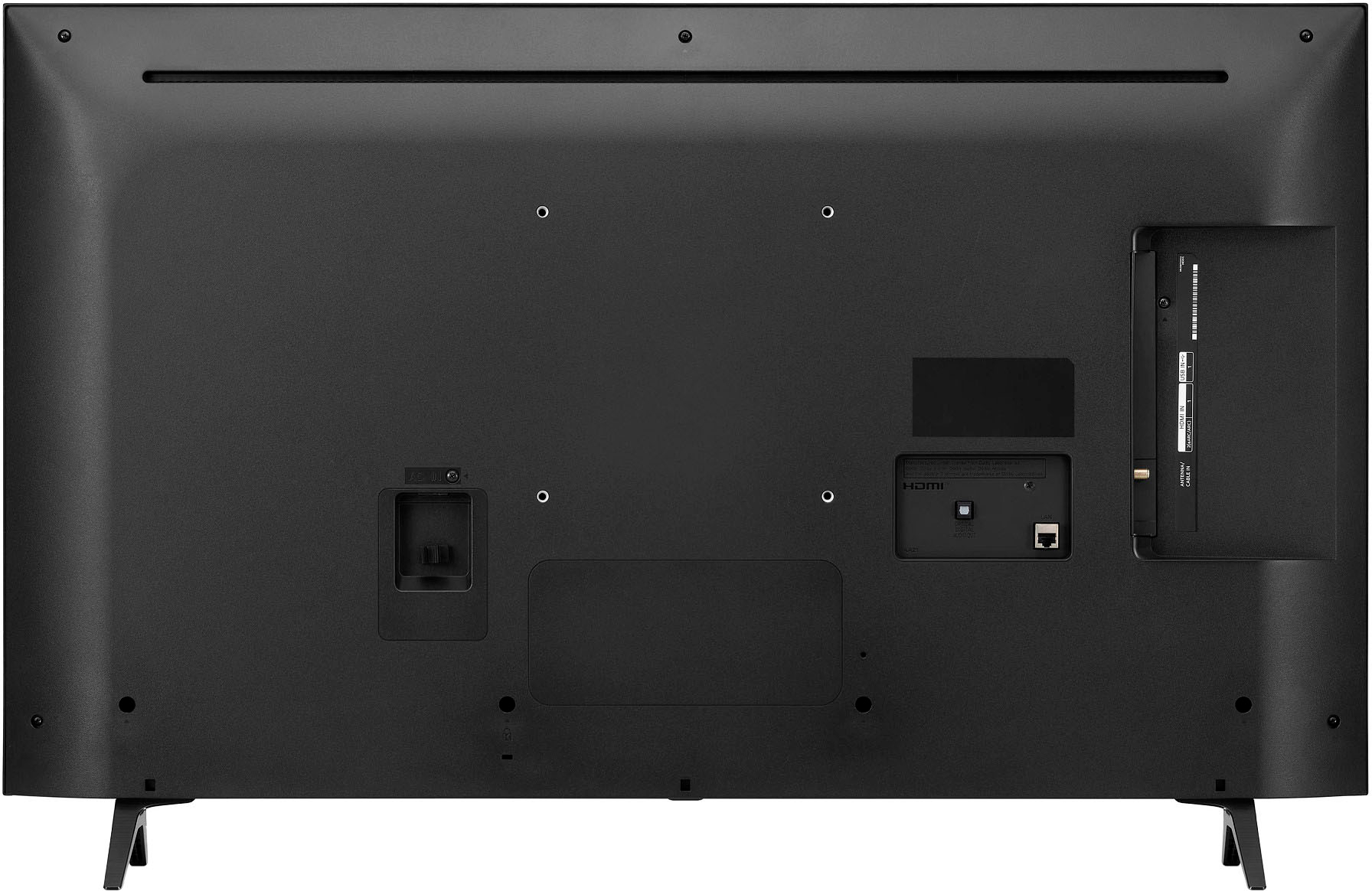
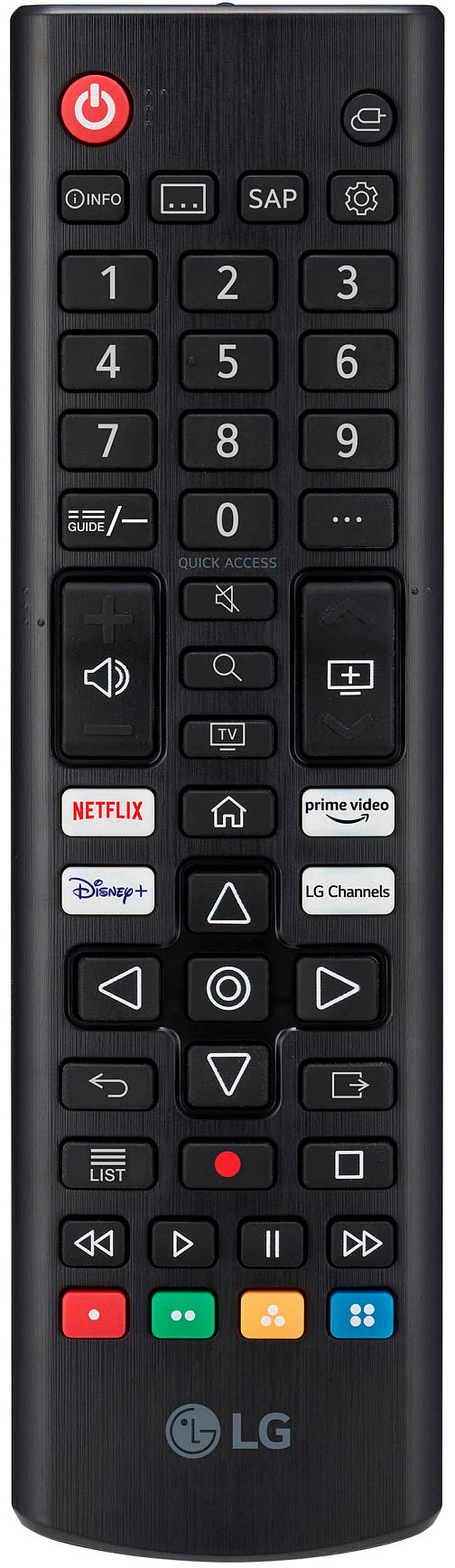
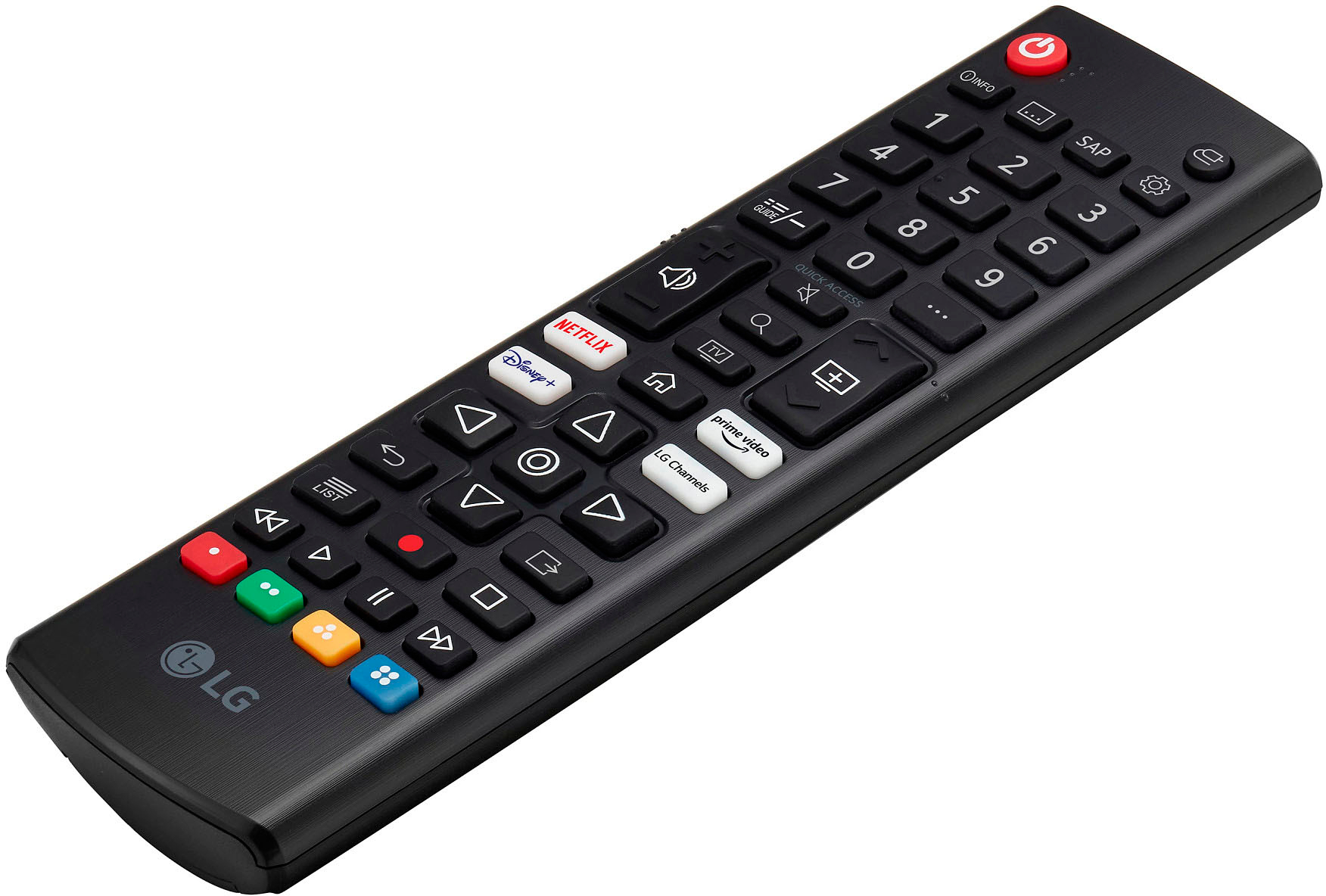
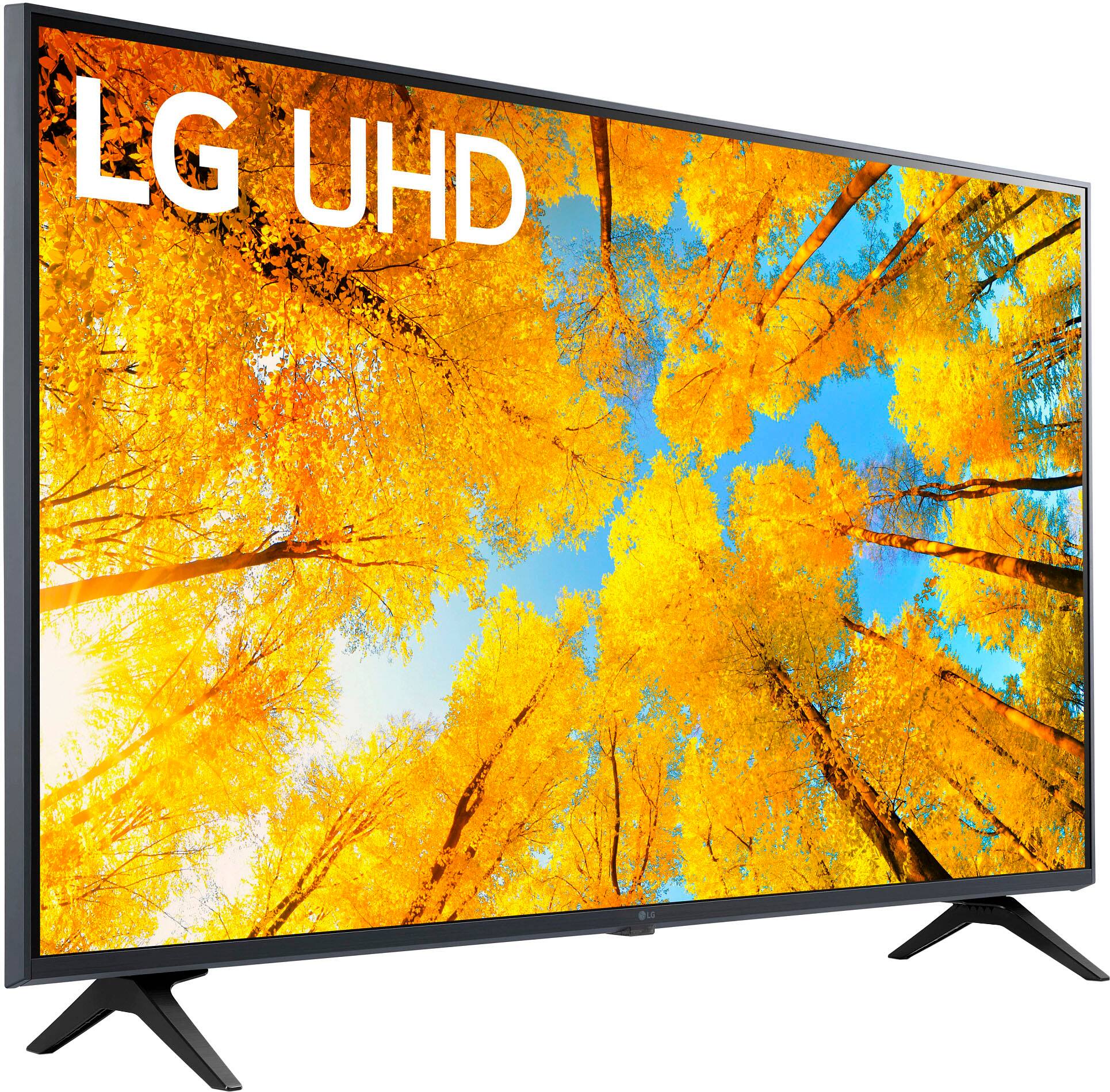
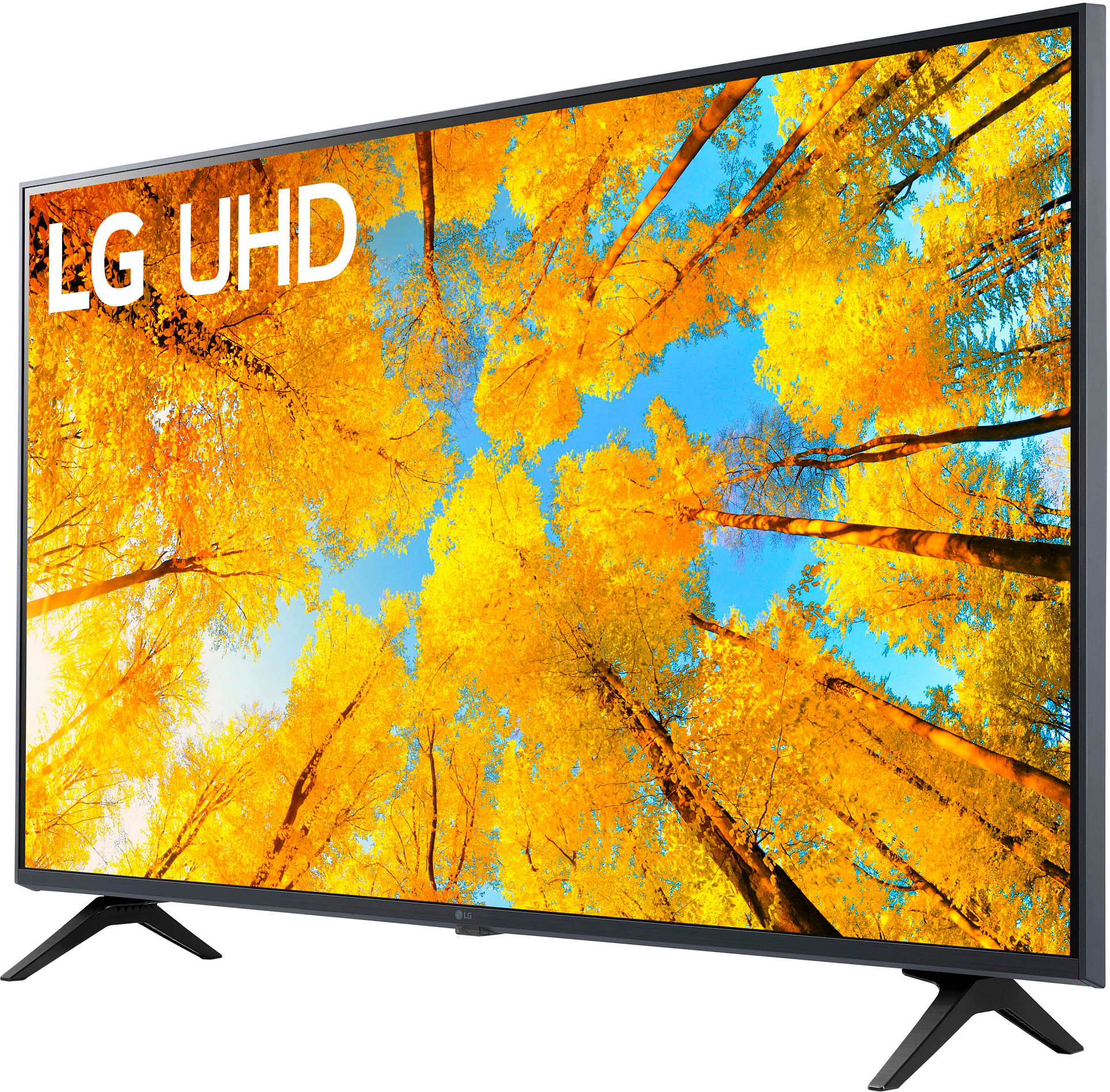
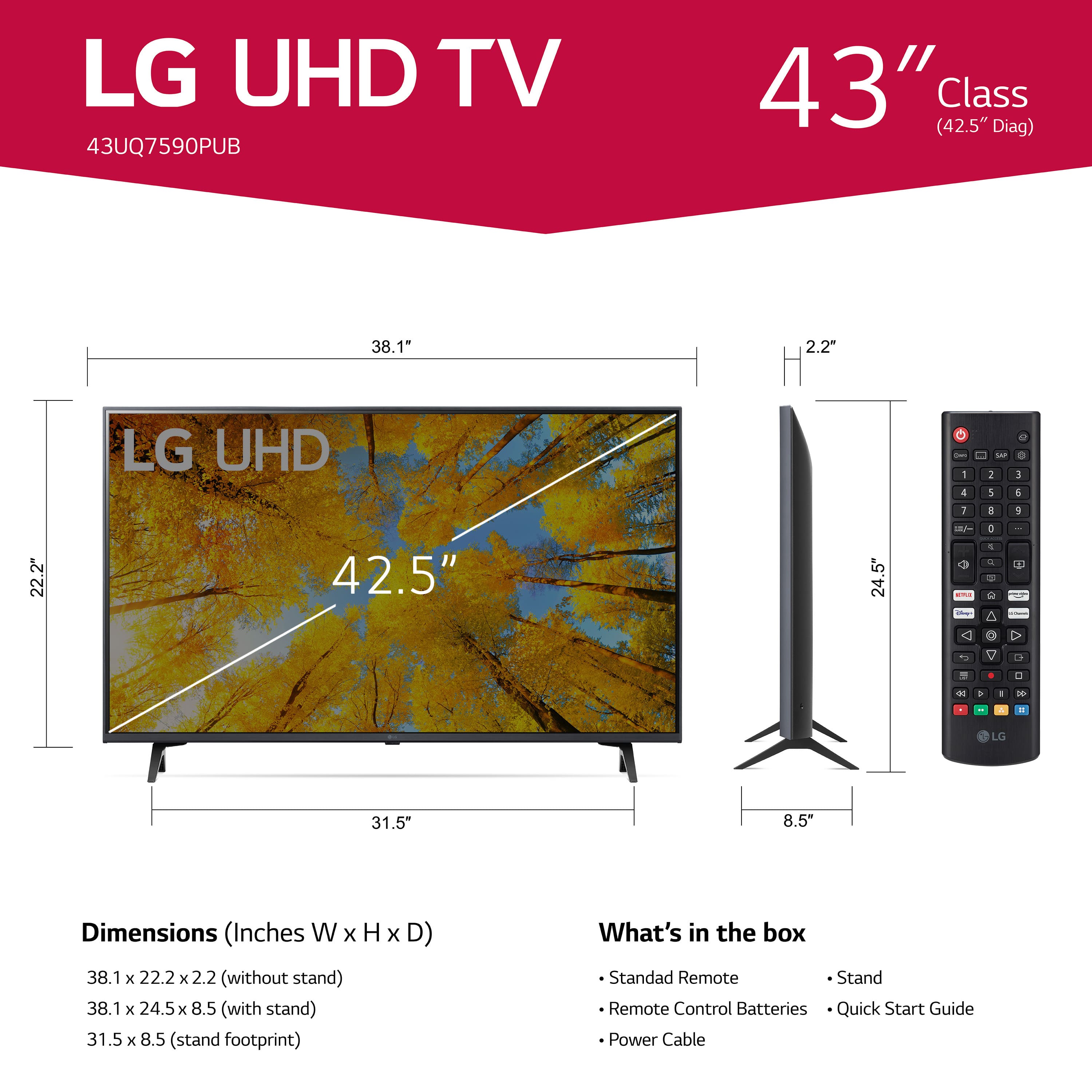
A:Answer Thank you for your interest in the LG 43 inch Class UQ7590 series LED 4K UHD Smart webOS 22 TV (43UQ7590PUB) model. To get your Verizon FiOs remote to adjust the volume on your LG 43UQ7590PUB TV, you can try the following steps:
Check for compatibility: Ensure that your Verizon FiOs remote is compatible with your LG TV model. If it is not, you may need to use the LG remote to adjust the volume.
Reset the remote: If the volume control is not working, try resetting the FiOs remote. Press the "Menu" button on the remote, select "Settings," then "Voice control," "Fios TV voice remote," "Program Fios TV Voice Remote," and finally "Reset remote setup."
Reprogram the remote: After resetting the remote, you may need to reprogram it to control your LG TV's volume. Follow these steps:
• Press the "Menu" button on the remote, select "Settings," then "Voice control," "Fios TV voice remote," and "Program Fios TV Voice Remote."
• Choose "Manual Setup" and follow the on-screen instructions.
• When prompted, enter the 3-digit code for LG TVs. The code for LG is 210
•Test the volume control to see if it is working.
You can download its owner's manual through this link for more information: https://www.lg.com/us/support/product/lg-43UQ7590PUB.AUS. ^Cris