Questions & Answers
- Model:
- 43UT7590PUA
- |
- SKU:
- 6578176
Highly rated by customers for: Picture Quality, Ease of use, Size
$212.99Your price for this item is $212.99
Clearance
Comp. Value: $249.99
The comparable value price is $249.99
Page Showing 21-40 of 91 questions
Q: QuestionWill this TV play YouTube TV? I have an older LG Smart TV that won't.
Asked by Mike.
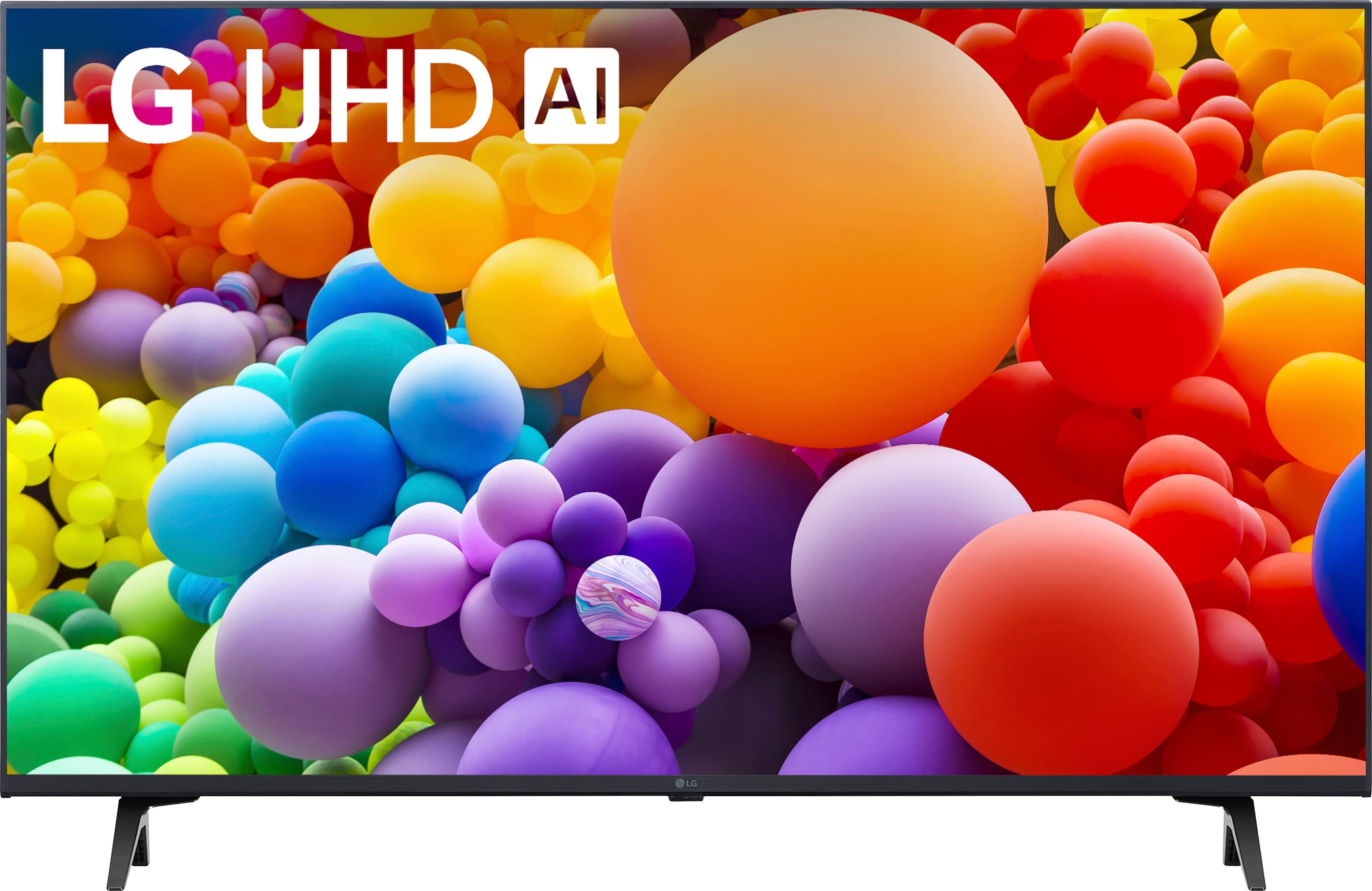
- A:Answer Thank you for reaching us regarding LG Smart webOS TV. Yes, the LG 43UT7590PUA TV is compatible with YouTube TV. If your older LG Smart TV is having trouble connecting to the internet or using apps like YouTube, try these simple steps: 1. Check Connection: Make sure your TV is connected to the internet (Wi-Fi or Ethernet). If other devices are also having issues, check your network. 2. Restart Devices: Unplug your TV, modem, and router for about a minute. Then plug them back in. This can fix connection problems. 3. Adjust Settings: Turn off the Quick Start feature on your TV, as it may interfere with the connection. 4. Try a Different Network: Connect your TV to a different network, like a mobile hotspot, to see if the problem continues. 5. Check Cables: If you're using an Ethernet cable, make sure it's plugged in securely and isn't damaged. 6. Update Software: Ensure your TV’s software is up to date, as updates can fix app issues. 7. Reinstall Apps: If a specific app isn’t working, delete it and then reinstall it from the LG Content Store. 8. Factory Reset: As a last option, you can reset your TV to factory settings, but this will erase all your personal settings and installed apps. You can download its owner's manual through this link for more information: https://www.lg.com/us/support/product/lg-43UT7590PUA.AUS. For additional assistance, please reach out to us on social media @LGUSSupport so we can help you further. ^Cris
Answered by LG Digital Customer Care

Q: QuestionIs this tv compatible with the Xfinity Stream app?
Asked by KatHk.
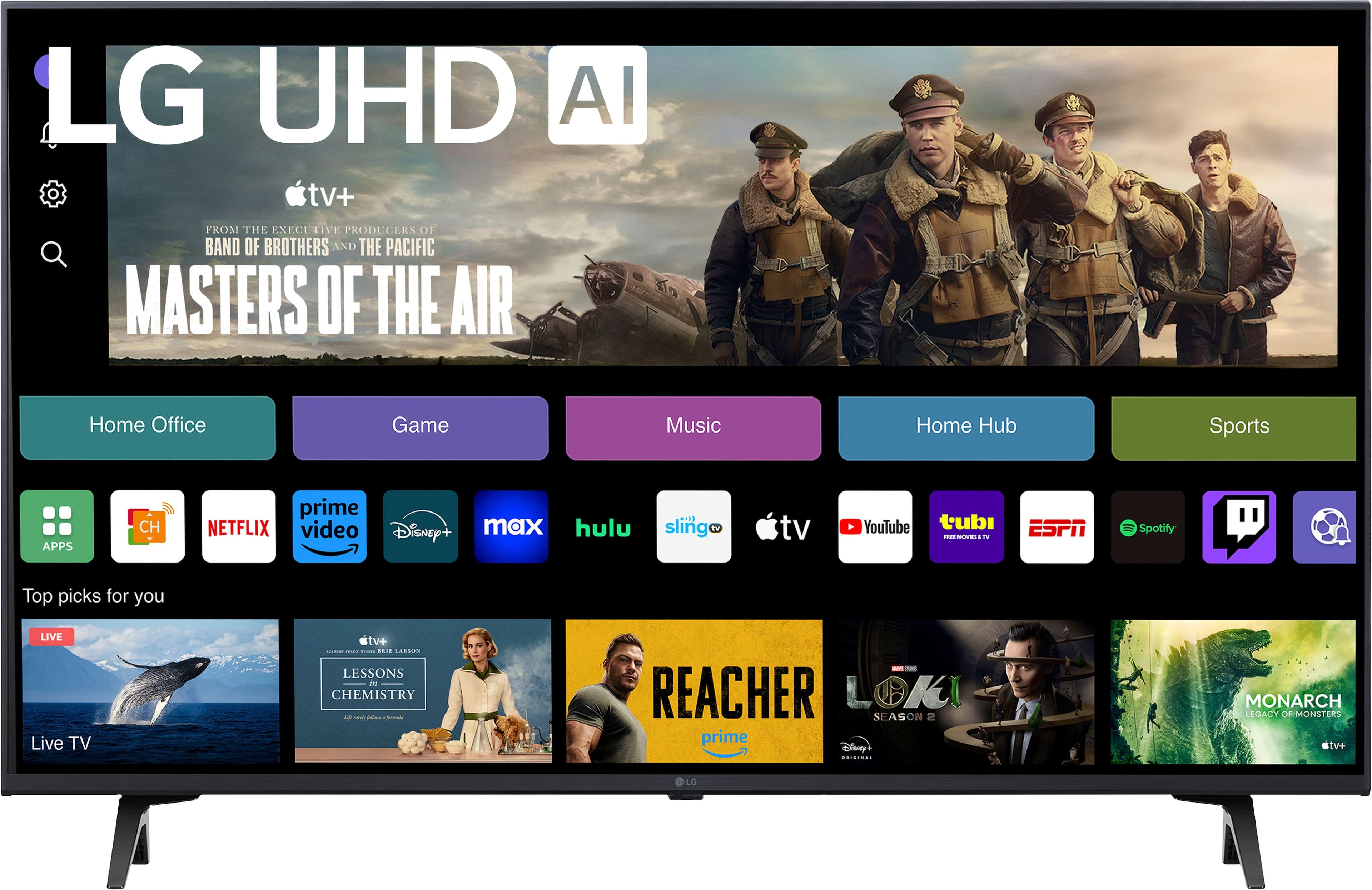
- A:Answer Thank you for reaching us regarding LG Smart webOS TV. Yes, the LG 43UT7590PUA TV is compatible with the Xfinity Stream app. This TV runs on webOS 22, which supports the Xfinity Stream app. You can download its owner's manual through this link for more information: https://www.lg.com/us/support/product/lg-43UT7590PUA.AUS. For additional assistance, please reach out to us on social media @LGUSSupport so we can help you further. ^Cris
Answered by LG Digital Customer Care

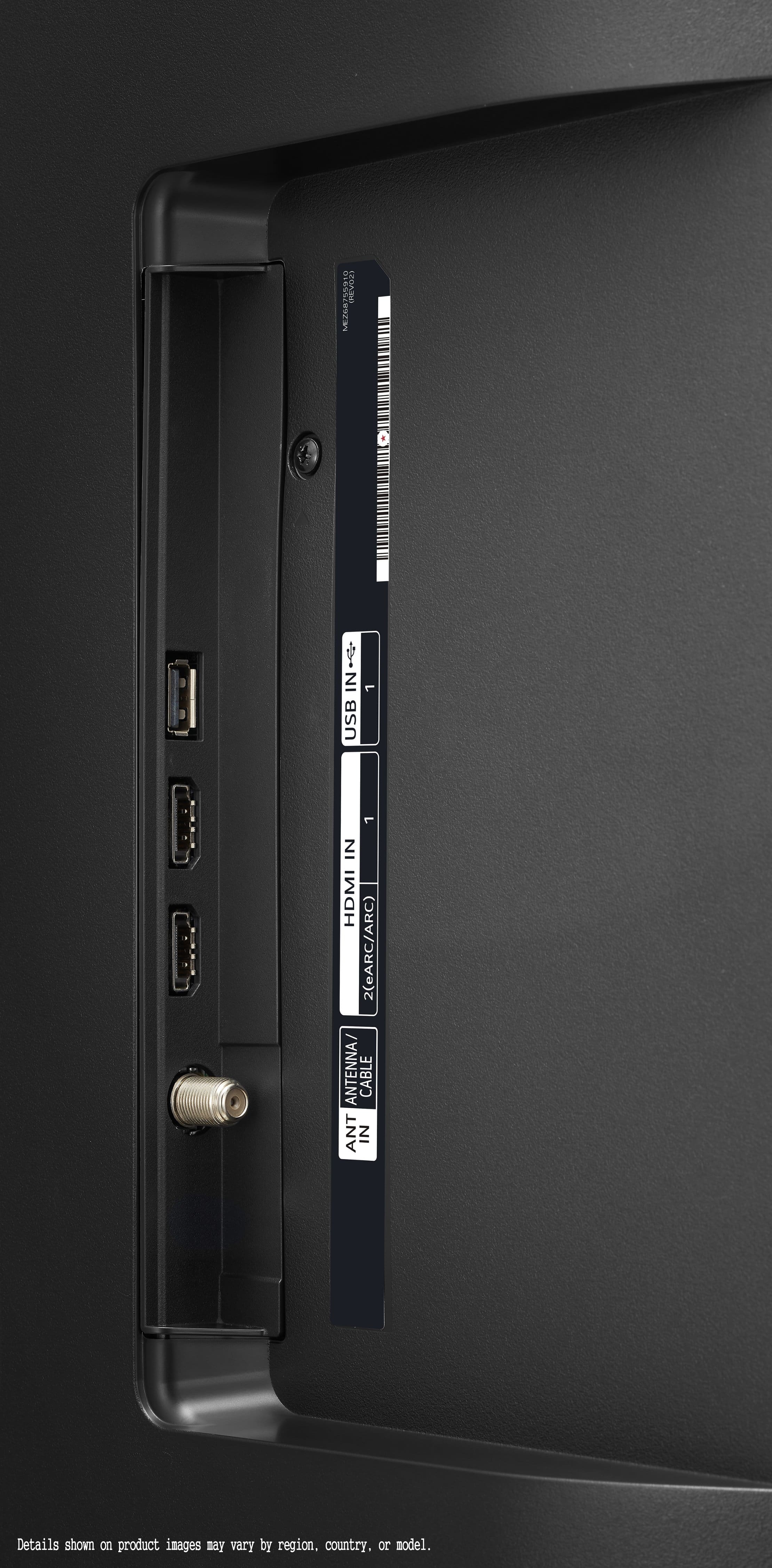
Q: QuestionHi, I have an external ssd drive with mp4 movies on it, I have usb out and a cable to use HDMI Will this run the movies ok? Right now I cannot do it on an old 2010 Panasonic tv even updating firmware, the Viera Player does not recognize the device.
Asked by Nicky.
- A:Answer Thank you for reaching us regarding LG Smart webOS TV. Yes, the LG 43UT7590PUA should be capable of running MP4 movies from an external SSD via its USB port. Ensure that the SSD is properly connected and that the file formats are supported. You can download its owner's manual through this link for more information: https://www.lg.com/us/support/product/lg-43UT7590PUA.AUS. For additional assistance, please reach out to us on social media @LGUSSupport so we can help you further. ^Cris
Answered by LG Digital Customer Care

Q: QuestionHow to remove stickers from screen
Asked by Rhh.
- A:Answer To safely remove stickers from the screen of your LG 43UT7590PUA TV, start by gently peeling off the sticker from one corner. Avoid using sharp objects that could scratch the screen. If residue remains after peeling, use a small amount of adhesive remover or diluted isopropyl alcohol on a soft cloth to gently wipe away the residue. Ensure the cloth is damp, not wet. Avoid using harsh chemicals or abrasive cleaners. After removing the sticker and residue, use a screen cleaner designed for electronics on a microfiber cloth to gently wipe the screen in a circular motion to remove any remaining streaks or marks. For further assistance, feel free to contact LG customer support or send us a private message on Social Media @LGUSSupport. We're here to help. —Renzo
Answered by LG Digital Customer Care

Q: QuestionCan you use a Roku remote
Asked by KC.
- A:Answer You cannot use a Roku remote with the LG 43” Class UT75 Series LED 4K UHD Smart webOS TV (2024), Model # 43UT7590PUA. Roku remotes only work with Roku TV models, Roku streaming players, and Roku audio devices, and not with other brands. If you have a non-Roku TV, but have a Roku streaming device plugged into it, then a Roku remote will work with the Roku device...^Ivan.
Answered by LG Digital Customer Care

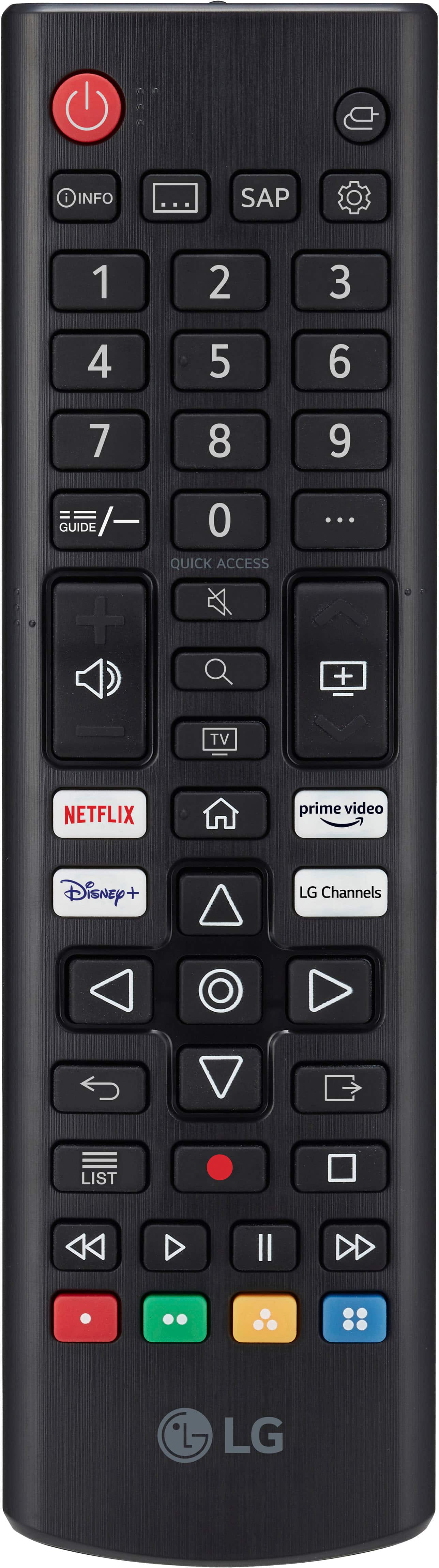
Q: QuestionWhat does the remote look like? Does it have channel numbers?
Asked by Anonymous.
- A:Answer Very small for big fingers.
Answered by CarolynR
Q: QuestionCan you download other streaming apps
Asked by Anonymous.
- A:Answer Never tried as afraid I ll be charged.
Answered by CarolynR
Q: QuestionHow much storage space does a LG 43UT75 have
Asked by Anonymous.
- A:Answer Yes, space from the wall it is sitting on the good surface and has space on both ends I am not doing
Answered by Okay
Q: QuestionIs there a protective film on the face of the screen that I need to remove?
Asked by jim.
- A:Answer I had read that a thin film was on the screen and to pull it back gently from the top left corner of the screen to remove it,
Answered by Rhonda
Q: QuestionDo I need a cable box with this tv?
Asked by Sandee.
- A:Answer I have a cable box but have been considering cutting the cable and tried a free trial of YouTubeTV and it worked fine. It’s a smart TV so you need wifi and once you hook it up to that, you have access to the internet and can access everything that way without a cable box.
Answered by ChrisC
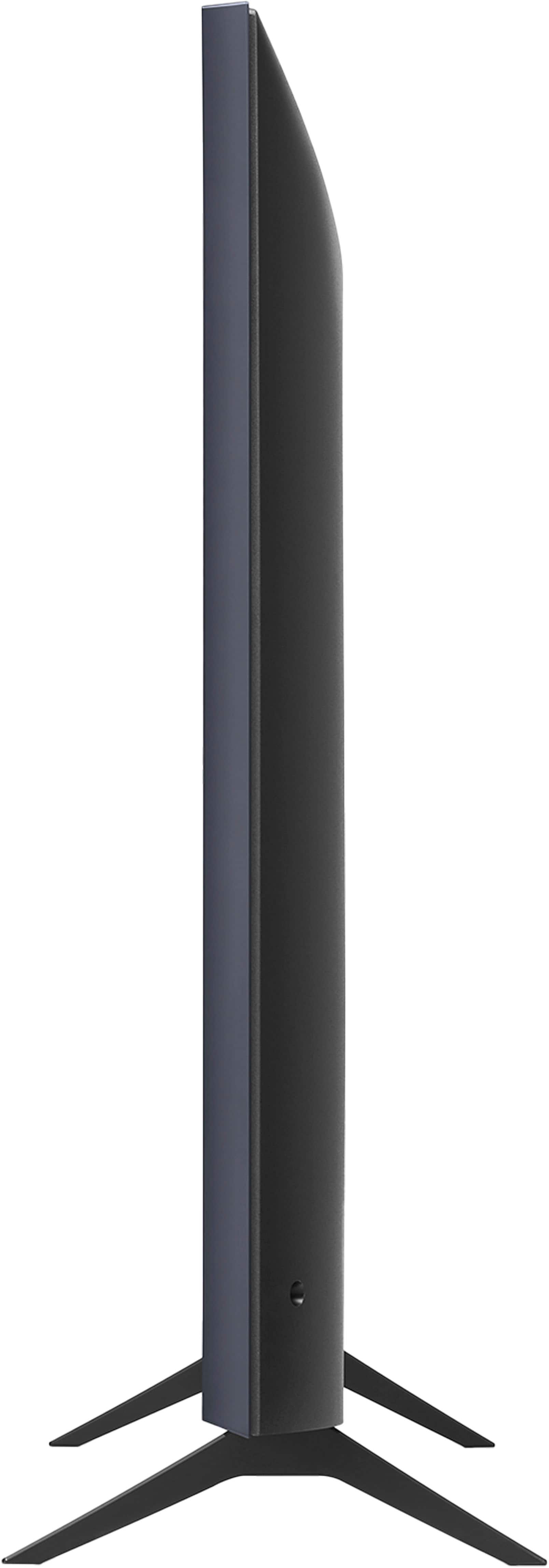
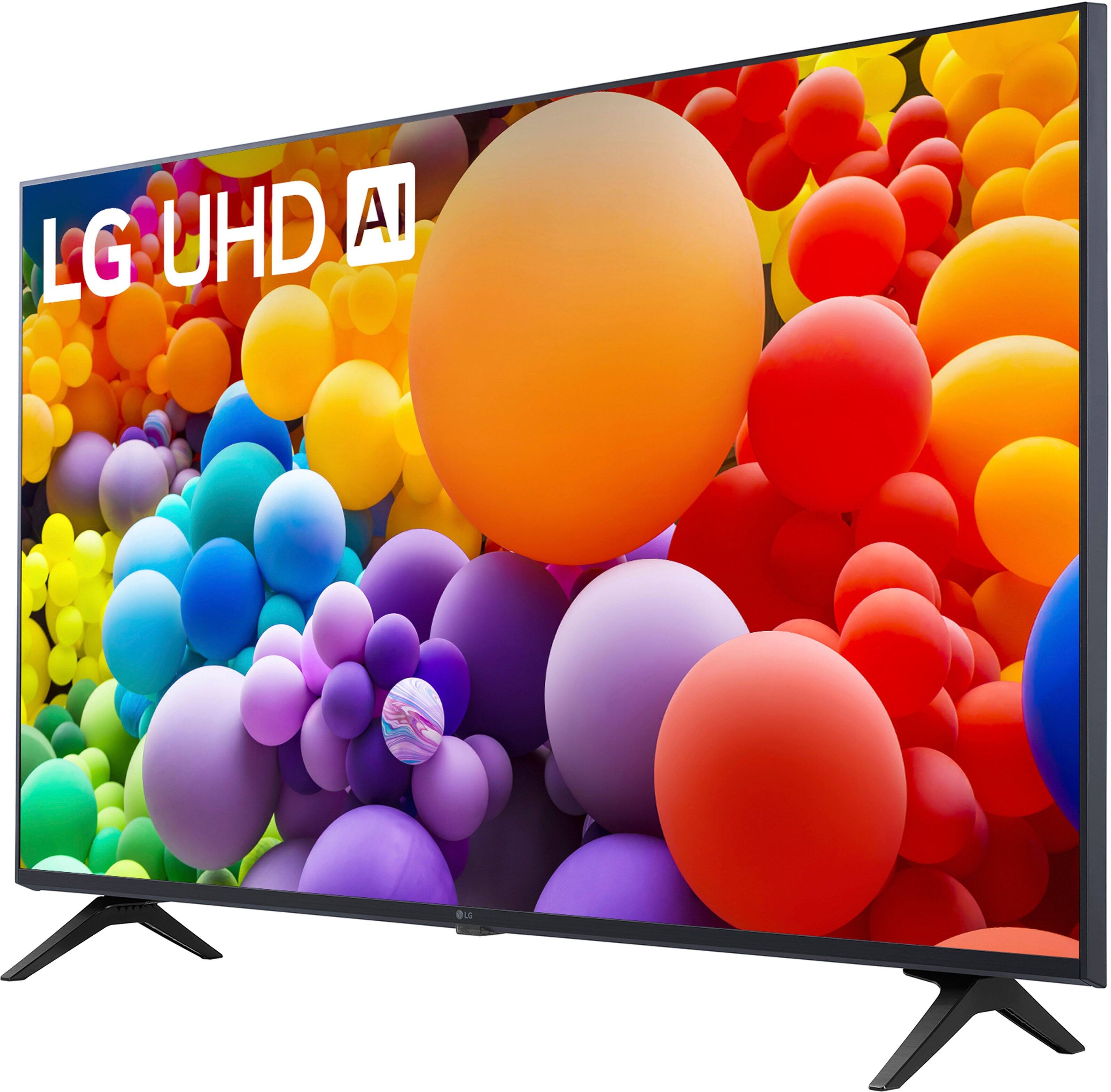
Q: QuestionWill this TV fit on a 28” TV Table ?
Asked by Daves.
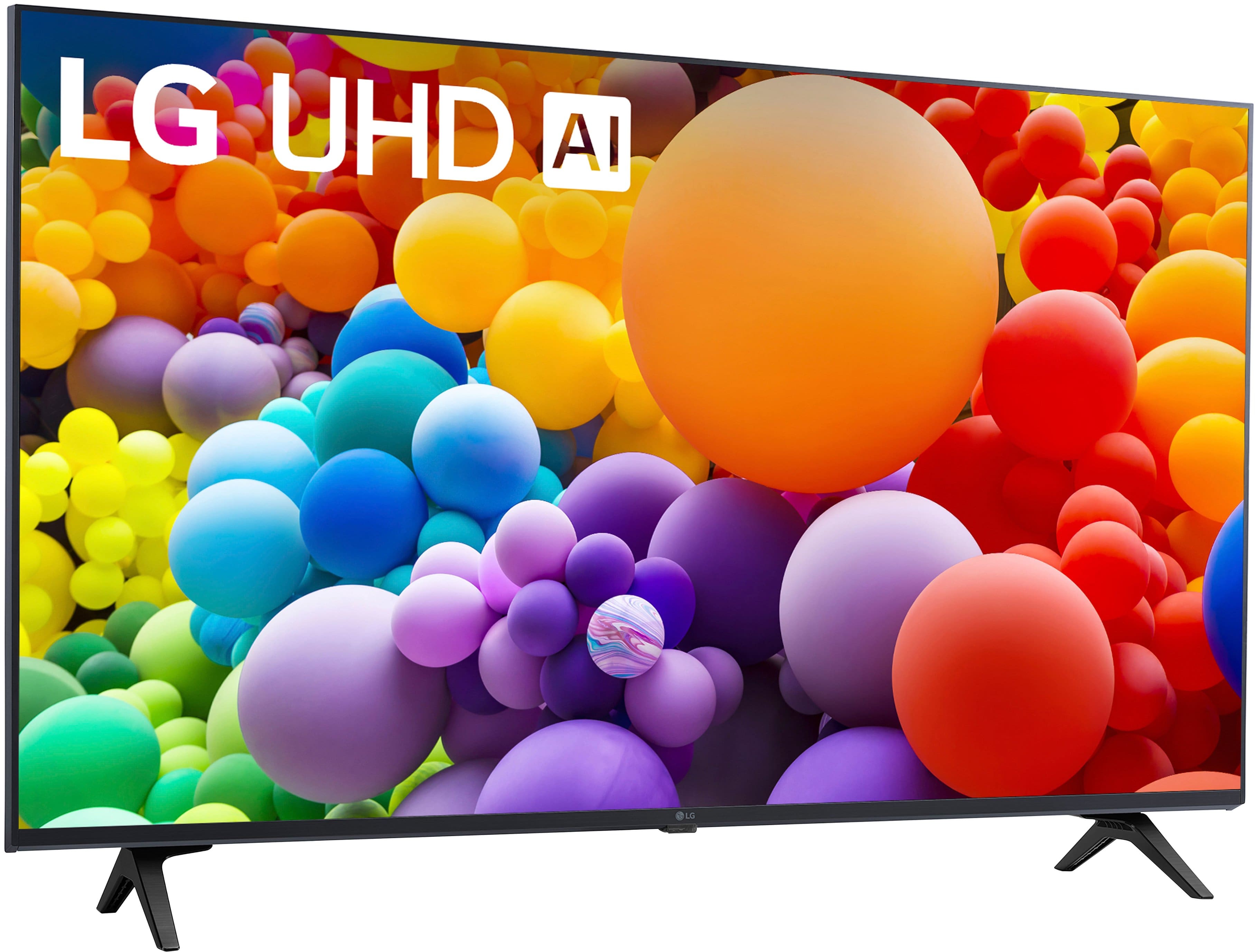
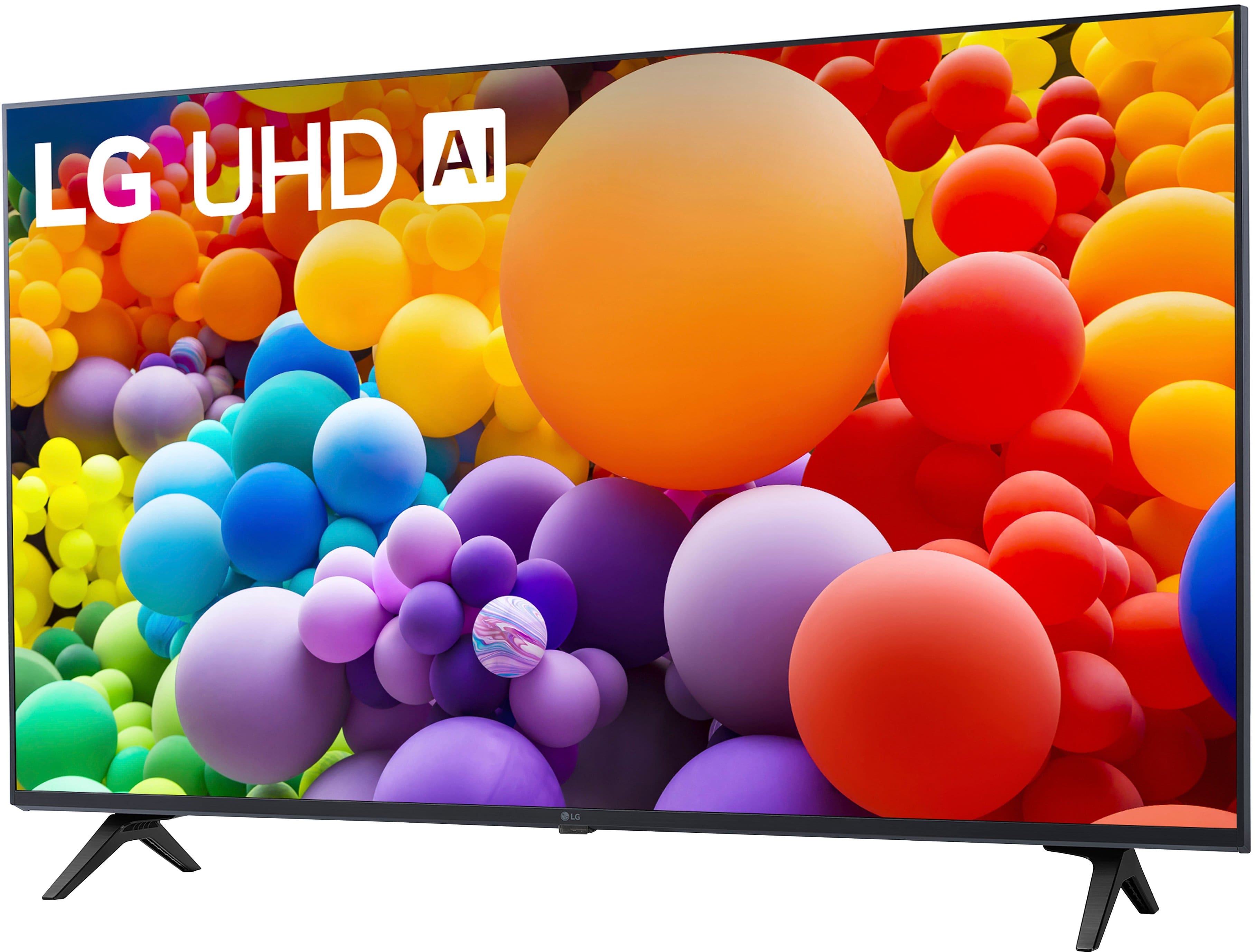
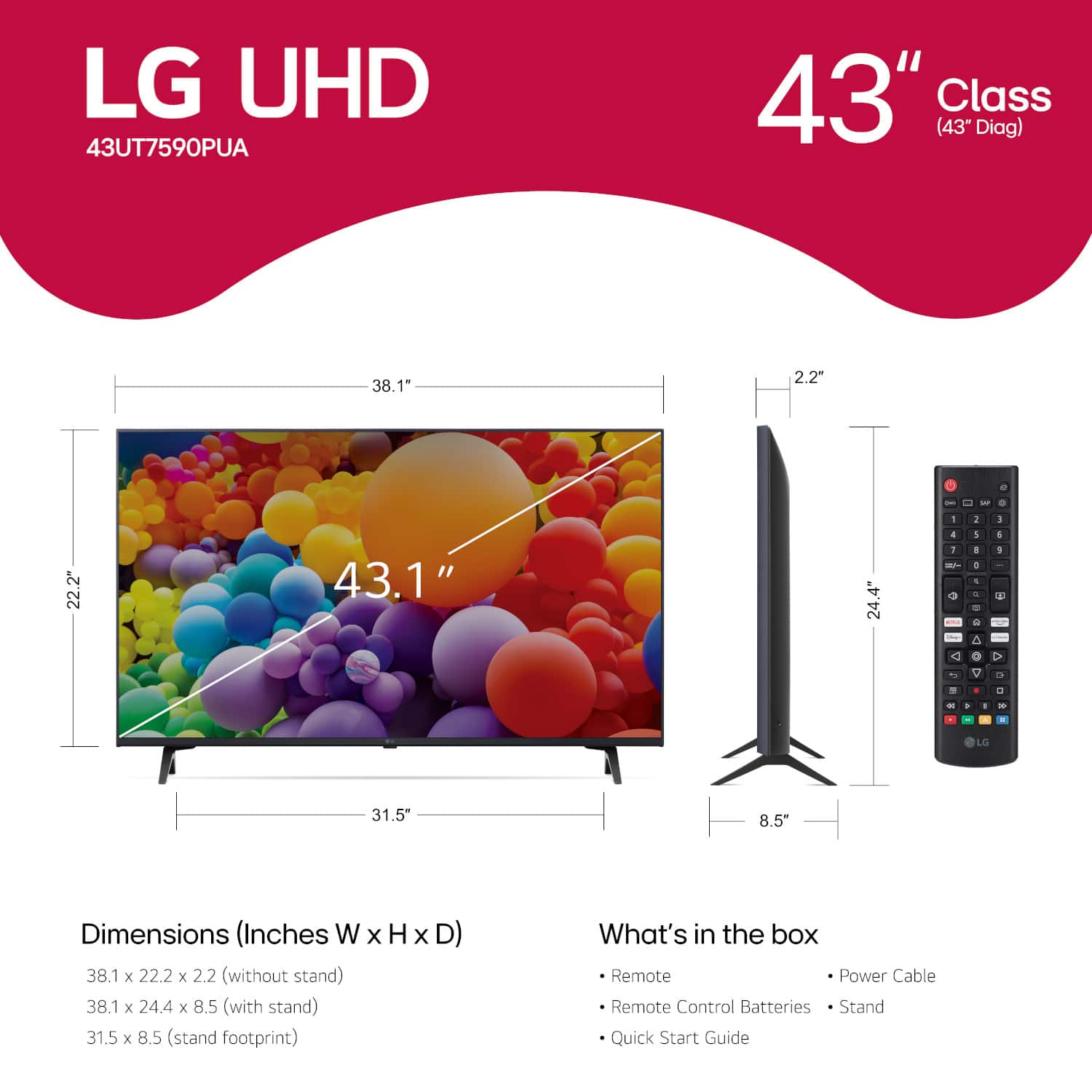
- A:Answer If your table has a width of 28”, this is not a good TV for your set up. I just wrote a review about this because my previous LG TV had a stand in the middle of the TV and was a great design as it allowed me to easily rotate the TV in various directions of the room. This TV has two stands on the very outside of each side of the TV. So I cannot rotate it as my 20” deep TV stand doesn’t have enough room to allow that. And if your stand is only 28”, that’s not enough room for both stands to be making contact. (I’m including a photo so you can see the stands.) You need a TV with a middle stand like the previous LG one I had. Or ones that aren’t as wide as this TV. I’m disappointed that they changed this design and that I didn’t think about it. I shoulda sent it back for another one but otherwise, it’s a very good tv.
Answered by ChrisC
Q: QuestionCan the Televison download the Xfinity APP? If so how is this accomplished.
Asked by Nsh1.
- A:Answer The LG app store has Xfinity Stream as an option. To access it press the Home button and select Apps and type Xfinity in the search box.
Answered by MichaelH
Q: QuestionDoes this TV have a parental volume lock option?
Asked by roxie811.
- A:Answer IDK
Answered by BrendaB
Q: Questiondoes this tv have PCM option on the audio output?
Asked by garyk.
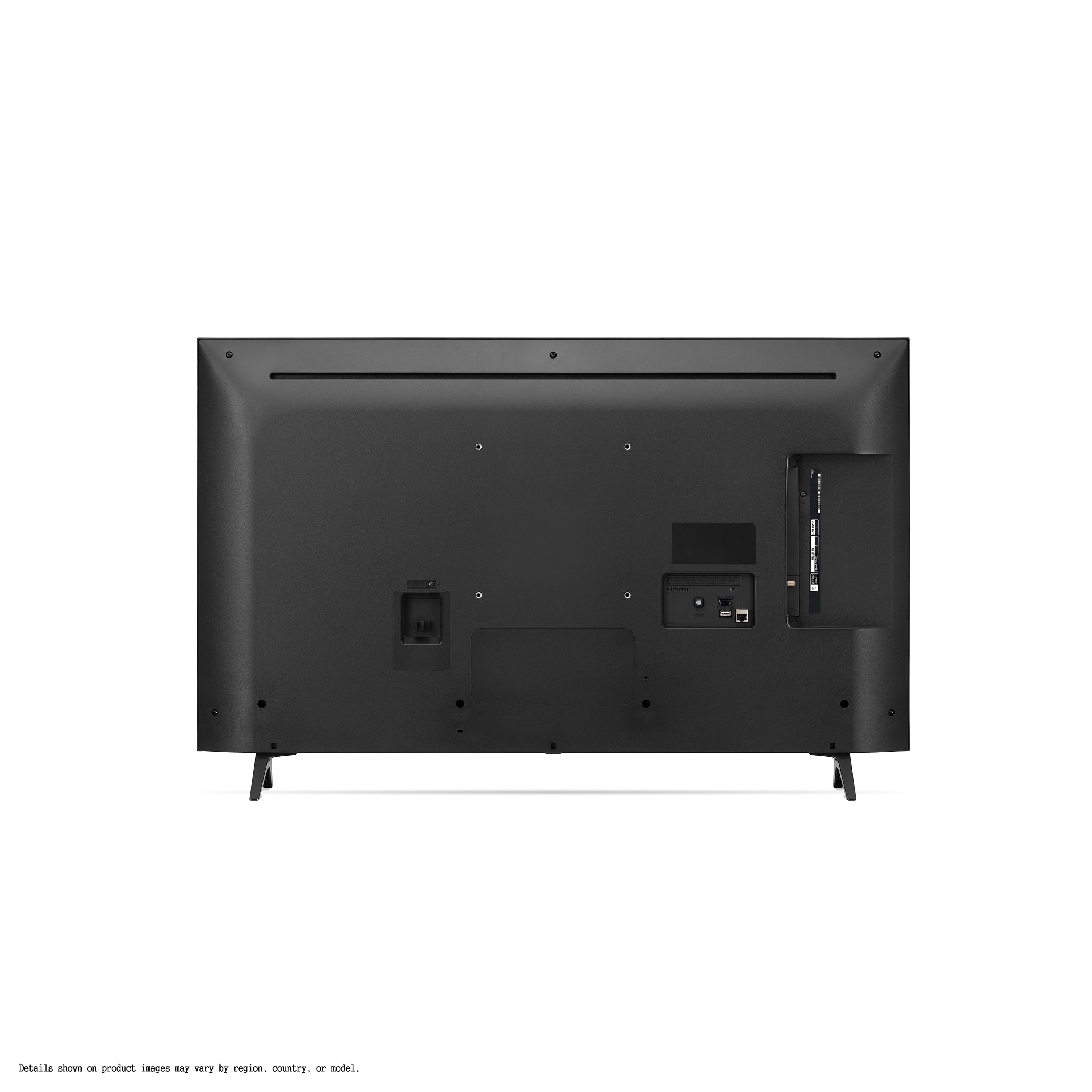
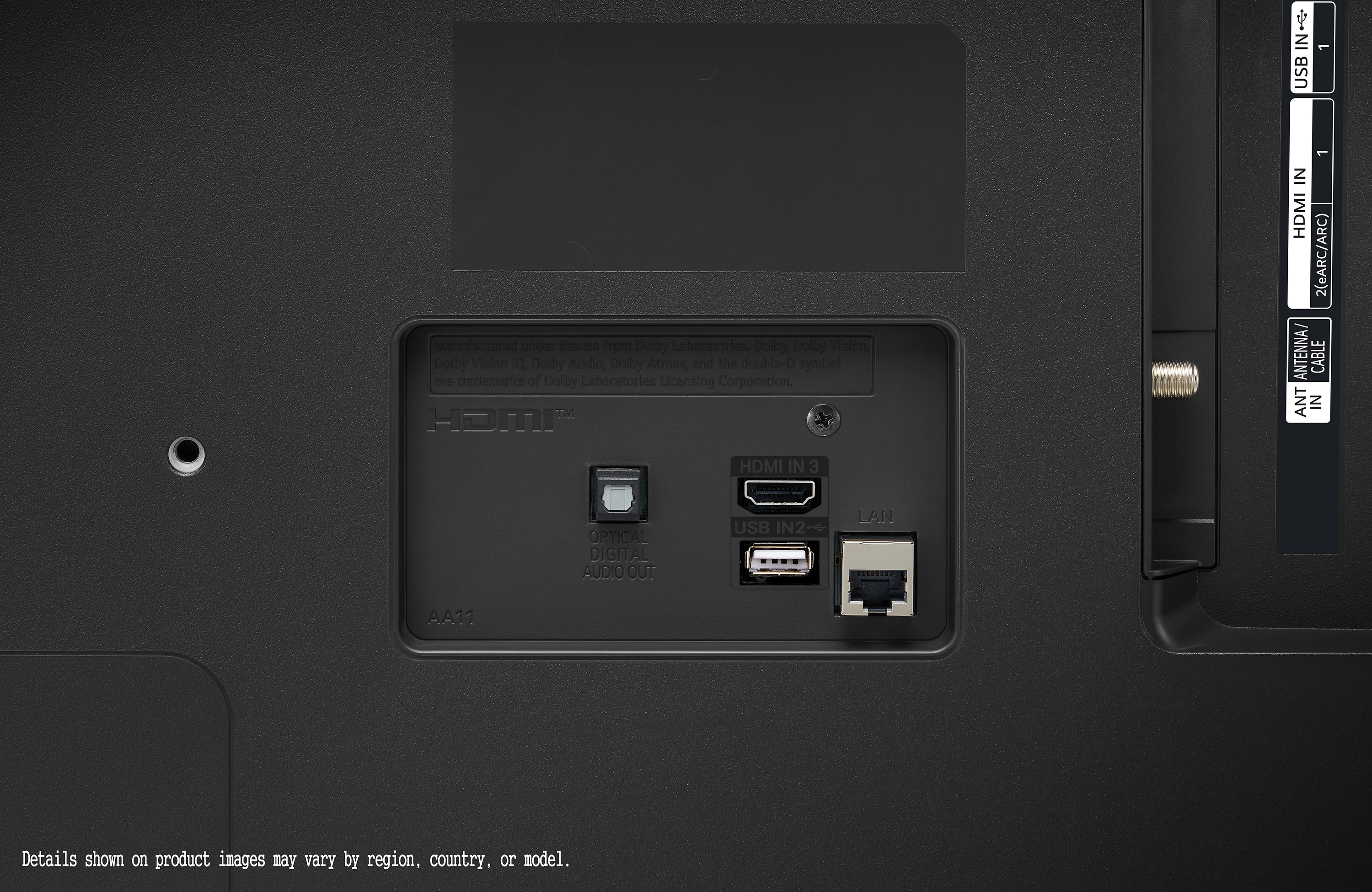
- A:Answer When the Digital Sound Output is set to PCM on the LG 43” Class UT75 Series LED 4K UHD Smart webOS TV (2024), Model # 43UT7590PUA it will output PCM, and it is set to Auto/Passthrough it will output PCM. When connected with HDMI eARC, the output audio type will depend on the audio type supported by the connected device. Depending on the device connected and the input audio type, it can be output as Dolby Metadata-Enhanced Audio Transmission PCM (Dolby MAT PCM)...^Ivan.
Answered by LG Digital Customer Care

Q: QuestionCan I stream Verizon TV content? Is this TV compatible with the Verizon Fios streaming app?
Asked by Grant43.
- A:Answer IDK
Answered by BrendaB
Q: QuestionCan I change the width of the tv stand?
Asked by Anonymous.
- A:Answer No, it just has to wide two legs or you can mount it on a TV Stand with a smaller base.
Answered by JamesM
Q: Questioncan I plug in my Roku device and use on this tv? can I switch back and forth easily between Roku streaming and watching local channels via the antenna? I dont see an Input button on the remote...
Asked by NAKI030.
- A:Answer Yes you can. I use a Roku Streambar with mine. It is easy to switch between the 3 inputs using the input button on the remote. That button is at the top right of the remote.
Answered by MichaelH
Most-viewed items
- Black Friday Deal$399.99Your price for this item is $399.99
- Black Friday Deal$999.99Your price for this item is $999.99
- Black Friday Deal$189.99Your price for this item is $189.99
- Black Friday Deal$1,399.99Your price for this item is $1,399.99
- $249.99Your price for this item is $249.99$379.99The comparable value for this item is $379.99
- Black Friday Deal$229.99Your price for this item is $229.99
- $949.99Your price for this item is $949.99$1,999.99The comparable value for this item is $1,999.99
- Black Friday Deal$74.99Your price for this item is $74.99
- Black Friday Deal$599.99Your price for this item is $599.99
- Black Friday Deal$499.99Your price for this item is $499.99
- Black Friday Deal$1,999.99Your price for this item is $1,999.99
- $649.99Your price for this item is $649.99$1,299.99The comparable value for this item is $1,299.99
- Black Friday Deal$2,299.99Your price for this item is $2,299.99
- Black Friday Deal$699.99Your price for this item is $699.99
- $379.99Your price for this item is $379.99$469.99The comparable value for this item is $469.99
- Black Friday Deal$1,399.99Your price for this item is $1,399.99
- Black Friday Deal$1,999.99Your price for this item is $1,999.99
- $349.99Your price for this item is $349.99$489.99The comparable value for this item is $489.99
- Black Friday Deal$379.99Your price for this item is $379.99
- $479.99Your price for this item is $479.99$649.99The comparable value for this item is $649.99