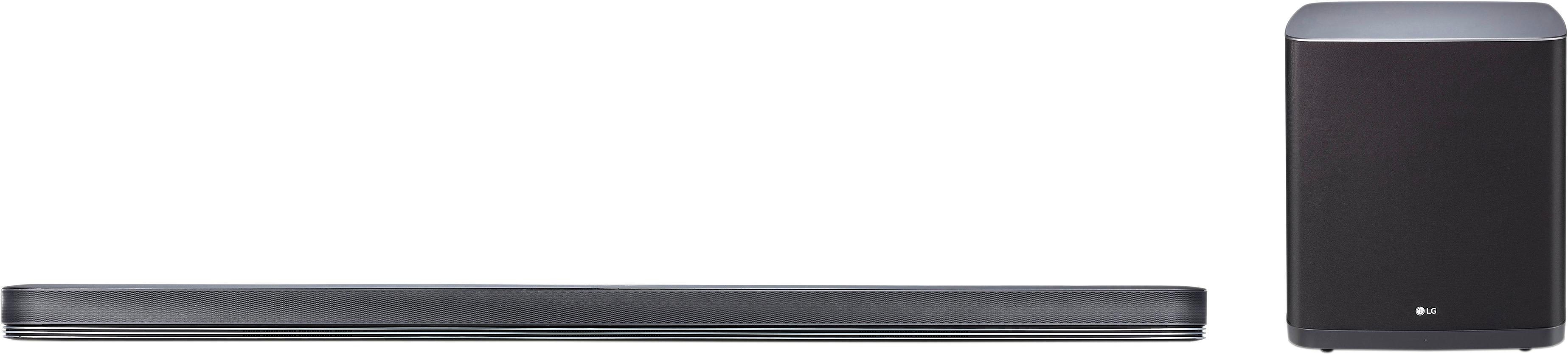
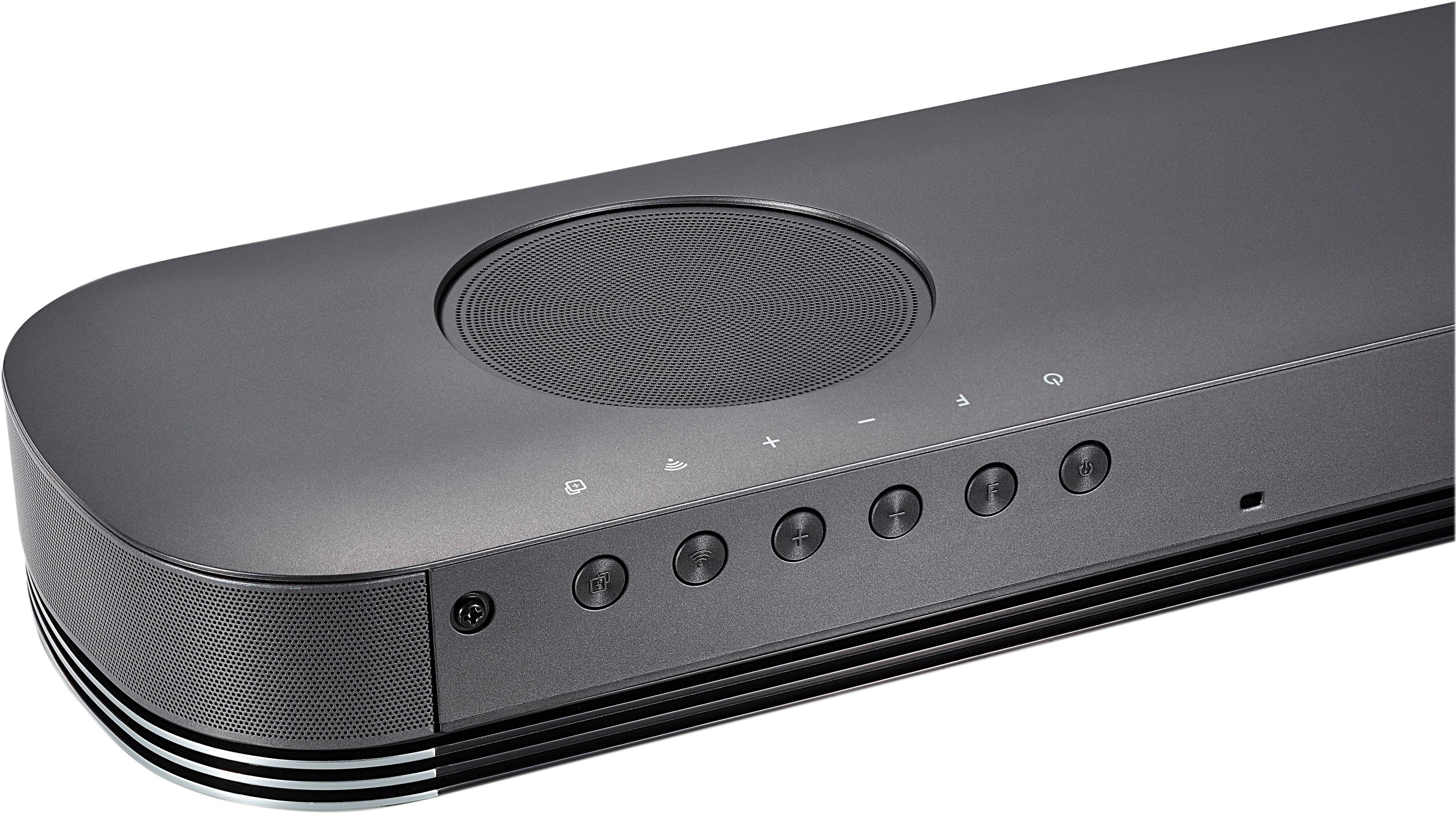
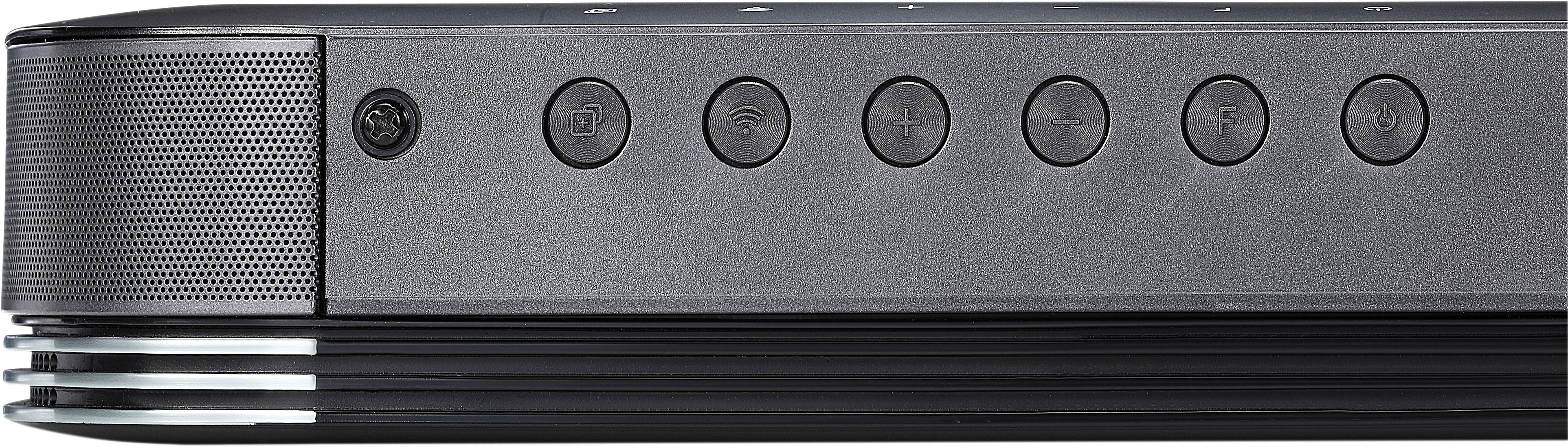
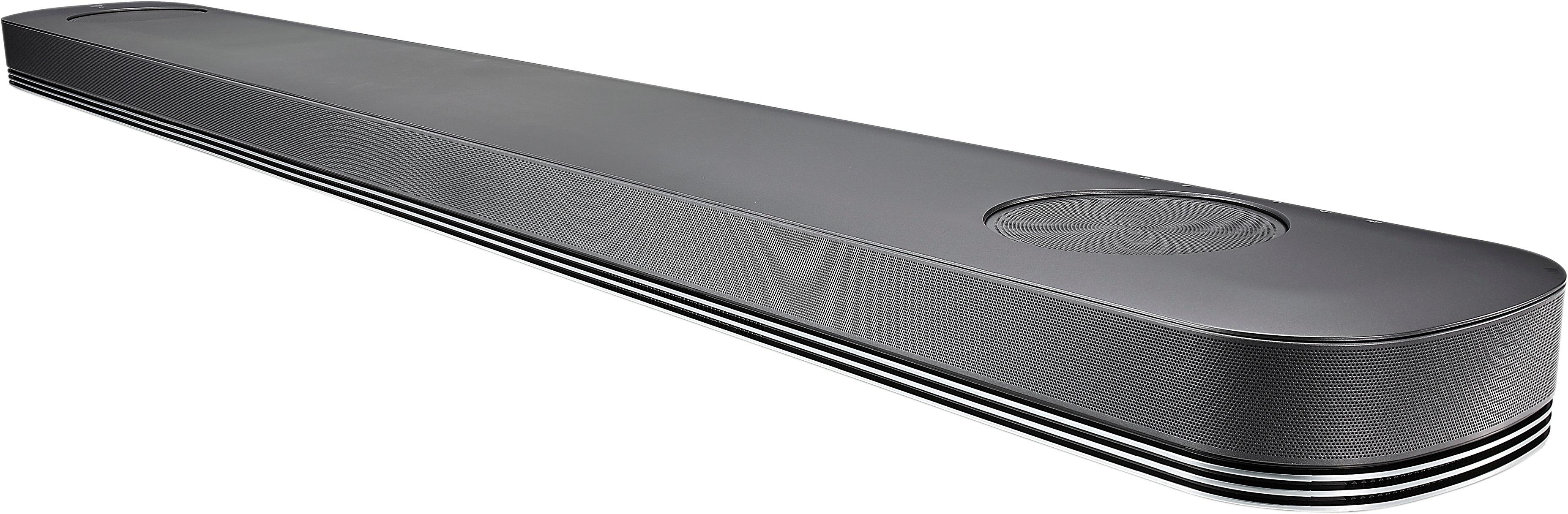
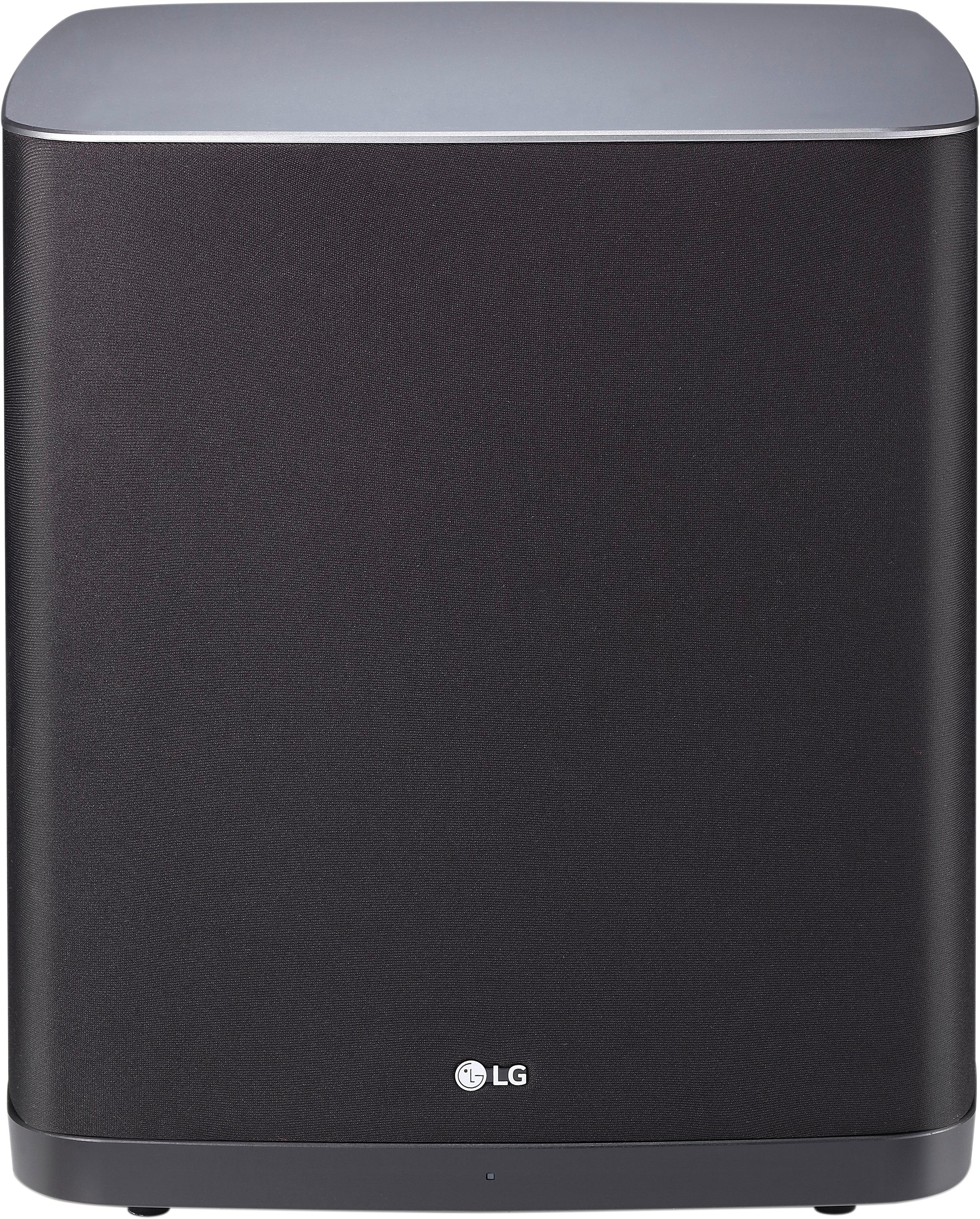
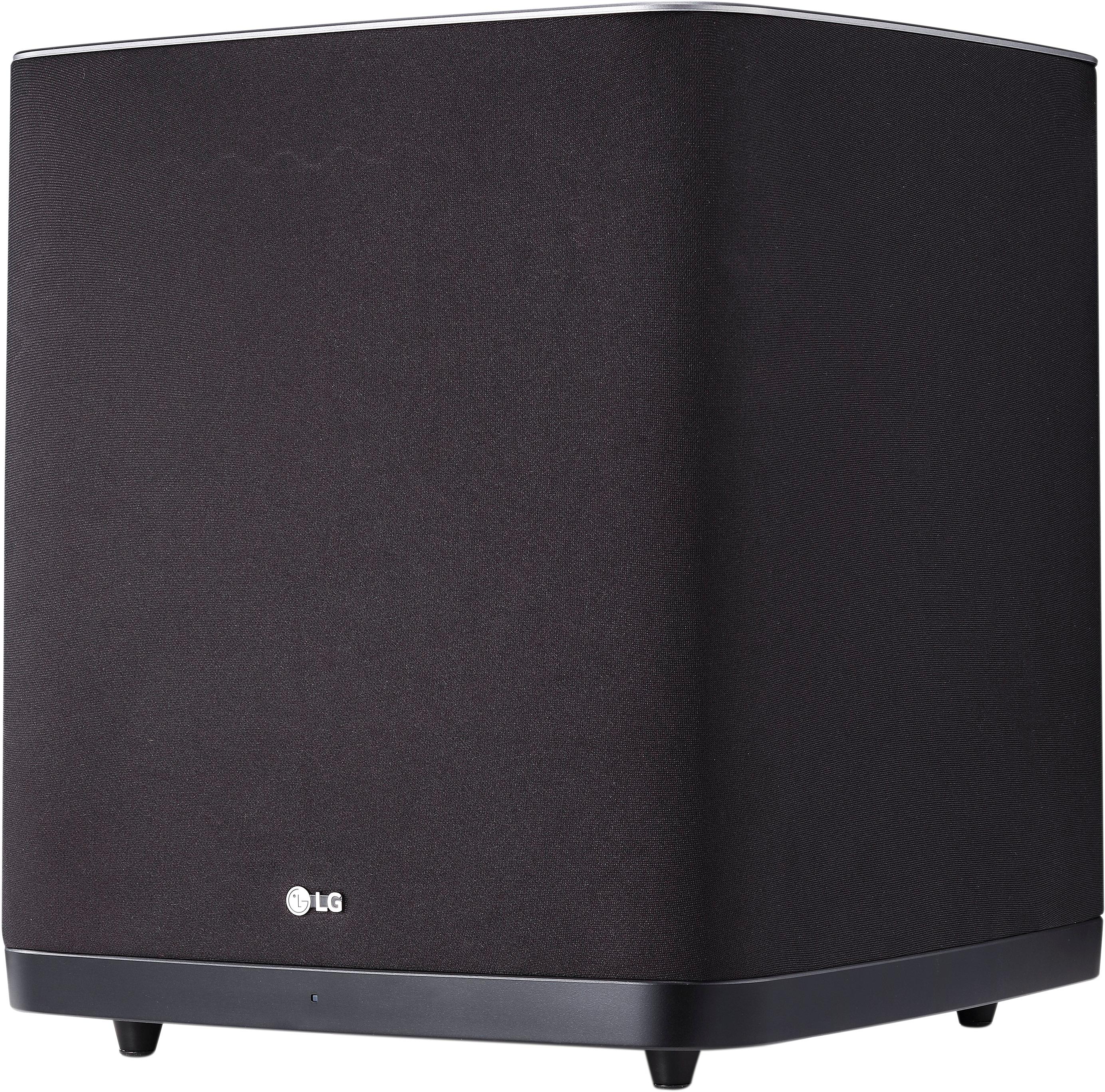
A:Answer Yes, it is easy. Click the "F" button on the included remote control (or on the back of the soundbar) until "BT" shows on the soundbar's digital display. (The F button chooses the input source for the soundbar.) Then on your iPhone, go to Settings>Bluetooth and click on "LG SJ9" under the My Devices heading when the iPhone discovers it. When the iPhone says "Connected" for the LG SJ9, you will see "Paired" on the soundbar display. Then open your playlist or other music app on your iPhone, including Pandora, etc., and press its play button. You can choose any of the 5 sound effects and change the bass, treble, and subwoofer settings from the soundbar remote control, too.