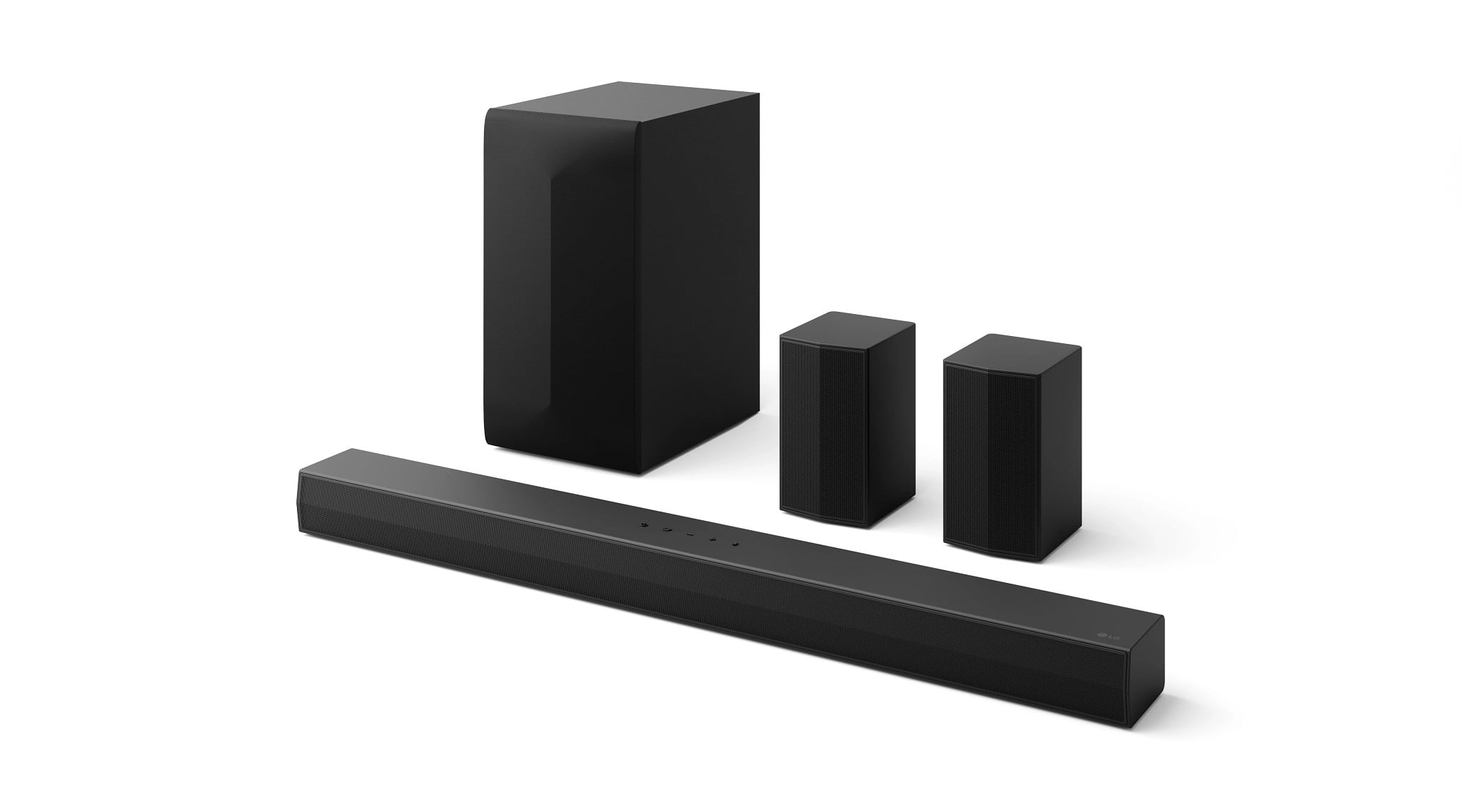
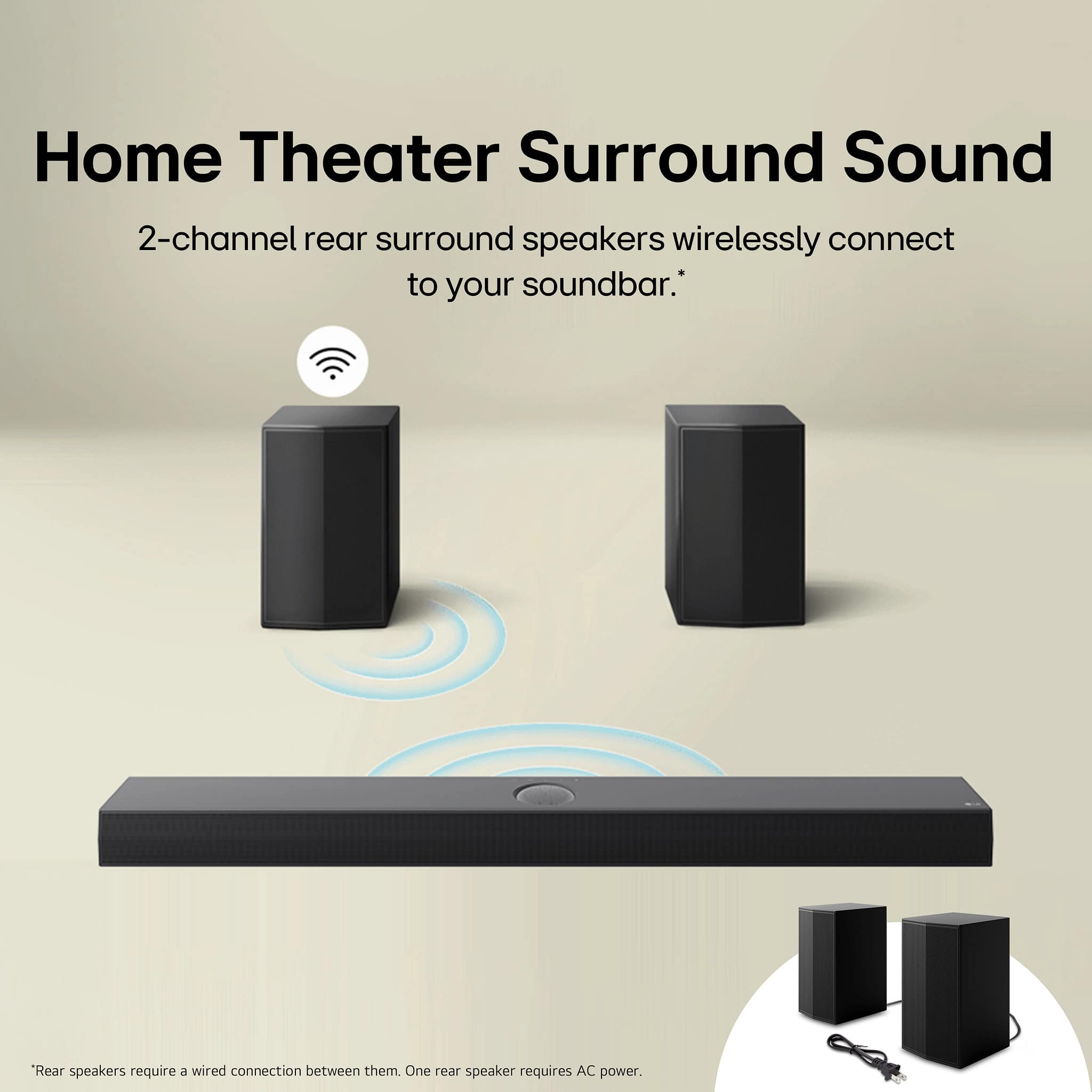
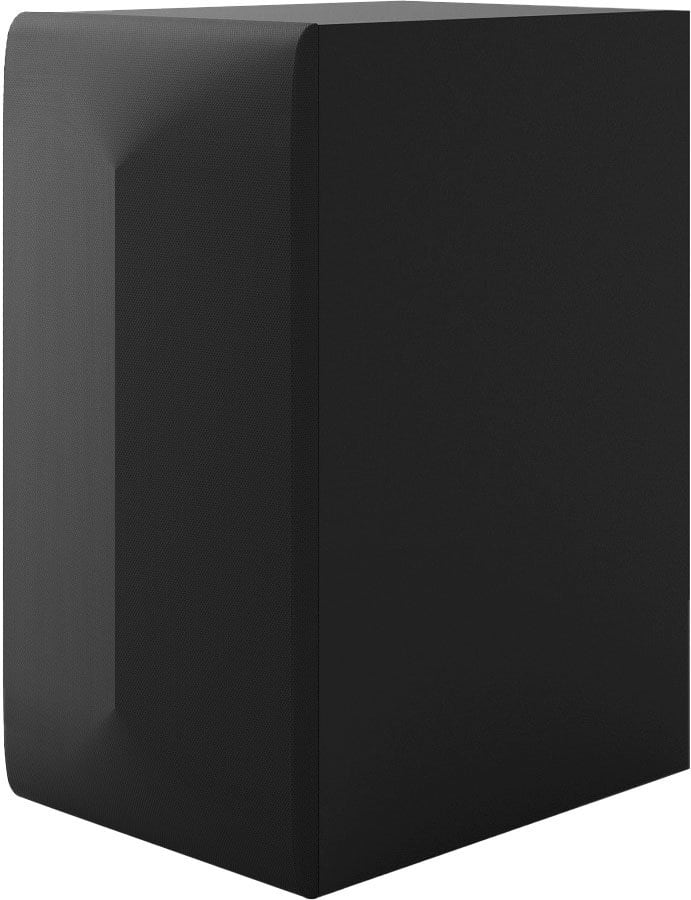
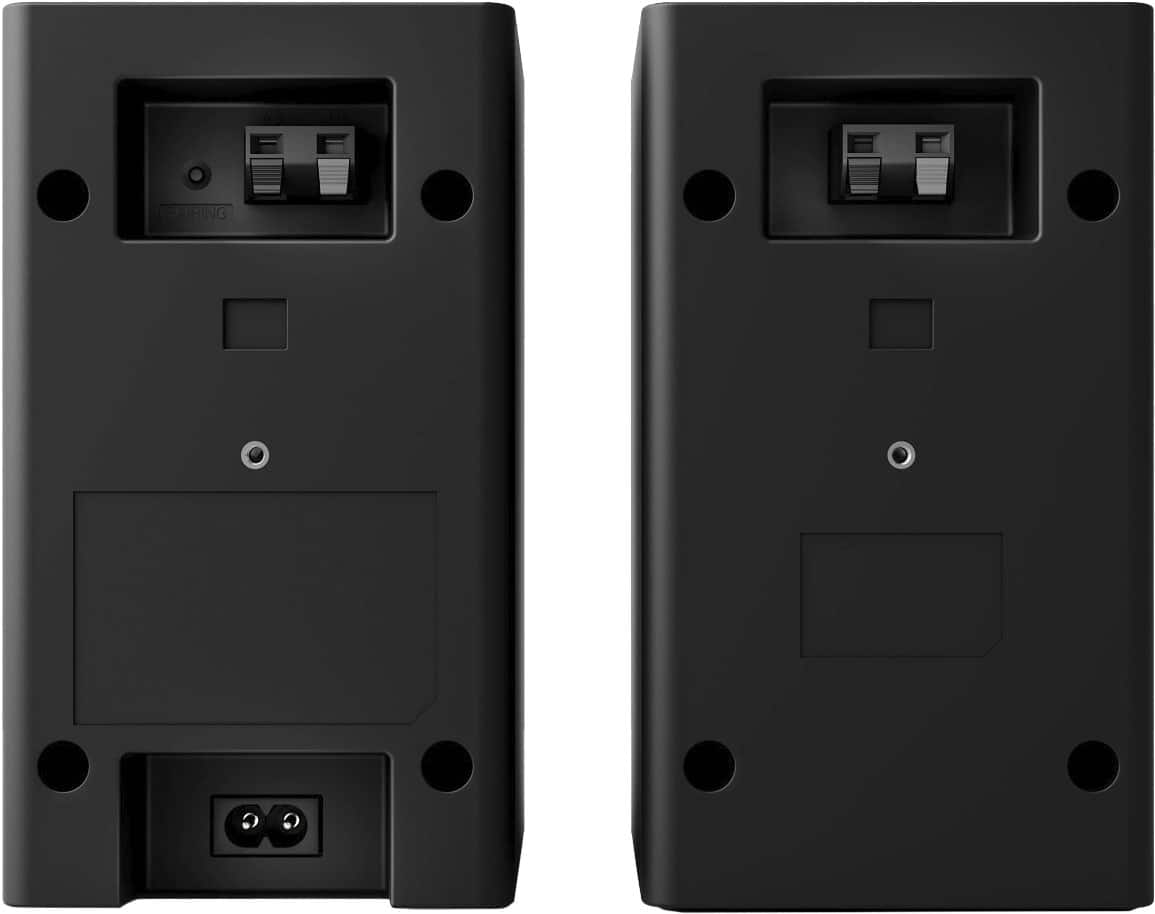
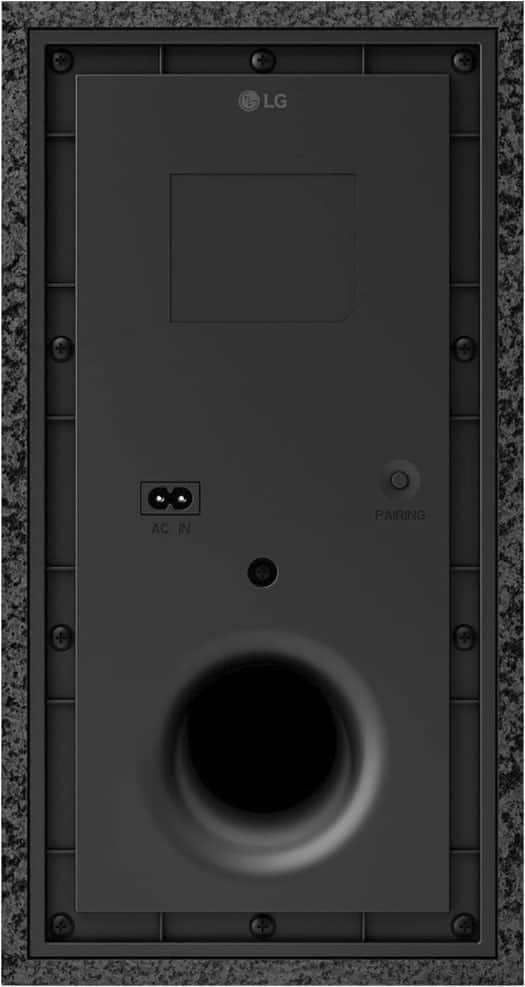
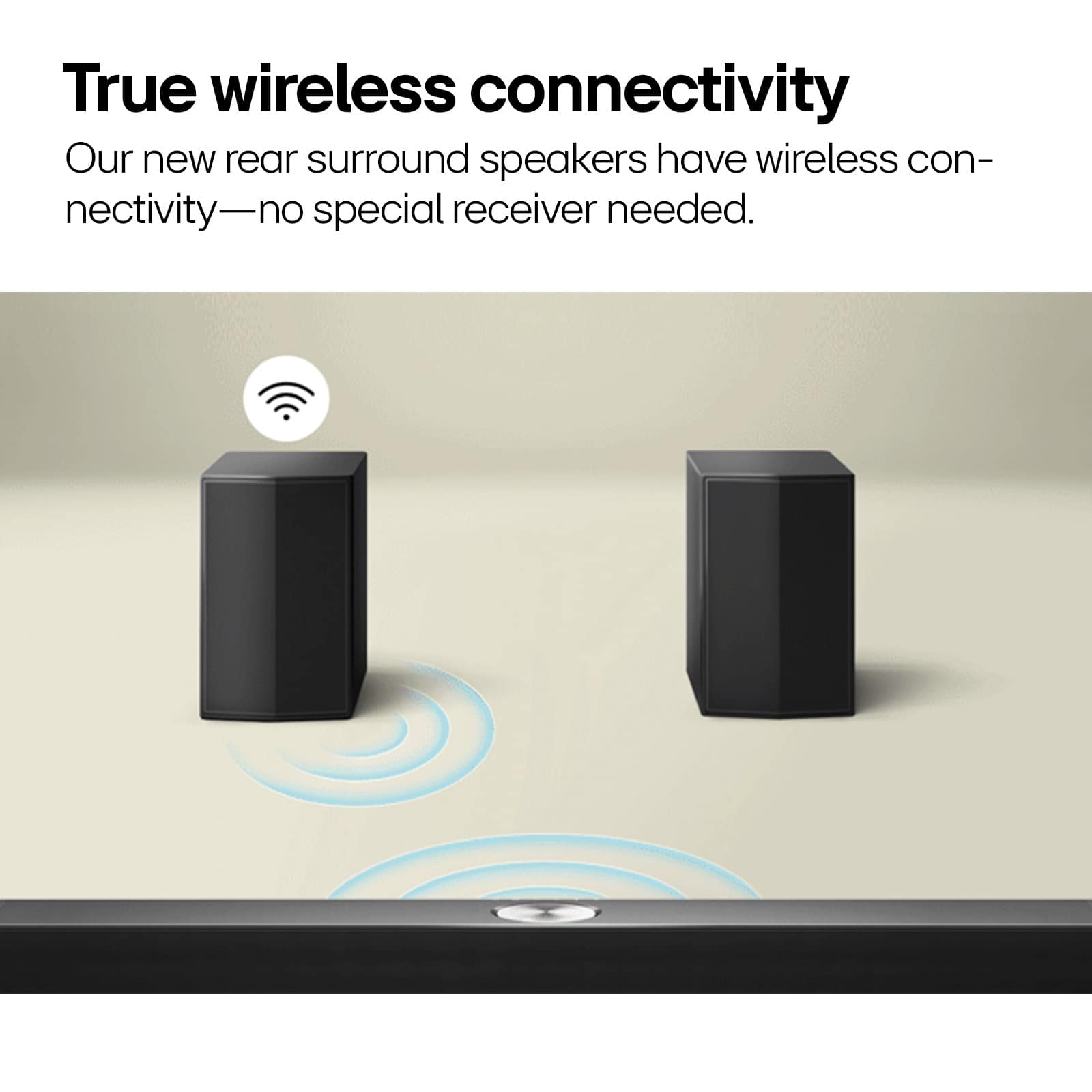
A:AnswerHello, there. Thank you for your interest in the LG S60TR Soundbar with Wireless Subwoofer and Rear Speakers. The rear speakers for this unit are wireless, allowing you to place them conveniently around your room without needing additional cables. However, they do not support Bluetooth connectivity. They connect wirelessly to the soundbar using LG's proprietary wireless technology for optimal audio performance.
For more details, you can refer to the product specifications on the LG website, https://www.lg.com/us/sound-bars/lg-s60tr-sound-bar. If you have further questions or need assistance, please send us a private message via @LGUSSupport on our social media platforms. We're here to help. ^Sam
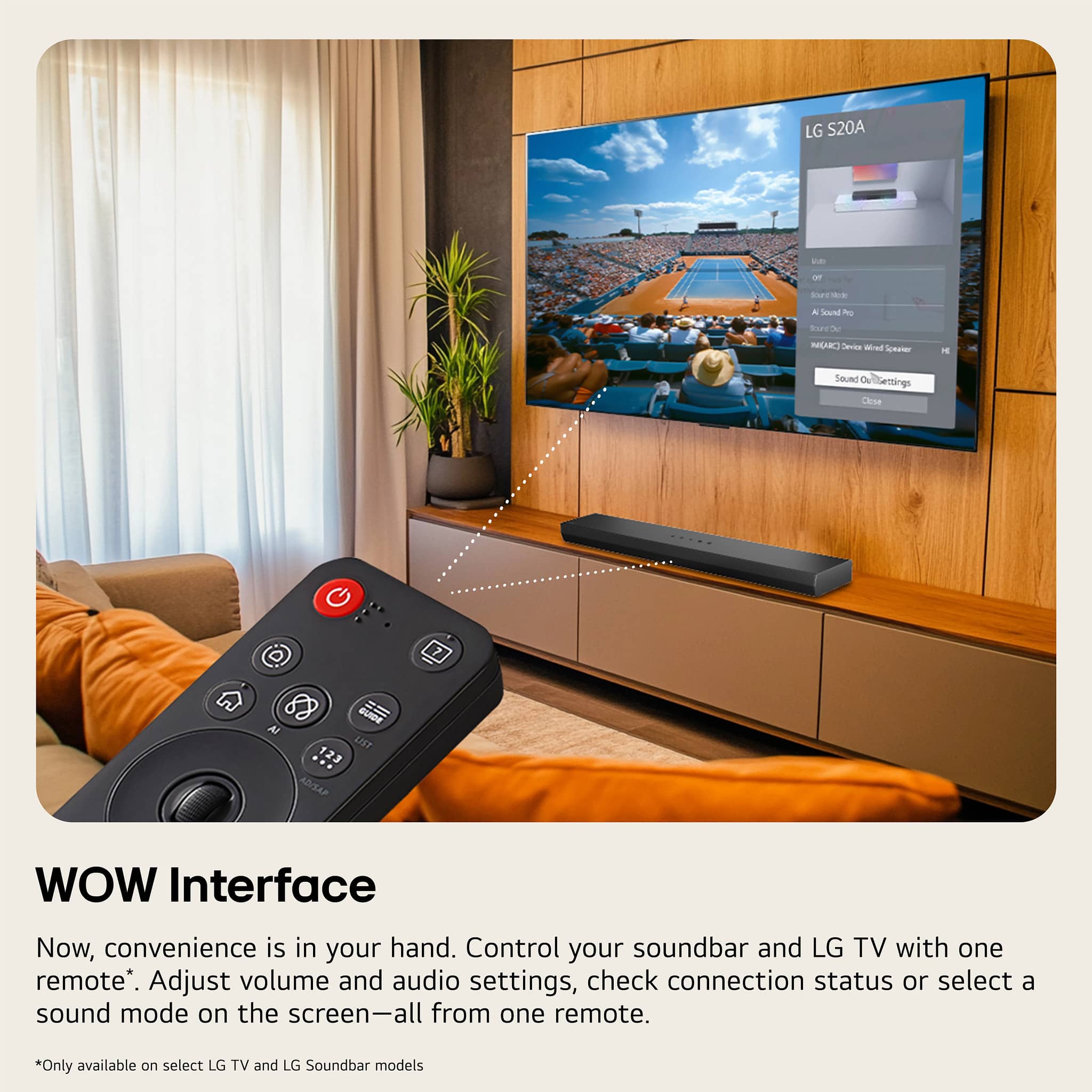
A:AnswerHello there. Thank you for reaching out with your question about the LG S60TR.AUSALLK TV. Regarding your query about setting up the remote to control the volume of a soundbar, typically, LG TV remotes are designed to control LG soundbars seamlessly using Simplink (HDMI-CEC) technology. Ensure your soundbar supports HDMI-CEC and is connected to your TV via HDMI ARC or HDMI eARC for optimal functionality. For specific setup instructions or troubleshooting steps, please send us a private message on Social Media @LGUSSupport. Our team is here to assist you further. We appreciate your patience. —Renzo
A:AnswerWhich LG 85 Series 75" TV are you inquiring about, what is the model number for the TV?
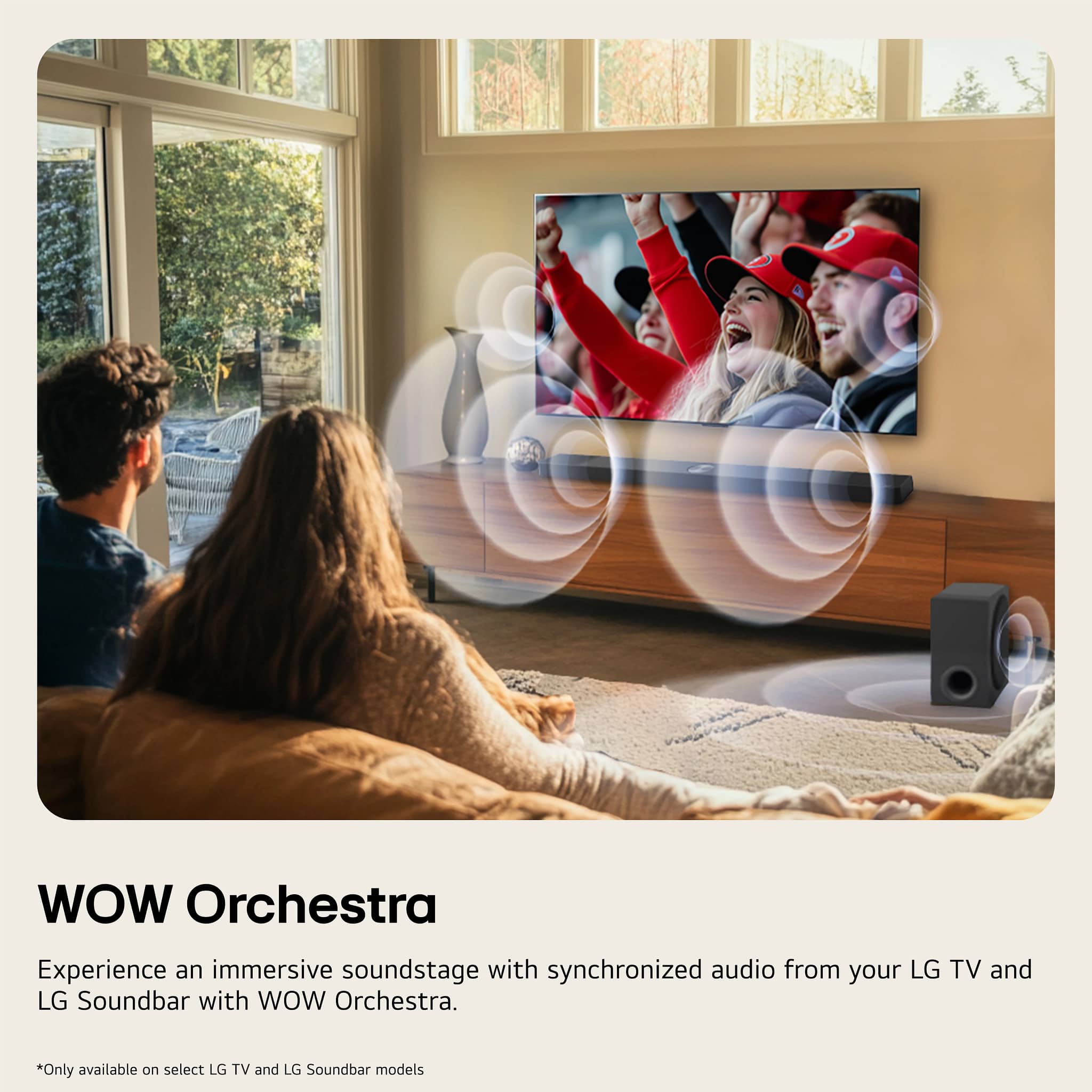
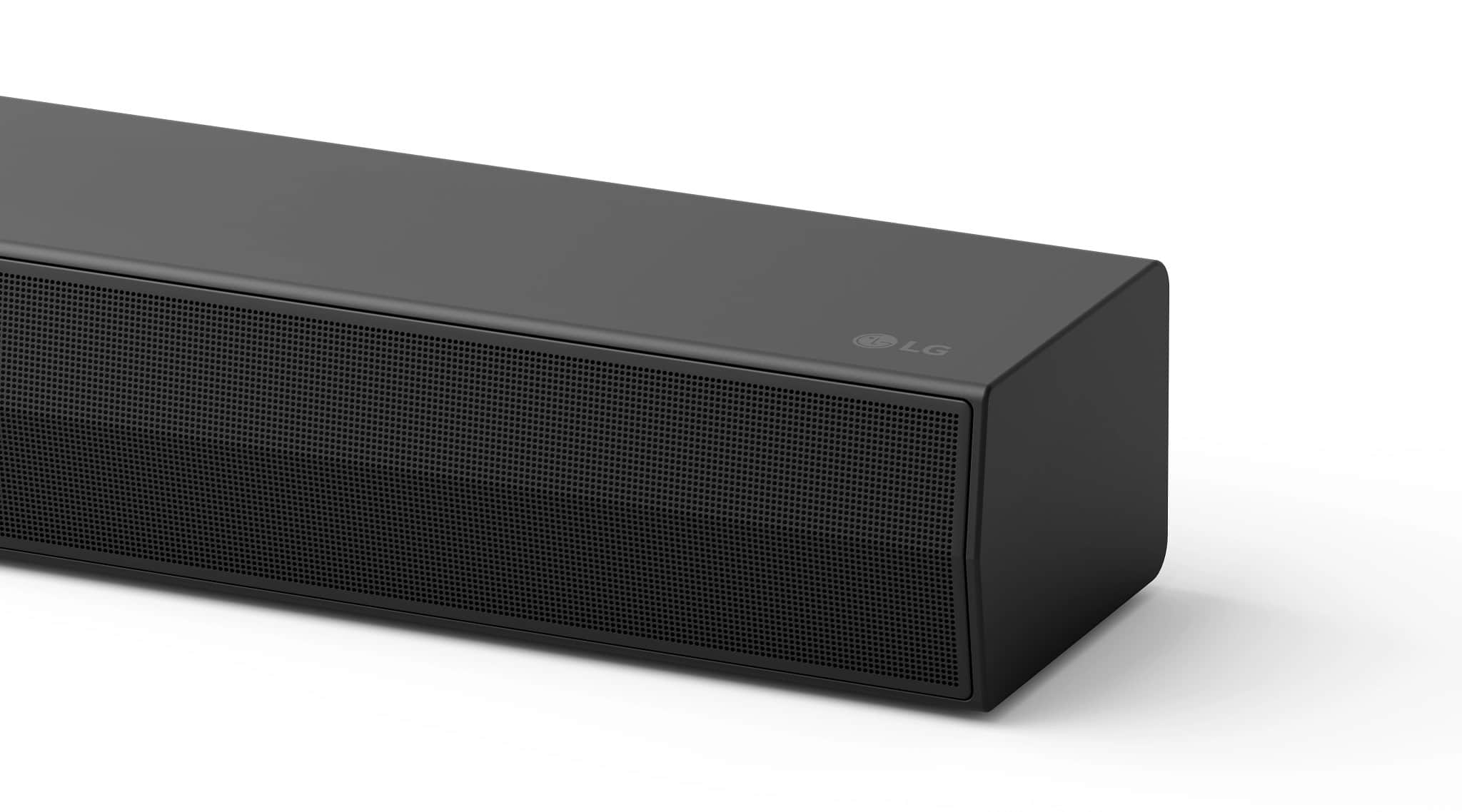
The LG 5.1-Channel S60TR Home Theater Soundbar with Wireless Subwoofer and Rear Speakers, Dolby Audio™, WOW Orchestra - Black, Model # S60TR, can be connected to LG TVs in one of three ways.
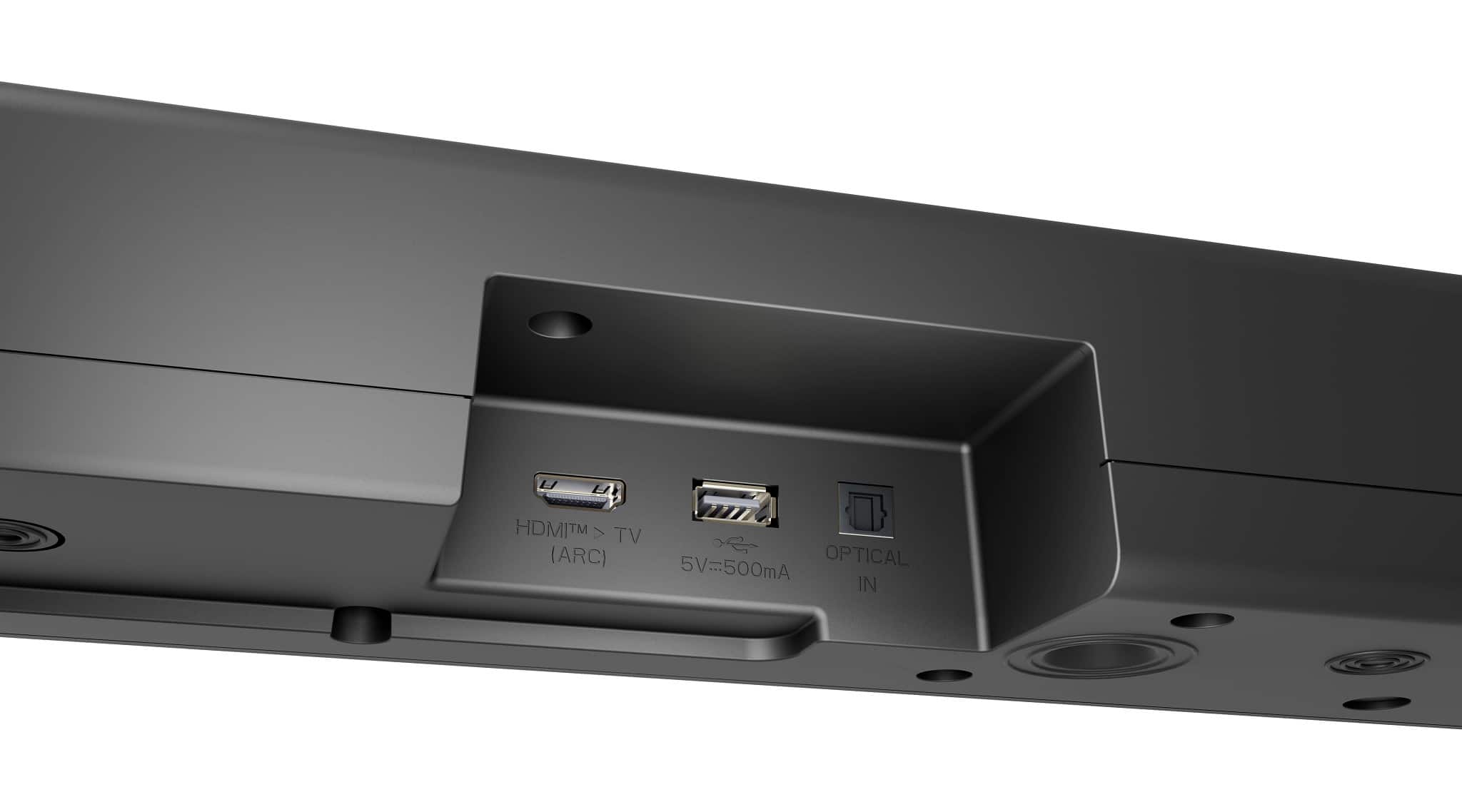
It can be paired via Bluetooth® with any Bluetooth-enabled LG Smart TV, it has an Audio Return Channel (ARC) that can be connected to the ARC/eARC port on any LG Smart TV, and it has an Optical Digital Audio Input that can be connected to an Optical Digital Audio Output on any LG Smart TV.
HDMI ARC can introduce audio lag, especially when using older devices or when the audio path is longer. This lag can be minimized by using a high-speed HDMI cable and ensuring that the TV and soundbar support ARC/eARC.
HDMI eARC is designed to reduce audio lag, but the extent of this reduction can vary based on the setup and the specific devices used.
Connecting an audio device with an HDMI eARC port to a TV with an HDMI eARC port ensures that avoid any potential audio delays...^Ivan.
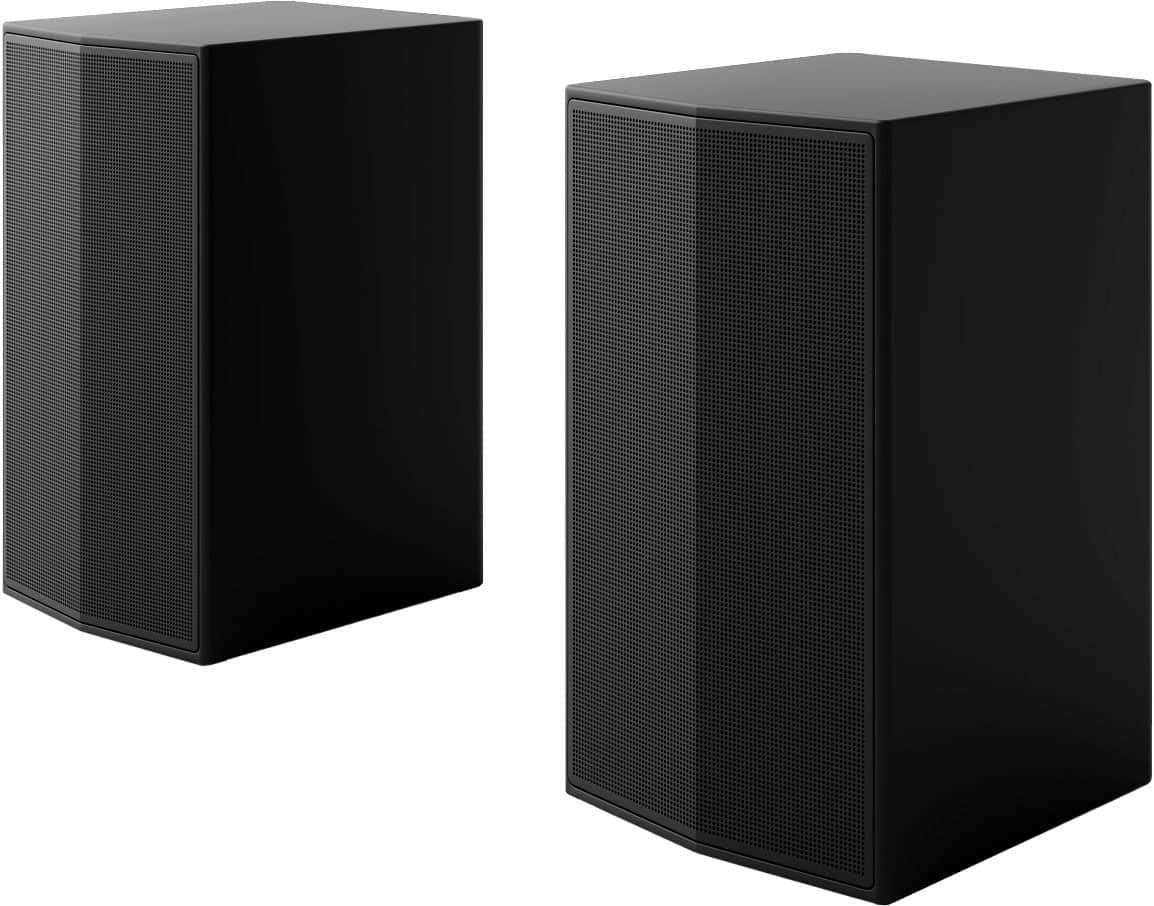
A:AnswerHi there. We understand your inquiry regarding the power source for the wireless rear speakers. These speakers require a 120V power outlet as they connect to a wireless receiver that must be plugged into a standard wall socket.
https://www.bestbuy.com/product/lg-5-1-channel-s60tr-home-theater-soundbar-with-wireless-subwoofer-and-rear-speakers-dolby-audio-black/JJ8VPZHJLK
For further assistance and any specific concerns you may have, please contact us on lgdigitalcare@lg.sprinklrsupport.com. —Renzo
A:AnswerHi there. Thank you for your interest in our LG Soundbar, Model # S60TR. We understand your inquiry regarding the wiring setup for the rear speakers.
To answer your question directly, the S60TR includes a rear speaker kit that utilizes speaker wires to connect the speakers to a separate wireless receiver module. However, we are happy to let you know that we do offer other models, such as the LG S95TR, which feature "true wireless" rear speakers. On that specific model, the rear speakers do not require a wire connecting them to each other or to a receiver box; they simply need to be plugged into a power outlet individually.
https://www.bestbuy.com/product/lg-5-1-channel-s60tr-home-theater-soundbar-with-wireless-subwoofer-and-rear-speakers-dolby-audio-black/JJ8VPZHJLK
If you have any further questions about our soundbar lineup and features, please contact us on lgdigitalcare@lg.sprinklrsupport.com, and our team will be more than happy to assist you. —Renzo
A:AnswerSo the Left rear speaker connects wireless and has a power cord but you have to wire the right rear speaker to the left. It’s a little misleading with wireless rear speakers, but I have an older model that it had a wireless module you have to wire both rear speakers too it, so this is a much better design.
A:AnswerHello there. Thank you for reaching out to us with your question about the differences between the S60TR and the S60T soundbar systems. We understand your inquiry about the specifications, especially since the pricing is similar.
The main difference is, as you noted, the rear speakers, which makes the S60TR a 5.1 Channel system, while the S60T is a 3.1 Channel system. This directly impacts the number of audio channels and the immersive surround sound experience.
Beyond the rear speakers, the other key differences are in the Connectivity and Audio Format support:
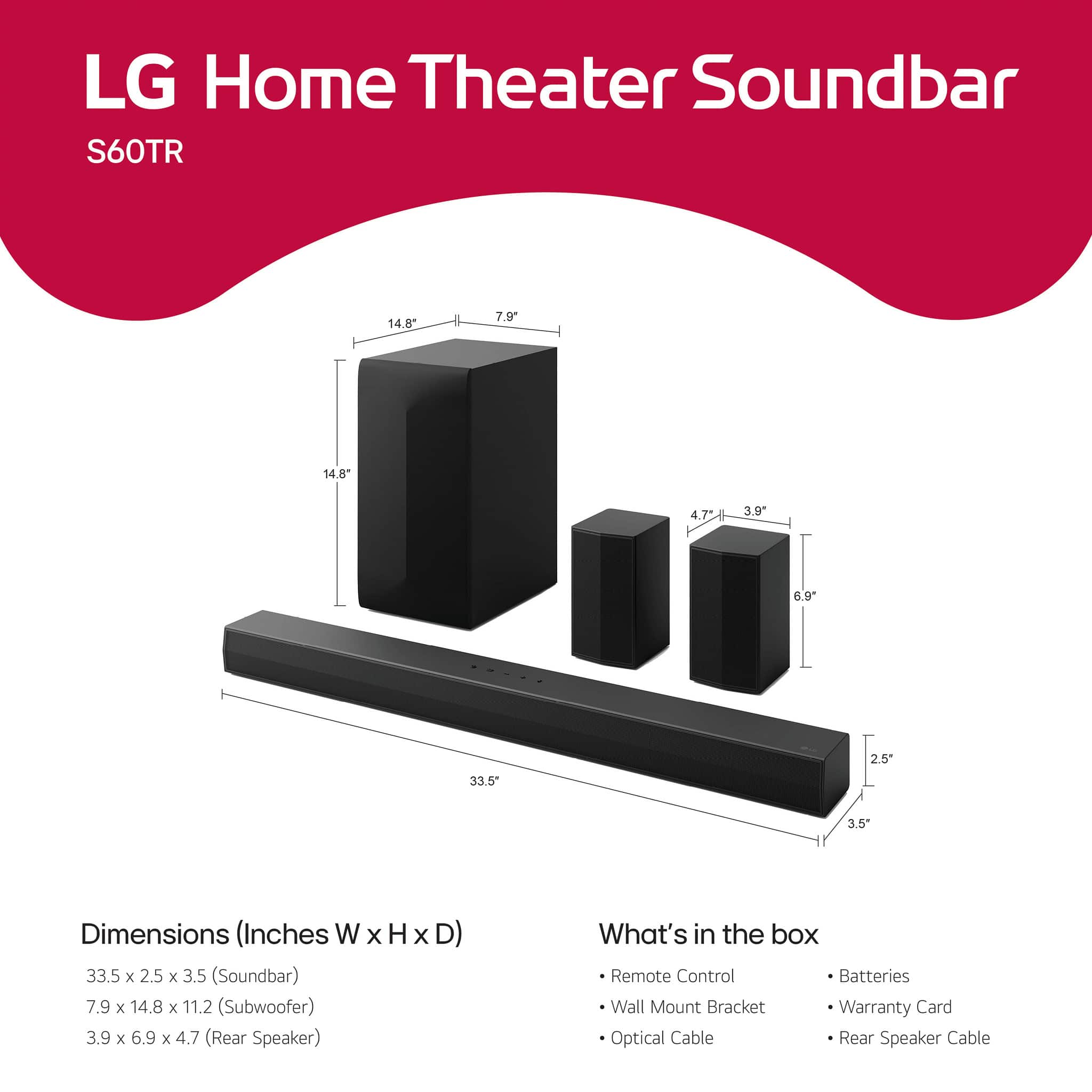
Subwoofer: Both the S60TR and S60T models use the same wireless active subwoofer, which has the same dimensions and a net weight of 12.7 lbs for both. The subwoofer is not better on one model; they are the same unit.
Audio Format Support: The S60T offers support for two additional audio formats that the S60TR does not: FLAC (Up to 192kHz) C4A / USB and OGG (Up to 48kHz) C4A / USB.
Convenience: The S60T includes an LCD Display Auto-Dimmer feature that is not listed in the S60TR specifications.
In short, the S60TR prioritizes the full 5.1 channel surround sound experience with dedicated rear speakers, whereas the S60T supports a couple of extra high-resolution audio formats and includes the auto-dimmer feature for its display.
https://www.bestbuy.com/product/lg-5-1-channel-s60tr-home-theater-soundbar-with-wireless-subwoofer-and-rear-speakers-dolby-audio-black/JJ8VPZHJLK
If you have any further questions about these models or need assistance with which one better suits your needs, please send us a private message on Social Media @LGUSSupport, and our team will be more than happy to assist you further. —Renzo
A:AnswerHi there, Ken. Thank you for sharing your inquiry with us. We understand your inquiry regarding enhanced voice clarity features on the S60TR soundbar.
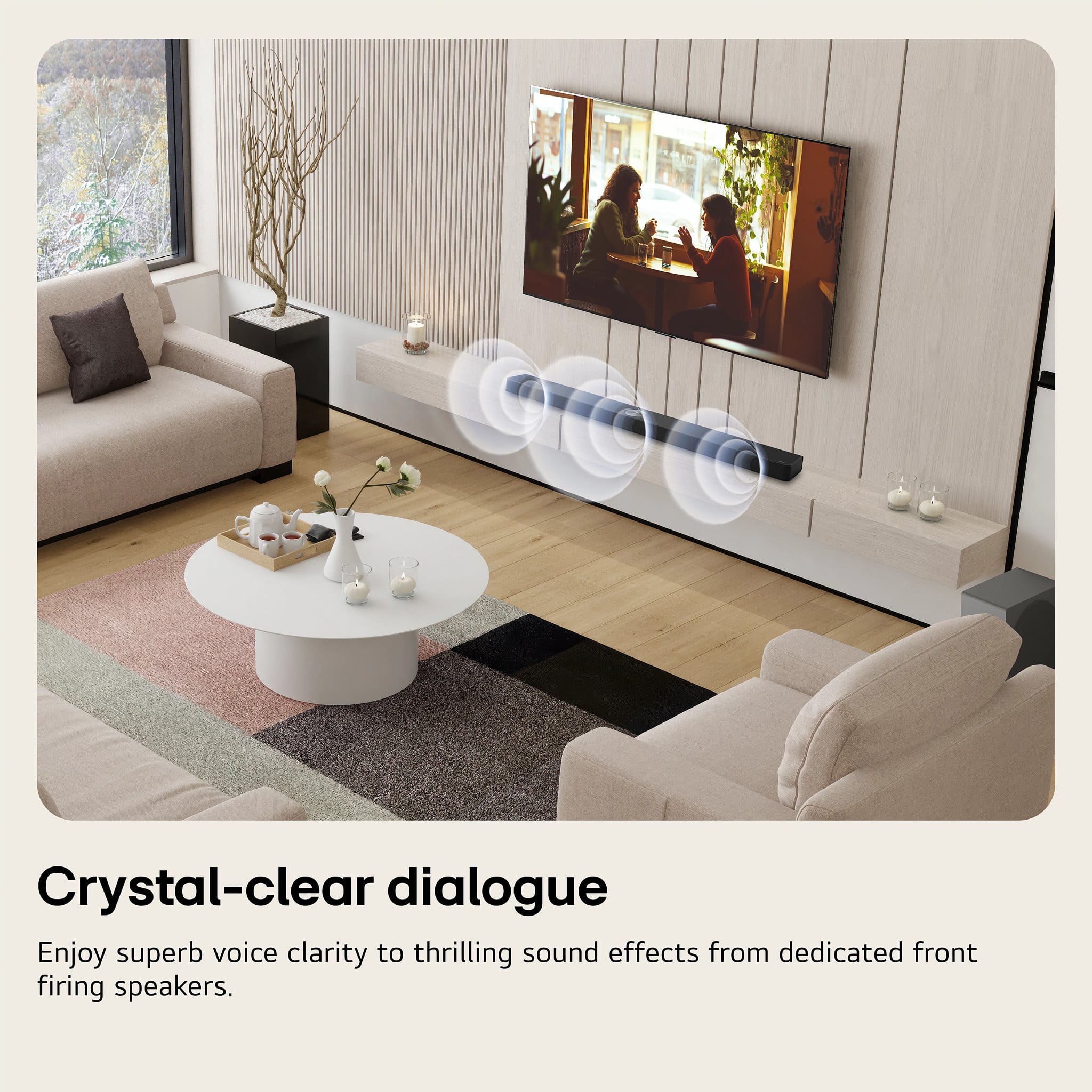
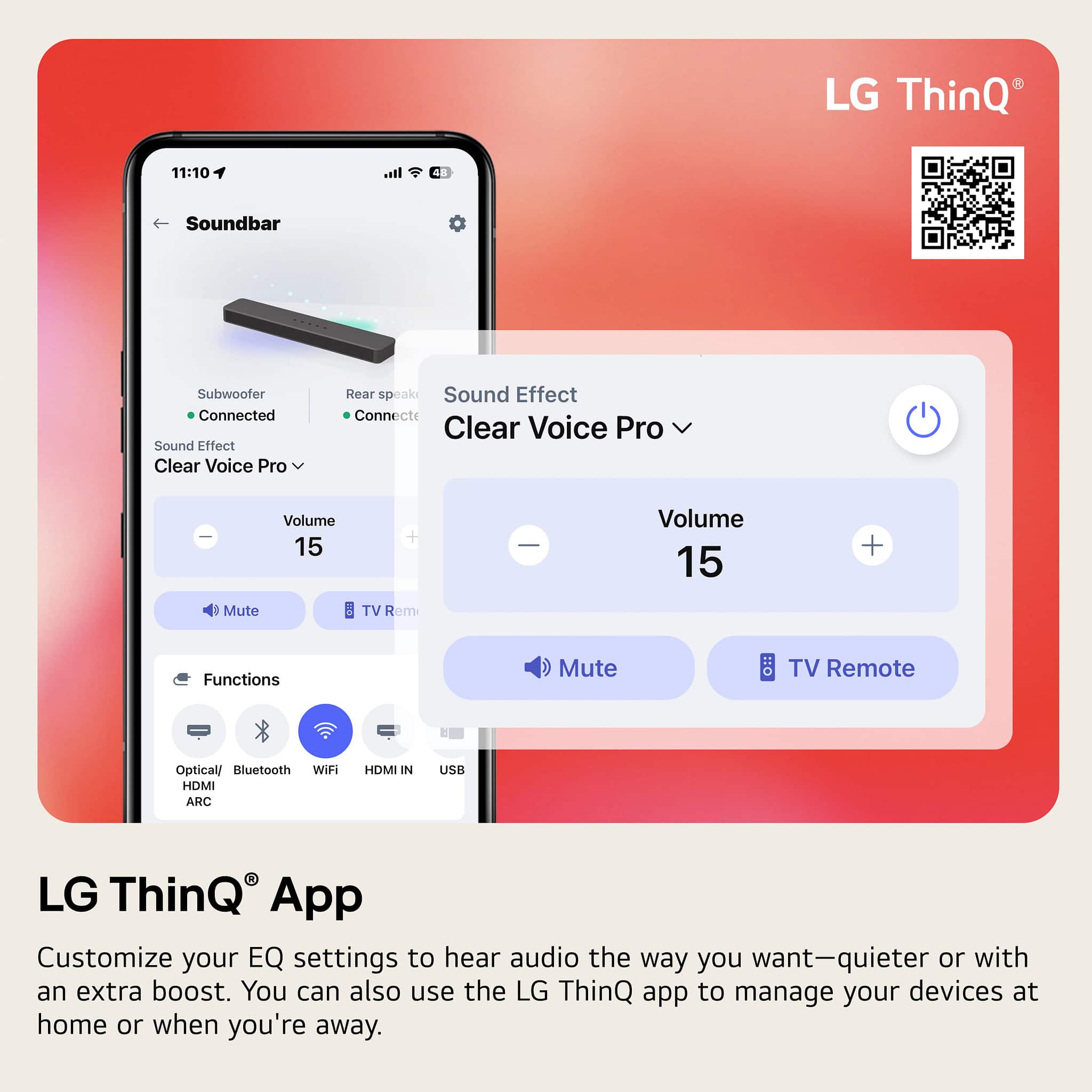
Yes, the S60TR soundbar features a dedicated sound mode called "Clear Voice". This mode is specifically designed to enhance dialogue and voice frequencies, helping conversations stand out clearly over background music and sound effects, which can be very helpful for those with hearing difficulties.
Additionally, the AI Sound Pro mode can automatically optimize the sound settings based on the content being played to ensure clear vocals and dynamic sound.
https://www.bestbuy.com/product/lg-5-1-channel-s60tr-home-theater-soundbar-with-wireless-subwoofer-and-rear-speakers-dolby-audio-black/JJ8VPZHJLK
If you have any further questions about using these sound modes or adjusting the audio settings, please send us a private message on Social Media @LGUSSupport, and our team will be more than happy to assist you. —Renzo
A:AnswerHi there, Scott. Thank you for sharing your experience with us. We understand your inquiry regarding connecting your LG S60TR soundbar to a Samsung Smart TV via Bluetooth and whether the TV remote will control volume.
When pairing via Bluetooth, you can stream audio wirelessly, but volume control behavior depends on the TV’s Bluetooth implementation. Samsung TVs generally send audio over Bluetooth A2DP without the LG Sound Sync wireless protocol, so the TV remote may not adjust the soundbar’s volume directly over Bluetooth. In that case, you would use the soundbar’s remote to control volume when using Bluetooth.
For seamless volume control with your Samsung TV remote, we recommend a wired connection:
HDMI ARC: Connect the TV’s HDMI ARC port to the soundbar’s HDMI TV (ARC) port. Enable Anynet+ (HDMI-CEC) on the Samsung TV so the TV remote can adjust the soundbar volume, mute, and power in sync.
Optical Digital Audio: If HDMI ARC isn’t available, use an optical cable from the TV’s Optical Out to the soundbar’s Optical In. Some Samsung TVs allow volume control over optical when configured in the audio settings, but behavior may vary by model.
If you choose Bluetooth:
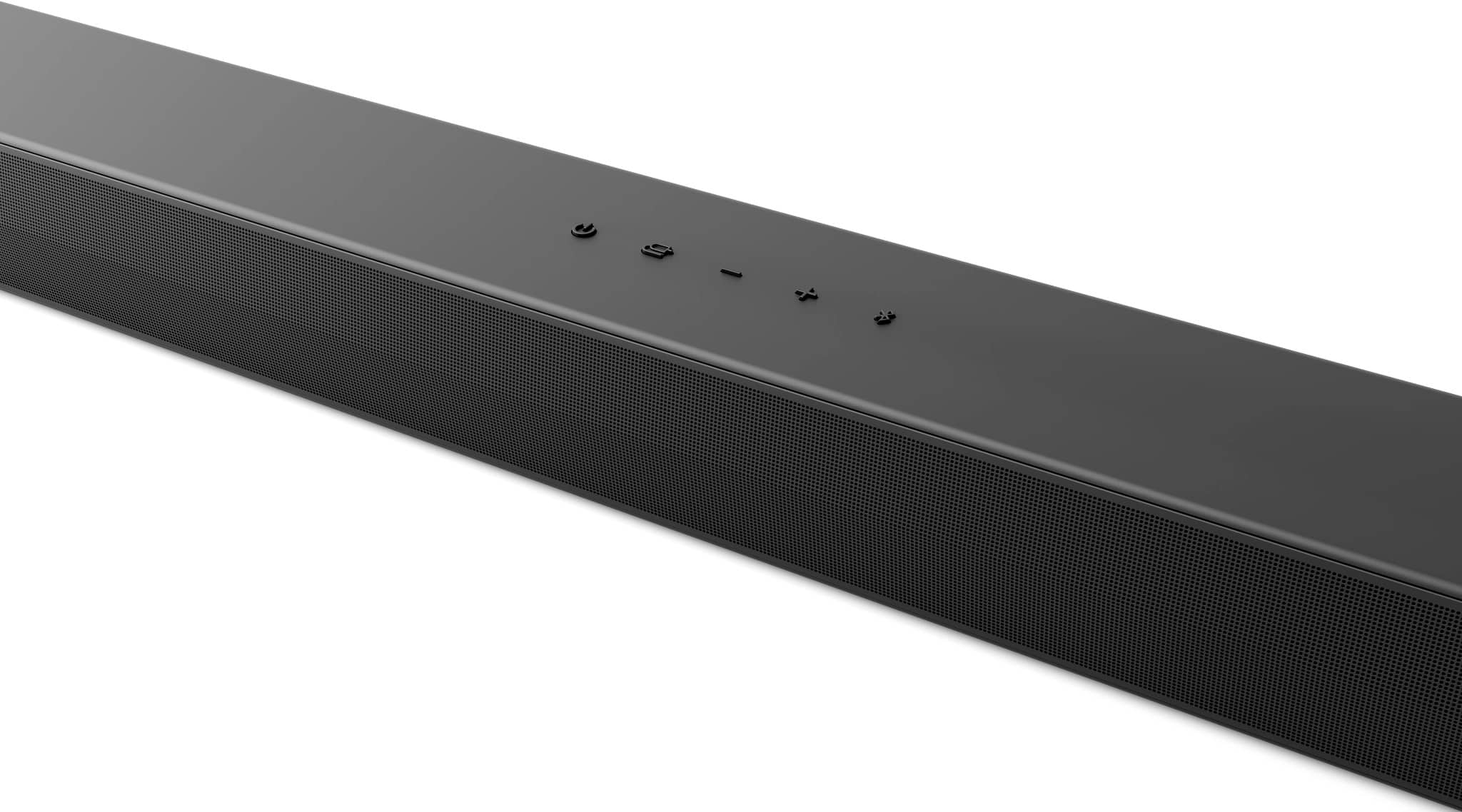
Put the soundbar in pairing mode by pressing the Bluetooth pair button until LEDs blink.
On your Samsung TV, go to Settings > Sound > Sound Output, select Bluetooth Speaker List, and choose “LG S60TR.”
After pairing, the audio will play through the soundbar, but adjust volume with the soundbar remote since Samsung may not support volume commands over Bluetooth for non-LG soundbars.
https://www.bestbuy.com/site/lg-5-1-channel-s60tr-home-theater-soundbar-with-wireless-subwoofer-and-rear-speakers-dolby-audio-black/6579924.p?skuId=6579924
For the best experience, use HDMI ARC with Anynet+ enabled so your Samsung TV remote controls the soundbar volume directly and ensures proper audio syncing. If you need guidance on pairing or setting up ARC/optical connections, please send us a private message on Social Media @LGUSSupport so our team can explore possible solutions and ensure optimal setup. We appreciate your patience and thank you for choosing LG. —Renzo
A:AnswerHello there! We understand your inquiry. You’re asking if the LG 5.1-Channel S60TR Home Theater Soundbar (Model S60TR) will work with your Insignia TV. Great news—it’s fully compatible:
• HDMI ARC Connection
If your Insignia TV has an HDMI ARC port (often labeled “ARC” on the HDMI inputs), simply connect the soundbar’s HDMI output to the TV’s ARC port using a high-speed HDMI cable. On your TV’s settings menu, enable HDMI ARC or External Speaker, then select the soundbar as the audio output. You should hear your TV audio through the S60TR immediately.
Troubleshooting Tip: If you don’t get sound right away, check that CEC (Consumer Electronics Control) is also enabled on your Insignia TV—this lets ARC control power and volume between devices.
• Optical Digital Audio
If your TV lacks ARC, use the included optical cable: plug one end into the TV’s optical audio output and the other into the soundbar’s Optical In. Then set the TV’s audio output format to PCM or Stereo in the sound settings.
• Bluetooth Streaming
For wireless audio, put the S60TR into Bluetooth pairing mode by pressing and holding the Bluetooth button on the remote until the LED flashes. On your Insignia TV, open Bluetooth settings, select “LG S60TR,” and confirm.
https://www.bestbuy.com/site/lg-5-1-channel-s60tr-home-theater-soundbar-with-wireless-subwoofer-and-rear-speakers-dolby-audio-black/6579924.p?skuId=6579924
For any additional guidance or to walk through the setup process together, please send us a private message on social media @LGUSSupport and our team will be more than happy to explore possible solutions. We appreciate your patience as we help you enjoy immersive sound with your new LG soundbar. —Renzo