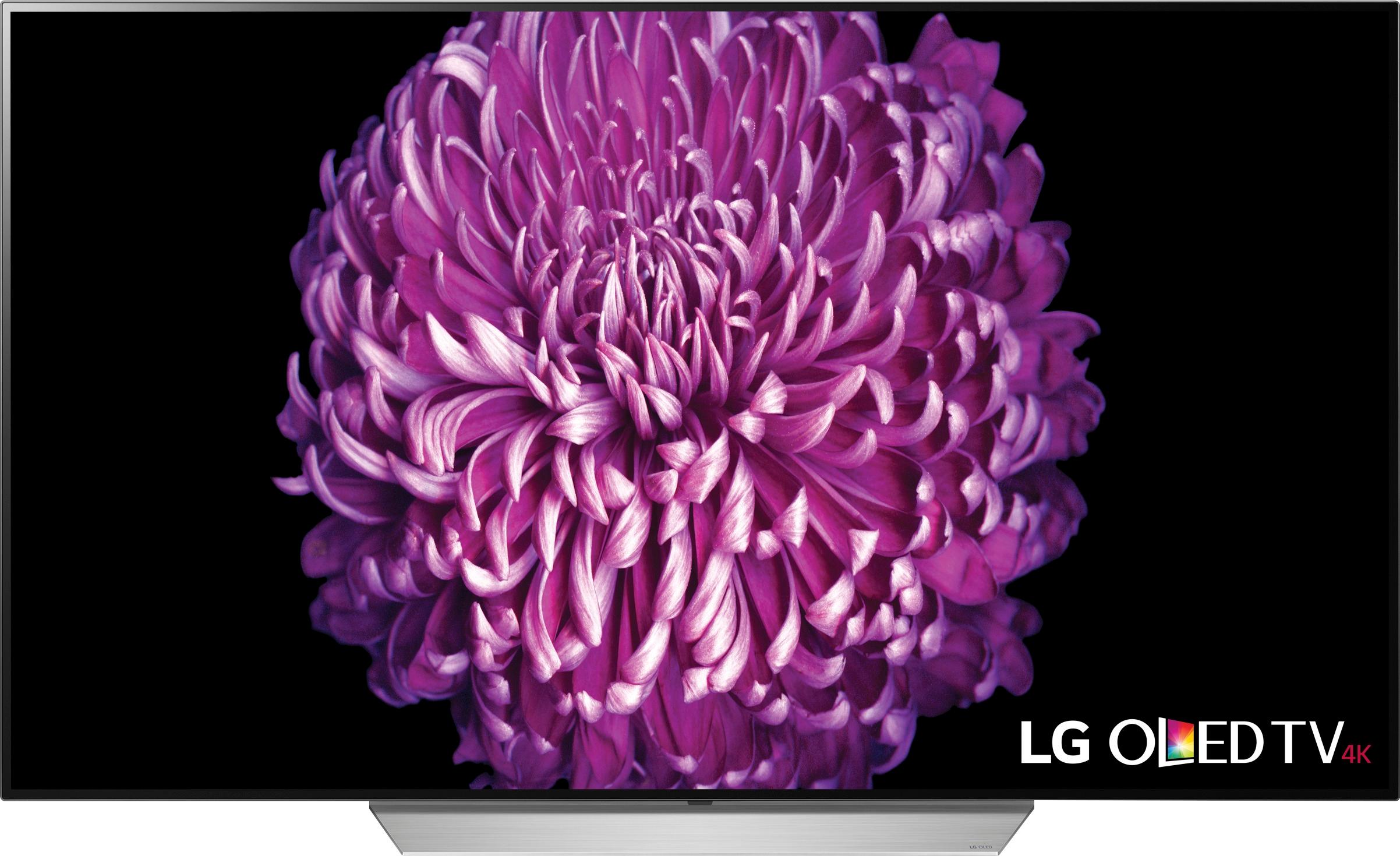
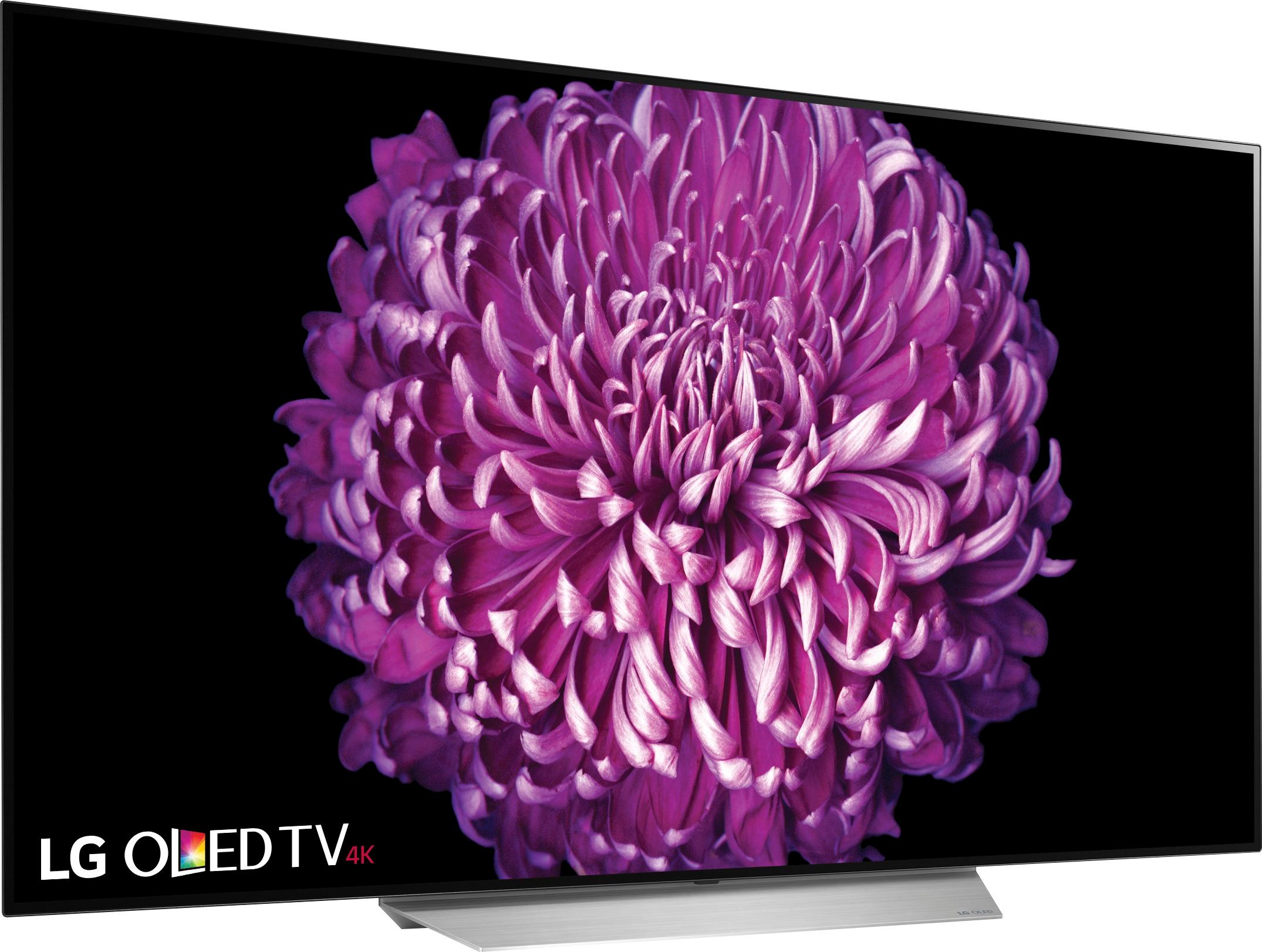
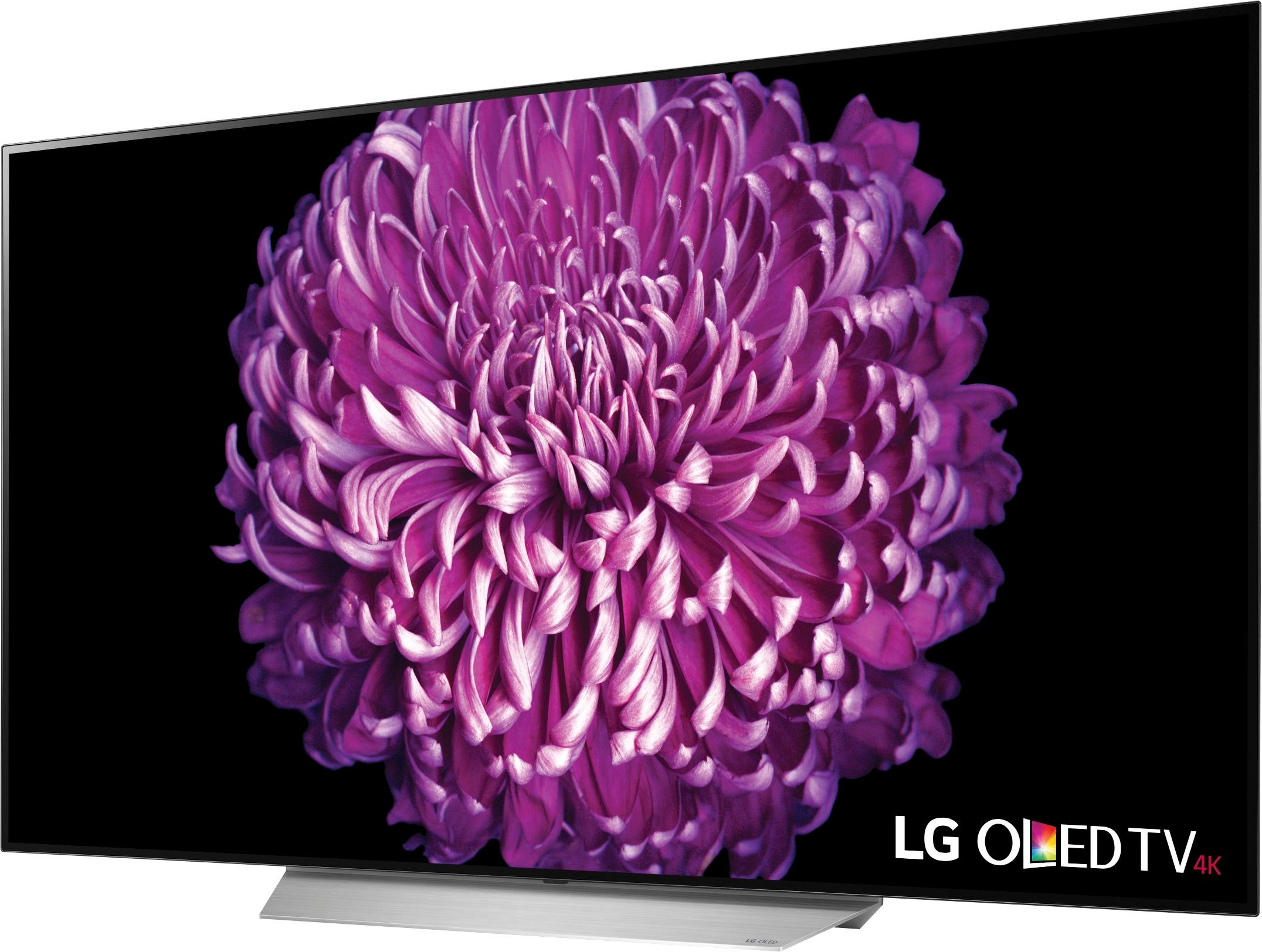
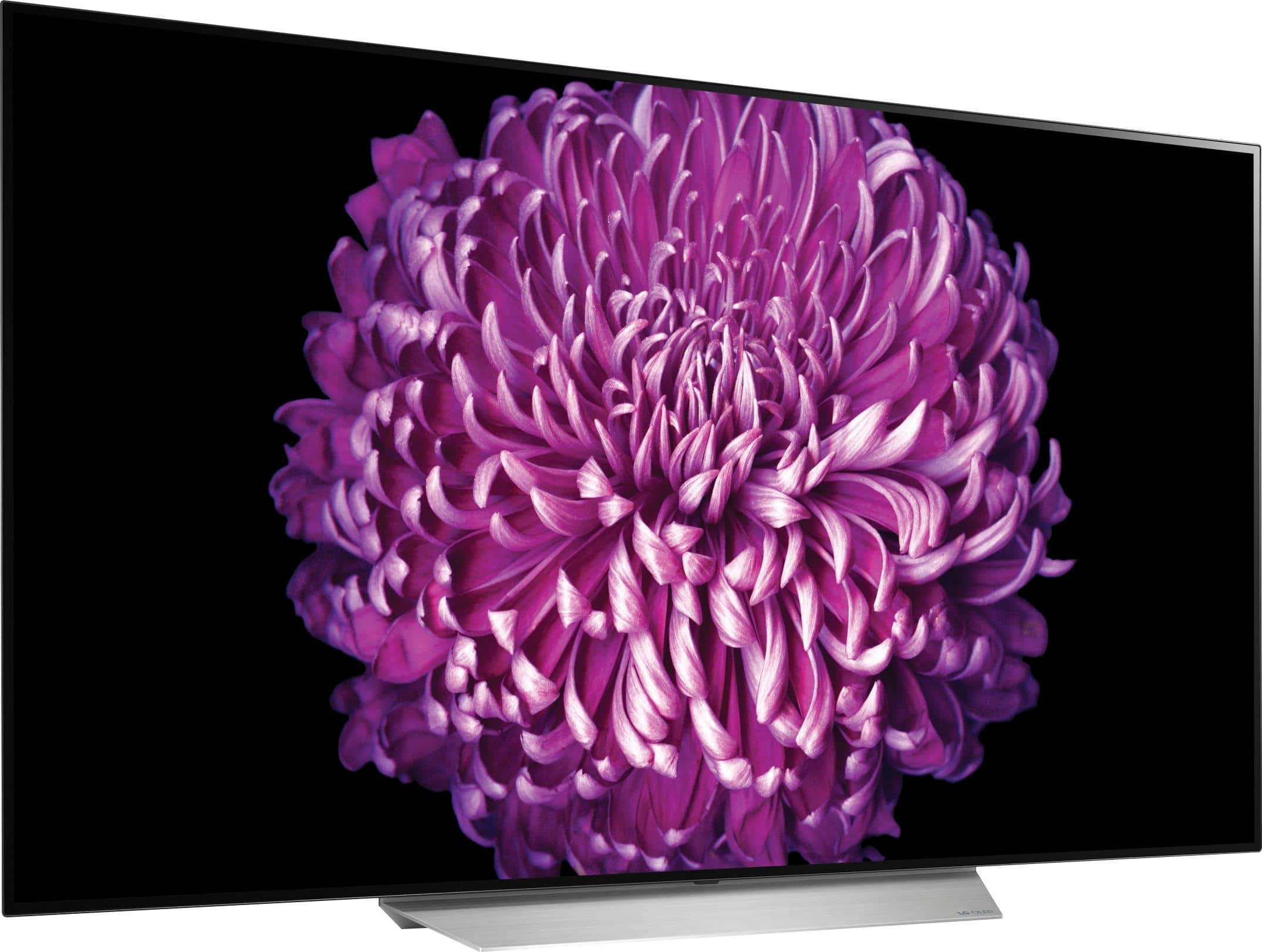
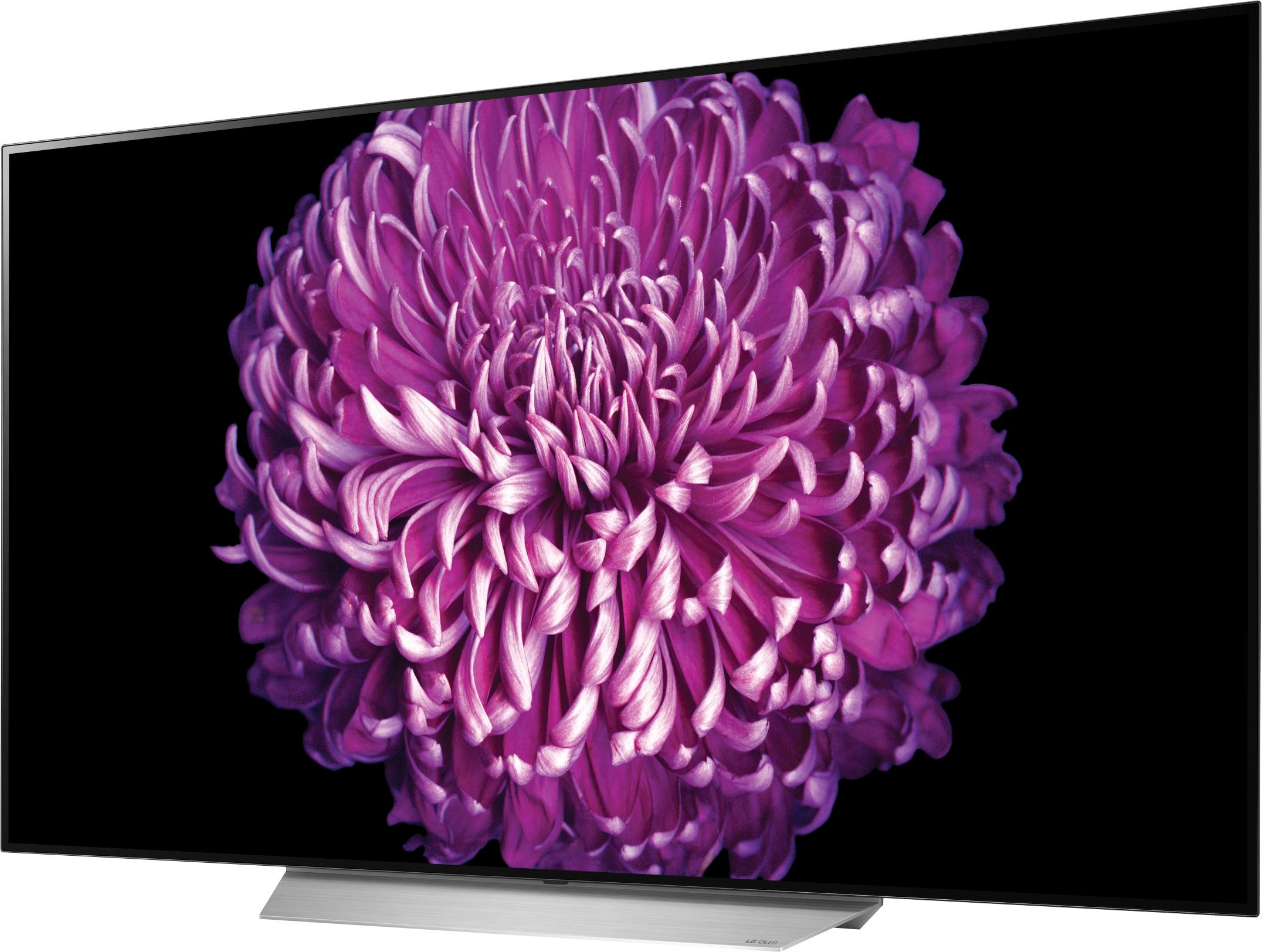
A:AnswerThe W x H x D dimensions for the shipping carton that the LG C7 OLED 4K HDR Smart TV - 55" Class (54.6" Diag), Model # OLED55C7P comes in are: 56.9" x 31.9" x 8.1"...^IFV
A:AnswerFrom what I understand, cosmetics and the e7 has a built in soundbar. The e7 also has the oled panel closer to the glass. All 2017 lg oleds use the same panels and processors, whether you get a b7 or w7, you will get the same picture quality.
A:AnswerThe picture is slightly better when watching hd cable due to the ability to make true blacks, it makes a little more detail stand out. Where you see the night and day difference is when watching a true native 4k signal I.e. 4k blu ray, then to take it to the next level watching it in dolby vision. The picture will move you emotionally. Most people I've showed it to become speechless.
A:AnswerI just bought this TV for my Xbox one S. It’s an amazing tv with sick picture quality. The tv has features to prevent burn in such as slightly moving the image to prevent burn in. I left this feature on and couldn’t see any visual difference. This was a huge plus for me because it helps protect from image burn in and it’s unnoticed. There is also a pixel refresher that runs for 1 hour if burn in does occur. This will eliminate the burned in image. Also, there is a screen saver that triggers if the image is left idle for a few minutes. So I would recommend this tv to you for sure.
A:AnswerI would return it. I purchased the C7 and SJ9 several weeks ago. I've been noticing the same issue at times. Don't know if I can return my equipment though. I"m contacting Best Buy after writing this.
A:AnswerOn your remote for the TV. There is a button that looks like a plug below the scroll wheel push it and it will show you a list of things on the side. HDMI 1 should be selected . If not that is what is happening, Select it and the push return button(Back) Someone could have selected something else buy accident. Before you try this make sure the TV is on and also if you are hooked up to a cable box. Make sure it is on as well.
A:AnswerI purchased my OLED a week ago and have gamed on it extensively with the Xbox one running COD WWII and I have not had any issues with input lag. The TV keeps up with the system, and has not given me any issues at this point. I would highly recommend it.
A:AnswerThis TV does have thew channels built in
It can also view the 4k material that is provided/streamed by Netflix and Amazon, others thru the TV
no need to add additional equipment
A:AnswerHonestly, having owned plasma, lcd, and led tvs over the past I always worried about burn in. This particular tv has safeguards to help reduce the chance of burn-in. As long as you use common sense when the set has a static image or sits idle too long you won’t have anything to worry about.
A:AnswerThe staff at magnolia is poorly trained on this subject. The answer is that to connect headphones to this TV with no headphones jack you must get Sony XB650BT headphones or the like. Go to the drop down settings red wheel button on the Home site and scroll down to sound and manually select the spot to wirelessly link the two. The kind they suggested to me connect to a headphone port that LG dropped in this 2017 model and won't work. Yesterday's technology used to answer a today's problem seldom works.
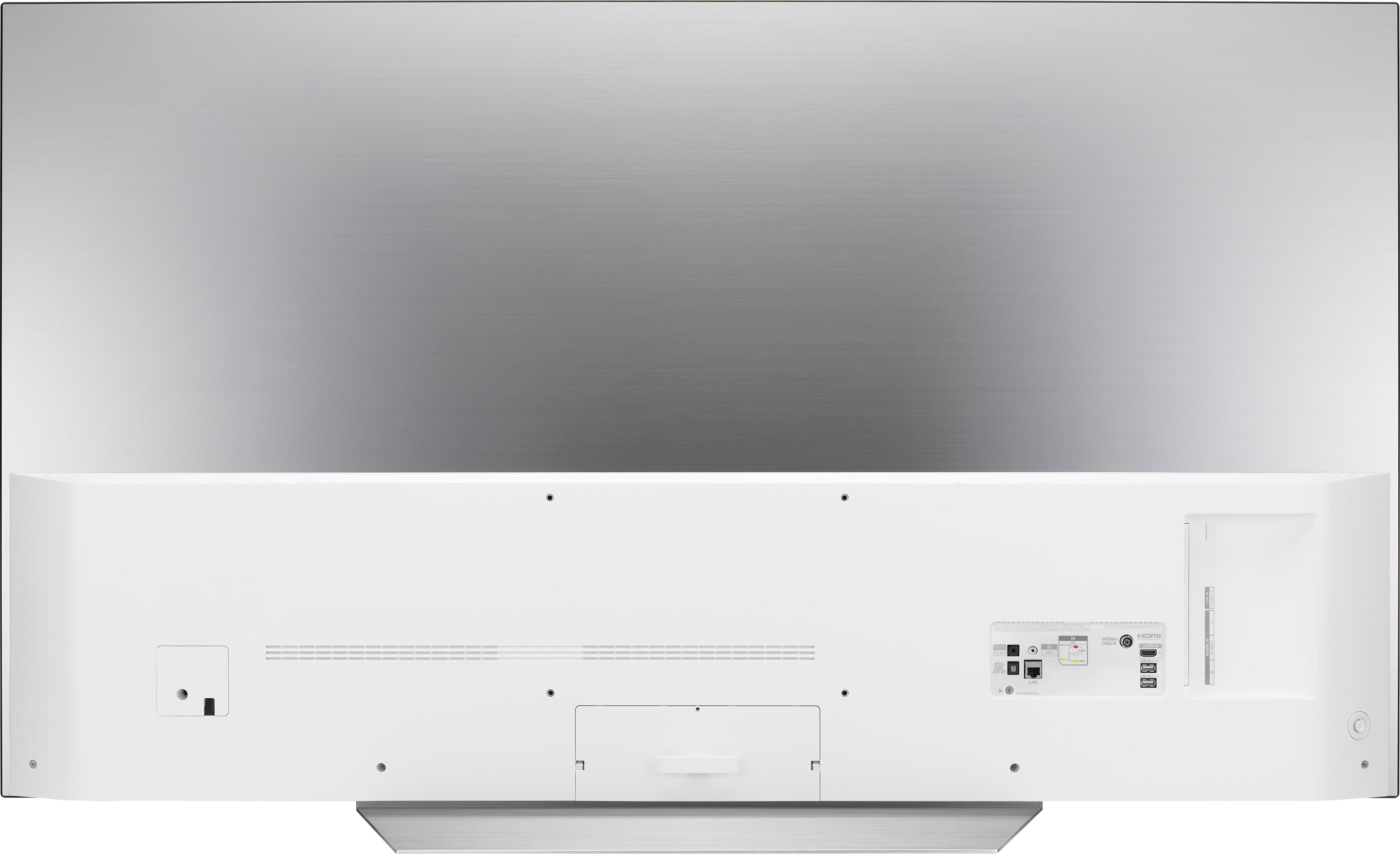
A:AnswerYour owner's manual for the LG C7 OLED 4K HDR Smart TV - 55" Class (54.6" Diag), Model # OLED55C7P recommends HDMI cables of 3 m or less and the recommended HDMI cable types are High-Speed HDMI®/™ cable and High-Speed HDMI®/™ cable with Ethernet. Use certified cables with the HDMI logo
attached...^IFV
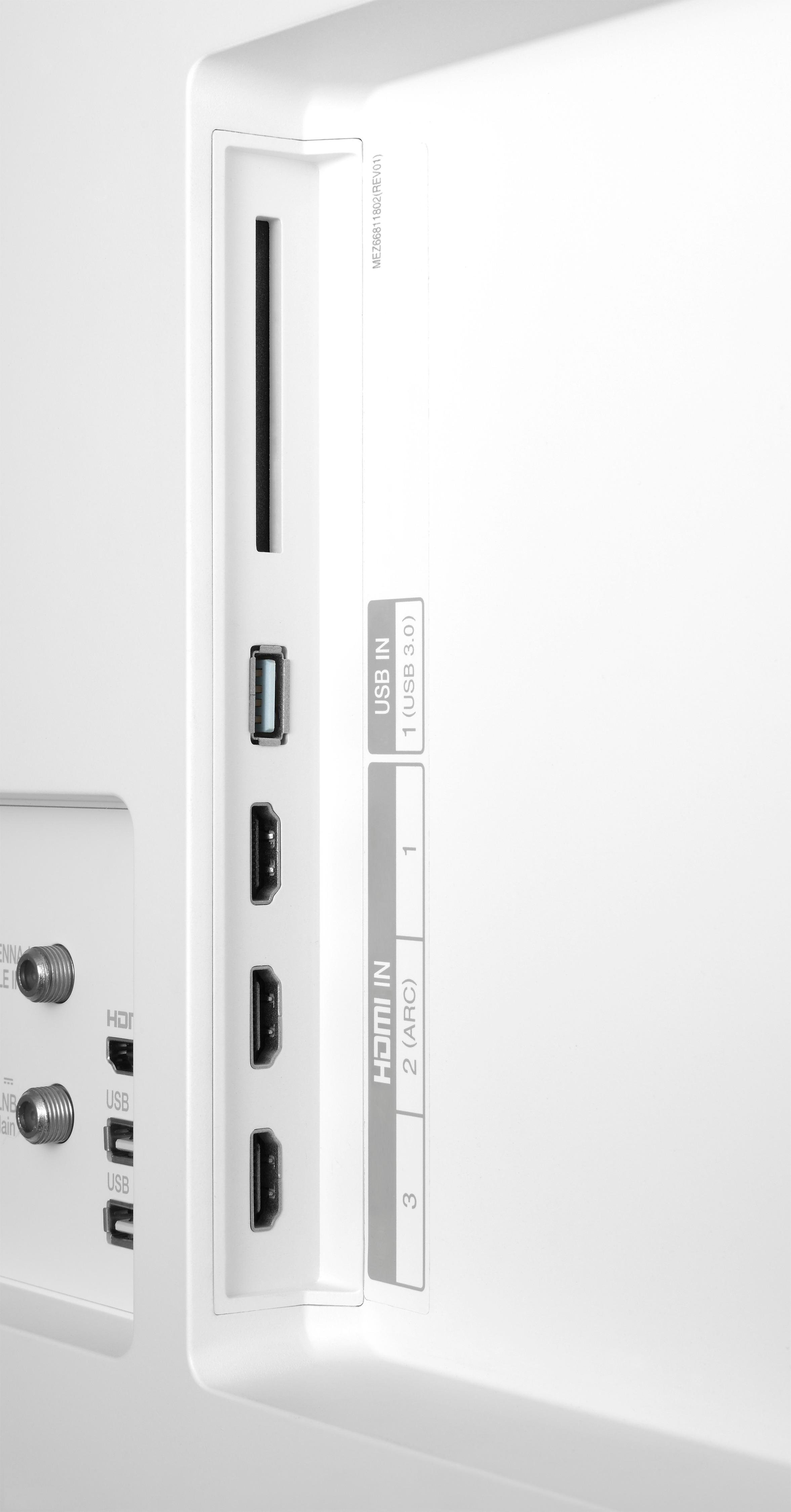
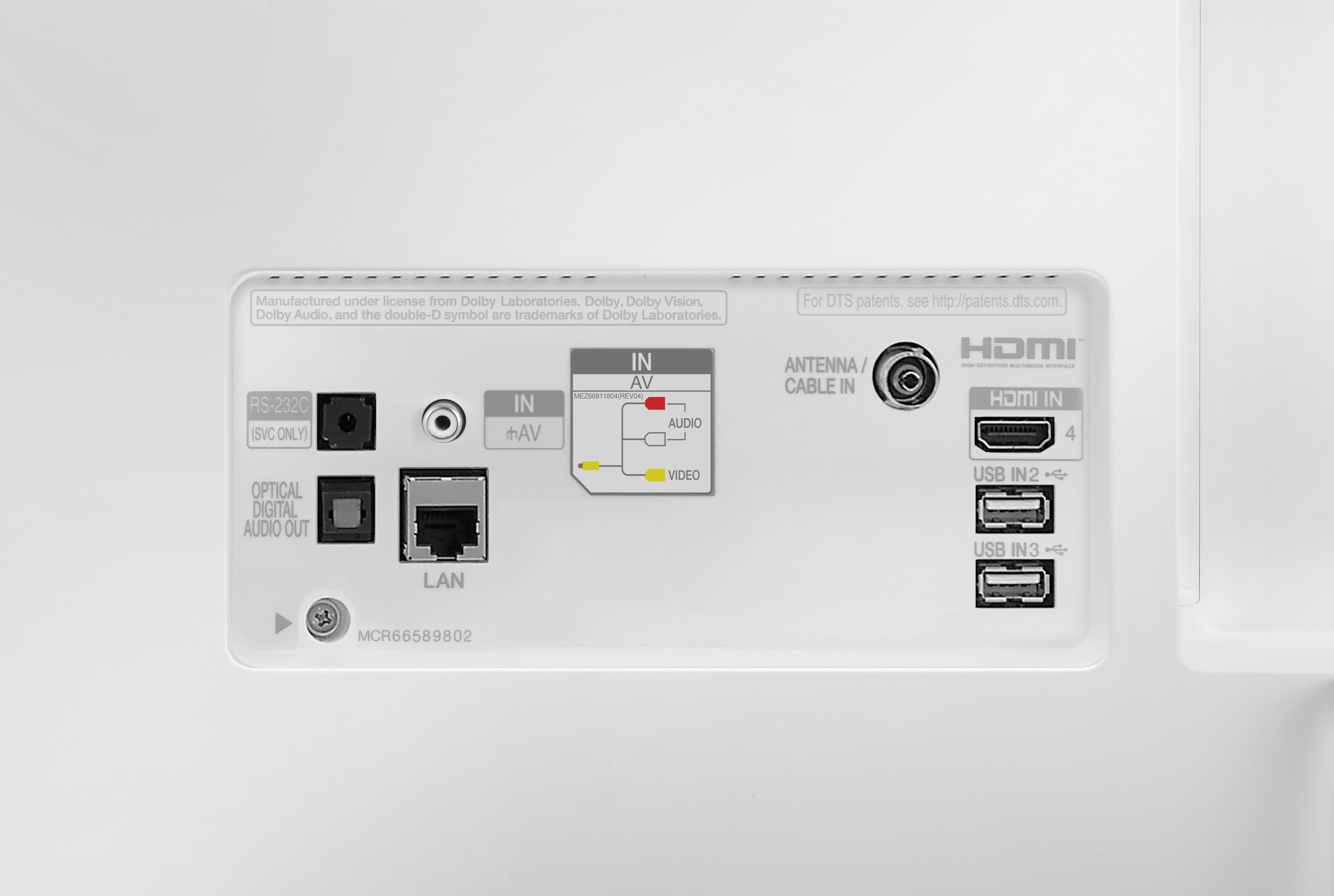
A:AnswerAll 4 inputs are HDCP2.2 and support 4K HDR content. As long as all of the HDMI components being used support this technology you will have the ability to view 4K HDR on all 4 HDMI ports.
A:AnswerHello Donna,
What I appreciated about this TV is the guided tutorials upon the initial set up. If you plan on having internet installed at your residence, I would recommend that your internet provider stage your modem and router close to your TV - in order to have a direct line from the router to your TV (not wi-fi). By wiring your TV directly, streaming apps and web functionality will work better. I use the wifi for my TV at home only because of its location in the house. One thing you may not be used to would be the magic remote. Although you can use the TV remote traditionally, the magic remote has a pointer function similar to a mouse cursor on a computer. It gets easier to use over time. I hope this advice helps.
Best