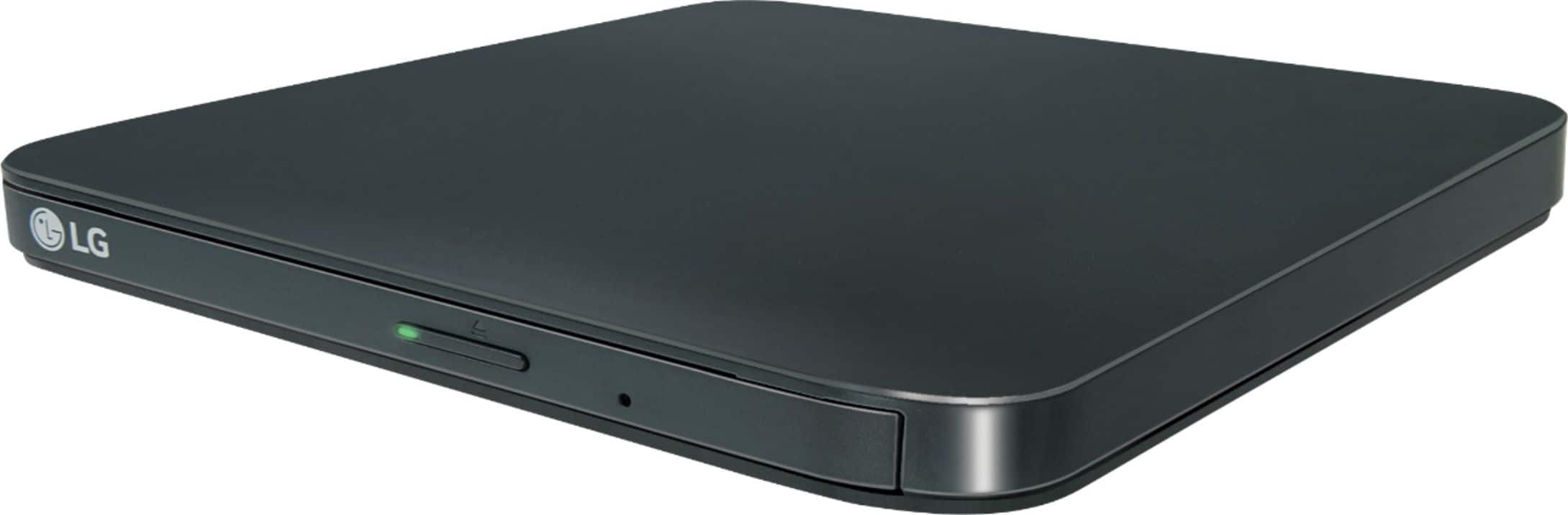
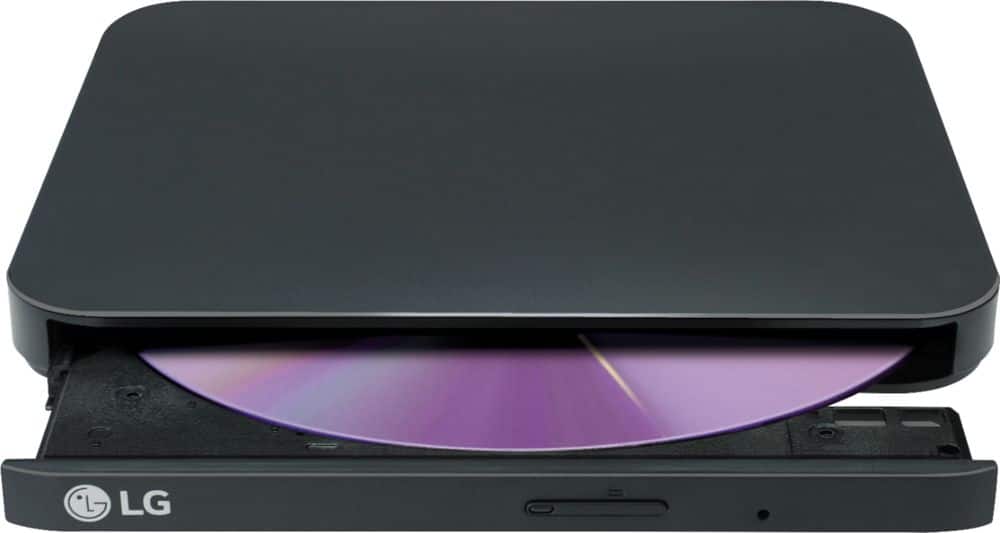
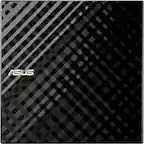
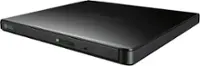
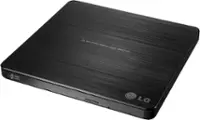
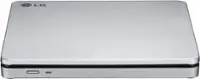
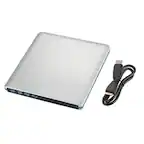
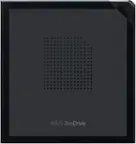
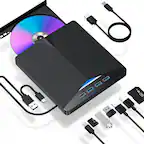
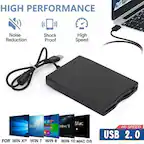
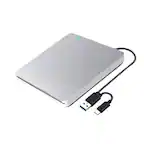
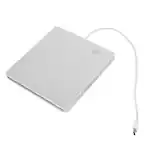
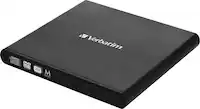
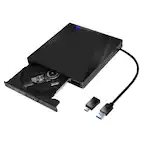
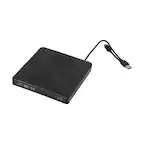
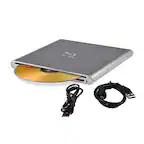
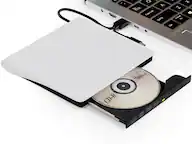
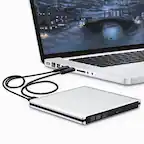
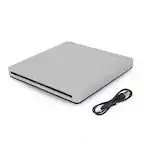
A:Answer The LG Slim Portable DVD Writer DVD Disc Playback & DVD M-DISC™ Support, Model # SP80NB80 connects to laptops via USB and it supports the Windows 10, Windows 8.1, Windows 8, Windows 7, Windows Vista, and Windows XP operating systems. You can connect it to your Lenovo IdeaPad 330s which should support one f the Windows Operating Systems listed above. The CPU requirements for the drive are Pentium IV 2.4 GHz or Higher(with USB 2.0) for basic performance (Recommended for optimal performance: Pentium IV 3.2 GHz or Higher), and you need 256 MB or larger for the memory (recommended 512 MB). YOur hard drive must have 20 GB or more free space and you should have 64 MB (Recommended: 128 MB) of video memory. If your laptop already has an optical drive in it, you will need to uninstall any previous CD burning software you may have loaded on your laptop to prevent any possible compatibility issues before installing the CD Authoring Software that comes with the drive...^IFV