Questions & Answers
- Model:
- 27GR83Q-B
- |
- SKU:
- 12141600
$373.99
Save $126
Comp. Value: $499.99
Page Showing 1-20 of 34 questions
Q: QuestionDoes this monitor have built-in speakers?
- A:Answer No, this monitor does not have built-in speakers.
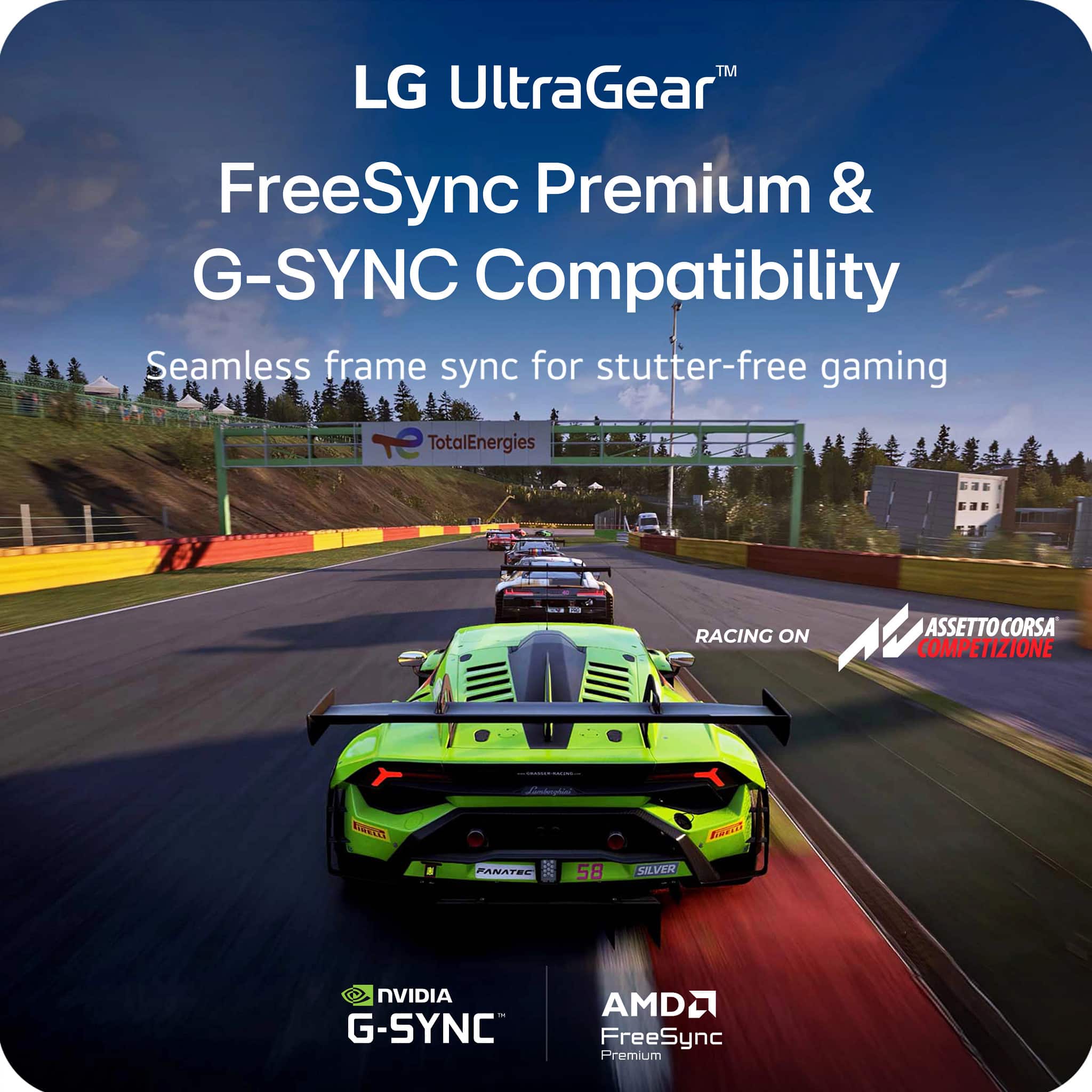
This question and answer was generated by AI based on customer and product data.Q: QuestionIs this monitor compatible with NVIDIA G-SYNC?
- A:Answer Yes, this monitor is officially validated by NVIDIA as G-SYNC Compatible.
This question and answer was generated by AI based on customer and product data.Q: QuestionWhat type of panel does the LG monitor use?
- A:Answer This monitor uses an IPS panel.
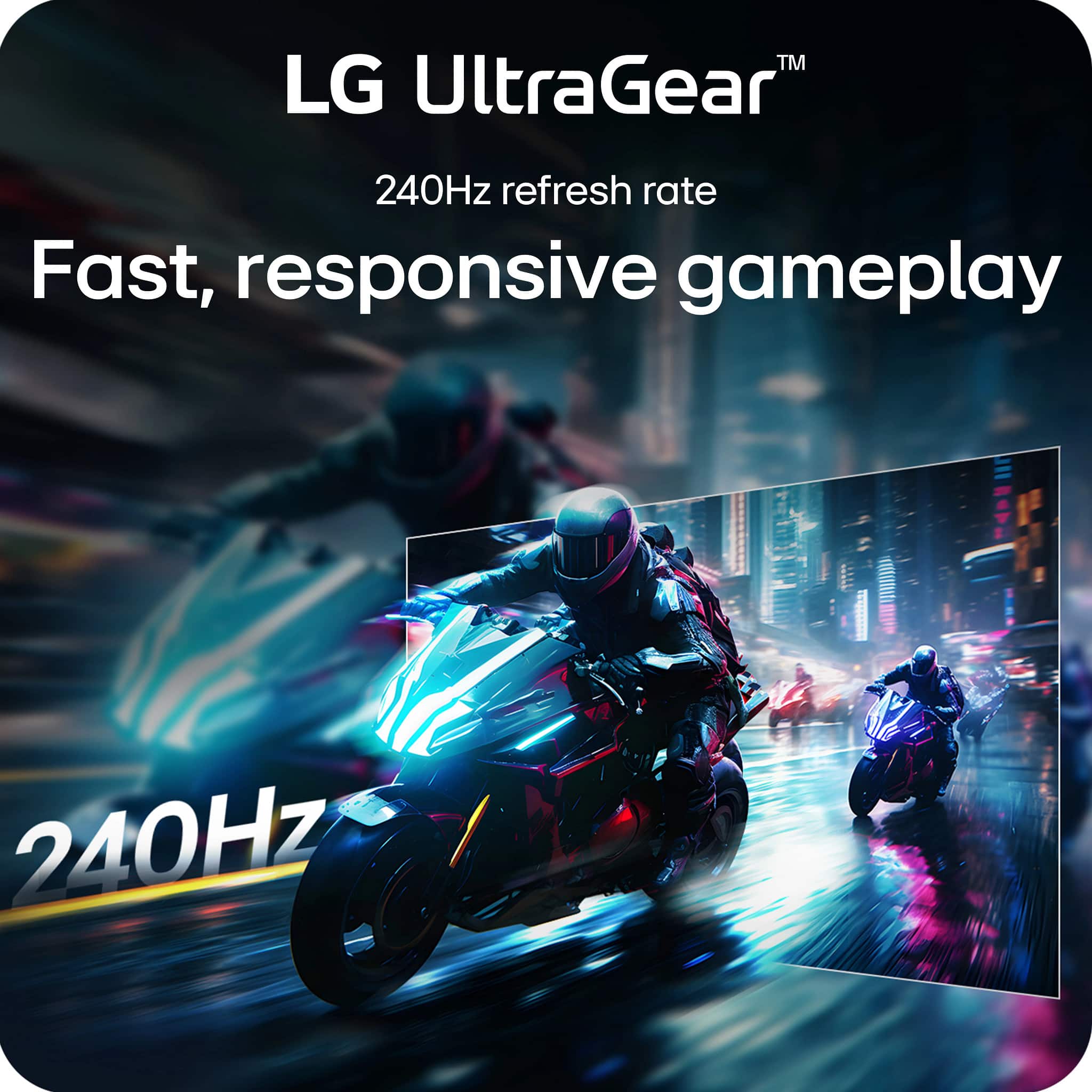
This question and answer was generated by AI based on customer and product data.Q: QuestionWhat is the maximum refresh rate supported by this monitor?
- A:Answer The maximum refresh rate supported is 240Hz.
This question and answer was generated by AI based on customer and product data.Q: QuestionWhat is the response time of this LG monitor?
- A:Answer This monitor has a 1ms (GtG) response time.
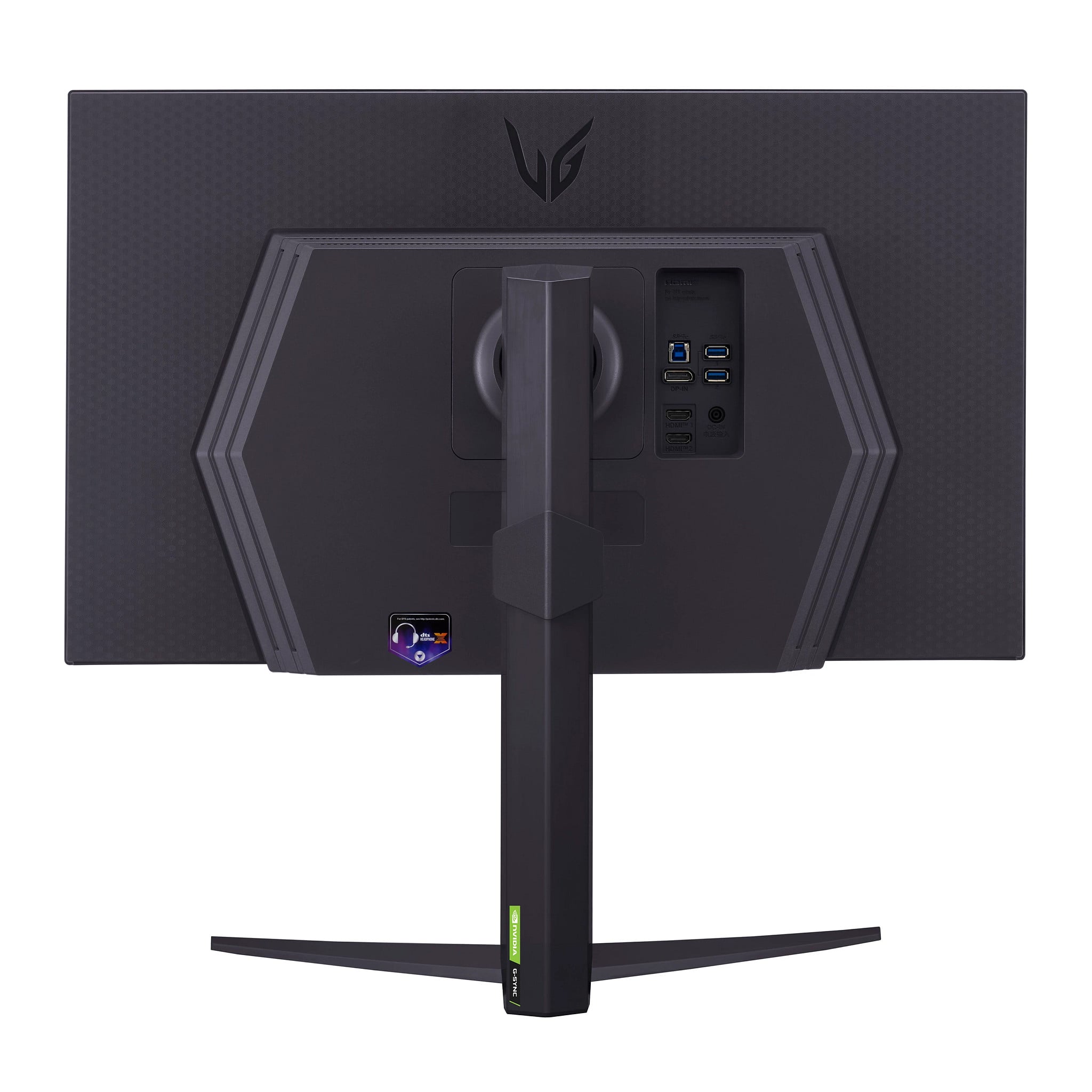
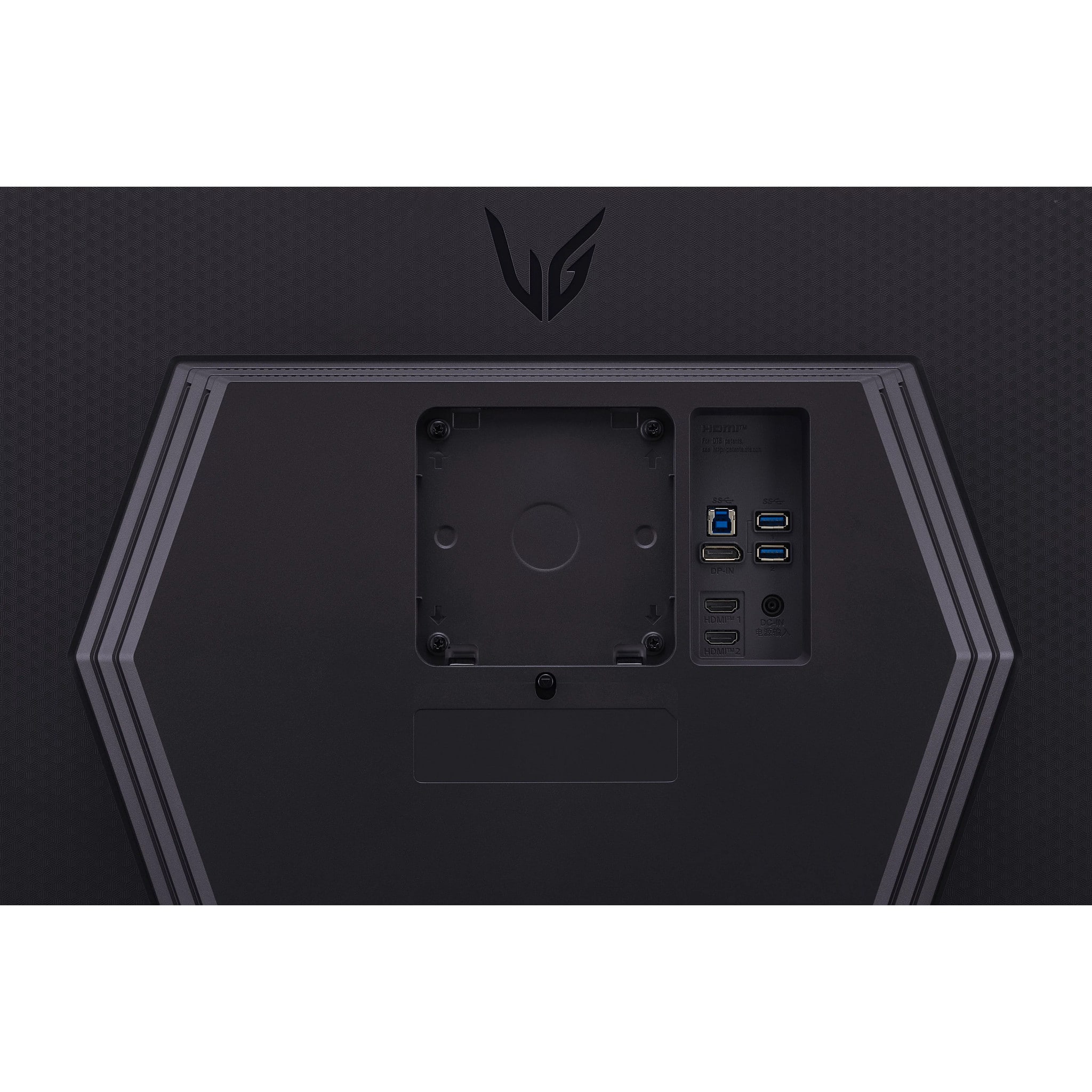
This question and answer was generated by AI based on customer and product data.Q: QuestionHow many HDMI ports does this monitor have?
- A:Answer This monitor has 2 HDMI ports.
This question and answer was generated by AI based on customer and product data.Q: Questionis this compatible with a ps5? is the hdmi 2.1?
Asked by monitor.
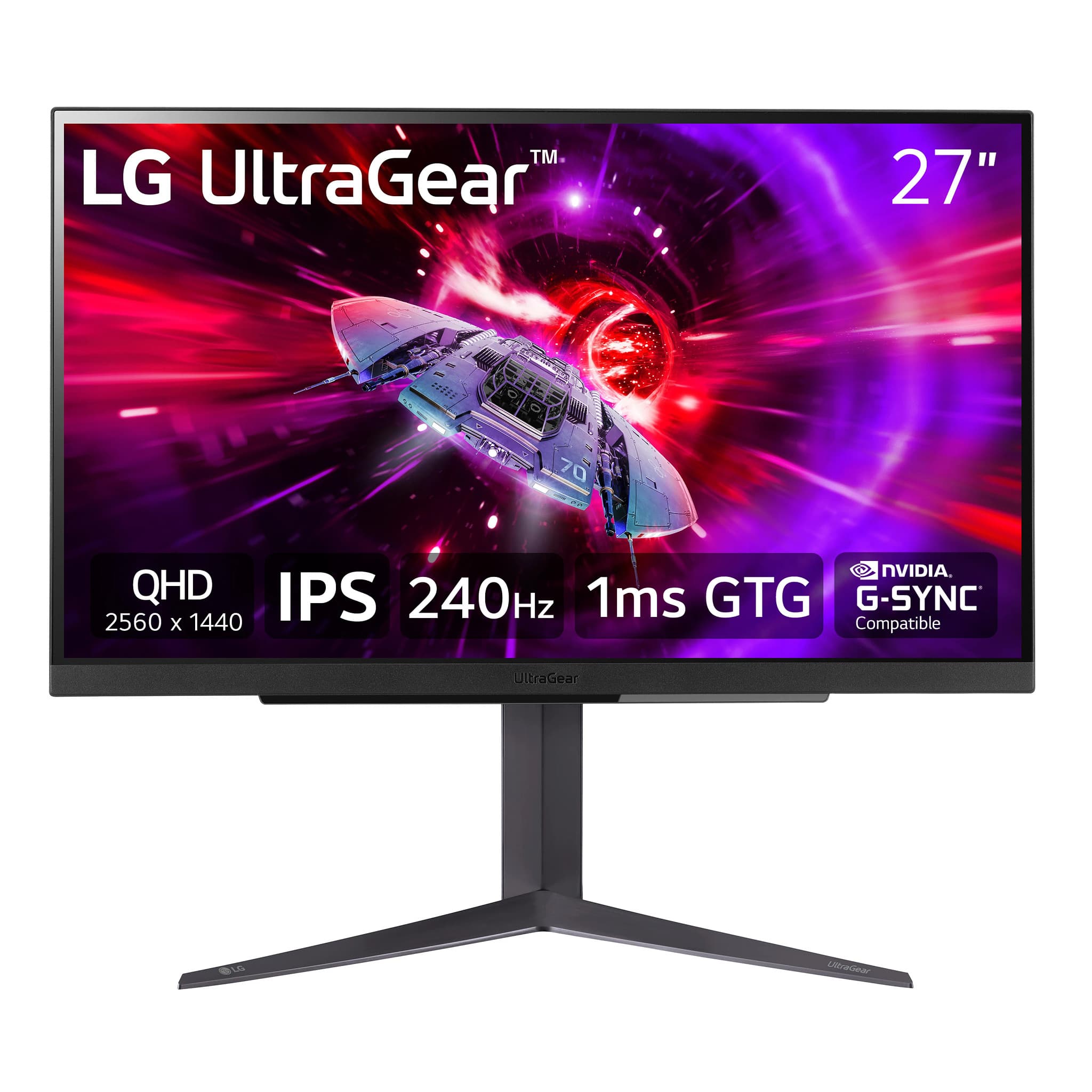
- A:Answer Thank you for your interest in the LG 27" UltraGear™ QHD 1ms 240Hz Gaming Monitor with NVIDIA® G-SYNC® Compatible (27GR83Q-B) model. Yes, the LG 27GR83Q-B monitor is perfect for PS5 gamers because it is compatible and has HDMI 2.1 port. With the HDMI 2.1 port, it allows for a 120Hz 4K UHD downsampling mode, making it flexible for games consoles like the PS5. It also supports Adaptive-Sync, enabling Nvidia G-SYNC Compatible and AMD FreeSync Premium technologies to be used with a 48-240Hz variable refresh rate range plus LFC.You can download its owner's manual through this link for more information: https://www.lg.com/us/support/product/lg-27GR83Q-B.AUS. ^Cris
Answered by LG Digital Customer Care

Q: QuestionDoes this monitor have vrr?
Asked by Erickp.
- A:Answer In the monitors settings you can enable extended bet.
Answered by Review
Q: Questionis this monitor compatible with a Apple MacBook Pro?
Asked by BC.
- A:Answer So long as you have the necessary adapter for your laptop to display a DisplayPort or HDMI output, yes, this monitor is compatible with a Apple MacBook Pro.
Answered by Harold
Q: QuestionWhat generation of DP does this support? HDMI gen is listed but DP gen isn’t?
Asked by Gerald.
- A:Answer Hello there, Gerald. We understand your inquiry about the DisplayPort version on the LG 27GR83Q-B monitor. This unit supports DisplayPort 1.4 with DSC (Display Stream Compression), allowing it to handle the monitor's resolution and refresh rate. https://www.bestbuy.com/product/lg-ultragear-27-qhd-240hz-1ms-nvidia-g-sync-compatible-and-amd-freesync-premium-with-displayhdr-400-black/JJ8VPZRS8X If you have any further questions or require assistance with your monitor, please send us a private message on Social Media @LGUSSupport and our team will be more than happy to explore possible solutions. We appreciate your patience. —Renzo
Answered by LG Digital Customer Care
Q: QuestionWhat power adapter does the monitor come with?
Asked by Chris.
- A:Answer Hi there, Chris. Thank you for sharing your inquiry with us. We understand that you're asking about the power adapter that comes with your 27GR83Q-B monitor. Your LG 27GR83Q-B monitor comes with an external power adapter. It accepts an input voltage of 100-240V at 50/60Hz, which makes it suitable for worldwide use. The monitor itself has a typical power consumption of 50W and a maximum of 55W. https://www.bestbuy.com/site/lg-ultragear-27-qhd-240hz-1ms-nvidia-g-sync-compatible-and-amd-freesync-premium-with-displayhdr-400-black/6555703.p?skuId=6555703 Please send us a private message on Social Media @LGUSSupport and our team will be more than happy to explore possible solutions. We appreciate your patience. —Renzo
Answered by LG Digital Customer Care

Q: QuestionWhats the length and height of the monitor?
Asked by AAAA.
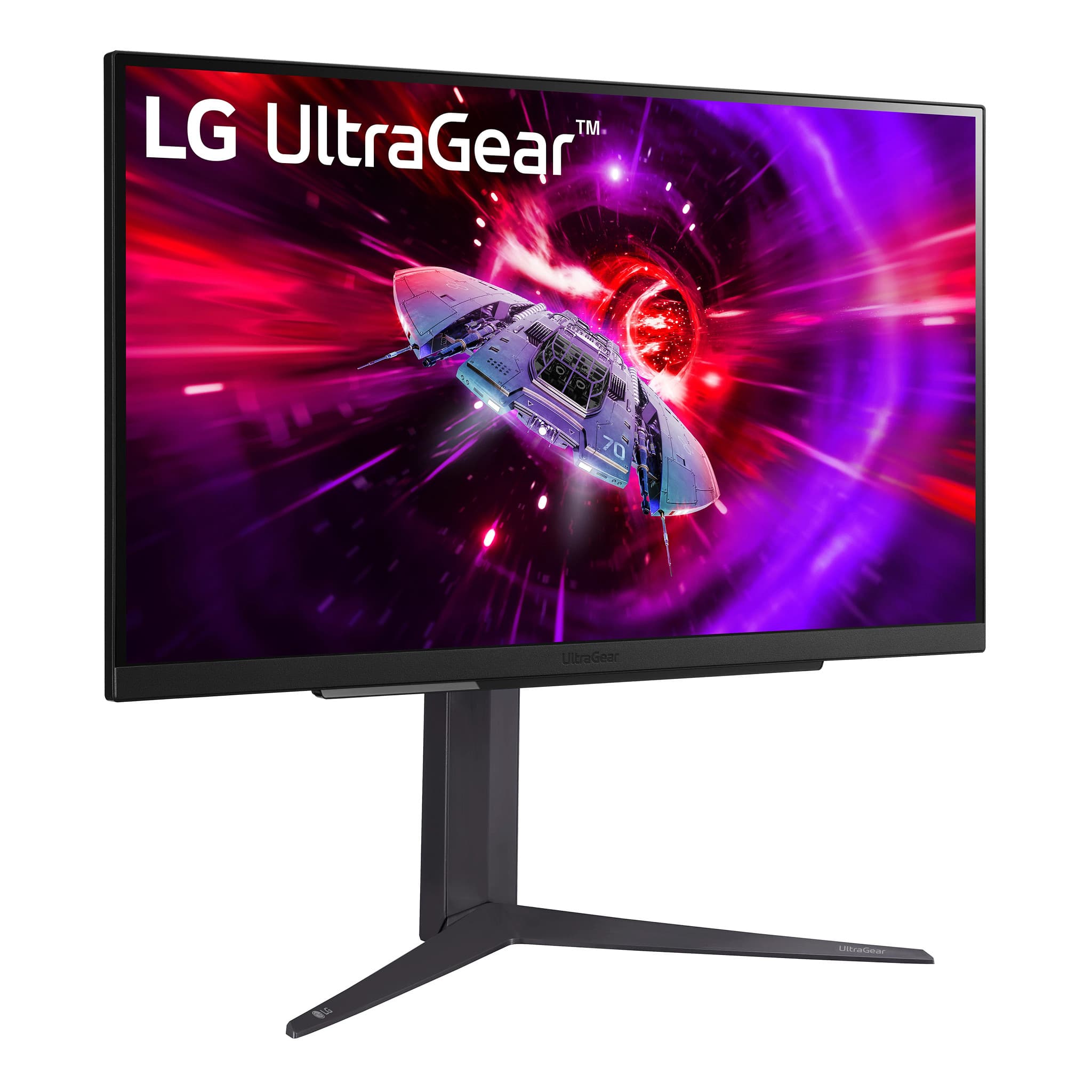
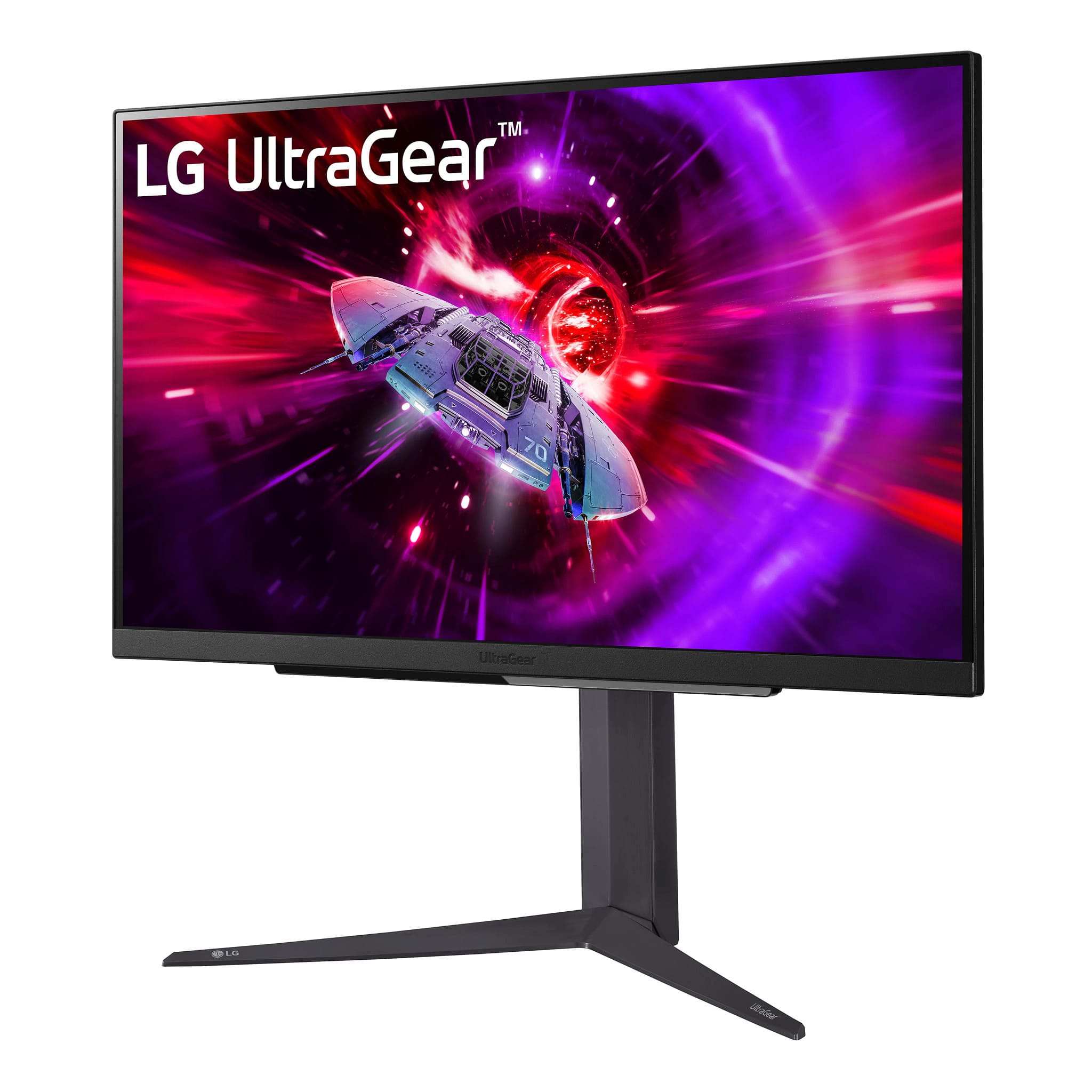
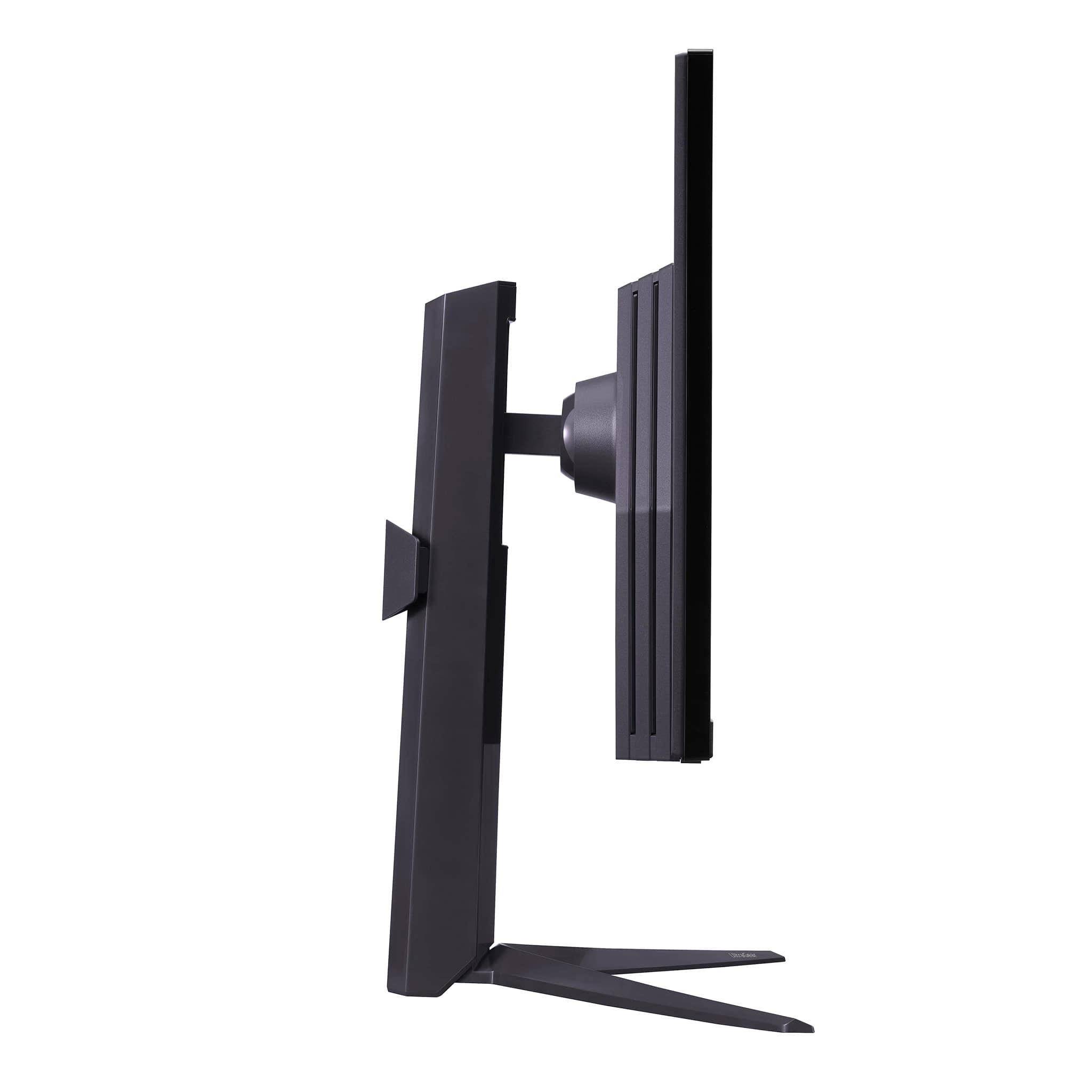
- A:Answer The screen size of this monitor is 27 inches (measured diagonally), and the complete height of this monitor (including the stand) is 22.7 inches, 14.6 inches without the stand. It's width is 24.2 inches, and it's depth is 10 inches. The monitor's depth without the stand is 2 inches.
Answered by Harold
Q: QuestionWith what cables come with ?
Asked by Anonymous.
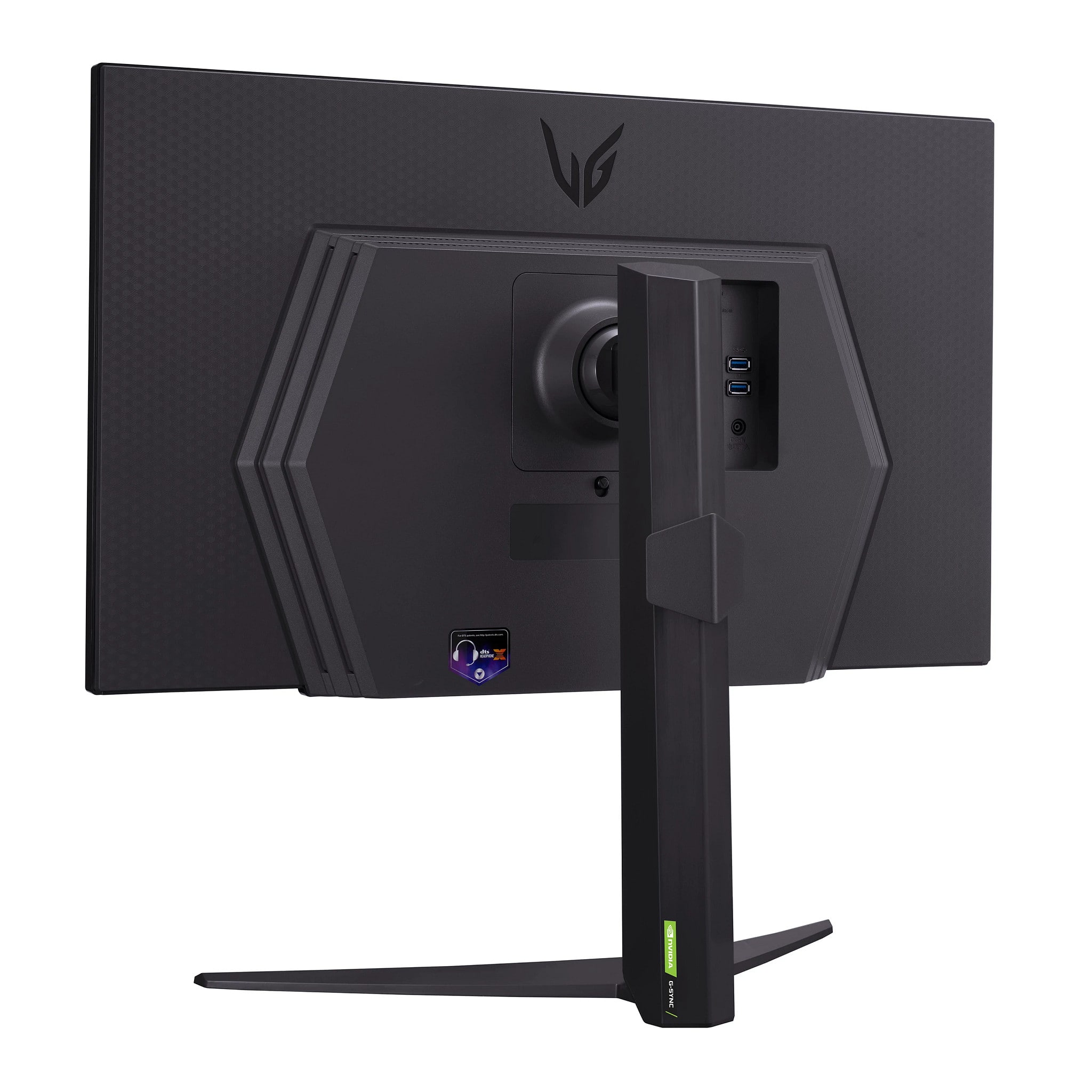
- A:Answer A Display Port Cable, HDMI Cable and a USB A to B cable are included with the 27" UltraGear™ QHD 1440P 1ms 240Hz Gaming Monitor with NVIDIA® G-SYNC® Compatible, Model # 27GR83Q-B...^Ivan.
Answered by LG Digital Customer Care

Q: QuestionHow do I turn on HDR? The setting is ON within my xbox series X but on the monitor display under FPS settings it shows HDR is OFF.
Asked by Dano.
- A:Answer That's the problem no instructions ...
Answered by ChristopherA
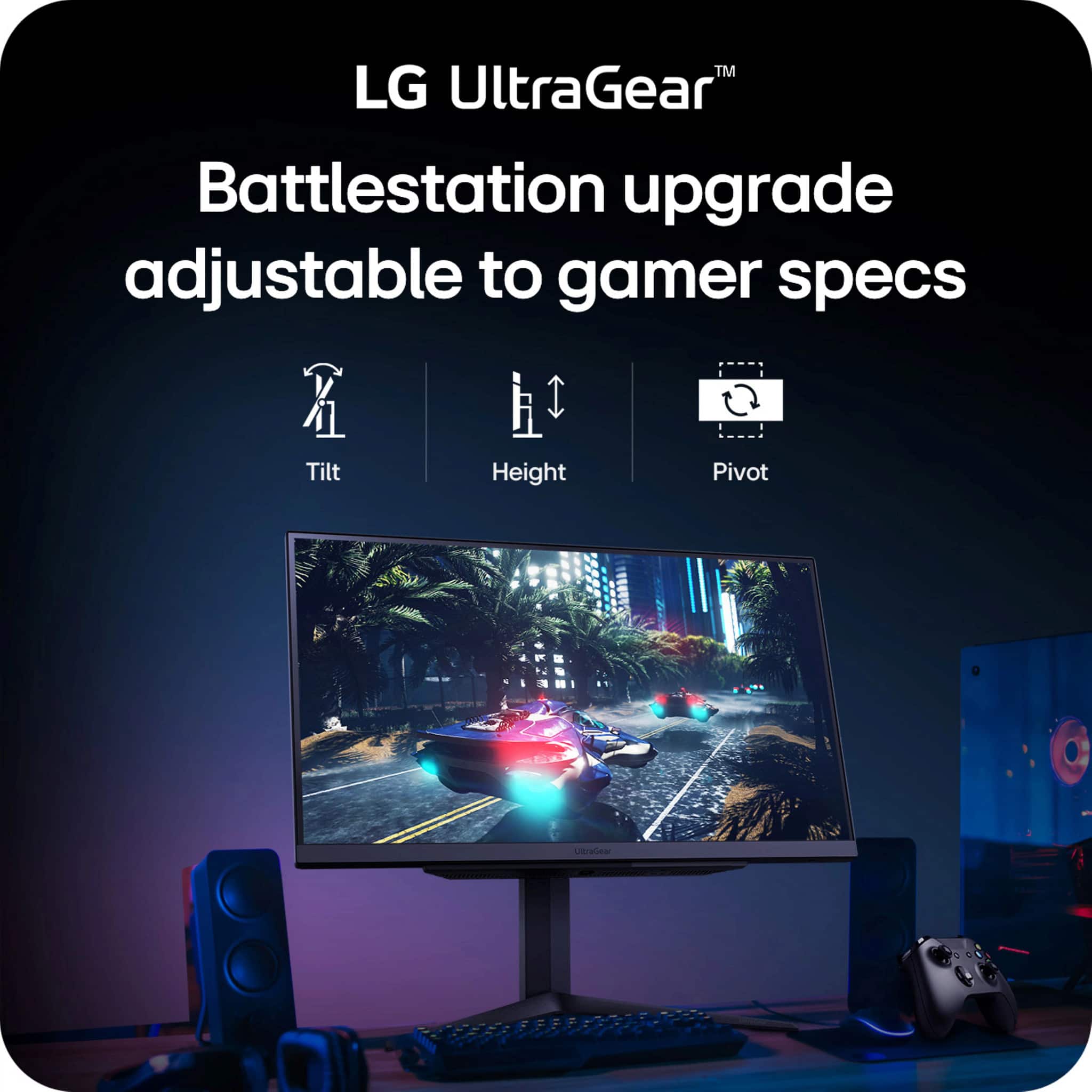
Q: QuestionAm I able to move the monitor up and down while it is on its stand?
Asked by Shane.
- A:Answer Yes
Answered by Marcelo
Q: QuestionSince ps5 is Nvidia based will video quality and enhancements be super compatible?
Asked by Dak.
- A:Answer Hi, Dak. Thank you for reaching out regarding LG Monitor (27GR83Q-B) model. This unit is equipped with an IPS panel, which delivers excellent color accuracy and wide viewing angles, making it a great choice for gaming. However, the PS5 uses a custom AMD RDNA 2 GPU rather than an Nvidia-based one, so the compatibility isn’t based on Nvidia technologies like G-Sync. While Nvidia-specific features like G-Sync won't apply to the PS5, the console does support HDR, 4K output, and 120Hz refresh rates, which the 27GR83Q-B is capable of handling. You'll still get great video quality, with the monitor’s high refresh rate and color accuracy making the most of the PS5's graphical capabilities. For more information, you may visit https://www.lg.com/us/monitors/lg-27gr83q-b-ultragear-monitor. If you're focused on getting the most out of the video quality and enhancements, make sure you're connecting through HDMI 2.1 to fully unlock features like 4K at 120Hz. Let us know if you need any more information or tips. Please send us a private message on social media @LGUSSupport. We're here to help. ^Juvy
Answered by LG Digital Customer Care

Q: Questiondoes this monitor have audio?
Asked by Anonymous.
- A:Answer Hi, there. Thank you for reaching out about the LG Monitor (27GR83Q-B) model. This specific model does not come with built-in speakers, so it does not have audio output directly from the monitor. If you need audio, we recommend using external speakers or a headset connected to your device. For more information about the product, you may visit https://www.lg.com/us/monitors/lg-27gr83q-b-ultragear-monitor. If you need further assistance with setup or connections, feel free to send us a private message on social media @LGUSSupport, and our team will be happy to help you. We appreciate your inquiry and are here to assist. ^Juvy
Answered by LG Digital Customer Care

Q: QuestionCan you you a mount to mount it on a wall?
Asked by Mount.
- A:Answer If you had a wall mount, yes you could mount this to a wall.
Answered by ilovemygirlfriend1562
Q: QuestionWhat is the difference between QHD 400 Black and QHD, compared to the 180 Hz ultra gear monitor? Is there pros and cons to it?
Asked by QHD.
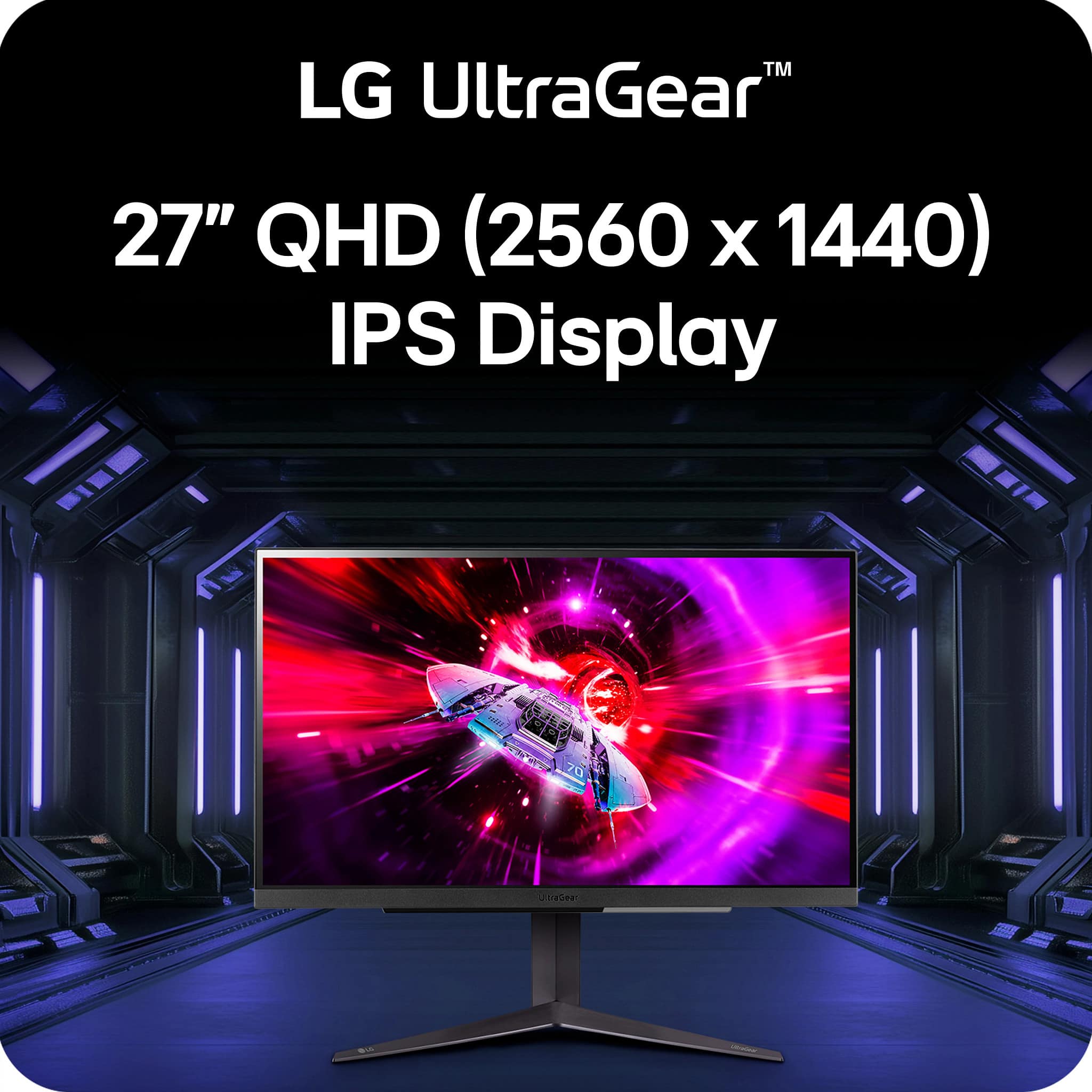
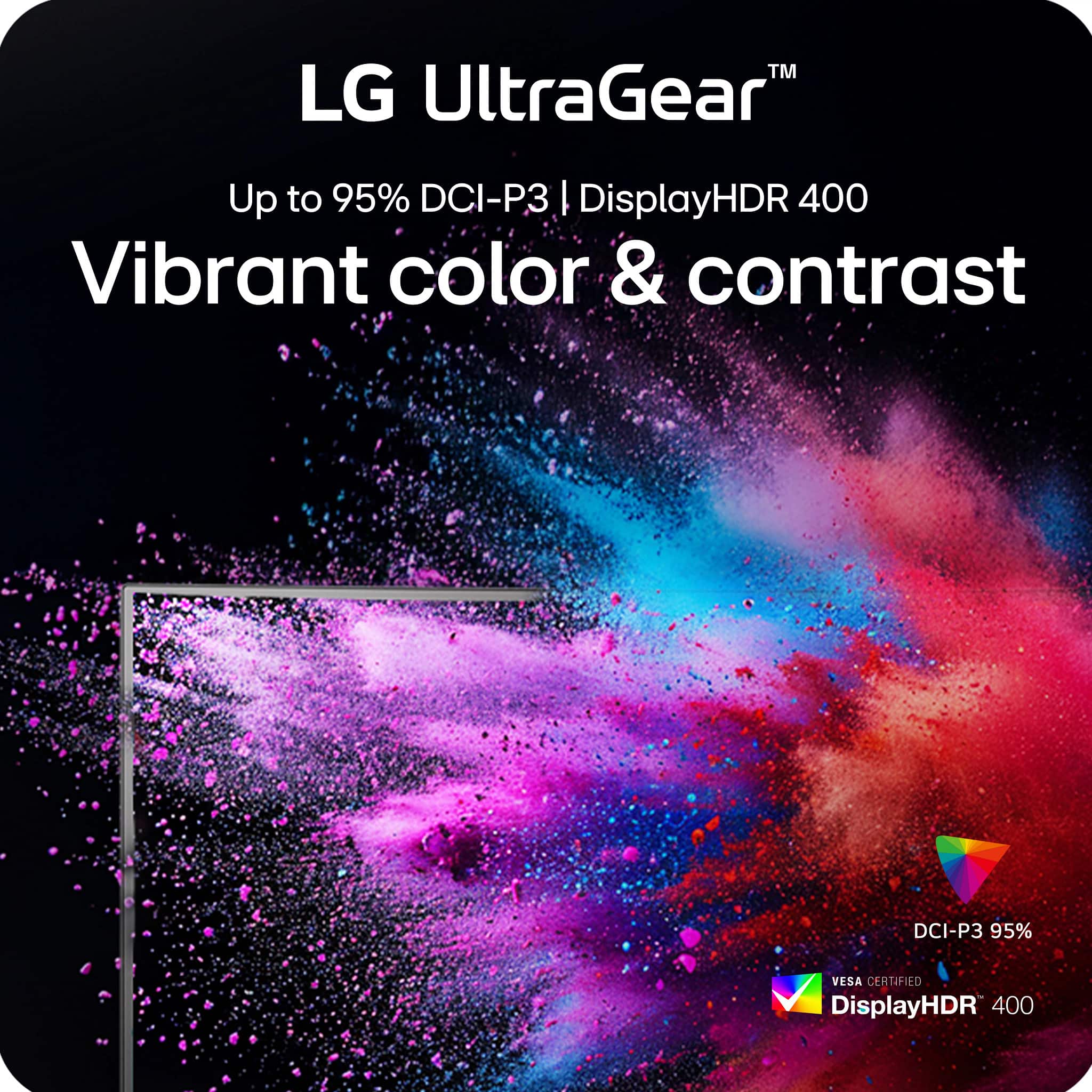
- A:Answer Hi. The 'QHD' in the title for the LG UltraGear™ 27" QHD 240Hz 1ms NVIDIA G-SYNC Compatible and AMD FreeSync Premium with DisplayHDR 400 - Black, Model # 27GR83Q-B, is for the monitor's resolution. QHD is short for Quad HD which is a resolution of 2560 x 1440. The VESA DisplayHDR™ 400 is a minimum rating of the standard for HDR-compatible displays which means the display is HDR-compatible at 400 nits (cd/m²). Video Electronics Standards Association (VESA) is an organization that sets industry standards for computer displays...^Ivan.
Answered by LG Digital Customer Care

Page 1, Showing 1-20 of 34 questions