
Black Friday is hereShop new DoorbustersShop now

Main Content

Questions & Answers

Your price for this item is $293.99
Clearance
The comparable value price is $1,399.99
Page Showing 1-20 of 39 questions
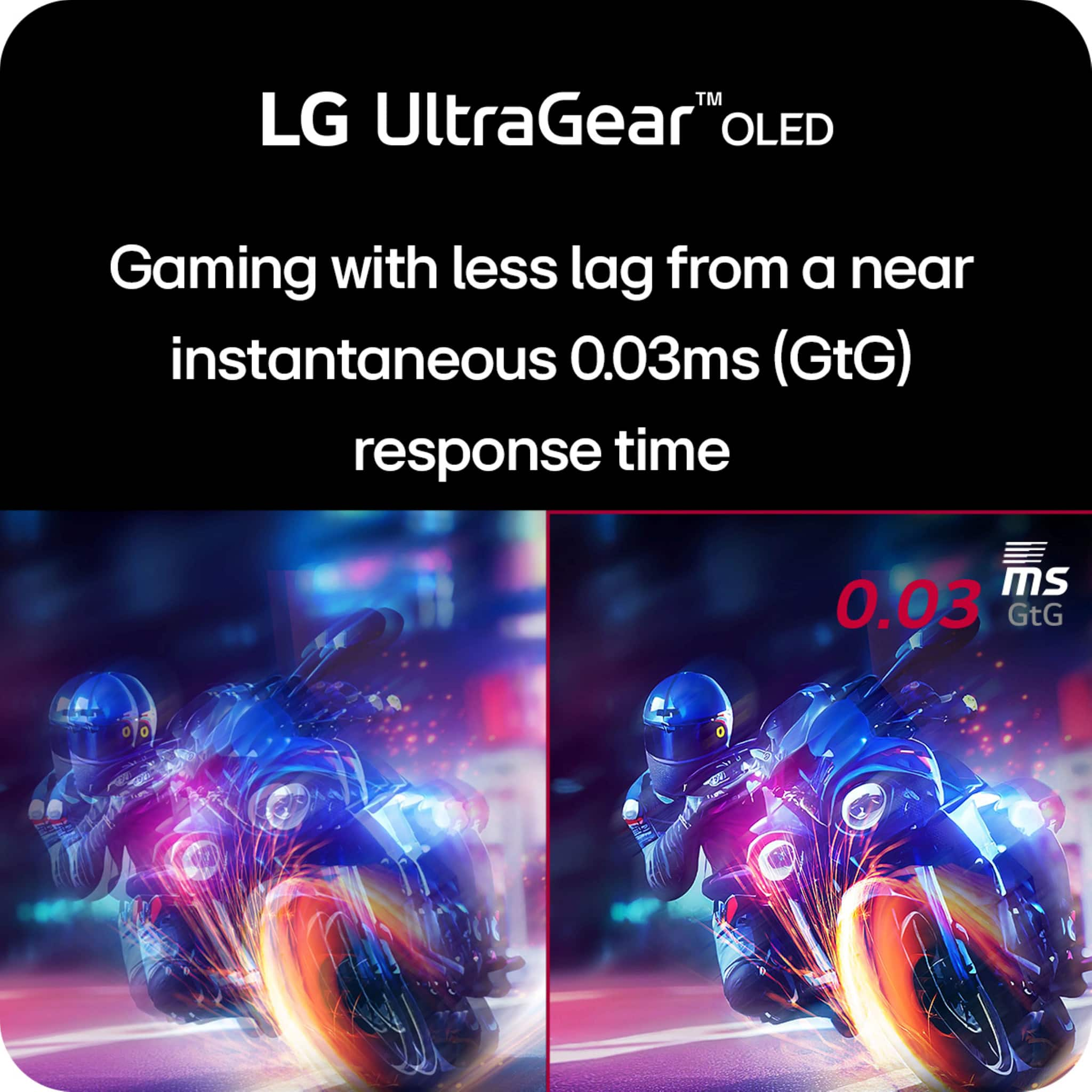
  • QuestionWhat is the response time of the monitor?

    • Answer The response time of the monitor is 0.03 milliseconds.
    This question and answer was generated by AI based on customer and product data.
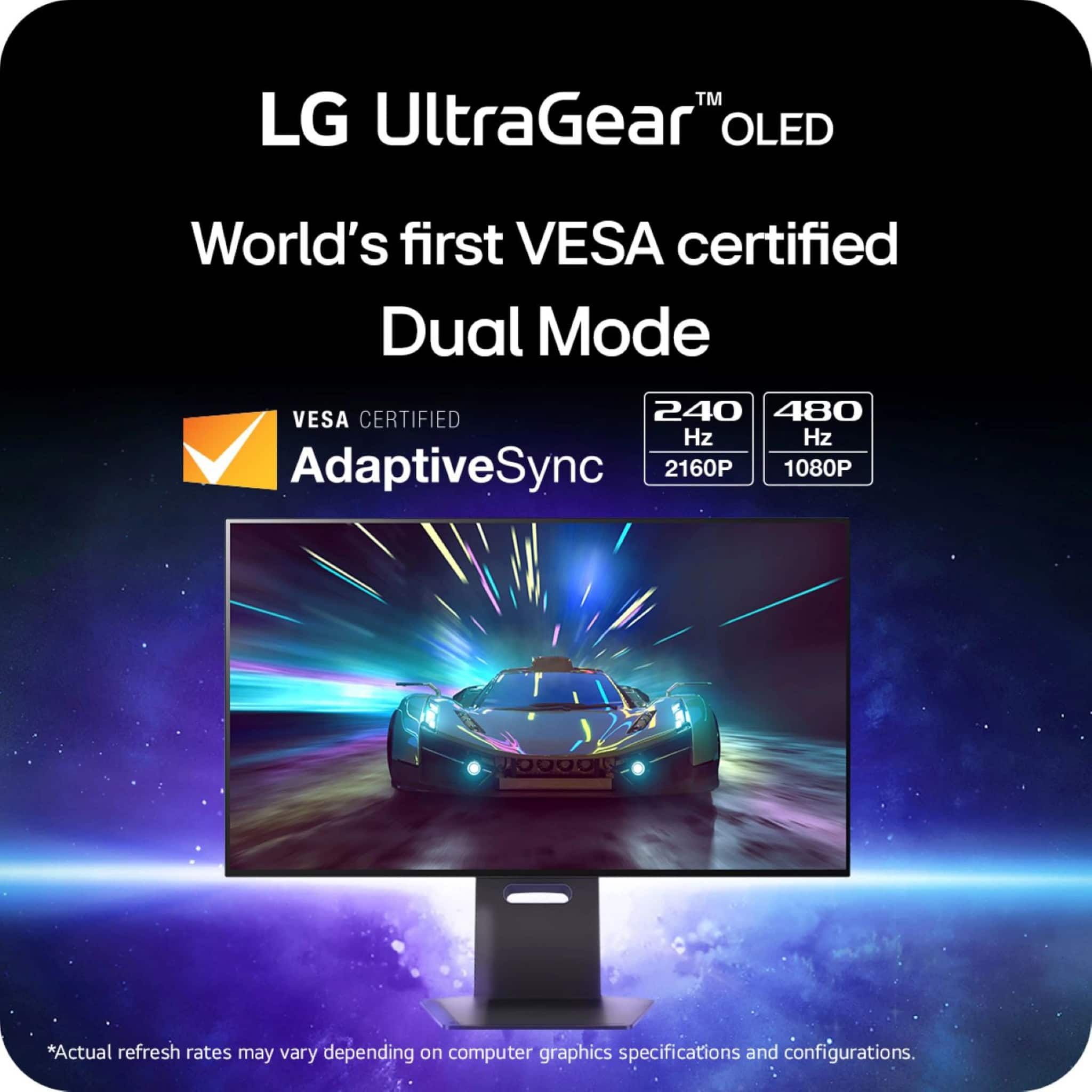
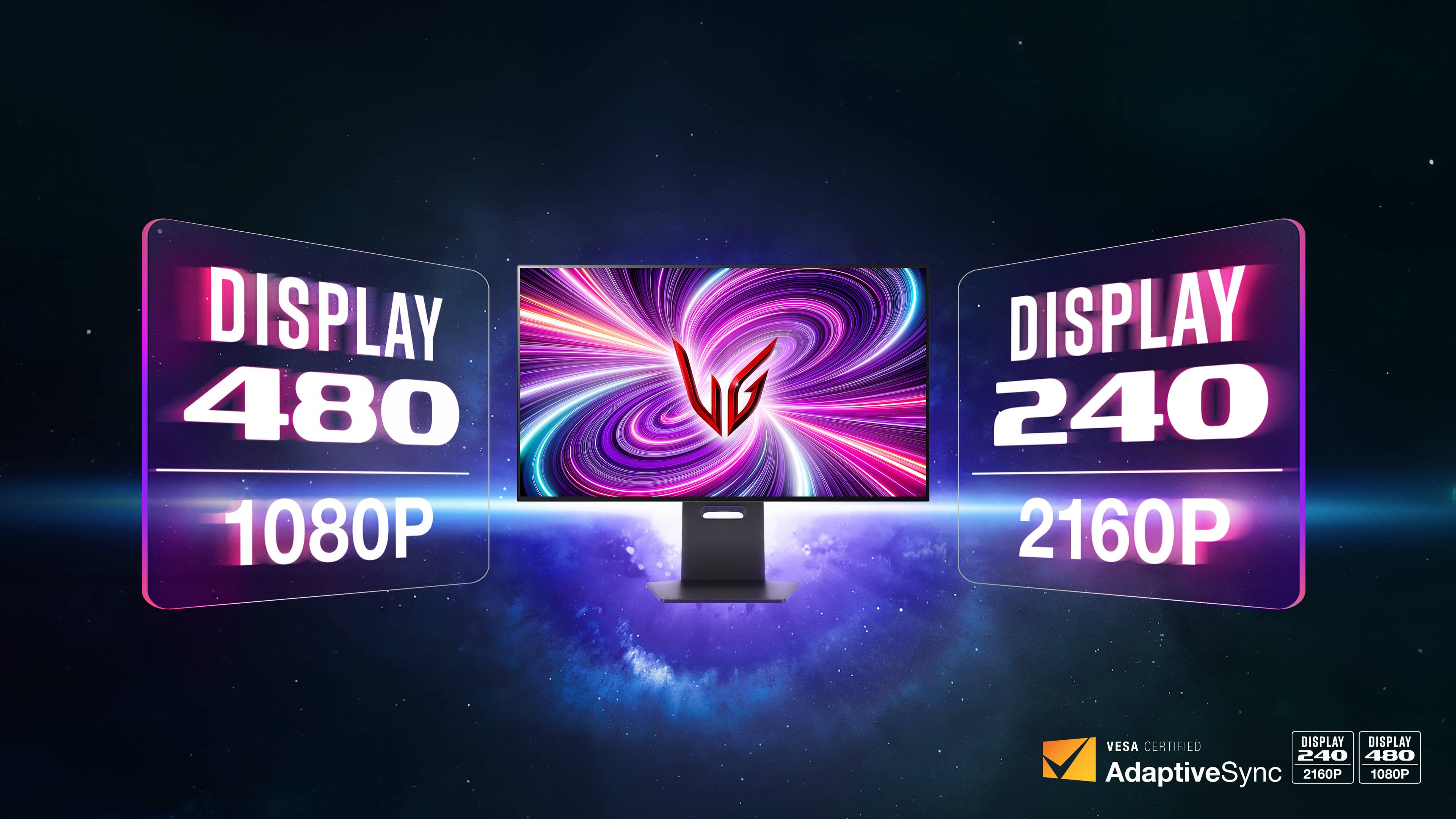
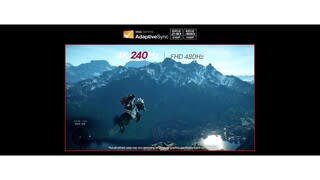
  • QuestionHow does the monitor switch between 4K 240Hz and FHD 480Hz modes?

    • Answer Gamers can switch between 4K 240Hz and FHD 480Hz modes with a quick press of a hotkey.
    This question and answer was generated by AI based on customer and product data.
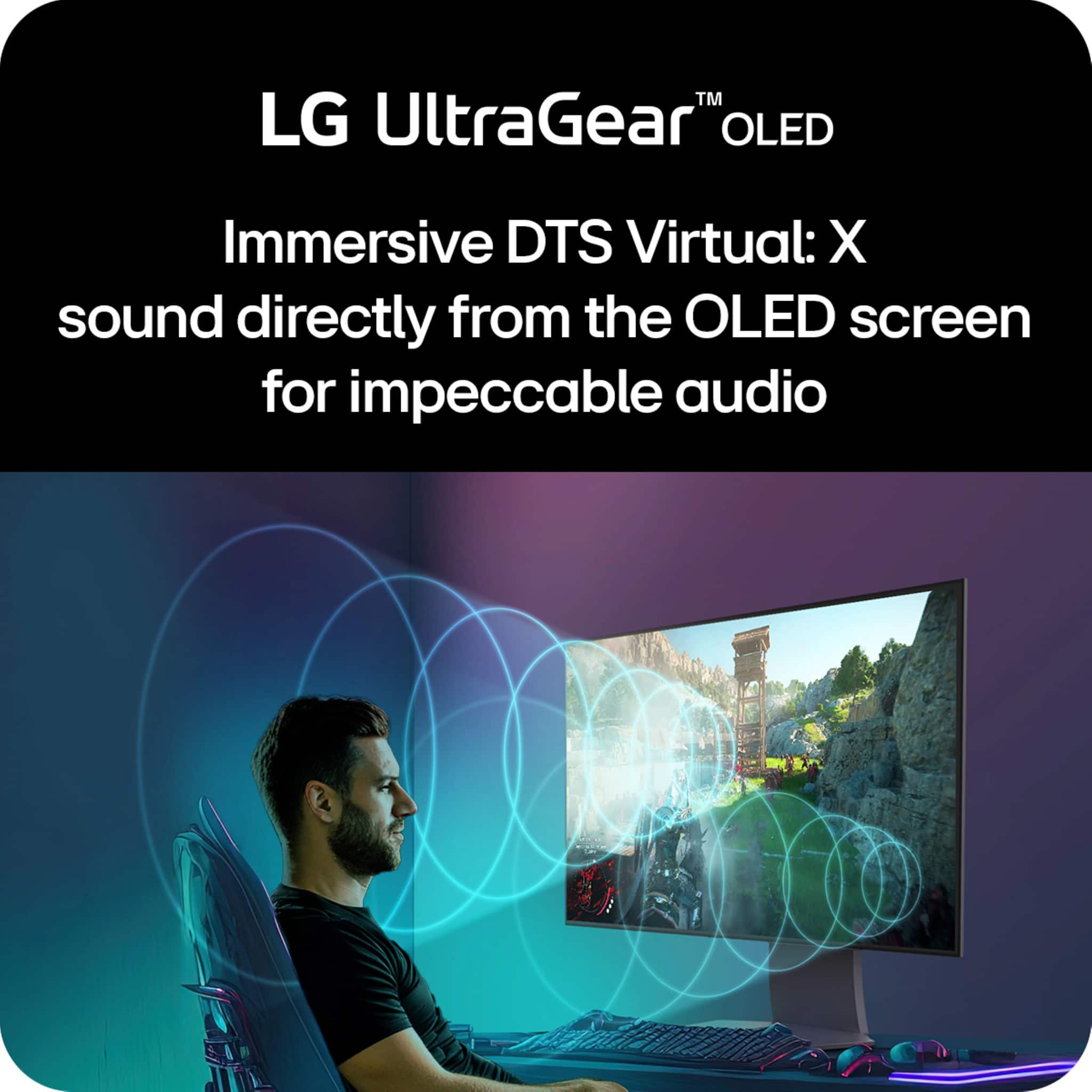
  • QuestionDoes the monitor have built-in speakers?

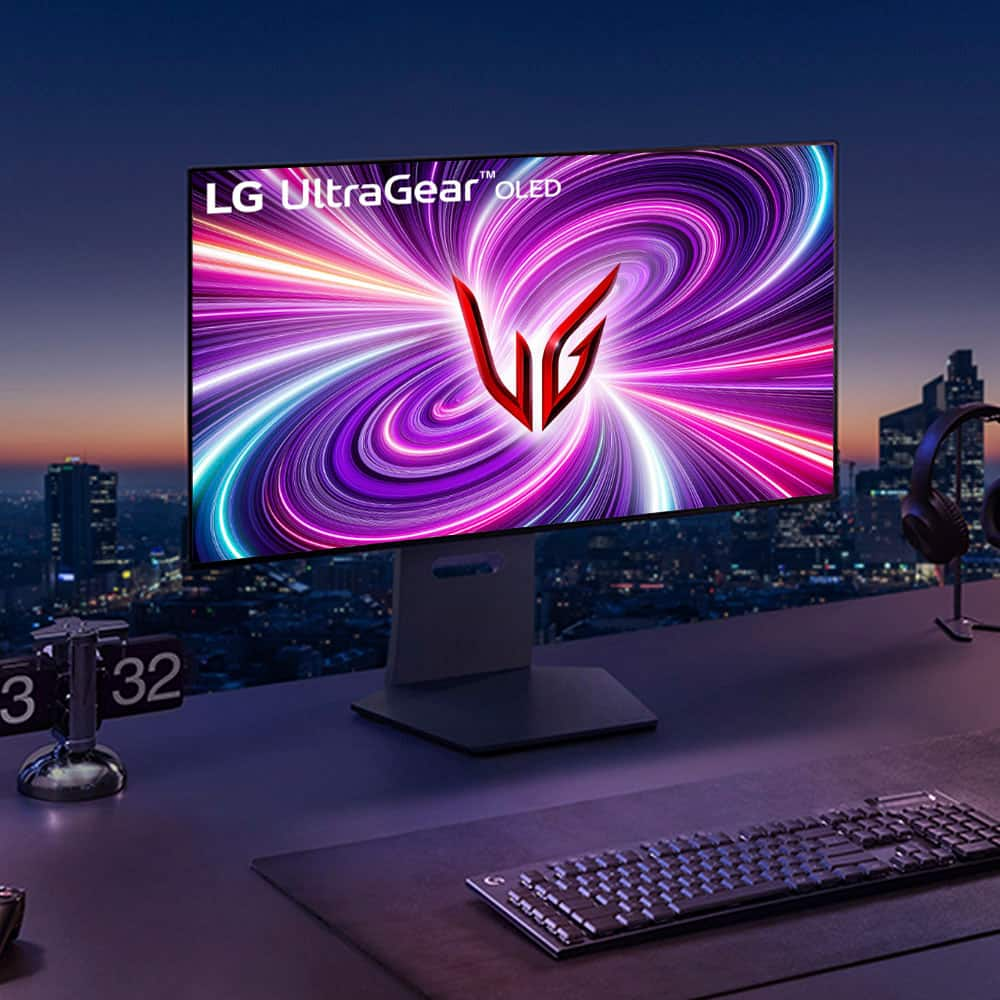
    • Answer This LG UltraGear monitor has built-in speakers.
    This question and answer was generated by AI based on customer and product data.

  • QuestionWhat is the maximum resolution supported by the monitor?

    • Answer The maximum resolution supported by the monitor is 3840 x 2160.
    This question and answer was generated by AI based on customer and product data.

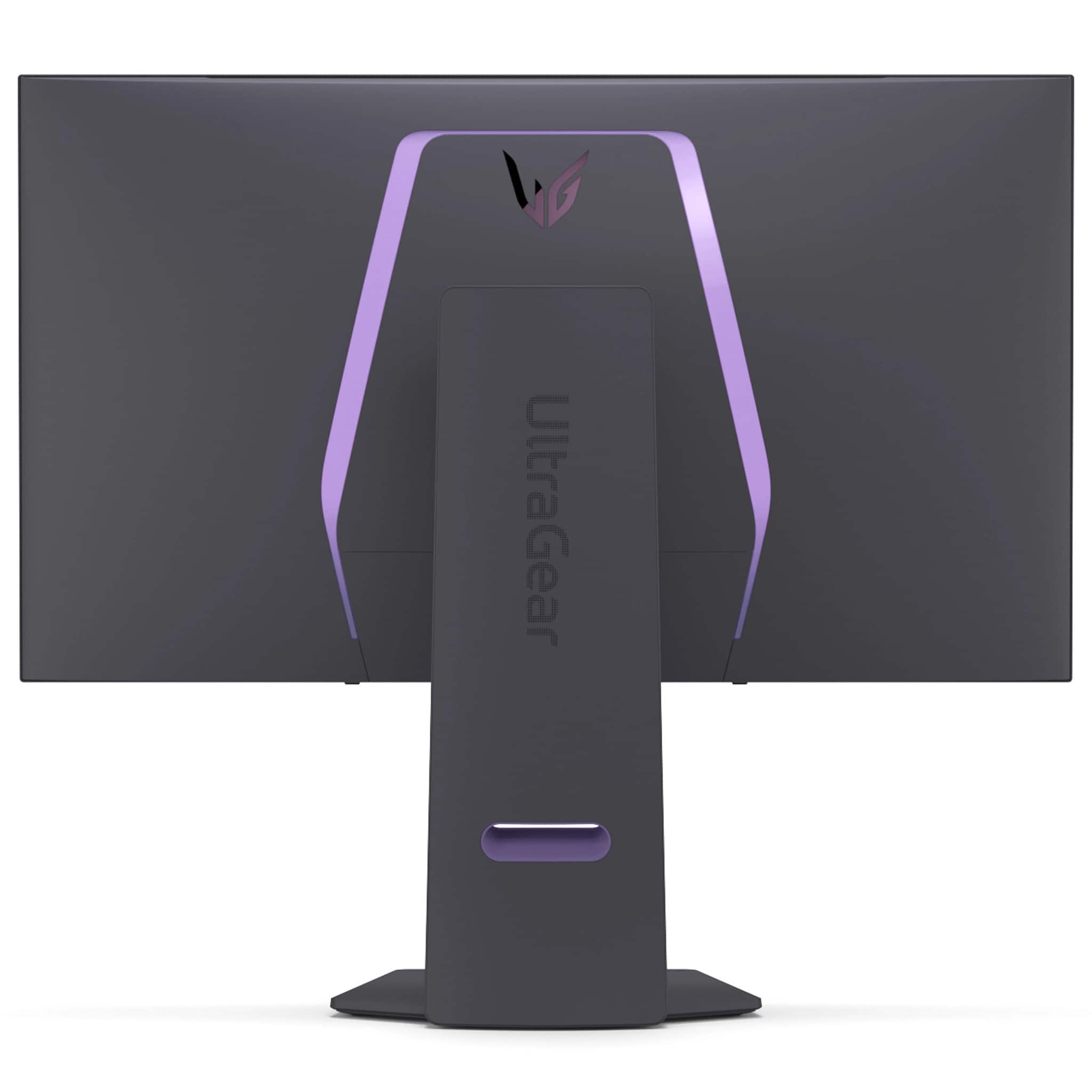
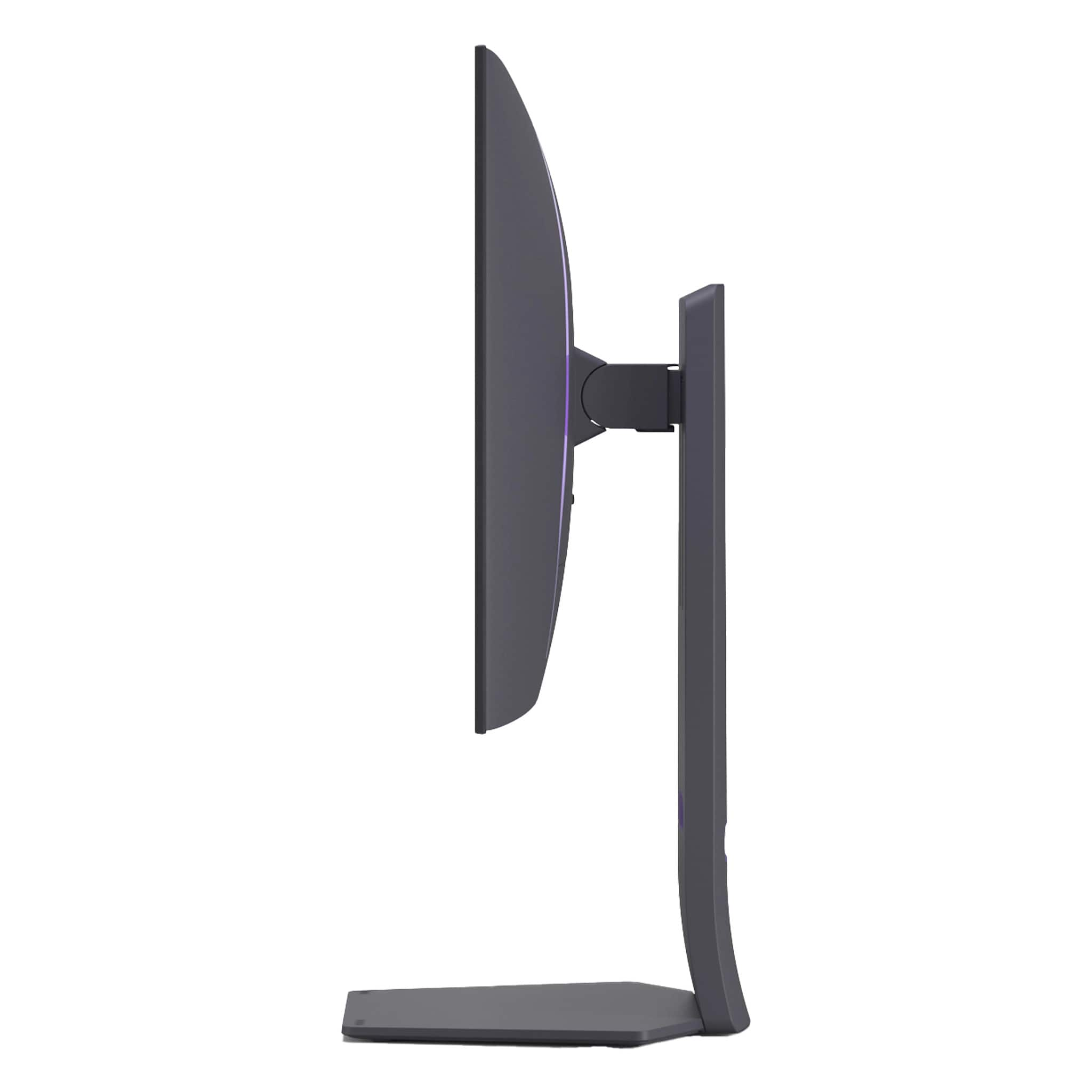
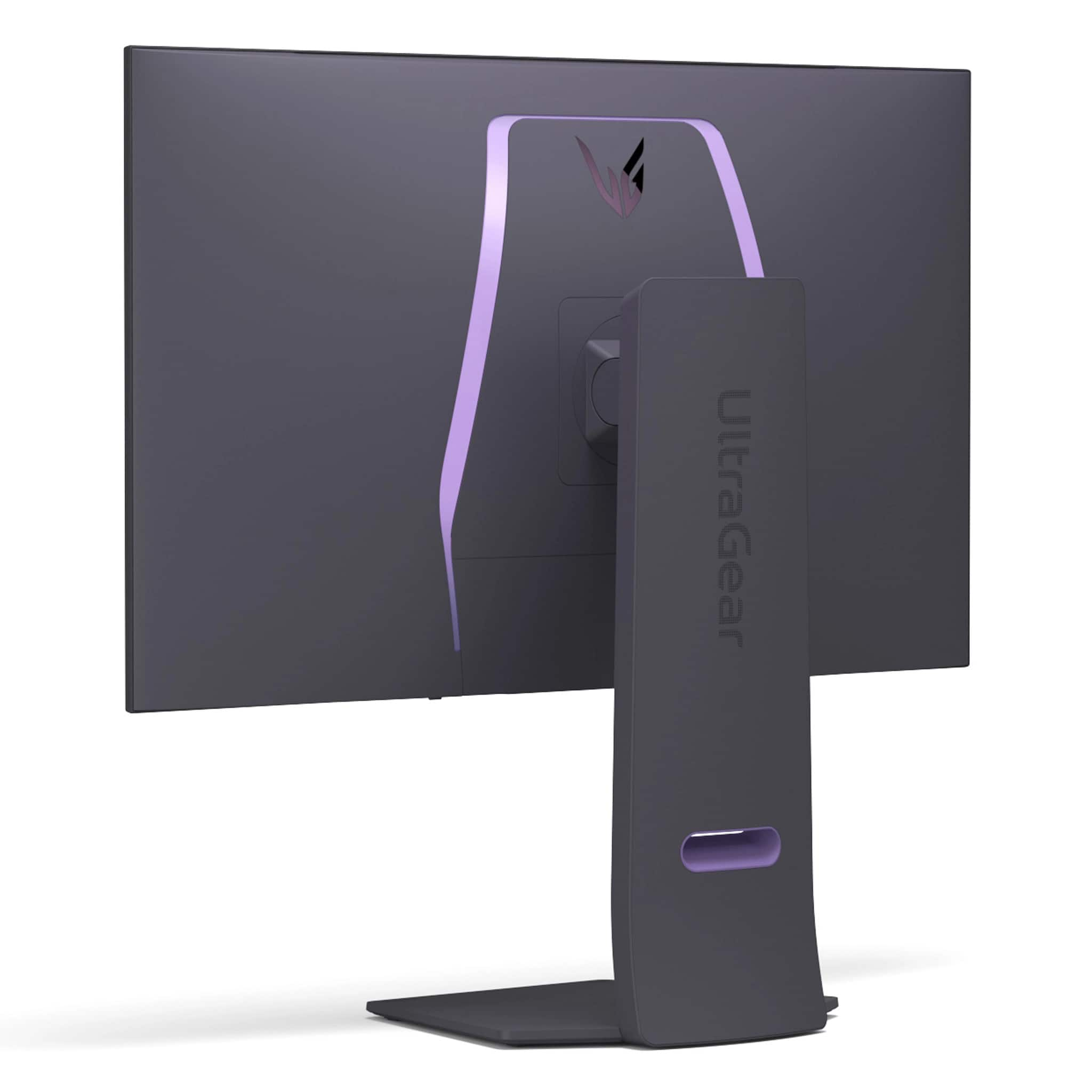
  • QuestionWhat are the dimensions of the monitor with and without the stand?

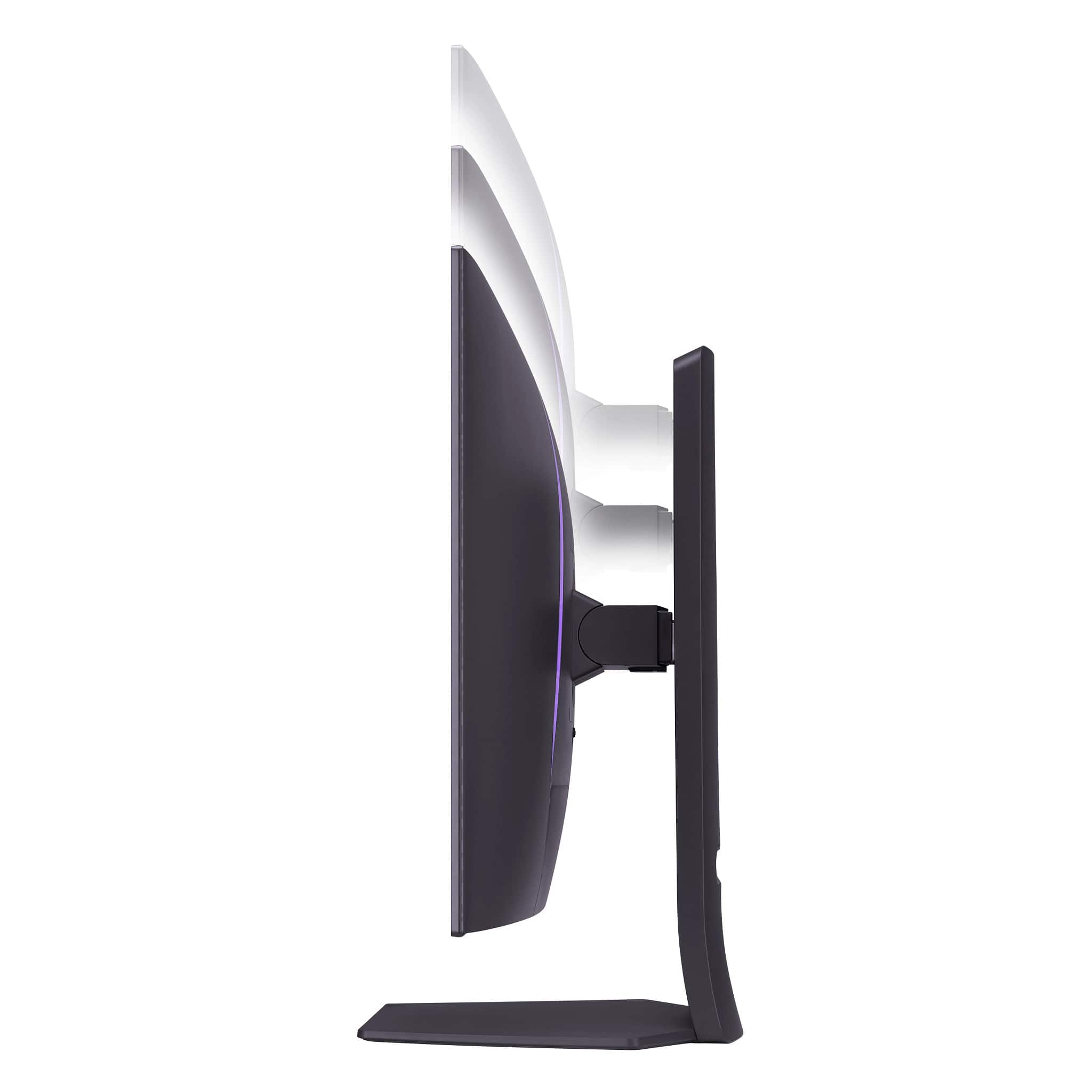
    • Answer The monitor is 16.2 inches high without the stand and 24.69 inches high with the stand. The depth of the monitor is 2.56 inches without the stand and 10.47 inches with the stand.
    This question and answer was generated by AI based on customer and product data.

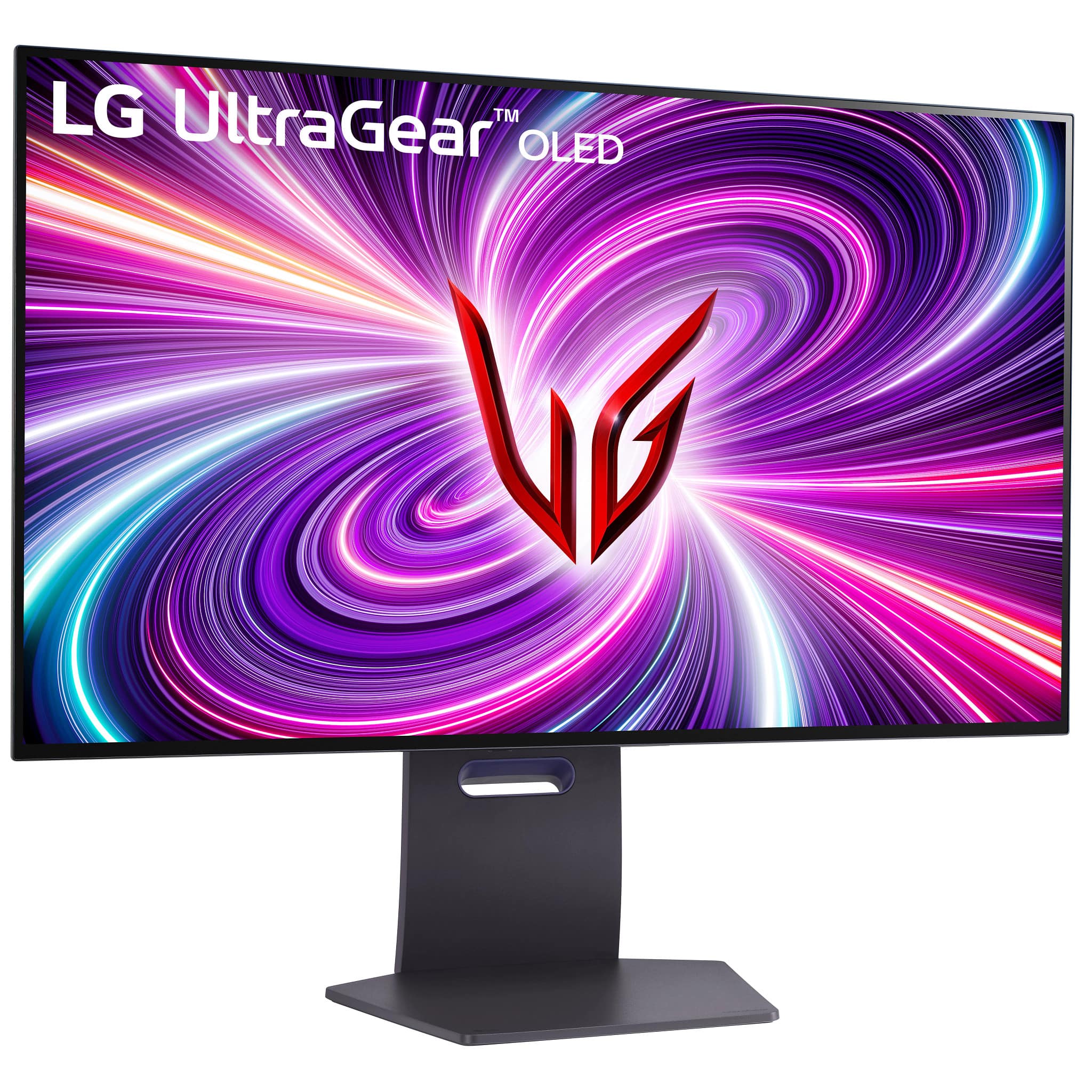
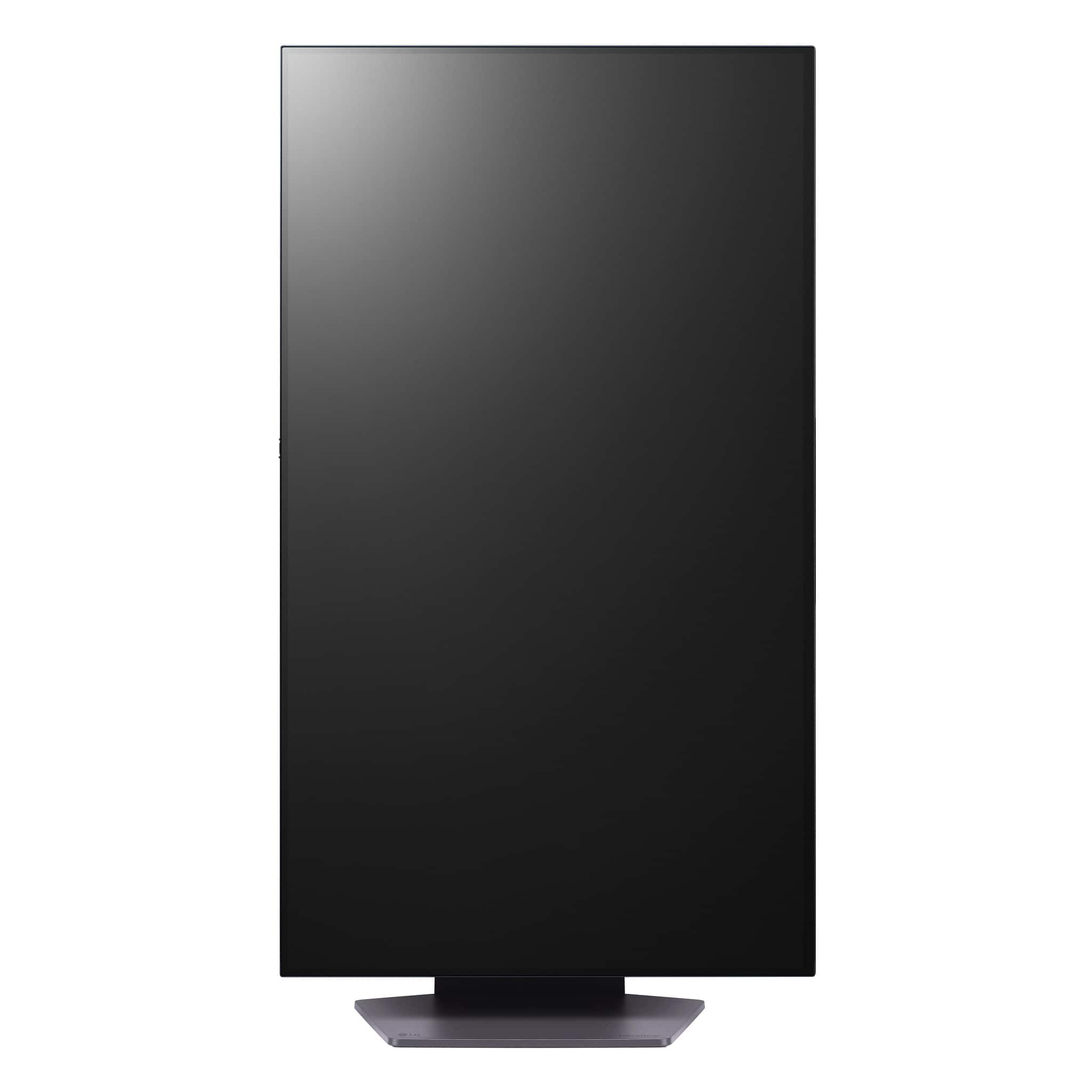
  • QuestionCan the monitor be adjusted in height, tilt, swivel, and pivot?

    • Answer The LG UltraGear monitor features a sleek design and is height, tilt, swivel, and pivot adjustable.
    This question and answer was generated by AI based on customer and product data.

  • QuestionDoes this monitor have 2.1 display port? Thanks

    Asked by LOUNGEFLY2.

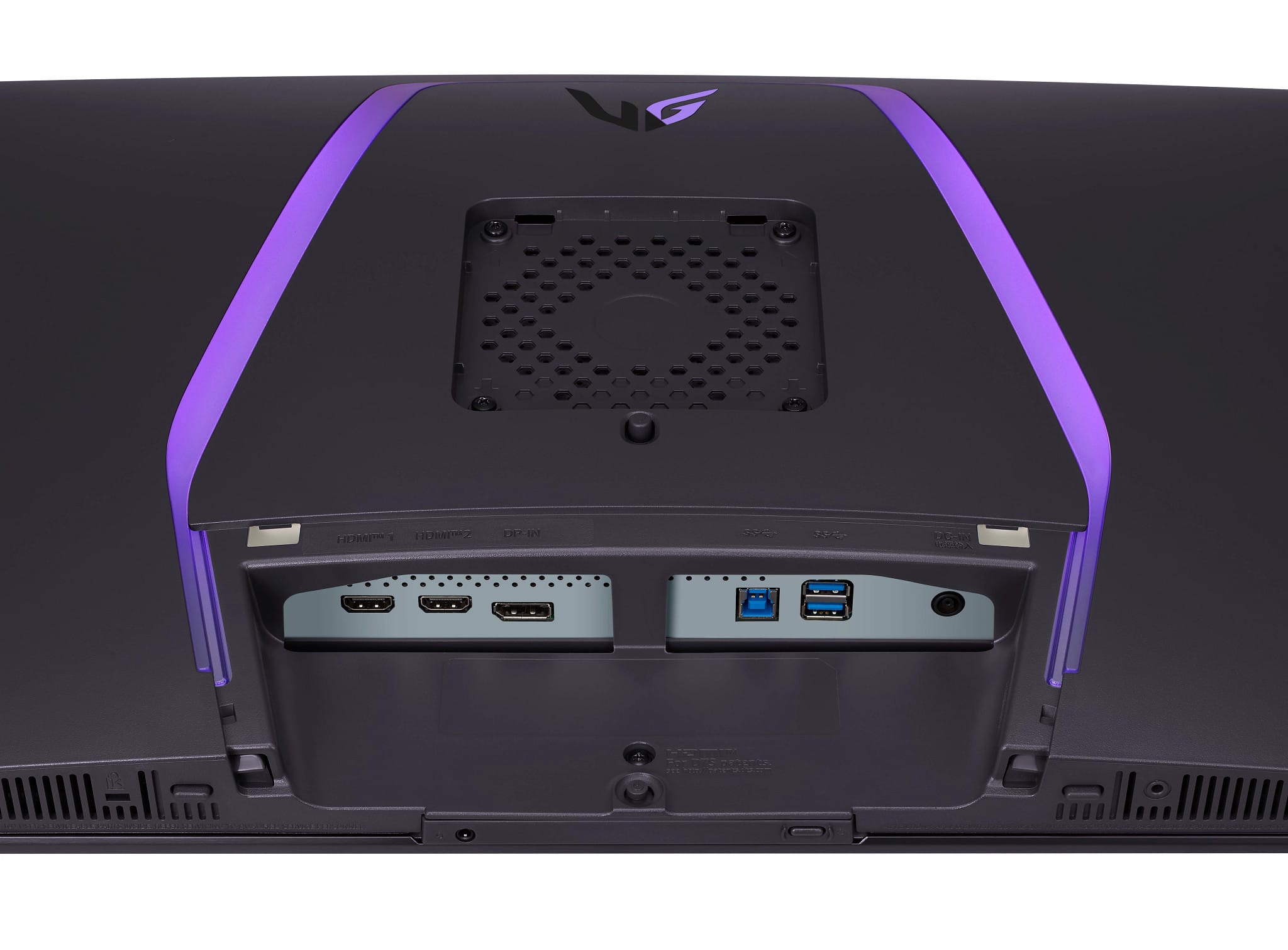
    • Answer The DisplayPort on this LG UltraGear 32" OLED Dual Mode (4K UHD 240Hz,FHD 480Hz), 0.03ms NVIDIA G-SYNC® Compatible, AMD Freesync™ Pro Gaming Monitor - White, Model # 32GS95UV-W is a DisplayPort ver. 1.4 port...^Ivan.

      Answered by LG Digital Customer Care

  • Questiondoes it support Dolby Vision for the screen and Dolby Atmos for the built in speakers? i cant find any info about this.

    Asked by Mokong.

    • Answer Hi there, thank you for your question about the 32GS95UE-B.AUS model! Unfortunately, this TV does not support Dolby Vision for the screen or Dolby Atmos for the built-in speakers. You may access this link for more information, go to "All Specs": https://www.lg.com/us/monitors/lg-32gs95ue-b-gaming-monitor. If you have any further questions or need assistance with anything else, please feel free to send us a private message on Social Media @LGUSSupport, and we’ll be happy to help. We appreciate your patience and look forward to assisting you! —Avril

      Answered by LG Digital Customer Care

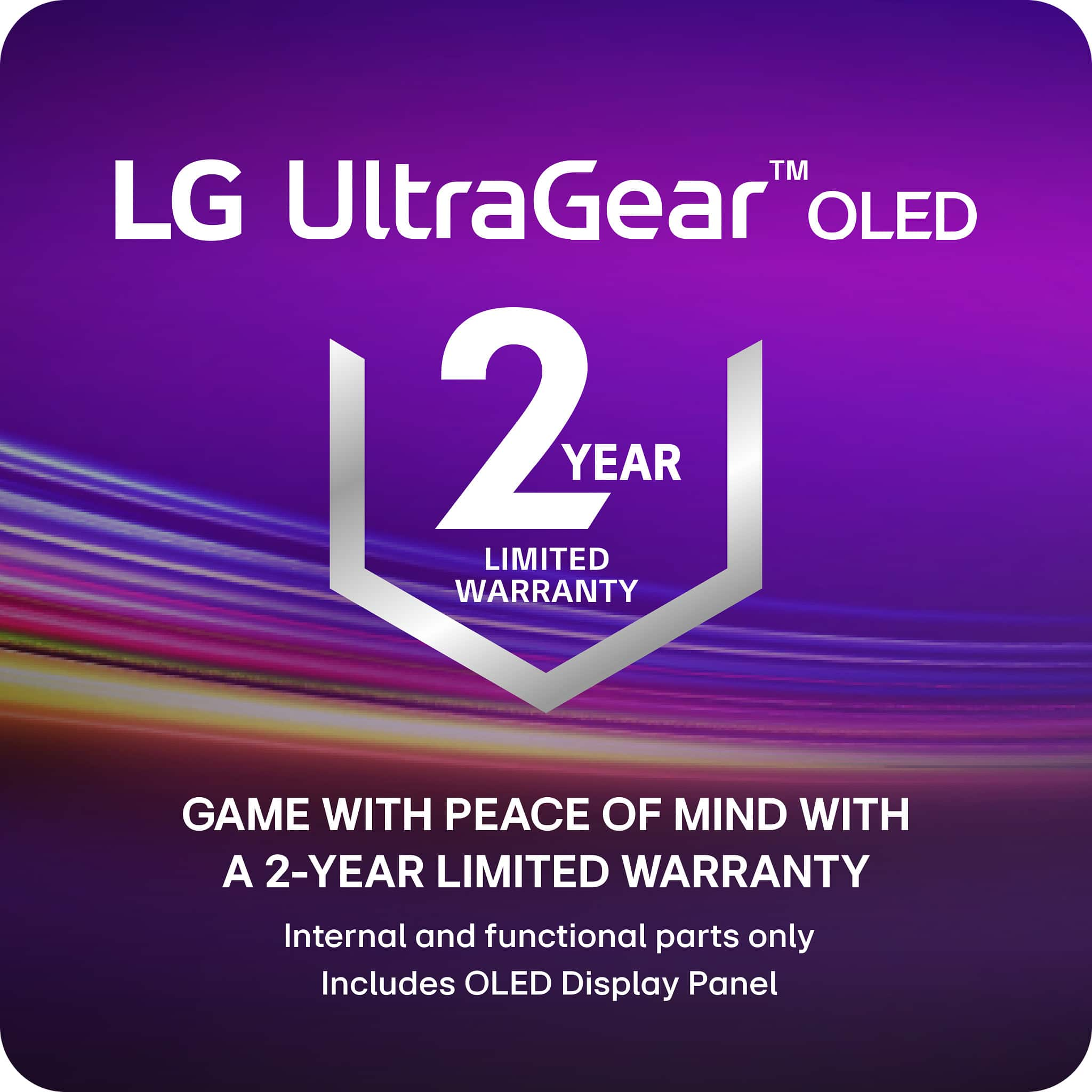
  • QuestionWill the total tech protection plan cover this monitor in case of OLED Burn in? I've heard that its a longterm issue when using OLED displays so I'd like to make sure my investment is secured.

    Asked by Anon.

    • Answer Thank you for reaching us regarding LG Monitor. When it comes to burn-in coverage for the LG 32GS95UE-B monitor, here are some key points to consider: • LG offers a 2-year burn-in warranty in the US, covering normal use as a personal PC monitor in a residential setting, including gaming and desktop computing. • The monitor comes with built-in features to prevent burn-in, such as pixel shifting, an automatic screen saver, and a panel cleaning feature. • It's worth noting that some other OLED monitor manufacturers offer longer warranties (3 years) that cover burn-in, so it's worth comparing options if you're concerned about this issue. You can download its owner's manual through this link for more information: https://www.lg.com/us/support/product/lg-32GS95UE-B.AUS. For additional assistance, please reach out to us on social media @LGUSSupport so we can help you further. ^Cris

      Answered by LG Digital Customer Care

  • QuestionWhy this monitor dont have allm?

    Asked by Anonymous.

    • Answer That's not relevant for a monitor. It's relevant for TV's because it sets them to their game mode automatically, but for a monitor it's always in its lowest latency mode so its not a relevant question.

      Answered by Cody

  • QuestionDoes this monitor have HDR certification? In my case i have 5070ti, Ultra premium HDMI cable. HDR messasge will appear when game is launching, but windows says - HDR certification not found. HDR is ON at Nvidia panel, Windows and LG settings.

    Asked by Osmiy.

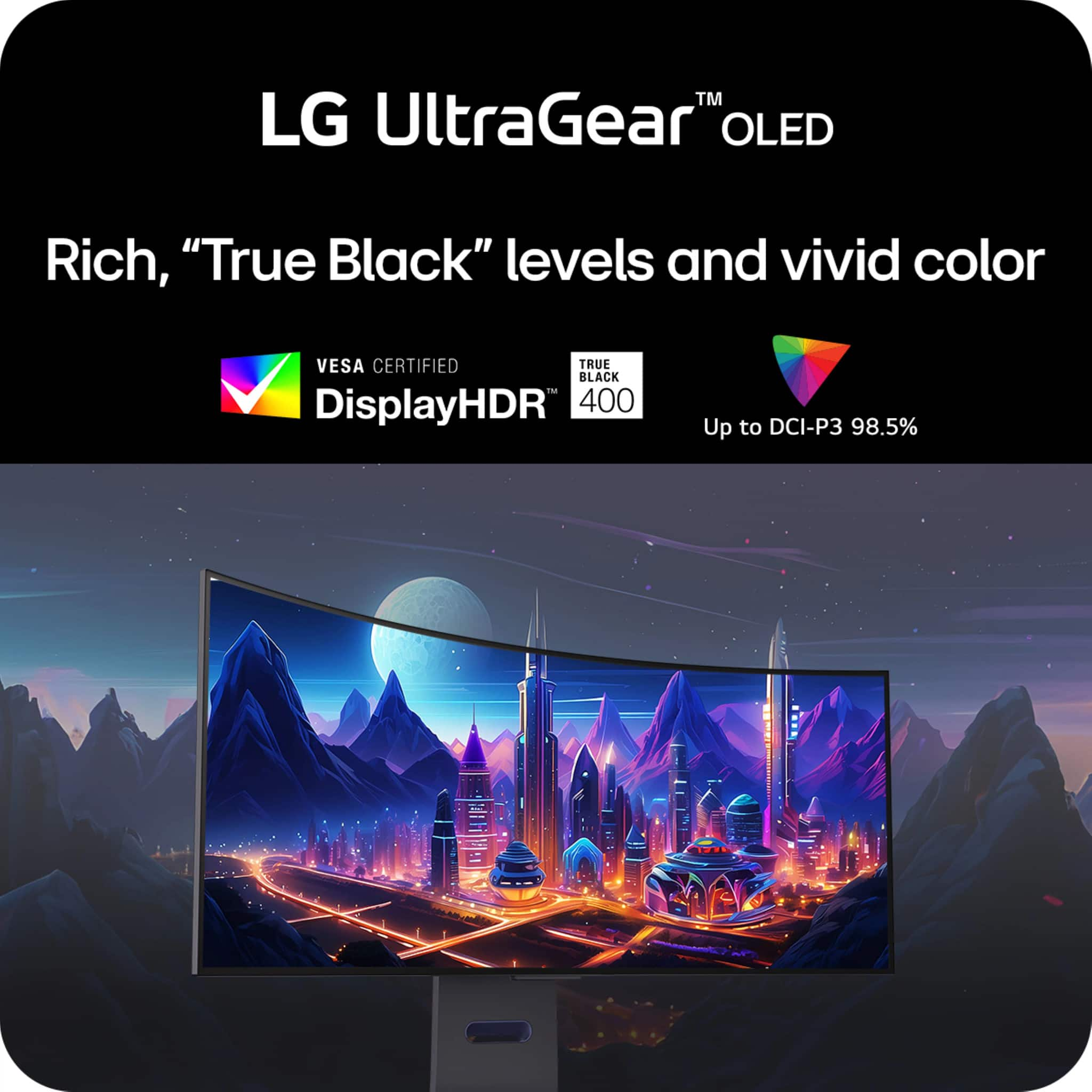
    • Answer Hi there, Osmiy. Thank you for sharing your inquiry with us. We understand your inquiry about HDR certification for your LG UltraGear 32GS95UV-W.AUS monitor. This model is VESA DisplayHDR™ True Black 400 certified and supports HDR10 content, meaning it meets industry standards for deep blacks and adequate peak brightness for HDR gaming and media. When Windows reports “HDR certification not found,” it often refers to Windows’ own HDR-capable display certification flag rather than the monitor’s VESA certification. To ensure Windows recognizes HDR properly, confirm you are using a compatible connection (DisplayPort 1.4 or HDMI 2.1 cable provided/included) and that your GPU drivers are up to date. In Windows Settings > System > Display, enable “Play HDR games and apps” and verify that the correct display is selected; sometimes reconnecting the cable or switching ports (e.g., DP instead of HDMI) helps the OS read HDR capabilities correctly. On the NVIDIA side, ensure in the NVIDIA Control Panel under “Display > Change resolution” you select the proper output format (e.g., 10 bpc if available) and enable HDR in “Set up G-SYNC” or “Display” sections as needed. Also verify the game itself is launched in HDR mode: some titles require enabling HDR/configuring in-game settings. If HDR appears when launching a game but Windows still shows “not found,” this may indicate Windows’ HDR indicator is not detecting the EDID flag, yet the panel can still display HDR content when the application requests it. https://www.bestbuy.com/site/lg-ultragear-32-oled-dual-mode-4k-uhd-240hzfhd-480hz-0-03ms-nvidia-g-sync-compatible-amd-freesync-pro-gaming-monitor-white/6595425.p?skuId=6595425 If after checking cables, ports, driver updates, and Windows/NVIDIA settings you still see the Windows indicator showing “HDR certification not found,” but HDR content displays correctly in games, the monitor is functioning as intended. However, if HDR content appears washed out or not engaging correctly, try toggling “HDR Effect” or calibration presets on the monitor’s on-screen menu, and ensure firmware is up to date (via LG’s support site/manual). For detailed troubleshooting or calibration guidance, please send us a private message on Social Media @LGUSSupport and our team will be more than happy to explore possible solutions. We appreciate your patience and thank you for choosing LG. —Renzo

      Answered by LG Digital Customer Care

  • QuestionAre there any current deals, promo codes, or discounts for this Monitor? Will this be on sale for black Friday or Cyber Monday?

    Asked by David.

    • Answer It is on sale now and you can get an easy 40 dollars off and up to 4 percent off Best Buy with this: www.rakuten.com/r/DEADLE55?eeid=28187 I hope this helps!

      Answered by Anonymous

  • QuestionI would really like a quality OLED TV in my room, but only have enough space for a 32" screen. If I have a cable box and an Apple TV, would there be be any problem if I used this monitor simply as a TV?

    Asked by DisP.

    • Answer Hello there! You can definitely use the LG 32GS95UE-B OLED monitor as a TV with a cable box and an Apple TV. Here are some key points to consider: Inputs: The monitor has HDMI ports, which you can use to connect both your cable box and Apple TV. Just ensure you have the necessary HDMI cables. Display Quality: With a resolution of 3840 x 2160 (4K UHD) and a contrast ratio of 1,500,000:1, the monitor will provide excellent picture quality for TV viewing. Audio: The monitor features Pixel Sound speakers, but if you want a more immersive audio experience, consider connecting external speakers or a soundbar via the headphone output or HDMI ARC (if available). Functionality: Since this is primarily a monitor, some TV-specific features like built-in tuners or smart TV functions may be absent. However, since you're using external devices (cable box and Apple TV), this won't be an issue. Usage: It’s designed for gaming and content consumption, so you'll enjoy both gaming and watching TV shows or movies. Using this monitor in your space as a TV should work well without any problems. https://www.lg.com/us/monitors/lg-32gs95ue-b-gaming-monitor#pdp_specs —Renzo

      Answered by LG Digital Customer Care

  • QuestionThis model is referenced as a monitor not tv. Why?

    Asked by Anonymous.

    • Answer Hi there! Thank you for your question about the LG model 32GS95UE-B.AUS. This particular model is categorized as a monitor rather than a TV because it’s designed primarily for use with computers and gaming systems. Monitors like this one typically offer features optimized for tasks such as gaming, editing, and productivity, including higher refresh rates, lower response times, and specific connectivity options like DisplayPort and HDMI geared towards PC users. While it can be connected to external devices like gaming consoles or streaming devices, it does not include built-in TV tuners or smart TV features commonly found in televisions, which is why it's referred to as a monitor. For more details or assistance in setting it up, feel free to send us a private message on social media @LGUSSupport. We're happy to help! —Renzo

      Answered by LG Digital Customer Care

  • Questionwhat is the exact dimensions of the base of the stand, I would need W and D.

    Asked by stand.

    • Answer Hello there. For the LG 32GS95UE-B.AUS monitor, the exact dimensions of the base of the stand are approximately 10.8 inches (27.4 cm) in width and 8.7 inches (22.1 cm) in depth. These dimensions should help you determine the space needed for proper placement. If you have any further questions or need additional information, please send us a private message on Social Media @LGUSSupport. We’re here to assist you! —Renzo

      Answered by LG Digital Customer Care

  • Questionwhen is the release date for this item ?

    Asked by jdiz.

    • Answer LG website says april 15. so bestbuy probably wont start shipping till the end of april. speaking from experience of the other oled models.

      Answered by ENZO

  • QuestionDoes it have auto brightness and/or color feature?

    Asked by Tiredice.

    • Answer Brightness for the LG UltraGear™ 32" OLED Dual Mode (4K UHD 240Hz,FHD 480Hz), 0.03ms NVIDIA G-SYNC Compatible, AMD Freesync™ Pro Gaming Monitor - White, Model # 32GS95UV-W, can be adjusted from the Picture Adjust setting in the monitor's settings menu, as can the Peak Brightness, Contrast, Gamma, and Color Temp. settings. R/G/B allows you to customize the picture using red, green and blue colors, and Six Color meets the user requirements for colors by adjusting the hue and saturation of the six colors (red, green, blue, cyan, magenta, and yellow) and then saving the settings...^Ivan.

      Answered by LG Digital Customer Care

  • QuestionCan the monitor be used in 2560 by 1440? What kind of fps does it get if in 1440p?

    Asked by Billburr.

    • Answer The LG 32" UltraGear™ OLED Dual Mode 4K UHD 240Hz or FHD 480Hz 0.03ms G-Sync Compatible Gaming Monitor with Built In Speaker, Model # 32GS95UV-W, supports 2560 x 1400 @ 120/144 Hz over HDMI and 2560 x 1440 @ 144 Hz (actually 143.973 Hz) over DisplayPort...^Ivan.

      Answered by LG Digital Customer Care

  • QuestionDoes this model come in black?

    Asked by Edward.

    • Answer Hi there, Edward. Thank you for sharing your experience with us. We understand your inquiry about the availability of the LG 32GS95UV-W.AUS monitor in black. Based on the information for the LG UltraGear 32GS95UV-W.AUS monitor, the model number indicates that it is a white-colored unit, as represented by the "W" in the model number. There is no publicly listed version of this specific model available in black. https://www.bestbuy.com/site/lg-ultragear-32-oled-dual-mode-4k-uhd-240hzfhd-480hz-0-03ms-nvidia-g-sync-compatible-amd-freesync-pro-gaming-monitor-white/6595425.p?skuId=6595425 Please send us a private message on Social Media @LGUSSupport and our team will be more than happy to explore possible solutions. We appreciate your patience. —Renzo

      Answered by LG Digital Customer Care

  • QuestionDoes this monitor support Dolby Vision in any way? Either for gaming or video? Not sure if the PS5 has that but the XBSX does. So I'm curious.

    Asked by IronMan.

    • Answer Hello there, AngeloM. We understand your inquiry about Dolby Vision support on your 32GS95UE‑B.AUS. This UltraGear monitor features HDR10 for high‑dynamic‑range gaming and video, but it does not support Dolby Vision. To enjoy HDR content on your PS5 or Xbox Series X, please set your console’s video output to HDR10 in its display settings. https://www.bestbuy.com/site/lg-ultragear-32-oled-dual-mode-4k-uhd-240hzfhd-480hz-0-03ms-nvidia-g-sync-compatible-amd-freesync-pro-gaming-monitor-black/6575402.p?skuId=6575402 If you have any other questions or need further assistance, please send us a private message on social media @LGUSSupport, and we’ll be more than happy to help. We appreciate your patience. —Renzo

      Answered by LG Digital Customer Care