
Questions & Answers
- Model:
- 39GS95QE-B.AUS
- |
- SKU:
- 10736208
$1,499.99Your price for this item is $1,499.99
Page Showing 1-20 of 33 questions
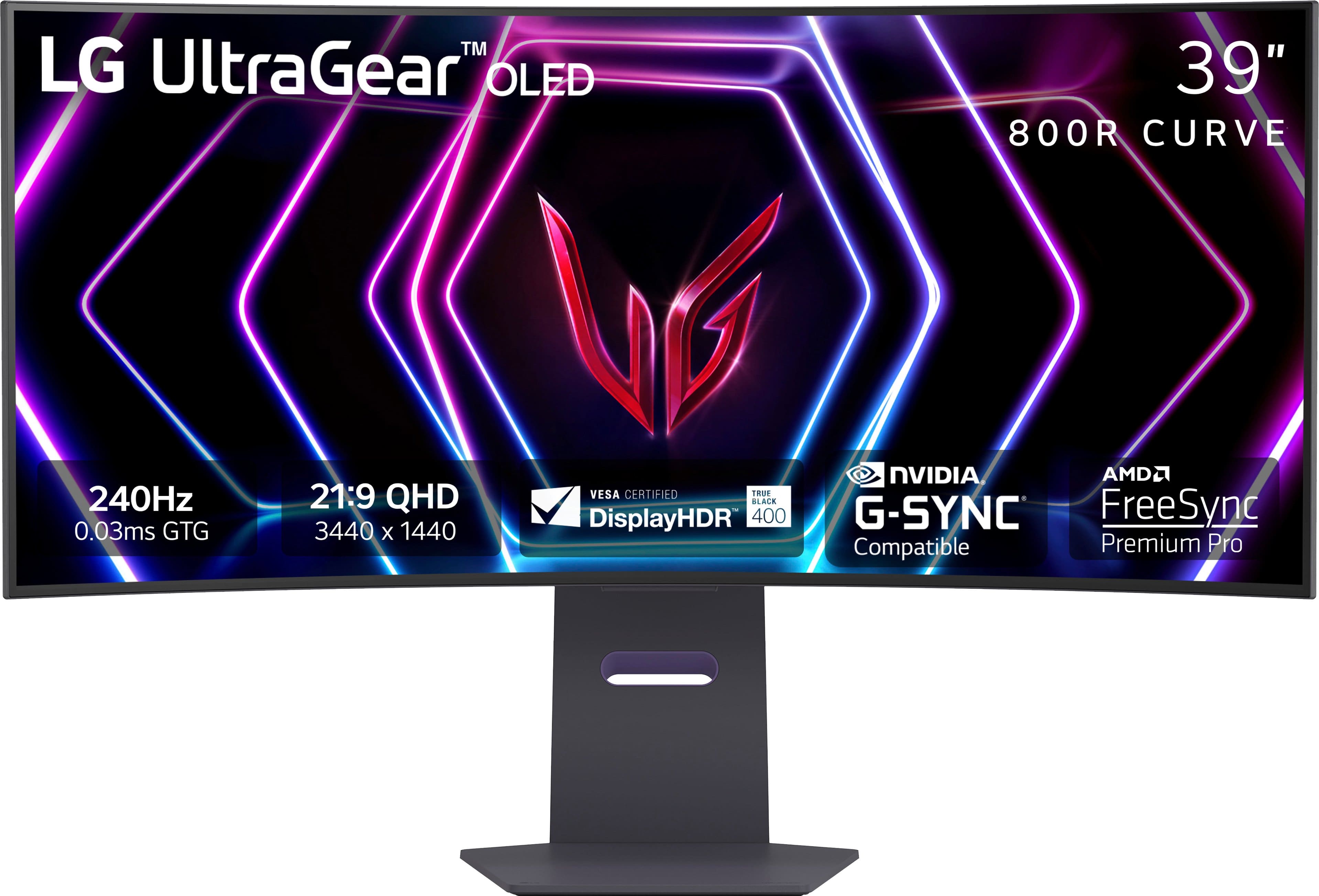
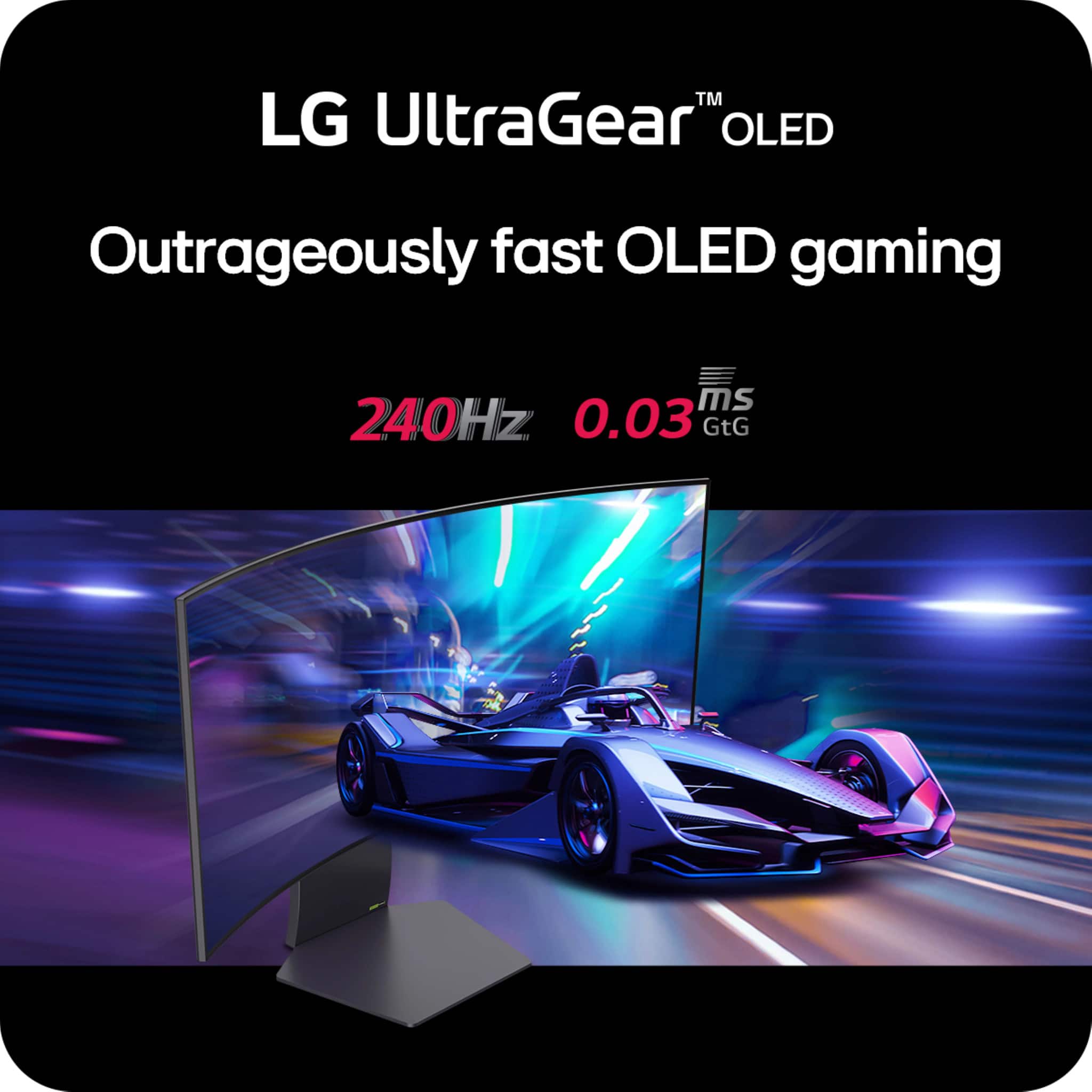
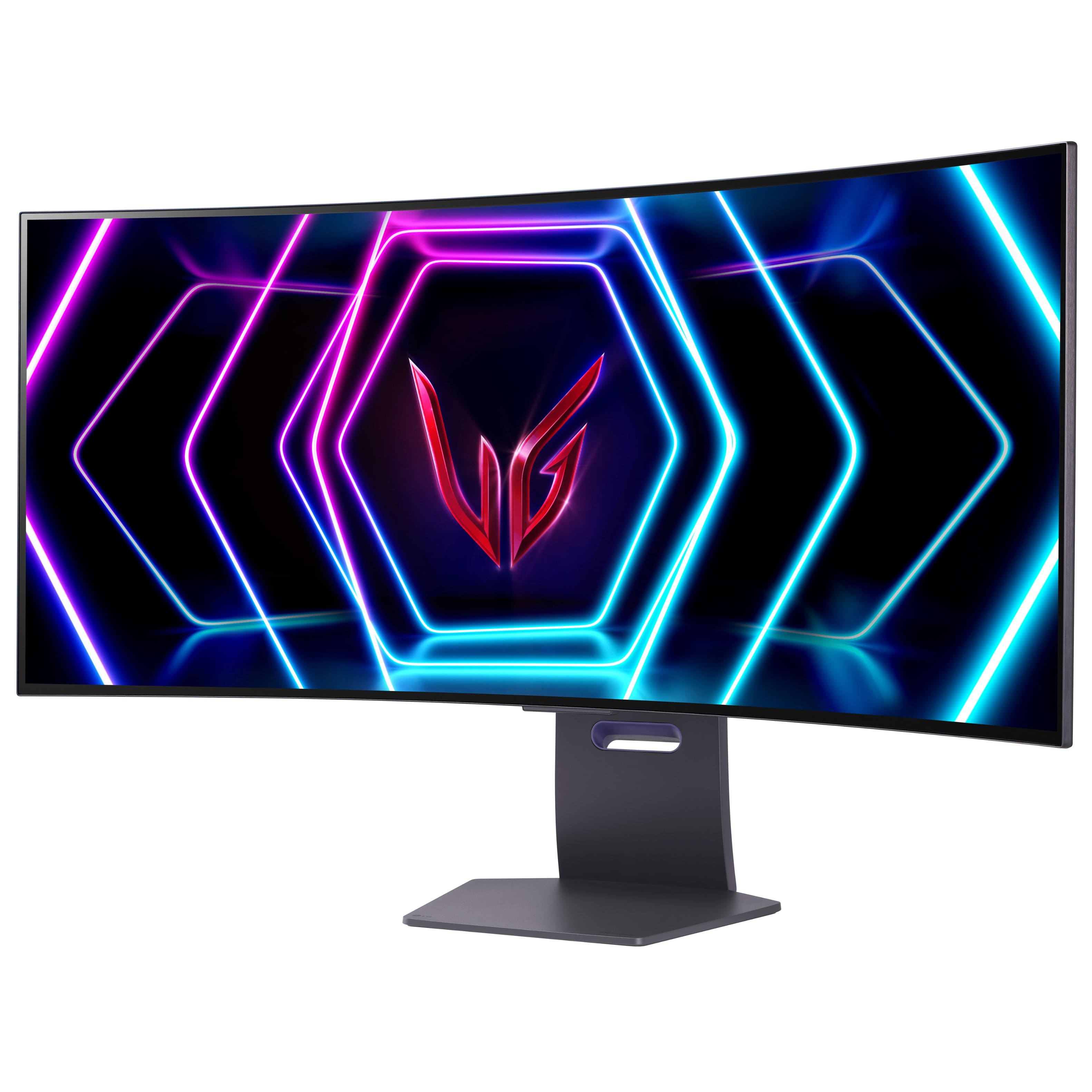
Q: QuestionWhat is the response time of this LG monitor?
- A:Answer This monitor has a 0.03ms response time.
This question and answer was generated by AI based on customer and product data.Q: QuestionDoes this monitor have built-in speakers?
- A:Answer No, this monitor does not have built-in speakers.
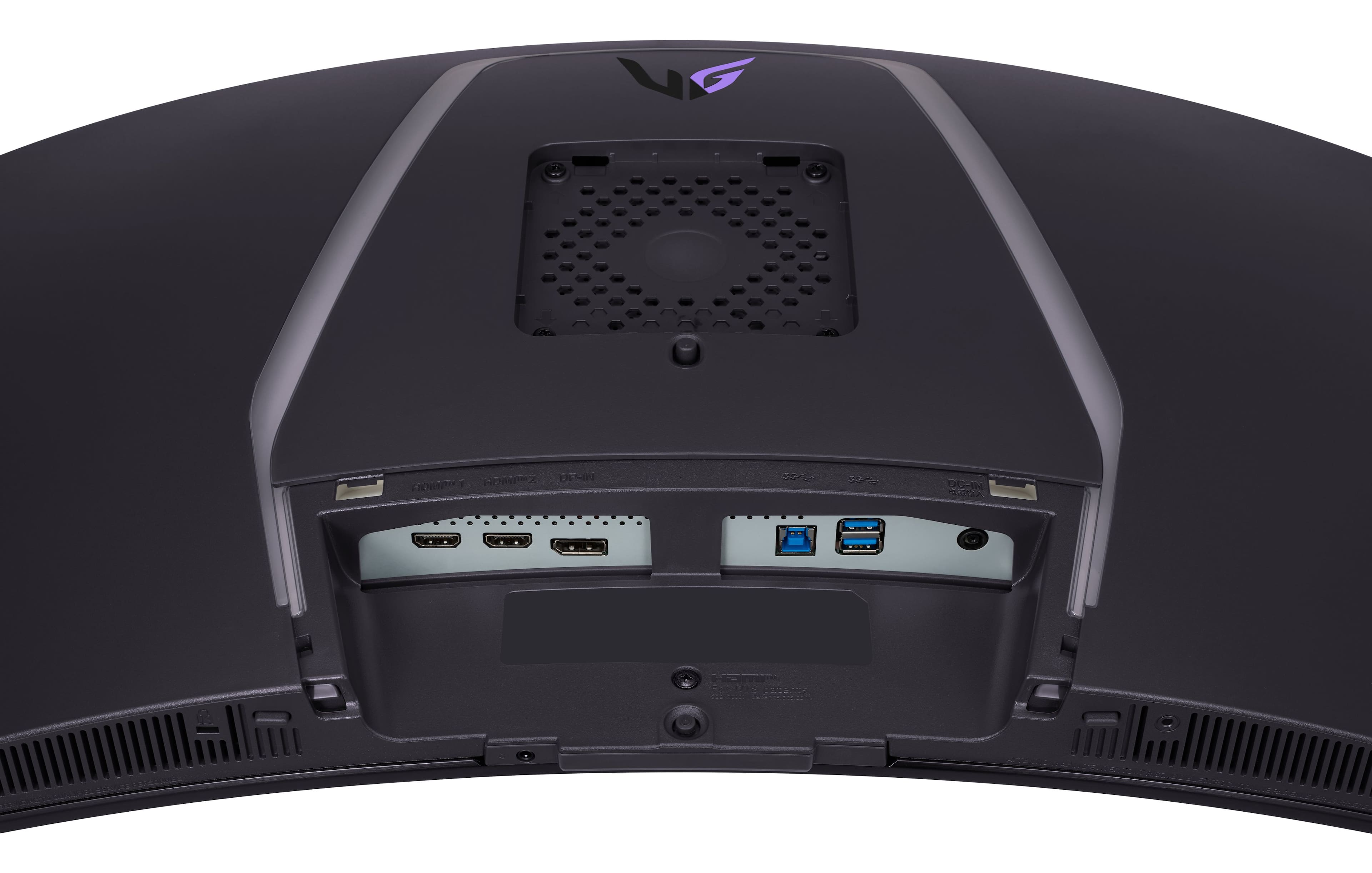
This question and answer was generated by AI based on customer and product data.Q: QuestionWhich connections are supported on this monitor for optimal gaming experience?
- A:Answer This monitor supports HDMI 2.1 and DisplayPort 1.4 connections for a smooth gaming experience.
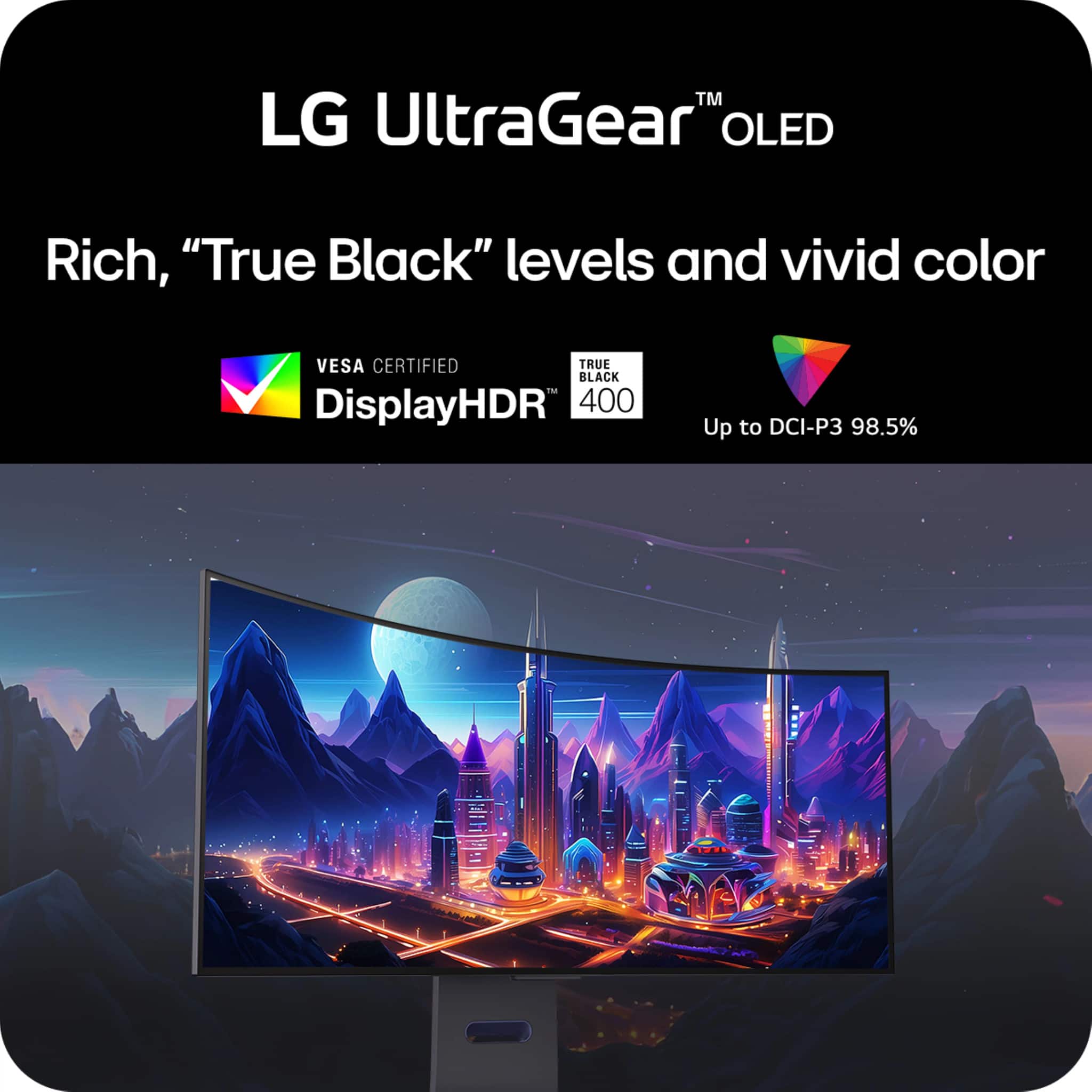
This question and answer was generated by AI based on customer and product data.Q: QuestionWhat is the contrast ratio for the LG UltraGear OLED monitor?
- A:Answer This monitor has a 1,500,000:1 contrast ratio.
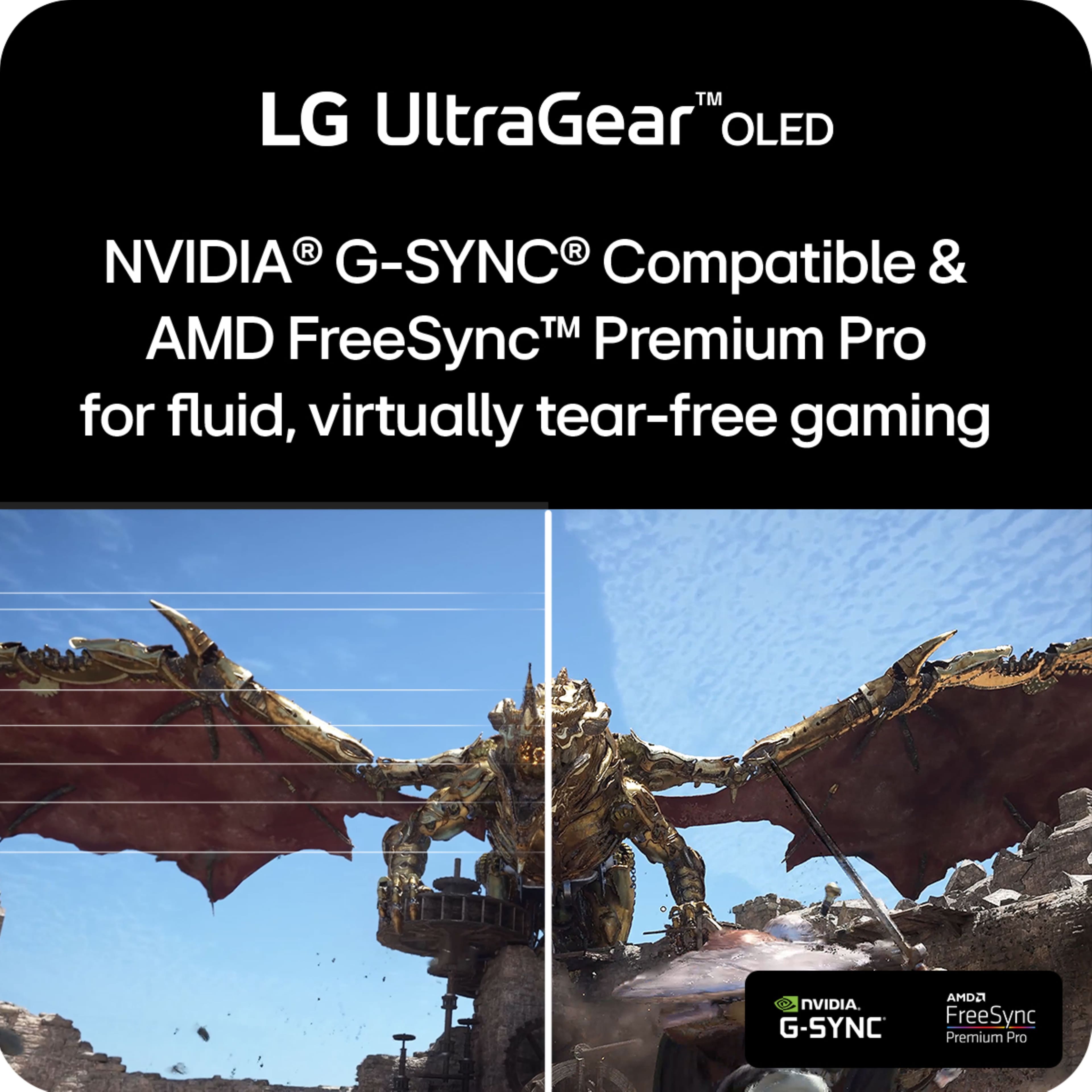
This question and answer was generated by AI based on customer and product data.Q: QuestionWhy is AMD FreeSync Premium Pro a good feature for gamers?
- A:Answer AMD FreeSync Premium Pro ensures a fluid, virtually tear-free gaming experience with at least 120Hz refresh rate, so you won't miss a frame of the action.
This question and answer was generated by AI based on customer and product data.Q: QuestionHow does the anti-glare feature on this monitor help gamers?
- A:Answer The anti-glare feature minimizes light reflections, allowing for better focus and less distractions during gameplay.
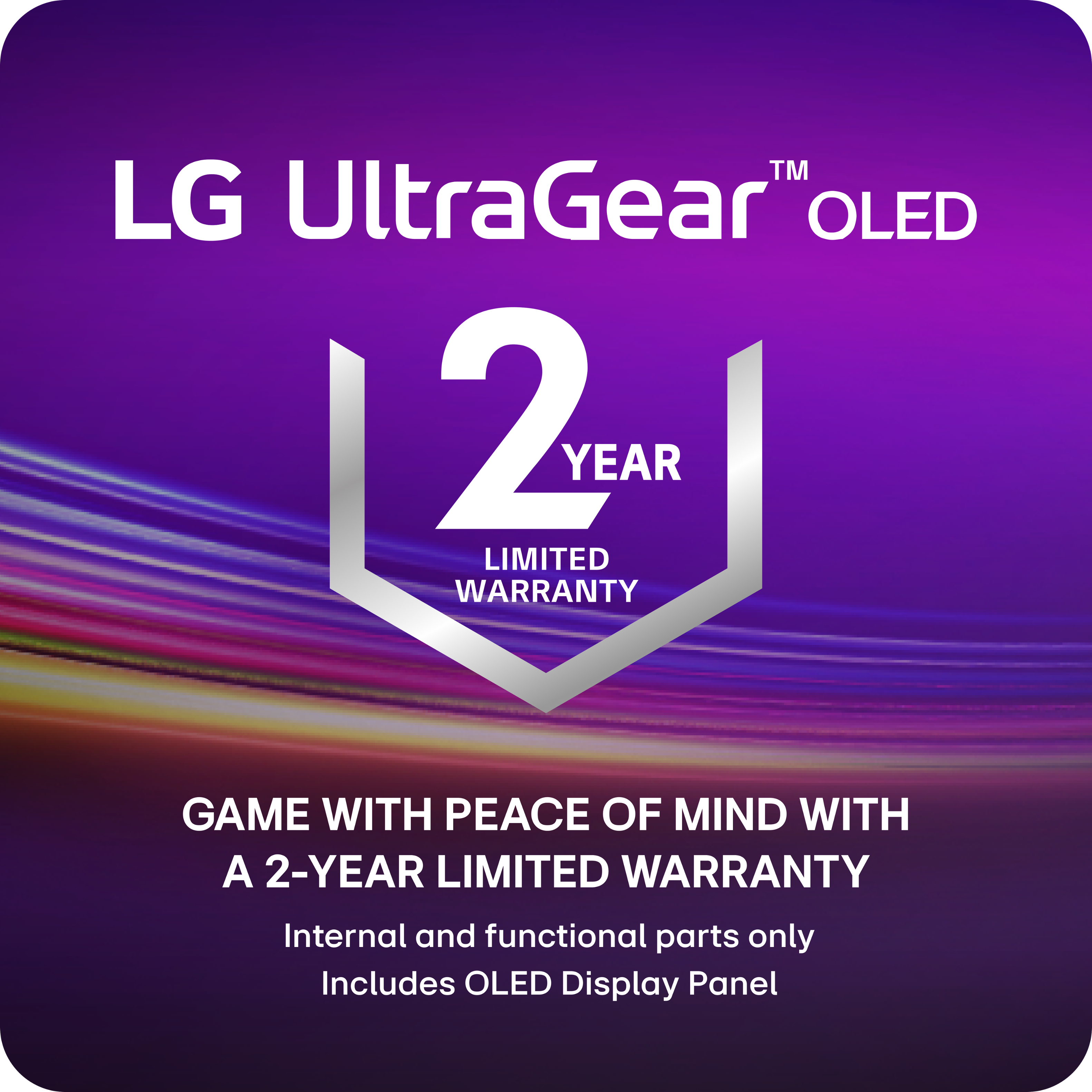
This question and answer was generated by AI based on customer and product data.Q: QuestionWhat type of warranty does this LG UltraGear OLED gaming monitor have?
- A:Answer This monitor is protected by a two-year limited warranty that covers internal and functional parts, labor, and the OLED display panel.
This question and answer was generated by AI based on customer and product data.Q: QuestionDoes this have the ability to split screen to use as two separate monitors without having to download any software?
Asked by Shugh89.
- A:Answer Hello there, Spencer. Thank you for sharing your inquiry with us regarding the split-screen capability on your LG 39GS95QE-B.AUS gaming monitor. We understand your situation and appreciate your interest in maximizing your viewing experience. This monitor does indeed feature Picture by Picture (PBP) mode, which allows you to display content from two different sources simultaneously without the need for any additional software. As a troubleshooting step, we recommend verifying that your monitor’s firmware is up to date and exploring the built-in OnScreen Control settings to ensure that PBP is activated. Additionally, please confirm that the proper input sources are connected and configured accordingly. These steps will help ensure that the split-screen function operates as intended. For further assistance or a more detailed walkthrough, please send us a private message on Social Media @LGUSSupport. Our team is here to work with you and explore possible solutions to optimize your experience. https://www.lg.com/us/monitors/lg-39gs95qe-b-gaming-monitor#pdp_specs We appreciate your patience and are eager to help. —Renzo
Answered by LG Digital Customer Care

Q: QuestionWhy would anyone return? this item it has exceptional value and specs
Asked by Foxbody.
- A:Answer Hi there! Thank you for your positive remarks about the LG 39GS95QE-B Gaming Monitor! We understand your curiosity about why anyone might consider returning such an exceptional product. While this monitor indeed boasts remarkable value and specifications, there can be various reasons behind customer returns, including: Different Needs: Some users may find that another monitor better suits their specific gaming or professional needs despite the excellent specs. Setup Compatibility: Occasionally, customers may realize that their current setup isn’t fully compatible with this model, leading them to seek a different option. Change of Mind: Purchases can sometimes be impulsive, and customers may simply change their minds after further consideration. https://www.lg.com/us/monitors/lg-39gs95qe-b-gaming-monitor#pdp_specs If you or anyone else has more questions or needs assistance regarding this monitor or any of its features, please feel free to send us a private message on Social Media @LGUSSupport, and our team will be delighted to assist you. We appreciate your engagement! —Renzo
Answered by LG Digital Customer Care

Q: QuestionWhat's the pixel density (ppi) of this monitor?
Asked by Booyah.
- A:Answer Hello there! The 39GS95QE monitor has a pixel density of approximately 109 pixels per inch (ppi). This high pixel density ensures crisp and detailed images, enhancing your overall viewing experience. If you have any further questions or need additional assistance, please send us a private message on Social Media @LGUSSupport, and our team will be more than happy to help. We’re here to support you in getting the most out of your monitor. —Avril
Answered by LG Digital Customer Care

Q: QuestionCan this be priced matched with Costco? It’s at Costco for $549.99.
Asked by Hunter.
- A:Answer Hello there! Thank you for sharing your inquiry with us. We understand you're asking about price matching your LG UltraGear 39" OLED Curved WQHD Gaming Monitor (39GS95QE-B.AUS) with Costco. Regarding price matching, it's Best Buy's policy to match the current product price of key online and local competitors, and Costco is listed as one of their qualified competitors. However, the item needs to be identical (matching brand, model number, and color) and immediately available for shipping or store pickup at Costco. For the most accurate and up-to-date information on whether Best Buy can price match this specific item from Costco, we recommend you directly contact Best Buy. You can do this by visiting a Best Buy store in person and speaking with a Customer Specialist using their online chat. Be prepared to provide proof of Costco's current price (e.g., a link to their website or a current ad). https://www.bestbuy.com/site/lg-ultragear-39-oled-curved-wqhd-240hz-0-03ms-freesync-and-nvidia-g-sync-compatible-gaming-monitor-with-hdr400-black/6575398.p?skuId=6575398 We're always here to help. If you have any further questions or need additional assistance, please send us a private message on Social Media @LGUSSupport and our team will be more than happy to explore possible solutions. We appreciate your patience. —Renzo
Answered by LG Digital Customer Care

Q: QuestionDoes the warranty cover replacement of monitor
Asked by Anonymous.
- A:Answer As stipulated in the terms of warranty for the LG 39-inch UltraGear™ OLED WQHD 1440P 240Hz 0.03ms G-Sync Compatible 800R Curved Gaming Monitor, Model # 39GS95QE-B "Should your LG OLED monitor (“Product”) fail due to a defect in materials or workmanship under normal and proper use, during the warranty period set as PARTS/LABOR: 2 Years from the date of original retail purchase. (internal and functional parts only, including OLED Display Panel), LG Electronics (“LG”) will, at its option, repair or replace the Product. This limited warranty is valid only to the original purchaser of the Product and applies only when purchased lawfully and used within the United States including U.S. Territories"...^Ivan.
Answered by LG Digital Customer Care

Q: Questionis this in store
Asked by Anonymous.
- A:Answer If you are logged into the right Best Buy store location in your area, you can scroll down just above the 'Add to Cart' tab on the product detail page for this LG UltraGear™ 39" OLED Curved WQHD 240Hz 0.03ms FreeSync™ and NVIDIA G-SYNC® Compatible Gaming Monitor with HDR400 - Black, Model # 39GS95QE-B.AUS, and it will show you how many units are left and 'See it in-store' will show you which store is the closest store with a demo model on display to your store if your store does not have a demo model on display...^Ivan.
Answered by LG Digital Customer Care

Q: QuestionCan this monitor be mounted to a racing simulator cockpit?
Asked by JBurr.
- A:Answer You will need to refer to the instructions in the manual for your racing simulator cockpit or contact the manufacturer about mounting the UltraGear 39\" OLED Curved WQHD 240Hz 0.03ms FreeSync™ and NVIDIA G-SYNC Compatible Gaming Monitor with HDR400 - Black, Model # 39GS95QE-B or any other monitor on it...^Ivan.
Answered by LG Digital Customer Care

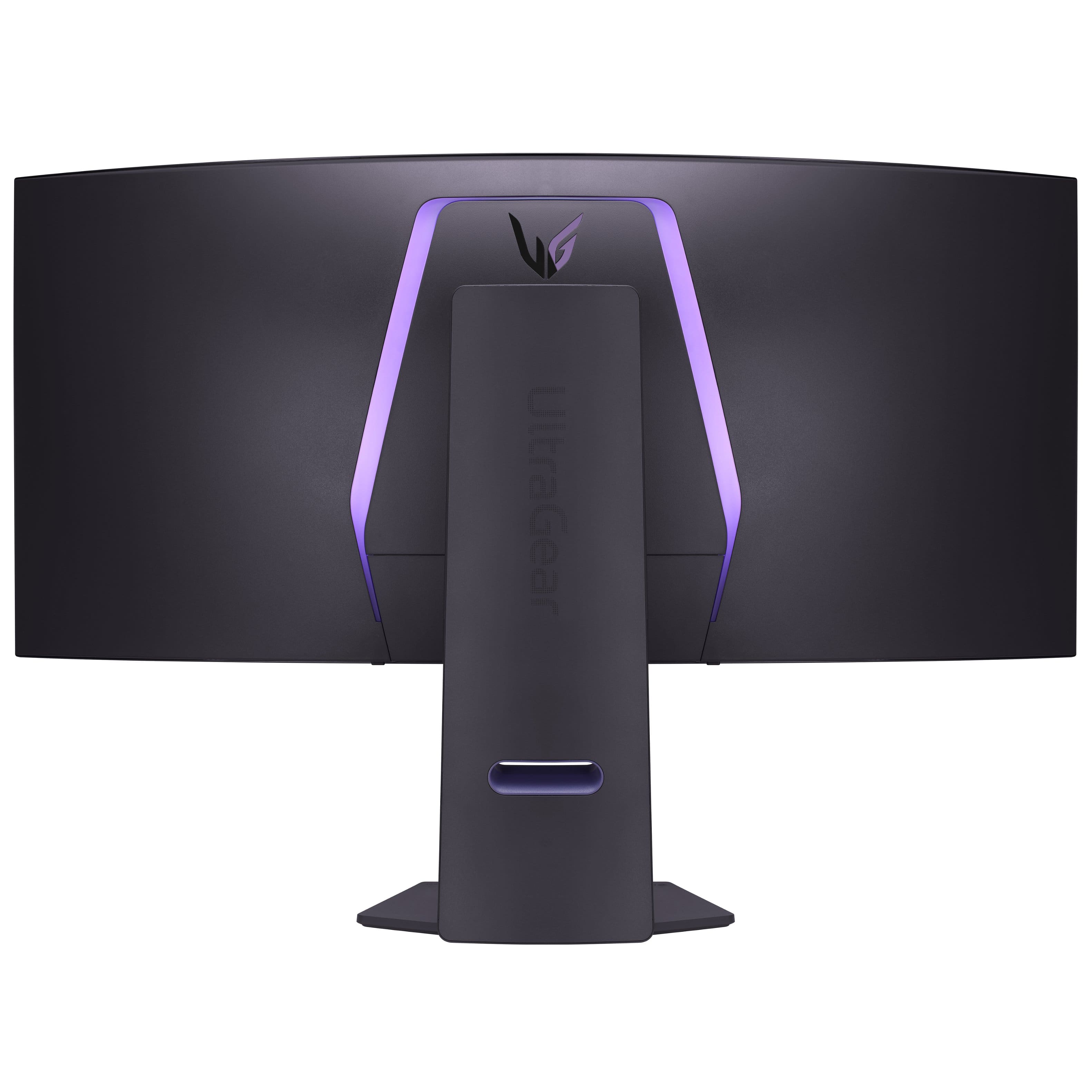
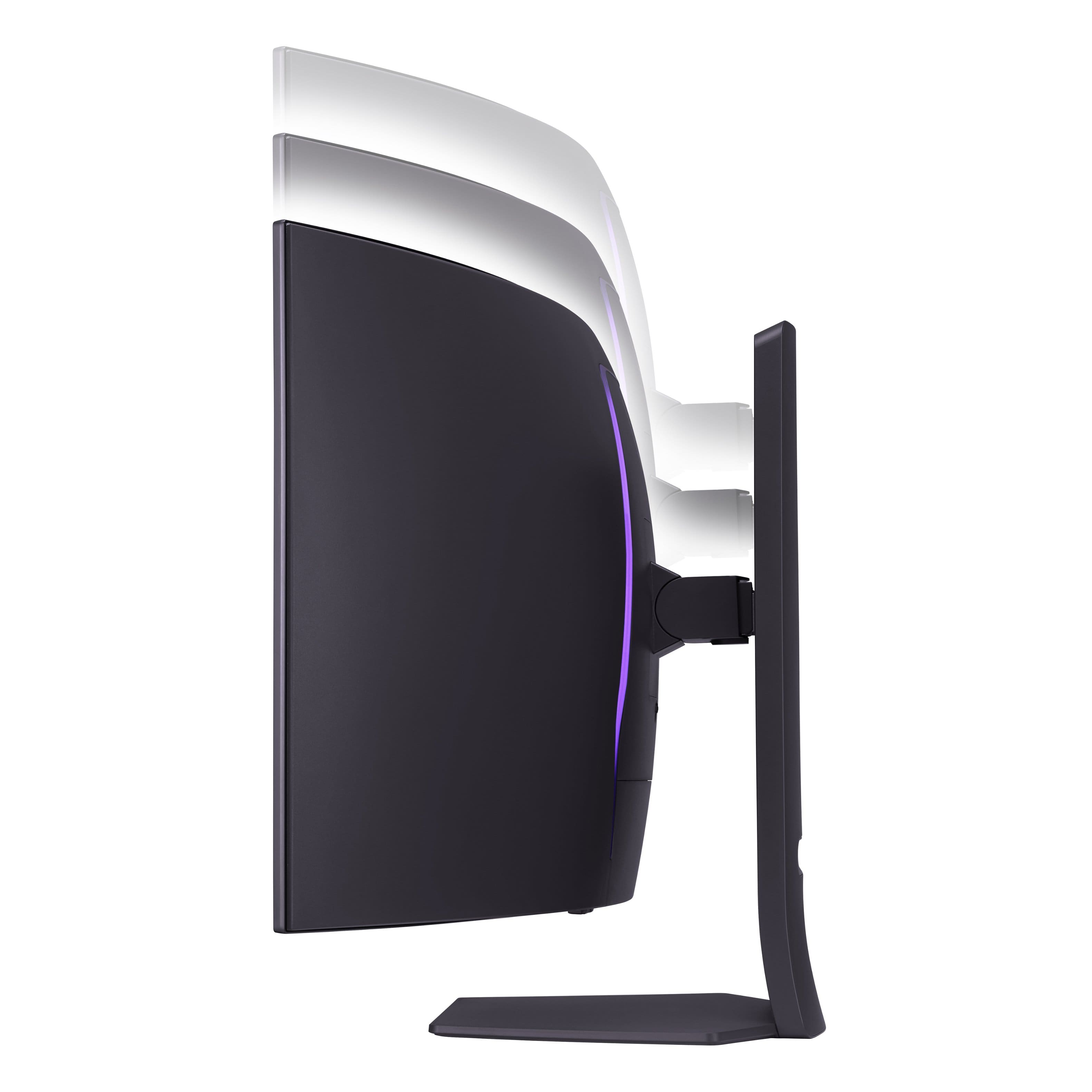
Q: QuestionMy upper cabinet is 20.5" from the desktop and I want to fit this monitor under it. What is the minimum height for this monitor with the stand, and, alternatively, if it exceeds 20.5", is it possible to use the monitor without the stand?
Asked by Lynn.
- A:Answer Best Buy's specifications on the product detail page for the LG UltraGear™ 39" OLED Curved WQHD 240Hz 0.03ms FreeSync™ and NVIDIA G-SYNC® Compatible Gaming Monitor with HDR400 - Black, Model # 39GS95QE-B list 'Product Height with Stand as 24.1". The monitor's stand is height adjustable and the listed height of 24.1" is with the stand set at its highest setting, but is has a height of 19.3" with the stand set at it lowest setting, and a height of 15.9" without the stand...^Ivan.
Answered by LG Digital Customer Care

Q: QuestionWhat is the height of the monitor when the base is lowered to the lowest position?
Asked by Newcomputer.
- A:Answer Hi there, thank you for your interest on this model. For the LG 39GS95QE-B gaming monitor, when the base is lowered to the lowest position, the height of the monitor is 19.3 inches (49 cm). This is based on the "With Stand" dimensions provided in the specifications. https://www.lg.com/us/monitors/lg-39gs95qe-b-gaming-monitor#pdp_specs If you have any further questions or need assistance, feel free to reach out to us on Social Media @LGUSSupport. We’re here to help! —Renzo
Answered by LG Digital Customer Care

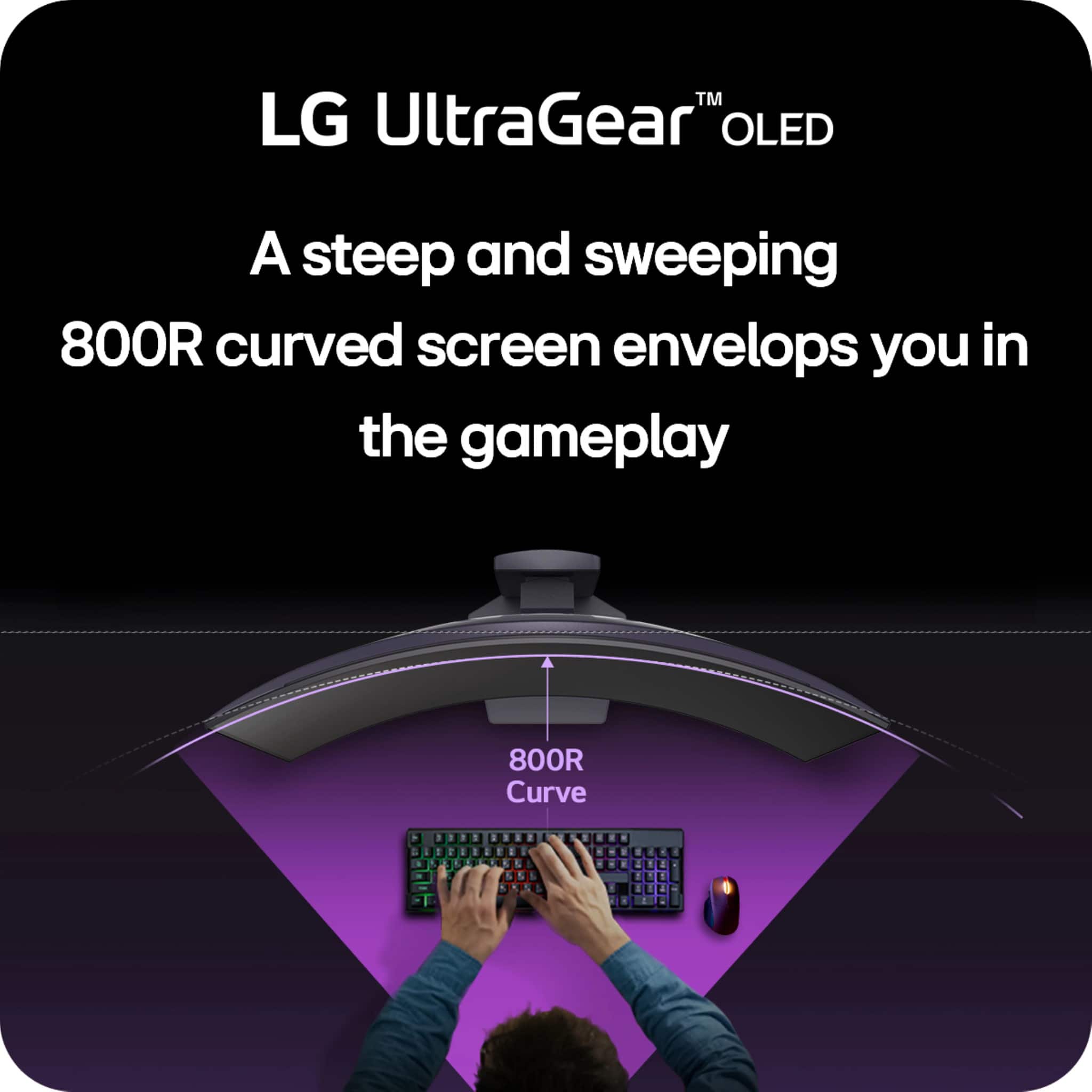
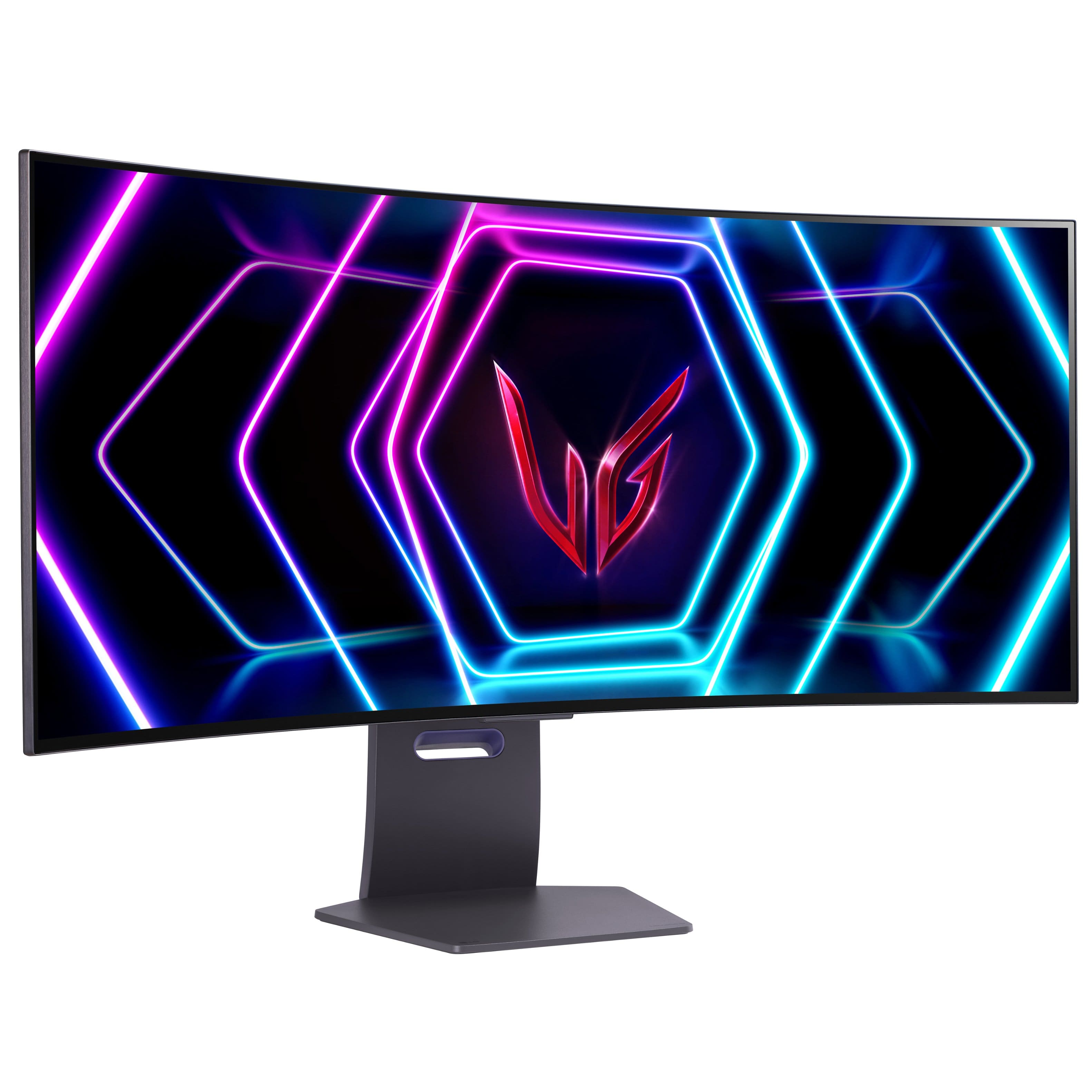
Q: QuestionCan the monitor be rotated to a vertical position? Or is it fixed in the horizontal position?
Asked by Patrice.
- A:Answer No, the monitor defaults to landscape mode and can't be changed to portrait mode using the included stand as the stand is not tall enought to accommodate it. It might be usable in portrait mode if it were wall-mounted, but I'd check with LG before I started sinking lag bolts into my wall. You'd also want to verify that the video card in the computer can handle the resolution in portrait mode. A word of caution, however. The monitor is curved and designed to be used in landscape mode so you get something of a wrap-around console feel. I don't think it would look right mounted vertically. Not sure how your eyes could adjust to the oddity of that configuration, but my gut tells me it would be bizarre and I trust my gut. Whether you're buying it for gaming, graphics or just plain old office work, this monitor will serve you well and will present a quality picture far exceeding standard HD versus UHD. And now, half of my family want one just like it, which in most of their cases would be overkill. But I'm waiting to see if anyone springs for this 39" UHD OLED monitor anyway. Happy computing and gaming!
Answered by JoeBosco
Q: QuestionIs the LG UltraGear 39" OLED Curved WQHD compatible with the Apple Mac Mini M4 Pro?
Asked by Lloyd.
- A:Answer I'm not familiar with the Mac Mini you're referring to, but as long as the box can output a video signal in the resolution the TV can use, at most it would require an adapter to plug into a MAC.
Answered by JoeBosco
Q: QuestionDoes this monitor connect wirelessly to a laptop?
Asked by Rofster.
- A:Answer I don't believe so as I never saw anything in the owner's manual about wireless connections. But to be sure, I'd call LG and let them give you a definitive answer.
Answered by JoeBosco
Page 1, Showing 1-20 of 33 questions
Most-viewed items
- Black Friday Deal$199.99Your price for this item is $199.99
- Black Friday Deal$849.99Your price for this item is $849.99
- Black Friday Deal$899.99Your price for this item is $899.99
- Black Friday Deal$999.99Your price for this item is $999.99
- Black Friday Deal$499.99Your price for this item is $499.99
- Black Friday Deal$369.99Your price for this item is $369.99
- $249.99Your price for this item is $249.99$349.99The comparable value for this item is $349.99
- $399.99Your price for this item is $399.99$649.99The comparable value for this item is $649.99
- Black Friday Deal$849.99Your price for this item is $849.99
- Black Friday Deal$249.99Your price for this item is $249.99
- Black Friday Deal$1,499.99Your price for this item is $1,499.99
- Black Friday Deal$849.99Your price for this item is $849.99
- $139.99Your price for this item is $139.99$359.99The comparable value for this item is $359.99
- Black Friday Deal$549.99Your price for this item is $549.99
- Black Friday Deal$209.99Your price for this item is $209.99
- Black Friday Deal$699.99Your price for this item is $699.99
- $899.99Your price for this item is $899.99$979.99The comparable value for this item is $979.99
- Black Friday Deal$199.99Your price for this item is $199.99
- Black Friday Deal$129.99Your price for this item is $129.99