Main Content

Questions & Answers

$1,649.99
Save $350
The comparable value is $1,999.99
Page Showing 21-40 of 46 questions
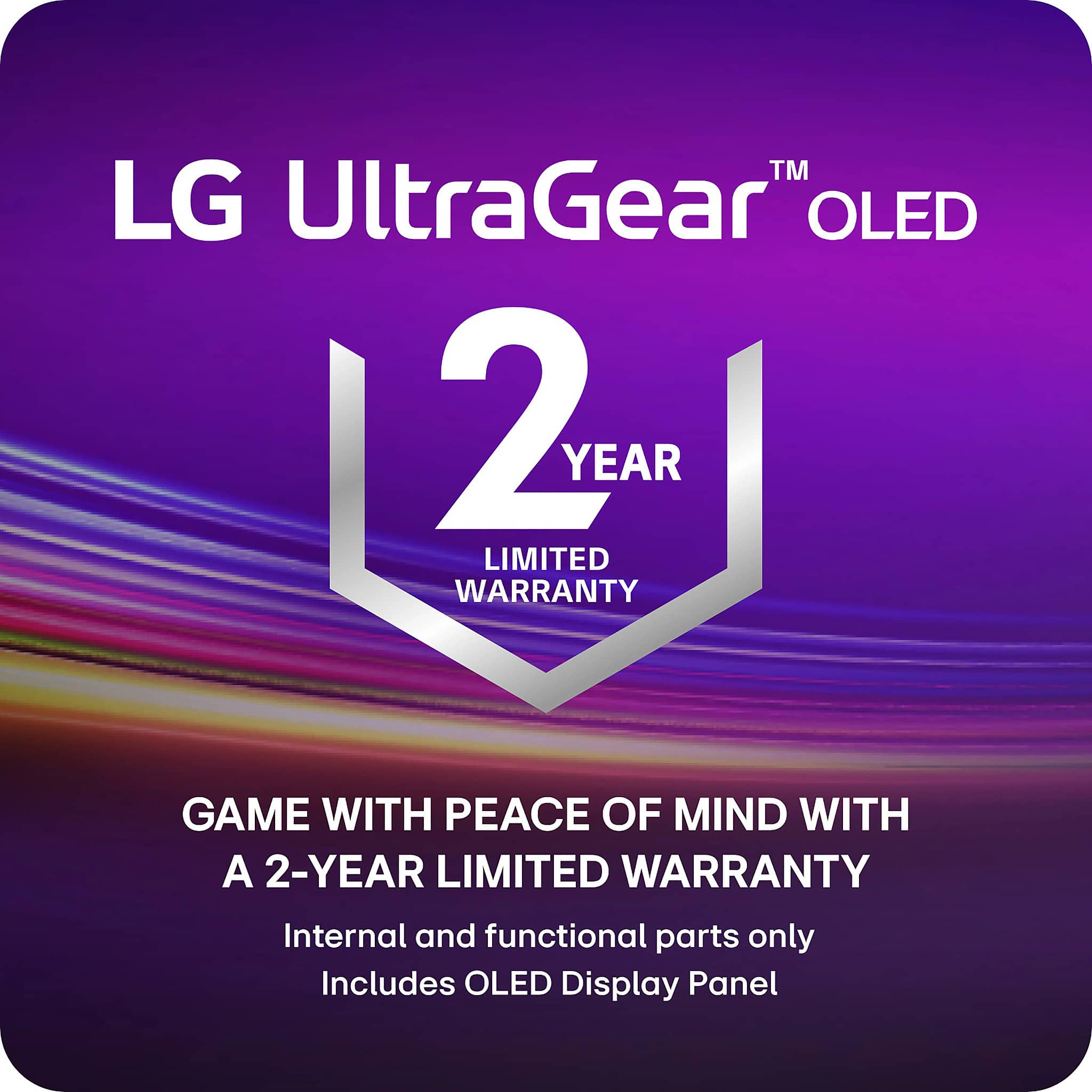
  • QuestionDoes it still have 2 year warranty even if it's open box?

    Asked by B.

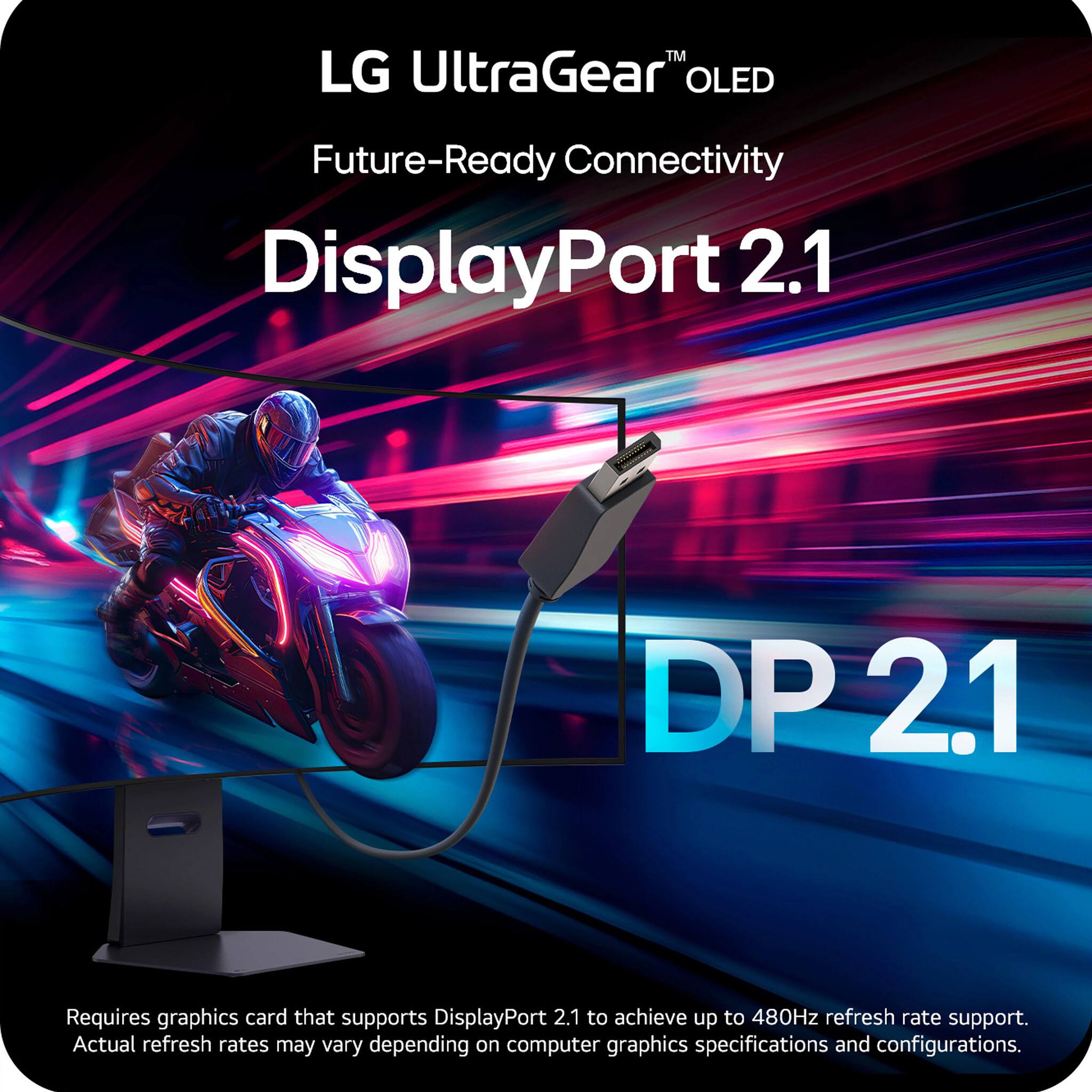
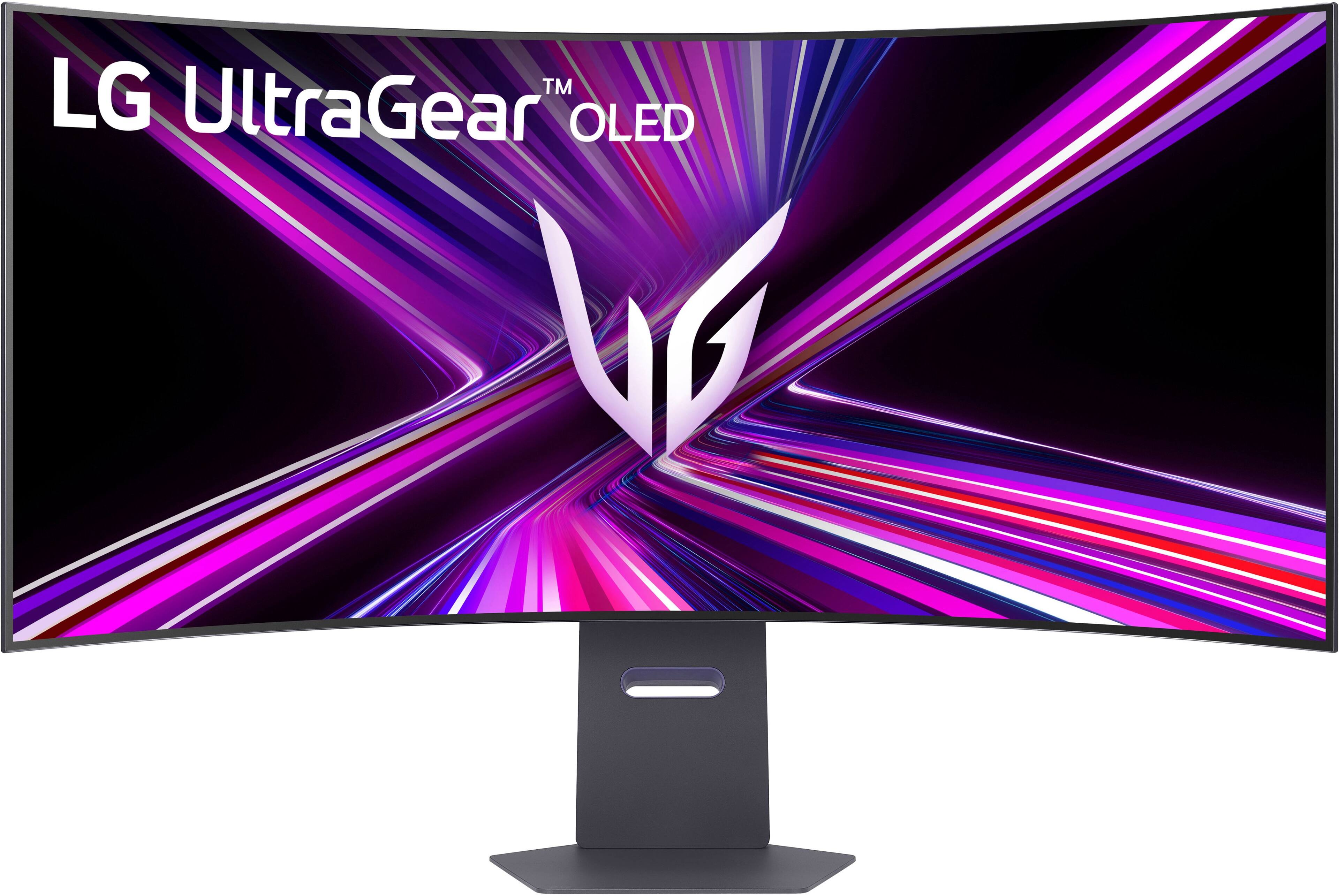
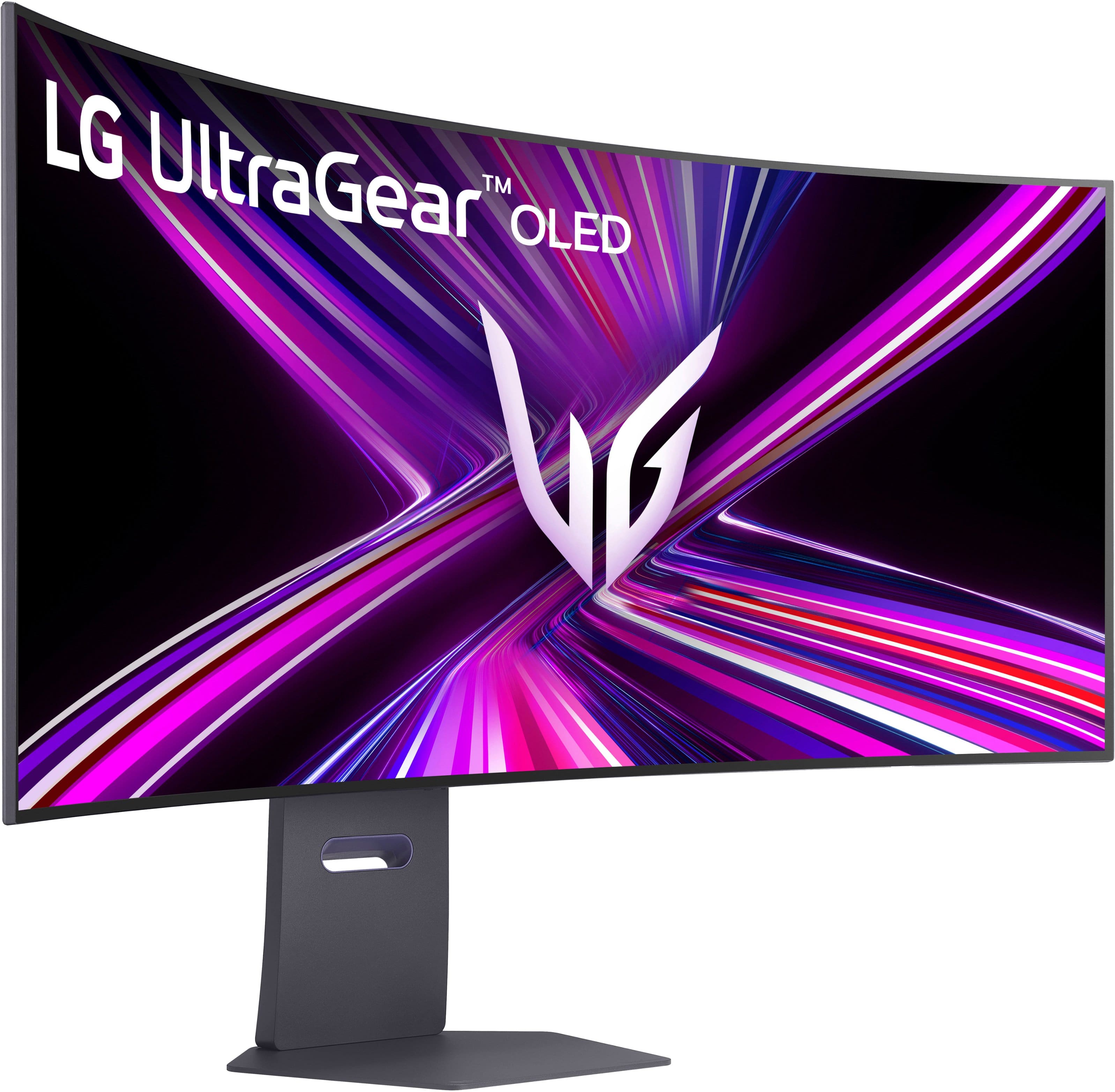
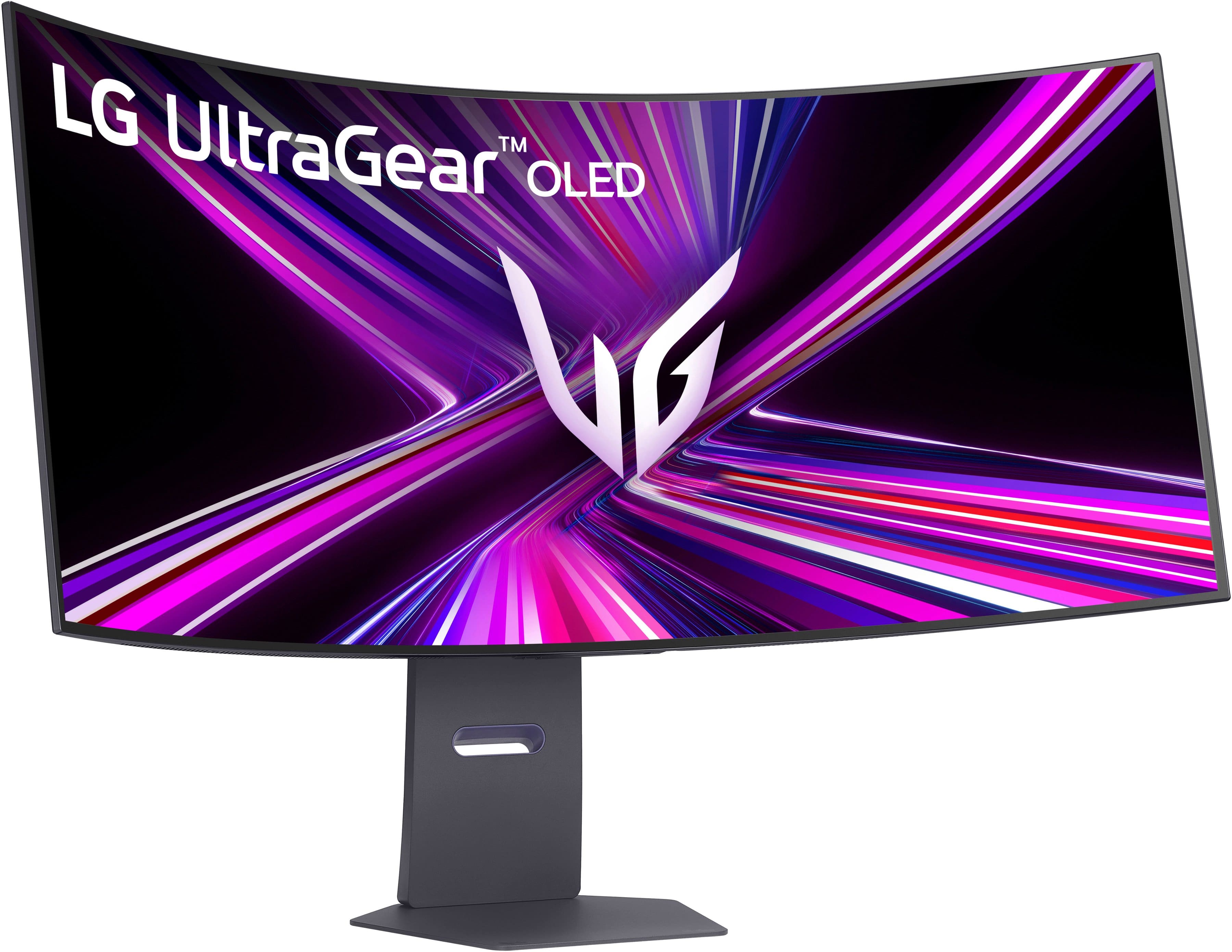
    • Answer What warranty the LG 45-inch UltraGear™ evo OLED 5K2K WUHD 165Hz or WFHD Dual Mode 330Hz 0.03ms G-sync Compatible DisplayPort 2.1 Gaming Monitor, Model # 45GX950A-B, will have as an open box item will depend on its condition. Open-box monitors at Best Buy often come with the full manufacturer’s warranty, just like new items, though some may only have the remaining manufacturer's warranty. Best Buy typically guarantees that these products work and will honor the warranty from your purchase date. Items categorized as "Geek Squad Certified Excellent" are most likely to have full manufacturer support, whereas lower-tier "Fair" or "Good" items might be closer to the end of their warranty period. While functional, "Good" or "Fair" items might be missing non-essential accessories (like manuals or specialized cables), which could affect warranty service requiring original parts. You can purchase optional Geek Squad Protection to extend coverage on any open-box monitor. It is highly recommended to inspect the monitor in-store and check for all necessary cables to ensure the warranty is easy to apply if needed...^Ivan.

      Answered by LG Digital Customer Care

  • QuestionAre there any docks that support this monitor with another monitor in a dual screen setup for MacBook?

    Asked by Lewington.

    • Answer Regrettably, LG does not have a list of recommended docks that have been tested for compatibility with the LG UltraGear™ 45" OLED Dual Mode (5K2K WUHD 165Hz, WFHD 330Hz) 0.03ms G-Sync/FreeSync™ Premium Pro Gaming Monitor - Black, Model # 45GX950A-B...^Ivan.

      Answered by LG Digital Customer Care

  • QuestionDoes this monitor also have webos?

    Asked by Dan.

    • Answer The LG 45-inch UltraGear™ evo OLED 5K2K WUHD 165Hz or WFHD Dual Mode 330Hz 0.03ms G-sync Compatible DisplayPort 2.1 Gaming Monitor, Model # 45GX950A-B, is NOT an LG Smart Monitor with webOS. Only our lineup of LG Smart Monitors has built-in webOS...^Ivan.

      Answered by LG Digital Customer Care

  • QuestionI have a ps5 pro. Will it display the 5k2k on this monitor?

    Asked by DBald1981.

    • Answer It should. However it will have black bars on the side as it won’t scale to fit. I use my series x and that’s what it does.

      Answered by Doosty

  • Questionwill this work with my iPad Pro and USB-C cable?

    Asked by Ng.

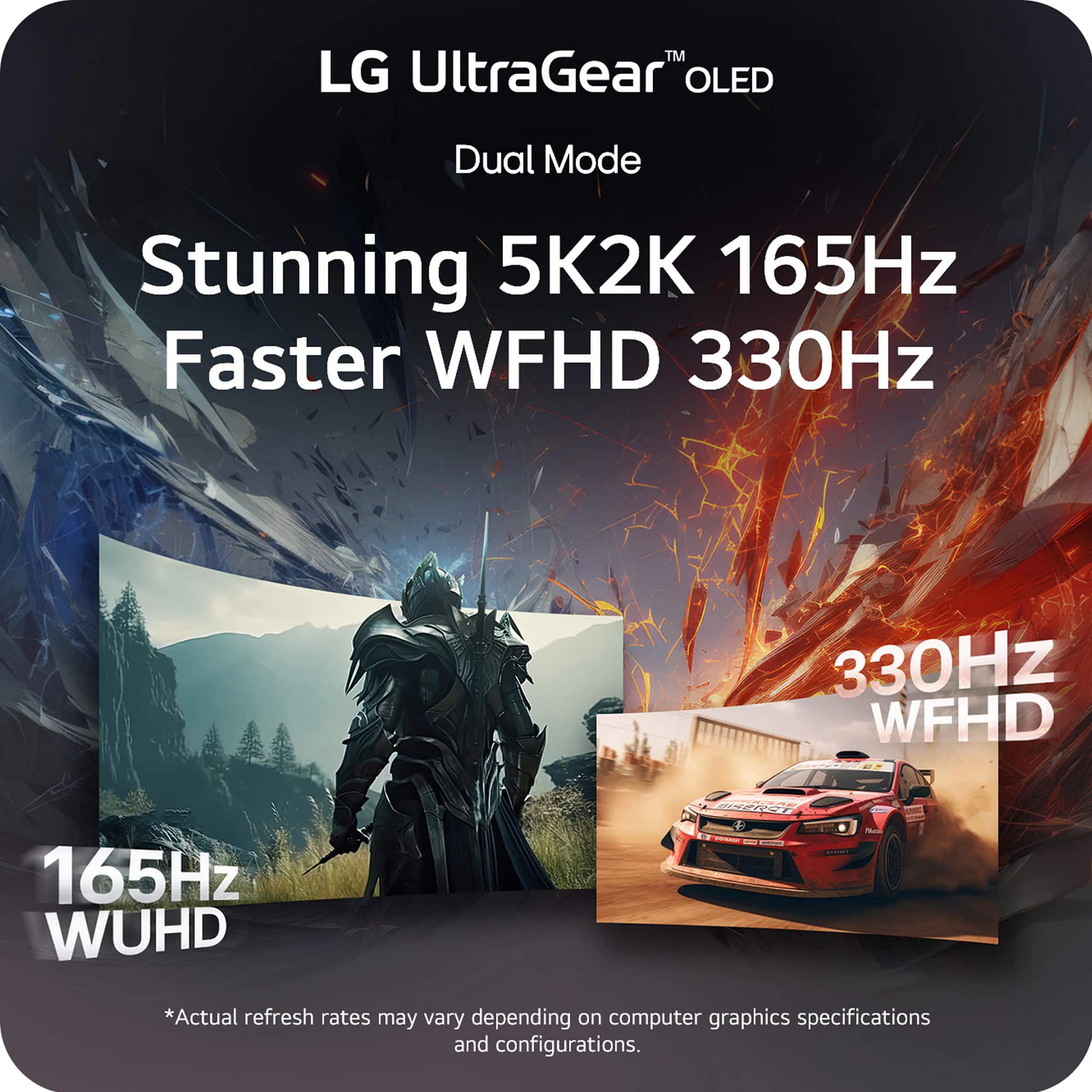
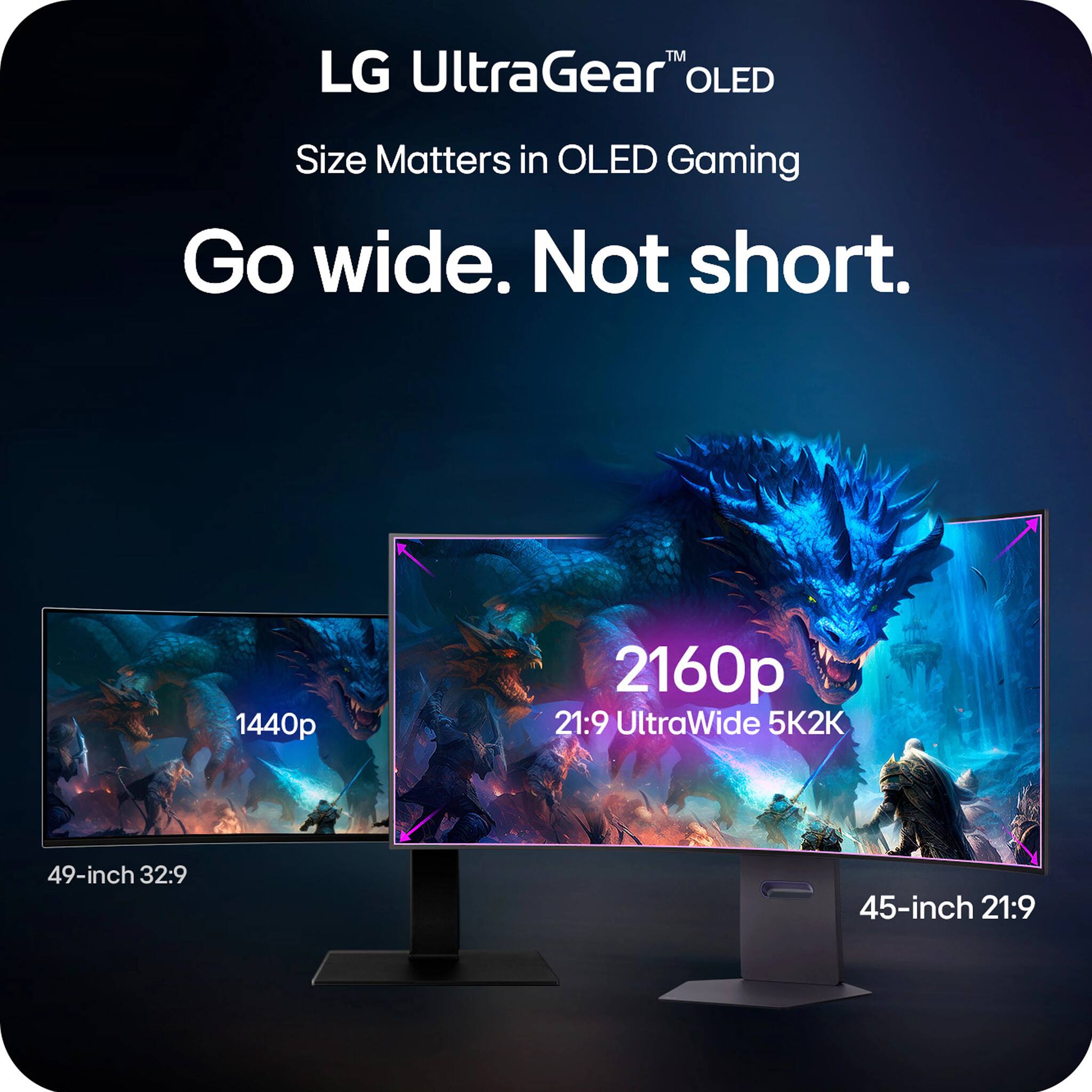
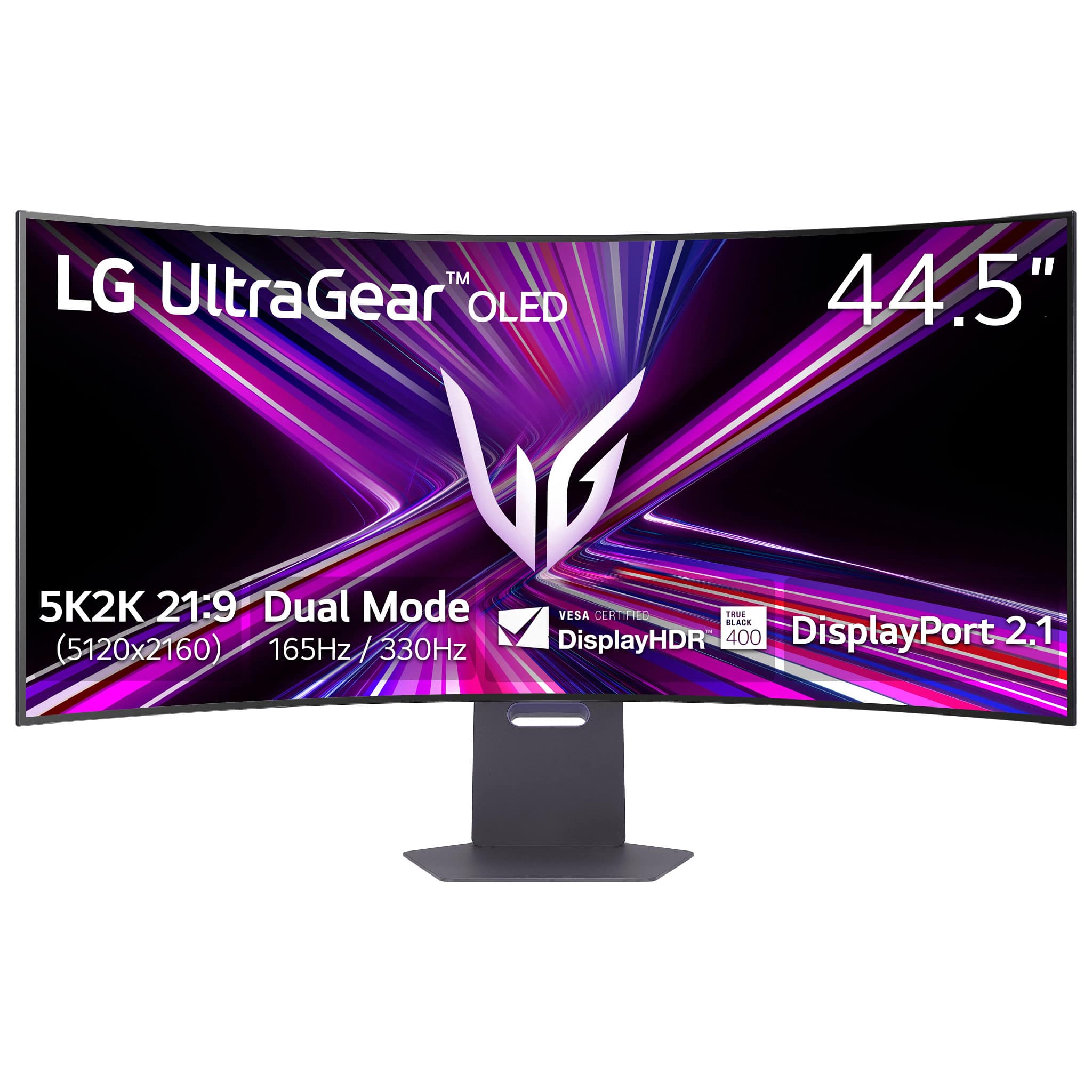
    • Answer What resolutions does your iPad Pro's graphics card support? As indicated in its header, the LG 45-inch UltraGear™ OLED 5K2K WUHD 165Hz or WFHD Dual Mode 330Hz 0.03ms G-sync Compatible DisplayPort 2.1 Gaming Monitor, 45GX950A-B, has a native 5K2K (5120 x 2160) resolution. It also supports 1920 x 1080 @ 60/120 Hz, 3440 x 1440 @ 50/60/100 Hz, 2560 x 1440 @ 60/75 Hz, 1920 x 1080 @ 330 Hz in Dual mode, 2560 x 1080 @ 330 Hz in dual mode, 3840 x 2160 @ 165 Hz, and 5120 x 2160 @ 60/100/165 Hz over USB-C, so if the graphics card in your iPad Pro supports the above-mentioned resolutions, it will work with the monitor...^Ivan.
      Answered by LG Digital Customer Care

  • QuestionThis monitor runs 165hz at 4k and 330hz at 1080p. What hz does it run at when displaying 1440p resolution?

    Asked by C.

    • Answer 165

      Answered by Doosty

  • QuestionI am wondering how this will work as a single-monitor for work (Excel, spreadsheets, lots of texts, emails, static images) during the day, and then switching over to a desktop gaming system running an RTX4080 Super. Screen burn-in issues?

    Asked by JonathanS.

    • Answer Yes, it works well as a single monitor. The ultrawide layout is excellent for side-by-side spreadsheets and emails. Text clarity is good, but OLED isn’t quite as razor-sharp as high-DPI IPS for heavy Excel work. You’ll still be comfortable all day. Excellent match. Your GPU can easily drive the resolution and refresh rate. Games are extremely immersive, with fast response times and perfect blacks. Low risk, not zero. LG’s OLED protections (pixel shift, logo dimming, refresh cycles) help a lot.

      Answered by MichaelR

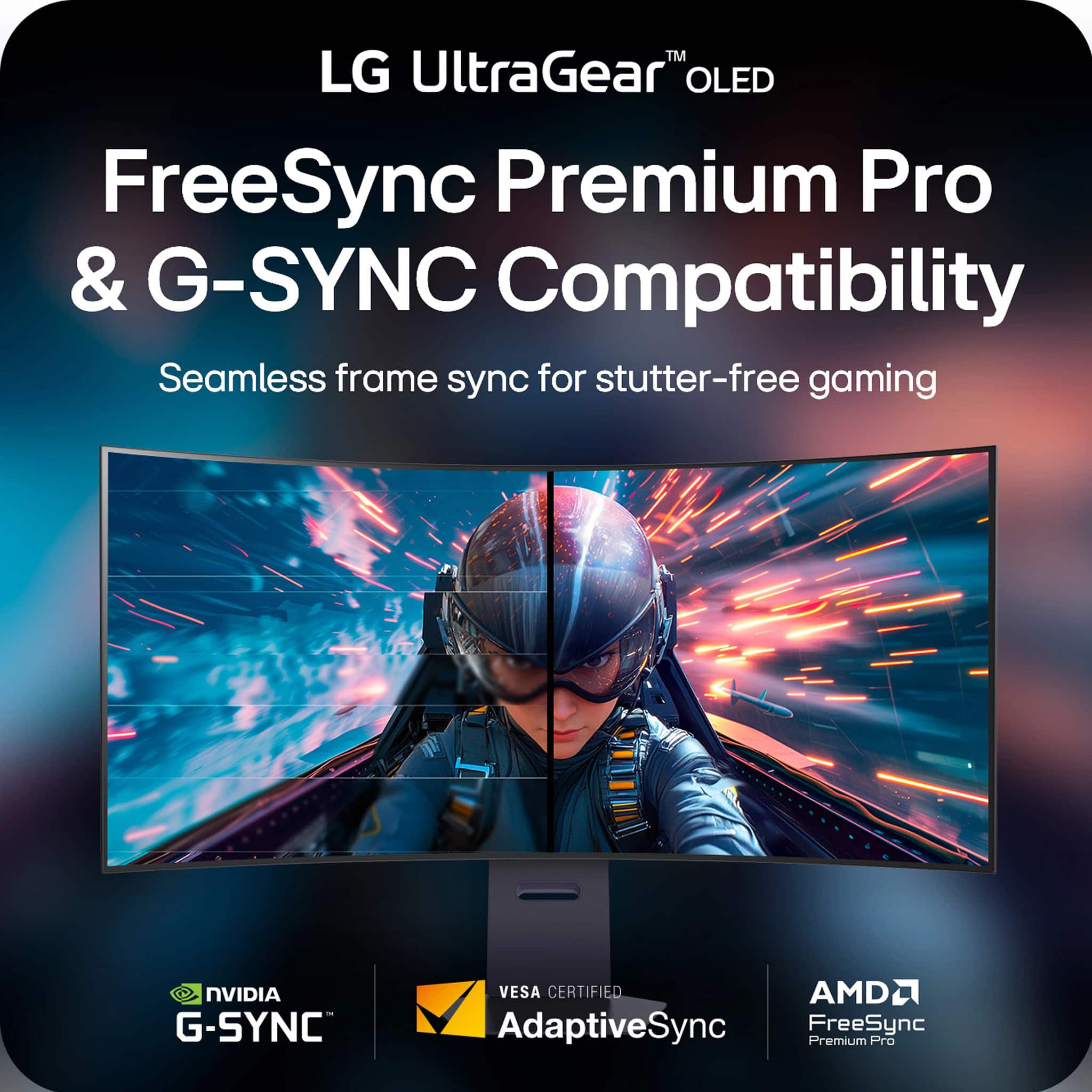
  • QuestionHi, does this monitor have the same limitations as its previous version when it comes to enabling G sync and the screen going blank? Not that it’s really necessary considering the speeds already but I was just wondering before I buy. Thanks.

    Asked by JayBee.

    • Answer Hi there. Thank you for sharing your experience with us. We understand your inquiry regarding G-Sync performance on the LG UltraGear 45" OLED Dual Mode gaming monitor. This 2025 model features updated firmware and hardware optimizations designed to provide a more stable VRR (Variable Refresh Rate) experience compared to previous generations; however, to ensure the best performance and avoid signal loss, we recommend using the included high-bandwidth DisplayPort or HDMI 2.1 cables and ensuring your GPU drivers are fully updated. https://www.bestbuy.com/product/lg-ultragear-45-oled-dual-mode-5k2k-wuhd-165hz-wfhd-330hz-0-03ms-g-sync-freesync-premium-pro-gaming-monitor-black/JJ8VPZWPY9 For further assistance and any specific concerns you may have, please contact us on [email protected]. —Renzo

      Answered by LG Digital Customer Care

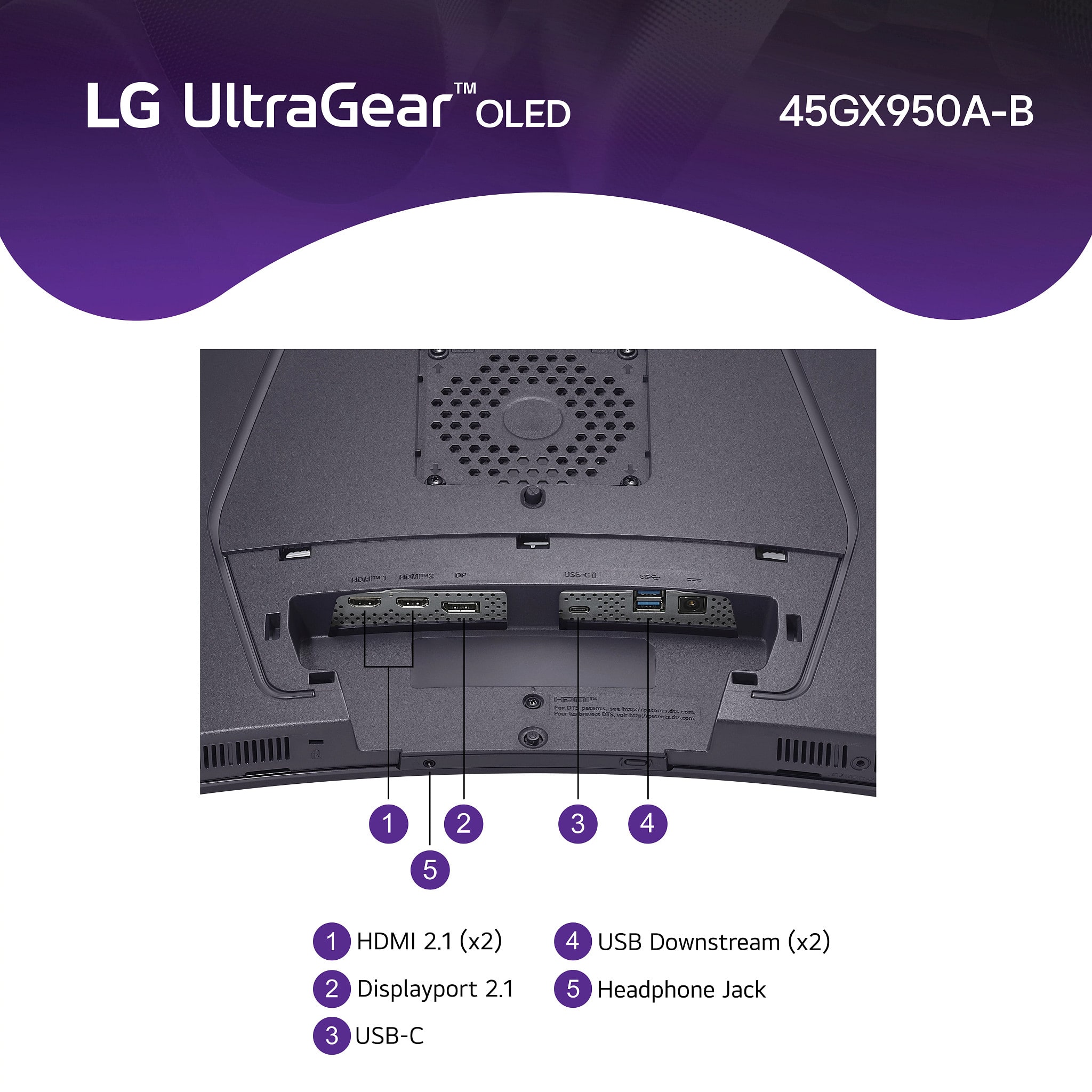
  • QuestionDoes it have a ear HDMI plug or a dedicated plug to hook up a soundbar or speakers other than a 3.5mm plug/headphone jack? If not why and this thing is $2000

    Asked by Styles3way.

    • Answer It has speakers built in, they arent the greatest but do the job well, it has 2 usb ports you might be able use.

      Answered by GavMan

  • QuestionWhy is this monitor listed as OLED and IPS. They are two different types of panels

    Asked by Atlec91.

    • Answer I think you might be looking at 2 different monitors, this one is only OLED.

      Answered by GavMan

  • QuestionDoes this monitor has pip or pop function?

    Asked by Mo37.

    • Answer Hi there, Mo. Thank you for sharing your experience with us regarding the 45GX950A-B UltraGear OLED Gaming Monitor. We understand your inquiry about the picture display functions. Yes, the 45GX950A-B monitor does have both PIP (Picture in Picture) and PBP (Picture by Picture) functions. These features allow you to display content from two different input sources on the screen simultaneously, which is excellent for both multitasking and a dual setup. Since the unit has this capability, you can access the PIP/PBP settings within the monitor's On-Screen Display (OSD) menu to select your desired screen configuration and input sources. https://www.bestbuy.com/product/lg-ultragear-45-oled-dual-mode-5k2k-wuhd-165hz-wfhd-330hz-0-03ms-g-sync-freesync-premium-pro-gaming-monitor-black/JJ8VPZWPY9 If you have any further questions about its features or setting up the PIP/PBP functions, please send us a private message on Social Media @LGUSSupport, and our team will be more than happy to assist you. —Renzo

      Answered by LG Digital Customer Care

  • QuestionHow do I purchase a protection plan?

    Asked by Donnell.

    • Answer They should give you the option at checkout, but the monitor does come with a manufacturer's warranty.

      Answered by GavMan

  • QuestionDoes this monitor have the LG streaming services and the free channels?

    Asked by HectorT.

    • Answer no. this model doesn’t have the smart features.

      Answered by Will

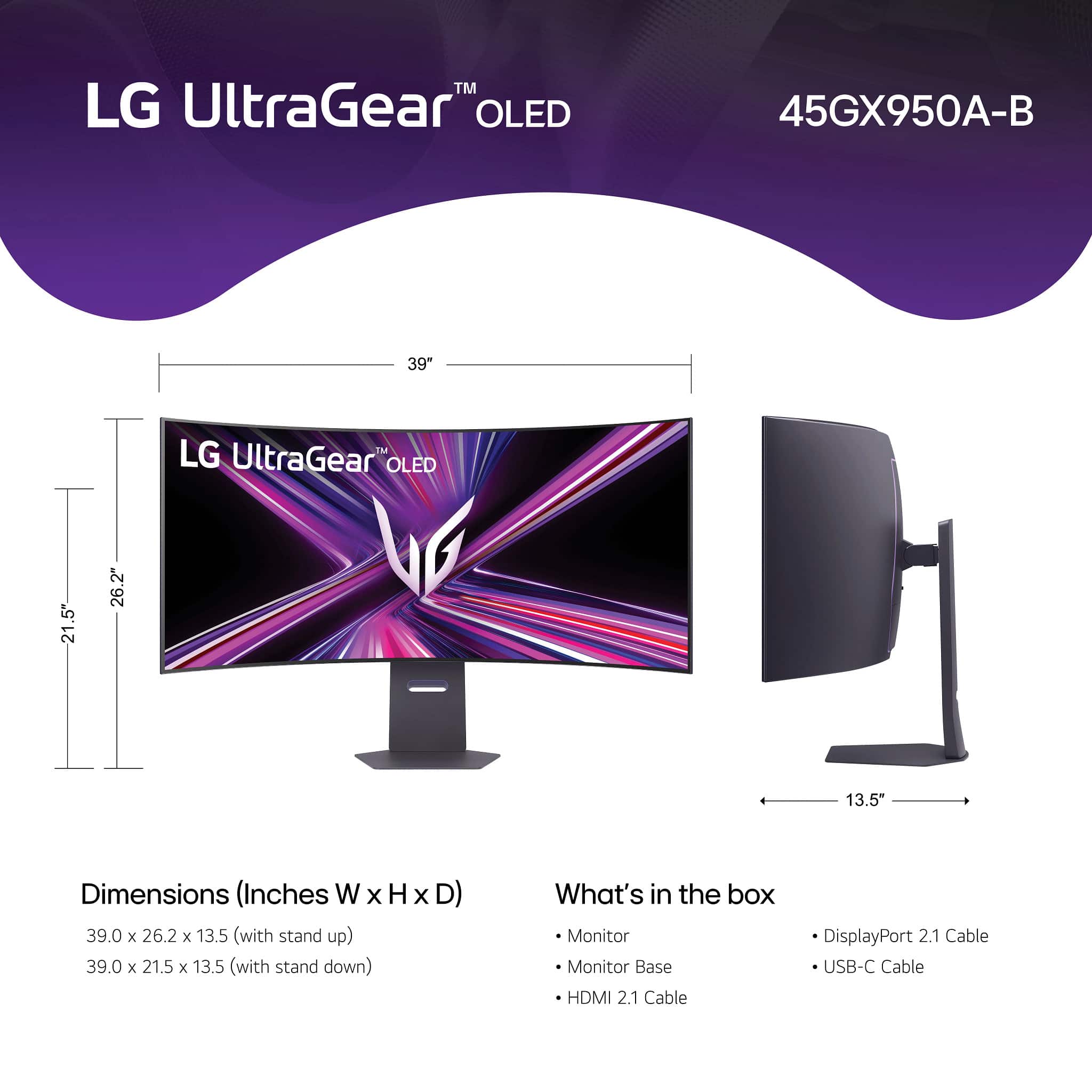
  • QuestionWhat are the measurements of the stand or base?

    Asked by Stand.

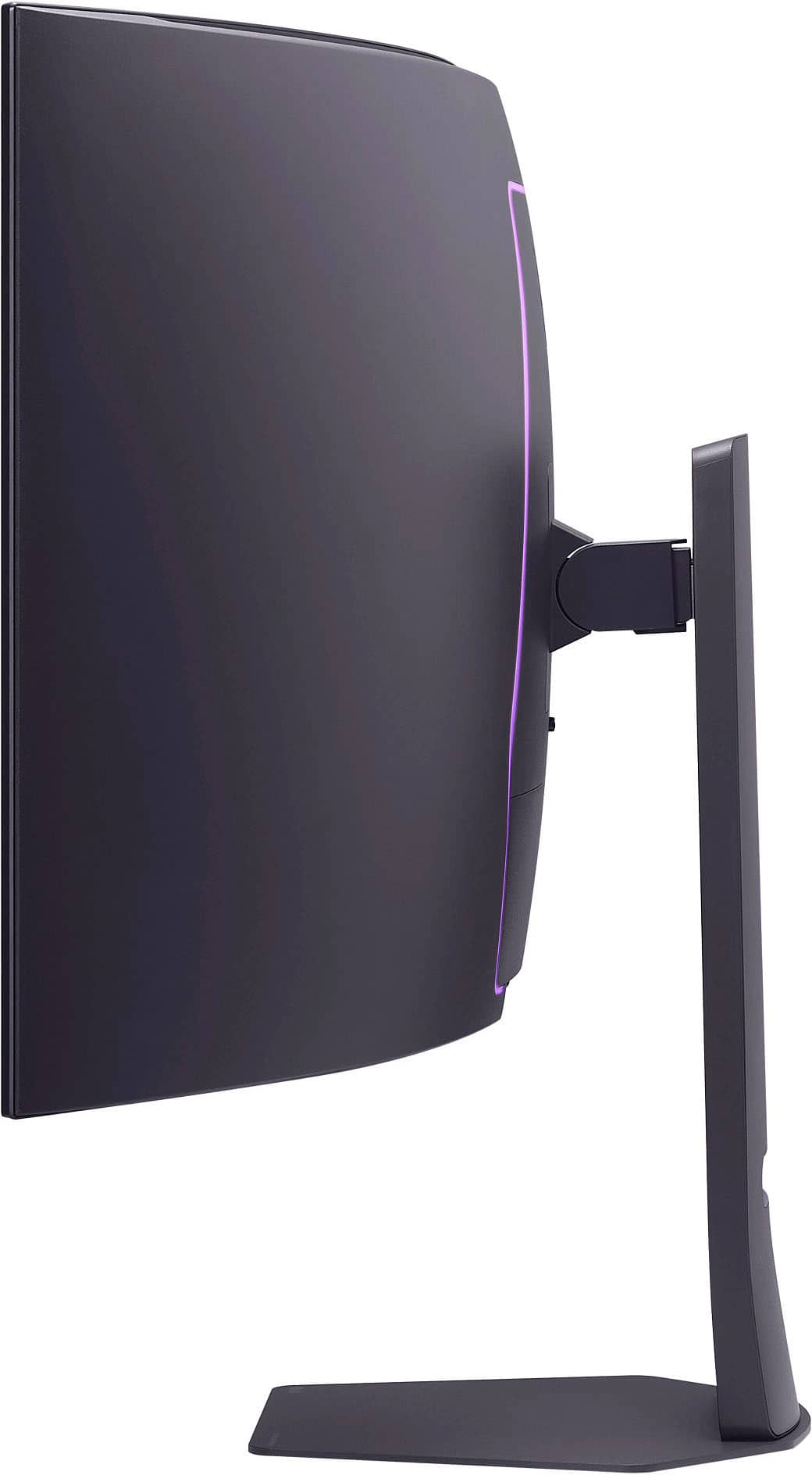
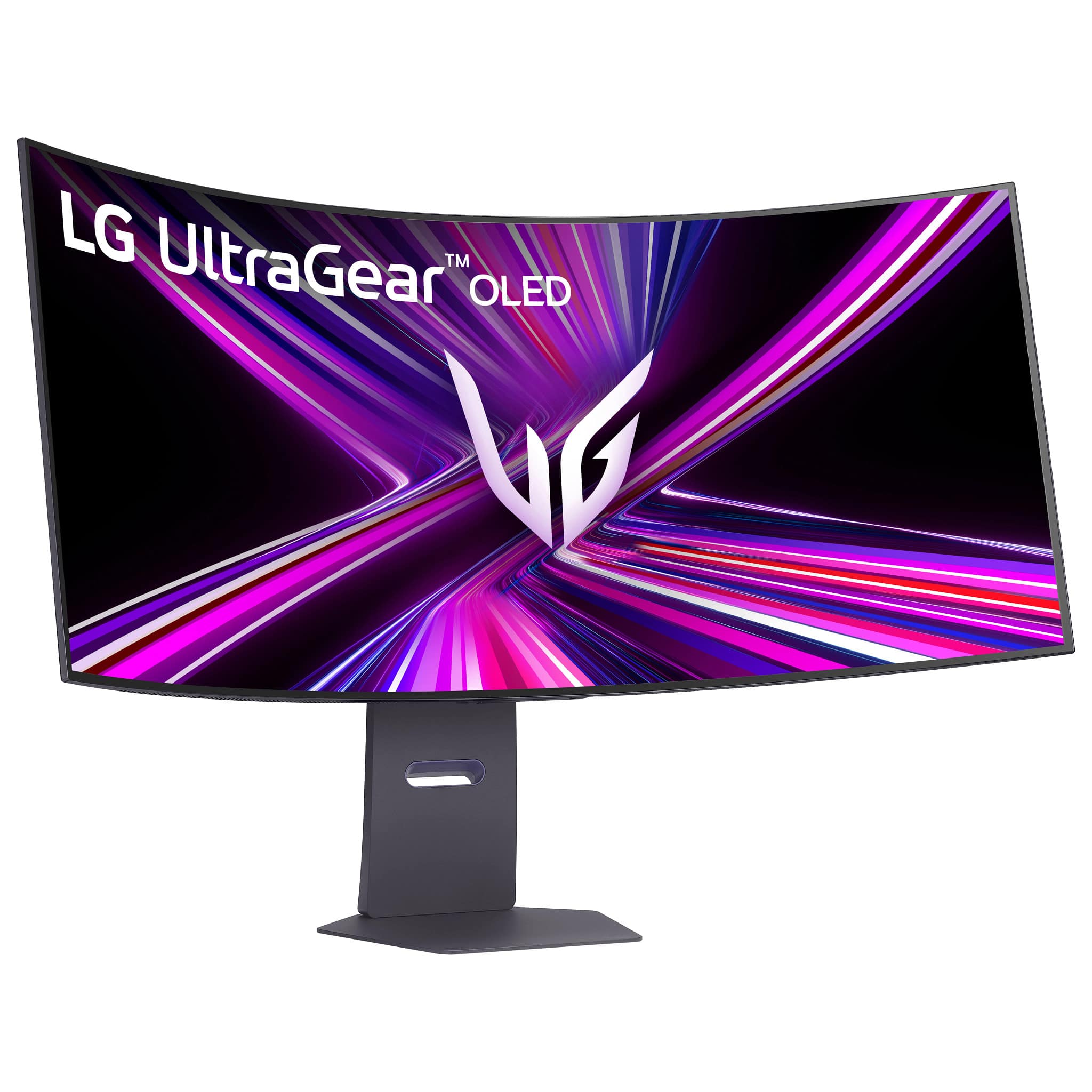
    • Answer Front x Back= 10.5" Left x Right = 11.5"

      Answered by SamL

  • QuestionHow dual resolution works?? Other monitors all you have to do is press a buttons to switch from 4k to 1080p. Monitor is expensive and investing $2000 withouth that feature is no sell for me.

    Asked by VictorR.

    • Answer There is a button on the bottom of the monitor you can use to switch between modes, you can set them to different resolutions/aspect ratios/frame rates in the monitor settings. I have mine at 5k2k ultrawide 165hz on one, and 27" 1080p 330hz on the second one. The dual mode works well and is easy to use/configure.

      Answered by GavMan

  • QuestionI'm looking to buy this monitor, coming from a glossy screen not sure if I'll like it, if I was to finance it& for whatever reason I want to return will there be a stocking fee?Currently have the best buy membership which I was told 60 days free returns

    Asked by Ricky.

    • Answer 60 days free return no restocking fee with the best buy plus that I have I’ve never had a problem with best buy and I’ve brought back a 1600 dollar monitor before

      Answered by JordanC

  • QuestionG sync work for both resolutions or just for the 5k ?

    Asked by Noreadmycomment.

    • Answer Yes I believe it does work with both

      Answered by GavMan

  • QuestionHow long are each of the cables that are included?

    Asked by Lori.

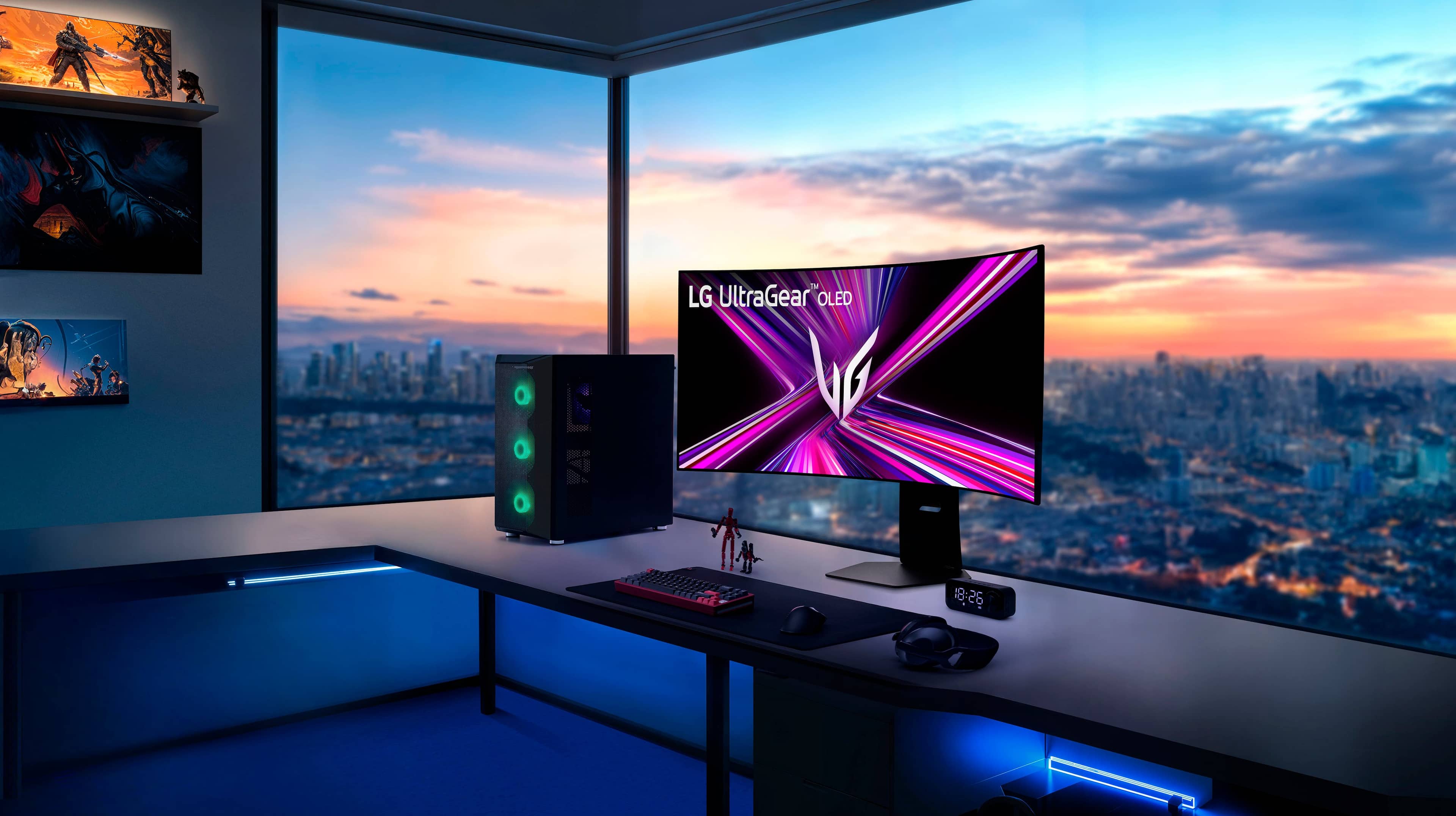
    • Answer The included cables for the LG UltraGear™ 45" OLED Dual Mode (5K2K WUHD 165Hz, WFHD 330Hz) 0.03ms G-Sync®/FreeSync Premium™ Pro Gaming Monitor - Black, Model # 45GX950A-B are 1.8m (5.91 feet) long...^Ivan.
      Answered by LG Digital Customer Care

  • Questionwhich model does the screen fold on a push of a button

    Asked by chitownmaster.

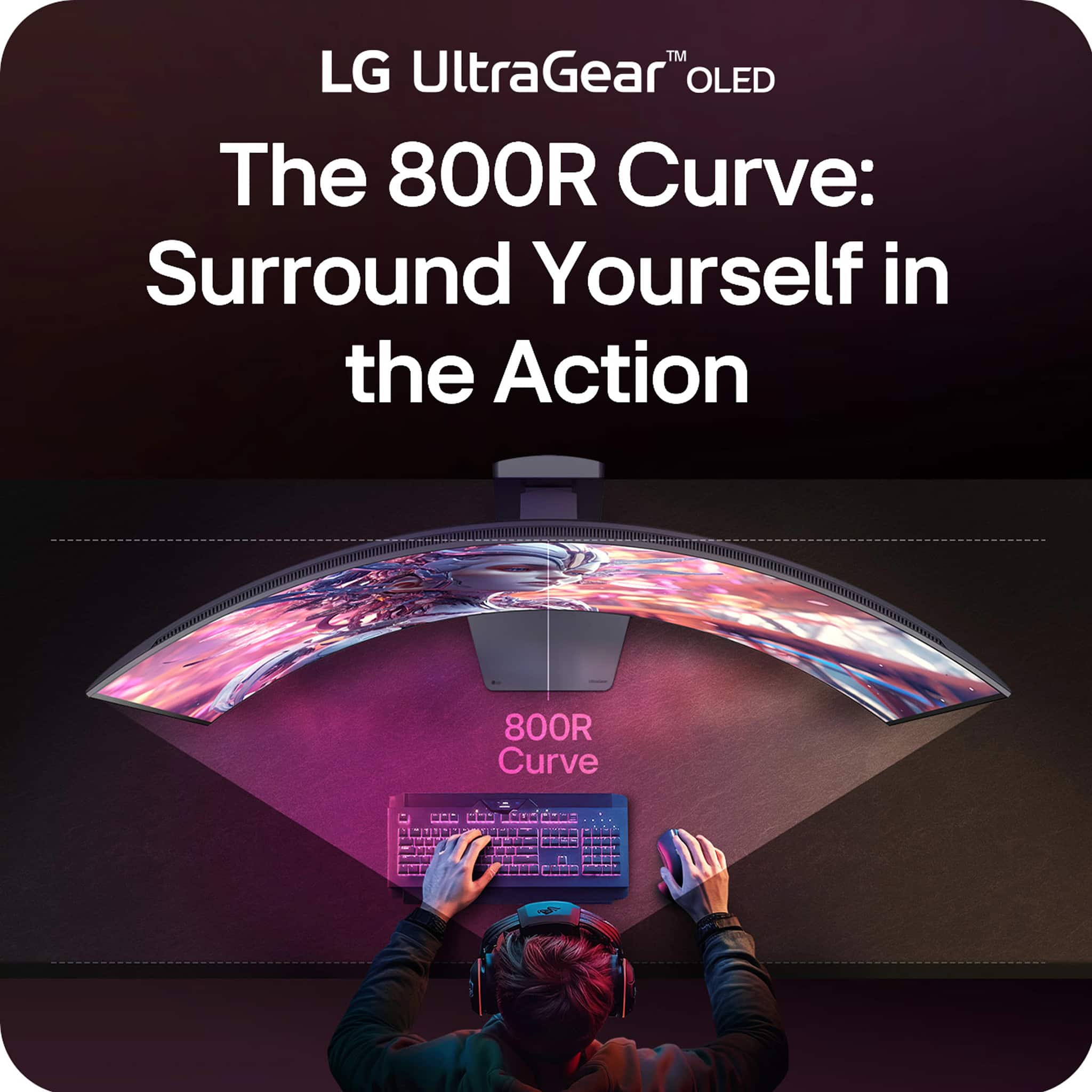
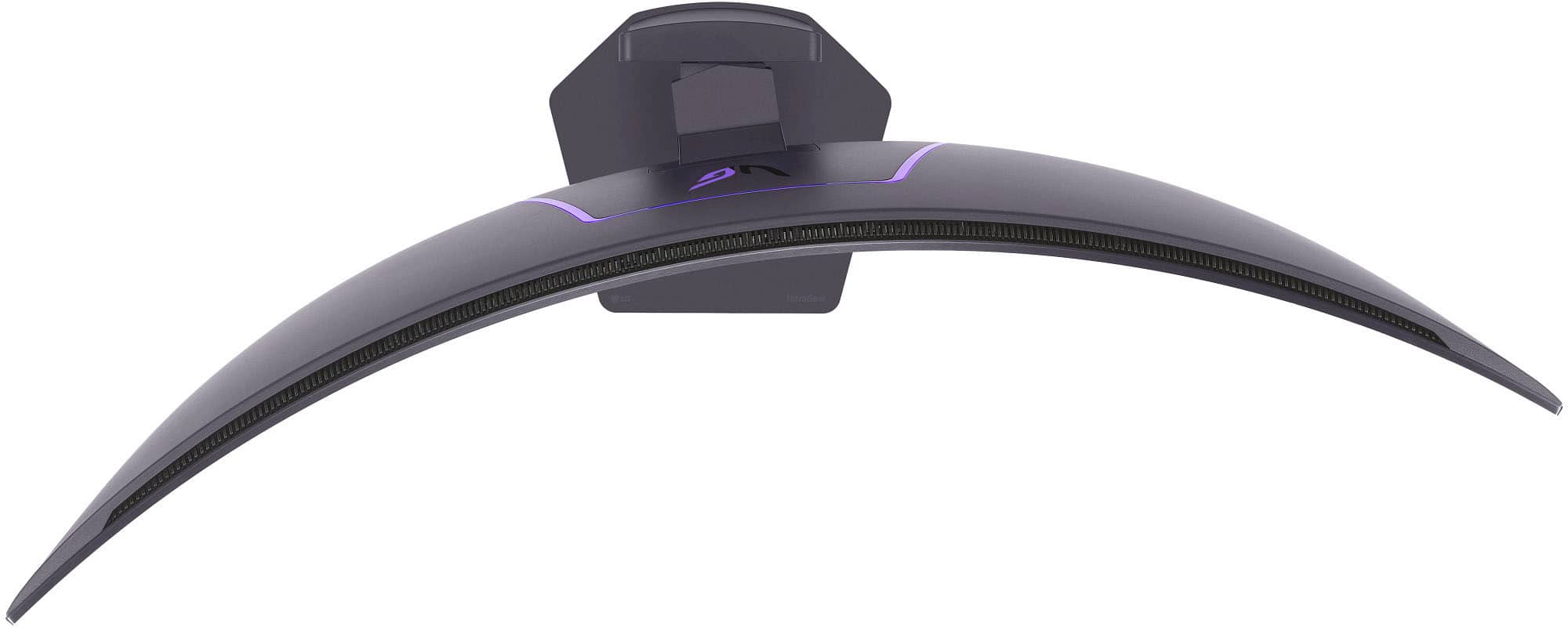
    • Answer Hi there, Sunny. Thank you for sharing your experience with us. We understand your inquiry regarding the LG UltraGear 45" OLED Dual Mode Gaming Monitor and your question about which model features a screen that folds or bends at the push of a button. While the UltraGear 45" model you're interested in features a fixed 800R curve for immersive gaming, the specific LG model that bends from flat to curved using motorized internal arms at the push of a button is the LG OLED Flex (Model 42LX3QPUA). This unit allows you to customize your viewing experience with 20 different levels of curvature. We want to ensure you find the perfect display for your setup. https://www.bestbuy.com/product/lg-ultragear-45-oled-dual-mode-5k2k-wuhd-165hz-wfhd-330hz-0-03ms-g-sync-freesync-premium-pro-gaming-monitor-black/JJ8VPZWPY9 For further assistance and any specific concerns you may have, please contact us on [email protected], and our team will be more than happy to assist you. —Renzo

      Answered by LG Digital Customer Care

  • QuestionDoes this have a built in KVM

    Asked by Corey.

    • Answer Super late, just got mine while on sale. Has Video usb-c to usb-c. The 2 usb hub can go to the usb video device but did not give mouse to the display port, even with an added usbA-usbA. Stopped there as it still fits my needs. NOT A KVM, close but no cigar

      Answered by Anonymous