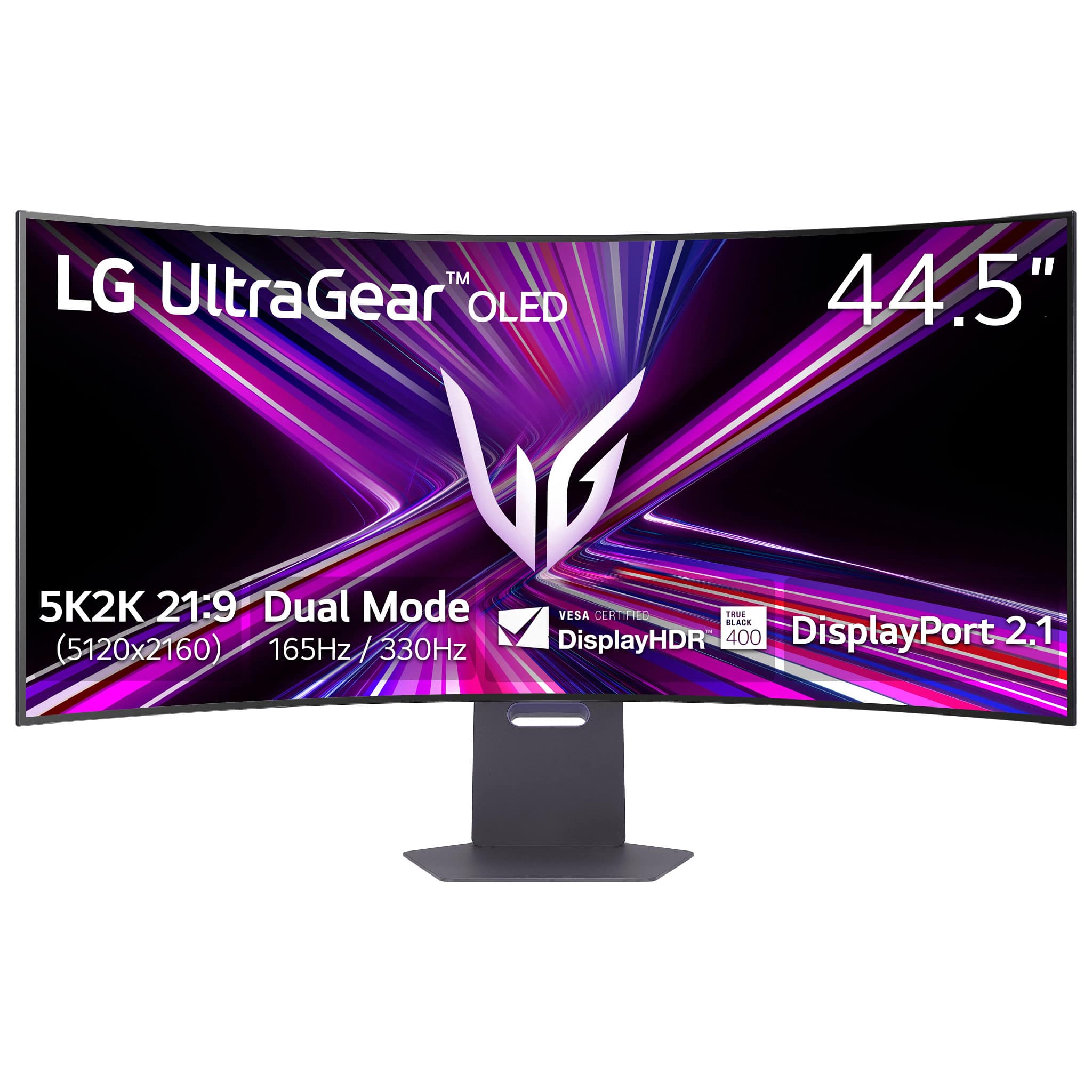
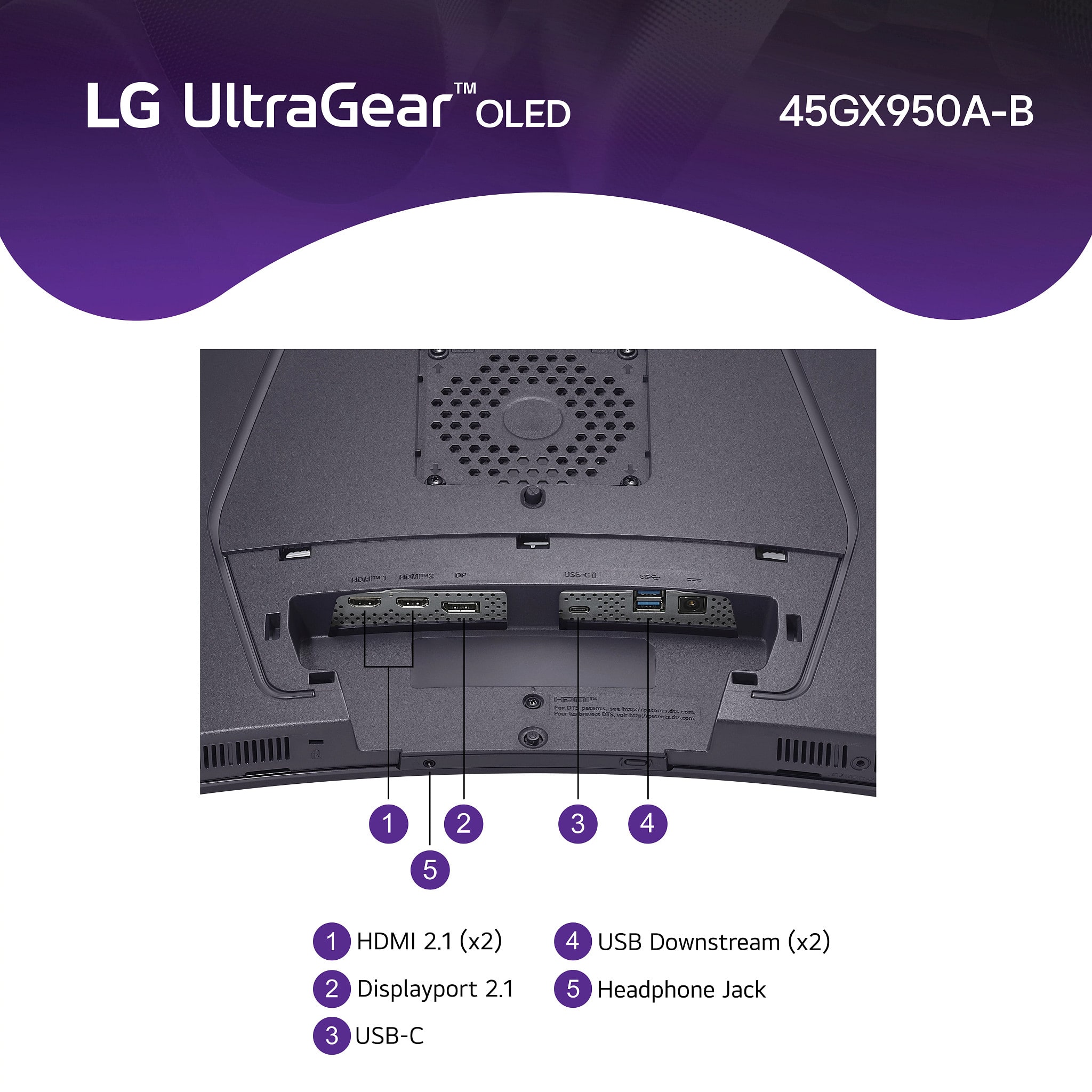
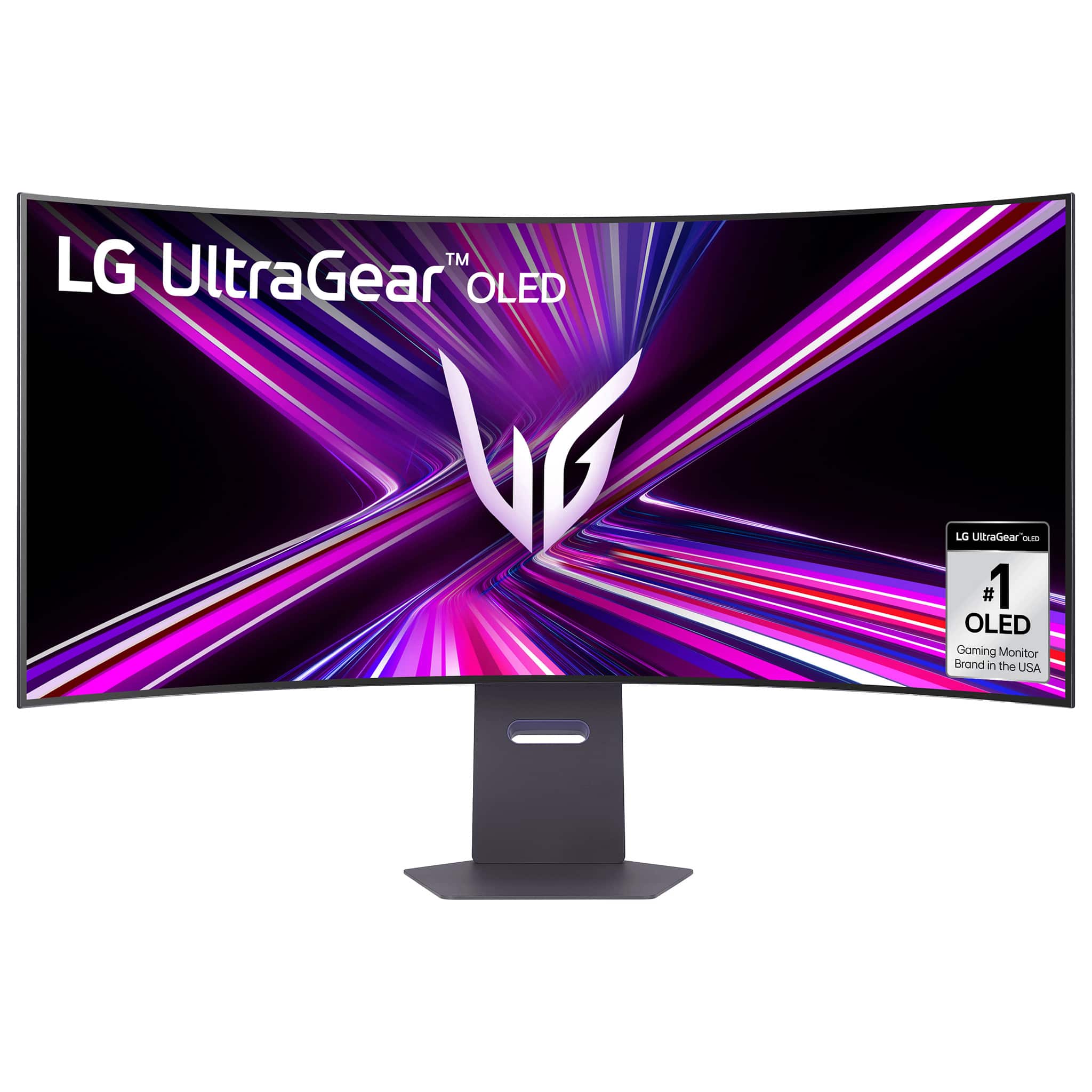
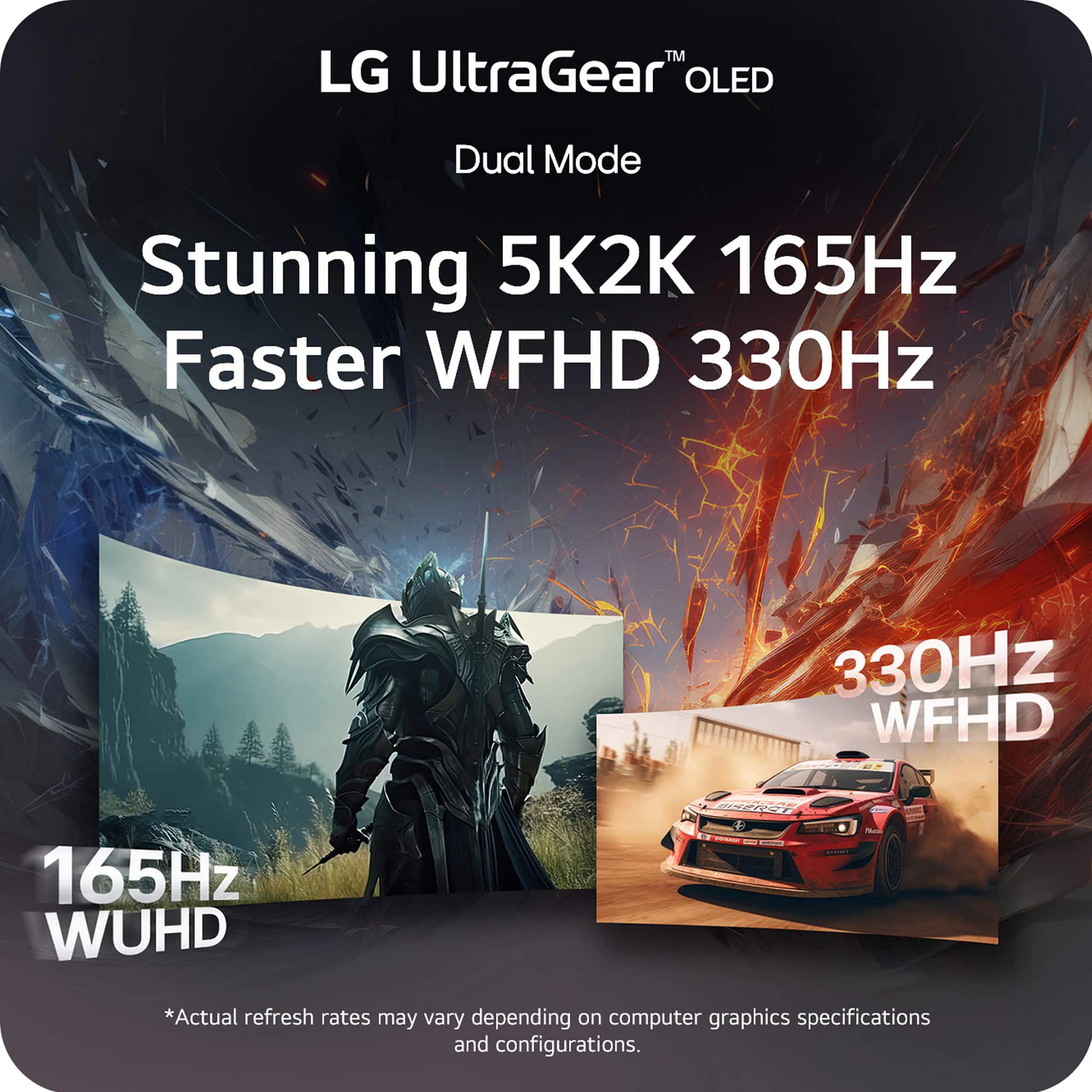
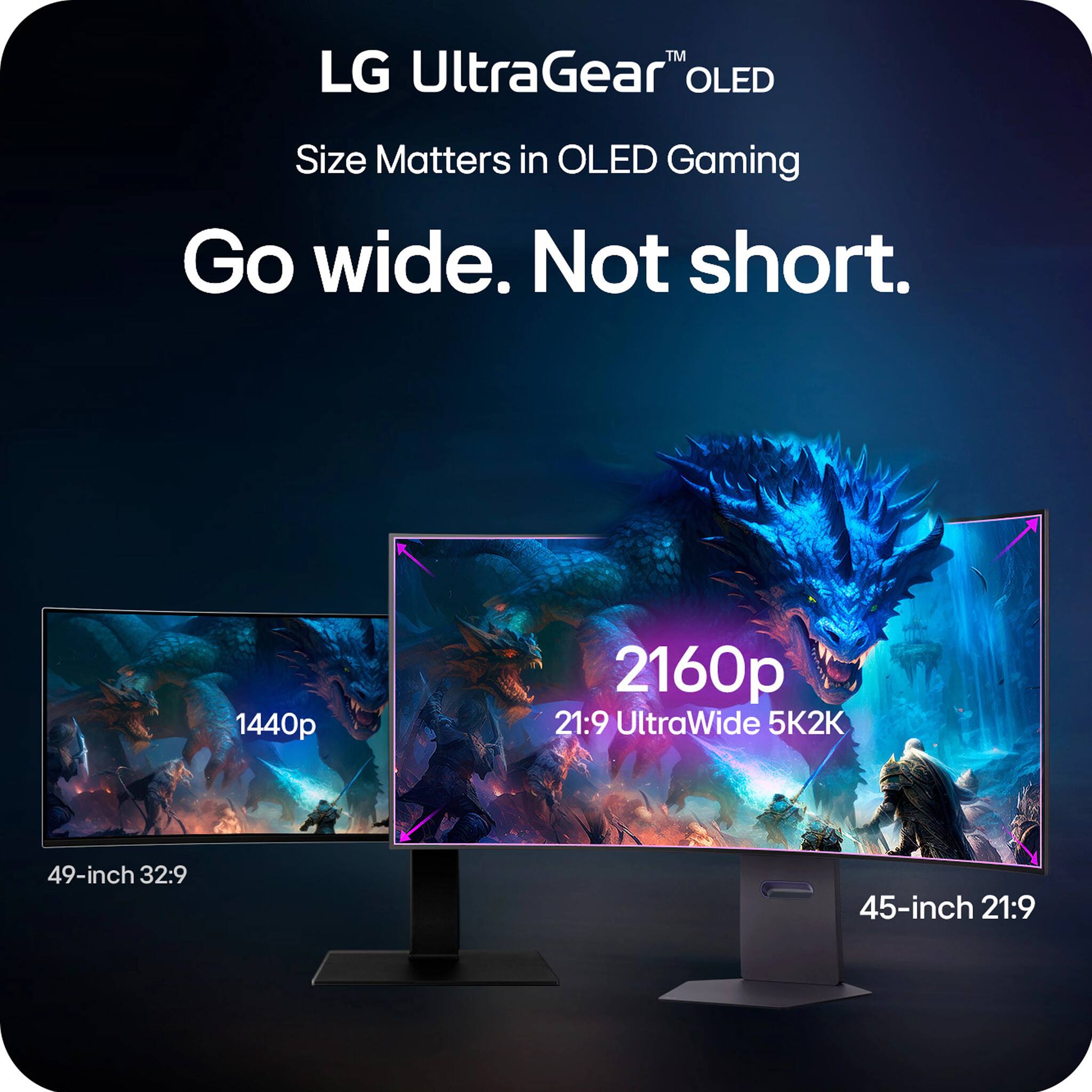
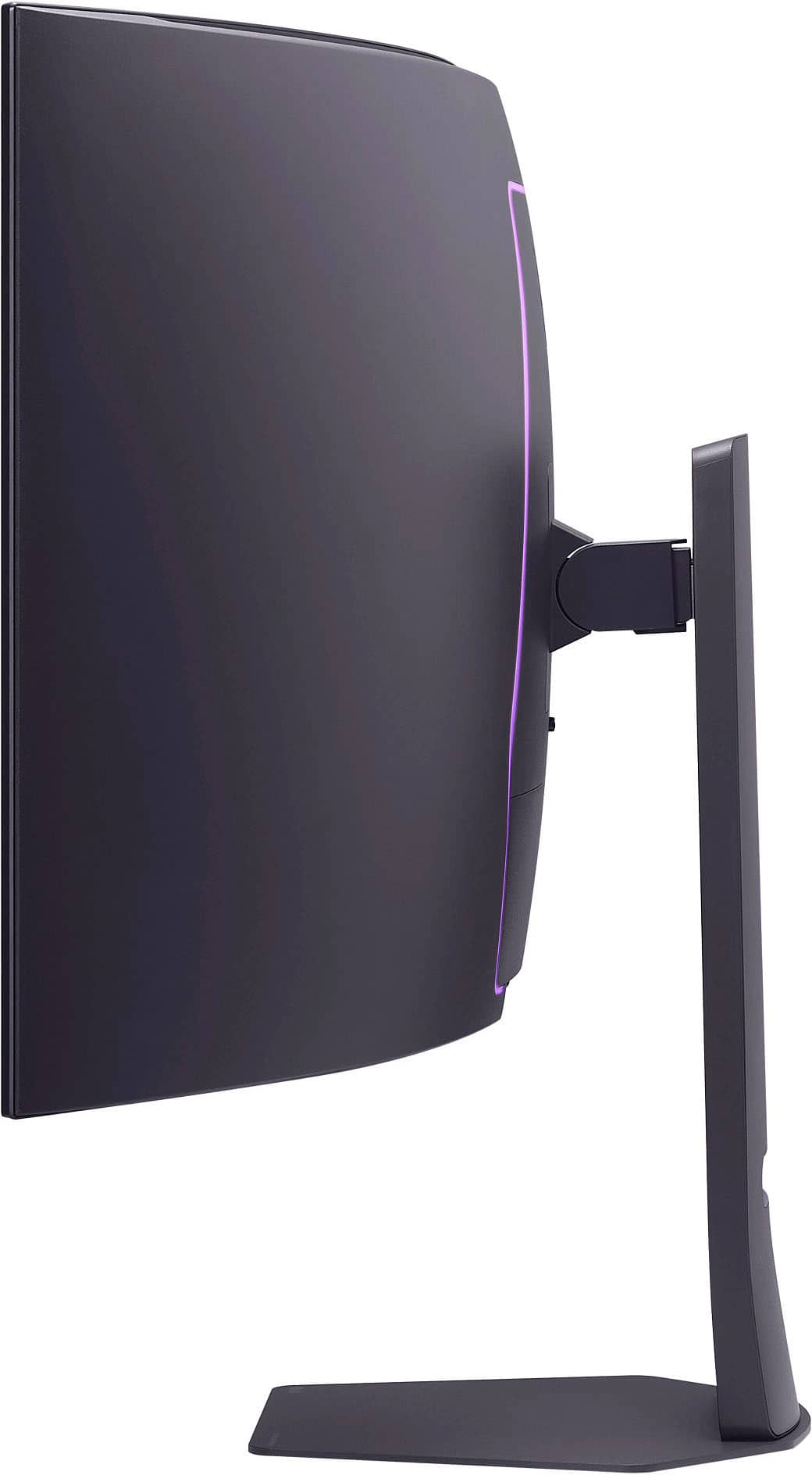
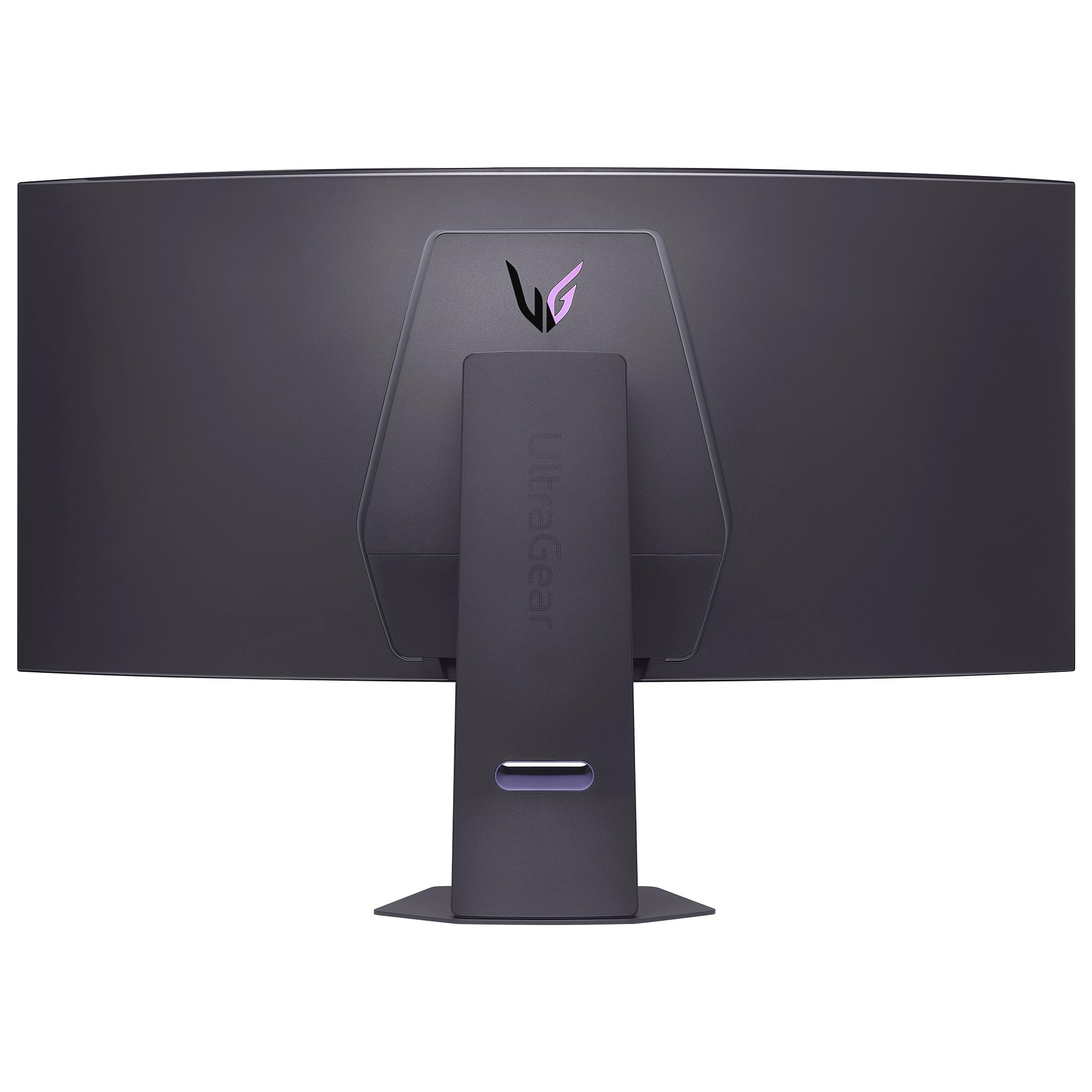
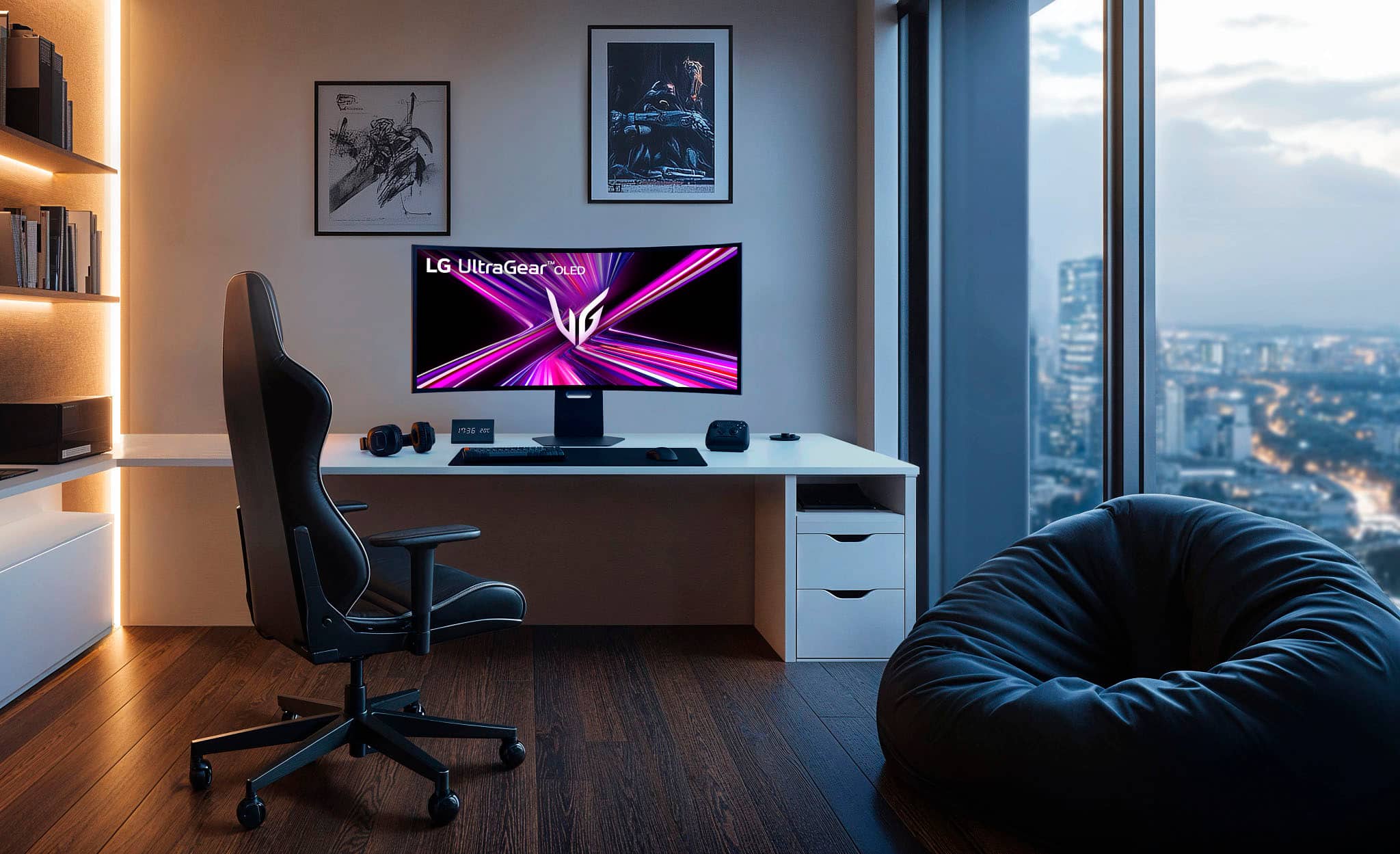
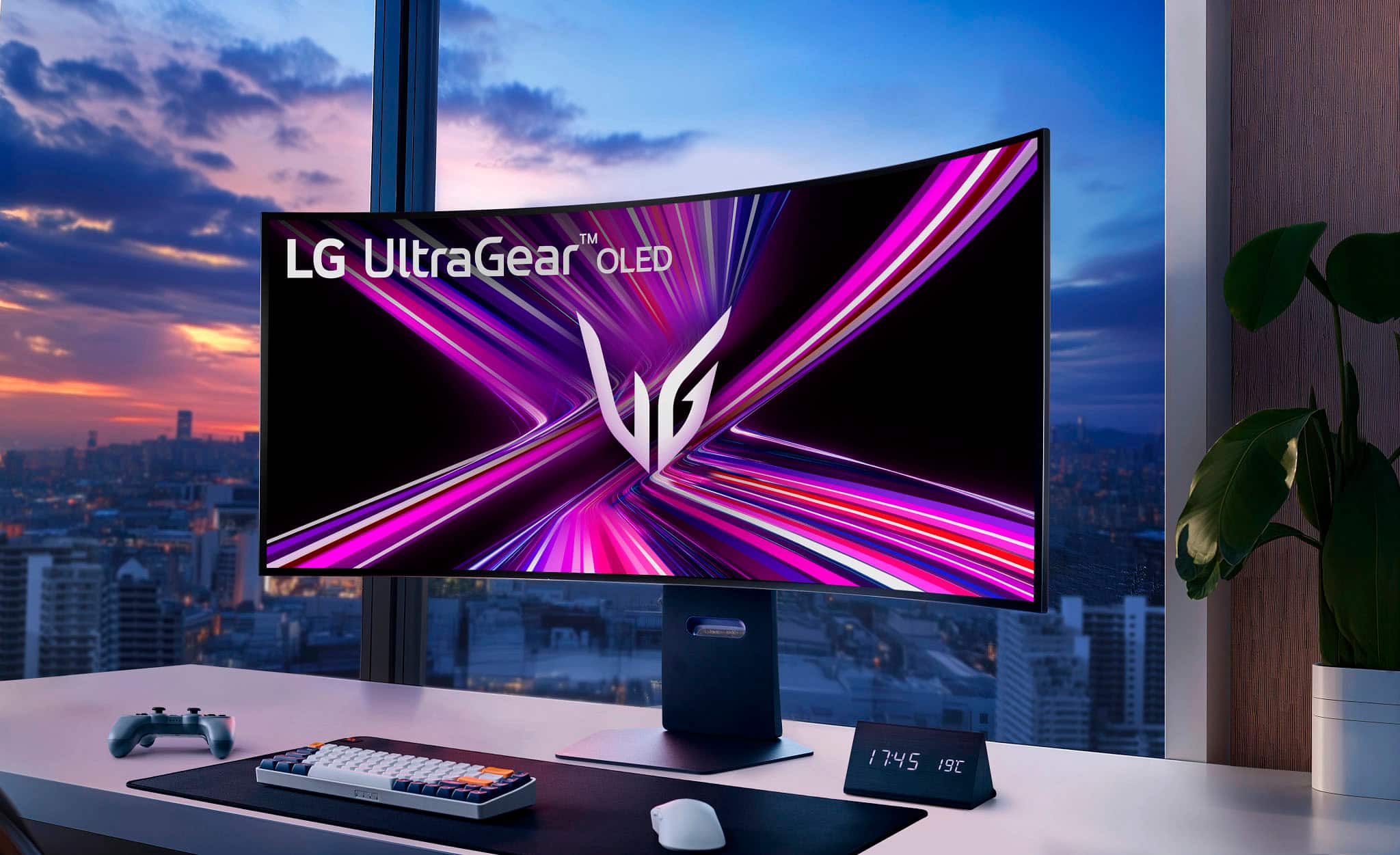
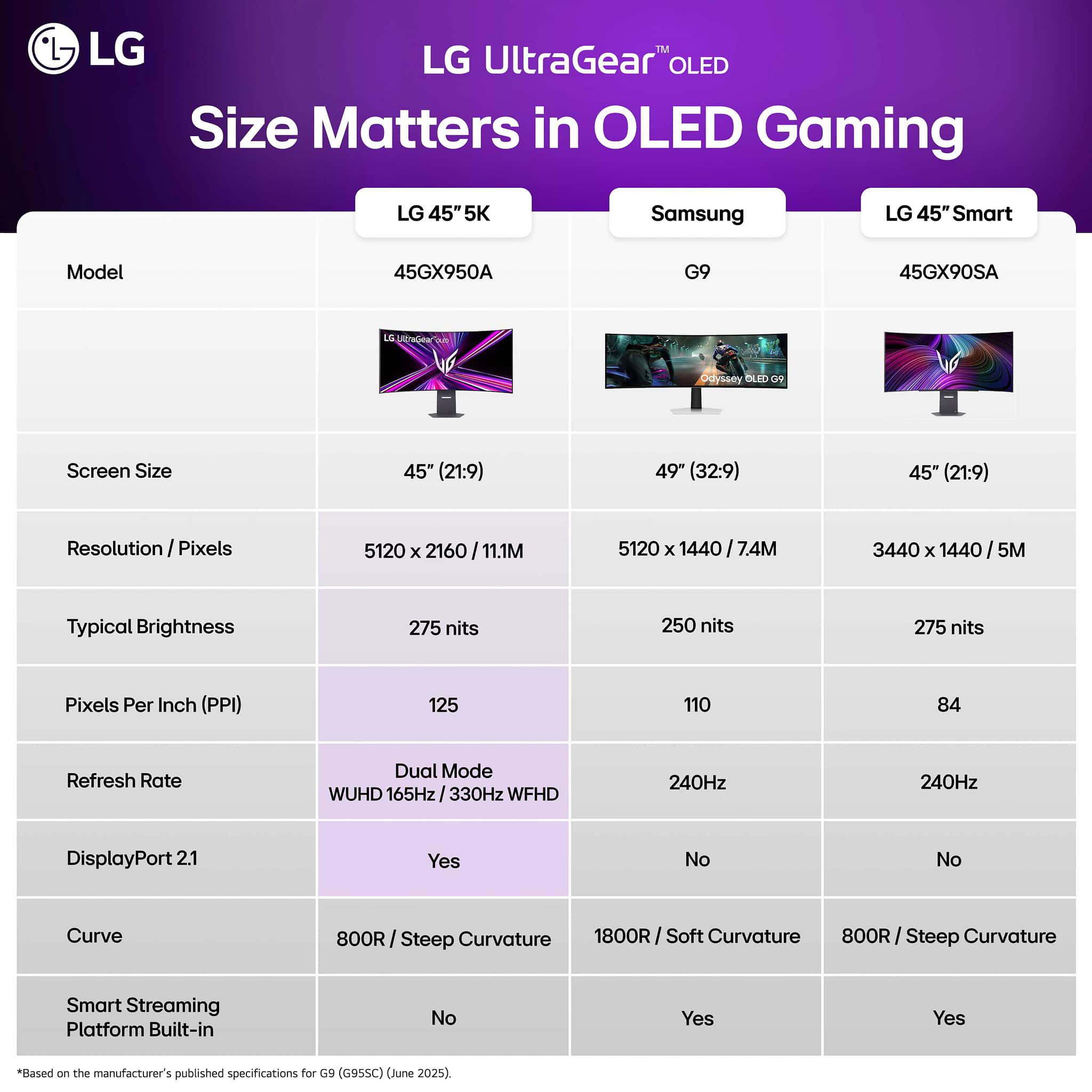
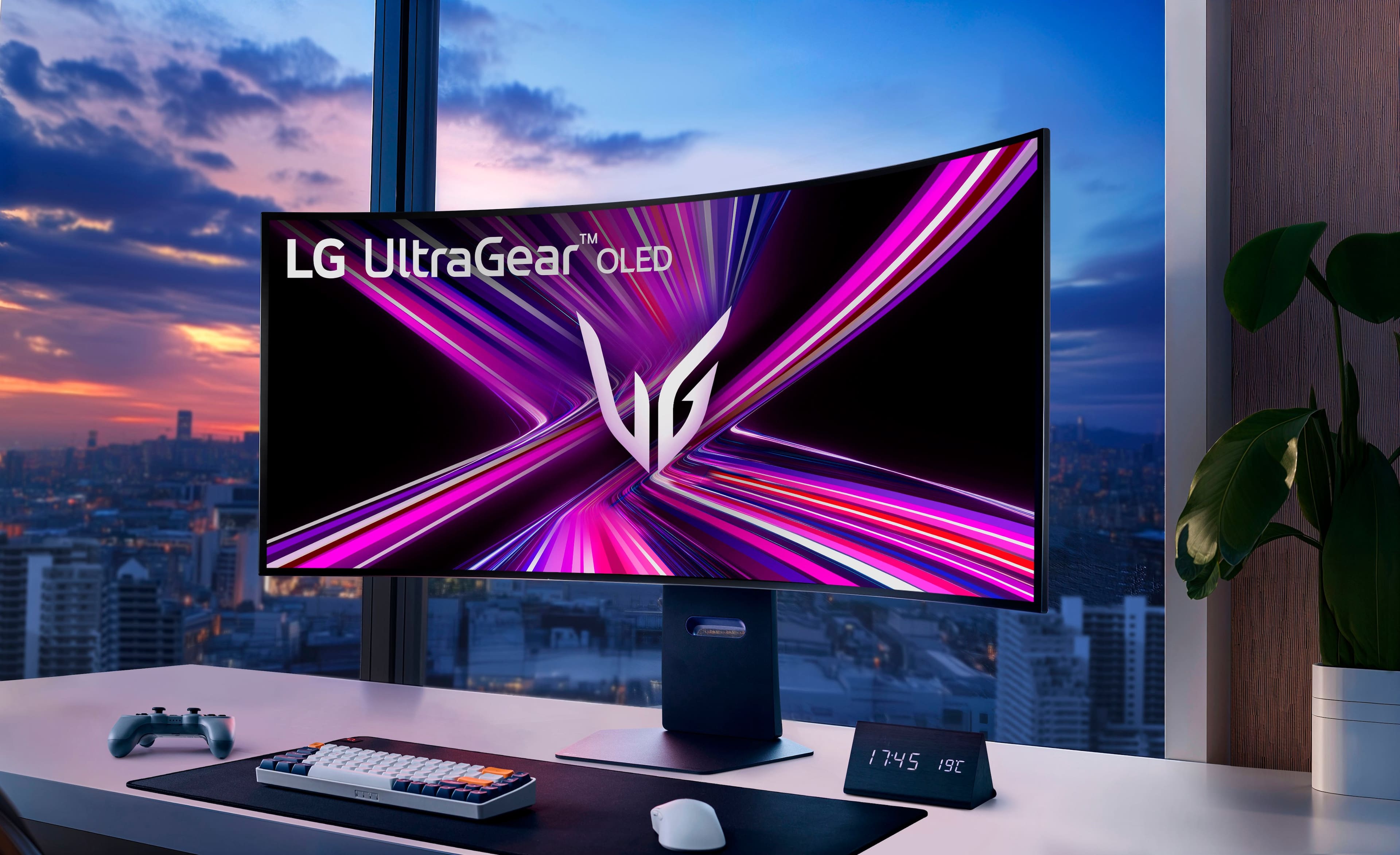
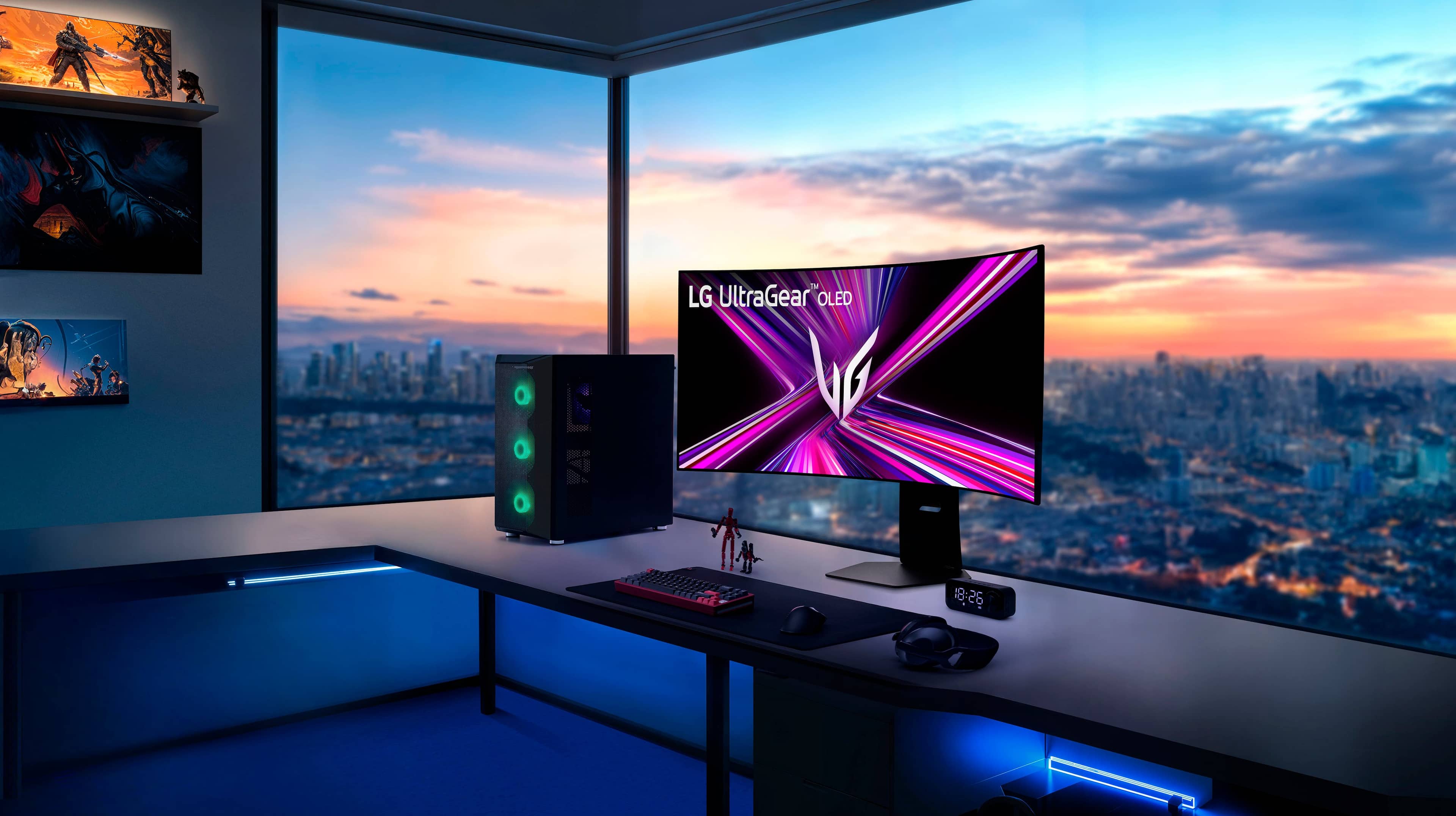
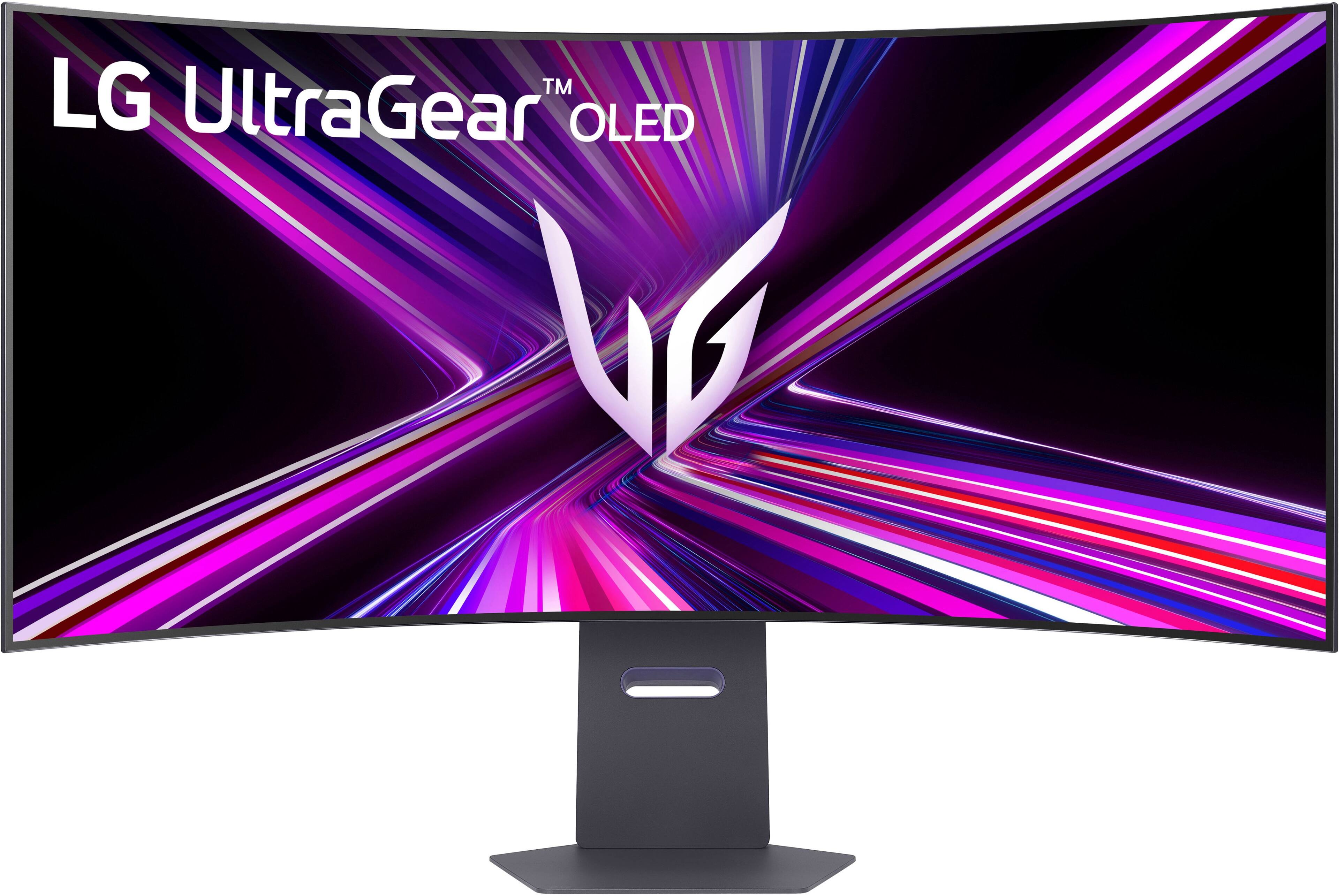
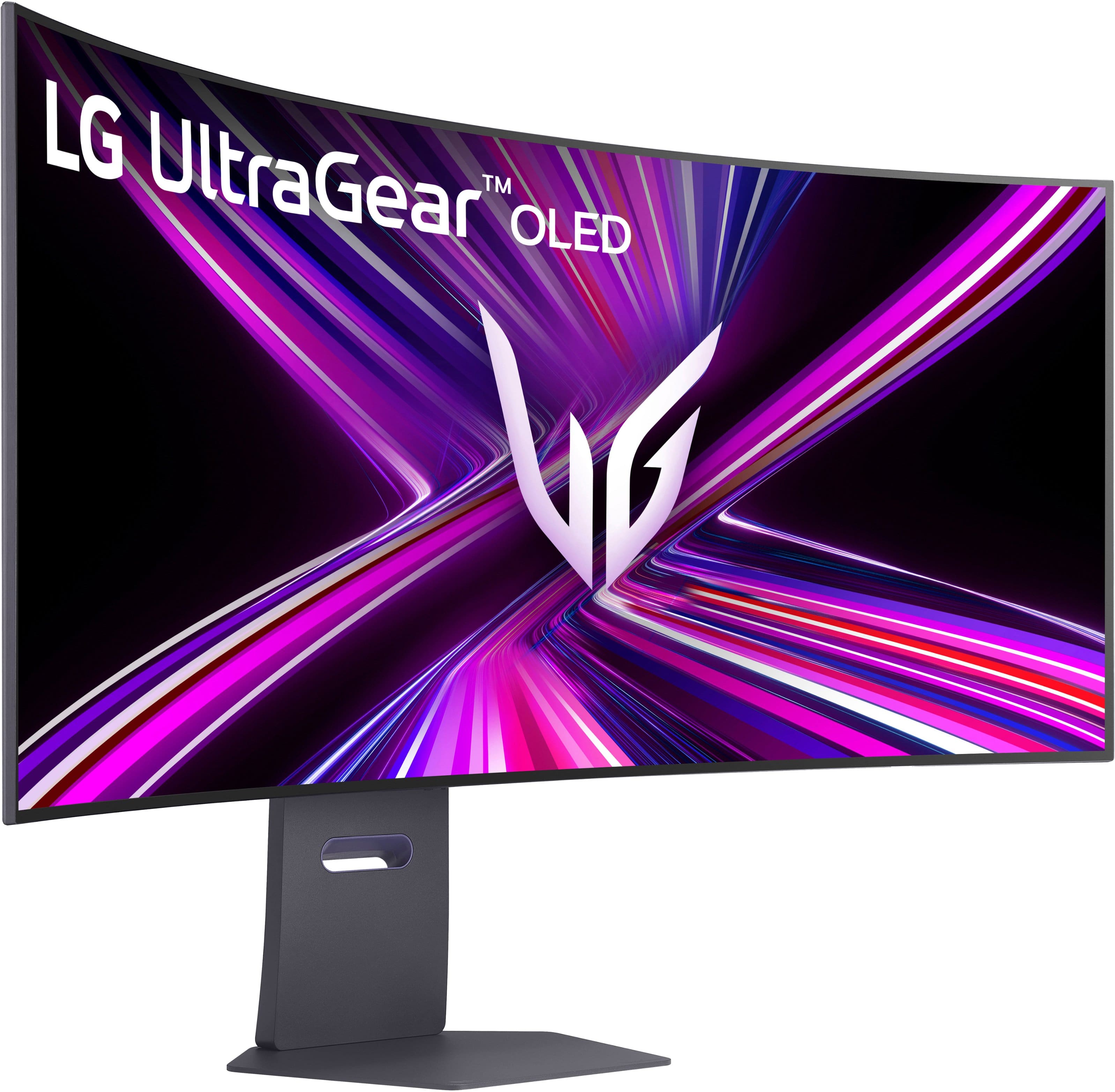
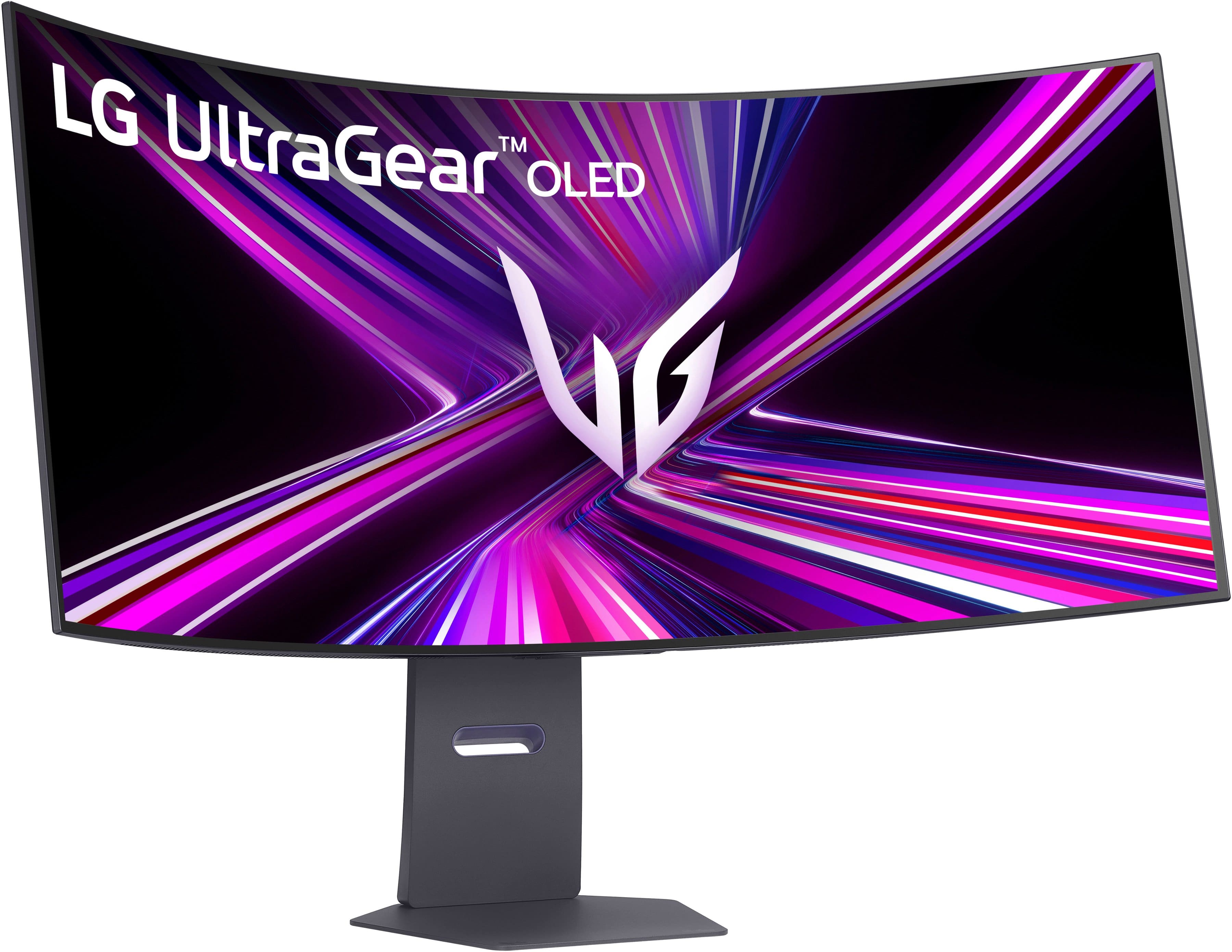
A:Answer The LG 45-inch UltraGear™ OLED 5K2K WUHD 165Hz or WFHD Dual Mode 330Hz 0.03ms G-sync Compatible DisplayPort 2.1 Gaming Monitor, Model # 45GX950A-B, has 2 x HDMI 2.1 ports that you can connect your PS5 with, but the monitor's native resolution of 5120 x 2160 is not supported on your PS5 Pro nor is the other resolution mentioned in the header, the WFHD, is a resolution of 2560 x 1080 pixels.
The monitor does support 2560 x 1440 @ 120 Hz over HDMI; however, PS5 lacks support for variable refresh rate (VRR) when running in 1440p mode, but at higher refresh rates (up to 120Hz) gameplay will feel more fluid anyway, so a lack of VRR may not, in reality, negatively affect your experience.
The monitor also supports 1920 x 1080 @ 60Hz, which is supported on your PS5 Pro
It also supports 3840 x 2160, but at 165 Hz, which is not supported on your PS5 Pro, which supports 3840 x 2160 @ 60Hz...^Ivan..