Black Friday is hereShop new DoorbustersShop now

Skip to content
Gift Ideas
26 Cypress St
Williston, VT 05495
Opens at 9 am
Find Another Store
Main Content

Questions & Answers

Your price for this item is $499.99
Clearance
The comparable value price is $999.99
Page Showing 1-20 of 28 questions
  • QuestionWhat is the refresh rate of this monitor?

    • Answer This monitor has a refresh rate of up to 240Hz.
    This question and answer was generated by AI based on customer and product data.
  • QuestionWhat is the response time of this LG UltraGear monitor?

    • Answer This LG UltraGear display features an ultra-fast 1ms (GtG) response rate to reduce blur and ghosting.
    This question and answer was generated by AI based on customer and product data.
  • QuestionWhat type of synchronization technology does this monitor use?

    • Answer This monitor uses AMD FreeSync Premium Pro technology.
    This question and answer was generated by AI based on customer and product data.

  • QuestionIs this monitor compatible with HDR gaming?

    • Answer Yes, the 49GR85DC supports VESA DisplayHDR 1000 offering impressive peak brightness and exceptional color and contrast for incredible HDR gaming.
    This question and answer was generated by AI based on customer and product data.

  • QuestionDoes this monitor have a headphone jack?

    • Answer Yes, it has a 4-pole headphone jack for audio and mic support.
    This question and answer was generated by AI based on customer and product data.

  • QuestionHow large is the screen size of this monitor?

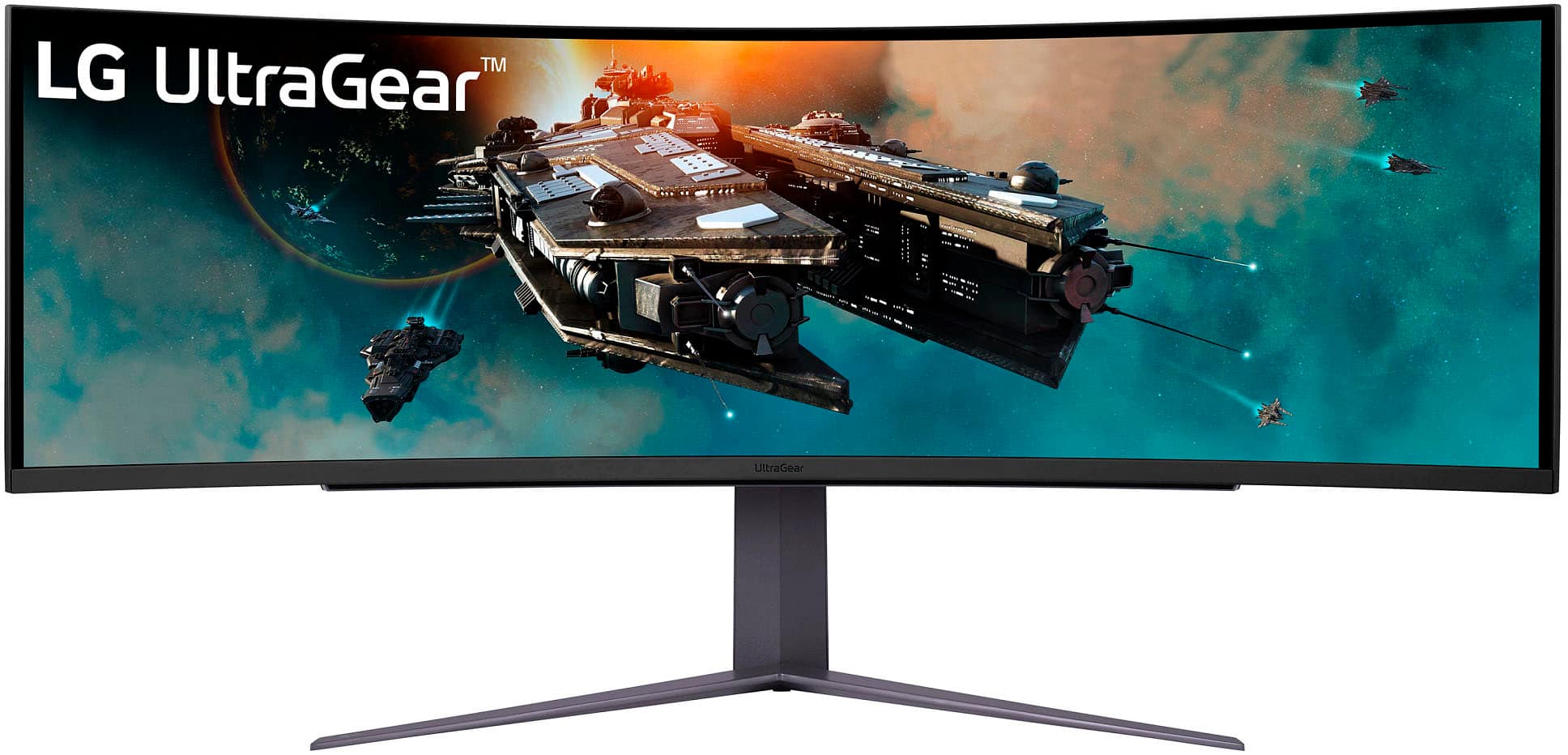
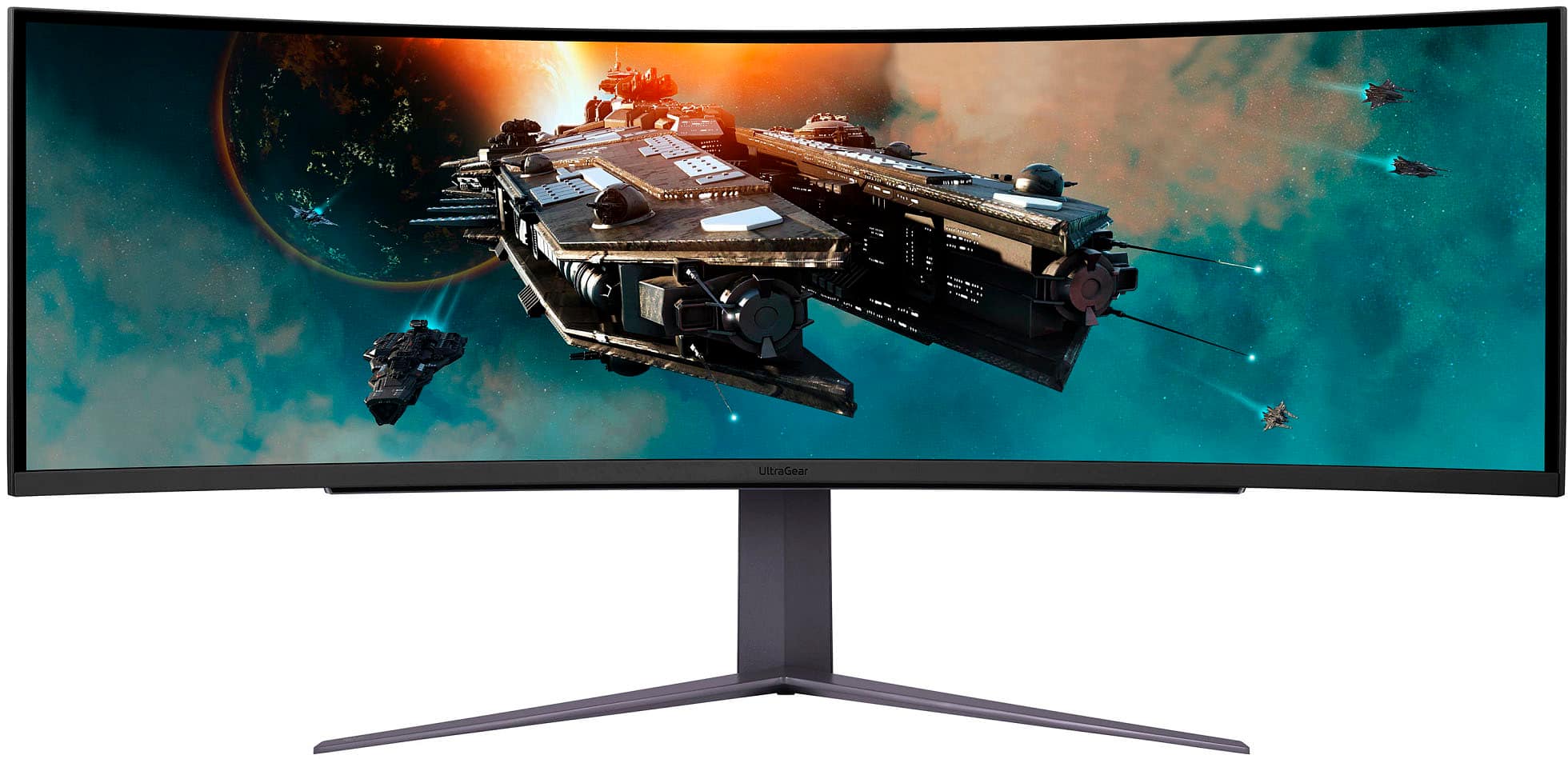
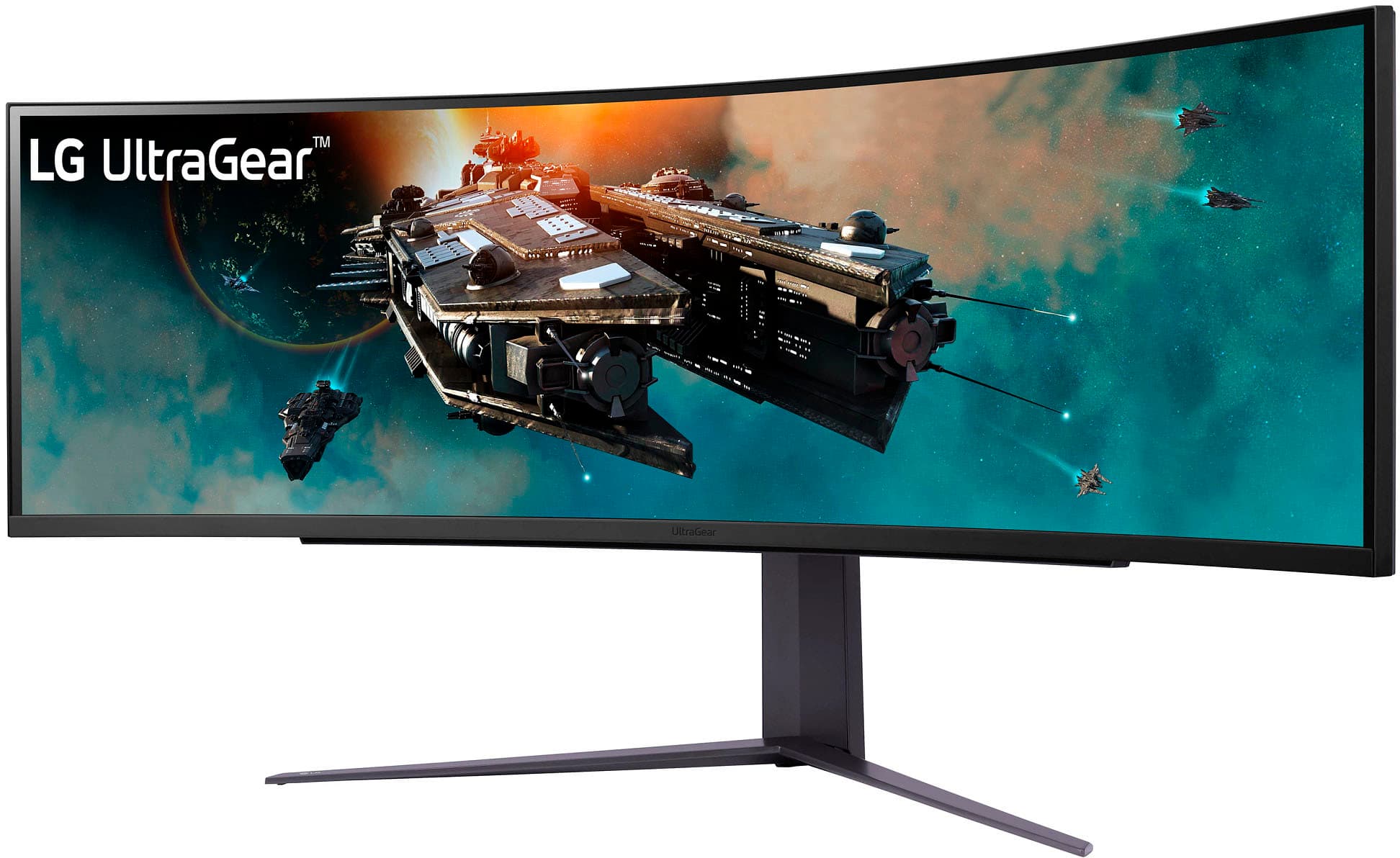
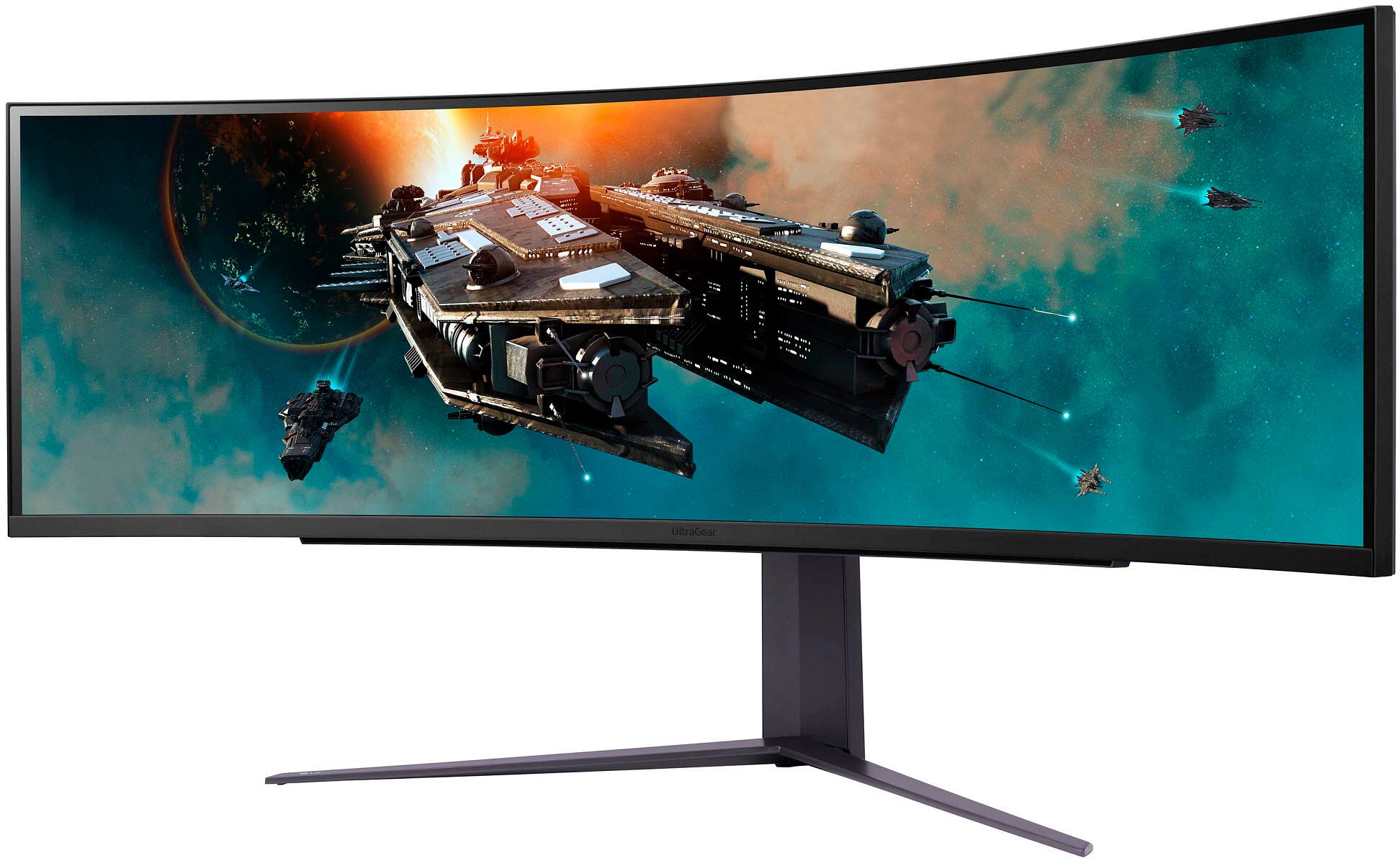
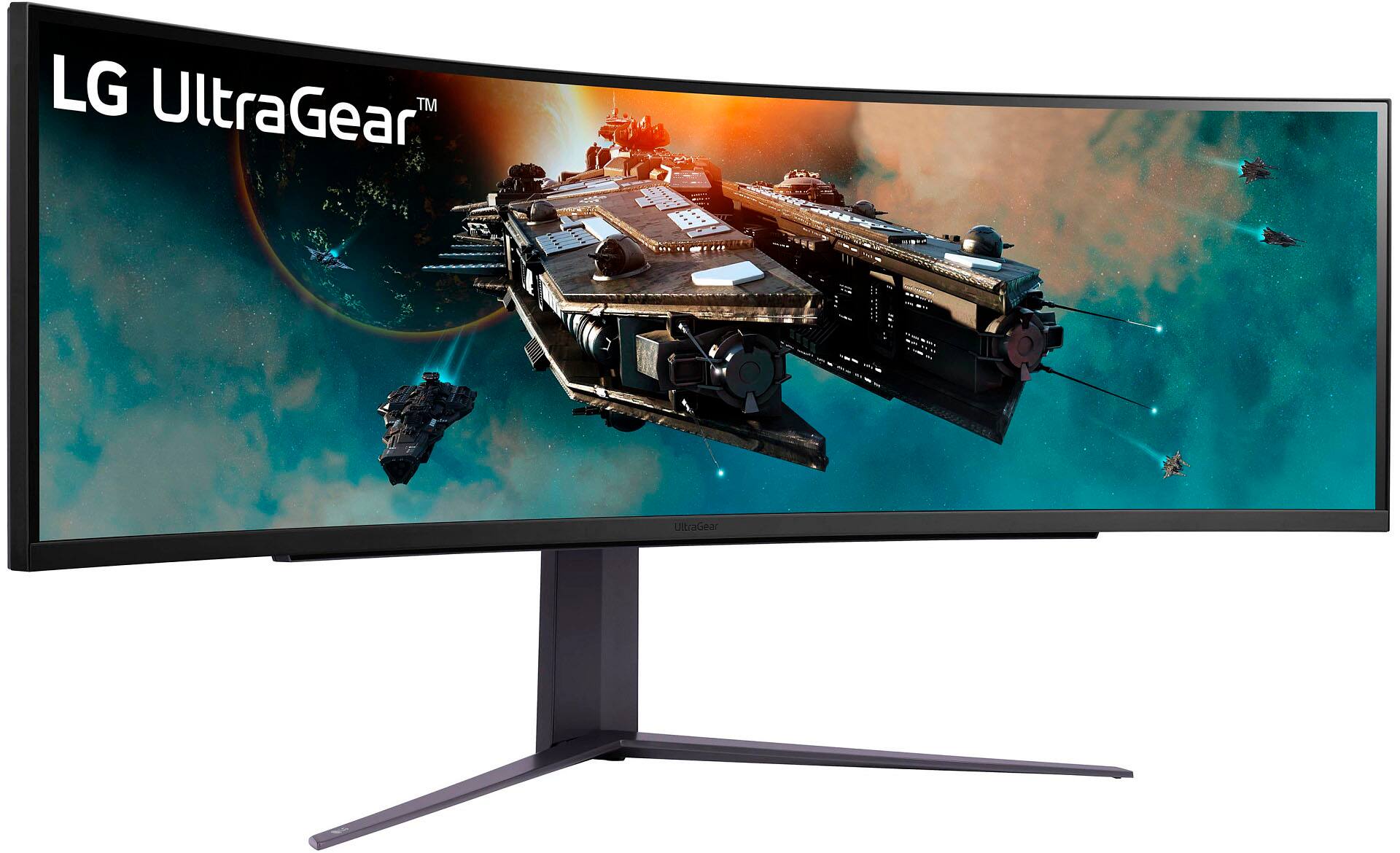
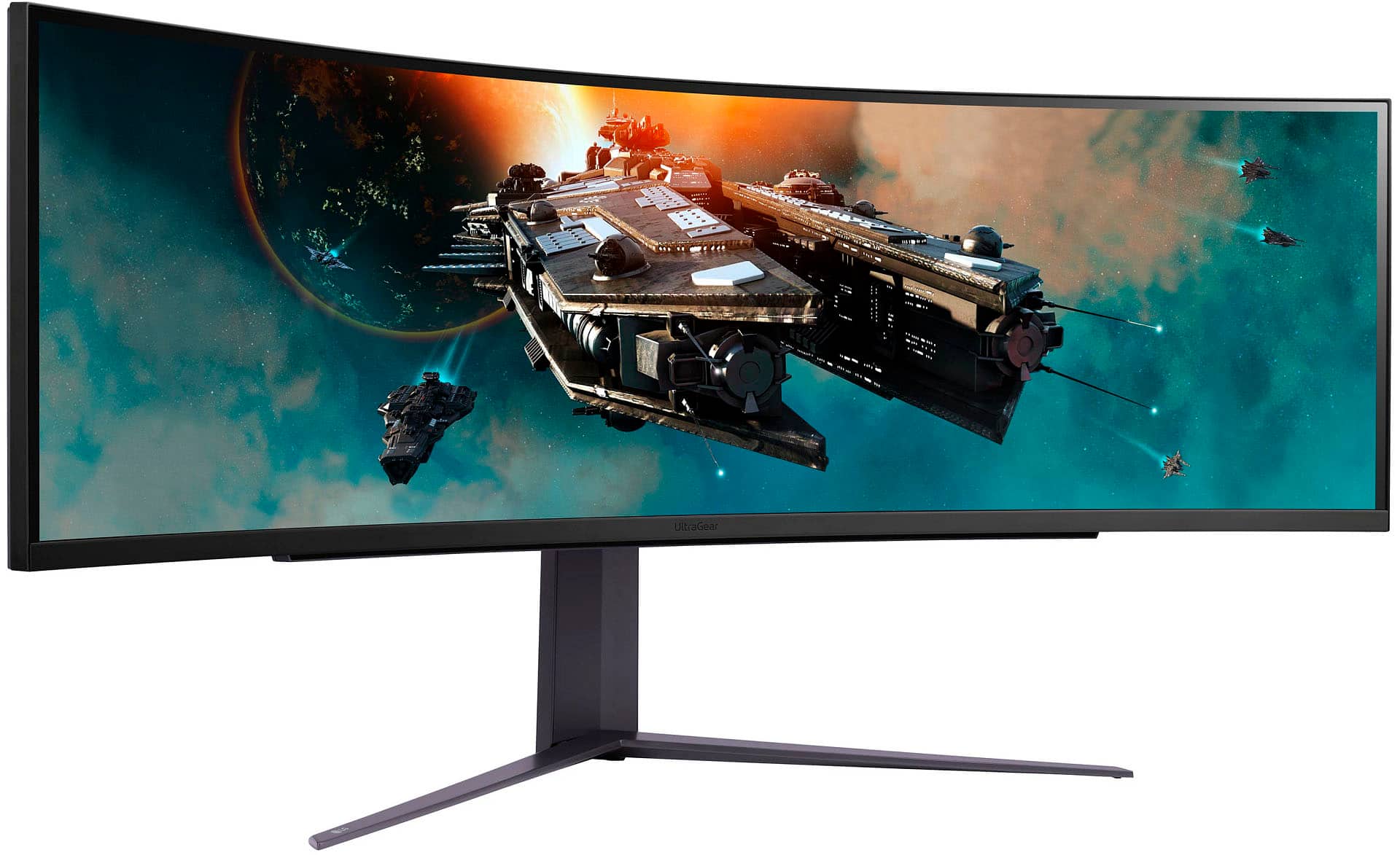
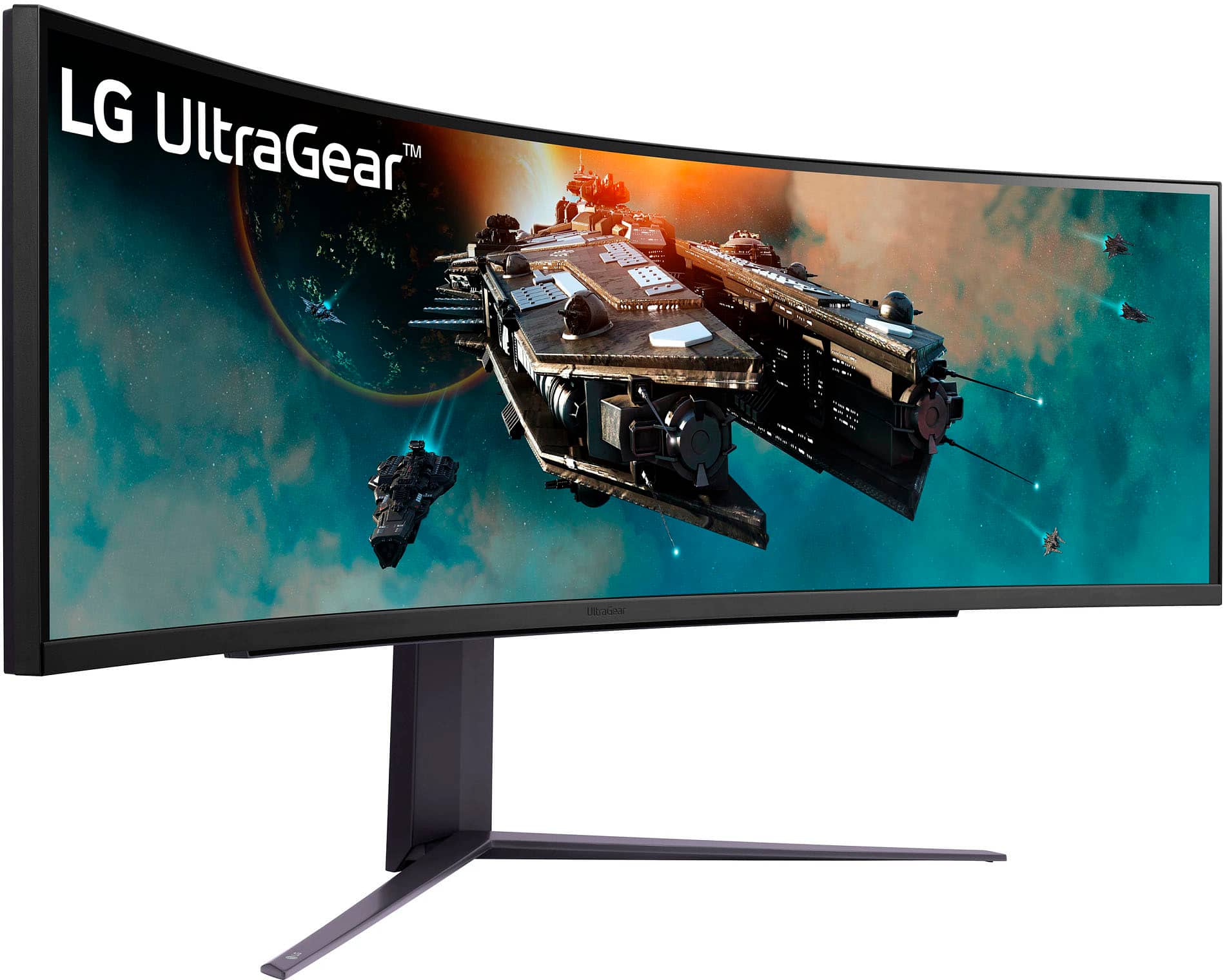
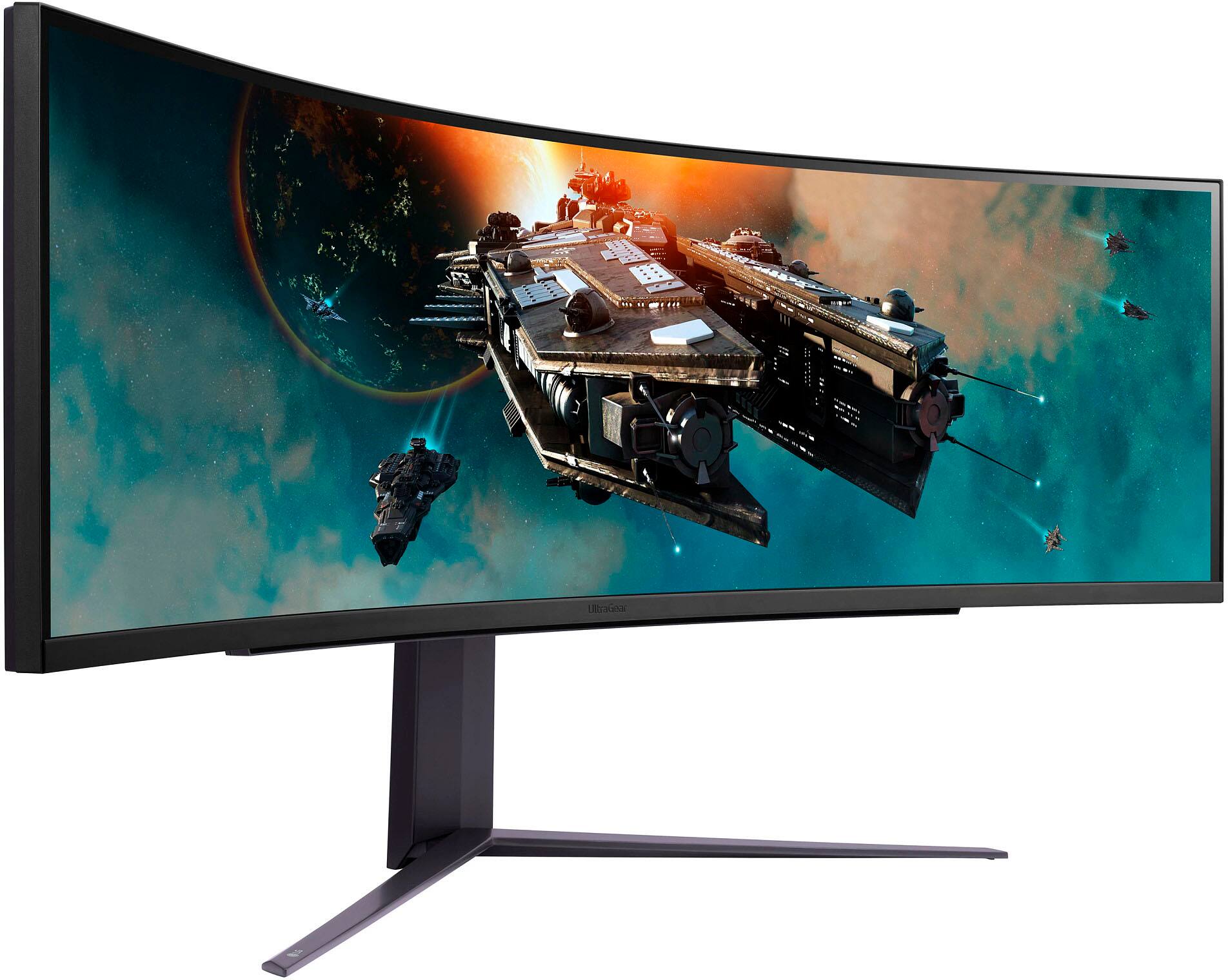
    • Answer This LG monitor has a 49-inch screen.
    This question and answer was generated by AI based on customer and product data.

  • QuestionDoes anyone know how to get the speakers to work on this monitor?

    Asked by Visione.

    • Answer Hi there. Thanks for reaching out. For the LG - UltraGear 49" LED Curved Dual QHD FreeSync Monitor does not have speakers. You will need headphones or earphones. ^Jai.

      Answered by LG Digital Customer Care

  • QuestionIn PBP are there any other options on displaying the 2 sources? All examples have an even 50/50 split but could it be split in other ways like 1/3 source 1 and 2/3 source 2?

    Asked by ThomasB.

    • Answer Thank you for your interest in the LG 49" Curved UltraGear™ DQHD 1ms 240Hz Monitor with VESA DisplayHDR™ 1000 (49GR85DC-B) model. The LG 49GR85DC-B monitor can't show two sources in Picture-by-Picture (PBP) mode with an uneven split. It offers two PBP mode options: a 50/50 split where each source fills half the screen or Picture-in-Picture (PiP) with a main source and sub-source. The monitor's super ultrawide 32:9 aspect ratio is designed for a 50/50 split or a main/sub-source setup, so non-standard splits like 1/3 and 2/3 sources may not display well. You can download its owner's manual through this link for more information: https://www.lg.com/us/support/product/lg-49GR85DC-B.AUS. ^Cris

      Answered by LG Digital Customer Care

  • QuestionDo the HDMI 2.1 ports support HDMI Cable Power by using the HDMI 2.1a cable? In other words, can the HDMI 2.1 ports provide power like the Thunderbolt ports if using the HDMI 2.1a cables?

    Asked by John.

    • Answer Hey there, Nick. The HDMI 2.1 ports that are located in the back of this 49GR85DC-B are not meant to be used for power. Only for audio and video. ~Anthony

      Answered by LG Digital Customer Care

  • Questioncompatible with alien tower

    Asked by Anonymous.

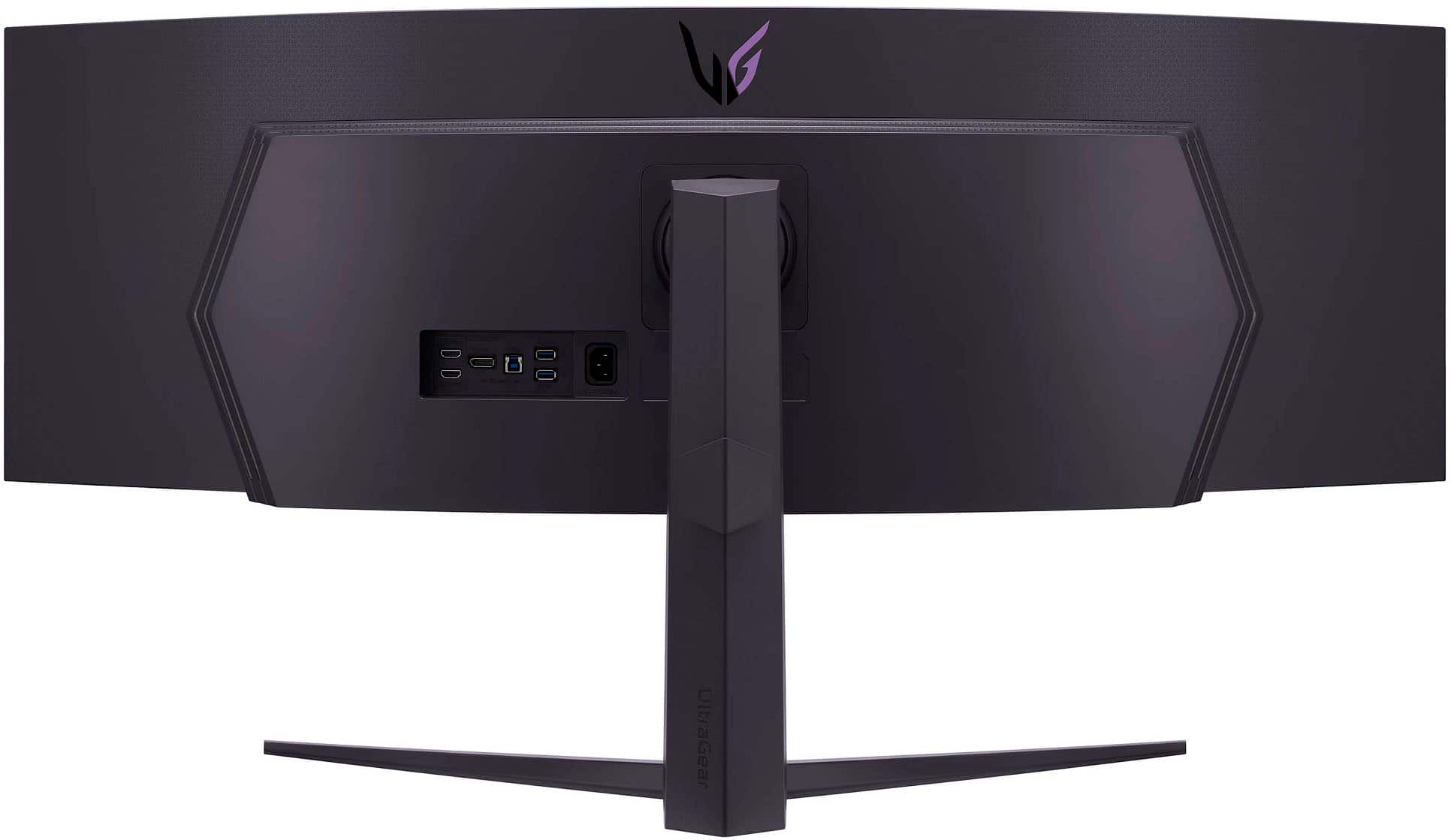
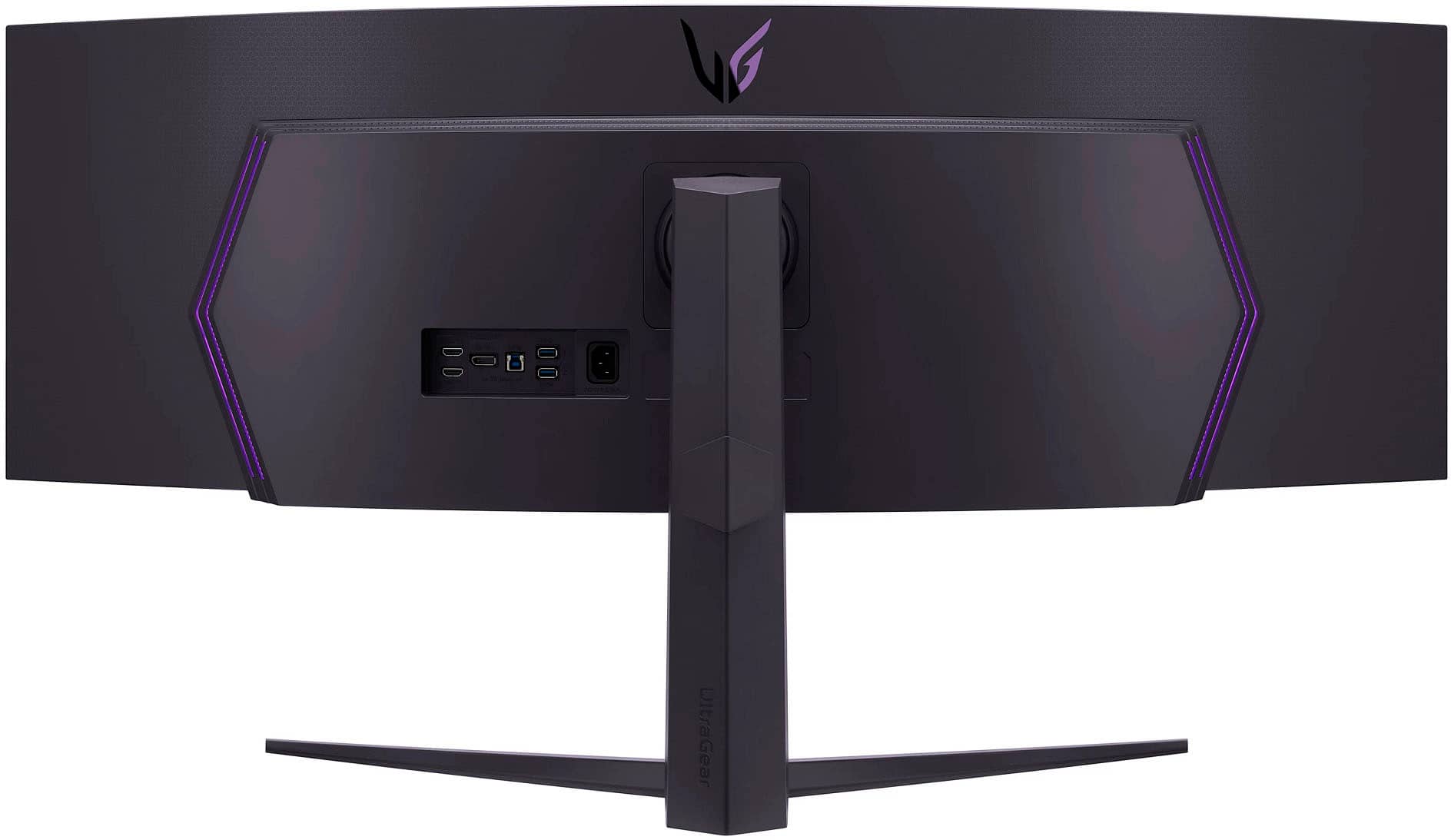
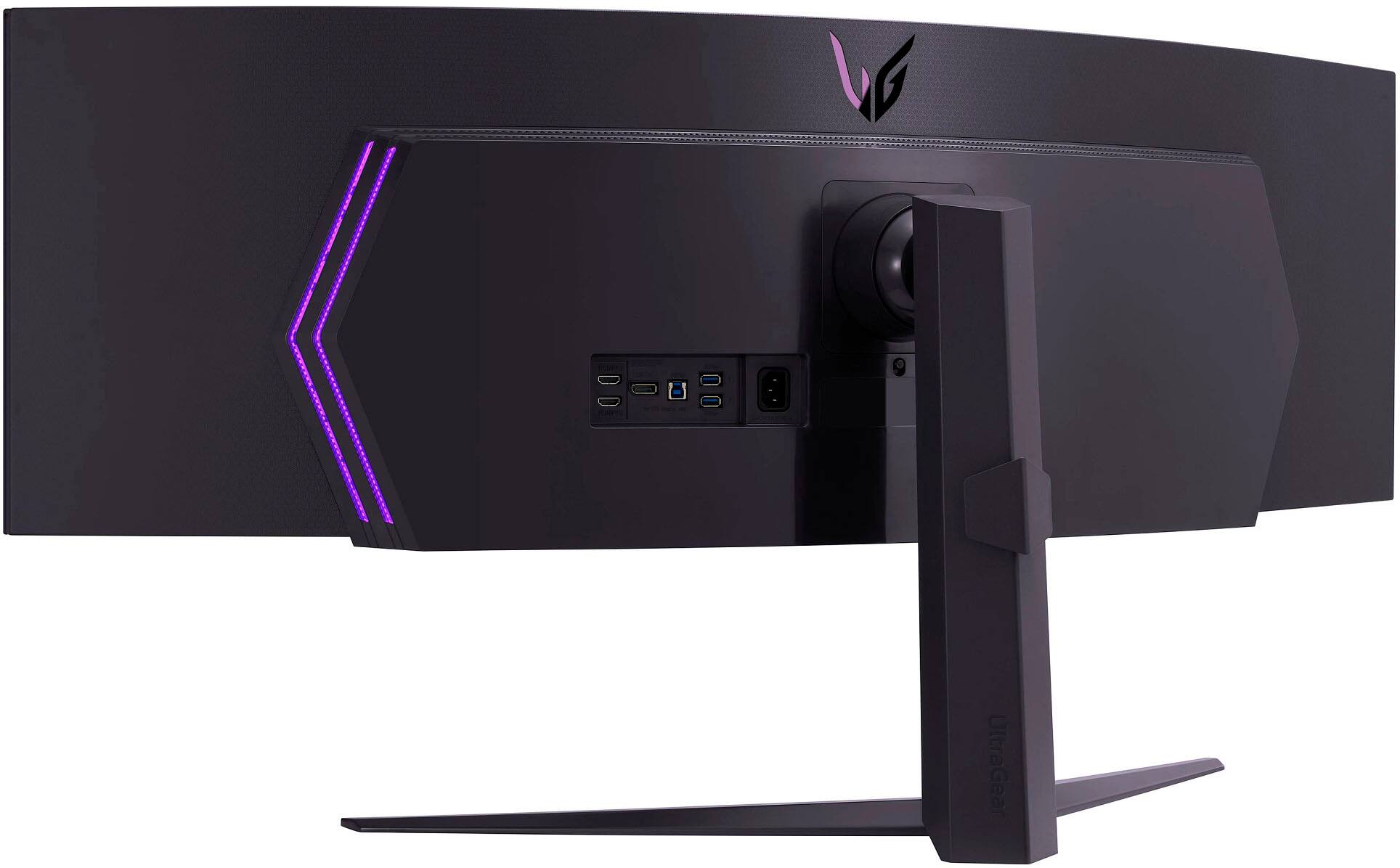
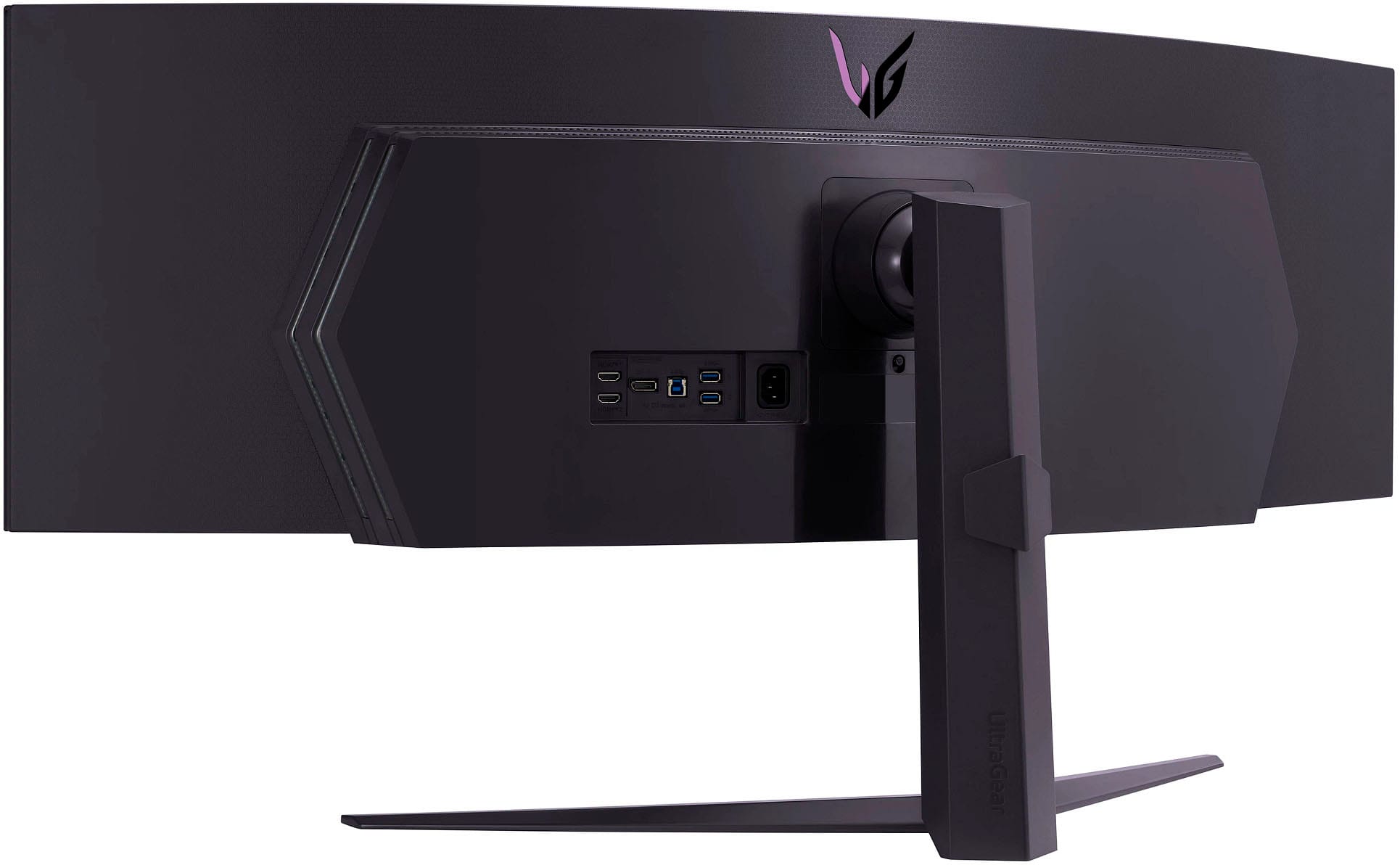
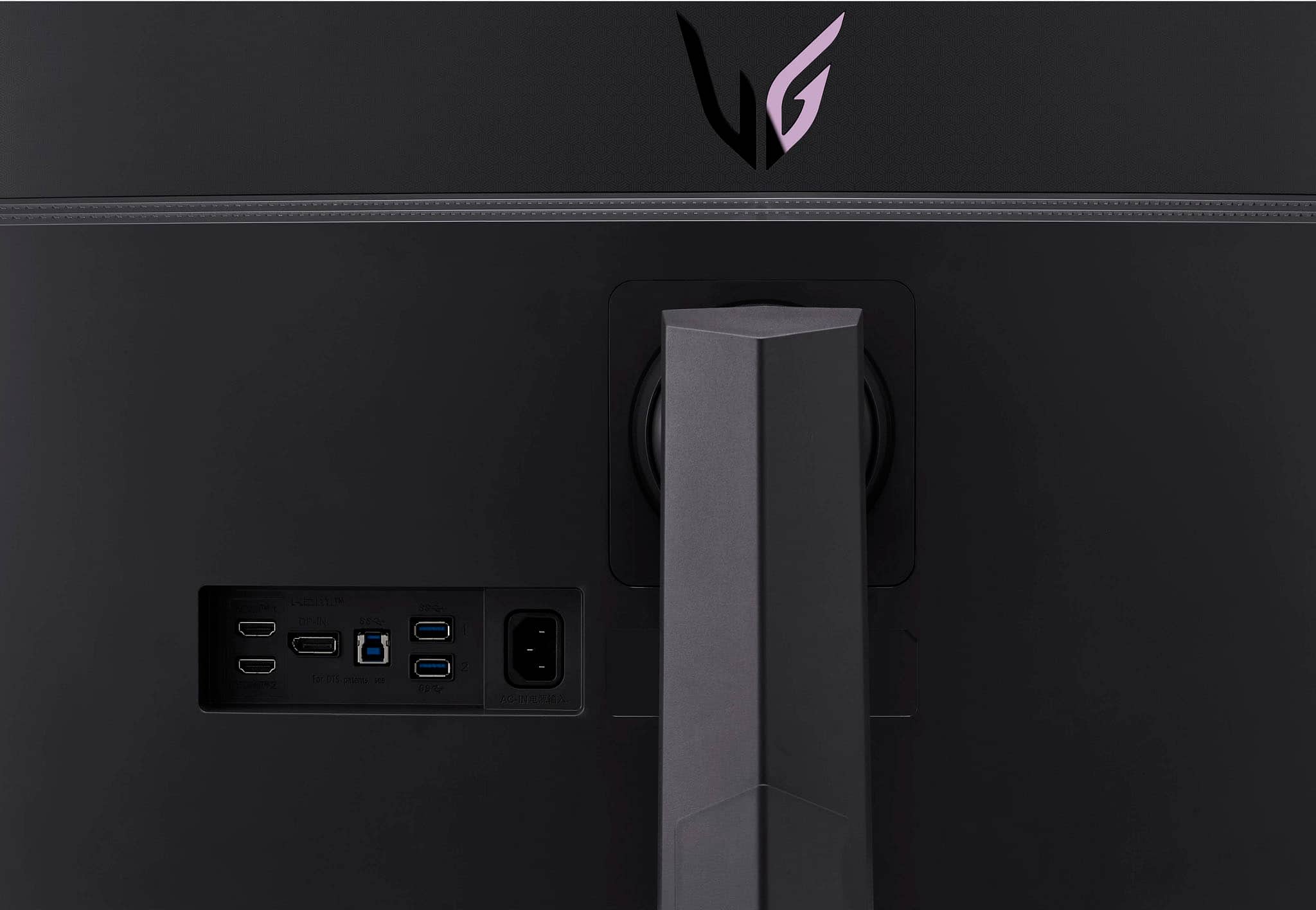
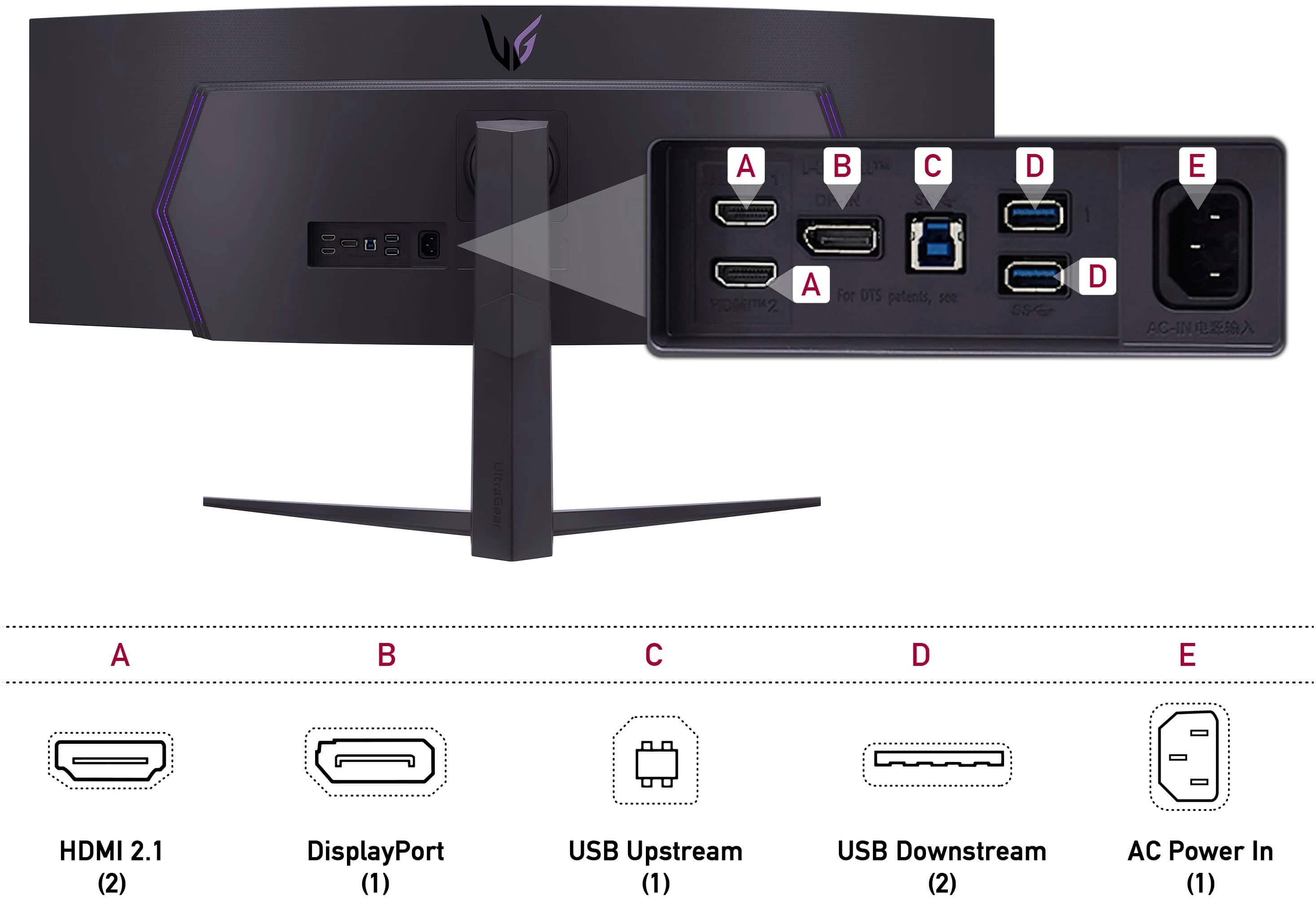
    • Answer Check the specifications for your Alien Tower to see what connectivity it has and what resolutions its graphics card supports. The LG 49" Curved UltraGear™ DQHD 1440P 1ms 240Hz Monitor with VESA DisplayHDR™ 1000, Model # 49GR85DC-B has a native DQHD 1440P resolution (i.e. 5120 x 1440) and connectivity for the monitor includes two x HDMI 2.1 inputs, a DisplayPort 1.4 input, two x USB Down-stream ports (ver. 3.0), and one USB Up-Stream port (ver. 3.0). The monitor supports the *Plug and Play feature which is a feature that allows you to add a device to your computer without having to reconfigure anything or install any manual drivers...^Ivan.

      Answered by LG Digital Customer Care

  • QuestionWill this allow me to display both Mac mini source and also from windows laptop source.

    Asked by Wblue.

    • Answer Hi there. Thank you for your question about the LG 49GR85DC-B Gaming Monitor. Yes, this monitor allows you to display content from both a Mac Mini and a Windows laptop simultaneously. It features Picture by Picture (PBP) and Picture in Picture (PIP) modes, which let you view multiple sources at once. You can easily connect both devices via HDMI or DisplayPort inputs and switch between them as needed. https://www.lg.com/us/monitors/lg-49gr85dc-b-gaming-monitor#pdp_specs If you need assistance with setup or have any other questions, feel free to send us a private message on social media @LGUSSupport. We're here to help! —Renzo

      Answered by LG Digital Customer Care

  • QuestionDoes it come with camera

    Asked by bob.

    • Answer Hello there, Bob. Thank you for your question about the 49GR85DC-B monitor. This model does not come with a built-in camera. If you require a camera for video conferencing or streaming, you may need to purchase an external one separately. If you have any more questions or need further assistance, please feel free to send us a private message on Social Media @LGUSSupport. Thank you for reaching out! —Avril

      Answered by LG Digital Customer Care

  • QuestionWhen will a 2160p version of this monitor be available?

    Asked by Nick.

    • Answer Hi there. Thank you for your interest in our LG 49GR85DC-B monitor. We understand you're curious about the availability of a 2160p version of this model. Currently, this model is available in its specified resolution, and we appreciate your feedback regarding a higher resolution option. While we don't have specific details on future releases at the moment, we recommend staying tuned to our official channels for any announcements. If you have any further questions or need assistance, please send us a private message on Social Media @LGUSSupport, and we'll be happy to help. We appreciate your patience and enthusiasm for our products. —Renzo

      Answered by LG Digital Customer Care

  • QuestionWhat desk mount is compatible with this monitor?

    Asked by howdy.

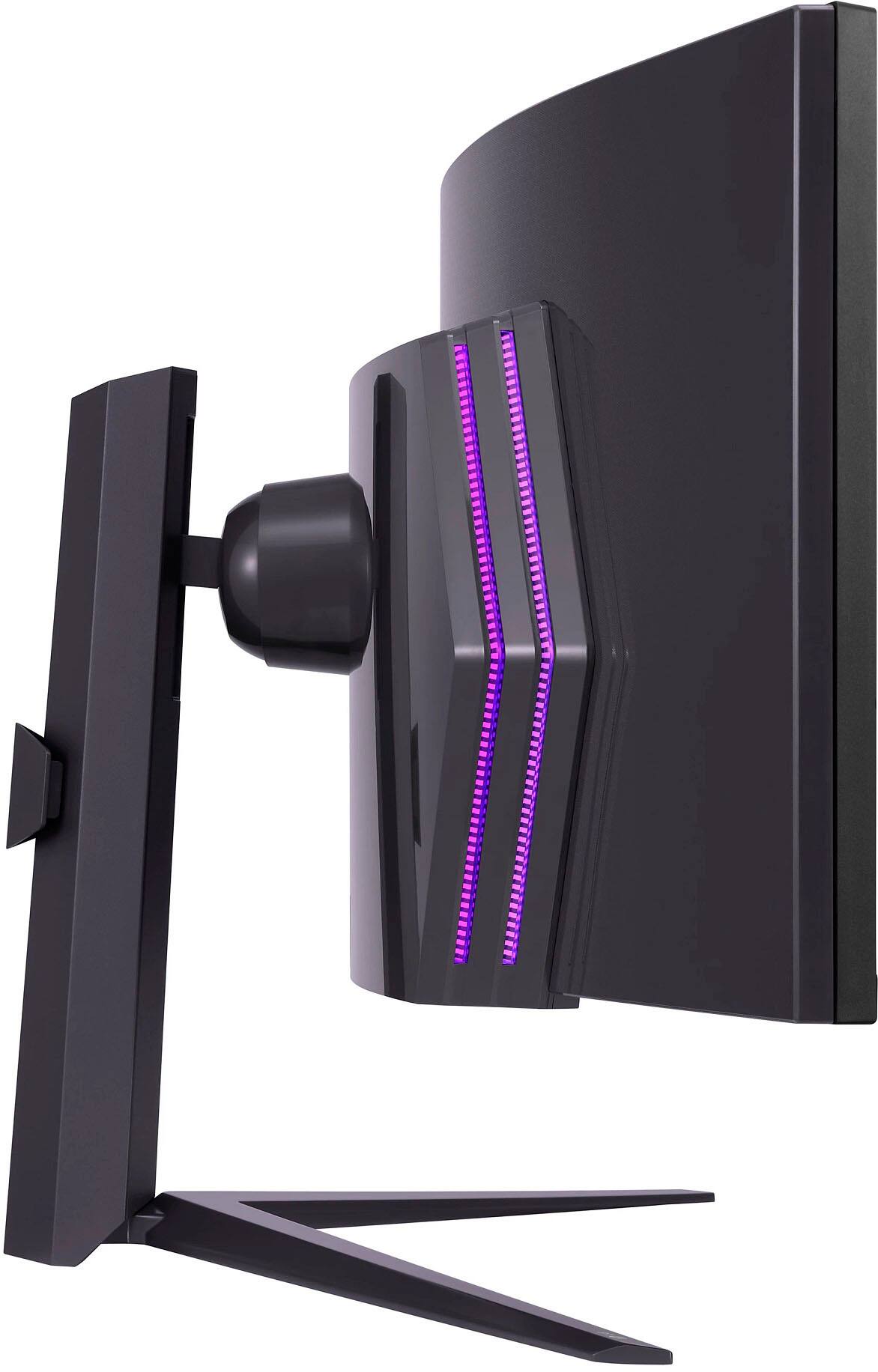
    • Answer Thank you for reaching us regarding LG Monitor. The LG 49GR85DC-B monitor is compatible with VESA mounts, specifically with VESA patterns of 75x75mm, 100x100mm, or 200x100mm. You can download its owner's manual through this link for more information: https://www.lg.com/us/support/product/lg-49GR85DC-B.AUS. For additional assistance, please reach out to us on social media @LGUSSupport so we can help you further. ^Cris

      Answered by LG Digital Customer Care

  • QuestionDoes the cable type c to DisplayPort be able to deliver power and charge my laptop? Giving that there is no thunderbolt 3 or 4 type c

    Asked by Aziz.

    • Answer For the LG 49GR85DC-B monitor, a USB-C to DisplayPort cable typically does not deliver power or charge your laptop. This type of cable is primarily used for video signal transmission from the laptop to the monitor. To power and charge your laptop via USB-C, you would need a cable that supports USB-C Power Delivery (PD) and has a USB-C port on both ends or a USB-C to USB-C connection. Since the 49GR85DC-B does not support Thunderbolt 3 or 4, which can deliver power and data over USB-C, you’ll need a separate charging solution for your laptop. For full functionality, ensure you have the correct cables and connectors based on your monitor and laptop specifications. If you need further assistance, feel free to ask! —Renzo

      Answered by LG Digital Customer Care

  • QuestionWill the NVIDIA GeForce RTX 4080 Super work with this monitor?

    Asked by StormeSixx.

    • Answer Thank you for reaching us regarding LG Monitor. The NVIDIA GeForce RTX 4080 Super graphics card should be able to properly connect to and work with the LG 49GR85DC-B 49-inch curved gaming monitor. You can download its owner's manual through this link for more information: https://www.lg.com/us/support/product/lg-49GR85DC-B.AUS. ^Cris

      Answered by LG Digital Customer Care

  • QuestionWhat is the purpose of the USB-B port?

    Asked by sirpapilord.

    • Answer I am not sure but this is meant for updating monitor firmware

      Answered by NRMO

  • QuestionI have rtx 4090 gaming laptop can it connect with the lg 49 inch curved monitor

    Asked by Manav.

    • Answer Thank you for raising your concern regarding LG Monitor. Yes, the RTX 4090 gaming laptop should be able to connect and work properly with the LG 49GR85DC-B 49-inch curved monitor. You can download its owner's manual through this link for more information: https://www.lg.com/us/support/product/lg-49GR85DC-B.AUS. ^Cris

      Answered by LG Digital Customer Care

  • QuestionSo currently I have 3 screen views , my laptop and 2 27”monitors. I drag 2 views from my laptop to my 2 27” monitors. So if I get this, I will still have those 3 views (at least) because the laptop is considered one source?

    Asked by TK.

    • Answer Hi, there. Thank you for taking an interest with the LG Monitor model 49GR85DC-B. To answer your inquiry, you will still have those 3 views. The LG Monitor model 49GR85DC-B can provide a similar multi-screen experience to using two 27-inch monitors, but in a single display. You may visit this link to view other specifications of the model: https://www.lg.com/us/monitors/lg-49gr85dc-b-gaming-monitor. - Danee

      Answered by LG Digital Customer Care

  • QuestionWhen using the split display mode, is there a way to get audio out for each source? If two game consoles are connected, will the audio be a mix of both?

    Asked by Gold.

    • Answer Thank you for raising your concern regarding LG Monitor (49GR85DC-B) model. When using the split display mode on the LG 49GR85DC-B monitor, the audio output will typically be a mix of both sources. This means that if two game consoles are connected simultaneously, the audio will be combined. If problem persist, Please reach out to us on social media @LGUSSupport so we can help you further. ^Cris

      Answered by LG Digital Customer Care