A:AnswerI currently use the Nest T-stat and have many other items on my network. I have no issues so far on the speed or connection ability of this router. I'm using a Charter Cable internet service connection.
A:AnswerOur Linksys routers will work with IPv6 internet connection type, REALLY; check this out: https://www.linksys.com/us/support-article/?articleNum=138022 . Should you have further queries, please don't hesitate to tap us at LinksysCares@linksys.com along with your phone number and the link to this post for our reference.
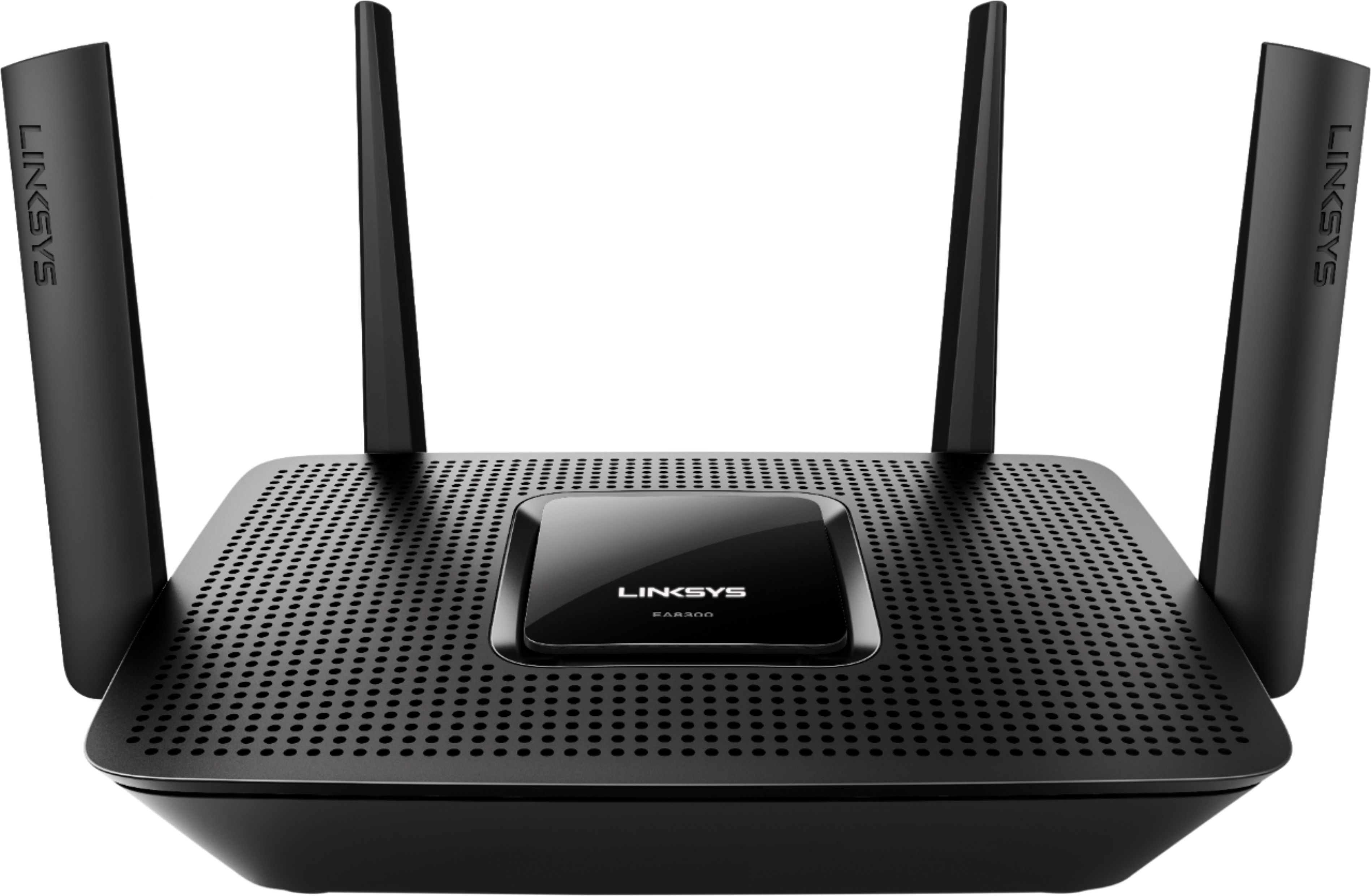
A:AnswerYes, jrfromCOMO. You will need a modem along with the Linksys EA8300 router since this device is only a Smart Wi-Fi router and not a modem router.
A:AnswerNo, dmatt99. The Linksys EA8300 router doesn't have an Internet Usage feature and cannot monitor the amount of bandwidth each connected device is using.
A:AnswerYes, you can, Carey; just make sure that the extender will meet the system specifications of the Linksys EA8300 router. For more details about the device, please refer to this link: https://www.linksys.com/us/support-article?articleNum=226166
A:AnswerYou can set a schedule for each of the 3 WiFi bands but not sure about by connection. Recommend you download the manual from Linksys to get more info. You can also do a online chat or email them regarding your requirements.
A:AnswerSince connecting your camera to the router has nothing to do with the internet speed there is something else you need to look for in the connection. If you're having trouble viewing the camera through the internet then it has to do with your internet speed. You should be able to view the camera locally once connected, the modem doesn't even have to be connected tot he router for that to work.
A:AnswerIt does show the devices, mine currently showing 32 of them, but not amount of internet usage for each that I can find. It does show what frequency band they are connected with, 5 or 2.4 GHz.
A:AnswerPlease also read my review of this router. If you need DD-WRT, this router is not a good choice. Currently (Nov 2018) there is not an official DD-WRT specific build for this model router. Search "DD-WRT compatible routers" for the Wiki page that lists compatible routers.
A:AnswerI have it in the basement and half my 3rd floor has pretty terrible coverage. A lot depends on your house layout, I would say its worth trying out, my house is just wierd so it may work out great for you.
A:AnswerYes it will but you will need a separate v3.0 or higher modem. As for your WiFi signal strength you can get a free WiFi signal analyzer for your Apple or Android phone. I use WiFi Analyzer for my Samsung G7 and it works great. The lower the dBm is better and it checks 5G and 2.4G. For your cameras I would recommend at -85dBm or lower. I am impressed with the range this has in my 2K sq' home which has a large brick fireplace in the living room.