A:AnswerThe Logitech Brio 100 is not compatible with the PlayStation 5 for streaming. While it's designed for use with Windows, macOS, and ChromeOS, the PS5 does not support this webcam model for live streaming or video capture.

A:AnswerThe Logitech Brio 100 is not compatible with the PlayStation 5. While it's a great webcam for use with Windows, macOS, and ChromeOS, the PS5 does not support external USB webcams like the Brio 100 for streaming or video capture.
A:AnswerTypically the PC itself. If your monitor supports USB passthrough and is connected to your PC through both the HDMI/display port AND USB, then you could plug the webcam into a USB port on the monitor.
A:AnswerHey! Brio 100 works with Windows 10 or later macOS 10.15 or later ChromeOS and virtually any popular video calling platform. (2GB RAM or more needed for 1080p video streaming and 1GB RAM is typically needed for streaming 720p)
A:AnswerHey! No, the Brio 100 webcam is not compatible with either the Xbox Series X or the PlayStation 5 Digital Edition for streaming or video capture purposes. It is compatible only with Windows 10 or later macOS 10.15 or later ChromeOS.
A:AnswerThe Logitech Brio 100 webcam is designed for use with computers. While some smart TVs may have USB ports, they aren't designed to recognize and use webcams like the Brio 100. The Brio 100 is compatible with:
- Windows 10 or later
- macOS 10.15 or later
- ChromeOS
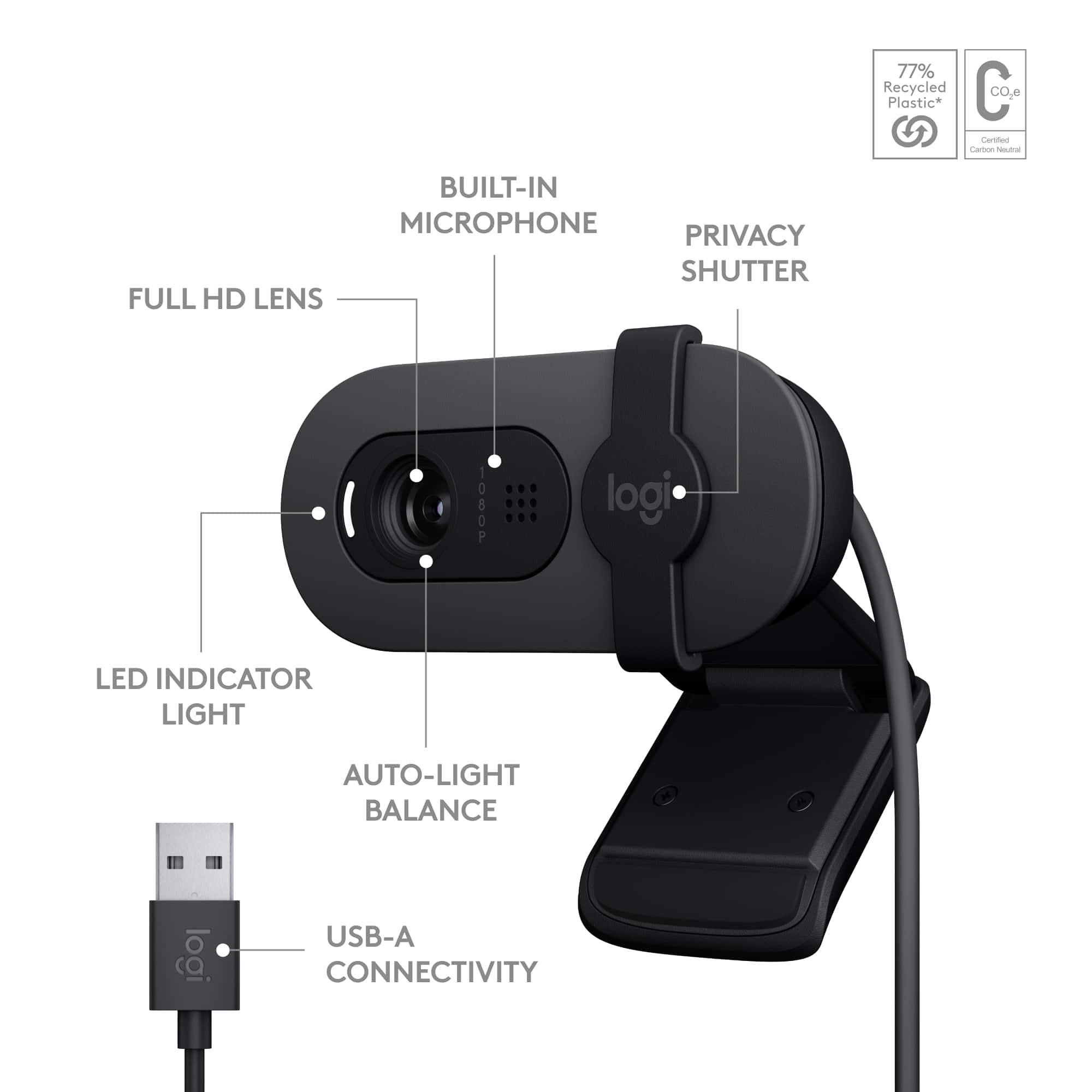
A:AnswerI use it on my 2024 MacBook pro so it should work fine on MacOS products. However, its a USB-A cable. You'll need to get a USB-A to USB-C converter. I believe Apple switched all their ports over to USB-C a while ago.