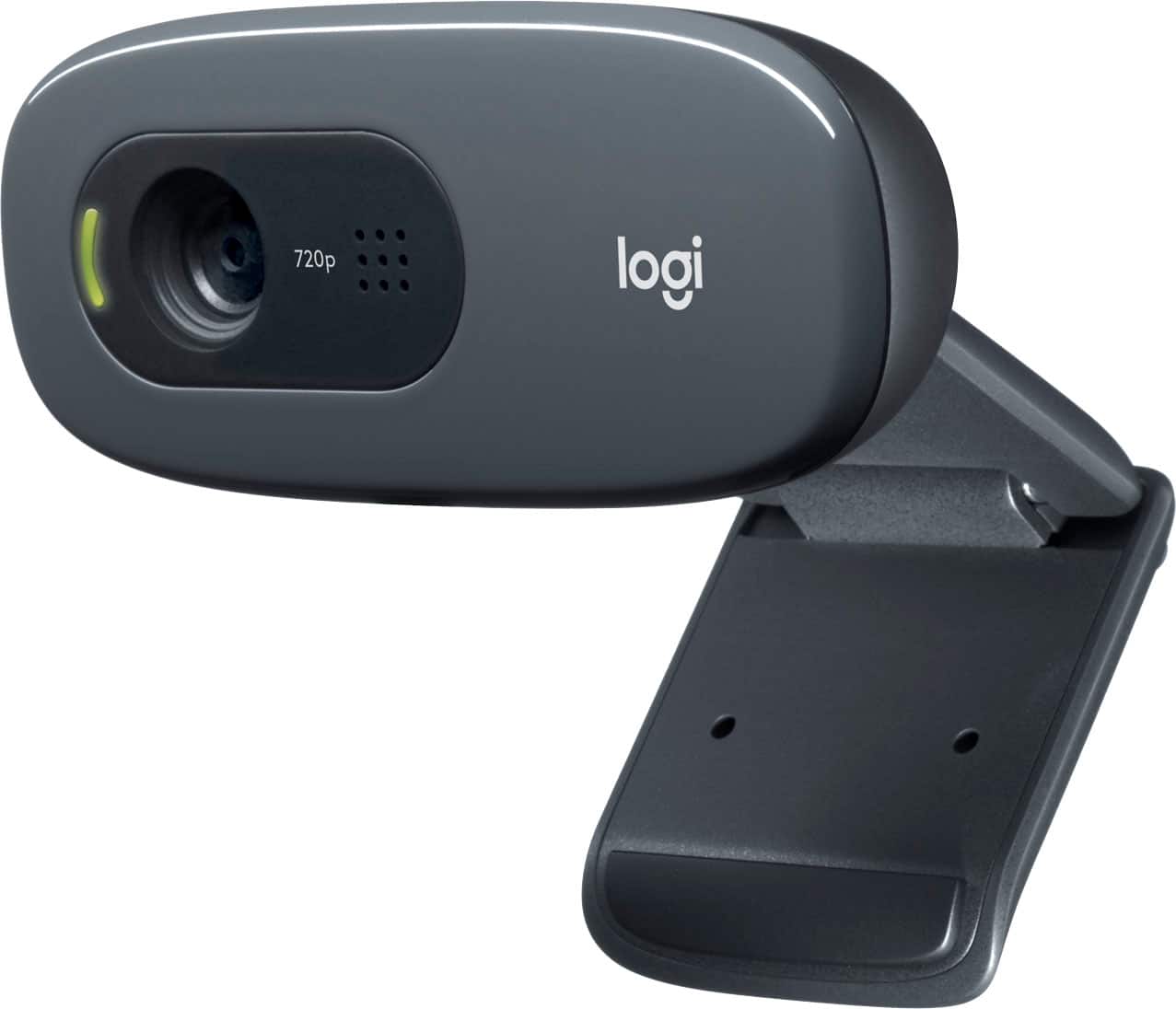
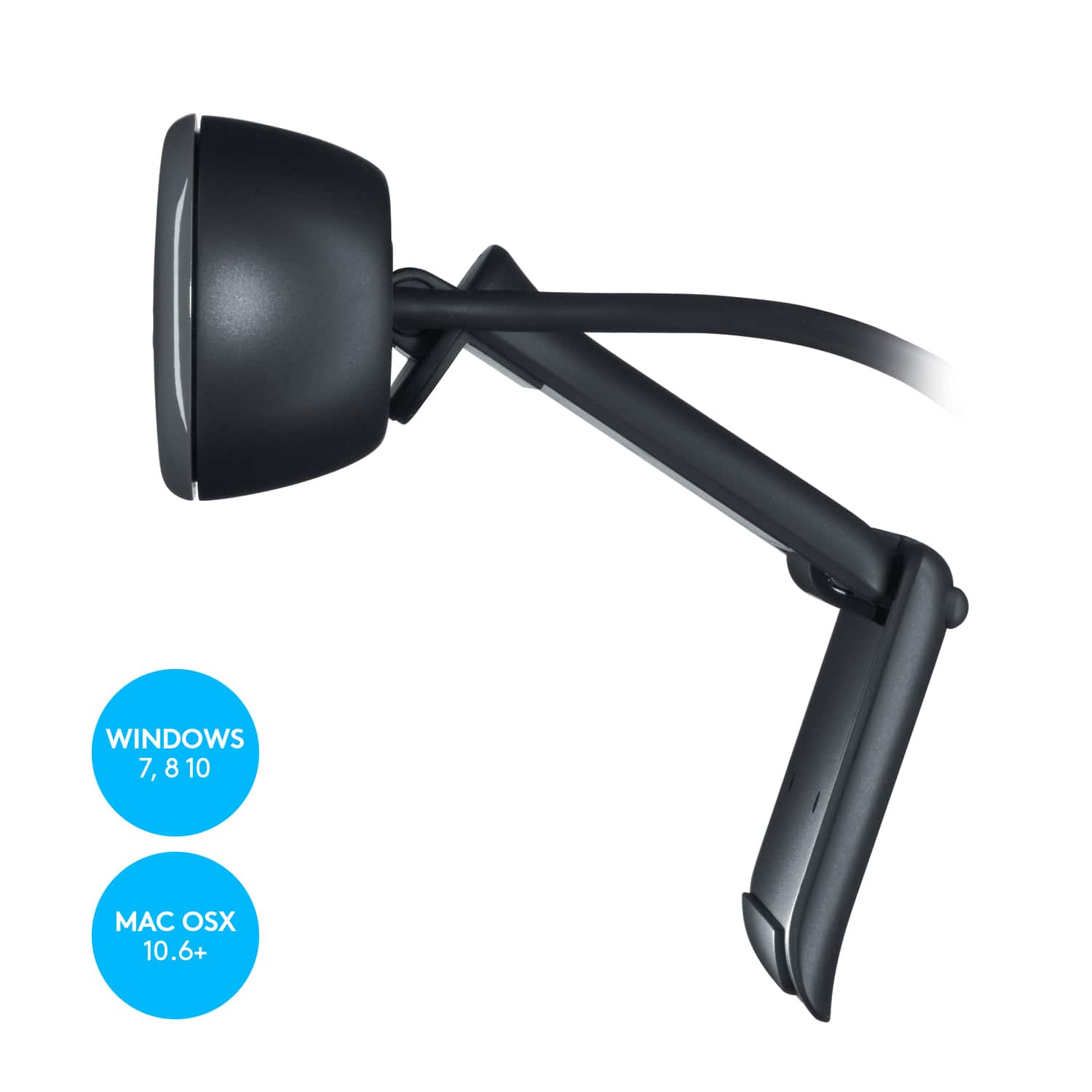
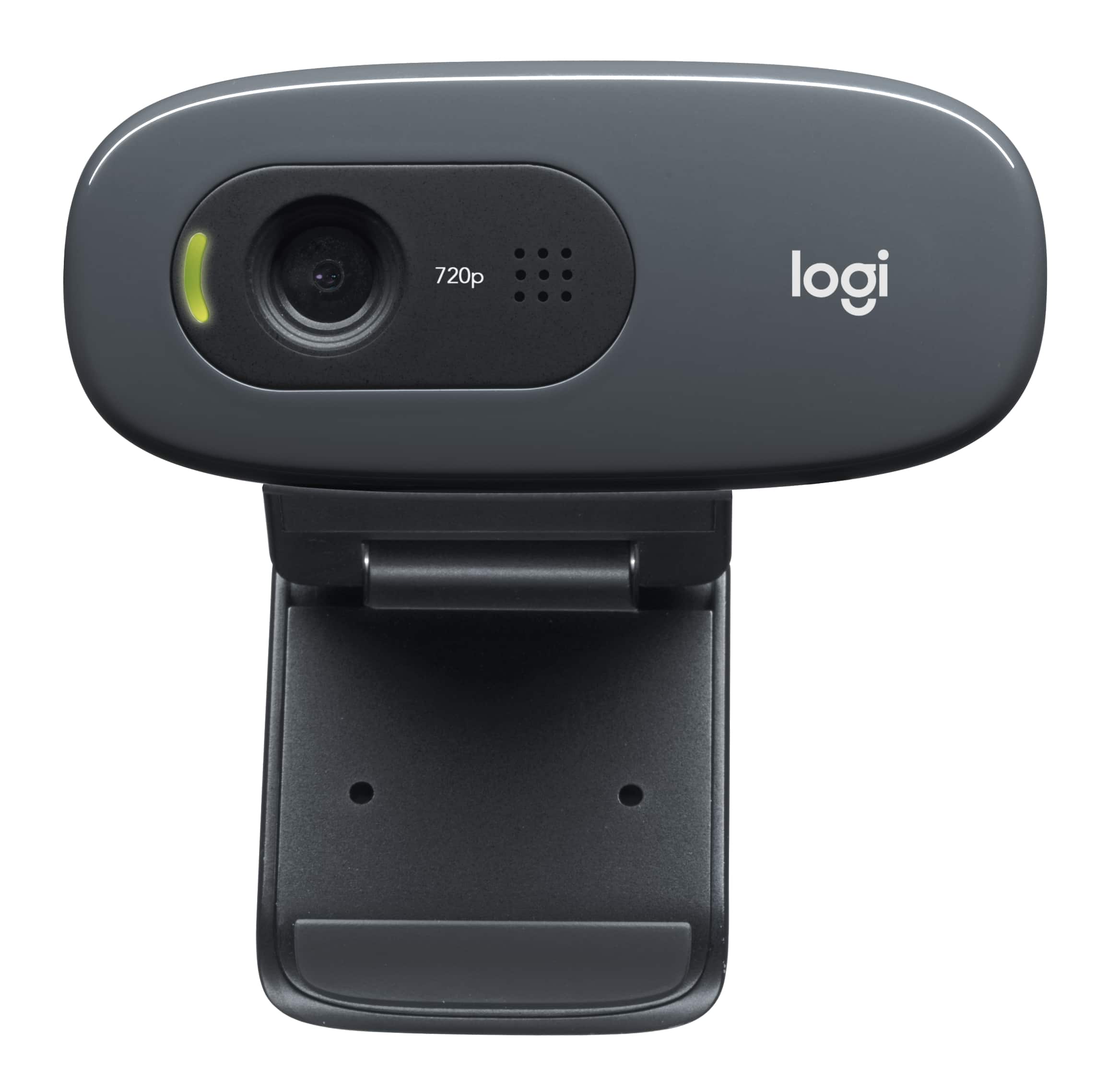
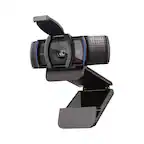
A:AnswerIt is auto installed with Win 10 drivers. It is plugged into a USB port. You will need to download camera software of your choosing and it does work with some of the Logitech software programs on the Logitech website. If it is not compatible with your Pc you can always return it to Best buy .
A:AnswerOn Linux, there's an app called "Cheese" that allows you to view yourself. On both Linux and Windows you can start Skype, then go to Tools->Audio & Video Settings to see what Skype is showing.
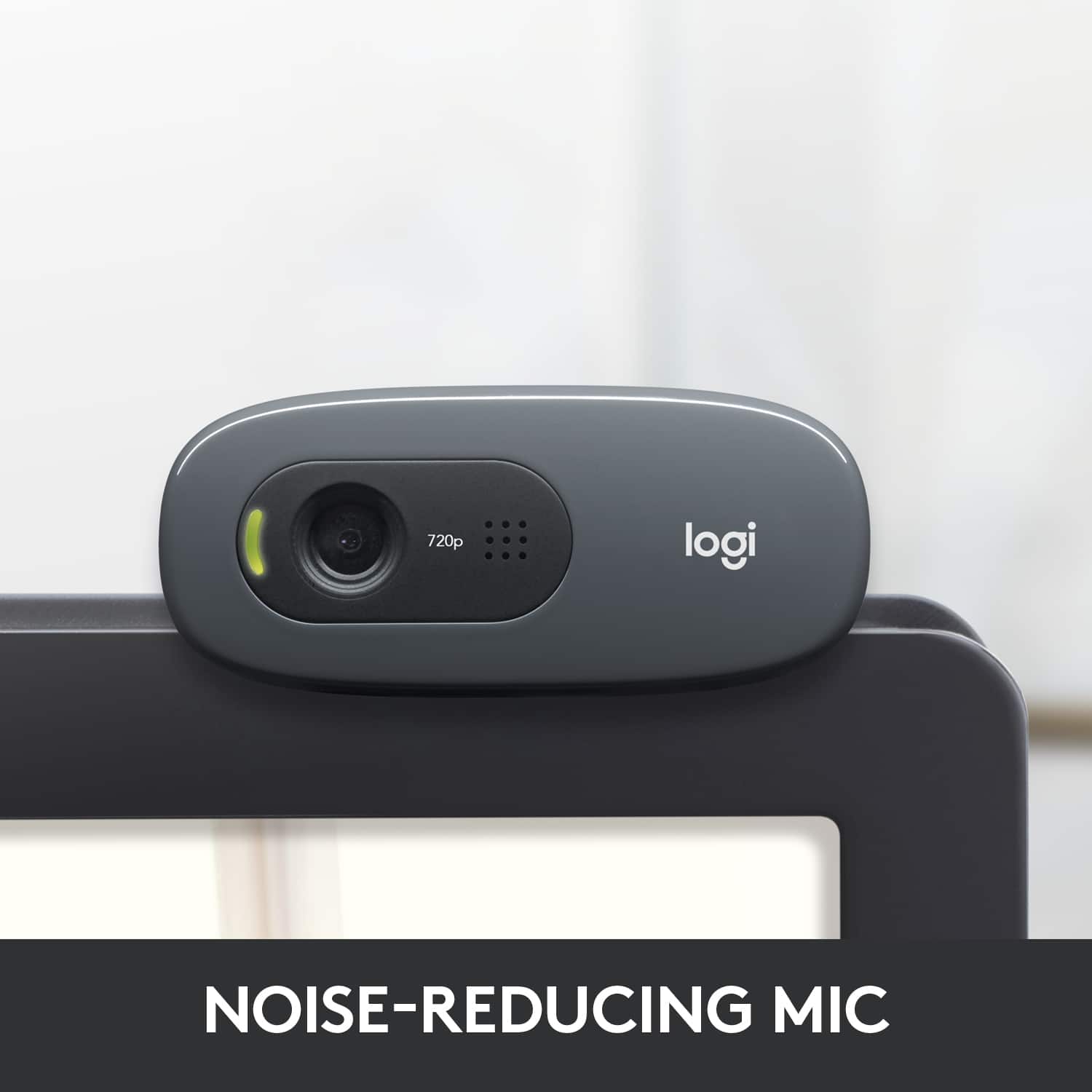
A:AnswerThat would be a big NO good buddy! The logitech 925c would probably be your best buy. This might show picture and provide audio but it really isn't 1080p. Using this camera to stream from Xbox One would not be as good as the viewers would be limited to 720P as this is all the camera can handle. Furthermore the audio isn't great because its a really cheap webcam and I had to use a semi-professional microphone to couple with this just to get decent enough audio for someone to hear me. I would recommend a Blue Snowball.
There are some good things about this camera for a PC that I would highly recommend. 720P isn't bad for streaming through a computer on 30fps using medium compression and a 5Mb upload stream. I prefer my audio quality to be better than the picture when i have no choice but to trade off one for the other. I would still disable the audio/built-in-mic on this cam and go with an external/USB solution.
Final Thought: Logitech makes some really good cameras for the Xbox One. The 925c seems to be the one most people are using and the reviews are great. Look into spending more than $80 for an all-in-one solution.