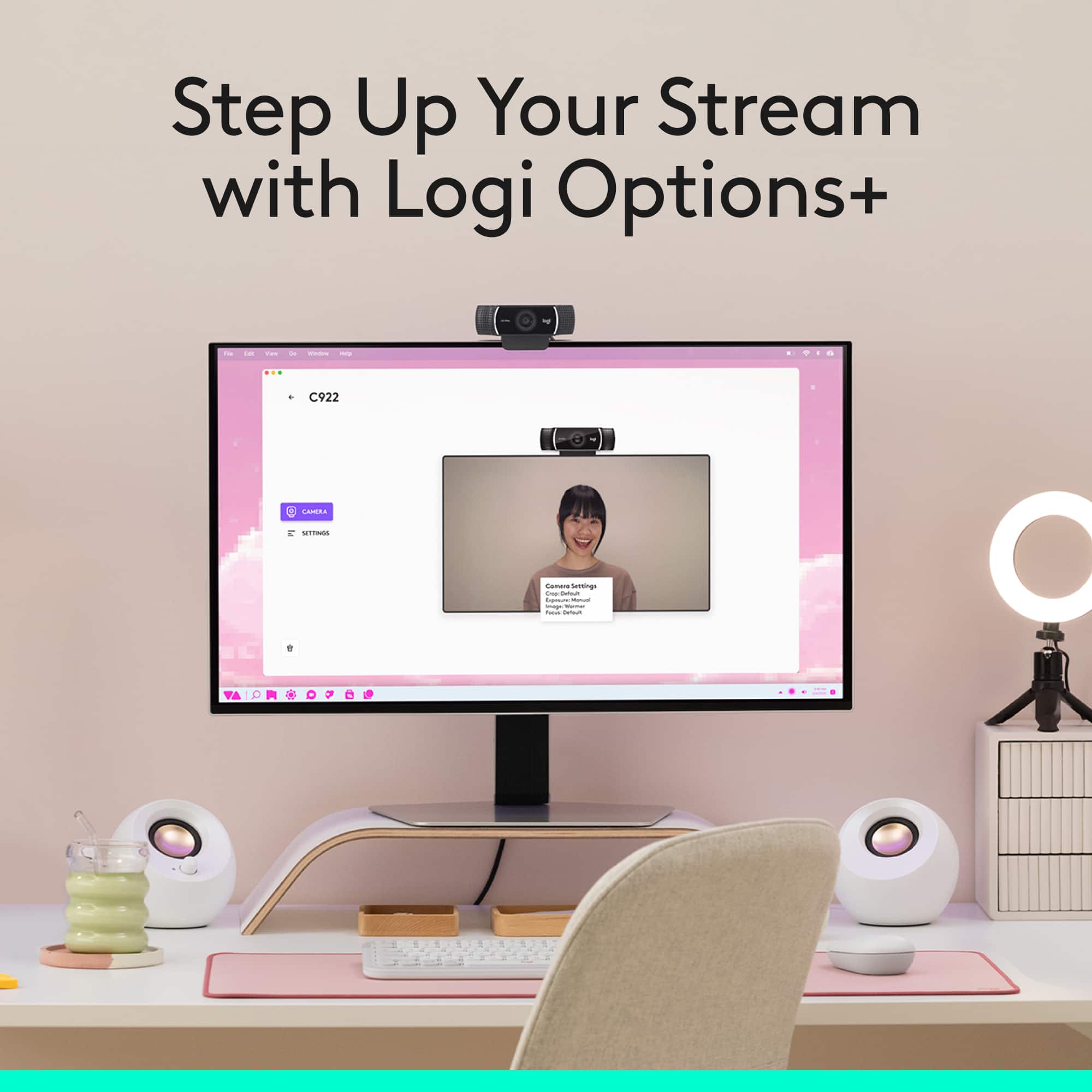
A:AnswerIt does! This is the webcam I use with Teams everyday and it is excellent. Make sure to download the free Logitech GHub software to get the best experience with this webcam as well.
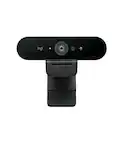
A:AnswerHello, this webcam does not support Windows Hello. Our Brio webcam does support Windows Hello though, here is the link: https://www.logitech.com/en-us/products/webcams/brio-4k-hdr-webcam.960-001105.html?crid=34. I hope this helps!
-Danielle from Logitech
A:AnswerIt's seems to be a digital zoom, not optical zoom. Therefore, theoretically the answer is no, the video quality is not the same (larger pixels). However, the picture quality is excellent, so when I zoom in my human eye doesn't notice any deterioration of the picture quality at all. Unless you are doing something highly technical, don't worry about any loss of picture quality when zoomed in. You won't see it (if it exists).
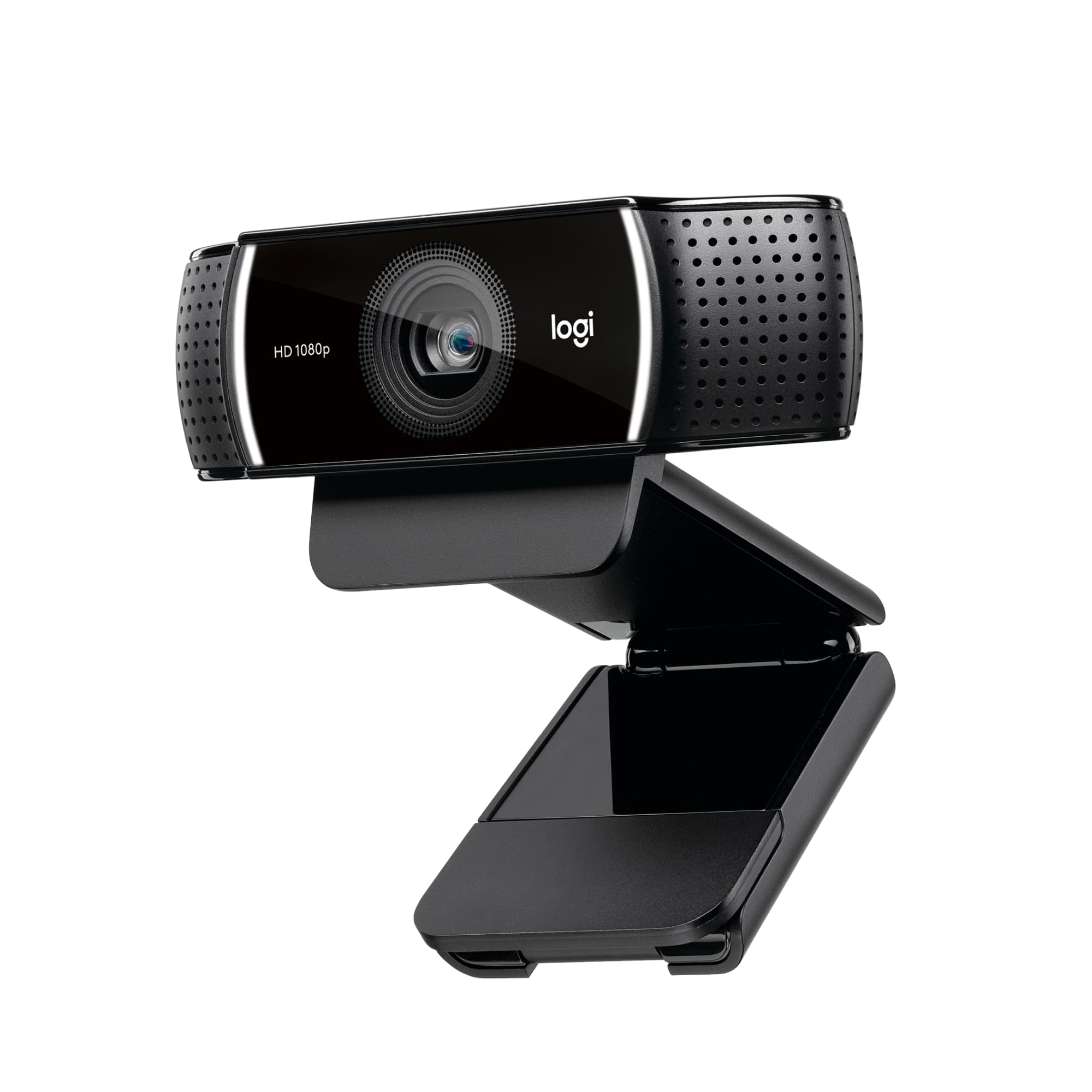
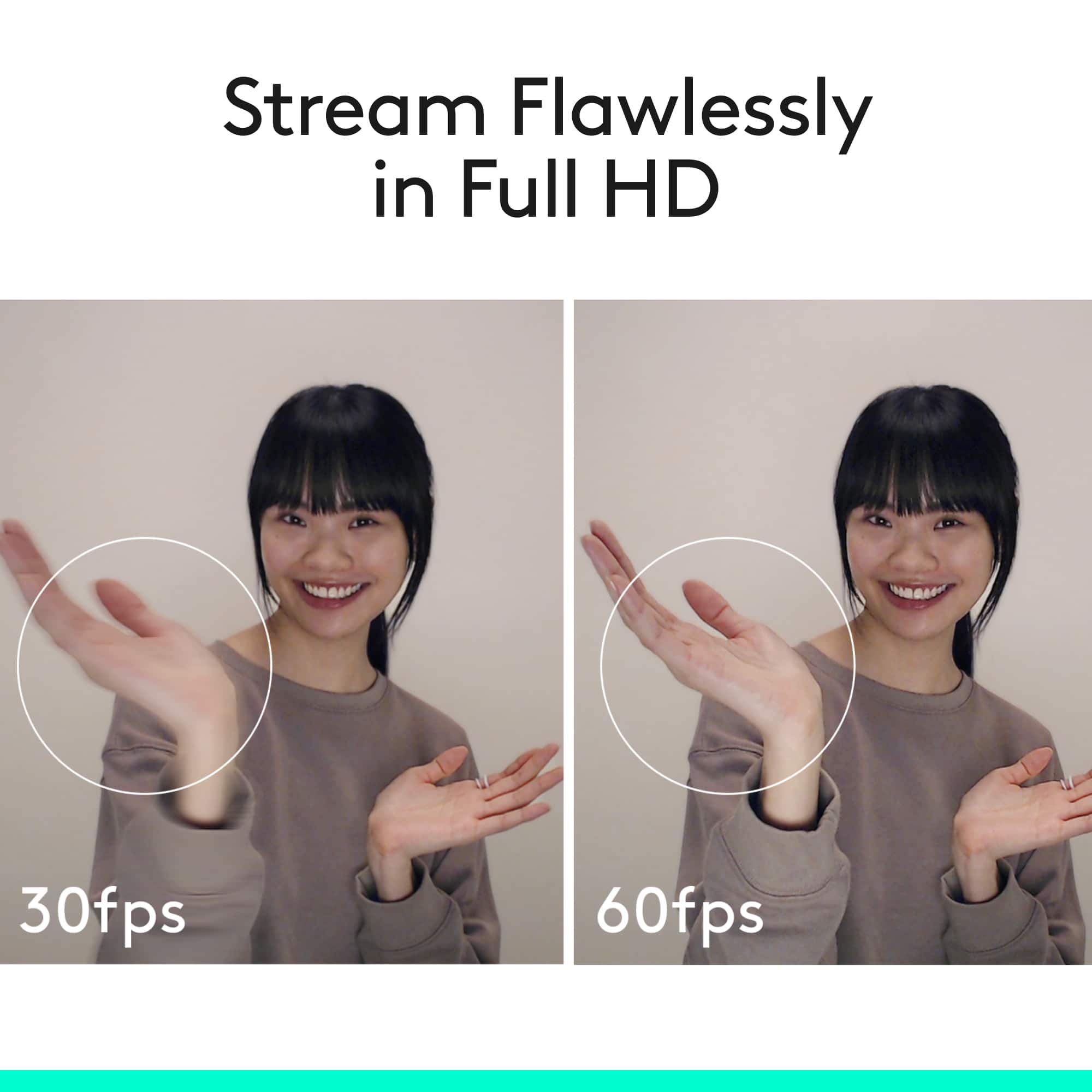
A:AnswerHello, the C920 and C922 webcam are 99% identical. The only difference is that the C922 is capable of 720p x 60fps and the C920 is not. Have a great rest of your day.
A:AnswerNo, it does not. You may be able find webcam caps on Amazon. I used to have on for a laptop camera but I personally unplug my Logitech camera when not in use for sake of privacy.
A:AnswerI would say in general it would depend on the distance and quality that your wanting. Yes you could record a auditorium, as it captures what it says it does. However I do not know what kind of quality you are looking for, or the amount of detail you are wanting at a distance. I personally would go to a store a look at video cameras. I think that would serve you better, unless your streaming the event for a long period of time. And in that case of would look for high resolution, at least 30 frame per second.
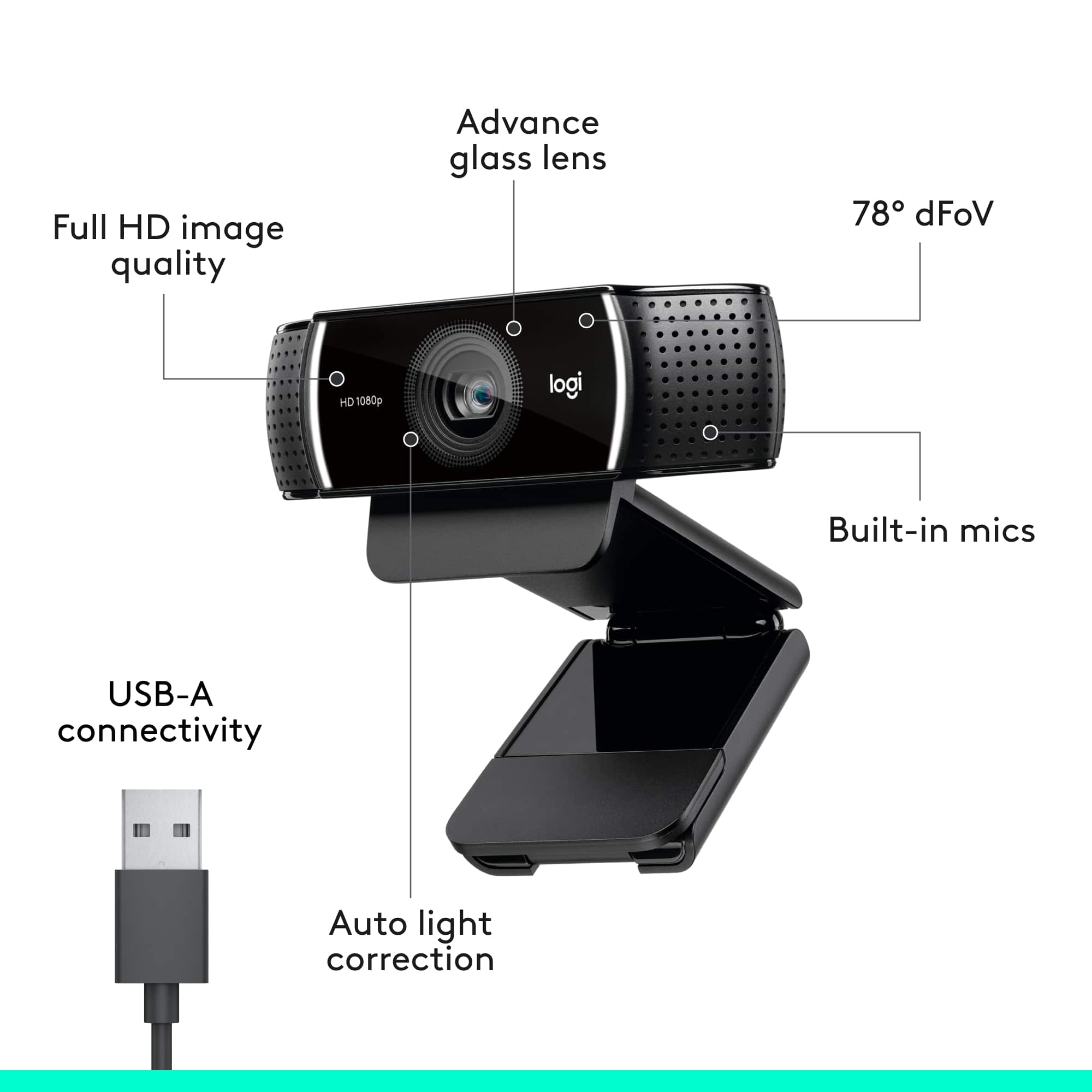
A:AnswerYes, I do not use the built in microphone because I'm typically a little far from the camera. You don't have to "disable" the microphone, just choose the microphone that you want to use in whatever app you are using. I have done this in Zoom, Teams, and Skype.
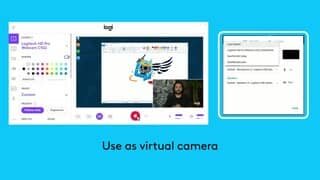
A:AnswerHello Sunny. The C922 does not come with a CD to install the software. It should automatically download the drivers when you plug it into your computer for the first time. You can also download Logitech Capture here: https://support.logi.com/hc/en-us/articles/360025141614
You will need to choose the webcam before you begin streaming to make sure it is using the C922 instead of the built-in webcam.
A:AnswerWith a dramatic shift in remote work, distance learning, and telemedicine over the past few weeks, many Logitech products are in high demand across the globe. Our factories are well-positioned to meet the 'normal' demands of our business, however, the events of the last few months have significantly changed that demand and we are increasing production to meet those needs. We appreciate your patience while we work to deliver as quickly as possible. Please check back with Best Buy on availability.