Questions & Answers
Q: QuestionWill this mouse work with the MacBook Air?
Asked by Nikki.
- A:Answer Yes
Answered by user861022
Q: QuestionWill this mouse work with HP Intel CORE i3?
Asked by Anonymous.
- A:Answer Yes.
Answered by Jerry
Q: QuestionCan this mouse drag click?
Asked by questions.
This question was asked about the related product: Logitech - Design Collection Limited Edition Wireless 3-button Ambidextrous Mouse with Colorful Designs - Wireless - Golden Garden
- A:Answer yes, easily
Answered by ks1mom
Q: QuestionWhat wireless mouse (mice) work with a new MacBook Air (almost no places to plug in anything)? How do I make the two compatible?
Asked by Claire.
This question was asked about the related product: Logitech - Design Collection Limited Edition Wireless 3-button Ambidextrous Mouse with Colorful Designs - Wireless - Golden Garden
- A:Answer Buy a USB dongle with a type C plug (for the MacBook Air) and a USB type A jack (for the Logitech Unifying receiver.) Some dongles have USB-PD (Power Distribution) pass-through capability: plug your charger into the proper jack on the dongle, and the dongle into the MacBook Air.
Answered by JohnR
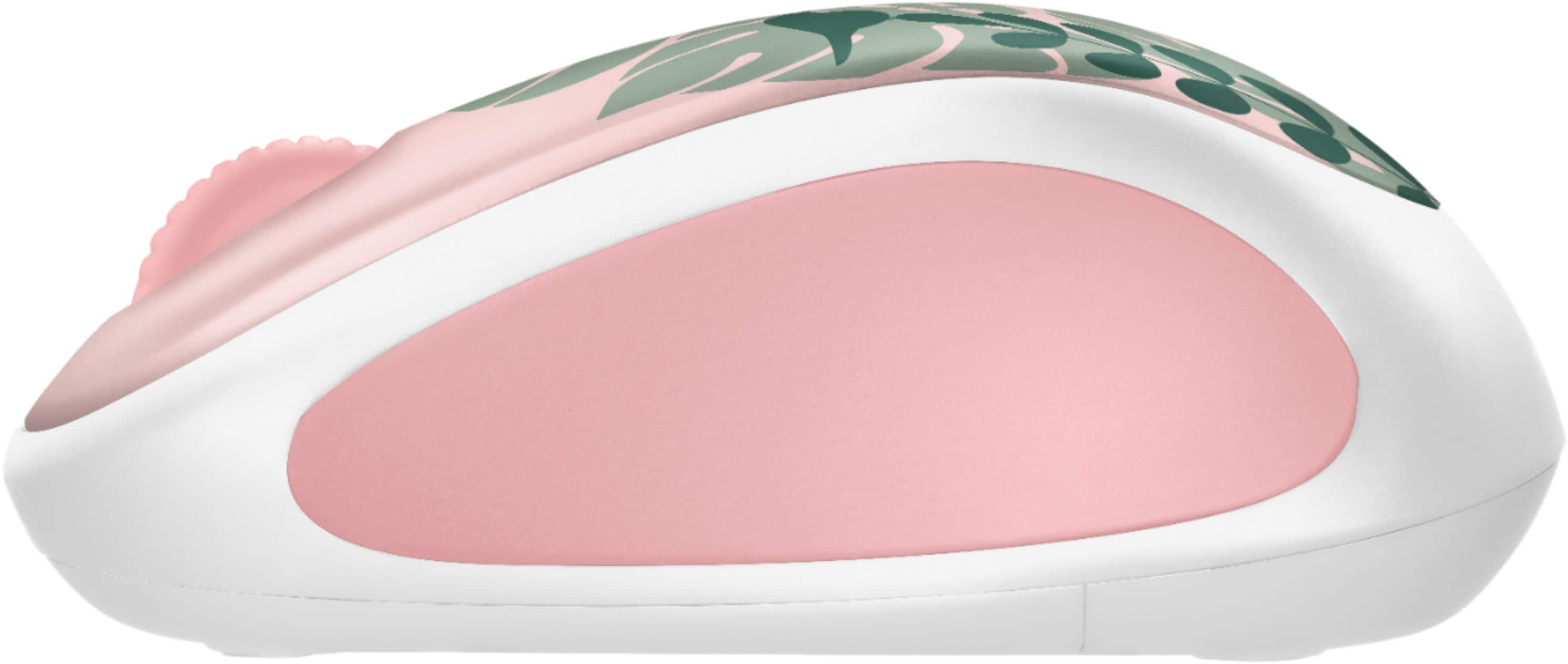
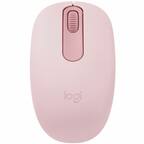
Q: QuestionIs this a regular sized mouse or a mini mouse?
Asked by Nik.
- A:Answer Regular
Answered by SamA
Q: QuestionHow can I use the Logitech mouse with a Older HP laptop with a USB Bluetooth adapter?
Asked by Ron.
- A:Answer This mouse does not talk Bluetooth. It needs a USB type A jack for the Logitech Unifying receiver.
Answered by JohnR
Q: QuestionHow old is it
Asked by MMMMM.
- A:Answer The mice offered for sale were manufactured less than one year ago. The design of the physical and electrical components is some 3 to 7 years old. The visible artwork is about one year old.
Answered by JohnR
Q: Questionwill this work with a hp desk top touch
Asked by Anonymous.
- A:Answer Yes, if you plug the Logitech Unifying receier into a USB type A jack.
Answered by JohnR
Q: QuestionCan you get a replacement usb receiver for the mouse?
Asked by LA.
- A:Answer If you want a new receiver, then buy another mouse. A used receiver is readily available from numerous sellers; search the 'net.
Answered by JohnR
Q: QuestionWill this mouse's antennae fit on my Samsung Galaxy 950QDB, or will I have to buy additional adaptors
Asked by DonC.
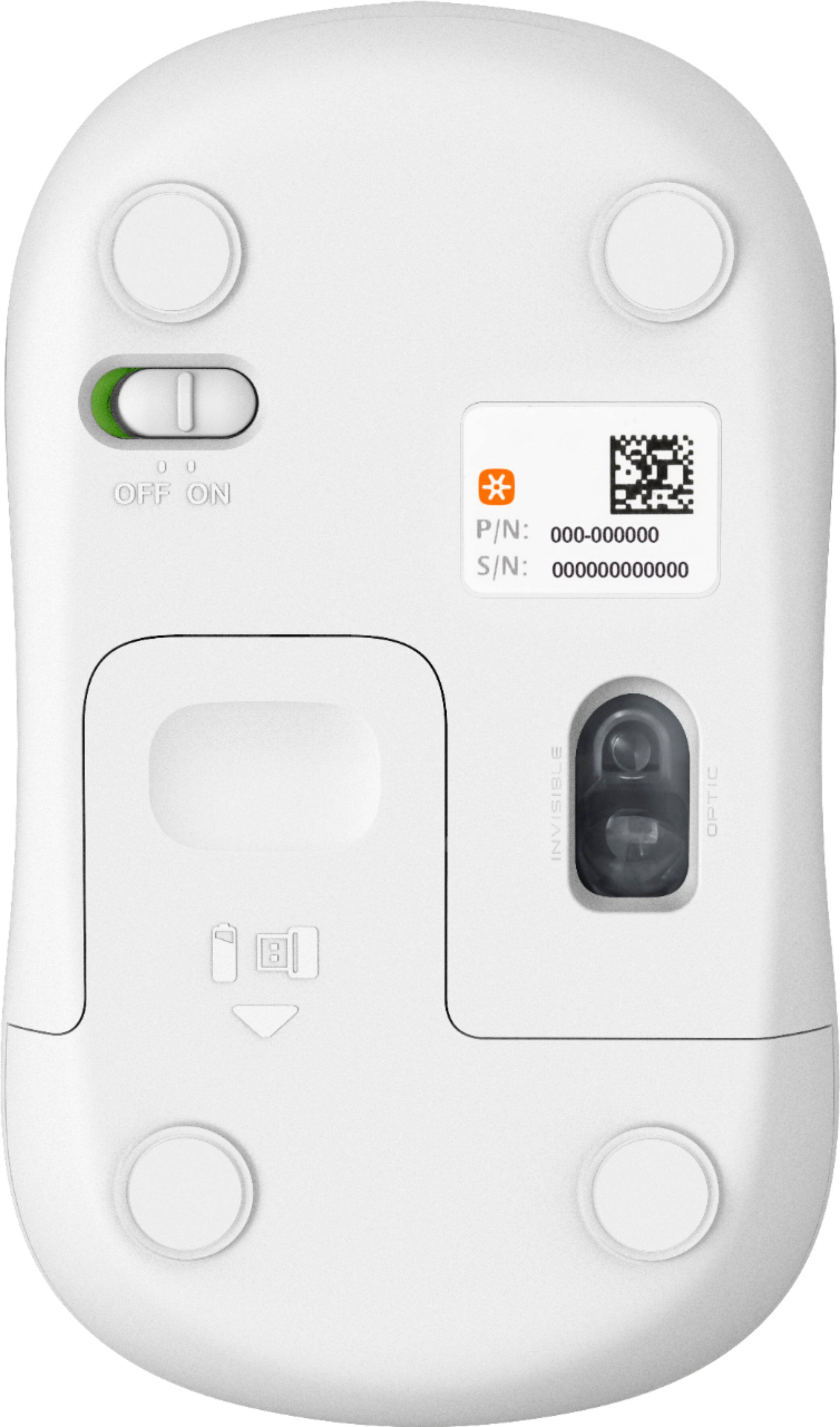
- A:Answer The antenna for this mouse is entirely inside the case. The Logitech Unifyi8ng receiver requires a USB type A jack.
Answered by JohnR
Q: QuestionHow FAR YOU CAN PLACE THE WIRELESS MOUSE FROM THE COMPUTER? Maximum distance from the computer?
Asked by skb.
- A:Answer In most cases it works up to 10 meters away. It certainly works upto 3 meters away, unless you put the Unifying receiver inside a metal cage.
Answered by JohnR
Q: QuestionCan the center wheel be set to double-click or does it require the modifying the xml file kluge solution?
Asked by samsquared.
- A:Answer The downloadable Logitech Options software (Windows; perhaps Mac) handles the XML for you.
Answered by JohnR
Q: Questionhow to activate logitech wireless mouse.
Asked by mary.
- A:Answer there is a usb port that is in the inside of the battery just take that and plug into computer and you are all set.
Answered by jadabug
Q: QuestionWill this work with a Laptop?
Asked by DJ.
- A:Answer Yes. All you need is a USB port
Answered by Perfect
Q: QuestionIs the battery replaceable after the estimated 1 year usage?
Asked by Vizsla86.
- A:Answer Yes
Answered by FirestormMedia
Q: QuestionHow do I plug it in ?
Asked by stisters.
This question was asked about the related product: Logitech - Design Collection Wireless Optical Ambidextrous Mouse with Nano Receiver - Cosmic Play
- A:Answer The Logitech Unifying receiver requires a USB type A jack, which is readily available on the tablet/laptop/computer itself, or via a USB dongle adapter.
Answered by JohnR
Q: QuestionWill this mouse work with model 14-dq0004dx HP 14" laptop?
Asked by Ellen.
- A:Answer Yes, if you have a USB type A jack available for the Logitech Unifying receiver to plug into.
Answered by JohnR
Q: QuestionHi, I just wanted to ask, does this mouse work with windows 10 dell laptop? And do you need new batteries? Gabbyass
Asked by Gabby.
- A:Answer Hello Gabby. I think I answered this already. Yes, it works with WIN 10, and no, you do not need a battery. It initially comes with one. Hope this helps. CaLady

Answered by CaLady
Q: QuestionWill this work with an iMac?
Asked by Browniekay.
This question was asked about the related product: Logitech - Design Collection Wireless Optical Ambidextrous Mouse with Nano Receiver - Spring Meadow
- A:Answer Yes it will!
Answered by Applefanatic
Q: QuestionIs it the same size as M310?
Asked by YVONNE.
This question was asked about the related product: Logitech - Design Collection Wireless Optical Ambidextrous Mouse with Nano Receiver - Teal Maze
- A:Answer I'm afraid I do not know what an M310 is. But it's a normal size.
Answered by BarbaraS
Top Rated
- $109.99$109.99The price was $129.99