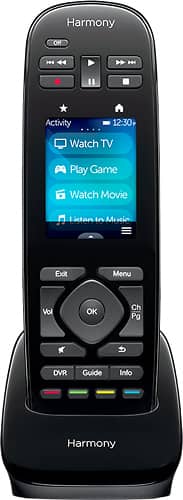
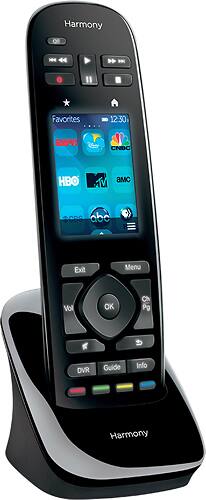
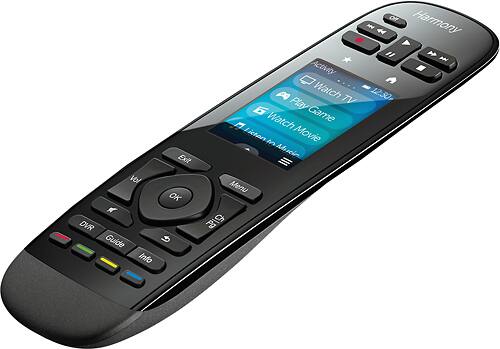
A:AnswerThis really is a pretty much plug and play remote. If you access HULU, Netflix and Amazon from your TV screen you can set up just your TV to access the menu. Hope this helps.
A:AnswerI now know, best way to skip through DVD trailers with 'Harmony Ultimate'; simply press 'channel changer' button, until you see a trailer you wish to view, or the MOVIE.
A:AnswerHello gman,
The remotes will work fine without the hub. I believe you will like the remote it may take some time to get used to the buttons and the touchscreen, but once you have it customized to your needs. You will enjoy the remote.
A:AnswerYes, it can use any button you add as a commend as {ie: sleep, edit, menu. you have to go into your computer to set it all up, once you add your device it will give you the option to change commands/buttons on the remote.
A:AnswerI'm sure Harmony would tell you that you can't replace the battery, however, I was able to find a replacement battery on Amazon and detailed instructions on how to replace the battery on iFixit.com. It involves taking the remote apart which honestly wasn't that hard and only took about 10 minutes. May be self-explanatory, but this will void any warranty and may damage the remote if you're not careful.
Here's the battery I used: Logitech HARMONY ULTIMATE Remote Control Battery RLI-026-1.1 Li-Ion 3.7V (1100 mAh) Battery - Replacement For Logitech 915-000198 Remote Control Battery (search for this on Amazon.com).