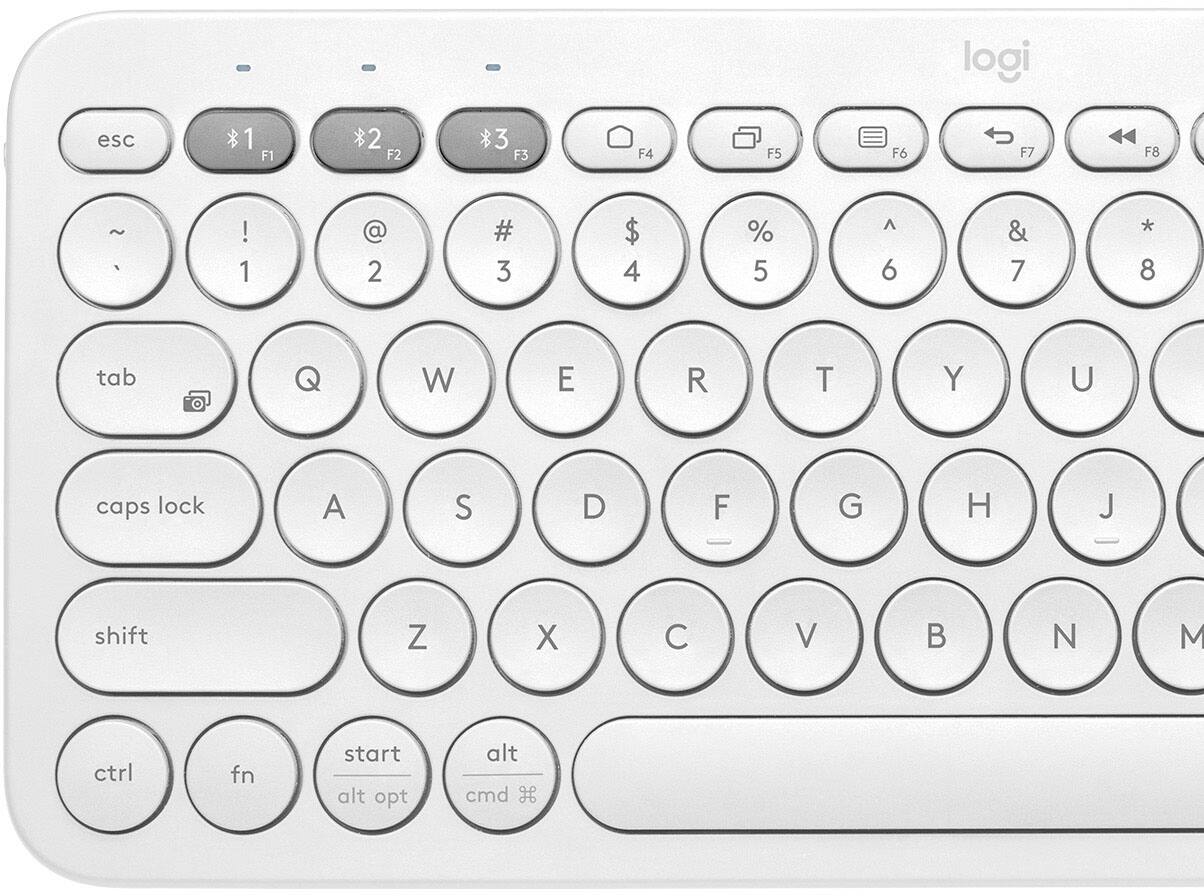
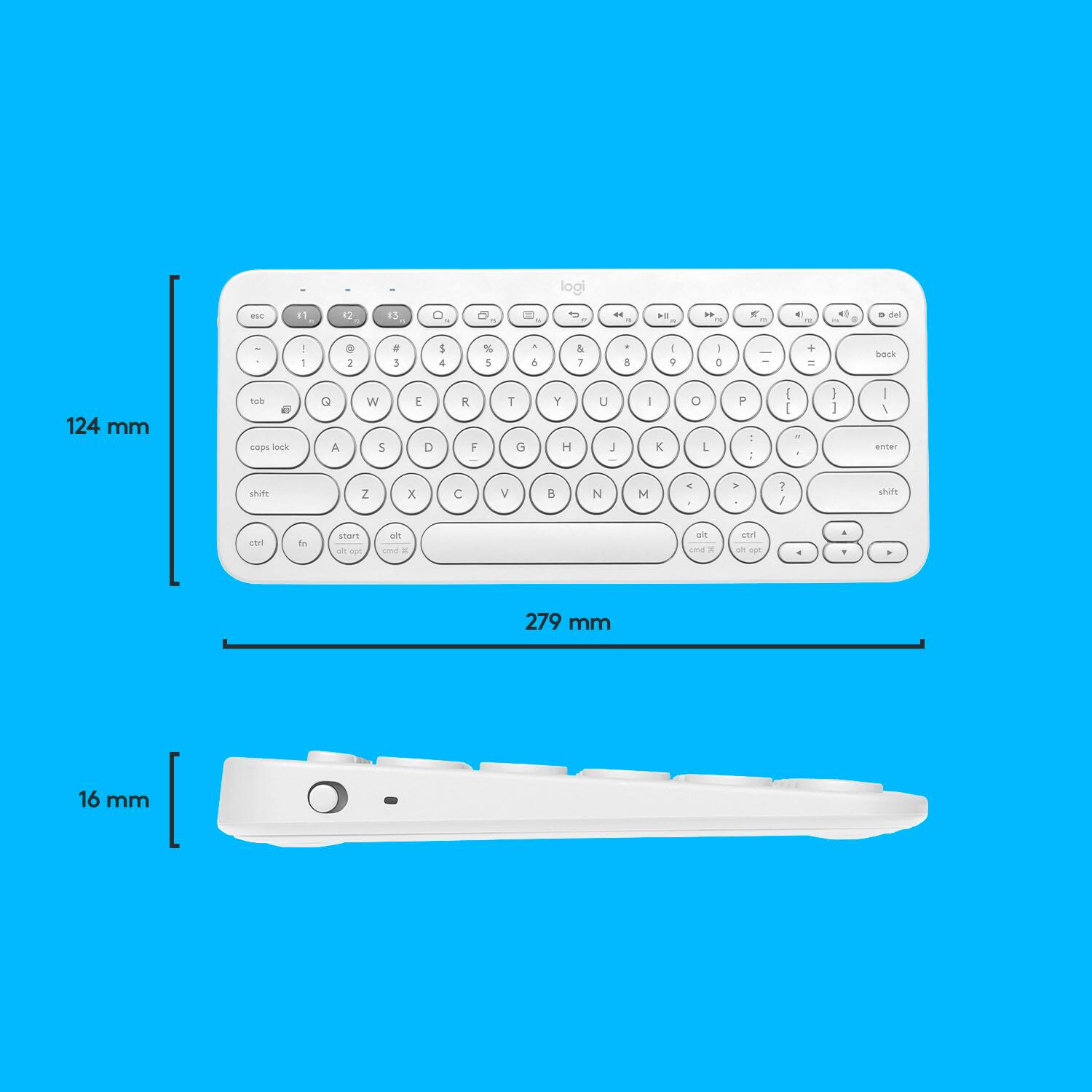
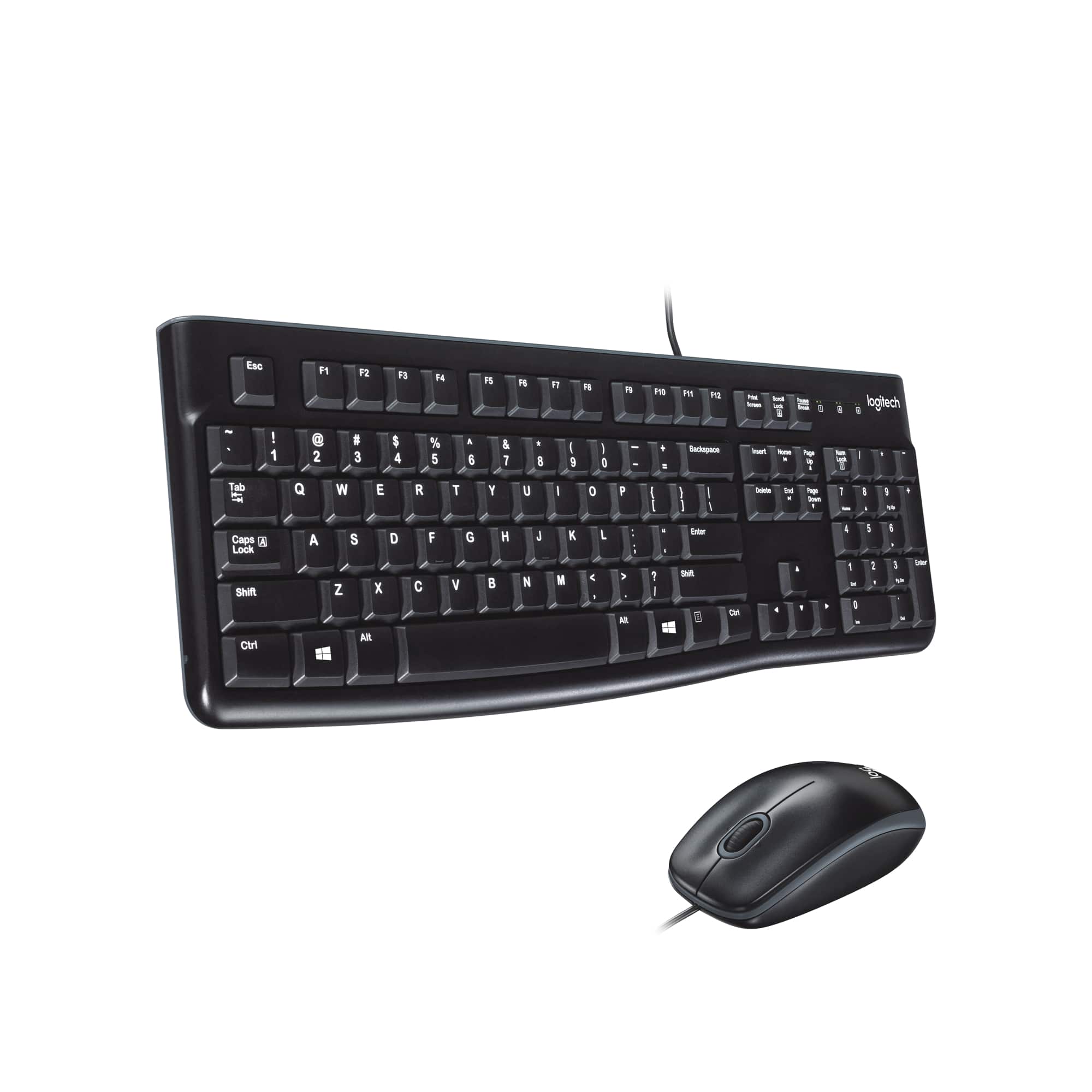
A:Answer It appears that this function needs to be activated to functionality in the through software settings - How to enable and disable the Insert key in Microsoft Word
1. In Microsoft Word 2010, 2013, and later, click File and then Options. In Microsoft Word 2007, click the Office Button and then click Word Options.
2. In the Word Options, click Advanced.
3. Check the box for Use the Insert key to control overtype mode to allow the Insert key to control the Overtype mode.
4. Click Ok.