Questions & Answers
Page Showing 81-85 of 85 questions
Q: QuestionDoes this mouse work with cctv dvr and if so does it have a good range?
Asked by steve.
- A:Answer Not sure about the CCTV or DVR i would say yes if they have USB Ports, as far range with Duracell Batteries at least ten feet. As big as my home office
Answered by 1ceCave
Q: QuestionAfter I am done using the mouse, how do I safely eject the USB receiver ? I am on a Macbook Pro
Asked by Carina.
- A:Answer no need to safely eject, that is only for usb drives. You can just pull out the receiver or leave it plugged in.
Answered by supamariobros
Q: QuestionWhat is the average range (feet) for mice
Asked by Anonymous.
- A:Answer This logitech one is about 5' range approximately.
Answered by Freddy1235
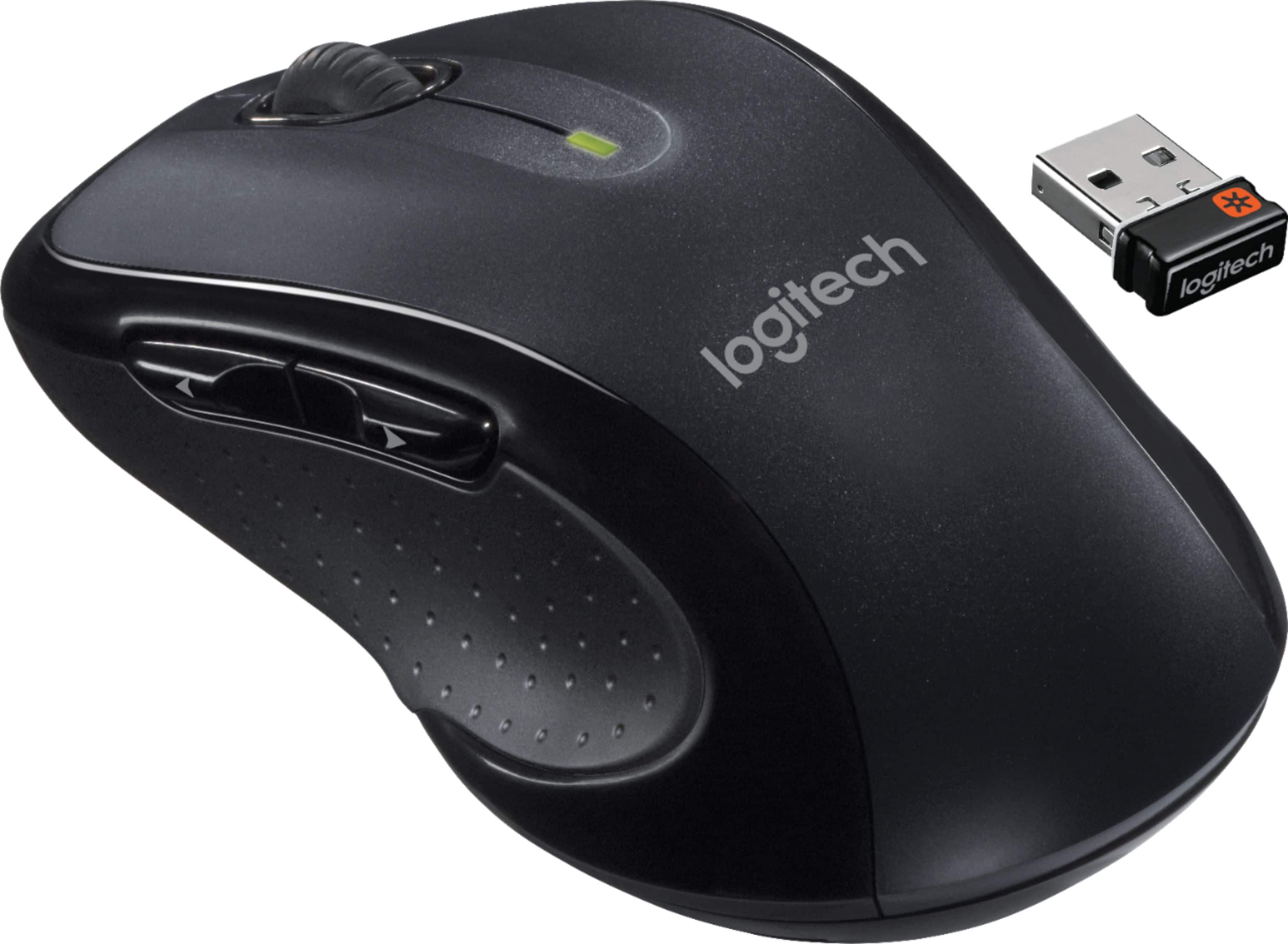
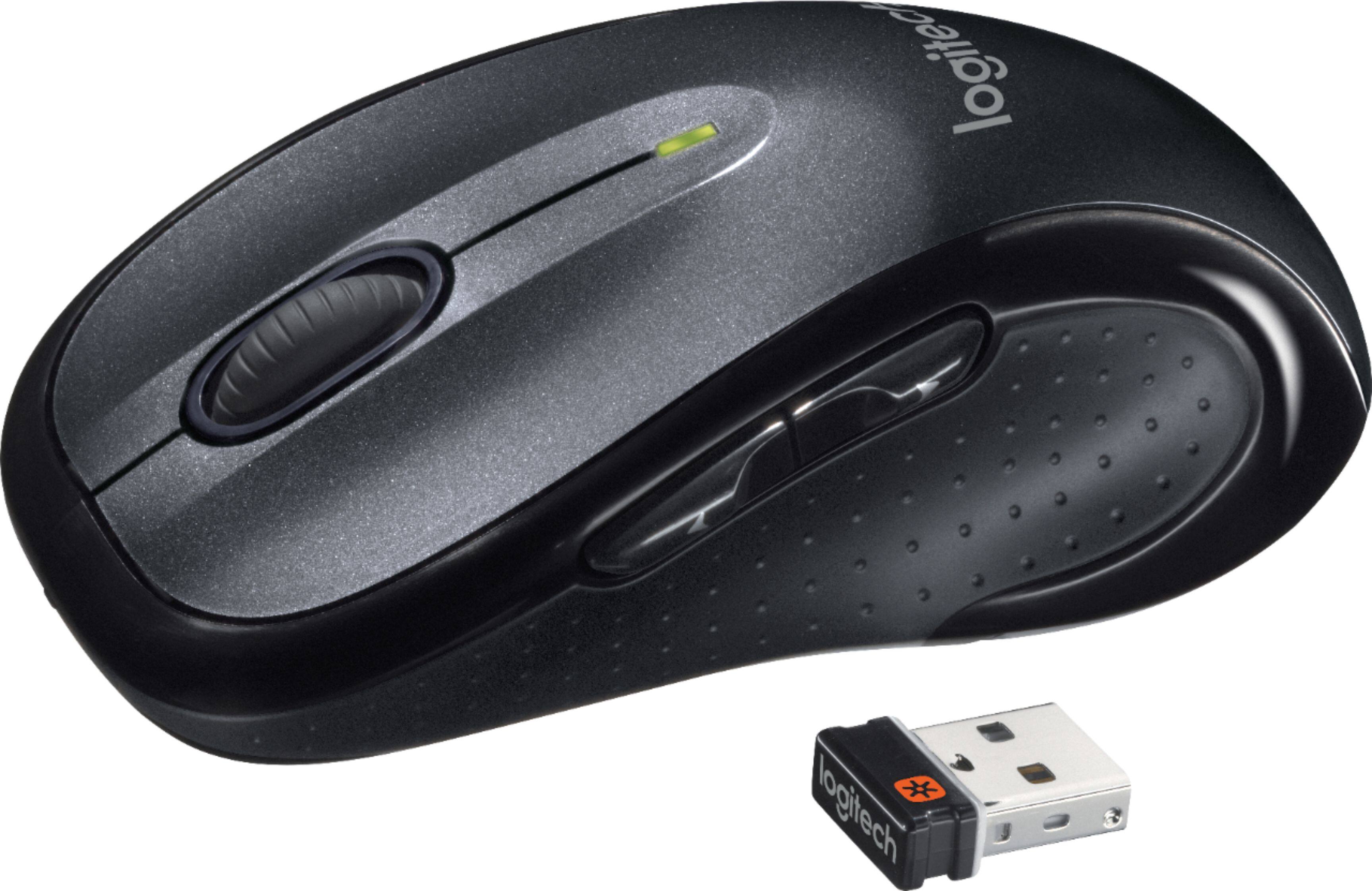
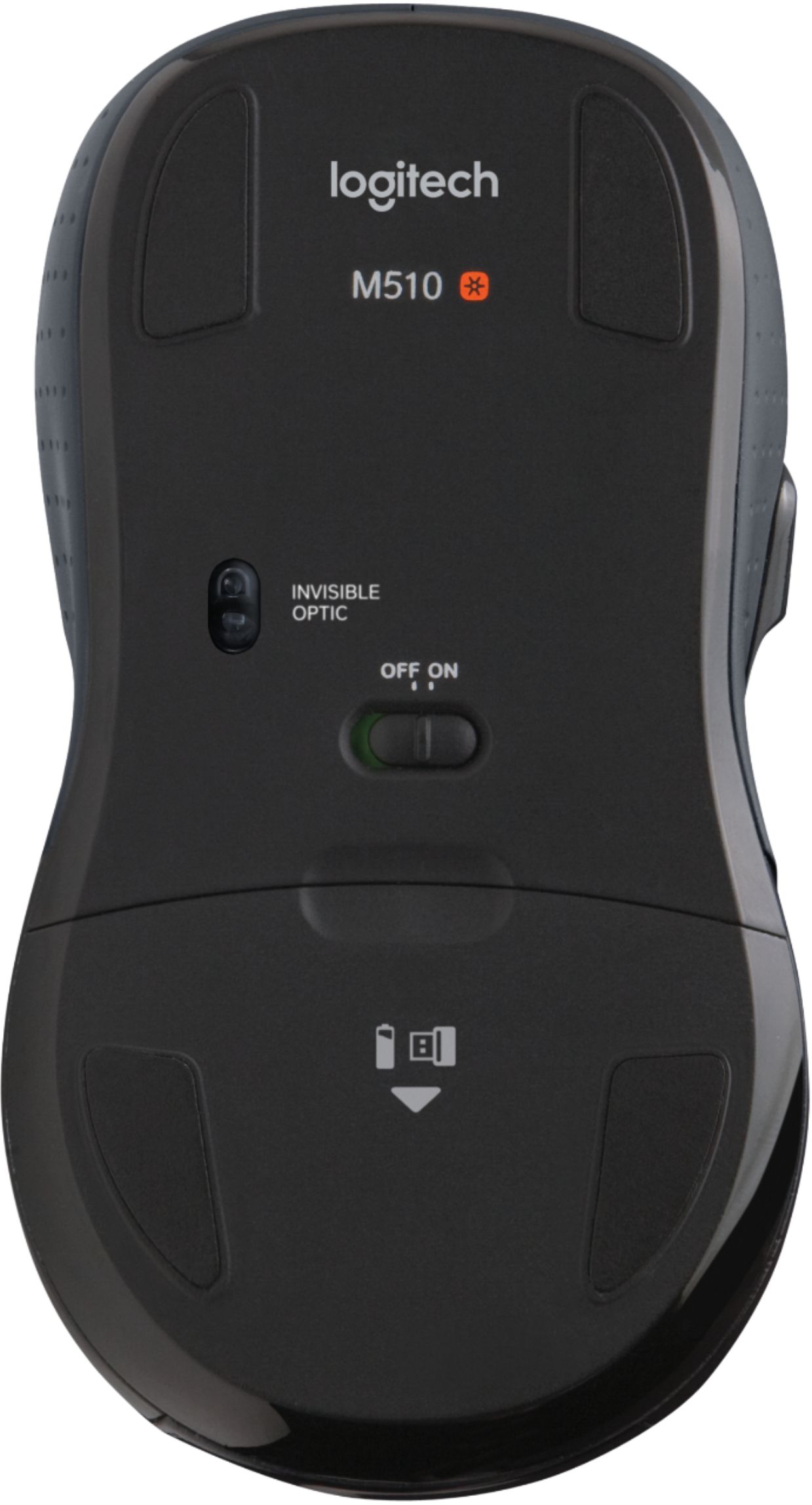
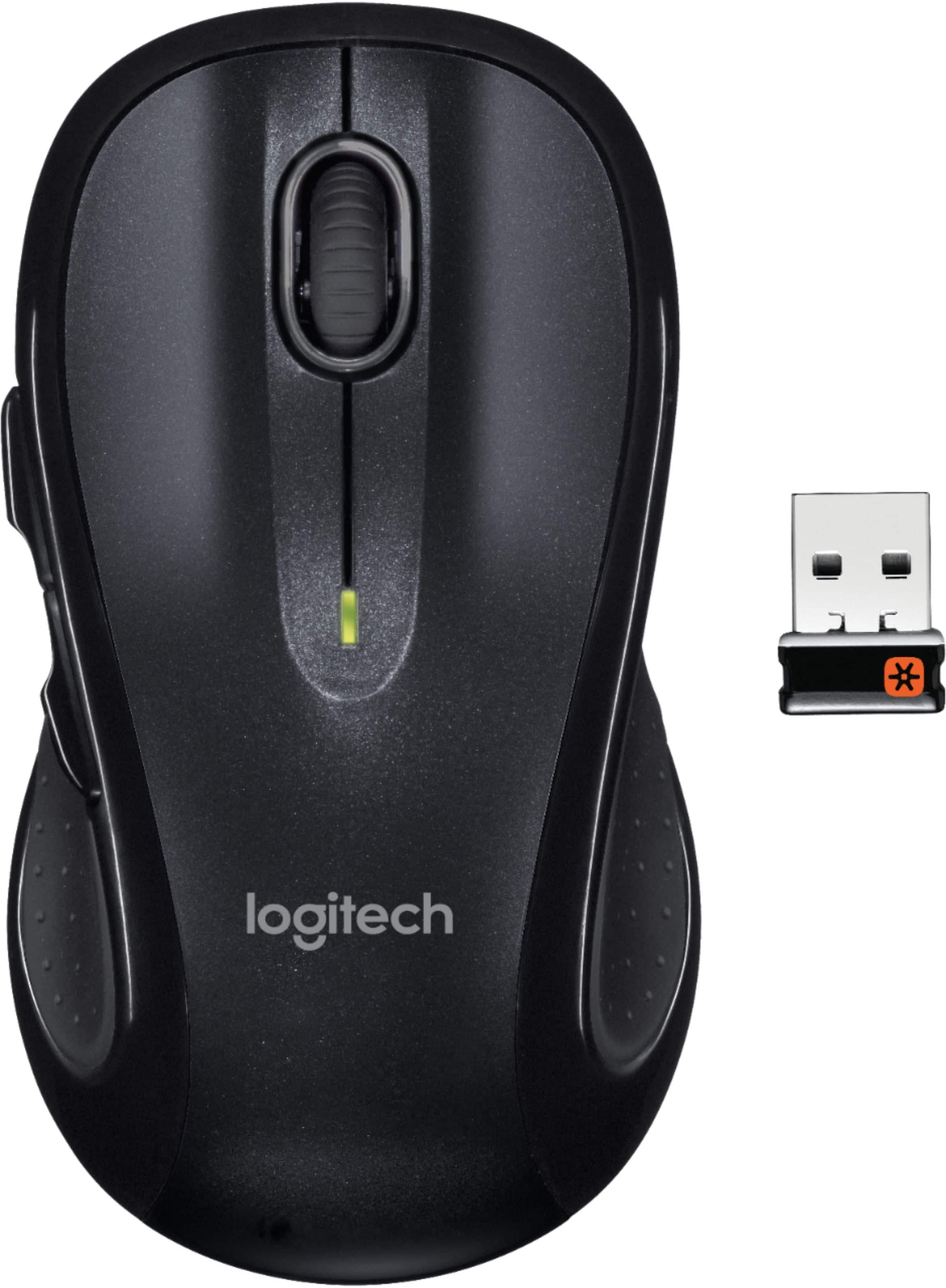
Q: QuestionIs it possible to use this mouse with a different USB dongle from previous Logitech product(s)?I have the Logitech Wave keyboard/mouse combo, but the buttons are starting to go on the mouse. Either click too hard or too light and either way it'll over or under respond. Any who, I was wondering if this mouse would work through the Logitech USB dongle I currently have now that came with that keyboard/mouse combo, instead of having to use the one that comes with the mouse. Thanks to any one and all that may answer my question.
Asked by Anonymous.
- A:Answer The M510 uses the Logitech Unifying receiver as does the keyboard (and mouse) in the Wave Combo MK550 set. So, yes, you can get the M510 to talk to the same receiver as the MK550 keyboard by using the Logitech Unifying Software utility. You can compare the technical specs of the devices at M510 Mouse: http://www.logitech.com/en-us/product/wireless-mouse-m510?crid=7 Wireless Wave Combo MK550: http://www.logitech.com/en-us/product/wireless-wave-combo-mk550?crid=27
Answered by zz3d
Q: Questioncan i program this mouse's buttons to copy and past?
Asked by bjack.
- A:Answer Yes you can. It is the number one feature I use for my mouse. Download the Logitech Options App if you haven't already. In the app you can customize literally any button to do whatever you want it to do. I have mine set to when I click the roller to the left it Copies and when I click it to the right it Paste. Works great for me.
Answered by RysFootogal