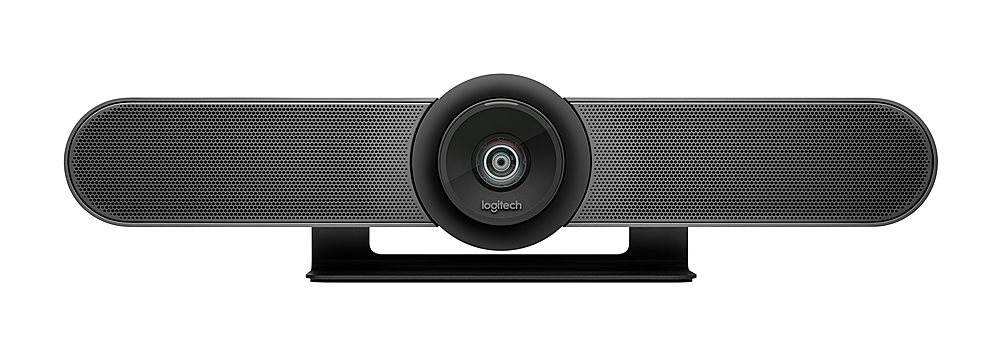
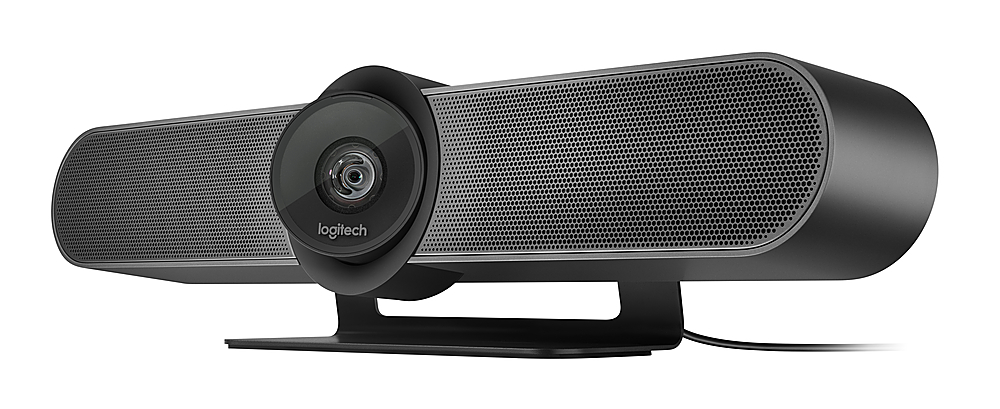
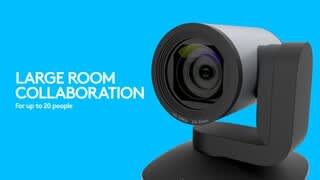
A:AnswerHey! No, the Logitech MeetUp 4K camera does not automatically pan or focus on the individual speaking in a group. While it offers some intelligent features, automatic speaker tracking is not included.
A:AnswerHey! MeetUp connects to a computer or laptop via USB for easy installation and plug-and-play video conferencing. You will be unable to connect the device directly to your TV however, if the PC or laptop is connected with the TV for screening then yes you will be able to connect the device. For better clarification, please contact Logi Support.
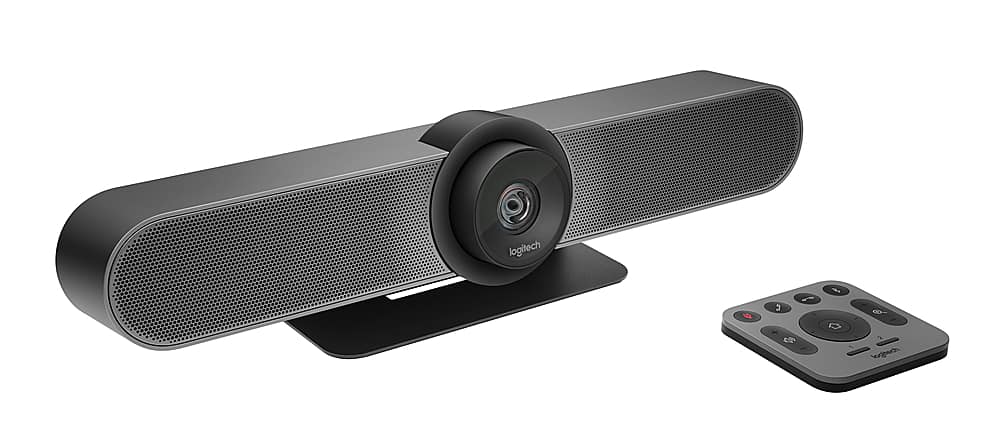
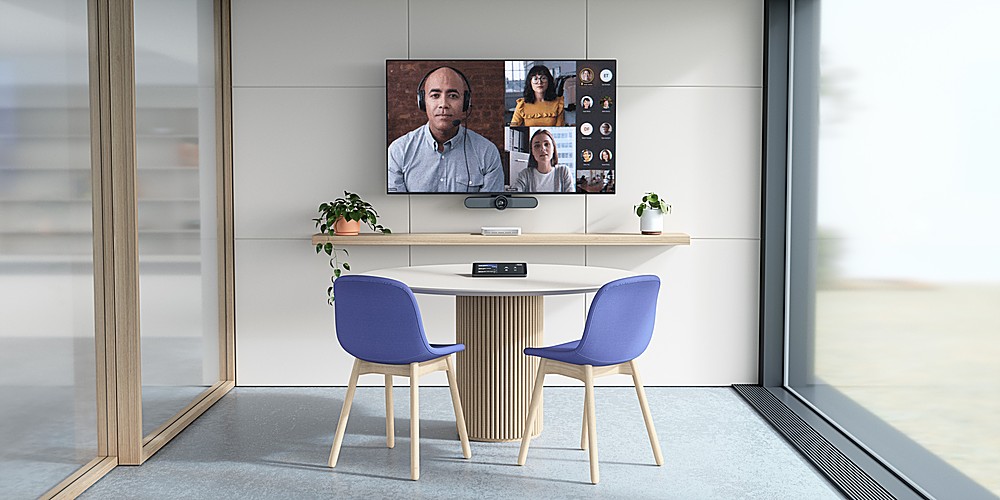
A:AnswerWe installed it in a room that is 14 x 30 and it works great. Very easy to adjust camera and mic is very sensitive and can pick up voices in back of room
A:AnswerHey! While you can technically use the MeetUp with a separate soundbar and smart TV, the soundbar might be redundant since the MeetUp already has a built-in speaker.