A:AnswerHello, unfortunately the MK270 is not Bluetooth Compatible. But we do have this combo available that is Bluetooth compatbile (https://www.logitech.com/en-us/product/k380-m350-keyboard-mouse-combo.html?crid=1759). Have a great day.
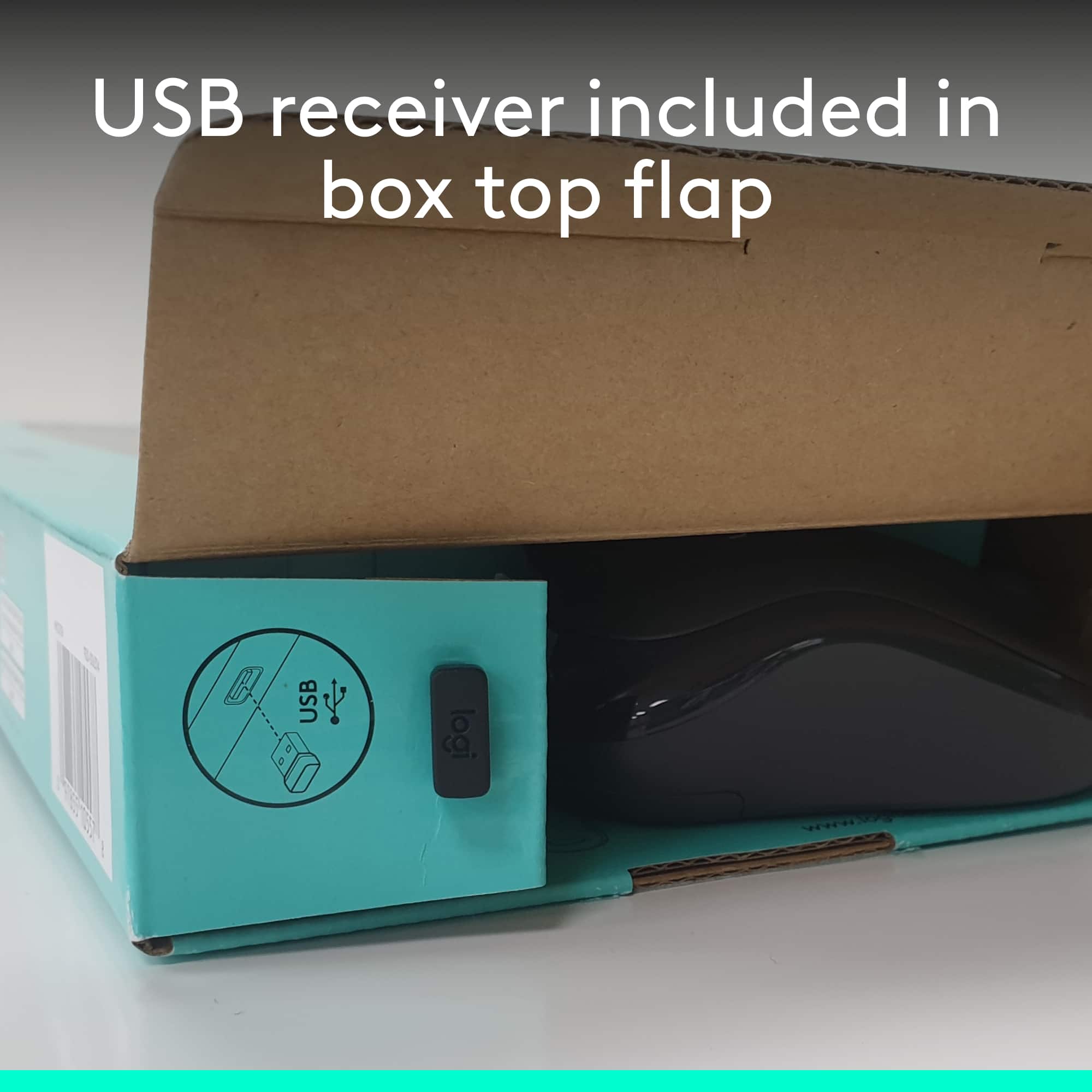
A:AnswerHello Matt, this combo is not compatible with the Unifying USB dongle. If you are looking for a replacement dongle for this, here is the link: https://support.logi.com/hc/en-us/articles/360025412093-Spare-Part-Wireless-Combo-MK270. I hope this helps!
-Danielle from Logitech
A:AnswerHello. You can find a replacement nano receiver (non-unifying) on our website: https://support.logi.com/hc/en-us/articles/360025412093--Spare-Parts-Wireless-Combo-MK270
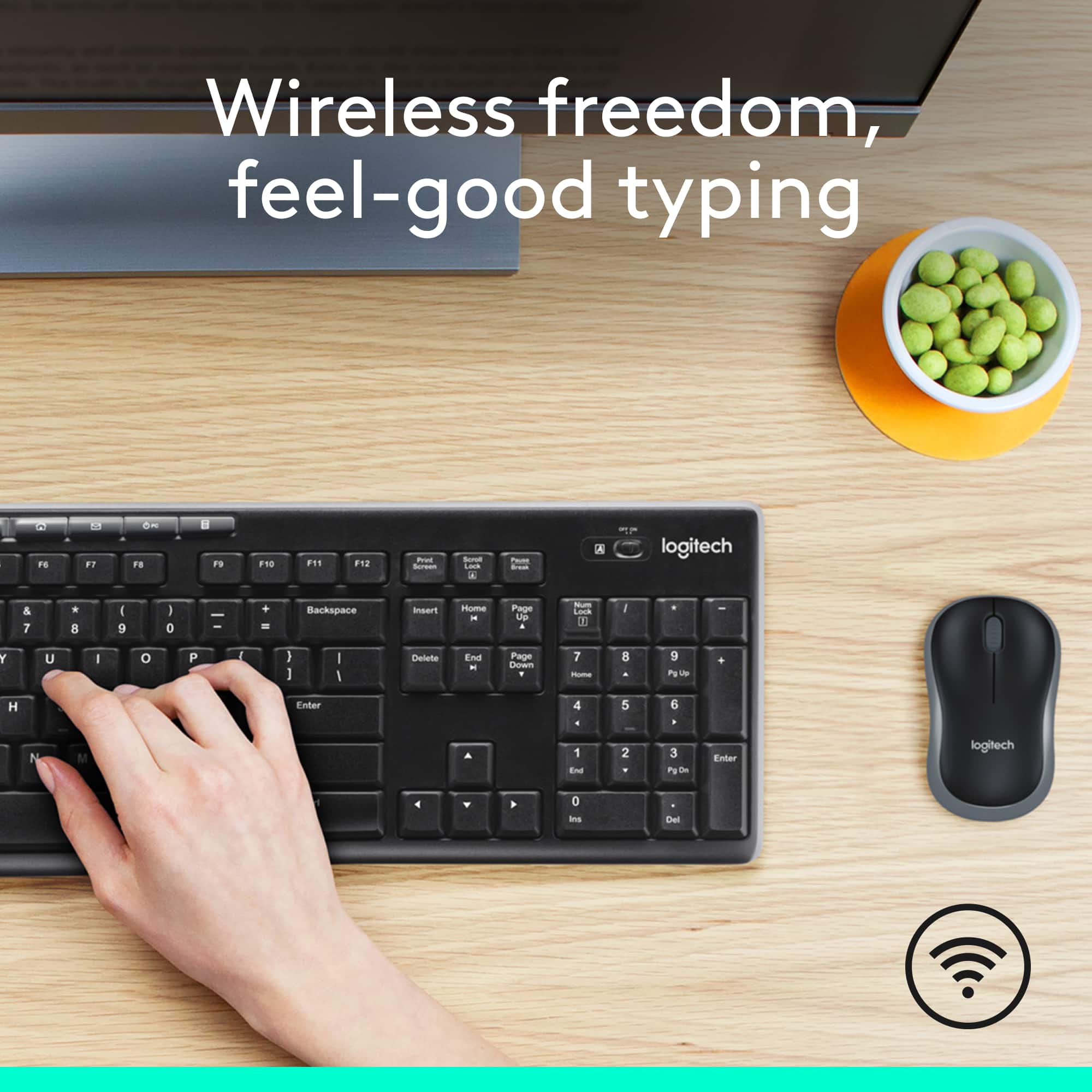
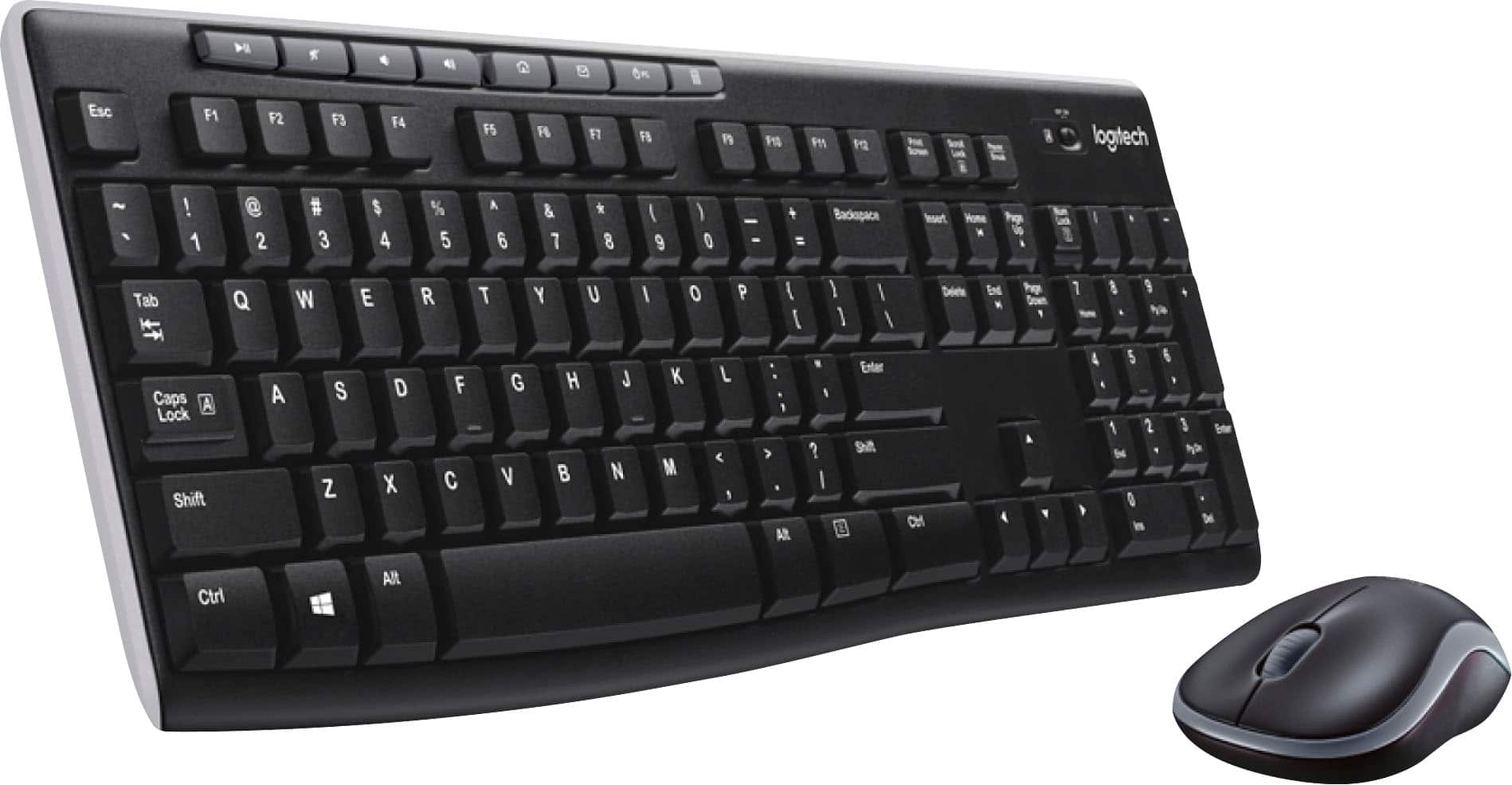
A:AnswerBoth the nose and keyboard connect through the single USB plug provided.
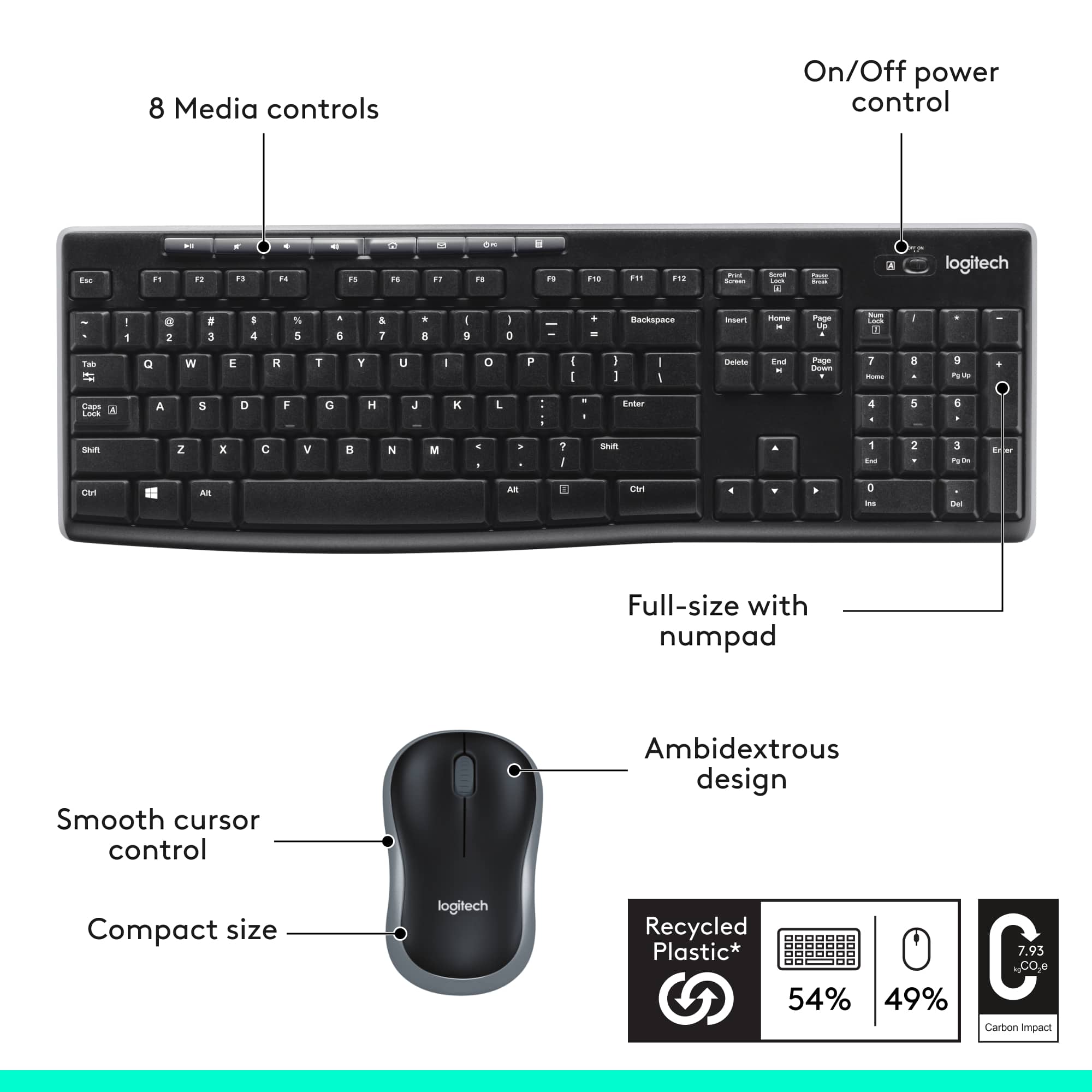
Both mouse and keyboard have ON/OFF switches, and both use batteries.
Check to make sure the keyboard is also turned ON, all batteries are installed, and any shipping tabs removed. If available, test with fresh batteries.
If none of that helps, it may require a call to Logitech or Best Buy.
A:AnswerHello KenC! The MK270 Wireless Keyboard and Mouse Combo is using a 2.4Ghz wireless receiver to transmit is its data (not Bluetooth), and yes, the connection has a 128-bit AES Encryption.
A:AnswerHello, The only mouse/keyboard combo with a caps and numbers lock indicators would be the MK710. However, it is indicated on the LED display of the keyboard and not on the keys themselves. The MK270, MK520, MK540, and MK850 have and LED indicator light on its CAPS lock key. If you install Logitech's Options software, an on-screen notification will come up when you press CAPS lock or Number lock keys. You can download Options using this link: https://support.logi.com/hc/en-us/articles/360024361233.
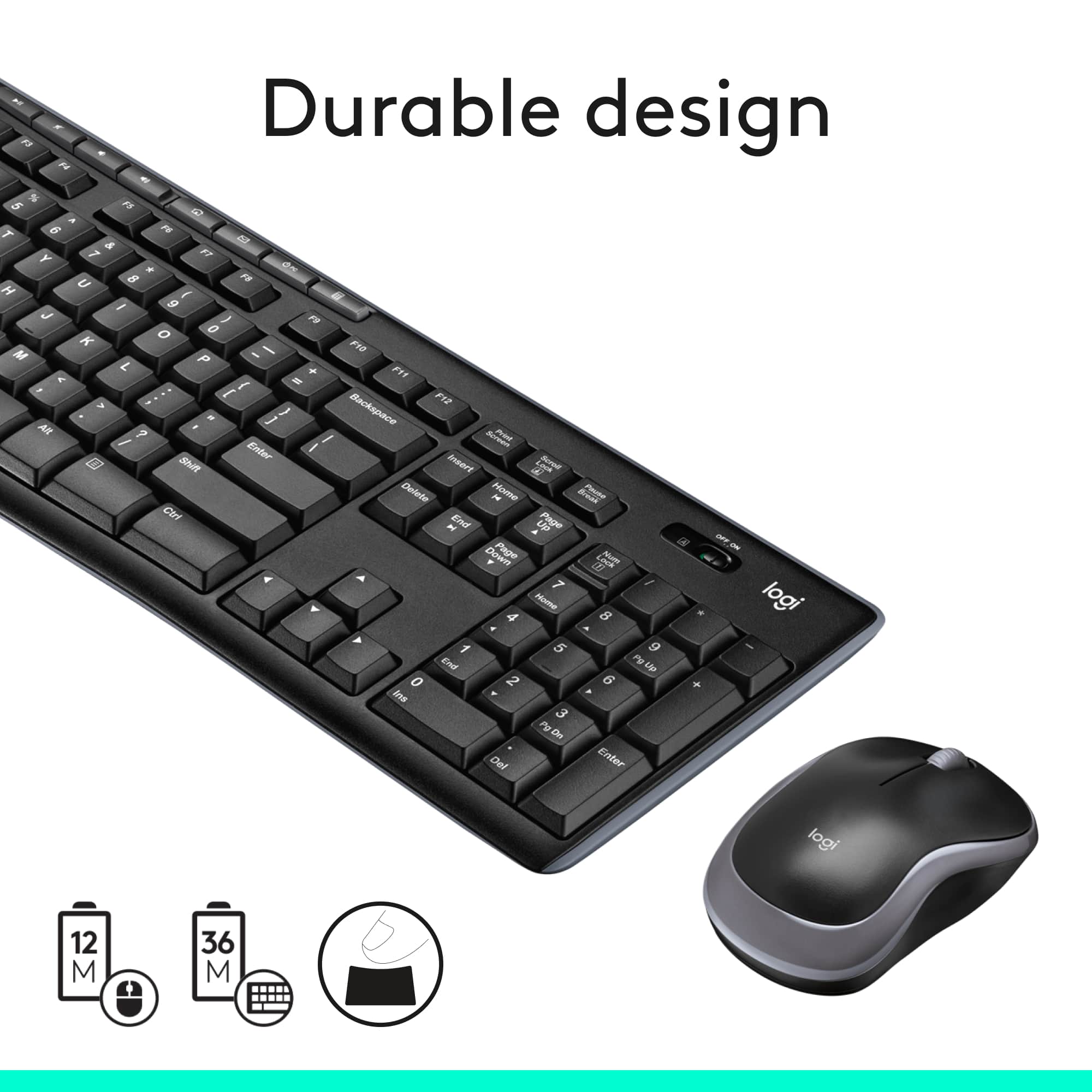
A:AnswerNope - I leave mine on all the time and the battery lasts at least a couple months - I just have 2 sets of rechargeables that I swap as needed - Was surprised at the life of a single set of batteries on this set - since I've had other keyboards/mice that would go through them every week or two but in this combo they last a very long time between swaps.
A:AnswerHi Scooby, the MK270 is not set up to switch between laptops. If you want to use on multiple devices you would need to move the provided USB receiver between your laptops each time you want to switch between them.