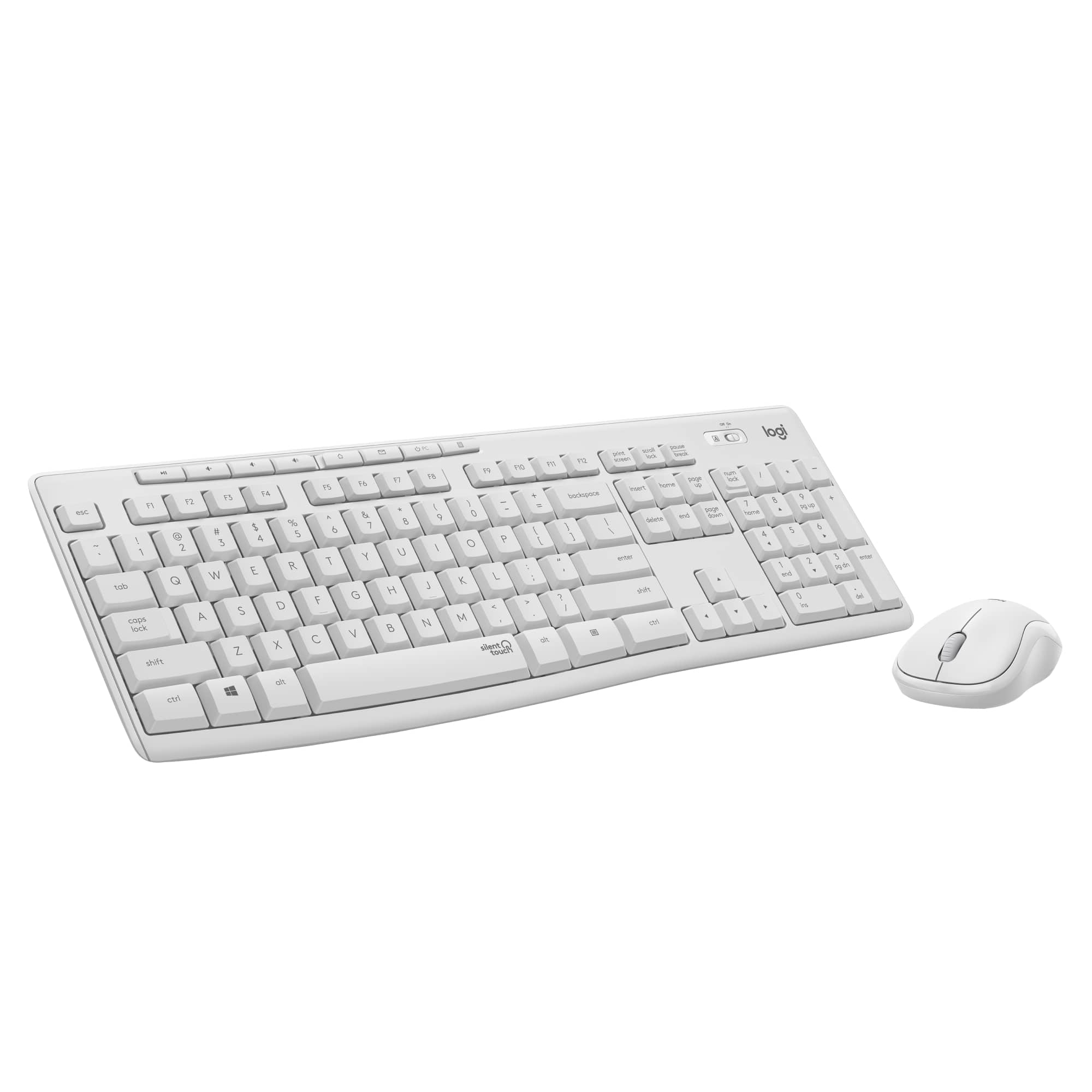
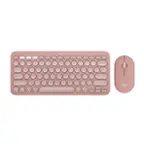
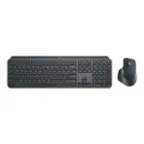
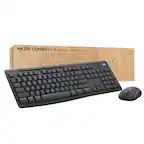
A:Answer Short answer: No, you generally can’t modify a Logitech keyboard that isn’t Unifying‑compatible to work with a Unifying USB receiver. Logitech’s Unifying receivers only work with devices designed with Unifying technology and marked with the Unifying logo. Only those compatible keyboards and mice can be paired to a Unifying receiver, and anything without that built‑in support won’t pair, even if it looks similar physically.
In other words, the wireless communication protocol between the keyboard and its original receiver is not something that can be easily altered or reflashed to become Unifying‑compatible — it’s determined by the hardware firmware inside the device. You can buy or pair a replacement Unifying receiver for keyboards that already support it (because they’re made for that technology), but non‑Unifying Logitech keyboards (or non‑Logitech ones) will still require their original receiver or use Bluetooth if supported.
If your goal is to use one receiver for multiple devices, the only real option is to use devices that are already Unifying‑capable or look for combos that support the newer Logi Bolt system — but mixing Bolt and Unifying hardware doesn’t work either without the right receiver type.