Questions & Answers
- Model:
- 920-009783
- |
- SKU:
- 12238481
Q: QuestionIs it possible to modify the keyboard to communicate with a unifying usb receiver like the k270 which is the same without silent touch?
Asked by Nick.
- A:Answer Short answer: No, you generally can’t modify a Logitech keyboard that isn’t Unifying‑compatible to work with a Unifying USB receiver. Logitech’s Unifying receivers only work with devices designed with Unifying technology and marked with the Unifying logo. Only those compatible keyboards and mice can be paired to a Unifying receiver, and anything without that built‑in support won’t pair, even if it looks similar physically. In other words, the wireless communication protocol between the keyboard and its original receiver is not something that can be easily altered or reflashed to become Unifying‑compatible — it’s determined by the hardware firmware inside the device. You can buy or pair a replacement Unifying receiver for keyboards that already support it (because they’re made for that technology), but non‑Unifying Logitech keyboards (or non‑Logitech ones) will still require their original receiver or use Bluetooth if supported. If your goal is to use one receiver for multiple devices, the only real option is to use devices that are already Unifying‑capable or look for combos that support the newer Logi Bolt system — but mixing Bolt and Unifying hardware doesn’t work either without the right receiver type.
Answered by amykey91
Q: QuestionDoes this product work with HP all in one computer?
Asked by Bonnie.
This question was asked about the related product: Logitech - MK295 Full-size Wireless Keyboard and Mouse Combo for Windows and Chrome OS with SilentTouch Technology - Off-White
- A:Answer Hello Bonnie! As long as your OS is Windows® 10,8,7 or later, you'll be good to go yes! All you have to do is connect the Nano USB receiver into one of your All-in-One computer.
Answered by Logitech
Q: QuestionIs this ergonomic?
Asked by Mely.
This question was asked about the related product: Logitech - MK295 Full-size Wireless Keyboard and Mouse Combo for Windows and Chrome OS with SilentTouch Technology - Off-White
- A:Answer Yes very
Answered by Ashes
Q: QuestionCan this be used with a mouse?
Asked by Melissa.
This question was asked about the related product: Logitech - MK295 Full-size Wireless Keyboard and Mouse Combo for Windows and Chrome OS with SilentTouch Technology - Off-White
- A:Answer The bundle has a mouse. But you can use any mouse you wish with the keyboard
Answered by MyCombo
Q: QuestionWHY are the specifications not here?i'M not BUYING A KEYBOARD WITHOUT SPECIFICATIONS..I would never buy a key board without a caplock.this is bad. But I like that your customer service answers any concerns..
Asked by Doreet.
This question was asked about the related product: Logitech - MK295 Full-size Wireless Keyboard and Mouse Combo for Windows and Chrome OS with SilentTouch Technology - Off-White
- A:Answer I found the specs in the website. It does indeed have a caplock on the keyboard
Answered by MyCombo
Q: QuestionDoes this have legs & if so what height are they?
Asked by Shasta.
- A:Answer The two legs extend at an angle and are about 3/4" long
Answered by BennyJet
Q: QuestionI've had problems in the past connecting the unifying receiver to a USB hub, which I found to be really annoying, especially since newer laptops seem to have less USB ports than older ones. Does this receiver work with USB hubs?
Asked by rclowe.
- A:Answer Your answer makes no mention of a USB hub. Although it seems like you are saying not only will I need to use a USB plug for this keyboard but if I want to keep using my current USB mouse I have to use separate USB plugs for each. Not optimal.
Answered by Anonymous
Q: QuestionDoes this unit work with an apple ipad?
Asked by Greg.
- A:Answer Hello Greg! The MK295 Full-size Wireless Membrane Keyboard and Mouse Bundle connects via one single USB receiver to to a PC or ChromeOS computer, and therefore it won't work with an iPad. Mice & keyboards that connect via Bluetooth will work with iPads. - Mathieu from Logitech
Answered by Logitech
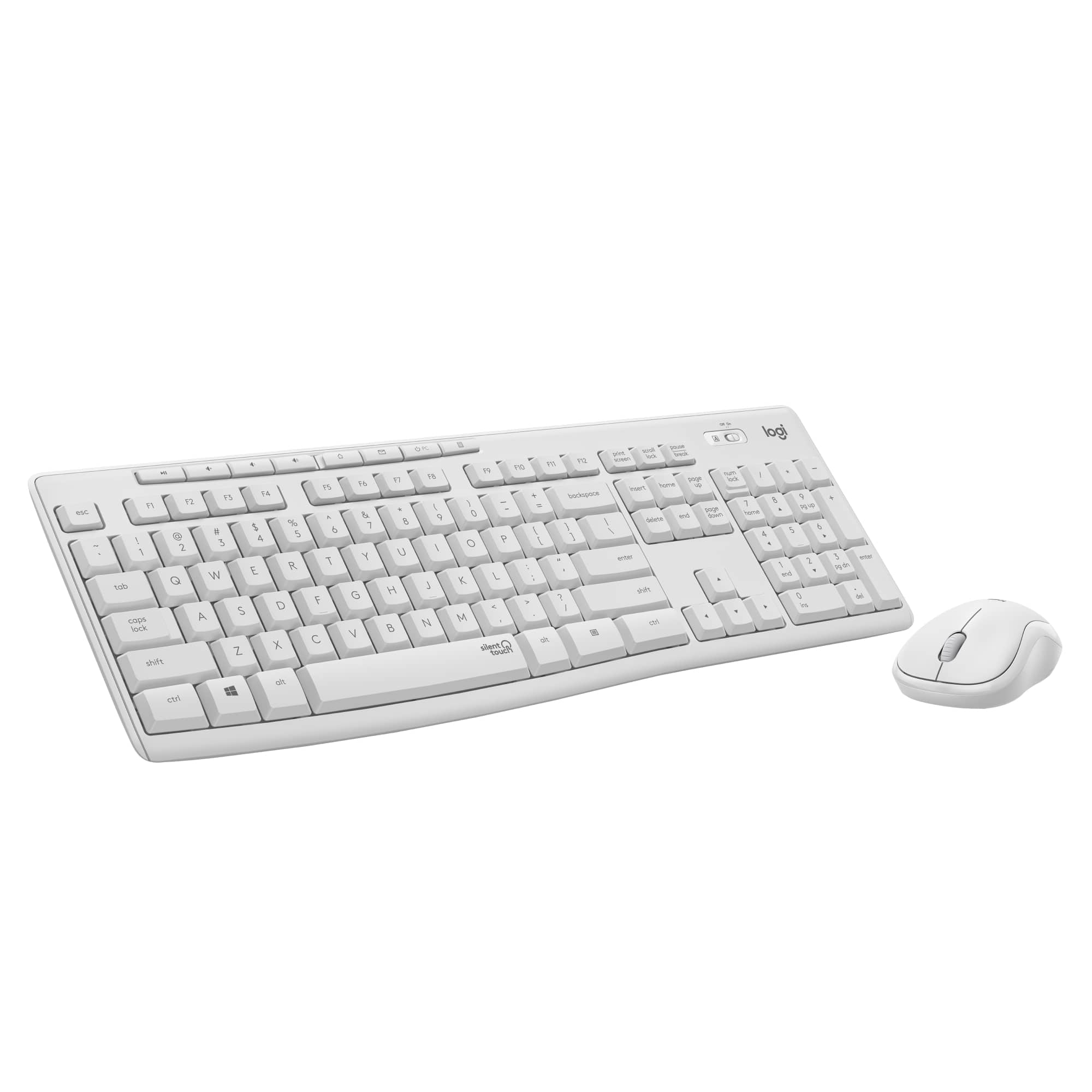
Q: QuestionIs this keyboard color white or beige/ivory? It says "off white" in the description. But looks regular white!
Asked by Britt.
This question was asked about the related product: Logitech - MK295 Full-size Wireless Keyboard and Mouse Combo for Windows and Chrome OS with SilentTouch Technology - Off-White
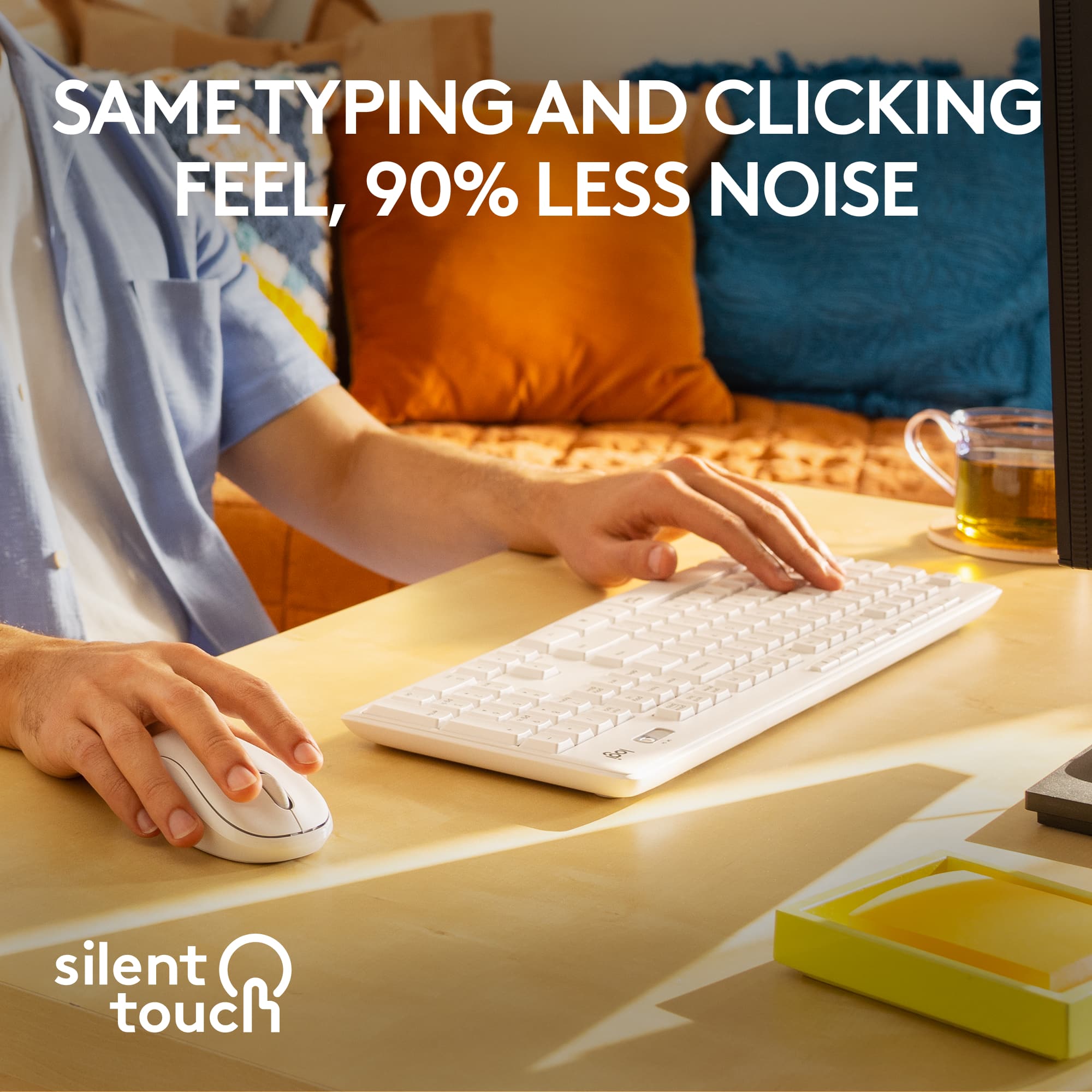
- A:Answer Definitely off-white. It has a slight shade to the color.
Answered by WzntMe
Q: QuestionI just purchased this but the keyboard and the mouse are super laggy. Why is this happening? Is this an individual defect? This is really frustrating.
Asked by Ed.
This question was asked about the related product: Logitech - MK295 Full-size Wireless Keyboard and Mouse Combo for Windows and Chrome OS with SilentTouch Technology - Off-White
- A:Answer Plug your receiver into a USB 2.0 port instead, as USB 3.0 has common problems with 2.4Ghz receivers.
Answered by Anonymous
Q: QuestionHello. I have a K295 and M220 silent touch set. Have you lost your receiver? What specific receiver do I need to buy to make the set work again?
Asked by Rafal.
- A:Answer Hey! Your MK295 wireless combo comes with it's own receiver. If you lose your USB receiver and your device is under warranty, contact Logitech Customer Care for assistance.
Answered by Logitech
Q: QuestionHello, do you guys sell this in store or online only?
Asked by Savannah.
This question was asked about the related product: Logitech - MK295 Full-size Wireless Keyboard and Mouse Combo for Windows and Chrome OS with SilentTouch Technology - Off-White
- A:Answer So far I love it keyboard and I use it every day so far so good
Answered by Due13
Q: QuestionCan these be paired with an existing unifying receiver through the software? I would like the silent membrane keyboard but want to pair it with an existing mouse with the unifying receiver. What is the keyboard model # and the mouse model #?
Asked by Yat70.
This question was asked about the related product: Logitech - MK295 Full-size Wireless Keyboard and Mouse Combo for Windows and Chrome OS with SilentTouch Technology - Off-White
- A:Answer Hello Yat70, The MK295 consists of the K295 keyboard and M185 mouse. Both do not use the Unifying Receiver---which has an orange unifying symbol---but rather uses Logitech's Nano Receiver which pairs both devices but isn't compatible with Logitech devices that use the Unifying Receiver. - Richard from Logitech
Answered by Logitech
Q: QuestionDoes the MK295 have a light indicator to indicate if the Num Lock and Caps Lock are engaged??
Asked by Allan39.
- A:Answer Both of the other answers (strangely enough, even the one from Logitech) are inaccurate. There IS a Caplock indicator on the keyboard (an "A" symbol that lights up next to the on-off switch in the upper right of the keyboard), and there IS a NumLock indicator onscreen in or near the systems tray in the bottom-right corner of the screen. Both indicators are ONLY operational when the device is actively connected through the USB receiver; You will not see the indicators (on the keyboard or onscreen) if the PC you are using is off, even if the keyboard itself is in the on position; The indicators only show when actively using the device (I assume this is a smart power saving measure).
Answered by RedOmen