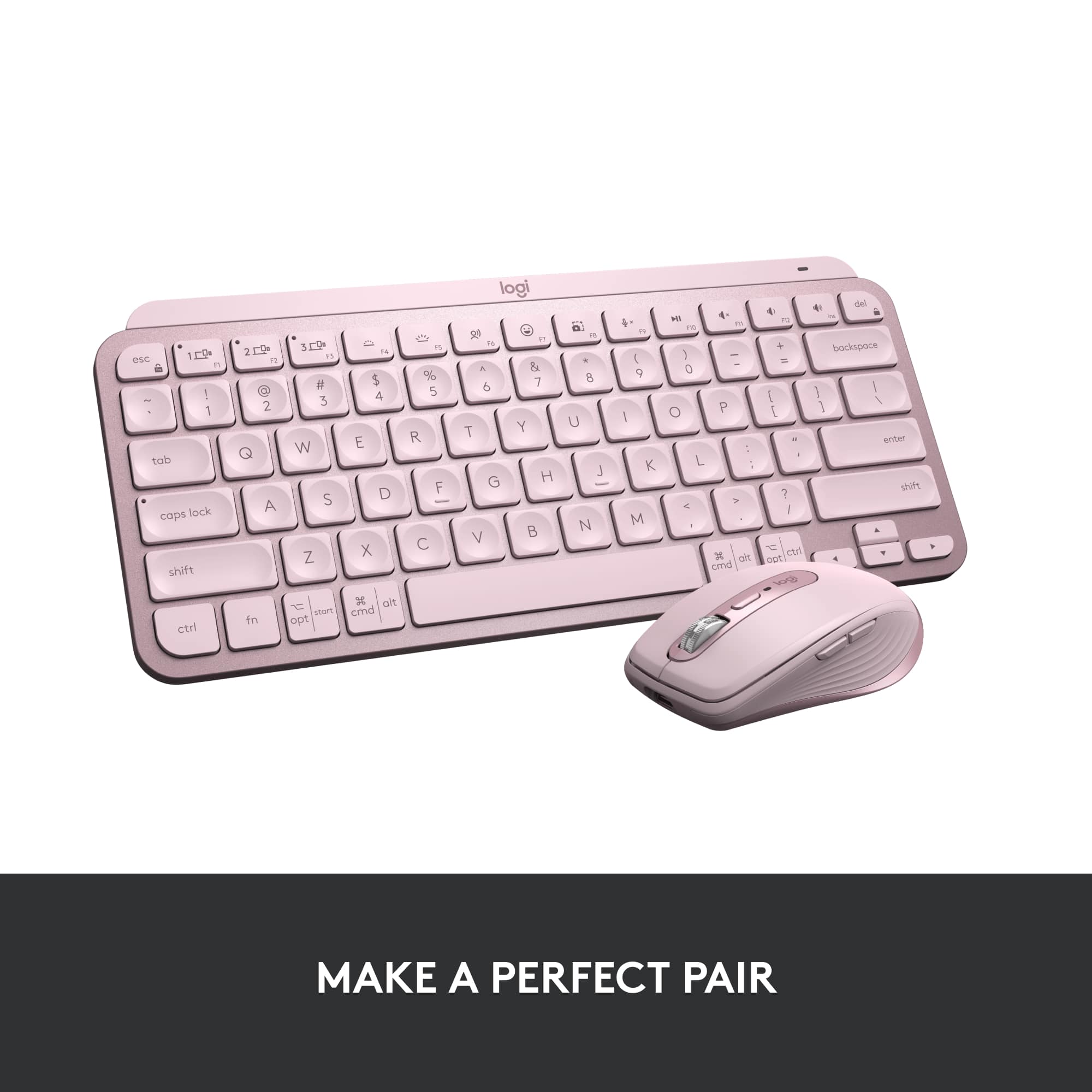
A:AnswerThe Logitech MX Keys S for Mac offers impressive battery life. With the backlighting on, it can last up to 10 days on a full charge. If you turn off the backlighting, the battery life extends up to 5 months12.
A:AnswerHello! Thank you for your inquiry about Spanish layout on MX Keys S For Mac. Unfortunately, we don't currently have Spanish layout available for Mac devices. We have shared your request with our team to explore future possibilities for adding Spanish layout.
A:AnswerHey! The MX Keys mini (920-010475) is compatible with Logi Bolt but is not included with the product and the MX Keys Mini for Business (920-010594) is also compatible with Logi Bolt but is included in the packaging. The warranty for these two also differs.
A:AnswerHey! Bluetooth isn't usually recognized until the operating system loads. You'll need to use a non-Bluetooth, wired or wireless keyboard to access the BIOS.
A:AnswerKeyboard didn't require USB to connect as long as you have Bluetooth capability. You can charge it by plugging it into a USB wall charger such as a phone charger.
A:Answerconmigo se ha conectado con mi Ipad, el celular y con mi laptop pro, sin problemas, actulmente lo uso en mi Surface sin problemas y mi Iphone, no tengo en estos momento Ipad, pero anteriormente me funciono excelentemente
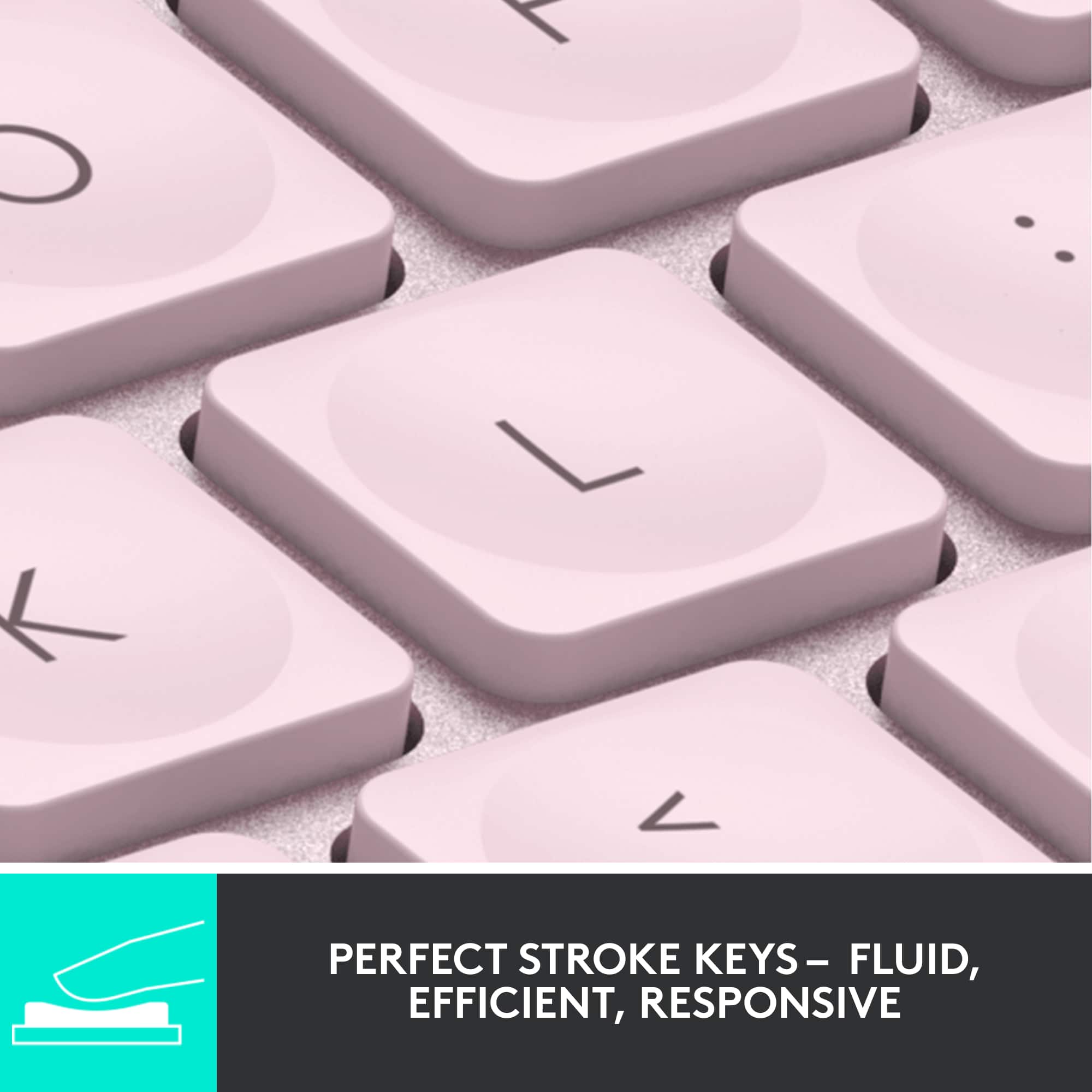
A:Answerit refers to the type of keyboard mechanism, some keyboards have linear keys other have tactile, this specific keyboard has a scissor mechanism key.
A:AnswerIt doesn’t connect to an iPad like the Apple Smart Keyboard or the Logitech Slim folio. But it is small and light almost comparable to the iPad so you can take it around with you. Almost the same length as the iPad too.
![logi esc to 1 F1 2 F2 3 F3 F4 F5 F6 F7 F8 x F9 NI F10 x F11 F12 Ins del ~ ! 1 @ 2 # 3 $ 4 % 5 ^ 6 & 7 * 8 ( 9 ) 0 - + = backspace tab Q W E R T Y U | O P { [ } ] caps lock A S D F G H J - K L : ; " " J enter shift Z X V B N M V , > ? / shift ctrl fn start opt H alt cmd H alt cmd ctrl opt](https://pisces.bbystatic.com/image2/BestBuy_US/images/products/6478/6478159_sd.jpg)


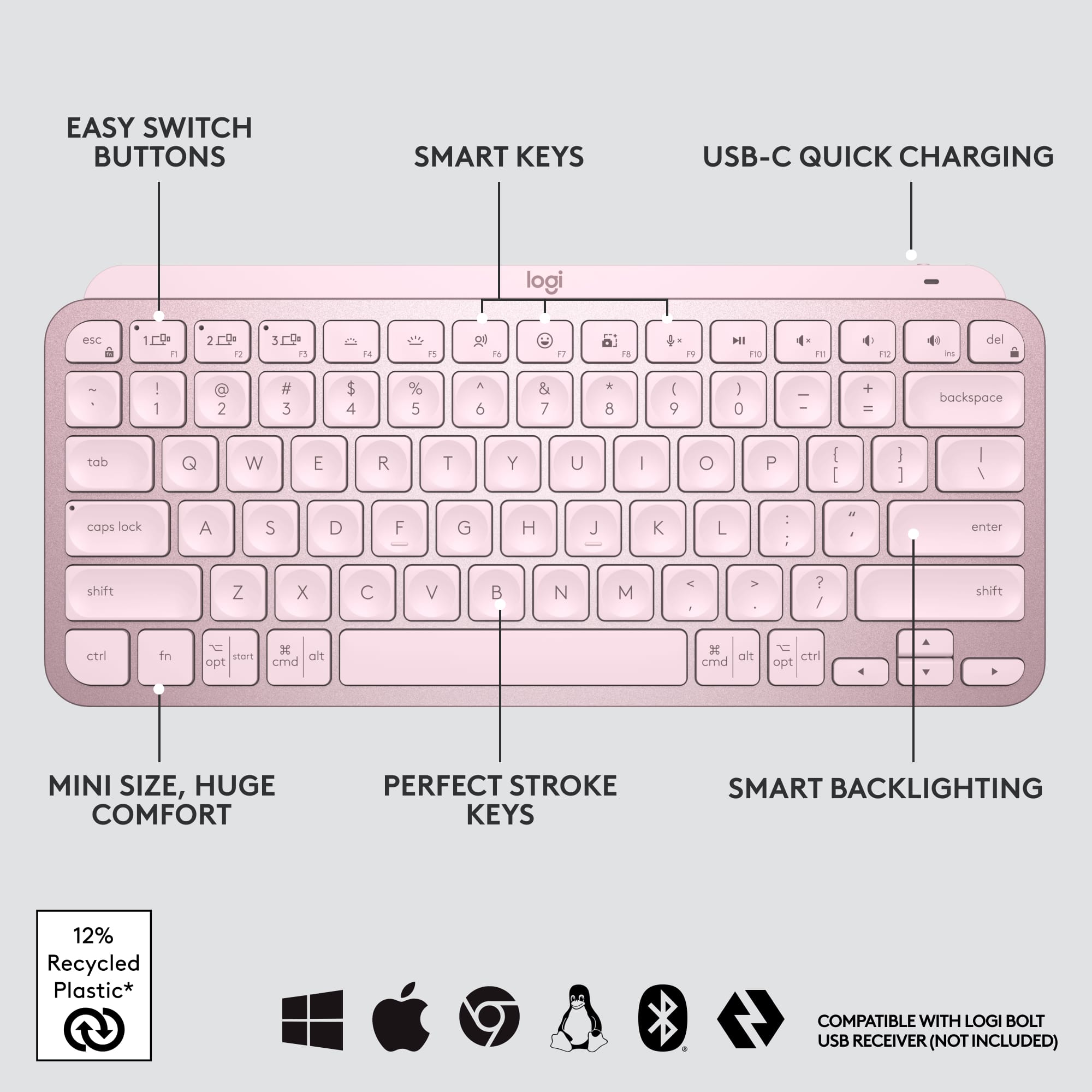
![1. logi
2. esc 1 2 3 4 5 6 7 8 9 0 - = backspace
3. tab Q W E R T Y U I O P [ ] \
4. caps lock A S D F G H J K L ; ' enter
5. shift Z X C V B N M , . / shift
6. ctrl fn opt alt cmd
7. MULTI-DEVICE, MULTI-OS](https://pisces.bbystatic.com/image2/BestBuy_US/images/products/e563c254-4b09-453f-a596-db8b270b59a9.jpg)
![USB-C QUICK CHARGING
F9 F10 F11 F12 ins del
( 9 ) 0 - + = backspace O P { [ } ] \](https://pisces.bbystatic.com/image2/BestBuy_US/images/products/4ba47143-9573-4c40-9018-df94b6892919.jpg)

![IN THE BOX
logi
esc 1 2 3 4 5 6 7 8 9 0 - = backspace tab Q W E R T Y U I O P [ ] \ caps lock A S D F G H J K L ; ' enter shift Z X C V B N M , . / shift ctrl fn opt alt cmd
Responsible Packaging FSC™ FSC® N003028](https://pisces.bbystatic.com/image2/BestBuy_US/images/products/6177db92-9bf5-4933-9264-5b70b886f806.jpg)