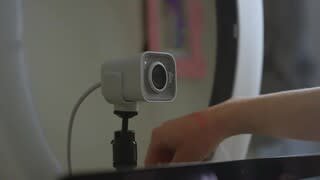
A:AnswerHello, the StreamCam will work with an Intel Core i5 processor. You're processor just has to minimally be a 7th Gen Intel®Core™ i5 or later. Have a great day.
A:AnswerFor support with StreamCam Plus, please refer to: https://support.logi.com/hc/en-us/articles/360043221373 - Check out Logitech Capture software to make adjustments. Also refer to the FAQ section, "Auto-focus" and "video flicker" notes. All information available in the link above. - Will, Logitech.
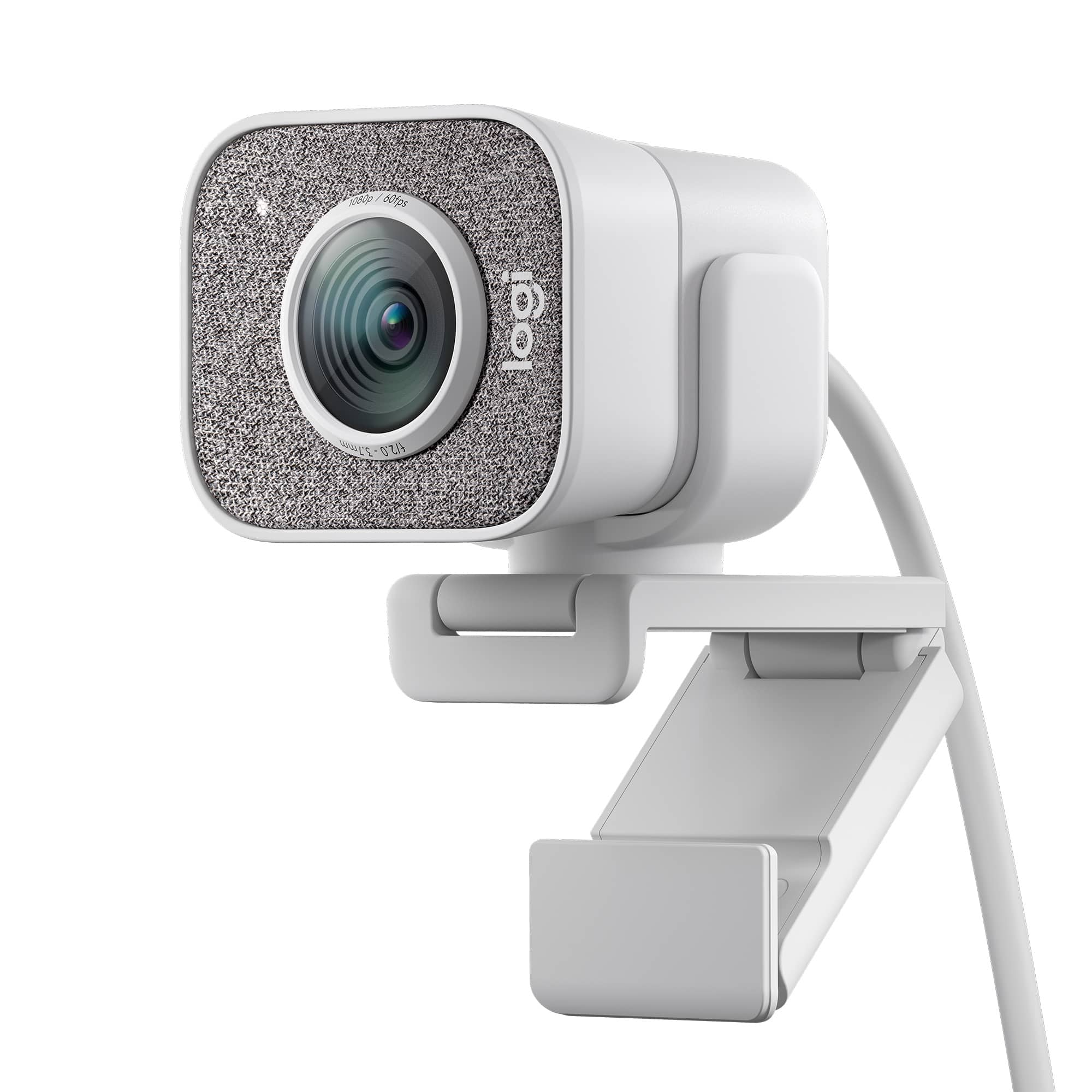
A:AnswerHello, you would be able to install Logitech Capture software on your PC running Windows or macOS. This software will allow you to record video that saves directly to the HDD.
A:AnswerThe microphone does have the noise cancelling feature automatically turned on. If you would like to play around with those settings, however, I would recommend downloading Logitech Capture here https://support.logi.com/hc/en-us/articles/360025141614
A:AnswerHello Techteacher34, yes, the streamcam plus webcam can be used with microsoft teams and proctor u software. Just make sure the streamcam plus is selected in the user settings.
A:AnswerThe StreamCam Plus features a 78° wide field of view, for multiple people. You can customize and control the cameras lens effects, settings, and much more with "Logitech Capture" software.
A:AnswerIf you haven't already, I would recommend contacting Logitech support directly via the Logitech website. They can walk you through some troubleshooting steps.
A:AnswerThere is an option to get an alert when it comes in. I got an alert today and ordered one within a few minutes. Checked five minutes after I ordered and they were all sold out again. You have to be fast to get a web cam these days.