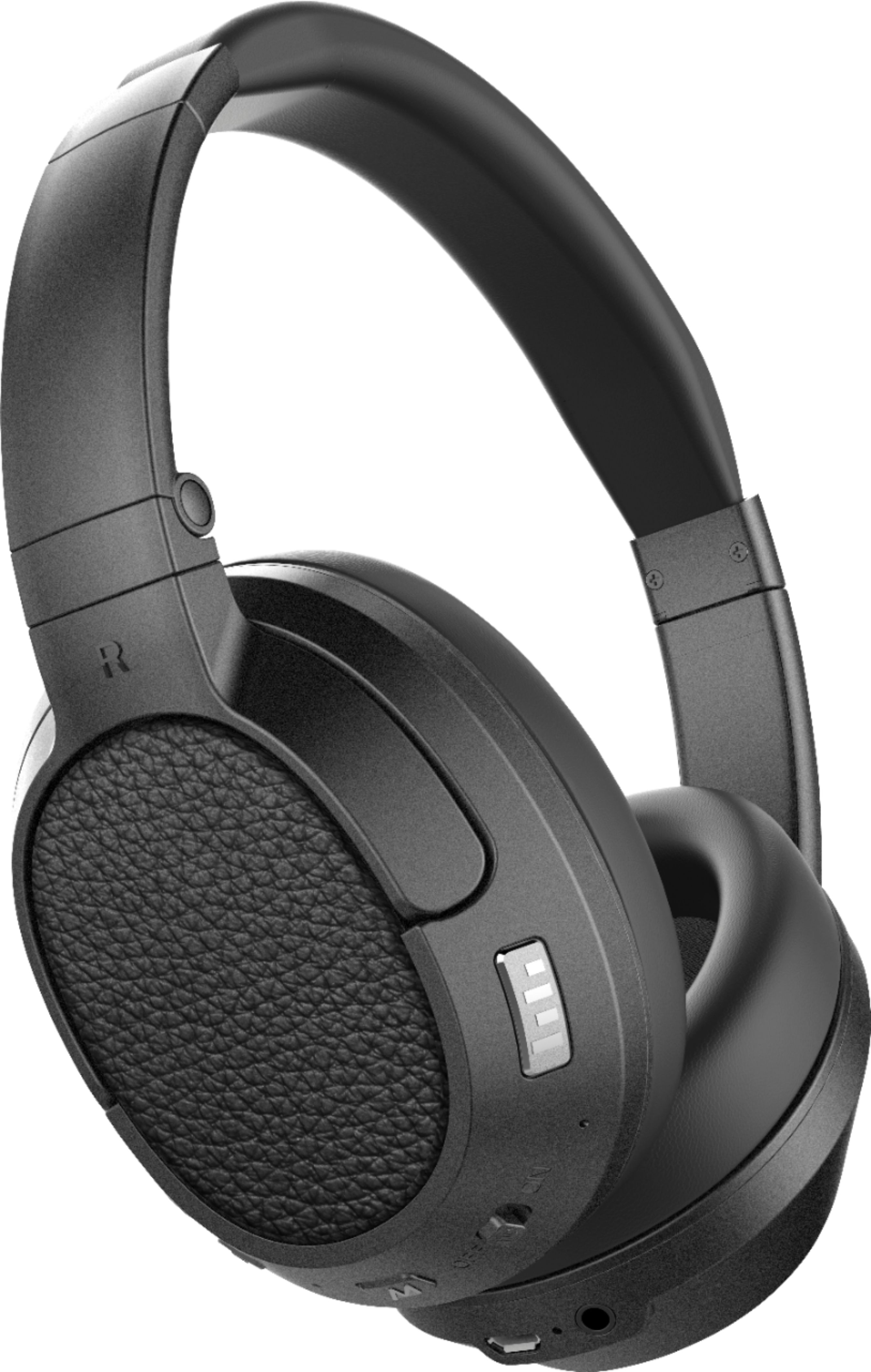
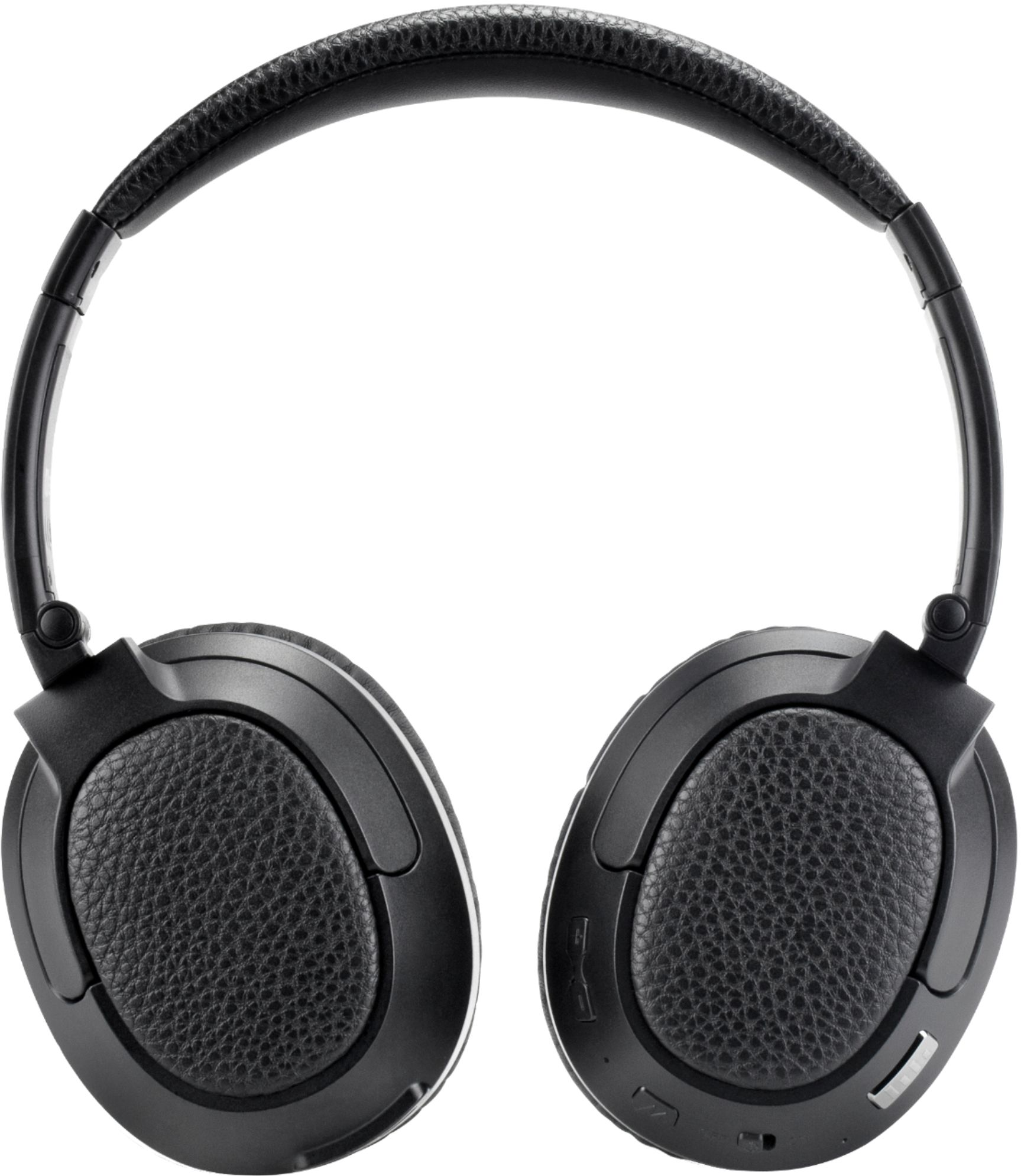
A:Answer Unfortunately there is not enough information here for a concrete recommendation - if the headphones are not powering on at all, that could be a problem with the battery or the charging cable/power source. If they are not pairing or reconnecting to your device, that would probably require a software reset. To do this, slide the power switch to the "on" position, then press and hold the Multifunction and CinemaEAR buttons for 5 seconds at the same time. You will then need to pair the headphones with your device. Lastly, if the headphones are powering on but freezing, you can perform a hard reboot. To do this, slide the power switch to the "on" position, then press and hold the Multifunction and Volume up buttons for 5 seconds at the same time. Slide the power switch to the off position and then back to the on position to complete the reboot. If you have any additional questions, please contact our support department at 626-965-1008 and they will be able to help narrow down the solution for you.