A:AnswerNo monthly charges after units are installed. However, eero does offer additional security services and ad blocking features on a subscription basis. But those services are optional.
A:AnswerThis is a WiFi system and the best I have owned so far. In my case the Eero starter pack replaced an existing system. We ended up with a marked increase in download speeds and much better reliability. The business about a monthly charge only refers to an additional service that you can obtain from this company, but it is not necessary for the operation of these units.
A:AnswerI had a chronic problem in the master bedroom with the WiFi strength being lower than the rest of the house. Despite having 175 mbps, and a small one story house, the signal got blocked. Consequently, Apple TV streaming services often didn’t work. It’s been about a month and haven’t had a connectivity issue since installing. (Do make sure you have good internet speed, though, as it could be part of the problem.)
A:AnswerYes you should be able to. It’s a pain but unless your able to go into the modems settings and turning off the modems WiFi you’ll end up with two networks running. I ran into this with Comcast but ended up buying my own modem.
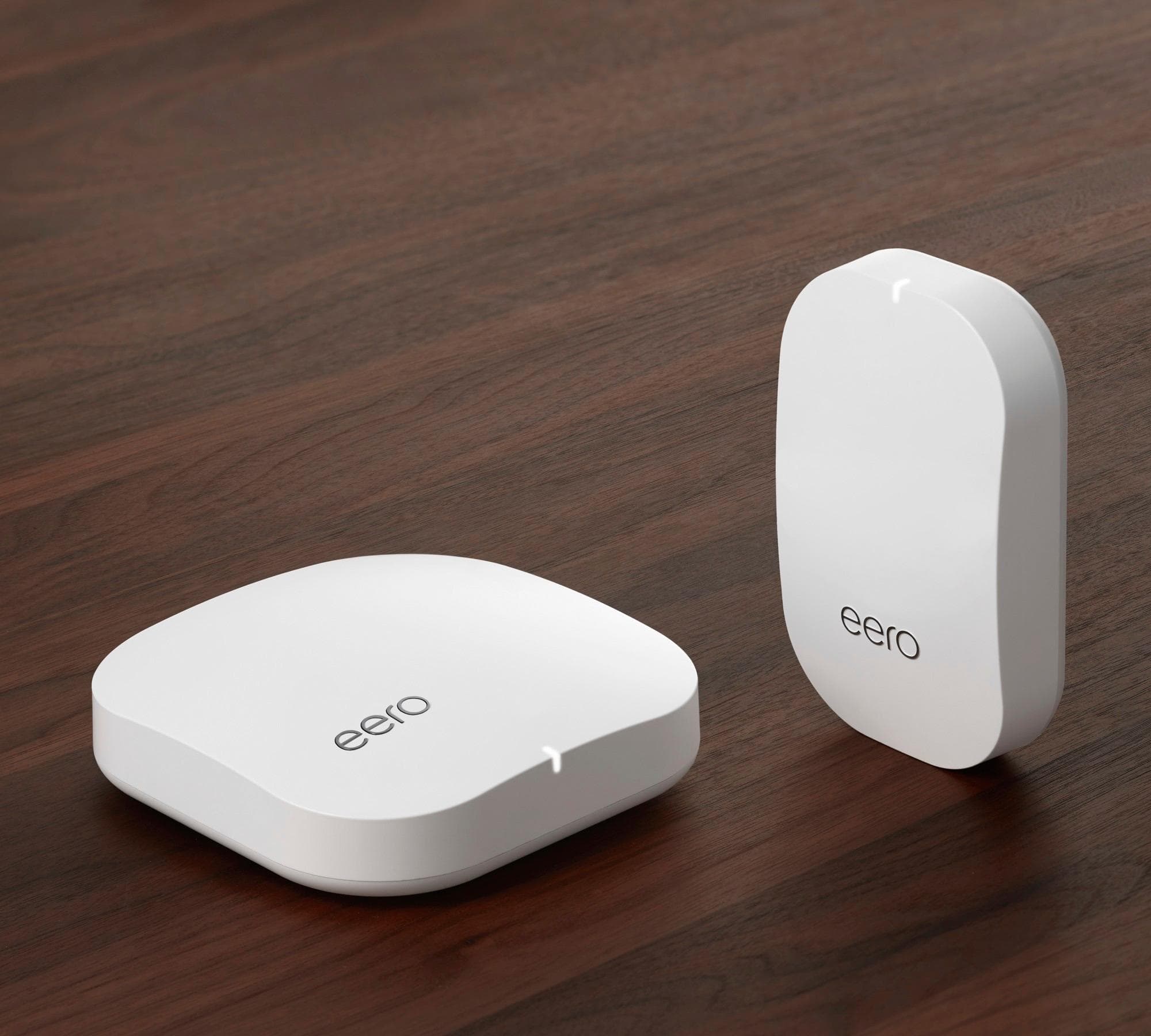
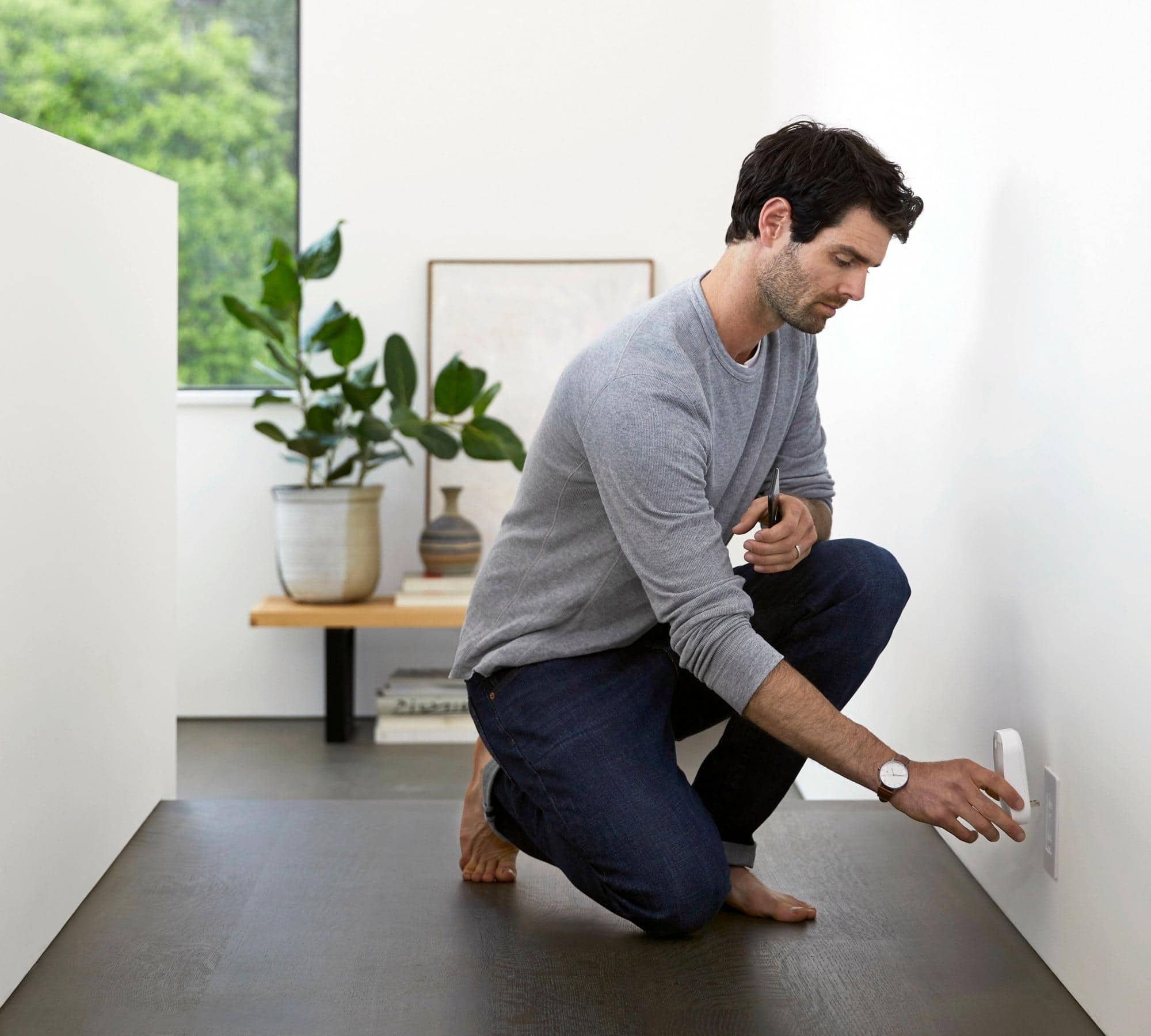
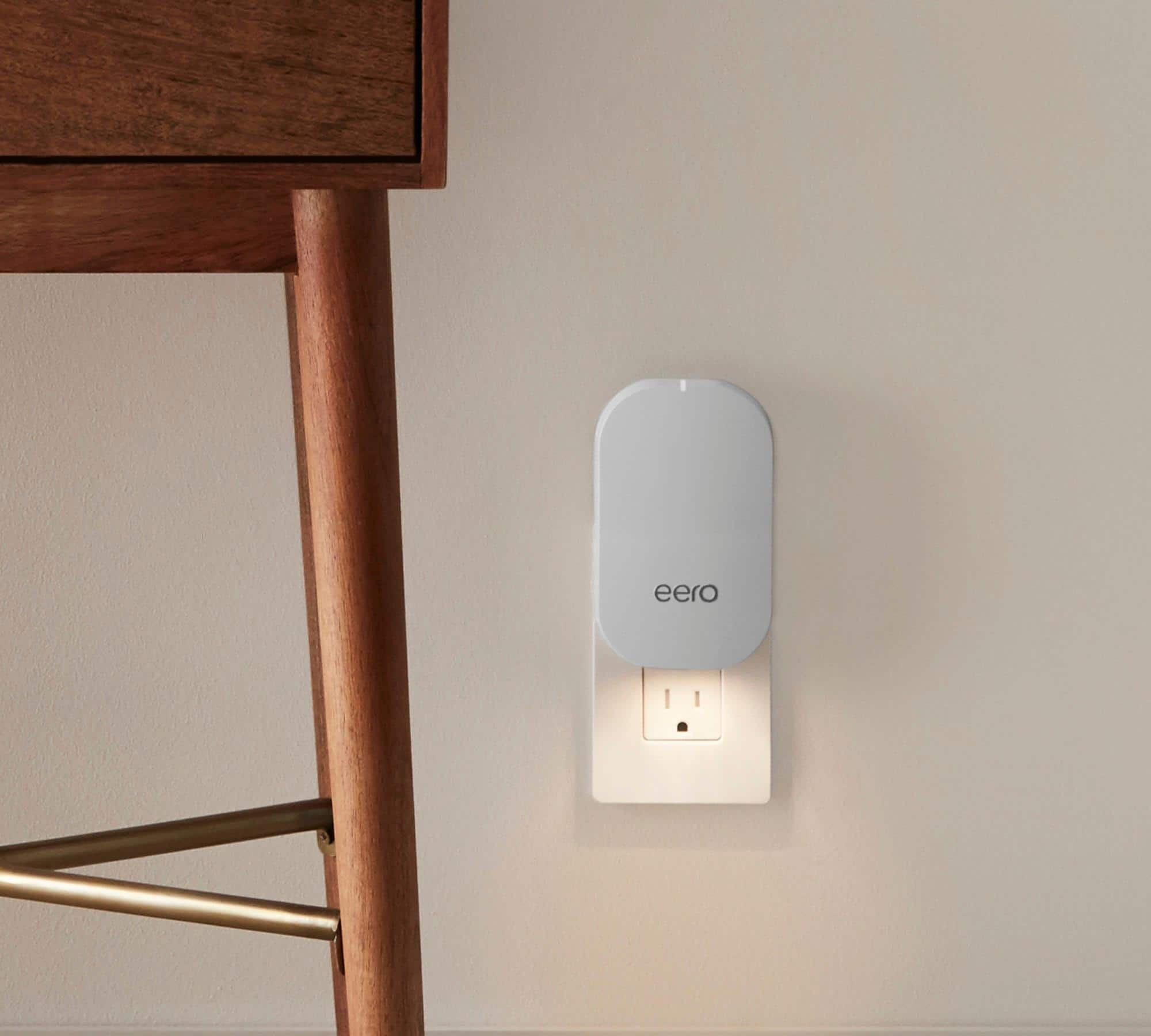
A:AnswerI don't know about your router, but I can say that the installation of the Eero was very easy and I love the unit having 2 beacons that work really well.
I would highly recommend this product
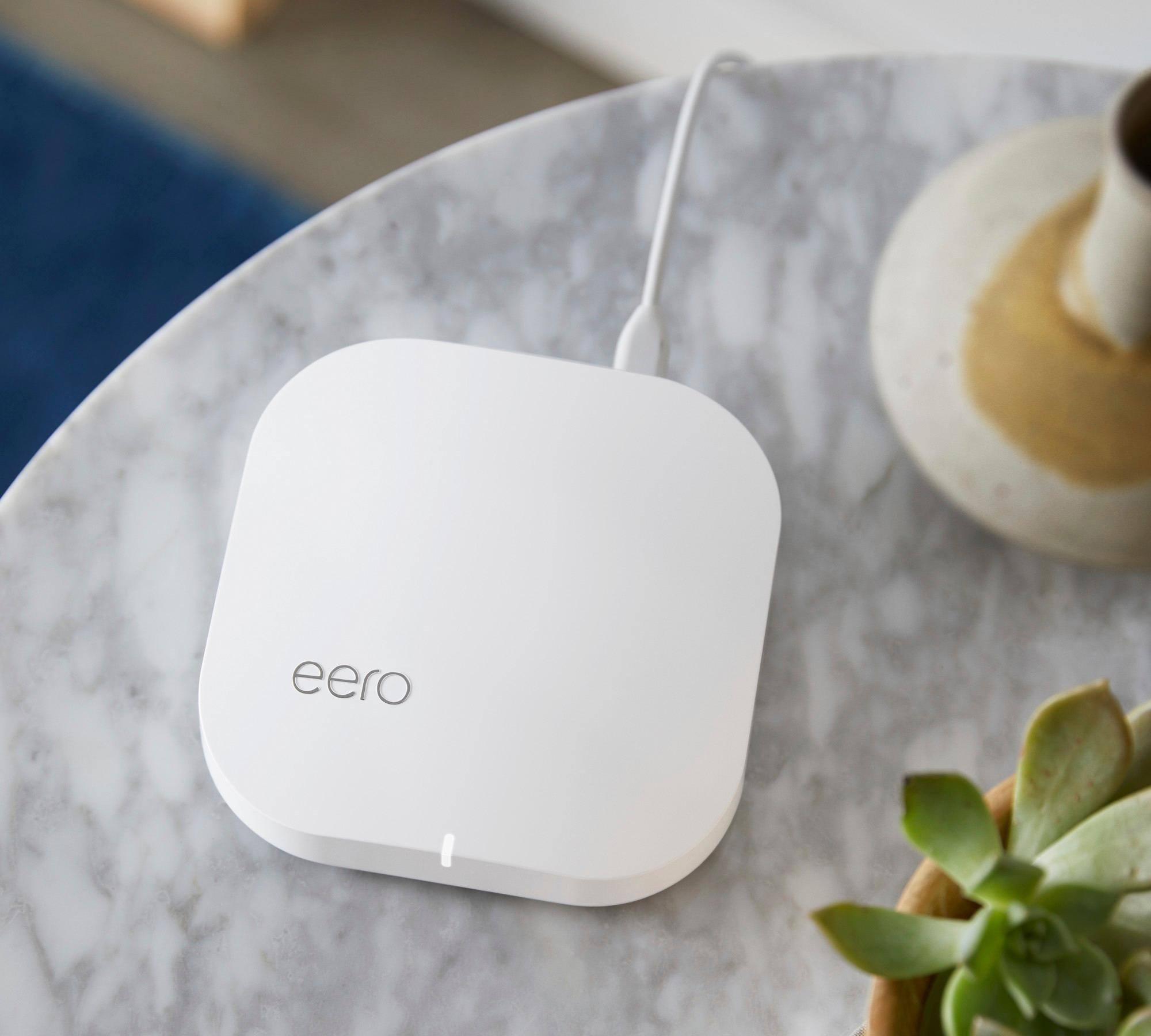
A:AnswerI connected my eero to the modem\router and it works just fine. I did hav e to buy an Ethernet add-on since eero only has one Ethernet port and I have an additional device (WDCloud) to plug in.
A:AnswerI don’t find the units get very warm in normal indoor use and I don’t think I’d be afraid to use it in a garage unless you live out in the dessert in direct sunlight.