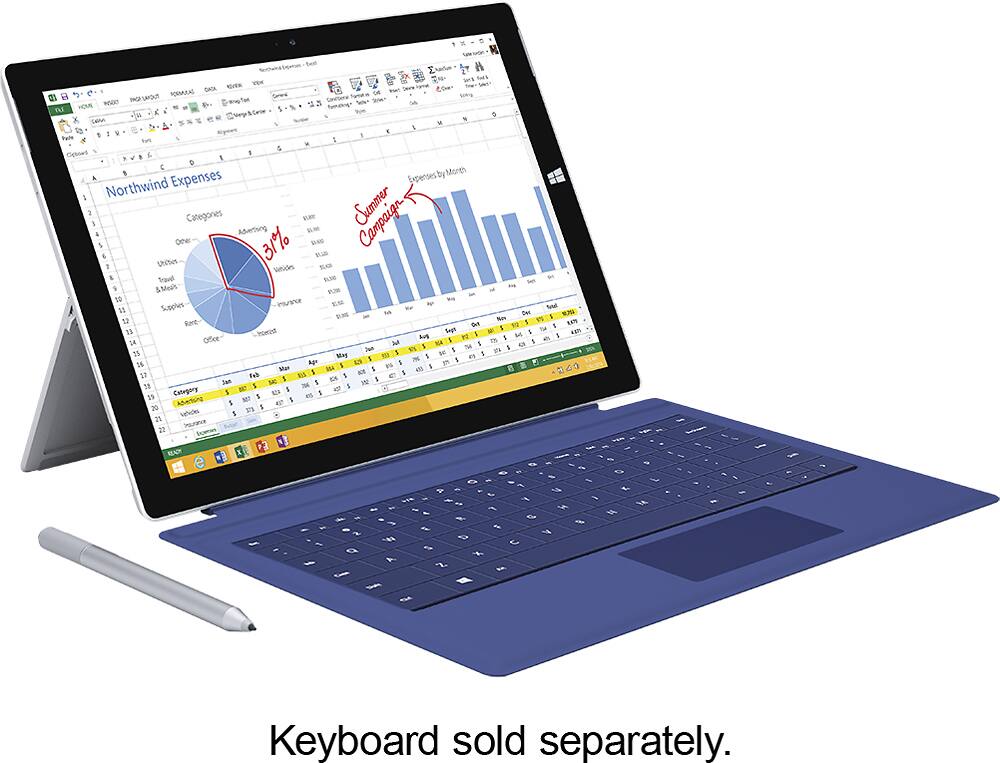
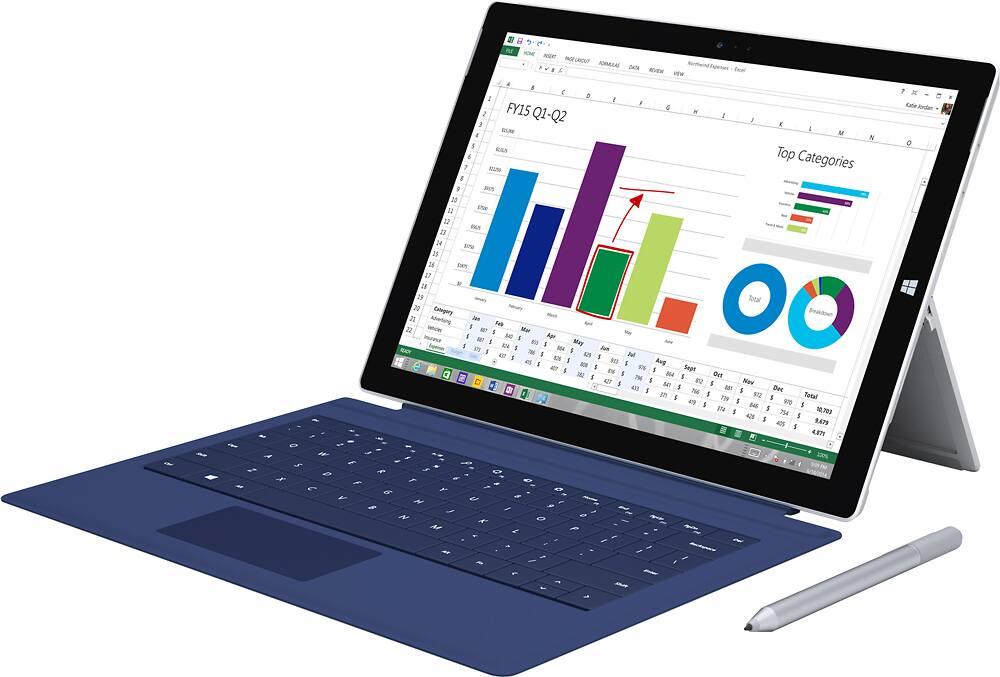
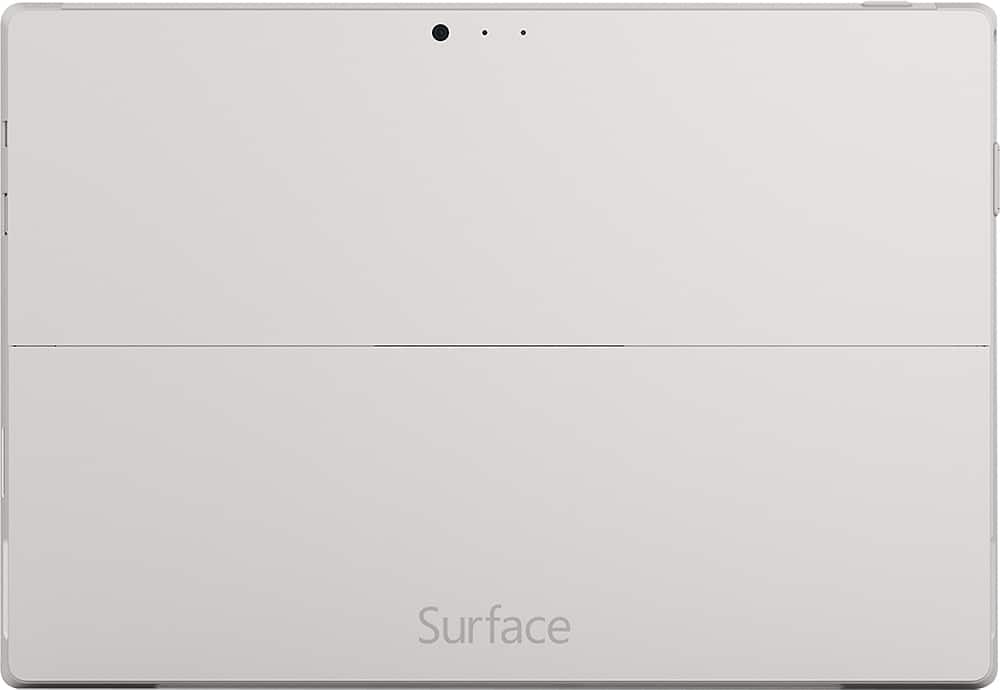
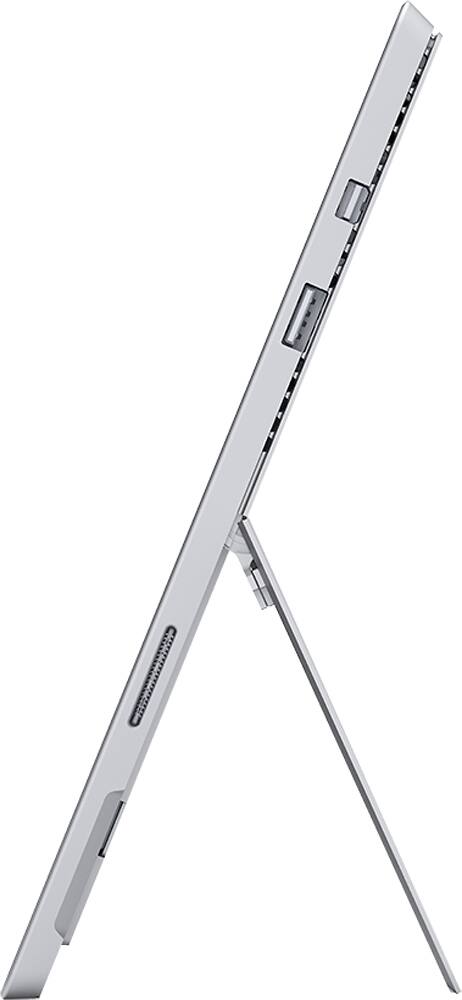
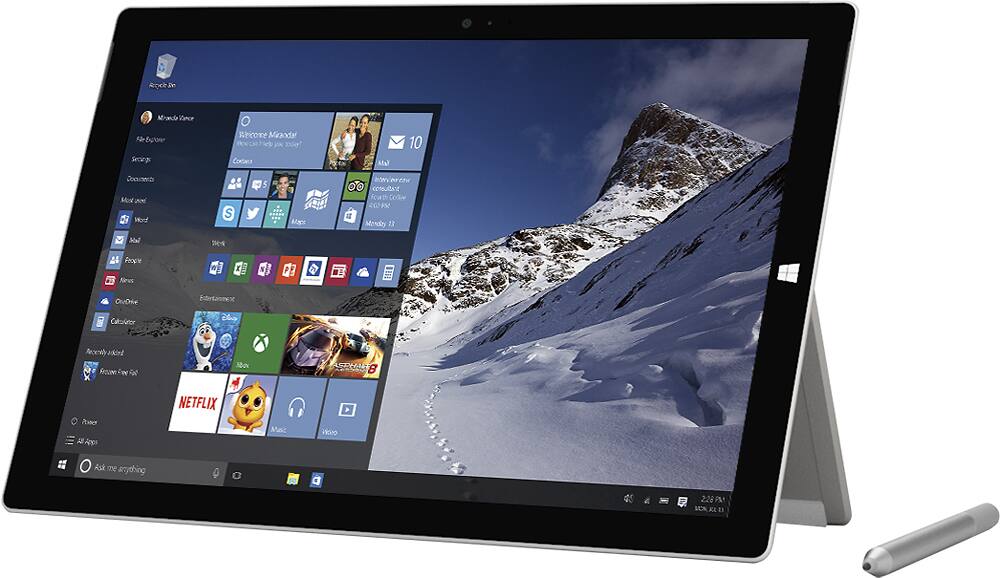
A:AnswerIt is not a HUGE difference, but very noticable side by side. I had the Microsoft rep at best buy demonstrate the difference. I went with the pro 3 64 gb and glad I did. Honestly, if you use a lot of memory, it would be wise to take another step up. If you do not use a lot of memory, the 64 will be fine.
A:AnswerHello there,
The Surface Pro 3 does not run the app blocklauncher, because it is not available for Windows 8.1.
I hope this was helpful to you.
A:AnswerYes, I believe you can do those things at the same time. I have never tried to do three or four things at the same time including a movie as one of the things, LOL, but I do believe it can be done. Have a great day!
A:AnswerI have the Surface Pro 3 with 32G memory and installing the Office is not as big as people would say it is. Yes it takes up memory but not even half. But I also just updated to Windows 10 and got Office 365 which is just a bit smaller I believe with just as good as the regular office program.
Overall as long as you have at least 25/30G of memory left you should be fine.
A:AnswerYou cannot play iPad games on the surface. The only way you can play Candy Crush or Trivia Crack is if you play them through Facebook just like you would on a PC. They are not available for download in the App Store on the surface. This is because there is not a PC version of these games yet. They are made to run on IOS or Android software at the moment. If they would put out a PC version of the game then it would run on the surface also.


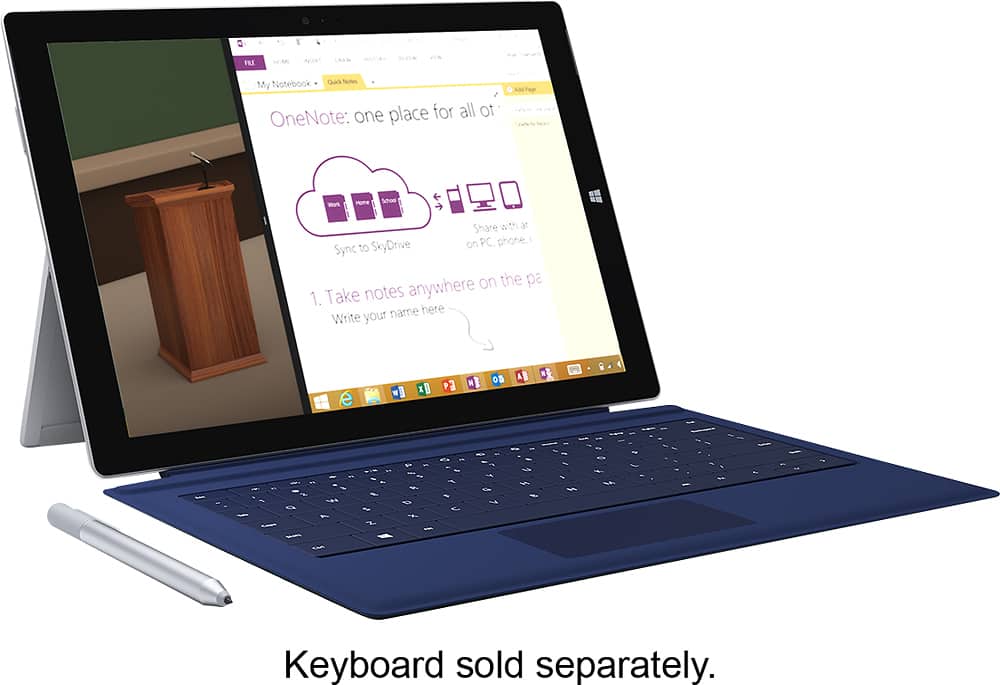
A:AnswerThere are 2 ways to take screens shots on the surface pro 3. You can use the Bluetooth pen and double click on the top button, and then you will have a choice of either screenshot the whole screen or you can crop around what you want to screen shot and it goes into the program OneNote, where you can save it, or do what you need to do with the screen shot.
The second way to screenshot with a surface pro 3 is to press Fn+Windows Key+ space bar on the keyboard and that also will take a screenshot and put the photo in your Pictures folder.
A:AnswerI haven't tried this specific program, but it will run pretty much any software a laptop will. As long as the software you're using allows digital signatures the sp3 can.
A:AnswerDepends on where you purchase. All come with (i believe) 30day warranty and Best Buy (where I purchased) offers extended warranty (that I did not take).
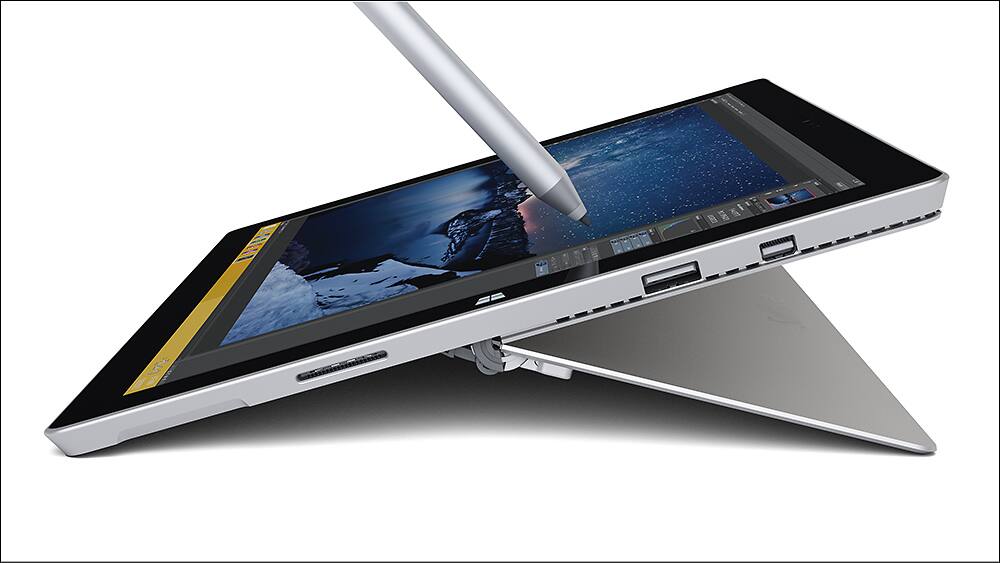
A:AnswerI don't see why you cannot use it in the same way. The Microsoft store has several drawing programs that can be downloaded to the Surface. It also comes with a stylus that allows you to draw like a paint brush.