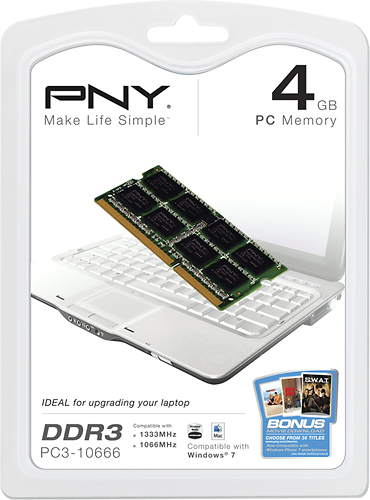
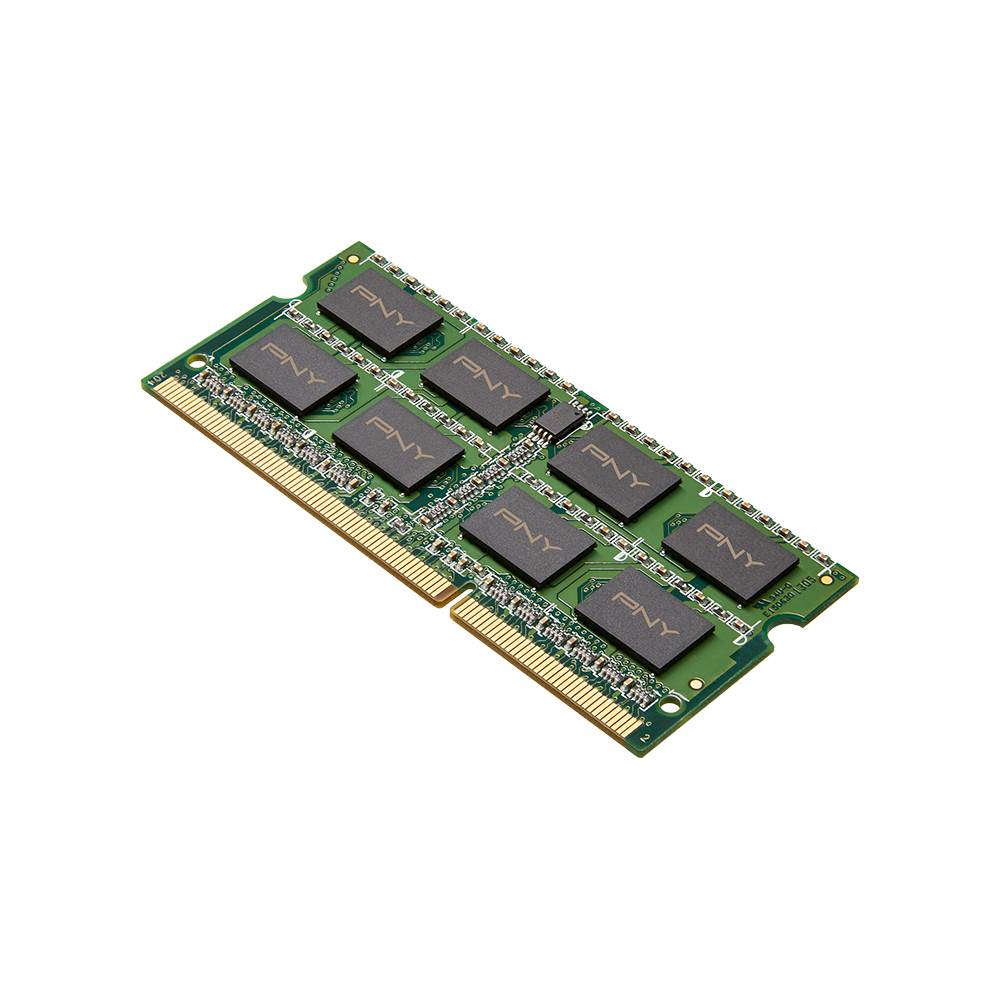
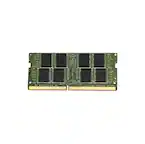
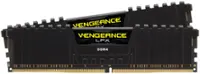
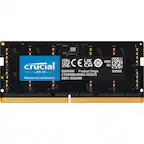
A:AnswerI just purchased the PNY 4GB RAM for my MacBook Pro. It didn't work when I was running OS X 10.3. I upgraded to 10.6 and then directly downloaded 10.10. After the upgrade, the RAM worked perfectly. Now I have 8GBs in the laptop. Make sure you get the RAM on sale or price matched. Bought it for $30.
A:AnswerIn the end this memory went back home it is the wrong one and Best buy at the time did not have the correct 1.35V version, I had to goto alternate store to find the memory. Very few suppliers use DDR3L naming convention, the key is to get memory which is 1.35 Volt and the correct frequency 1600Mhz. Some mfr call this a SODIMM memory. Hope this helps anyone coming after me.
A:AnswerYes it does work with my MAC (IMAC). I had 8 gbs and went to 16. The IMAC is essentially a laptop with feet. If you click on the Apple logo and go to MAC specs, its is the exact spec of the RAM already in it. Its about the only one you can find for it now too as all of the others are 1600 and this is 1333mhz.
A:AnswerLook up max Ram for your computer on a google search... That will tell you.. However it may not tell you if you need to replace existing Ram with larger or if you can just add... Geek Squad should be able to answer that.... Some laptops have a door in the back to access Ram, without removing the whole cover.. Either way they can answer your question and they were very cooperative with me when I did mine.... You might also think about changing your hard drive for a SSD and saving your hard drive as an exterior storage. Great improvement in access speed....