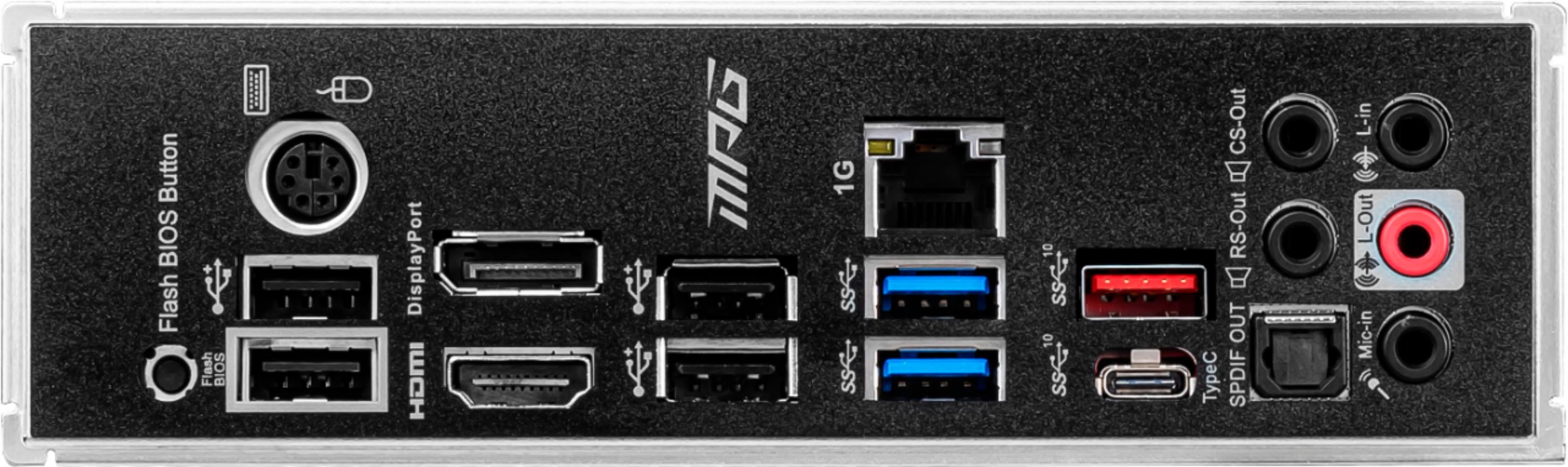
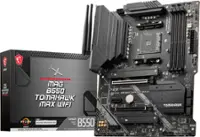
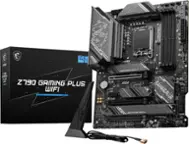
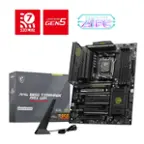
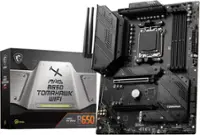
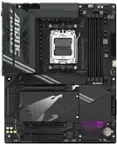
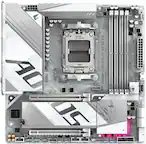
A:AnswerSo there are some cases where a motherboard with Wi-Fi will improve your experience. You will be able to access the internet without an ethernet cable, which some people cannot route it around their house and such to get it to their PC. If you can plug an ethernet cable into your PC from your Wi-Fi router then the Wi-Fi is not necessary, if you buy this motherboard it does have a 2.5 Gigabit ethernet port so if you can connect an ethernet cable I would do so because it is faster than Wi-Fi. Wi-Fi can be convenient if you don't want to or cannot run a wire from your router for whatever reason, if you can do ethernet then I would.
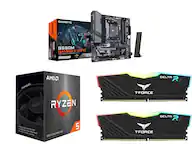
A:AnswerI'm not sure yet I can't recall but I do know that this board will be compatible, since it is B550. You may have to update it but it isn't that hard and it shouldn't take too long so it shouldn't be a problem either way, at the moment I'm pretty sure you will have to update but it is possible you may not have to, although it is very unlikely.
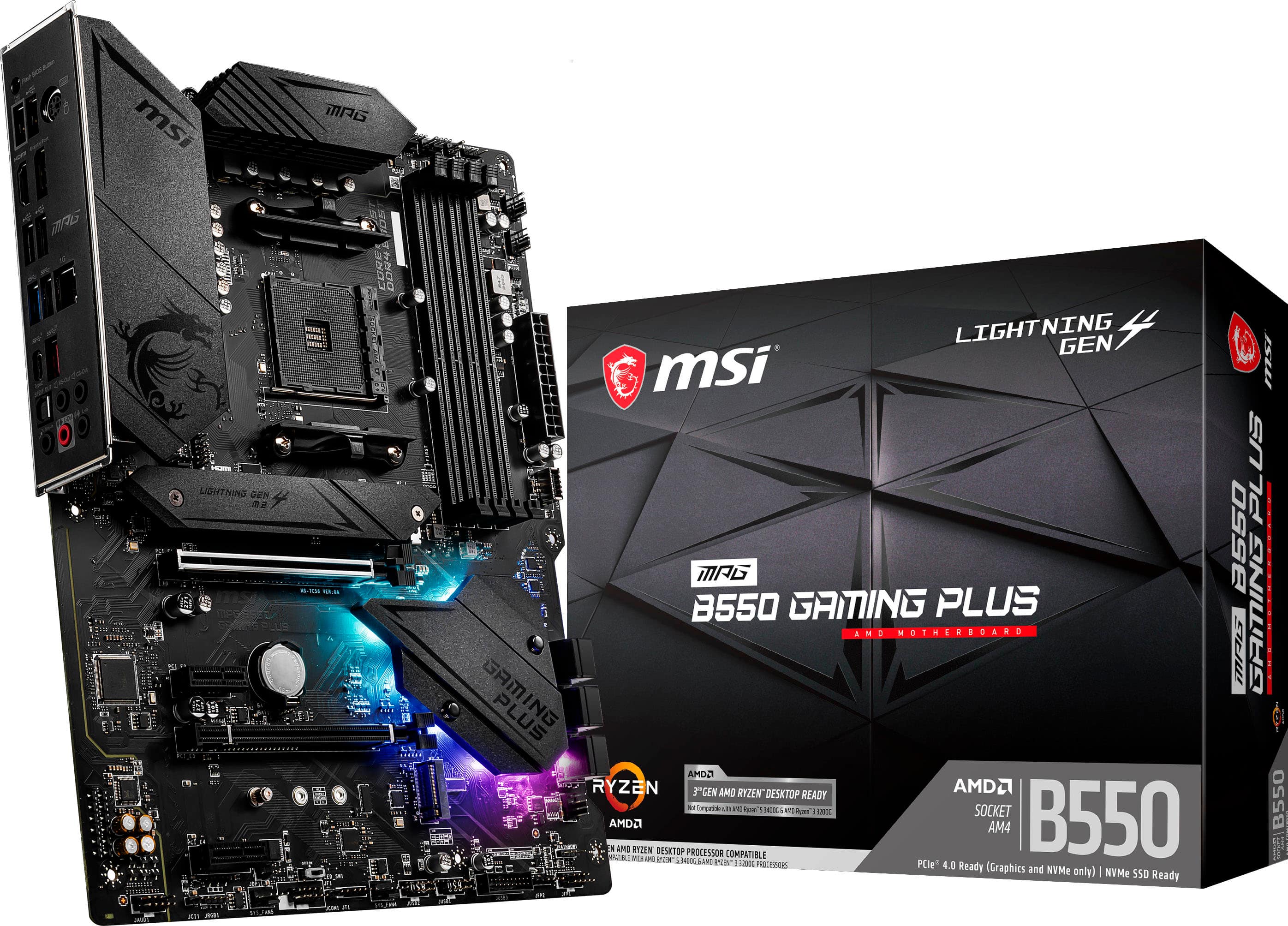
A:AnswerNo Francis, like it says in the name, it is an AM4 socket, meaning it supports 2nd and 3rd gen Ryzen chips. For intel motherboards, I would find a Z390 or another motherboard that supports intel chips.
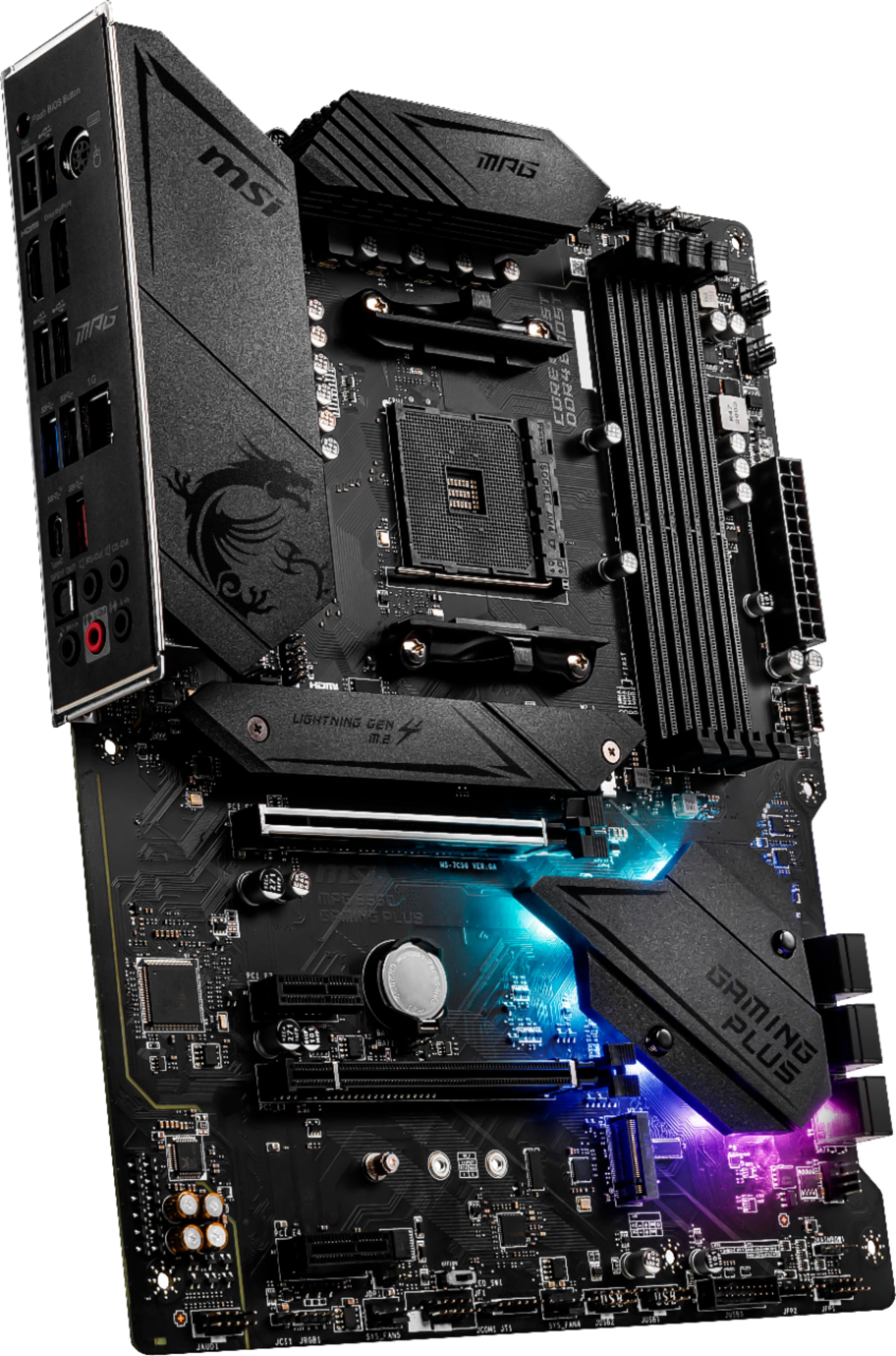
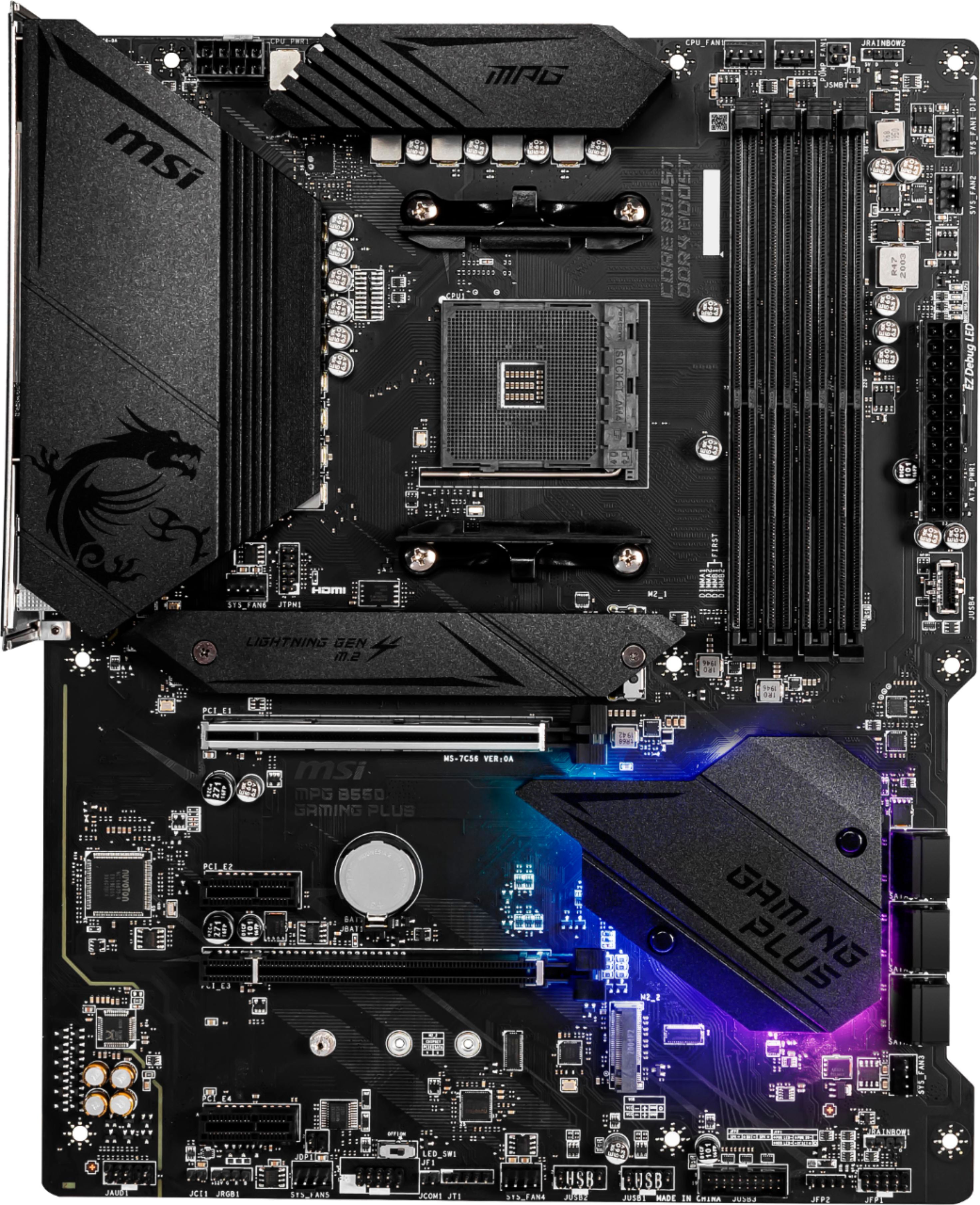
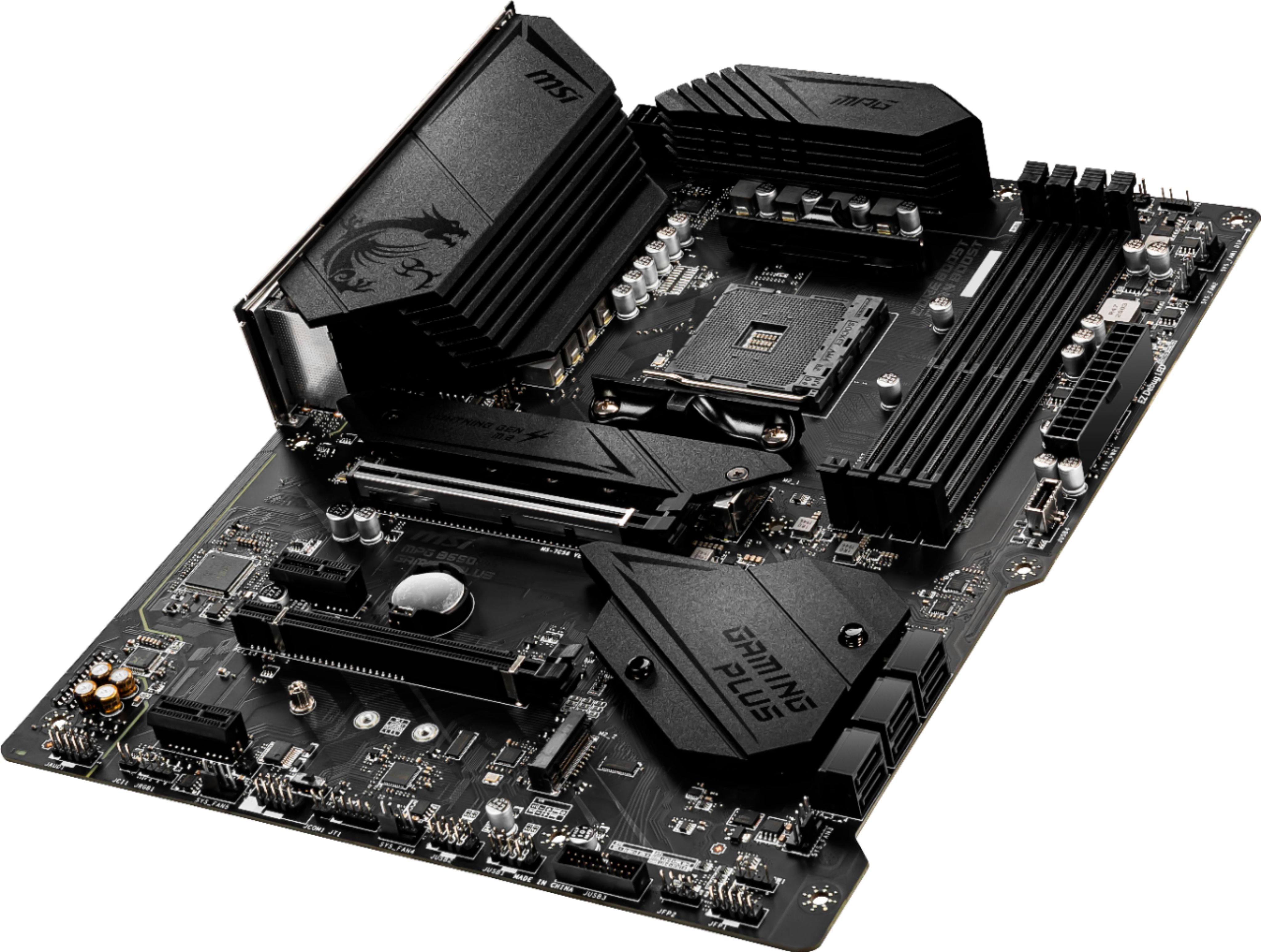
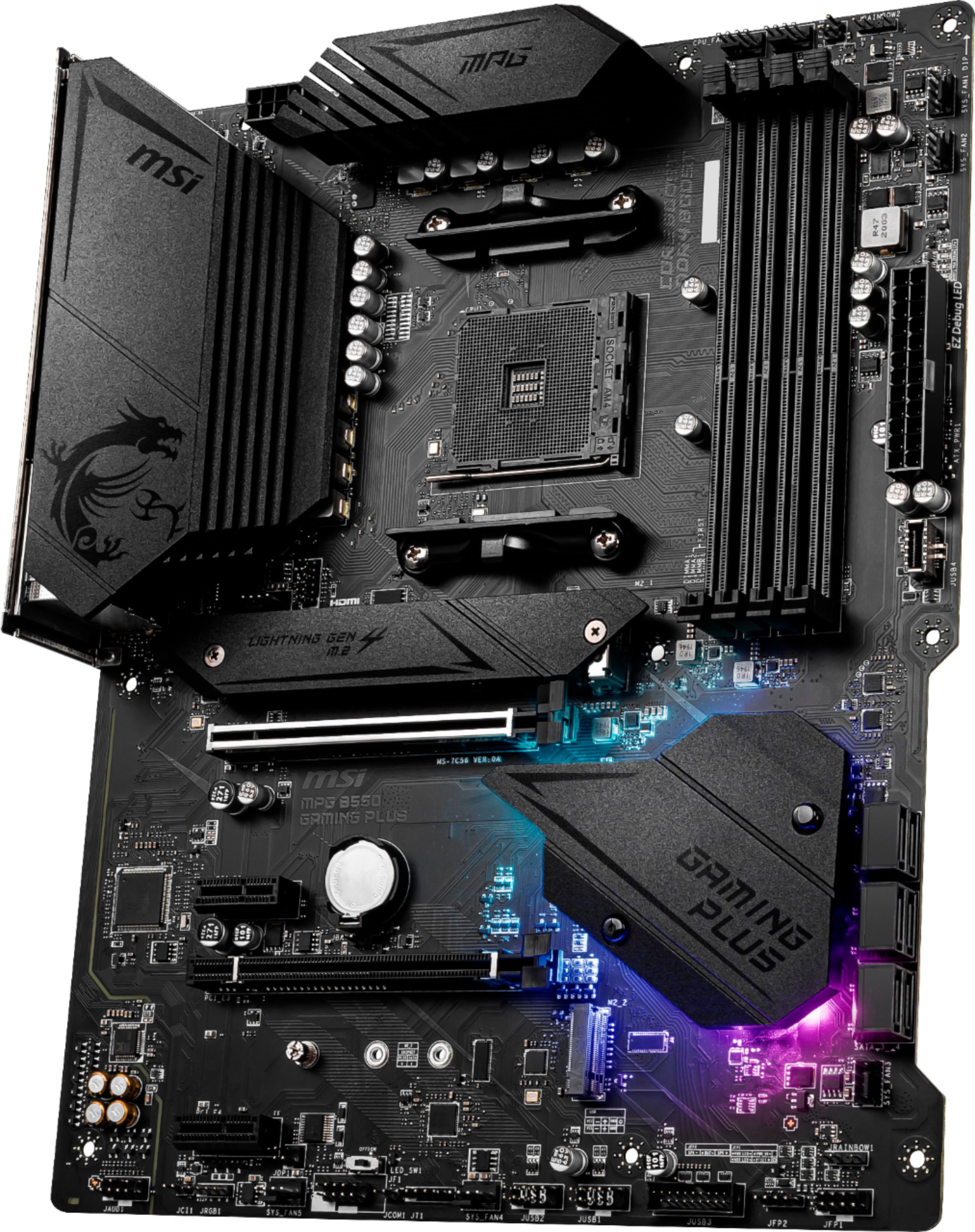
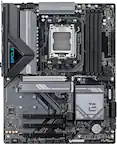
A:AnswerThere is one 4 pin standard RGB header on the bottom left of the MB and two 3 pin addressable DRGB (MSI calls it Rainbow) headers (one on the top right and on on the bottom right) of the MB. See attached photo.
A:AnswerMore likely than not this board will support 5000 series processors if it was made fairly recently, but you should also check if it says 5000 series ready on the box.