A:AnswerYou should be able to. Since a requirement for downgrading to Windows 10 is that no more than 10 days should have passed since the Windows 11 upgrade, you'd have to do a clean install. I would recommend following this guide:
https://answers.microsoft.com/en-us/windows/forum/all/downgrade-from-windows-11-to-windows-10/84a2416d-ccfb-4d87-9eee-e1056591e91f
A:AnswerI would say this PC is great for recording. The graphics card and processor help it lots, and its 1tb storage is great for storing high quality vods that are hours long. I would recommend upgrading ram but that's only if you want to record more high end games. The one downside is its resolution as it causes light issues with the screens shape but it can be fixed though obs's settings.
A:AnswerPlease check the Battery Master settings inside MSI Center > Features > System Diagnosis. If your laptop set to "Balanced" or "Best for Battery", then the laptop will only charge when the battery is under 70% or 50%, and stop at 80% or 60%.
A:AnswerThe Windows Key is embedded in the firmware of the board, if you choose to reinstall the operating system, the OS installer will pick up the license when going through the process.
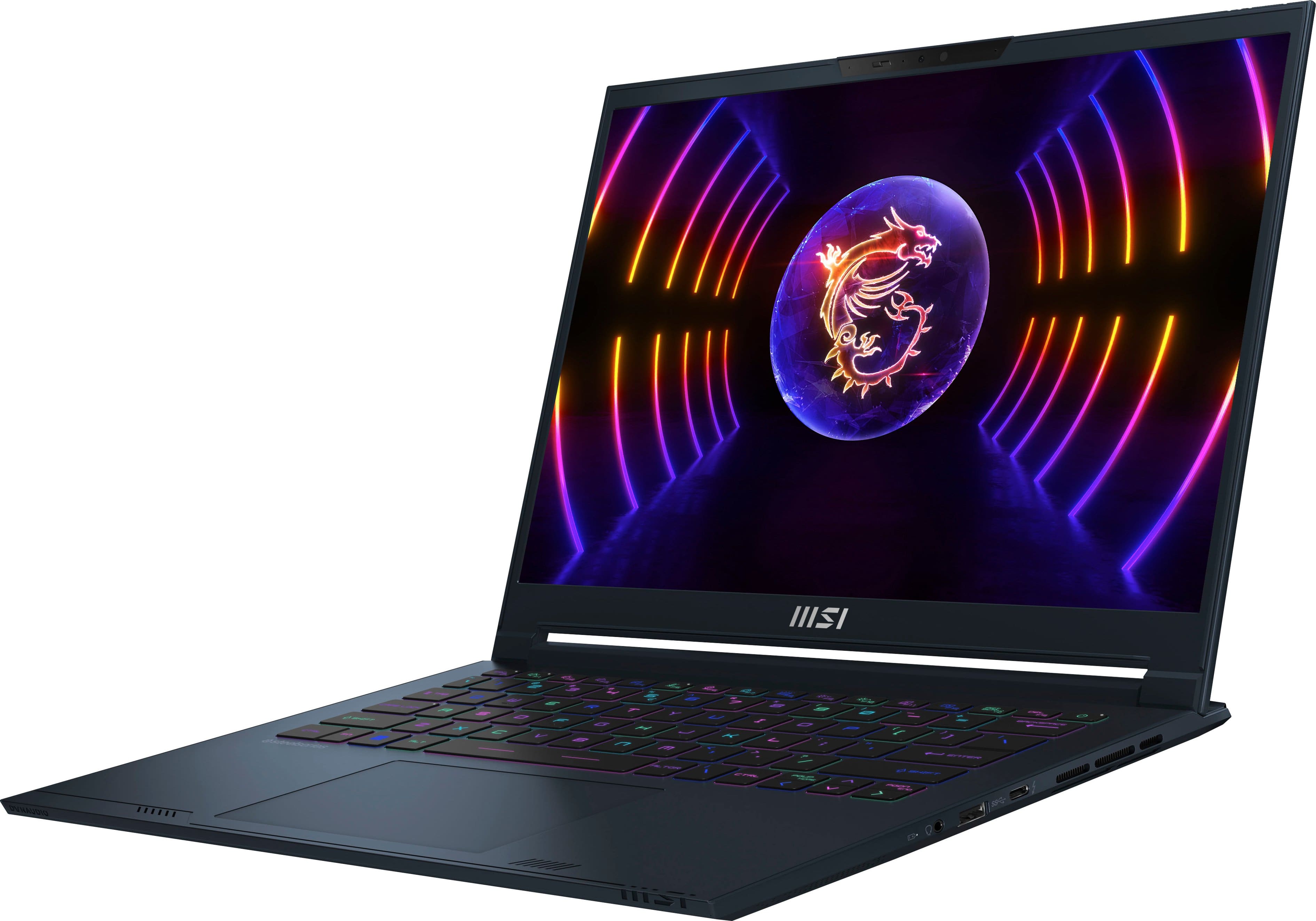
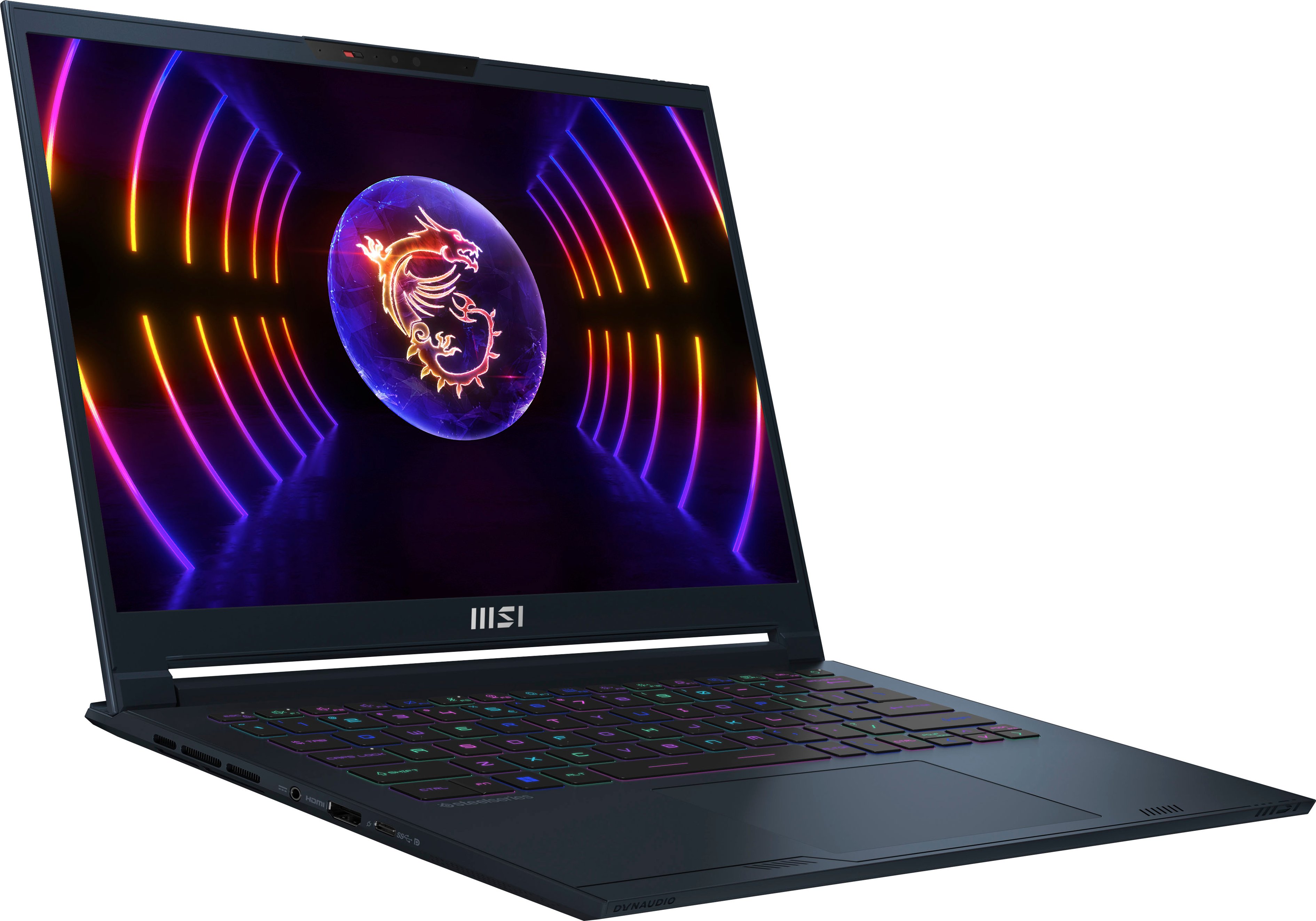
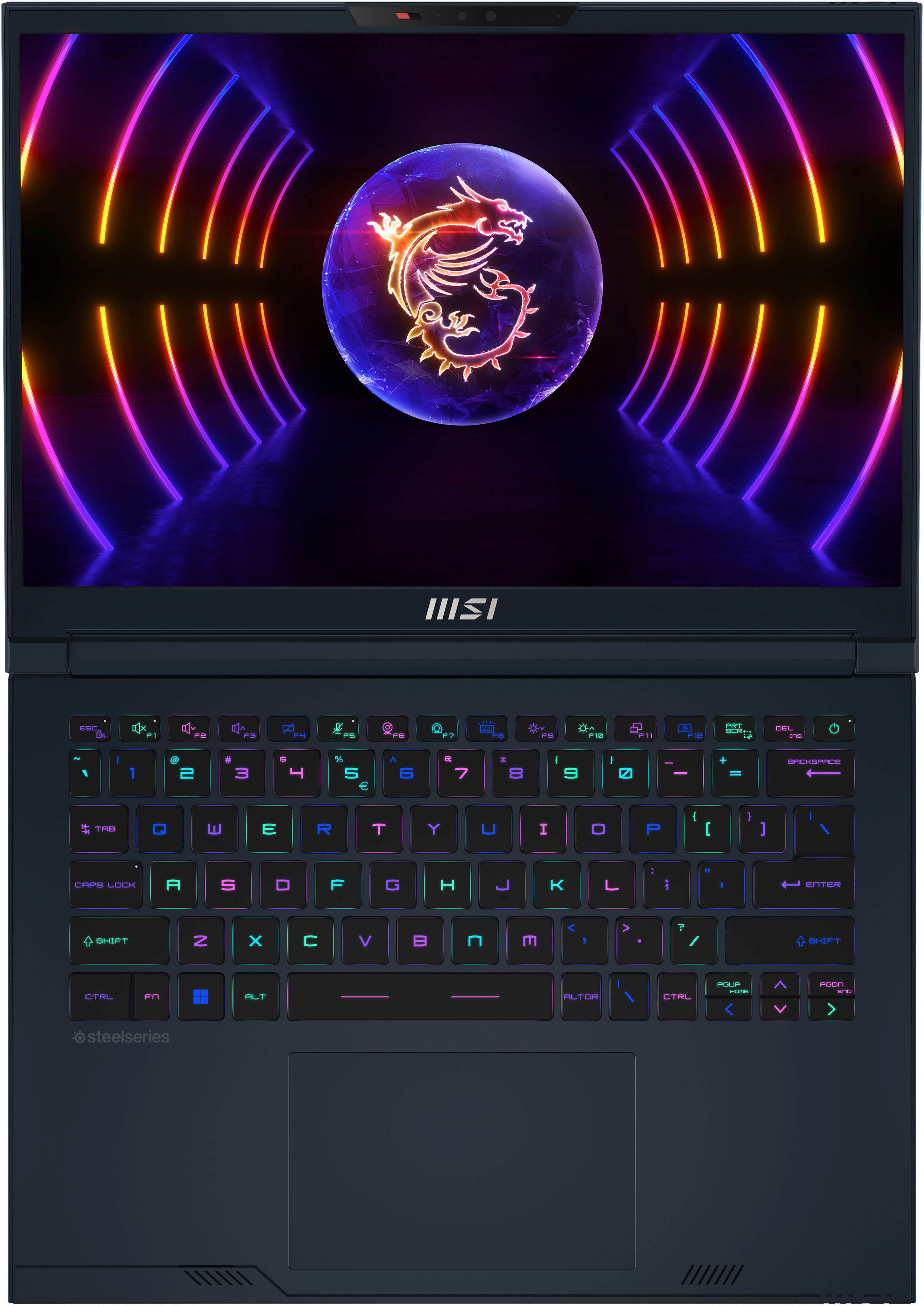
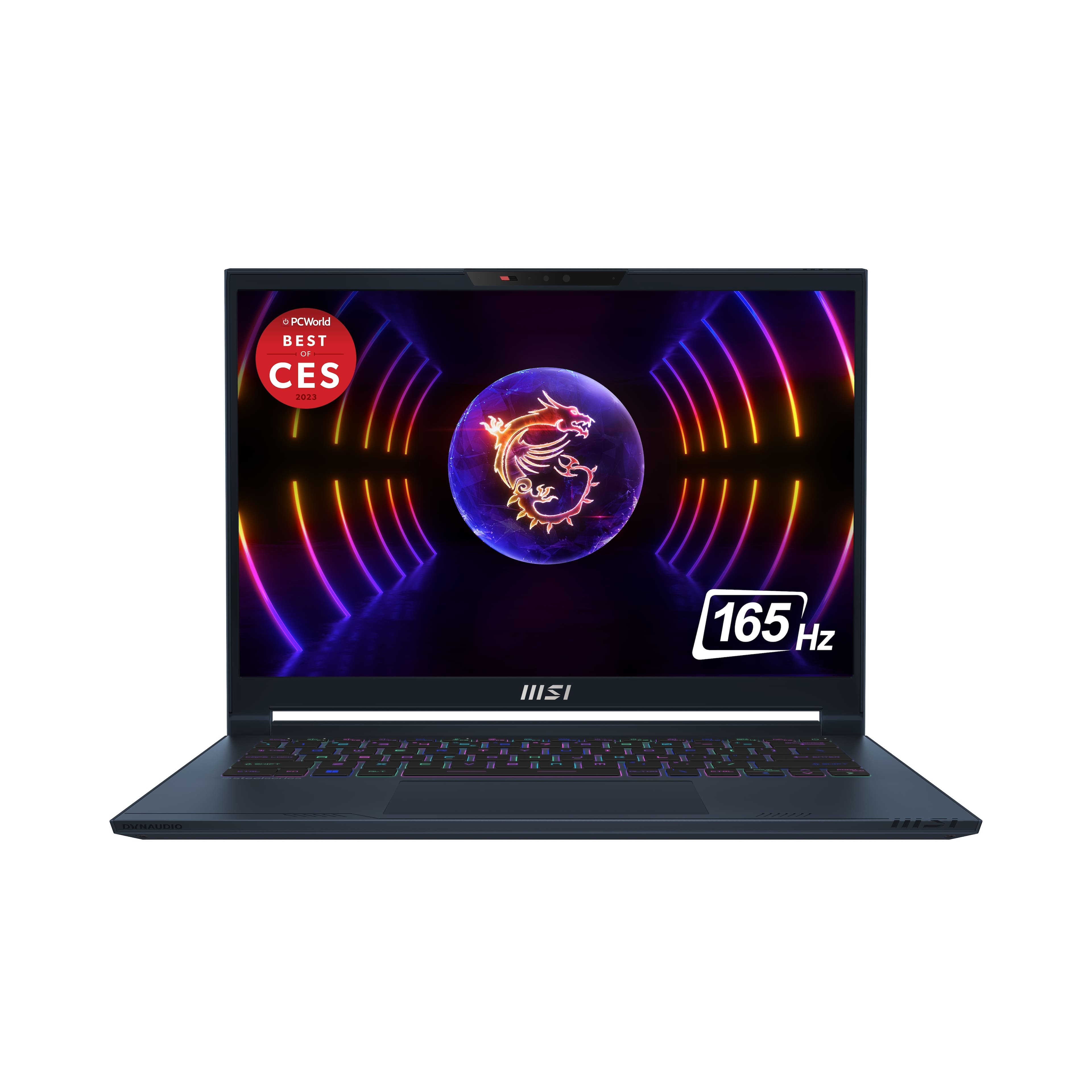
A:AnswerThe MSI Stealth 14 Studio laptop has a bright screen with a peak brightness of 437 nits and 100% DCI-P3 color coverage. The 14-inch screen has a 16:10 ratio and is designed to be comfortable for long-term use. It also has an anti-glare IPS LCD display with a 240 Hz refresh rate. The base model comes with a Full HD (1200p) screen, but you can upgrade to a QHD display with a resolution of 1600p.