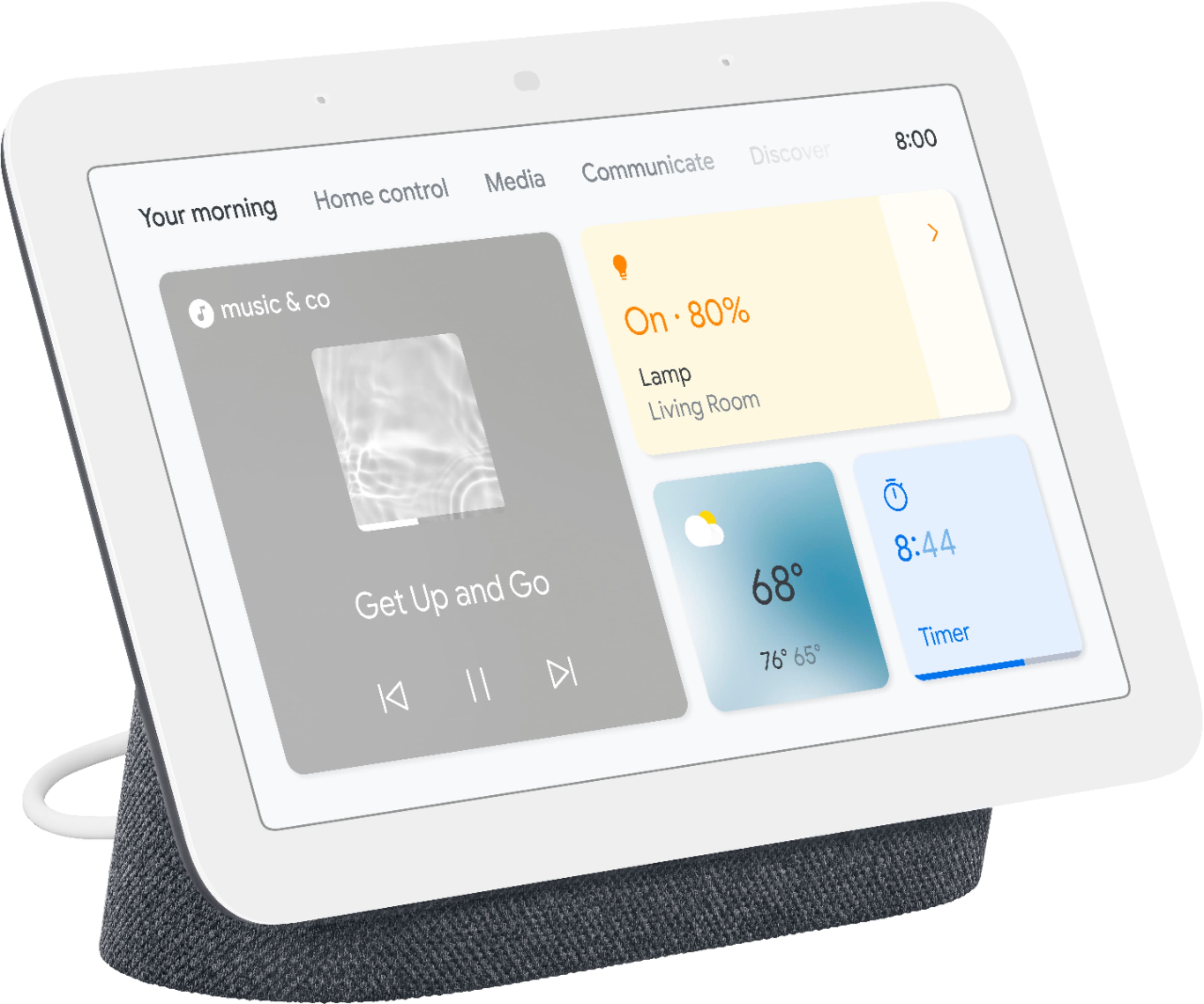
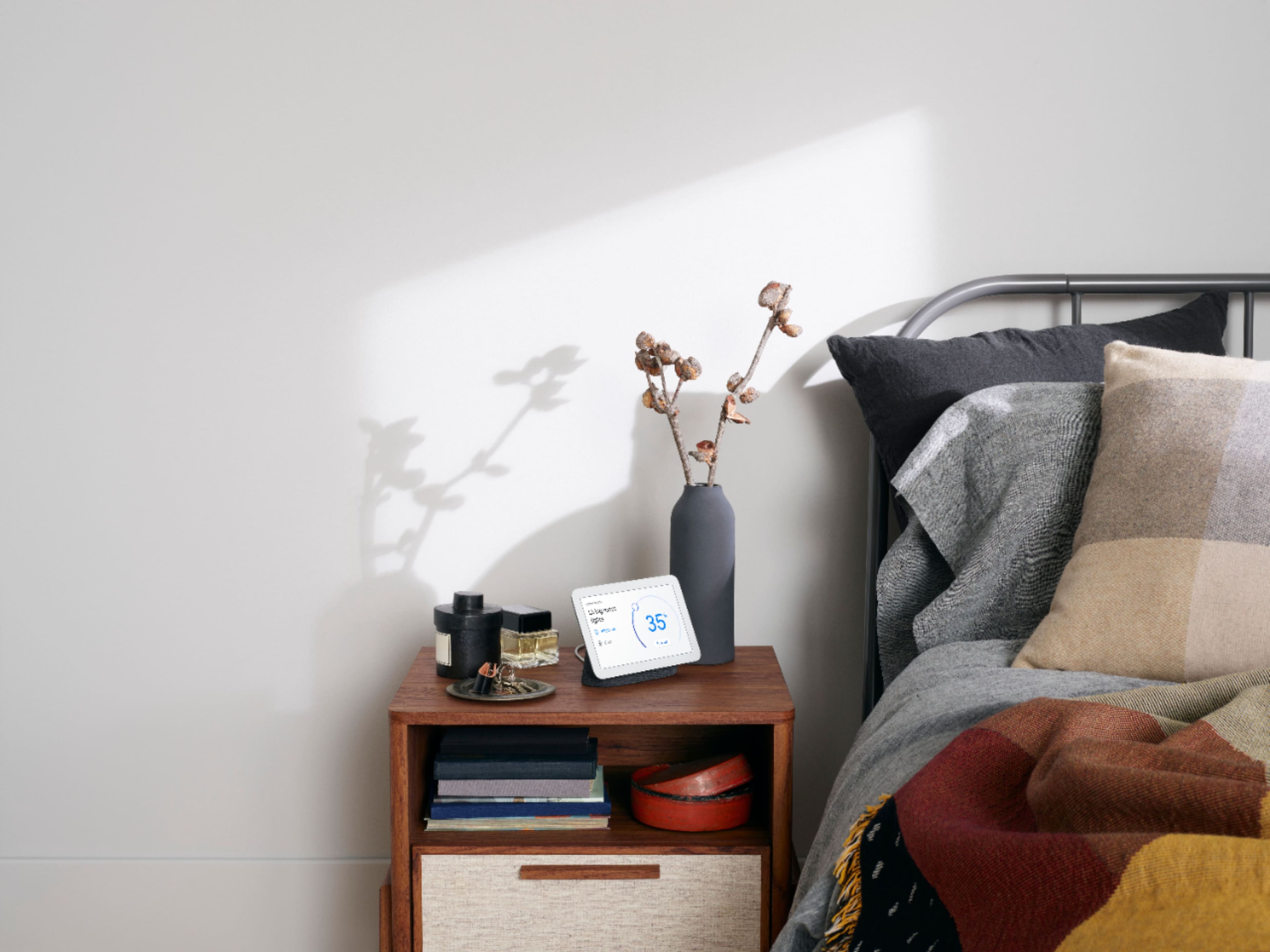
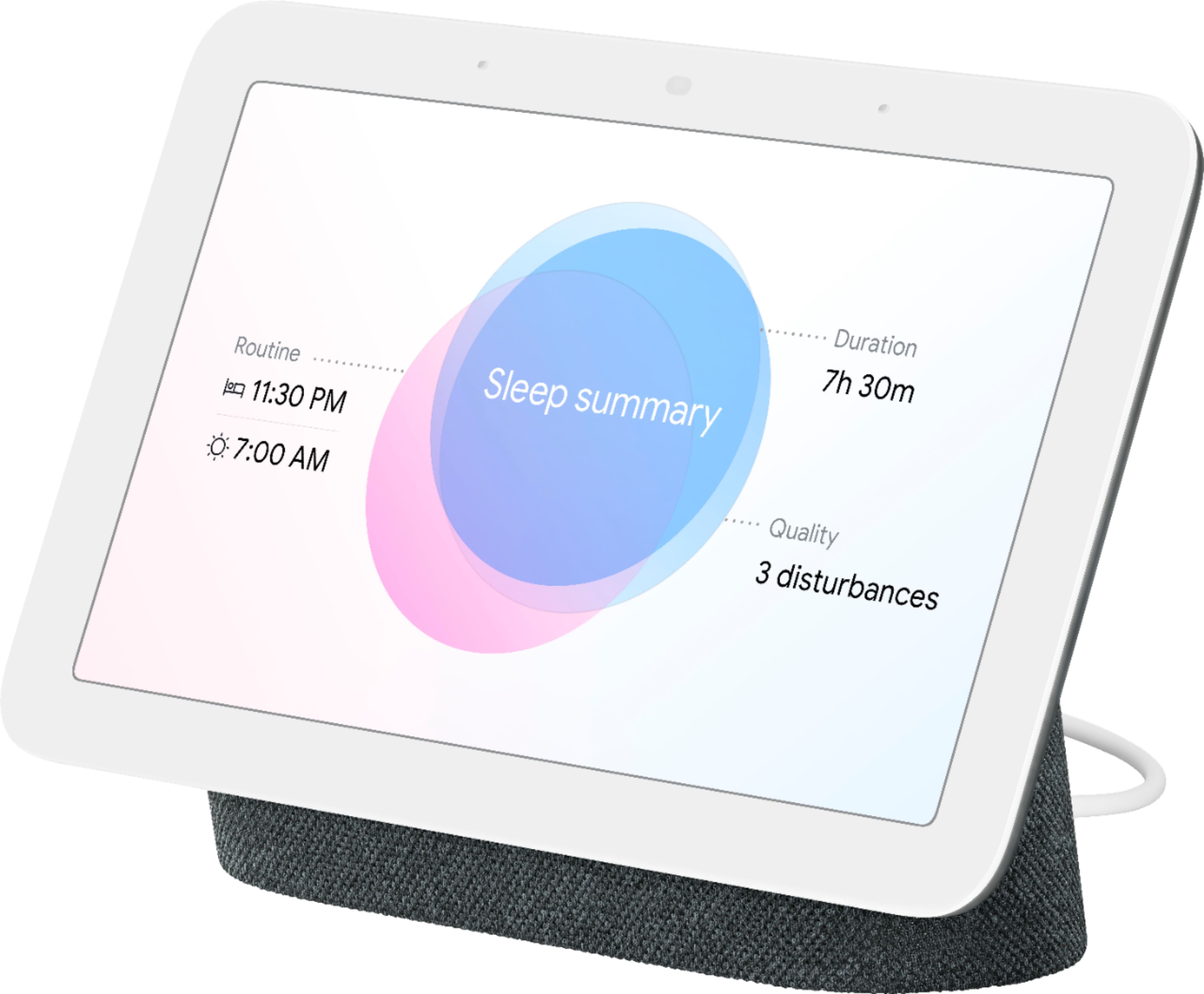
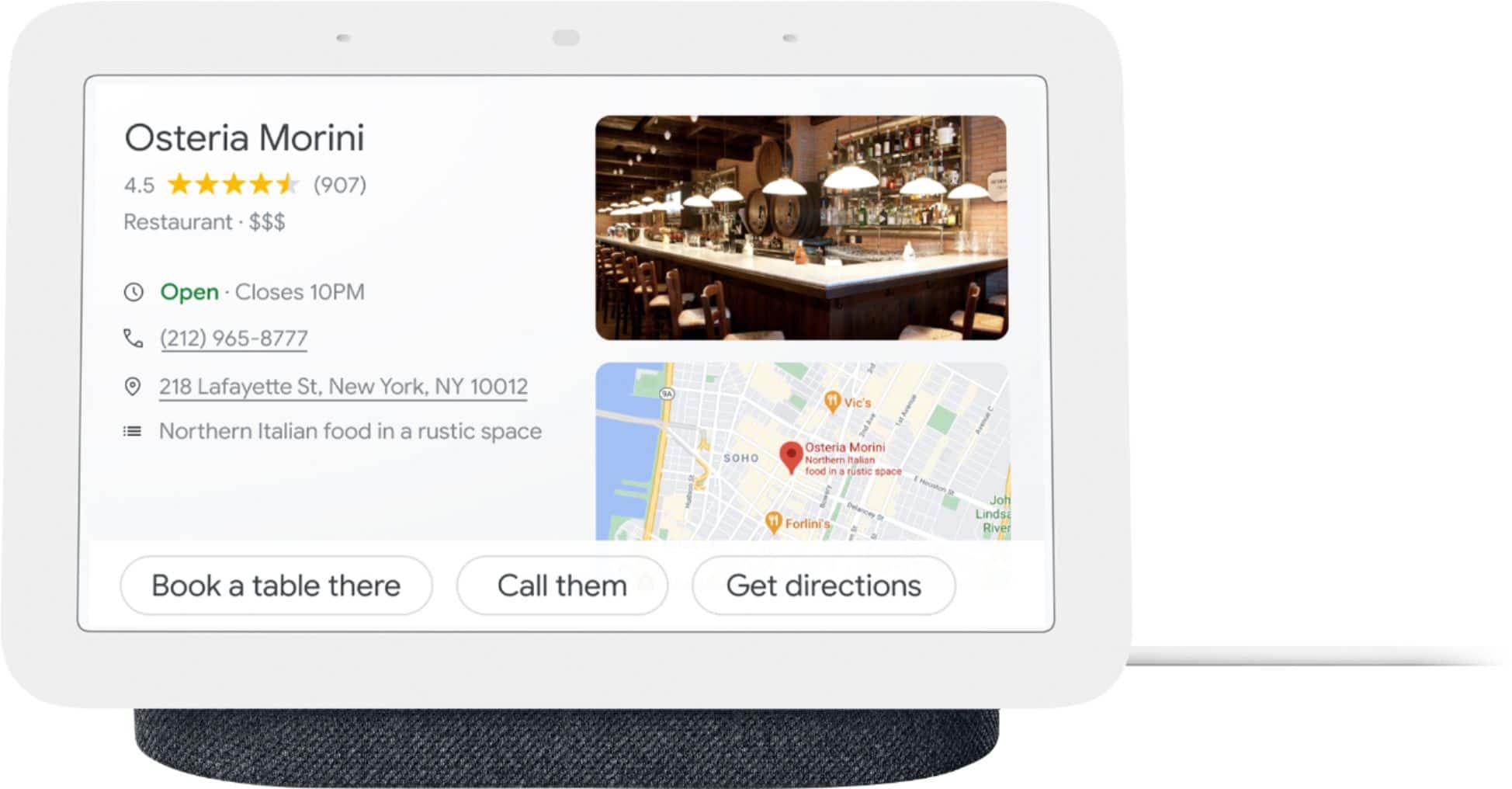
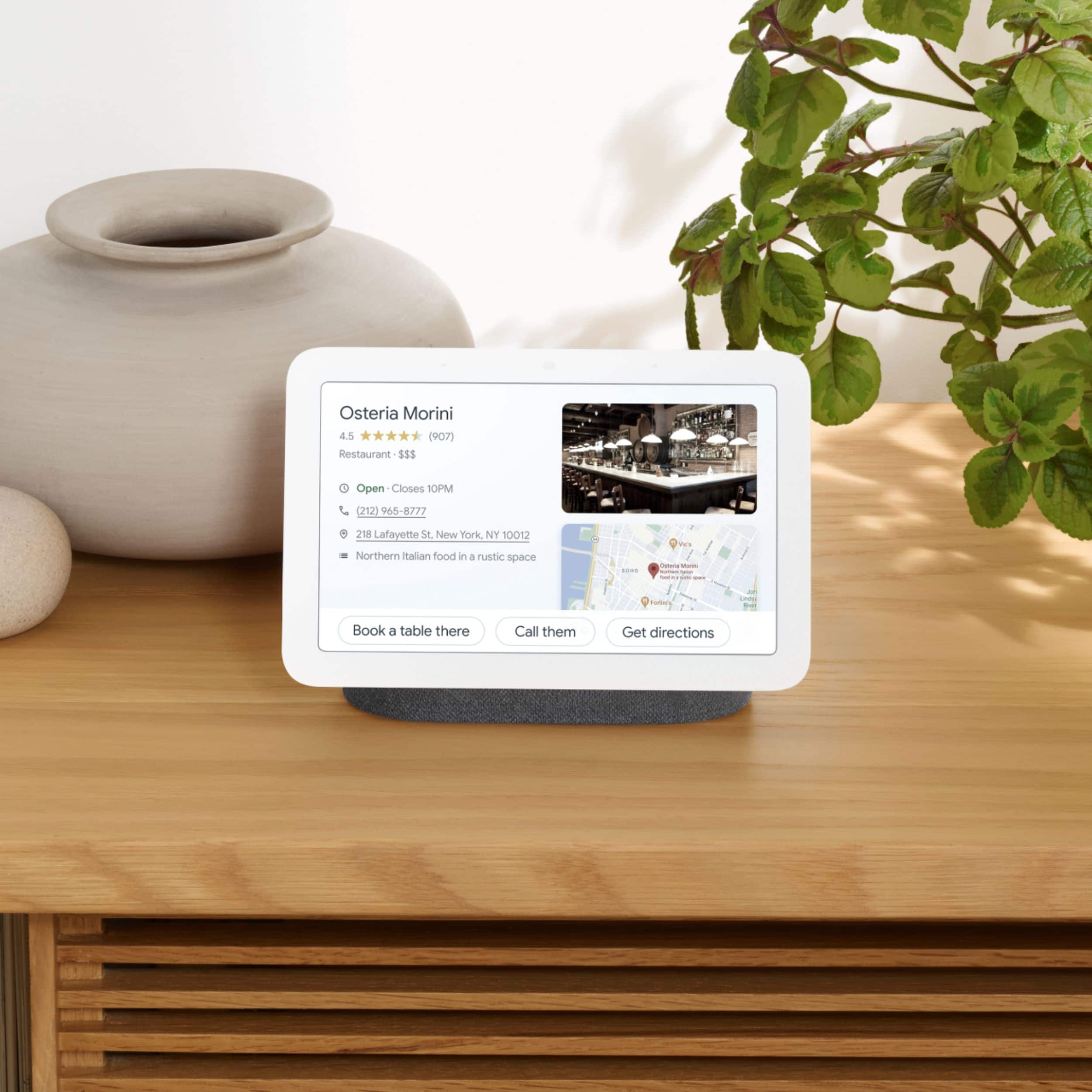
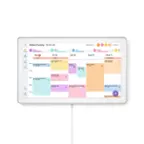
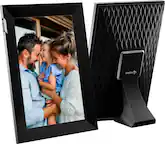
A:AnswerI believe you're talking about the same thing. Just that the last one says "with Google assistant". The only differences exist between Nest Hub Max and the Nest Hub Gen 2. However, they both have Google Assistant.
A:AnswerThe most common accessories would probably be smart lights. Be aware of your internet speed and connectivity throughout your home since the more devices you add could affect efficiency.
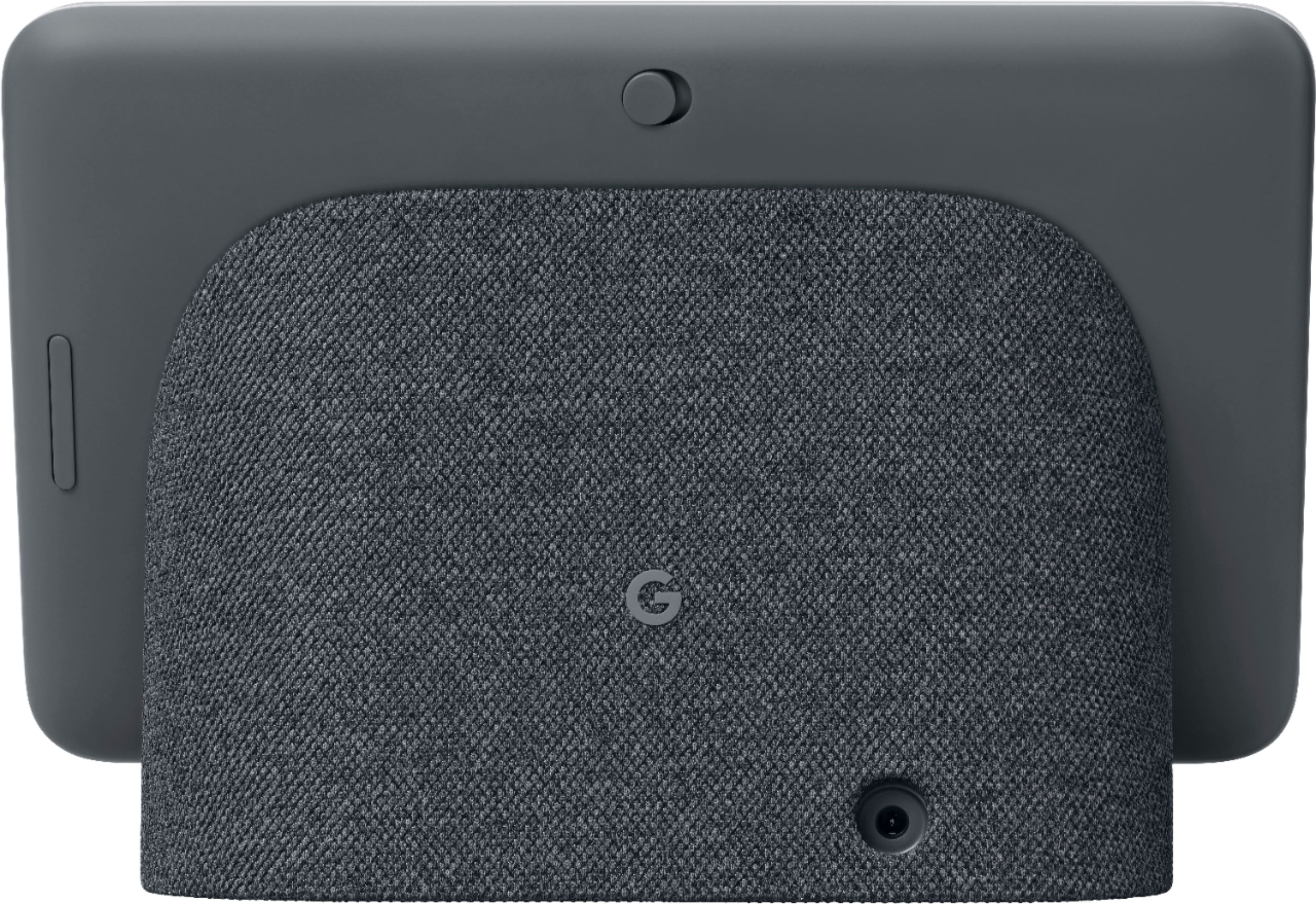
A:AnswerThe 7” hub does not have a built in camera so you can talk to your dog through the hub but your dog won’t see you unless you have a separate camera setup. The 10” hub max does have a built in camera however so you get more than just a bigger screen with it compared to the 7” hub (obviously hub max costs considerably more). So I guess it depends on how you want to communicate with your pet and how to setup with other devices like cameras or smartphone.
A:AnswerUnfortunately, your Nest Hub can't replace the Nest Guard. Only a device like the Google Nest × Yale Lock can connect to the internet through a Google Nest Connect or Google Nest Guard in your home.