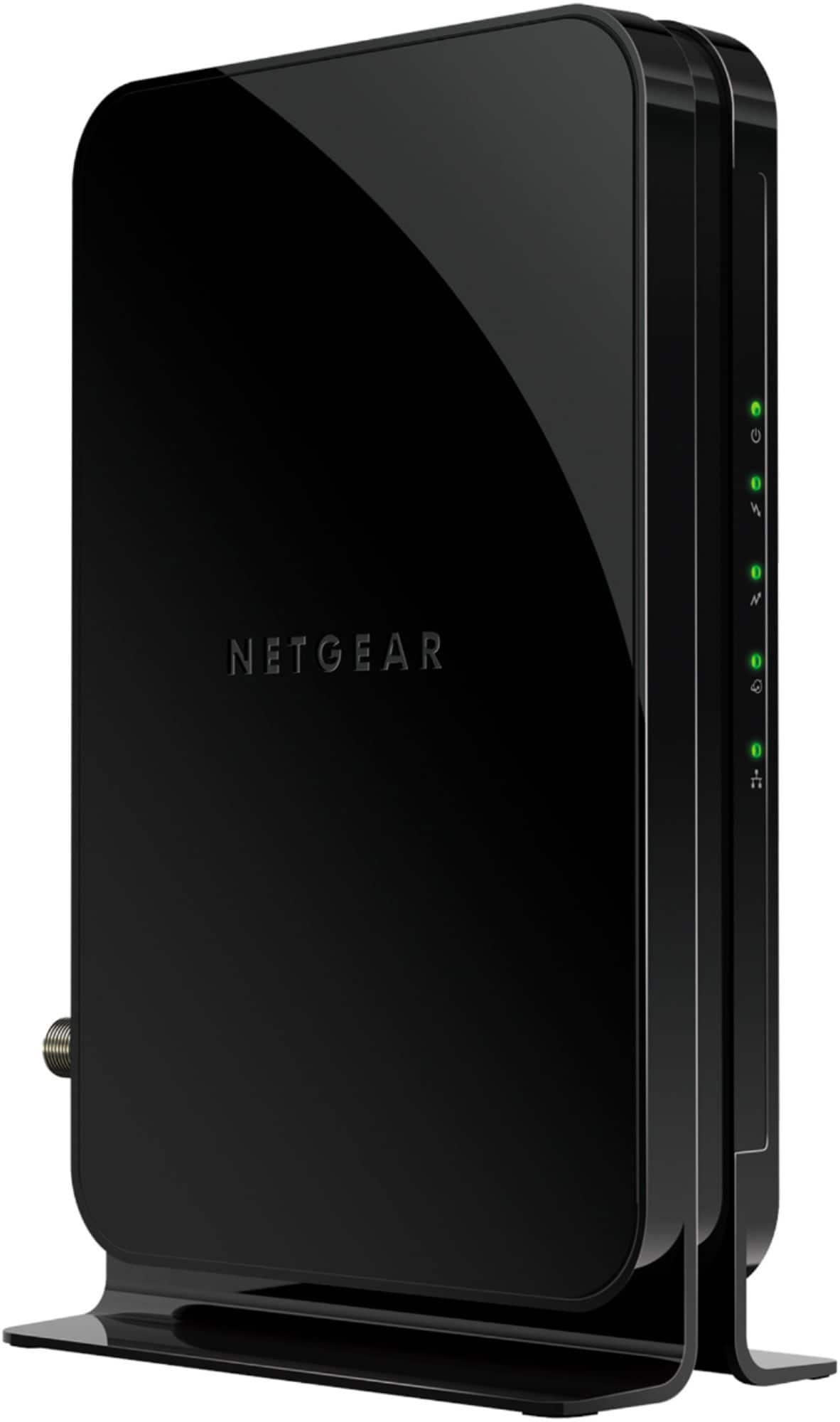
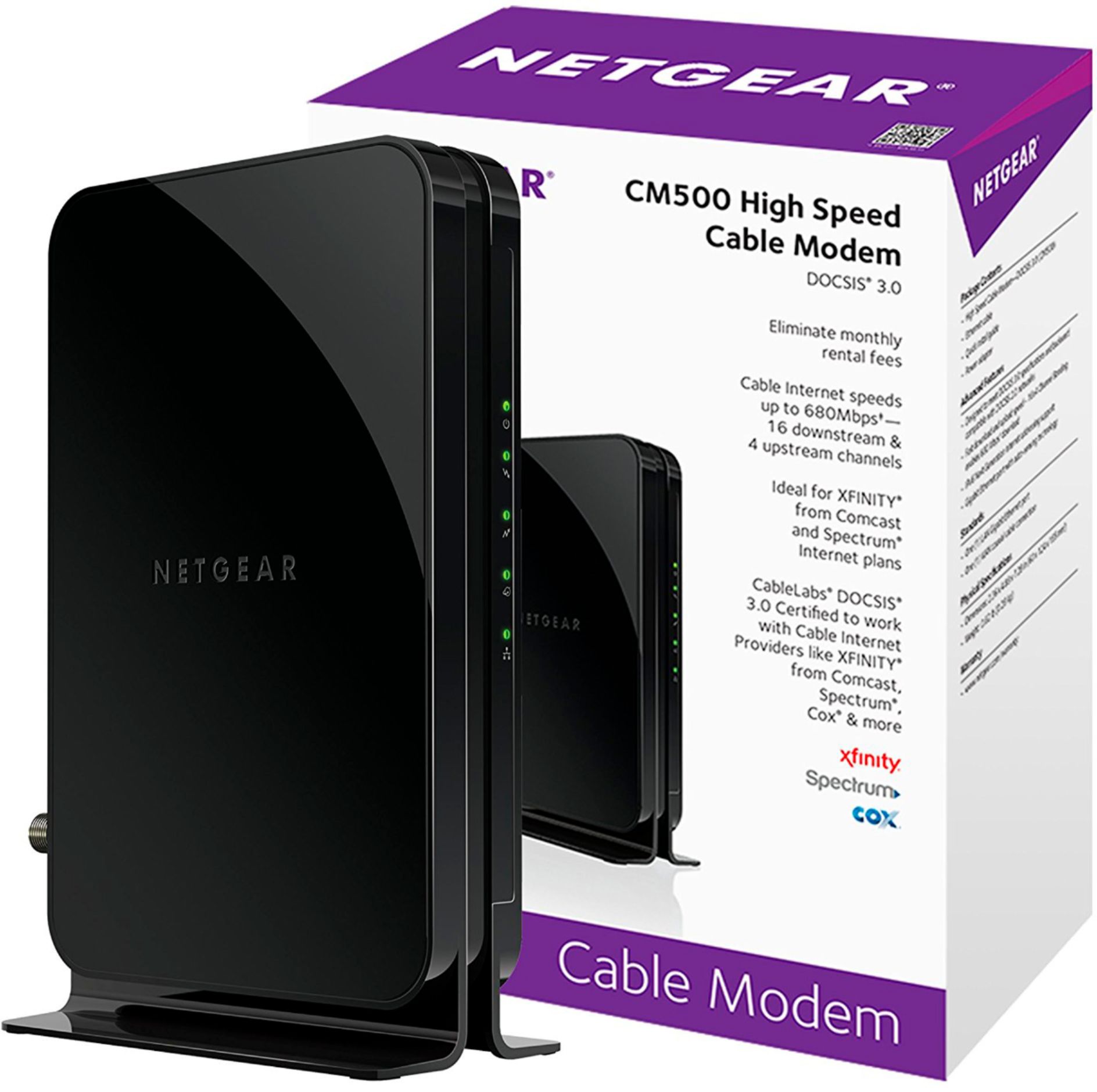
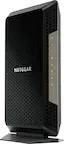
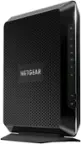
A:AnswerThe Netgear CM500 does not have Wi-Fi built into it natively, so you will NOT get a wi-fi connection from it directly.
If you have another router or switch (that the wireless access point is connected to AFTER the modem) - verify that they are connected and configured correctly to talk to the Netgear modem.
(Example - when I replaced my modem and router, ALL my network devices got a different IP addresses because the DHCP settings changed. So I had to verify and/or adjust
the network settings on every single device in my network.)
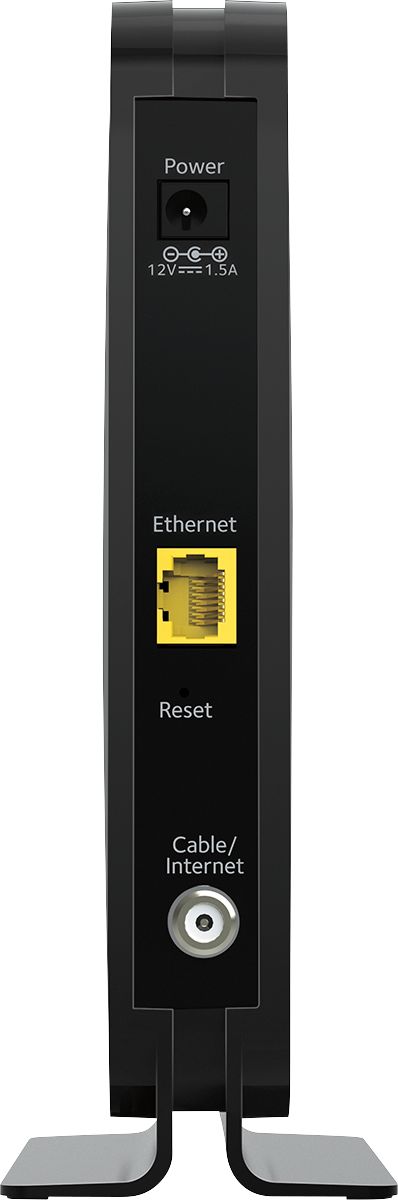
A:AnswerYes, you need a router - usually a wireless access point. The cable from your Internet provider goes into the cable modem and it attaches to the wireless access point via Ethernet cable.
You will need to register your MAC address of the cable modem with your provider. You should then be able to wirelessly connect with any wireless enabled device- tablet, TV, laptop etc.
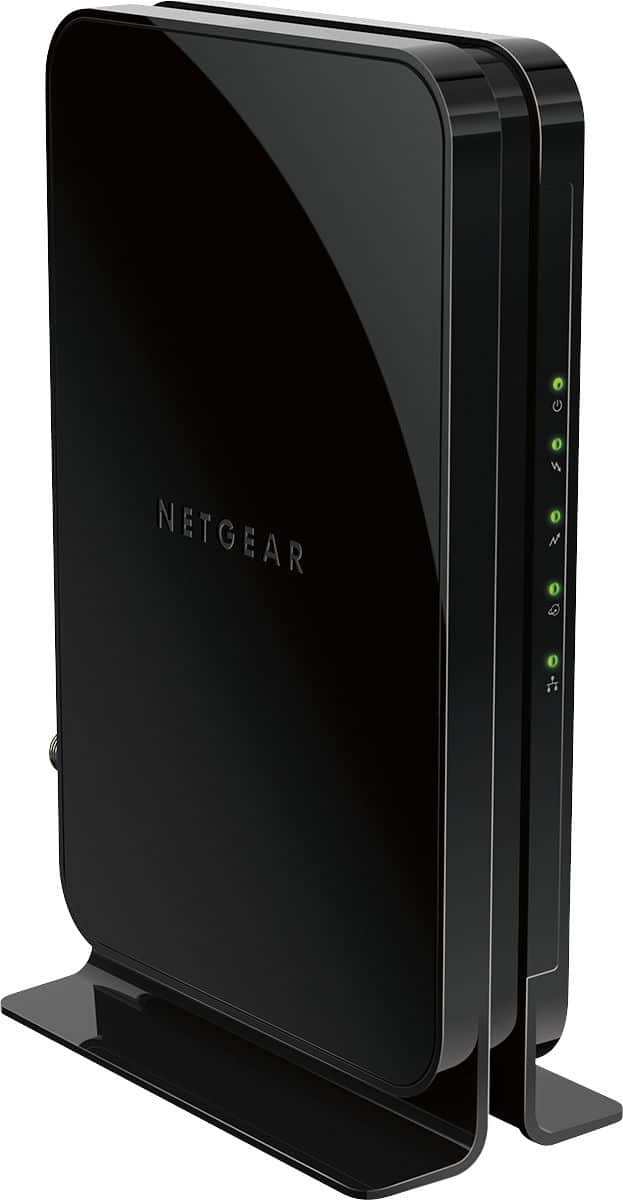
A:AnswerThe modem isn’t what carries the devices. This the router. The modem however is running flawlessly and at a high rate of speed. I also I have the Netgear AC1750 router. Together I’ve been running up to 11 devices at one time. Typically 7. Running flawlessly
A:AnswerAs far as I can tell, cost. I am happy with the 500. I haven’t looked at the 600, but did consider the 1000. The CM500 is performing very well.