A:AnswerYou will need a modem, which is provided by the fiber company. This modem MIGHT already have the router and wireless built in. In which case you have all you need. But, if the modem is ONLY a modem, then you would need to buy this router / wireless device and plug it into the modem. Don’t worry too much about what the router does. It just allows multiple things to connect. This device, by the way supports both wireless AND direct computer plug in (with a wire). Does that clarify things a bit? BTW, I am also a cable cutter and have no need for cable TV.
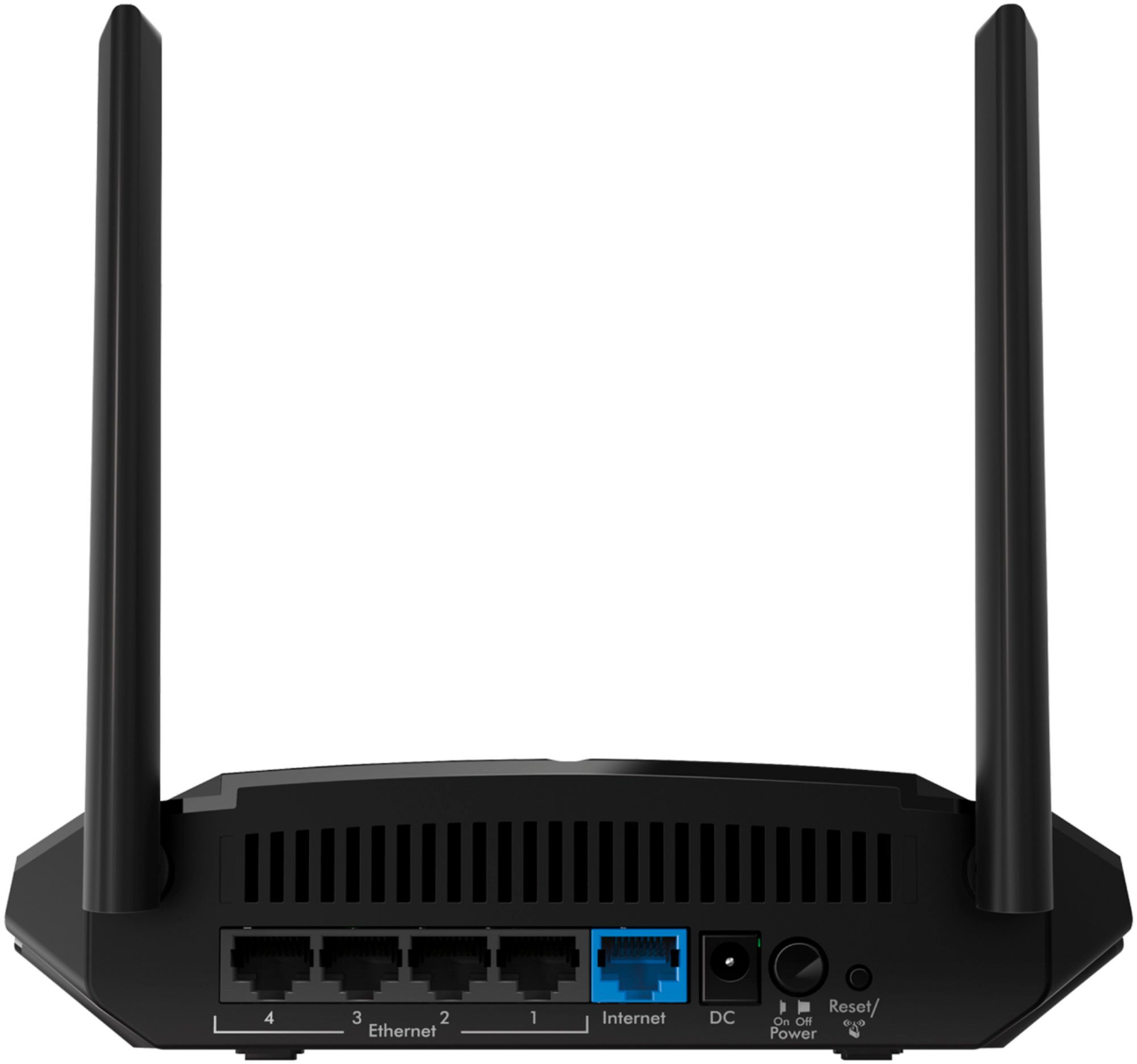
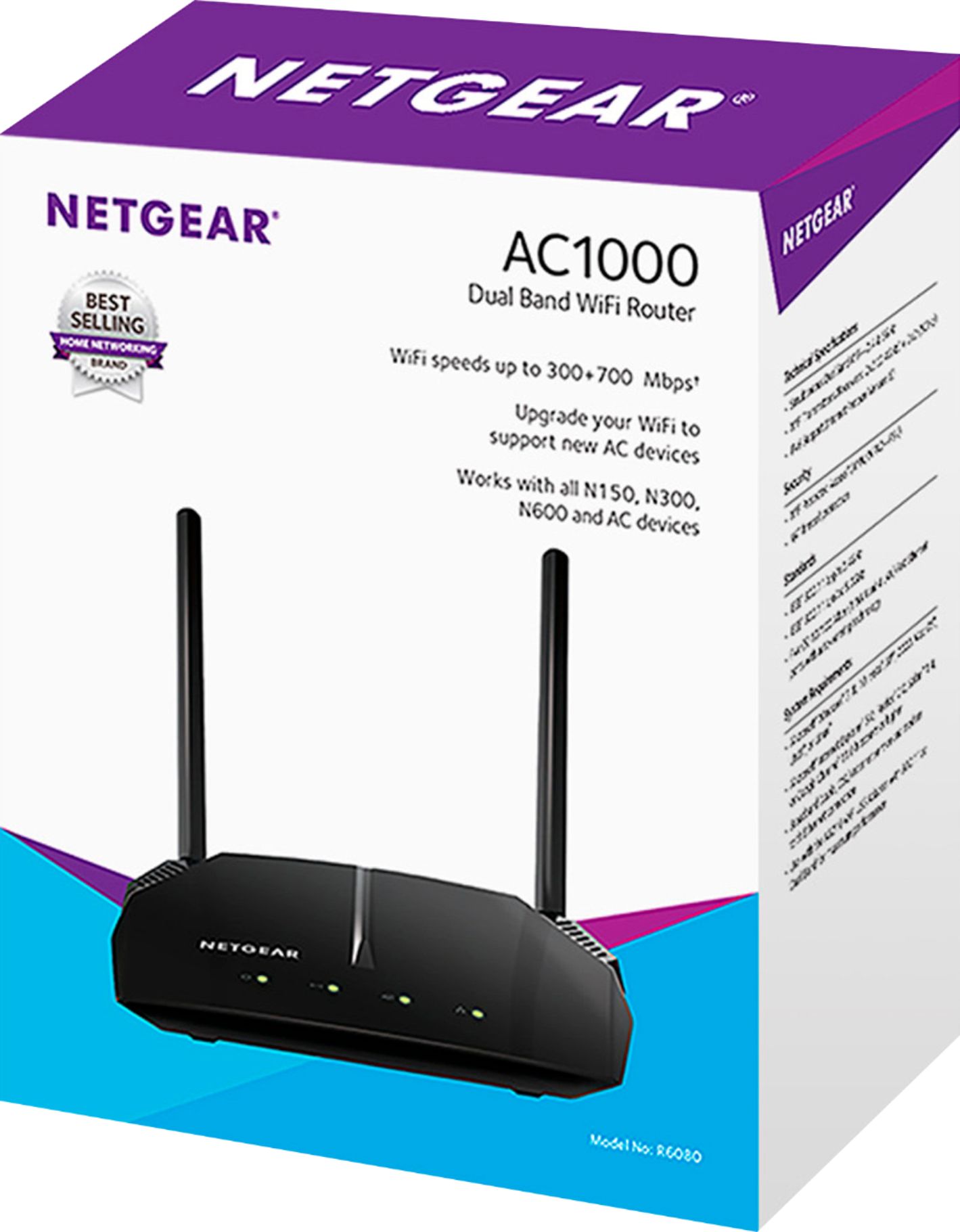
A:AnswerNo. Don't waste your money. I got 150Mbhp from Xfinity and never got more than 100Mbps. Started to doubt this router and then I found out the input Ethernet is actually not supported for 1000Mbps. Max speed for the Ethernet is only 10/100Mbhps, regardless of output speed so-called 300/700Mbhps. Feels like been humiliated by this product. If your input is so slow it really doesn't matter how fast the output speed is. When advertise it emphasis only the output speed.
A:AnswerThis is a wifi router. Assuming your tablet has wifi capability (I don't know any that do not!) you can connect to this router. If your router is connected to the internet (via ethernet cable to an internet modem) you will be able to connect to the internet. Remember this is a router, not a modem. So you can not connect it directly to your internet ISP source. If you have a modem from your internet provider (like ATT, Uverse or Spectrum Cable) you would connect this router to that modem.
A:AnswerThat’s exactly what I did. Just plug it into the Spectrum modem and you’re ready to go. I would recommend getting a dual band, or tri band, router so you can have both 2.4ghz and 5ghz bands to give you a little more flexibility. The fire stick will use 5ghz but many home automation devices still use 2.4ghz. I use an ASUS AC3200 tri band.
A:AnswerThis is a Router so you will need a modem to connect to the DSL line and then from the modem to the router. If you have a modem router combo then this is not the product for you.
A:AnswerIt may not be the router, it may be your ISP. If you have a weak signal where you normally use your device, the other option rather than buy an extender is to relocate the Wi-fi router. Center of the house is best, away from a wall. If your wireless speed is good enough next to the router, but you still can't get a good signal away from it, an extender might work. Depending on how old your router is, it might be worth the investment to get a new one. Make sure it supports Wireless-n if your device can handle it, and 5G.
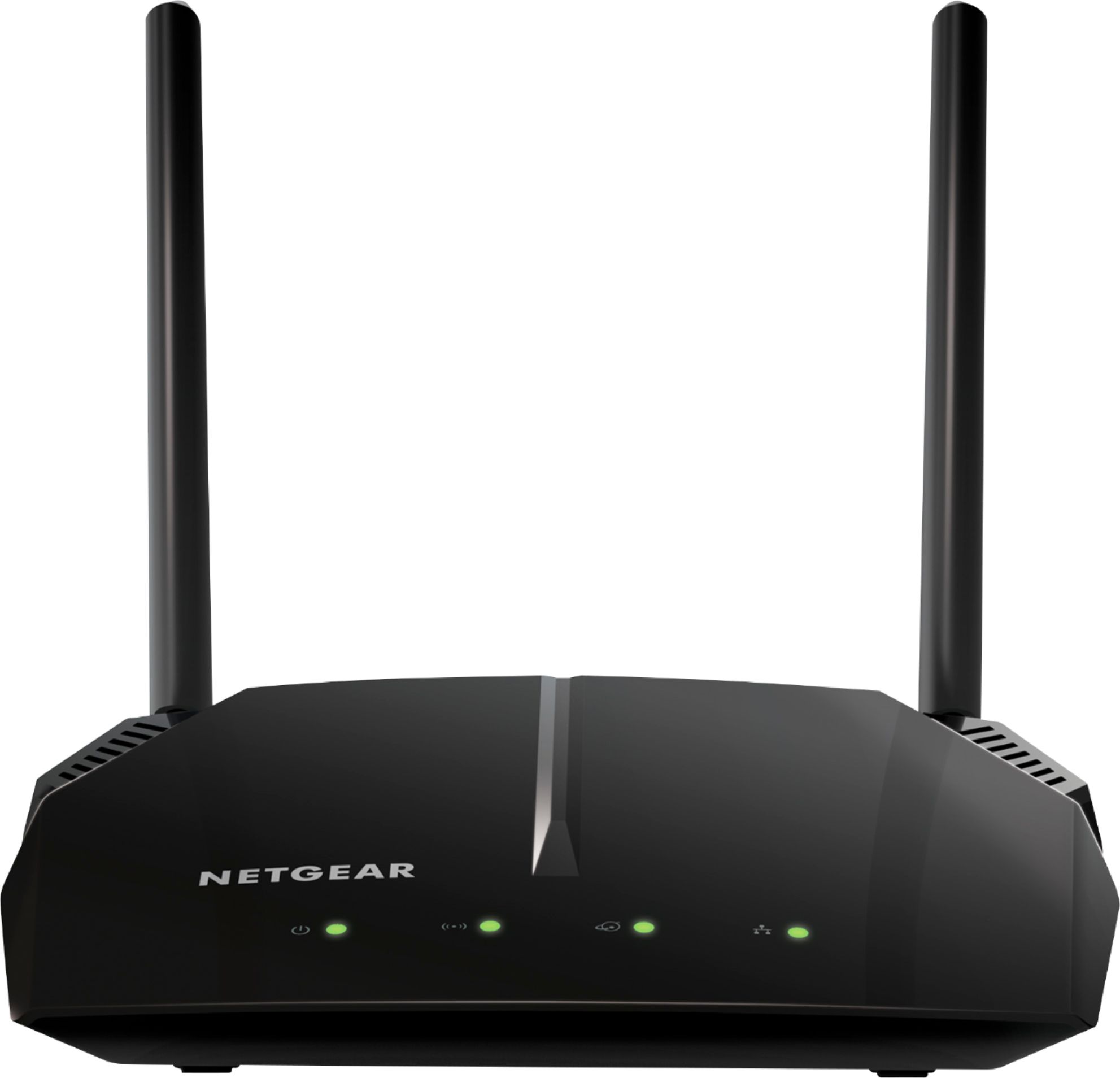
A:AnswerYes, I have set mine in bridge mode and am using it as an access point. I haven't had it very long, but is seems to be working well. No issues.
A:AnswerMy Charter ISP speed is supposed to be 'up to 100 meg' with my old Belkin I could only get 56 speed through that old router. This new NetGear unit gave me nearly 100 speed. Im regularly checking it and its always 95-98 now. Nearly double... I love it.
A:AnswerWe purchased this modem to replace our fios rental. My son has xbox one, there are 4 cell phones, 2 tablets a laptop or 2 and at any given time 3 - 4 televisions going - not 1 hiccup!
A:AnswerYes, you can. I have Spectrum as my internet carrier and it is easy to connect with the wire provided in the NETGEAR box. Just plug it into the back of your Spectrum modem.
A:AnswerMine didn't even work. I have to return it and I'm having a hard time, since stores are closed and when I call it takes to long to communicate with them. I haven't been able to communicate with them to know where can I return this item.
A:AnswerYes, but it will be slow with a small range. Better to opt for the more expensive Netgear model. I tested the speed compared to the more expensive one and it’s a big difference.
A:AnswerYes. I have Verizon fios. It works much better then Google mash. But the speed is 50 by 50. Even it says on the box much more. So the answer is Yes it works with Verizon fios