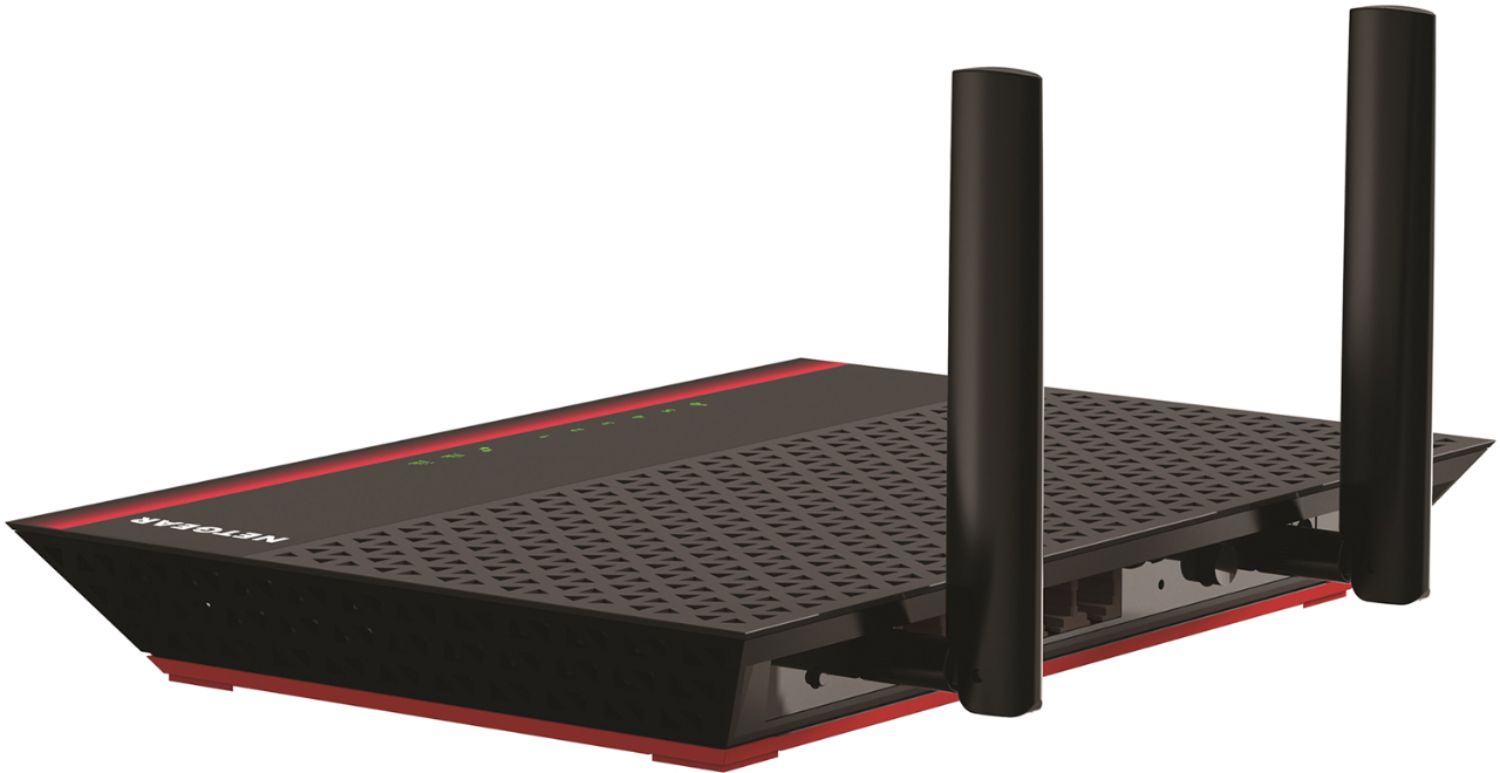
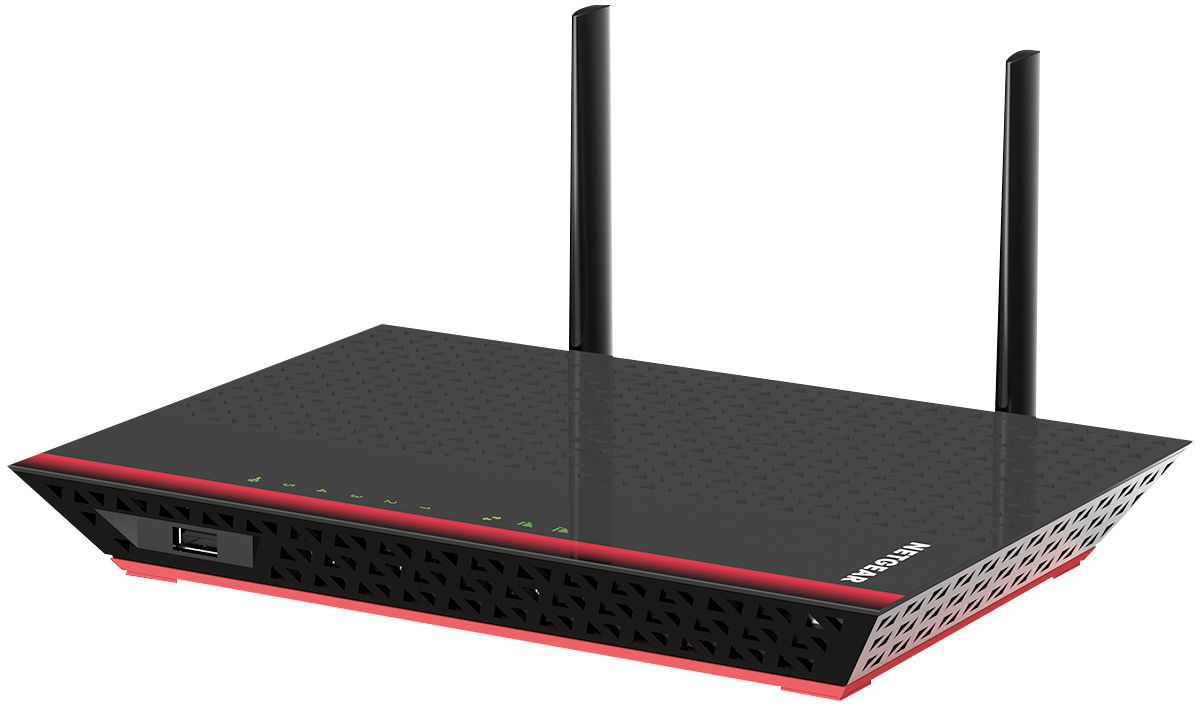
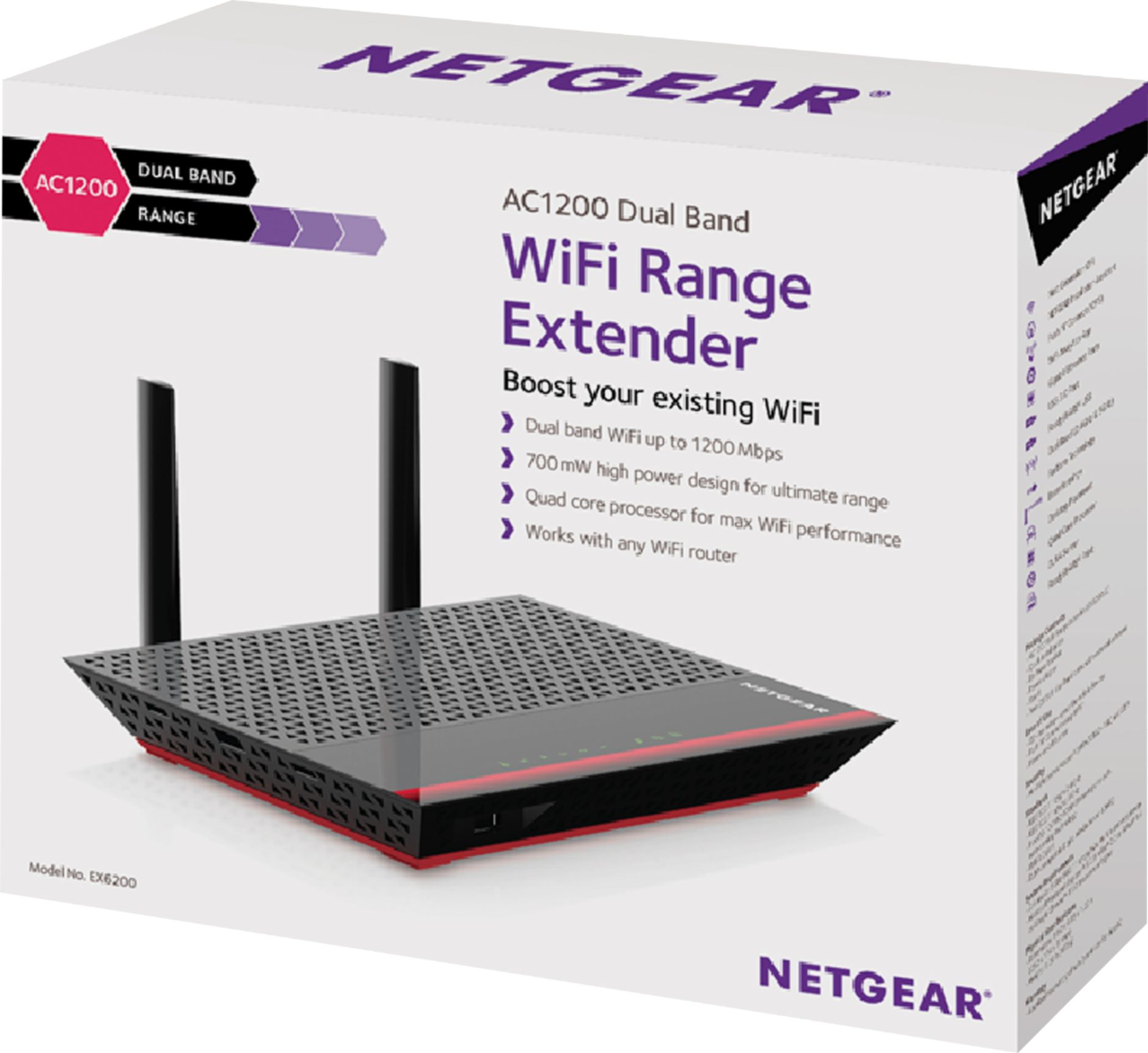
A:AnswerYou should be able to do that. I actually have this unit(Netgear Repeater) in my bedroom wirelessly connected to my CenturyLink modem. Then my PS3 is connected to the Netgear repeater via the ethernet port in the back and it works just fine. So you can always give it a try.
A:Answeris this the speed from your modem? If so, then this unit WILL NOT increase your speed. You have to have the speed increased by your internet service provider. If you do have a service plan where your speed is greater than 2Mbps and you are only seeing speeds of 2Mbps, then you need to contact your ISP and tell them or your issue so they can correct it before purchasing this unit. Any speed that is coming from your ISP's modem will be repeated by the repeater. Hope this helps. Good Luck!
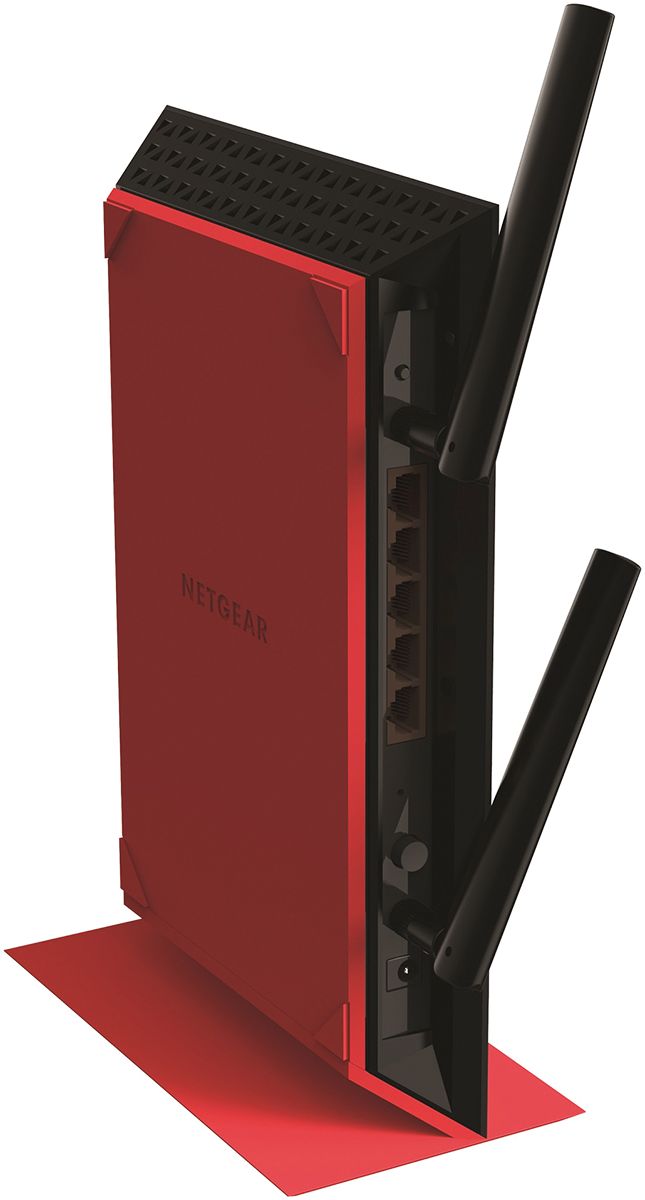
A:AnswerYes. This extender has 5 gigabit ethernet ports that can be used for local devices. In other words, a network signal can travel from cable modem to original router via ethernet, router to extender via wireless, and then finally extender to device via ethernet.
A:AnswerThis extender will work with any wireless router. Follow the extender directions as they guide you through logging into the extender to its configuration webpage, where you log into the router like any other wireless device. Then, on the extender, you set up the wifi name and password of the extender itself.
That way, when you log into the extender with various wireless devices, you are “extended” to the router connected to Optimum.
The instructions provided with the extender are quite clear. Just read them carefully, and don’t rush. That will reduce / eliminate confusion.
Also, be sure to update the extender firmware to get the latest security updates.
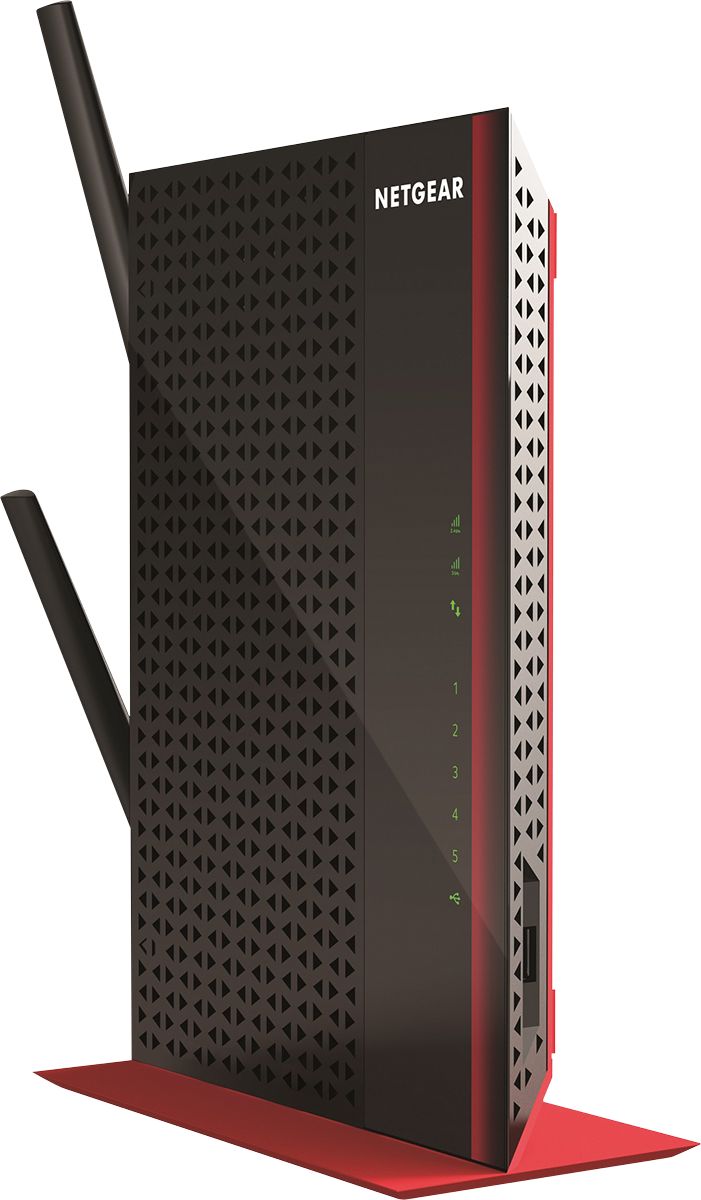
A:AnswerThis extender only extends the range of your existing wifi signal, so if your current wifi only has 110 speed, you will only extend the range in your home or office of that same 110 speed.
A:AnswerAustin, this device wirelessly repeats a WiFi signal to strengthen connectivity in a second radius in your home or office. It also has Ethernet ports that enable connecting devices securely with Ethernet cables (RJ45 jacks that look like larger phone cords).
A:AnswerIt depends on how physically close you are to the main router. It’s signal goes through some walls and floors but bathrooms, kitchens and some floors block the signals which account for one room working much better or worse than the room next to it. You can find a good spot and eliminate that blockage by plugging your Netgear into different locations and picking the spot where the signal is strongest. It finds it automically.
A:AnswerMy kids use a range extender in their room for their ps4's they're both hard wired from the extender. It's been more stable than when they were using wifi from their ps4's to the main router though. Speed is about the same wifi vs hard wired to the extender.
A:AnswerThis extender can be used in a cascading configuration. In other words, the ac3200 would broadcast its wireless signal to the first extender, then the first extender broadcasts its signal to the second extender, the second extender broadcasts to the third extender and so on. Just give all the devices unique wifi names, perhaps the name of the nearest room or section of the house. I have my extender named something like “my-wifi-backyard” since I needed coverage in... you guessed it... my backyard.
Just keep in mind some minor latency may build up as the number of hops increases, but this will only be noticeable by extreme gamers. My single extender feels very fast, as if I am connected to the original router. I have no complaints with this extender.
Lastly, make sure each extender has the latest firmware so you have the latest security updates.

A:AnswerIs it possible to locate the extender In a window of the mobile home, such that you can see it from outside? ...at least while using the internet. The aluminum of the mobile home is very likely the culprit of the weak signal. This model of extender has a powerful signal, but large amounts of metal, such as a mobile home, will unfortunately reduce the effective range.
A:AnswerIt should. Setup without using the WPS button is done through a browser. The device (phone/laptop/etc) is connected to the extender and you are supposed to go to a "website" that will actually be the set up for the extender. The set up includes choosing which router you want to extend the signal of, then choosing a name and password for the new signals. There is also a username and password to keep others from changing the settings, though this can easily be gone around by resetting the device.
A:AnswerThis is an extender, it will only extend your existing connection. If your current router gives you issues, then it may be your router itself (ISP's are known to provide faulty ones). If the issue with your disconnecting stops when you are close to the router, then it may be a signal issue and the extender may help. Use a RELIABLE device to test for this. Smartphones are unreliable. Laptops are more reliable at keeping a connection.