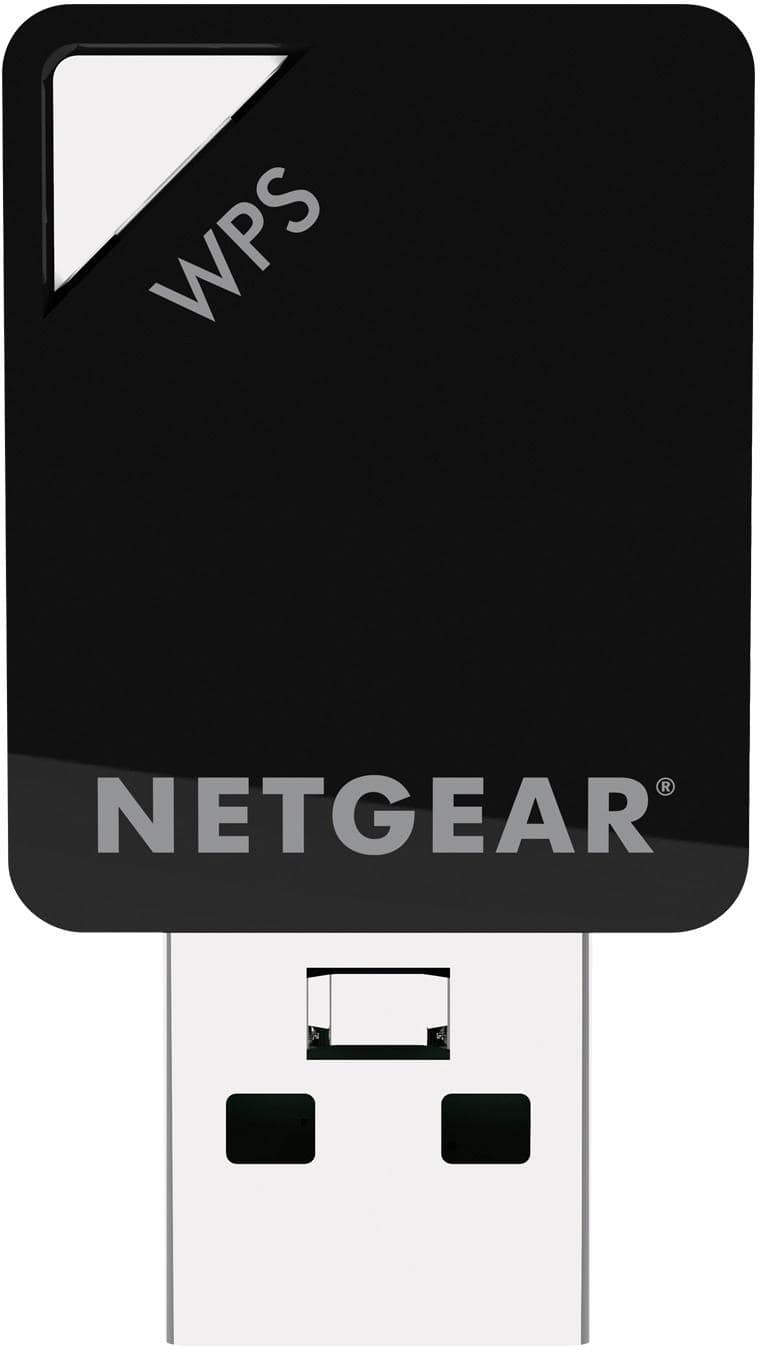
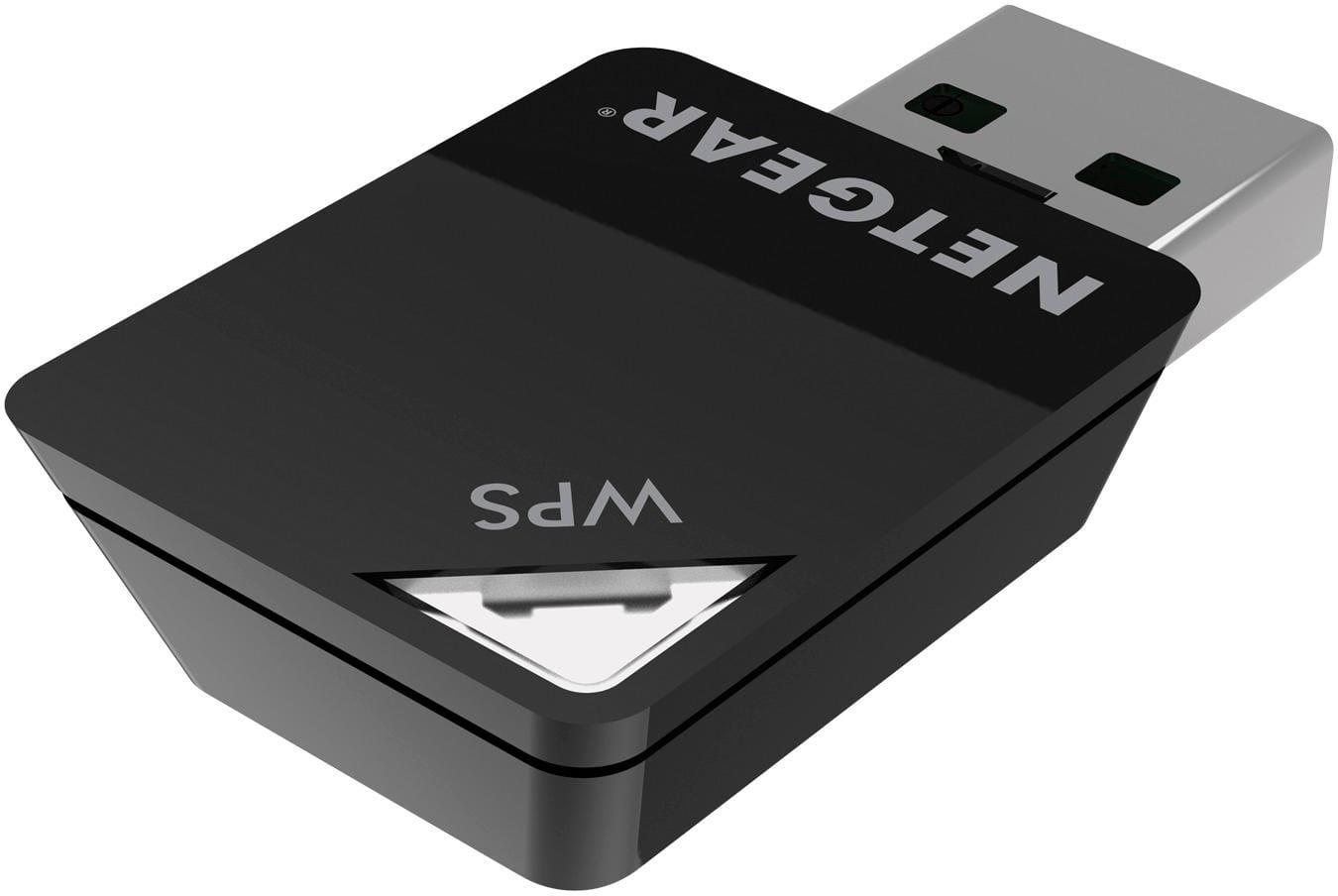
A:AnswerYou need a wireless NIC; either an internal PCI-type card or an external USB stick. If your older desktop has USB type-2 or type-3 ports, this will work fine.
A:AnswerYes... if you have a CD player on your laptop because you have to install the Driver from the installation CD that comes with the product, after installation just plug the device into any USB port on your computer.
A:AnswerI ran into the same problem. You will notice if you open Device Manager (Windows) that the adapter is displayed under network adapters. I right clicked on it and checked for driver updates on the internet. After doing that it works fine.
A:AnswerI think it depends on your laptop. My Dell Inspiron 11 3147 came standard with a slow wireless network card in it. It was only getting 3-4 Mbps on a 100 Mbps network. Added the Netgear A6100 and speed jumped to 60mbps. Do not forget to turn your laptop wireless off before installing this.
A:AnswerThe Netgear A6100 (AC600) does not require that your laptop have a cd drive for installation.. The necessary driver for installation is also available as a download from Netgear support. I bought this yesterday and have a Dell Inspiron 11 3147 which does not have a cd drive. This Netgear A1600 works great with my Dell
!