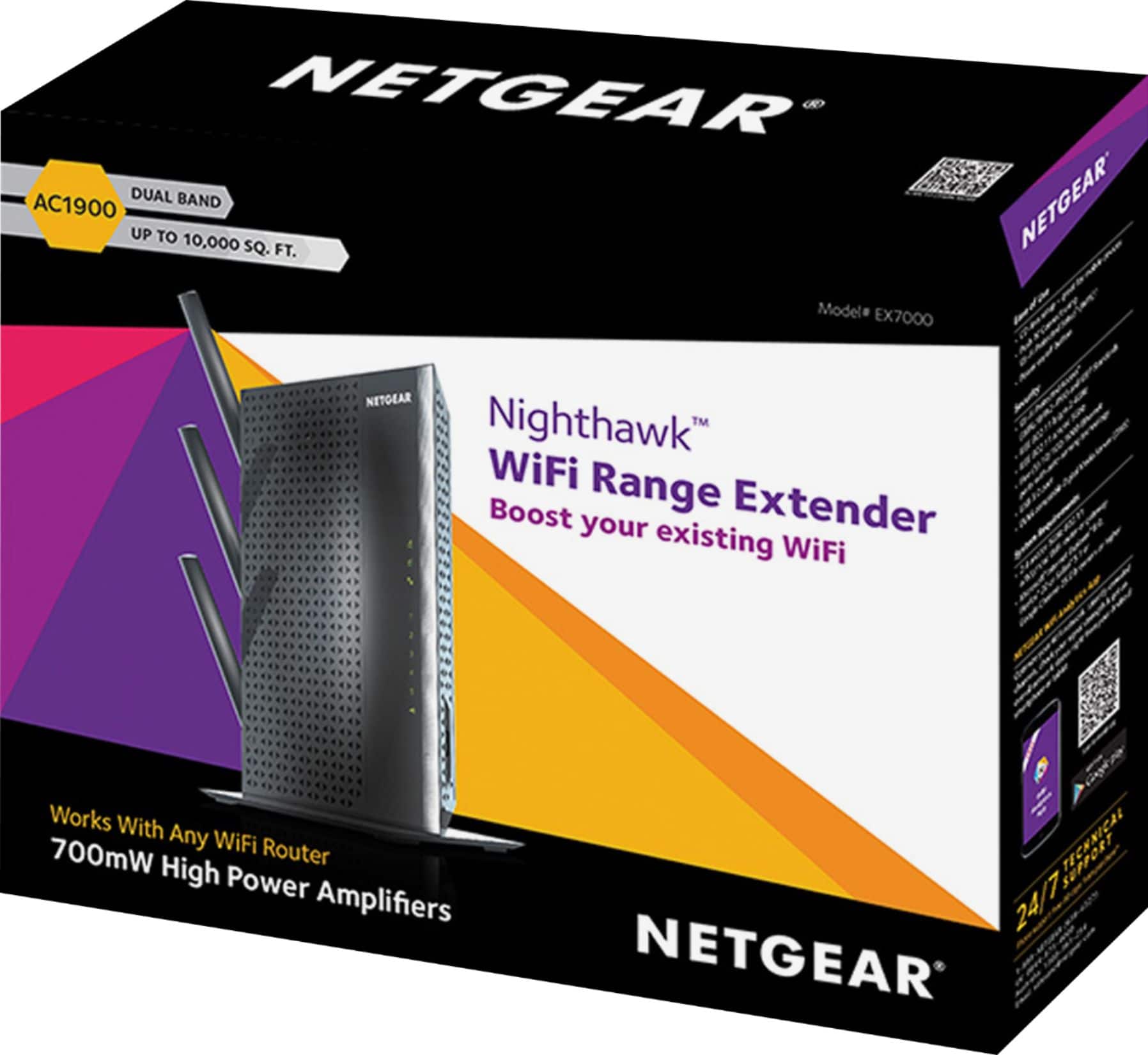
A:Answer For anyone having this issue: Type http://www.mywifiext.net into a web browser. You will need to create an account with Netgear, an email address and a password. *You cannot log into the EX7000's setup without doing that first.* In fact, you can't log in to it without using that Netgear account you created. Big Brother Netgeat needs to watch us, apparently. ;-)
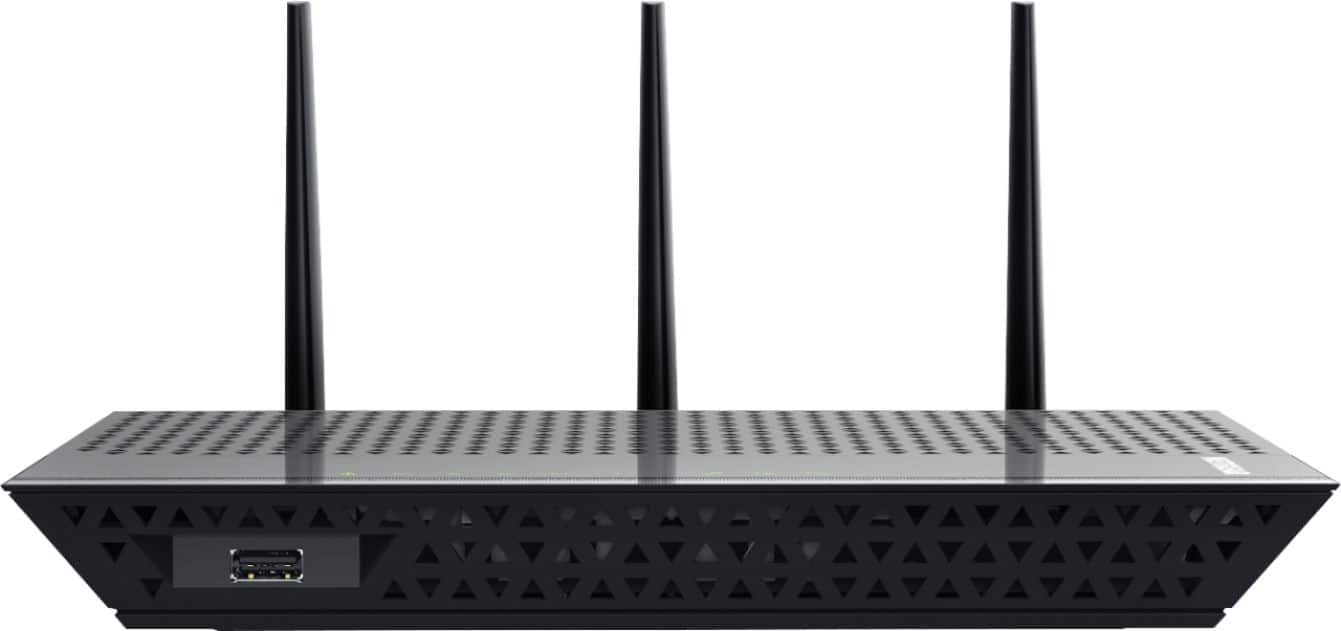
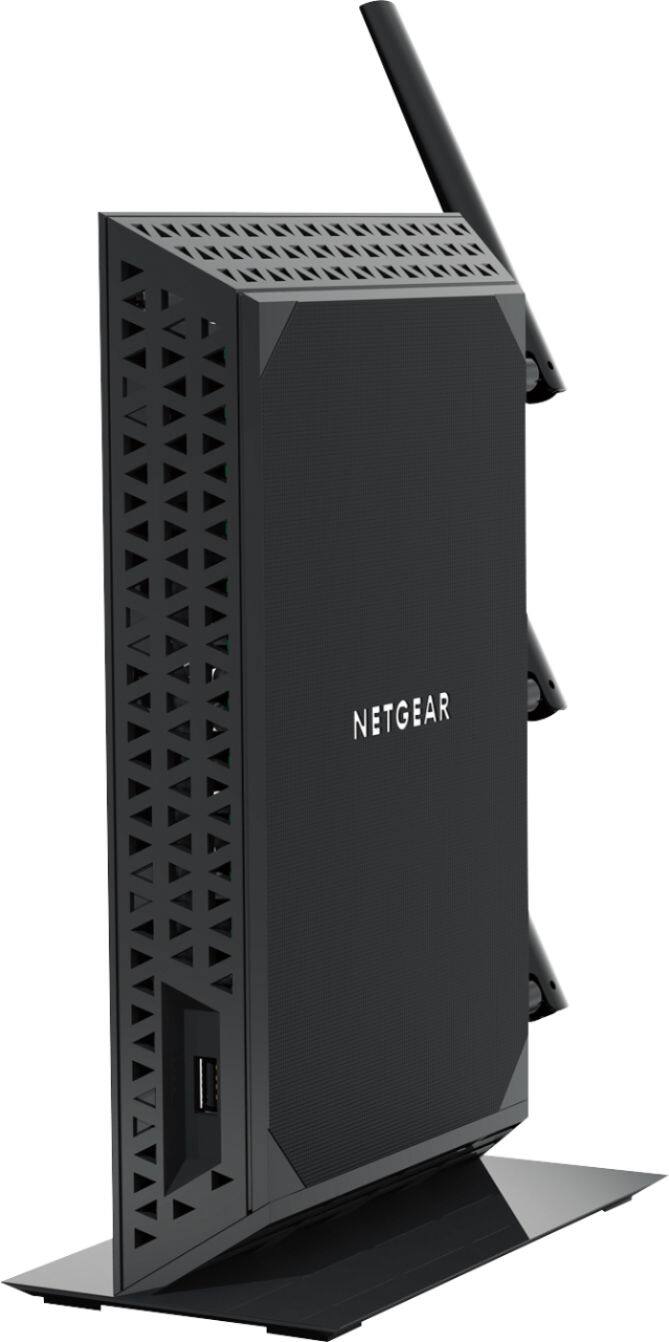
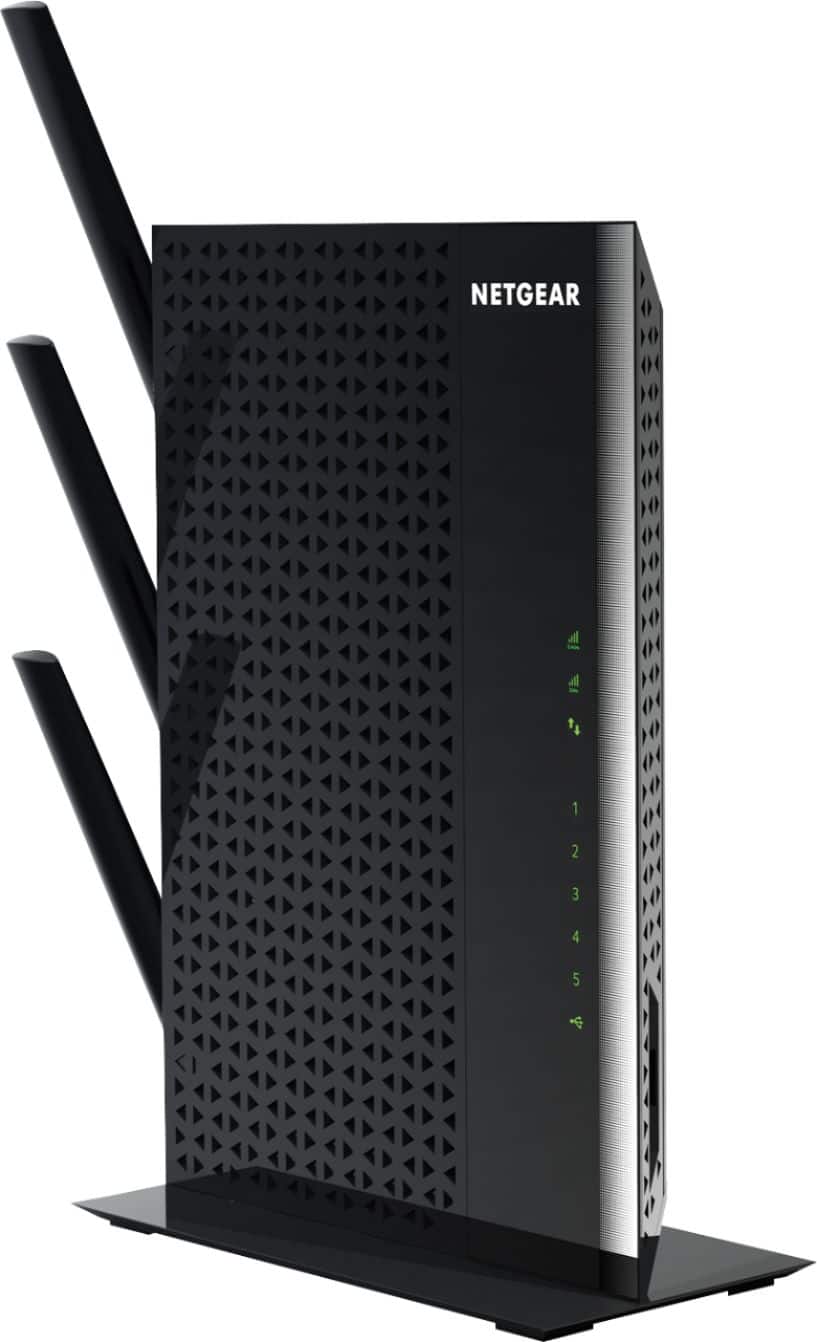
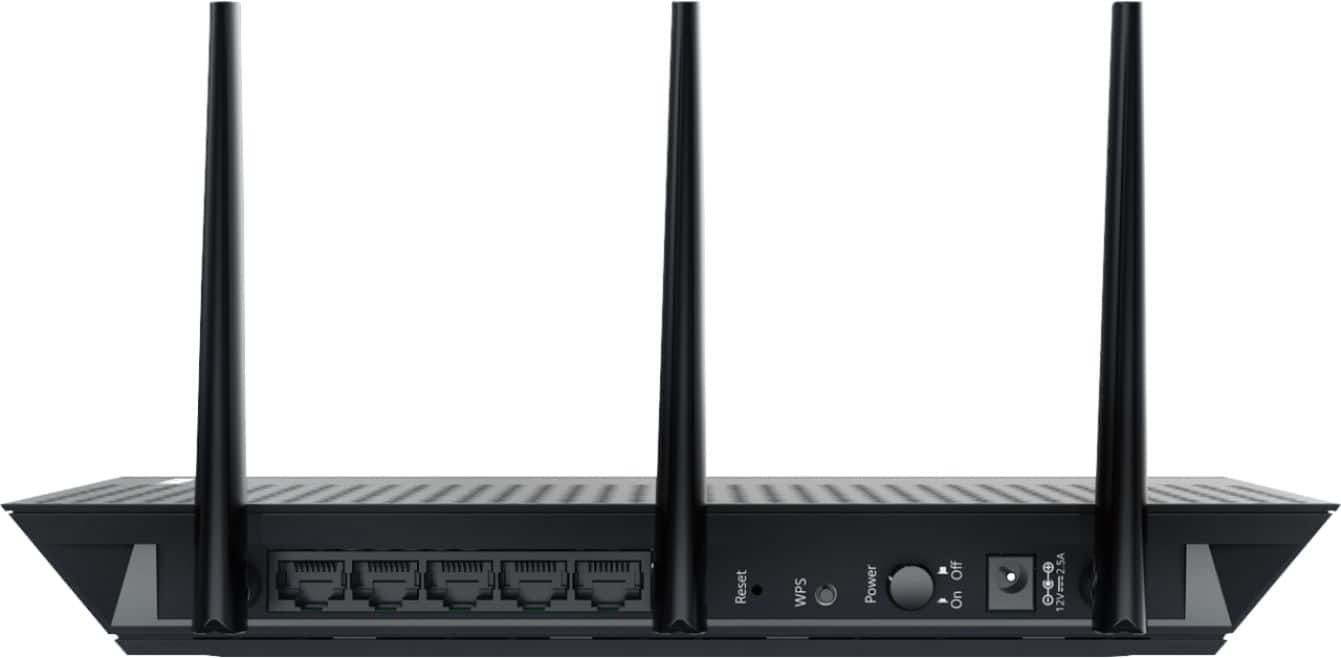
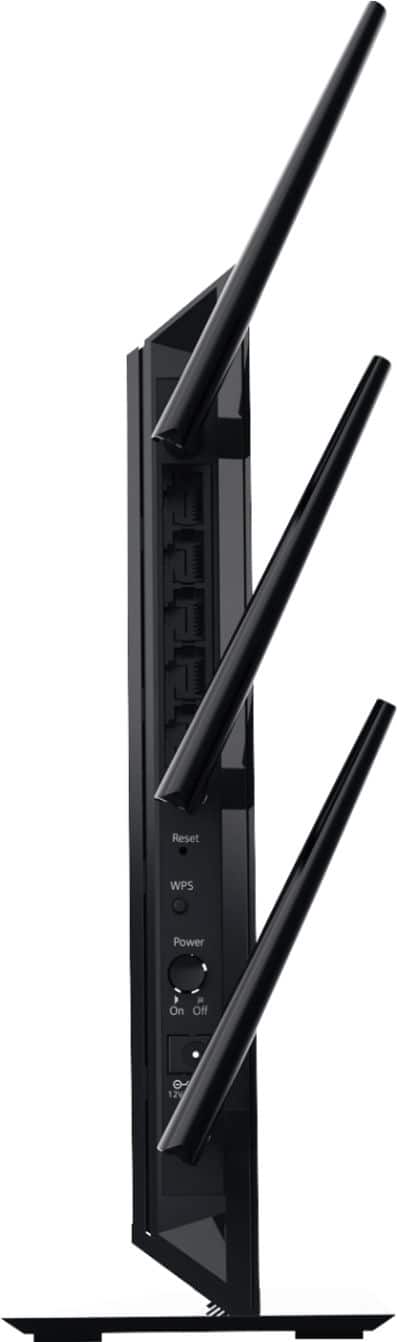
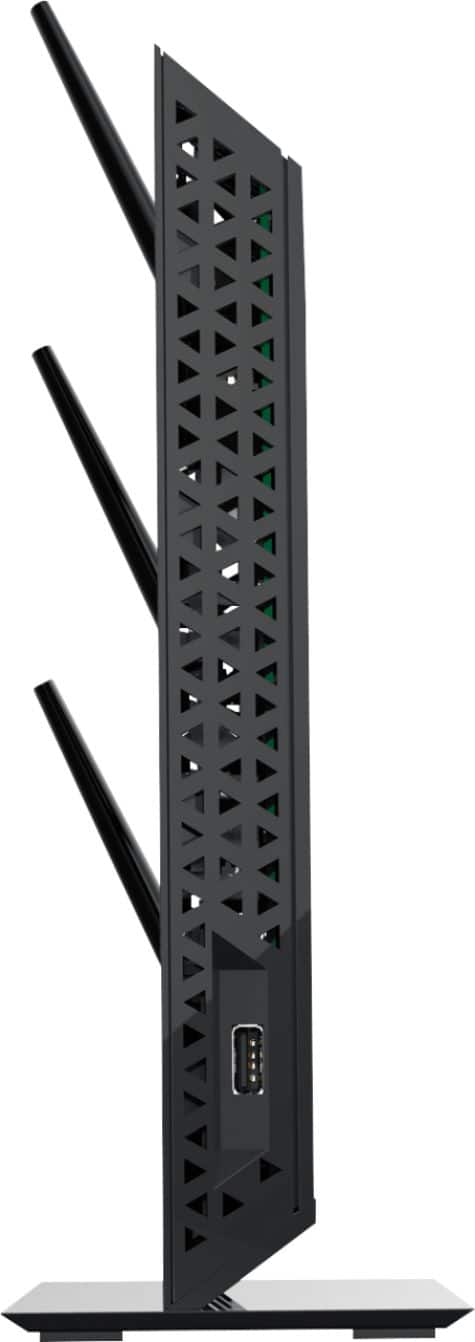
For initial setup, I had the Ex7000 wired to a laptop via ethernet cable per the instructions. I then used the WPS button on each device to connect the Ex7000 to my Netgear R6400 V1 AC1750 Nighthawk router. These two devices connected absolutely seamlessly.. EX7000 picked up the passwords and security for both bands and it was as easy as that. I did not enable FastLane because it doesn't seem necessary for a non-gamer. I live in a huge old Victorian house and the EX7000 is giving the back half of the house excellent signal strength for Roku, laptops, tablets, and phones. Once you get into the Ex7000's setup, you'll see that there's not a lot of things you can adjust in there. Firmware update and enable Fastlane would be the main two. You can adjust the signal strength, but the default on mine was maximum, which is where I left it. There is only a slight speed drop using the Ex7000 without Fastlane, and I'm going to try running things without it for a while, because I'd rather have the flexibility to connect devices to both bands.