A:AnswerWorked OK with an AT&T microcell, not sure if this is the same, but after a catastrophic firmware upgrade failure, it didn't work with anything at all.
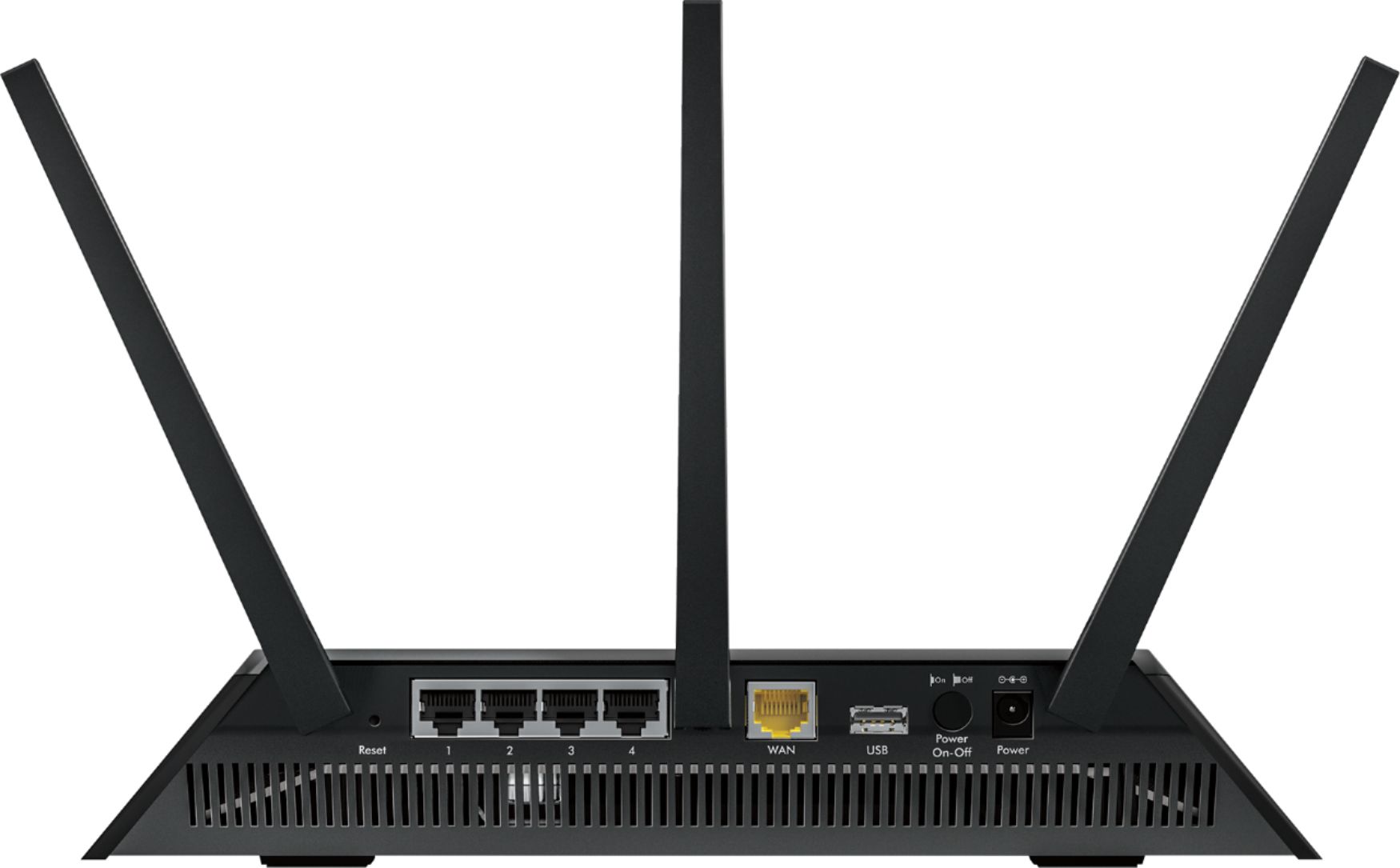
A:AnswerYes, you just have to put your router in ap mode or run a cat 5 out of your modem and into your router then set it up. It isn't hard, I ran mine this way for a while.
A:AnswerYes. Both PPTP and OpenVPN With asuswrt merlin. I use for P2MP.
Notable one of my end points is a Asus AC66R and they function well but it does have a bit less throughput.
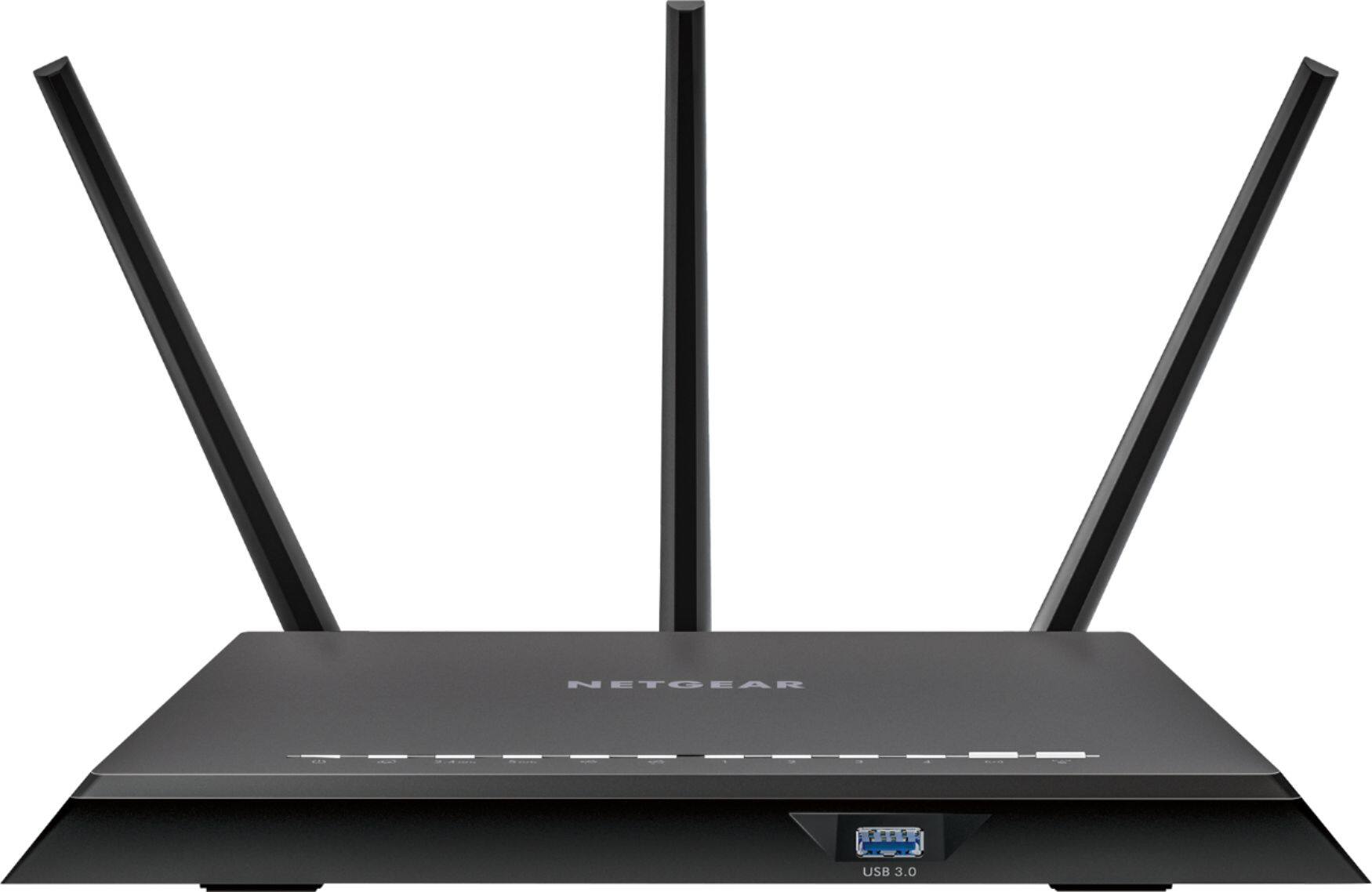
A:AnswerIf you have all of the antennas attached and have the router connected upstairs try to place it closer to the floor. If you have it downstairs, try to place it on a higher surface, and this should help you get stronger signals throughout your house. You can also use the set up website and choose the option to strengthen the router's wireless signal. These options should help resolve your connection problems at home. Good luck!
A:AnswerThis router is sick!! The wifi signal strength will depend on how far you are from the router. We have this thing upstairs and get a strong signal in the basement and even outside in the yard a good 10-20 yards from the house. Set up was super easy!!
Hope that helps
A:AnswerYes. It can also work in conjunction with the wireless on the AT&T box though it is recommended that only one of the wireless be turned on and used to prevent Network conflicts.