A:Answeri have no problem with a new lap top watching Netflix hulu and you tube in three separate windows via a spectrum modem so i would think you will not have a problem is it the best and best performing for the price ease of use and what i run yes hope that helps
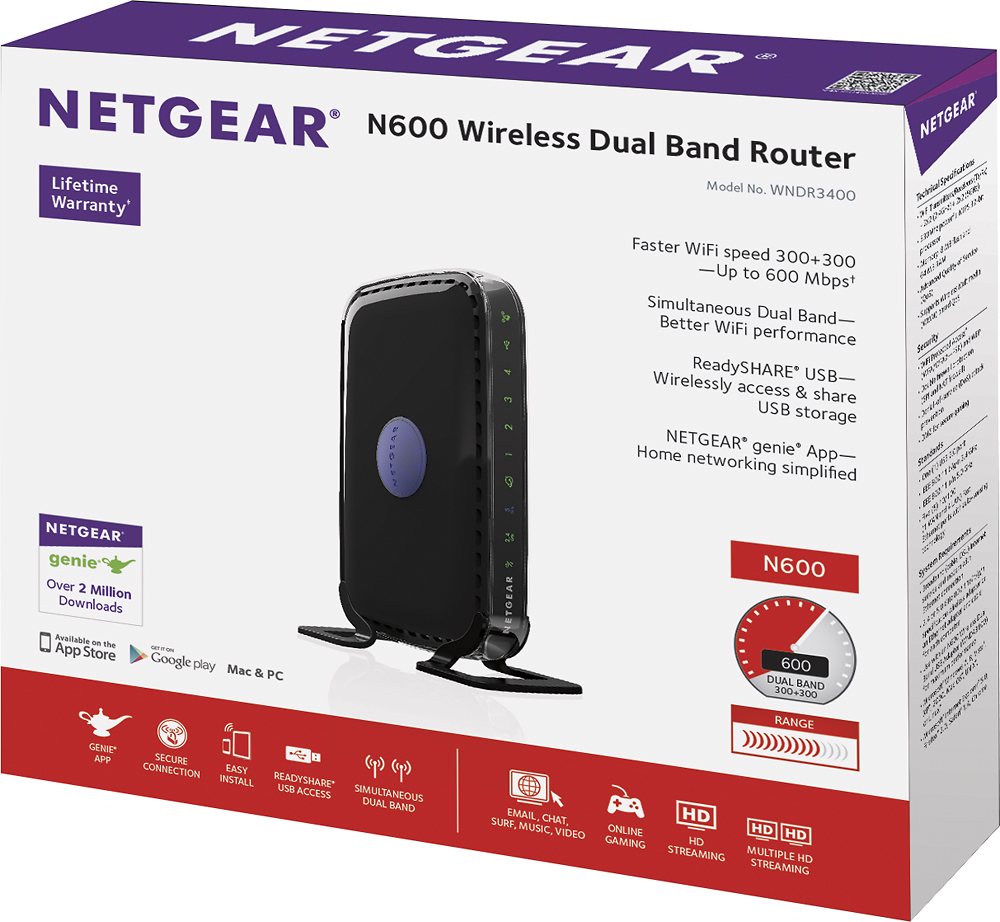
A:AnswerYes. You can (and should) use this router with your existing broadband internet. Remember to then disable the onboard wifi on your existing device (if configured).
A:Answernothing you own it but you still need phone or internet service from some where to connect to that the cost will vary depending on what you want and what service co you deal with.
A:AnswerNothing. No monthly fees at all, ever! This is not a modem, nor does it provide internet service to your home. Its a router *internet sold separately and provided by you