A:AnswerYou will need the router for WIFI. You still have to have an internet connection (either a cable company, satellite company, or local telephone company). You can prepurchase a router which will save you money from whomever installs your internet to save you from purchasing their WIFI router.
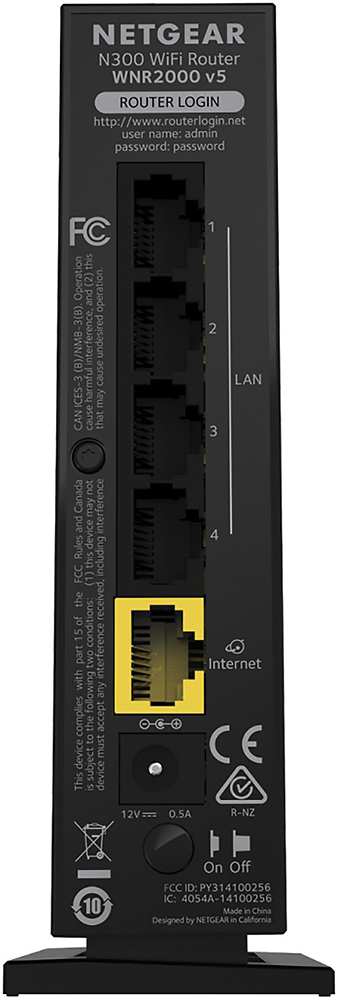
A:AnswerNO This is a ROUTER, not a MODEM. You require the AT&T modem to convert the signal from AT&T. You can then plug your router (if needed) into the AT&T modem. If the AT&T modem has more than one ethernet port, you do NOT use a router. If it has one ethernet port, YOU DO use a router. If you need more than the 4 or 5 ethernet ports provided by a router or modem/router combination, you use a "switch" to expand the number of ethernet ports available.
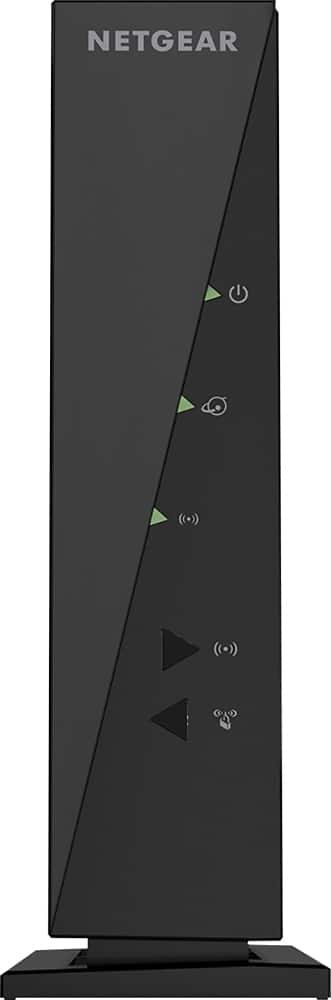
A:AnswerIf you are using a non-wireless desktop system, one of those wires will go from your computer to the back of the modem. Otherwise, put the excess wires in a drawer.
A:AnswerYes, I am using right now you must get a router capable of 200 MG per second or faster. I bought one that is 300 to 600 and it works great. It cost about $98.00 including tax.
A:AnswerYes, you would need an internet connection for the router to work. The router would be like your internal network and just gives you the ability to broadcast your internet throughout your house, so you would be able to use it on more then one device.
A:AnswerI first would like to know how they are providing wifi for your apartment. If they have a CAT5/6 wire coming in then all you would need to do is connect that to the back of the router and then you should be all set, if not then could you please clarify by what you mean by they provide complementary WIFI please.
A:AnswerYes. You need a source of internet to plug-in to the device which will then convert it to wifi and allow you to connect several devices via wifi to your one source of internet. This is what a router does.
A:AnswerA router (which this is) takes your provided source of internet and converts it to wifi which allows you to connect several devices to one source of the internet. There is a default password and username when you first connect it which can be changed once it is set-up. There is a an easy to read manual and quick access guide provided.
A:AnswerI've had routers last 2 or 3 years and others that have lasted until they were so obsolete that I pulled them from service for replacement! A lot depends on cooling and usage. Seven or eight years is a good long life for a router.
A:AnswerI have been using it with TWC 30mbps speed for few month now and I had no issues, but this is just a router so you will still need to buy a modem