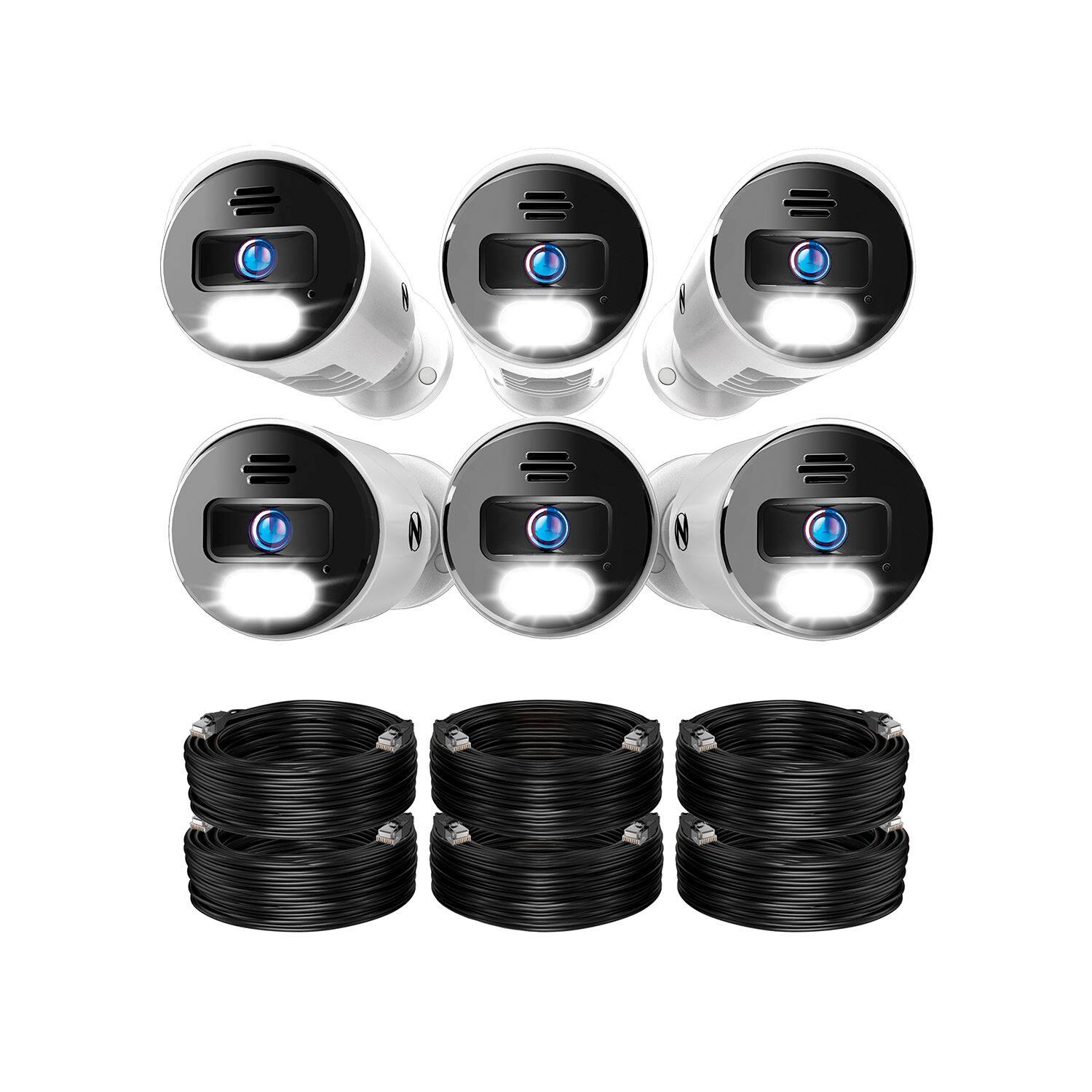
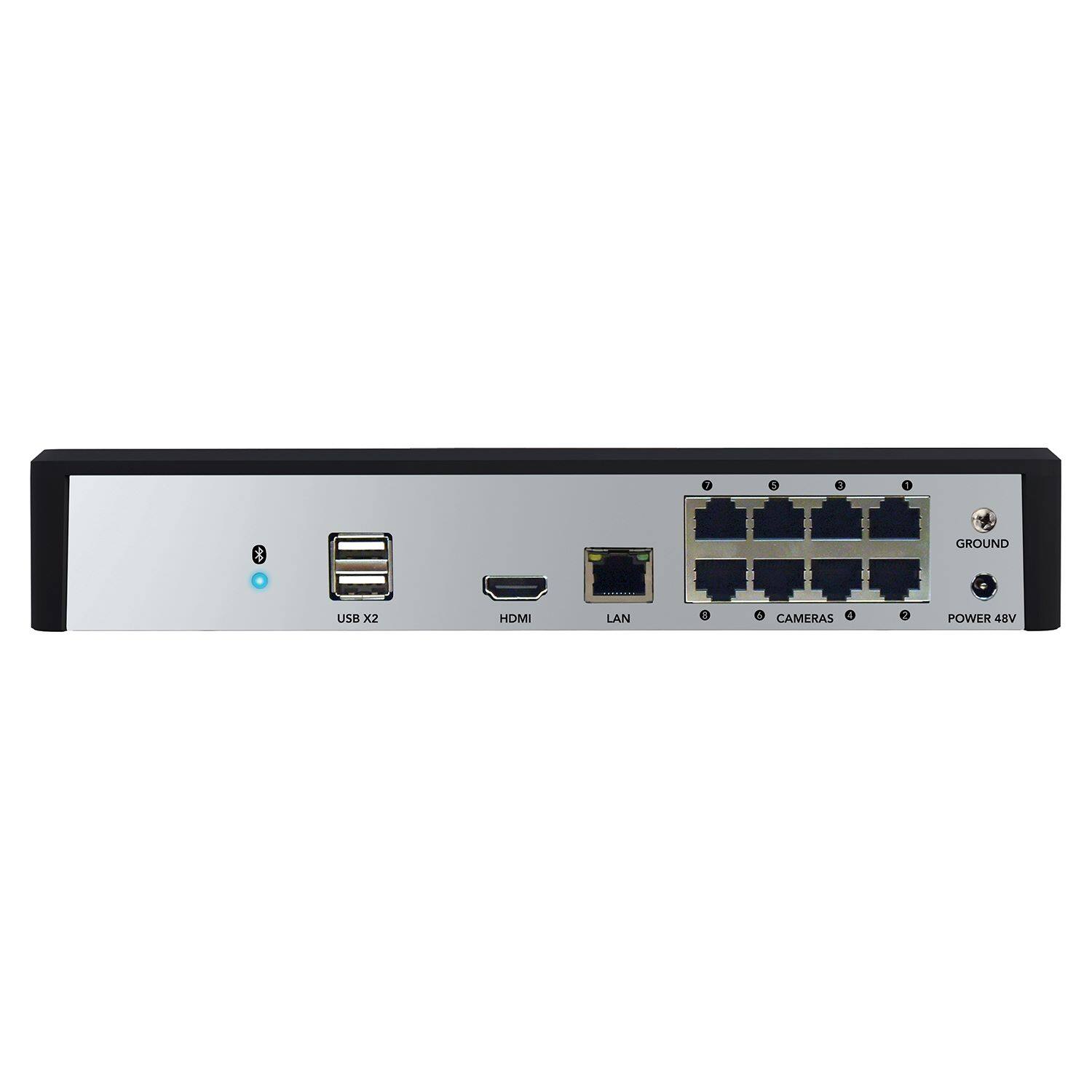
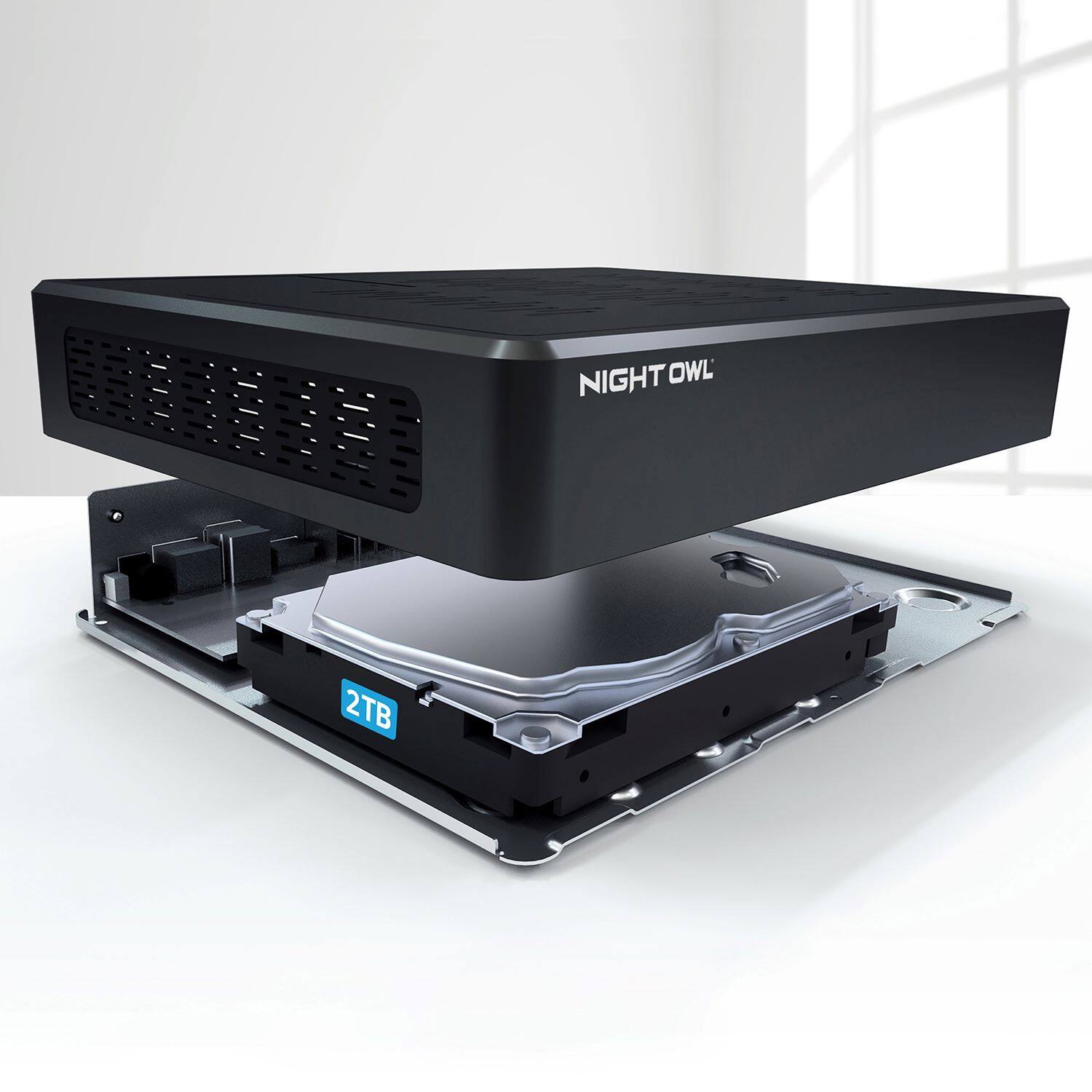
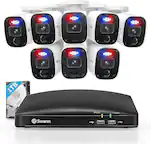
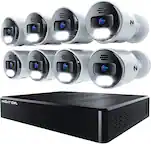
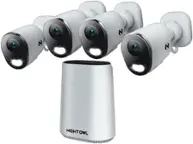
A:Answer6 4K cameras with mounting hardware, 6 black 60' CAT5e patch cables and a mouse + HDMI cable (Both mouse and HDMI are useless and too short by the way, I used my own) Note that typically wireless mice will not work with these systems so be aware. And the NVR with integrated POE switch and a 2TB drive. Also, some crappy short patch cables but again I used my own. It has to be CAT5e or CAT6 so be aware. The NVR software is VERY, almost too, SIMPLE. Not many options.
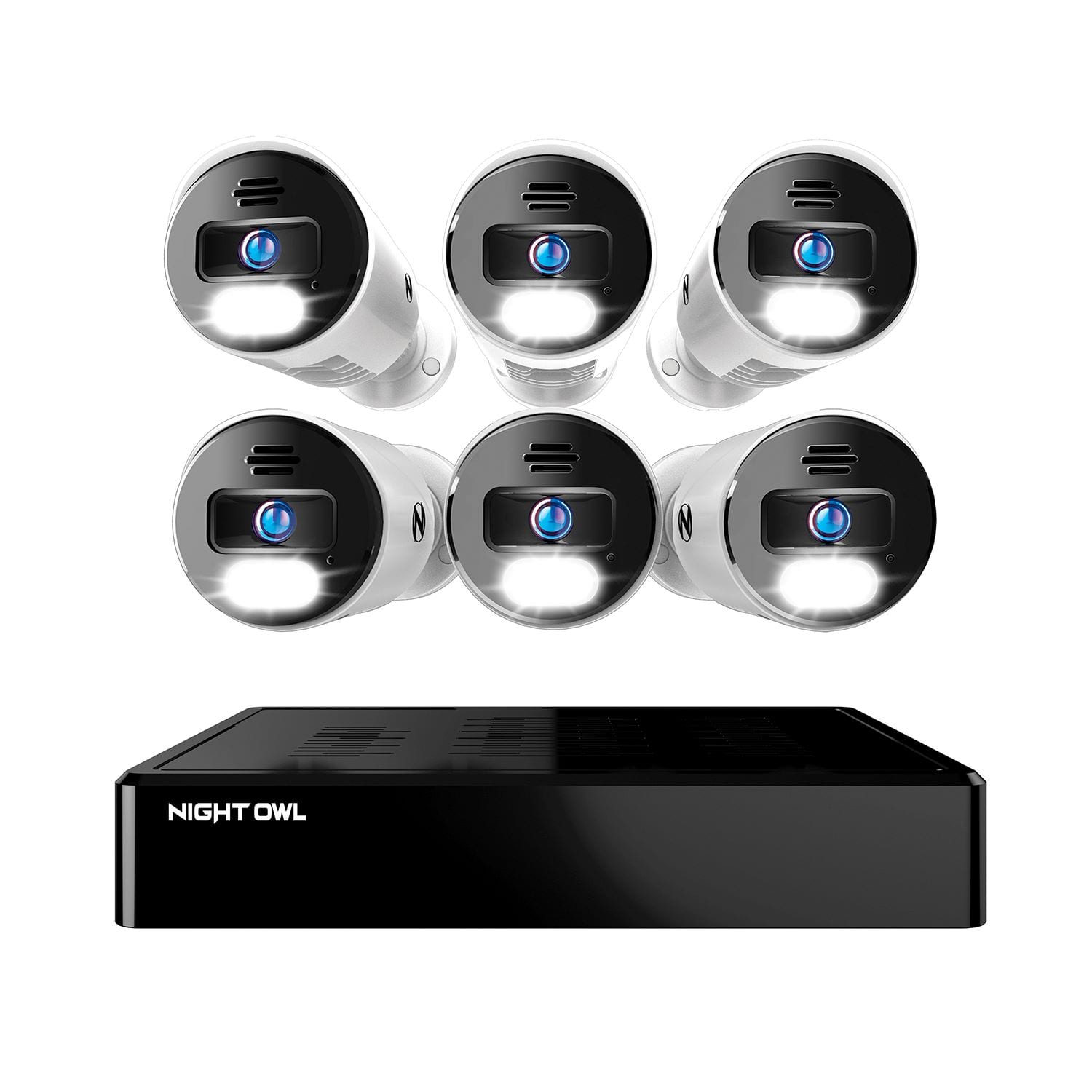
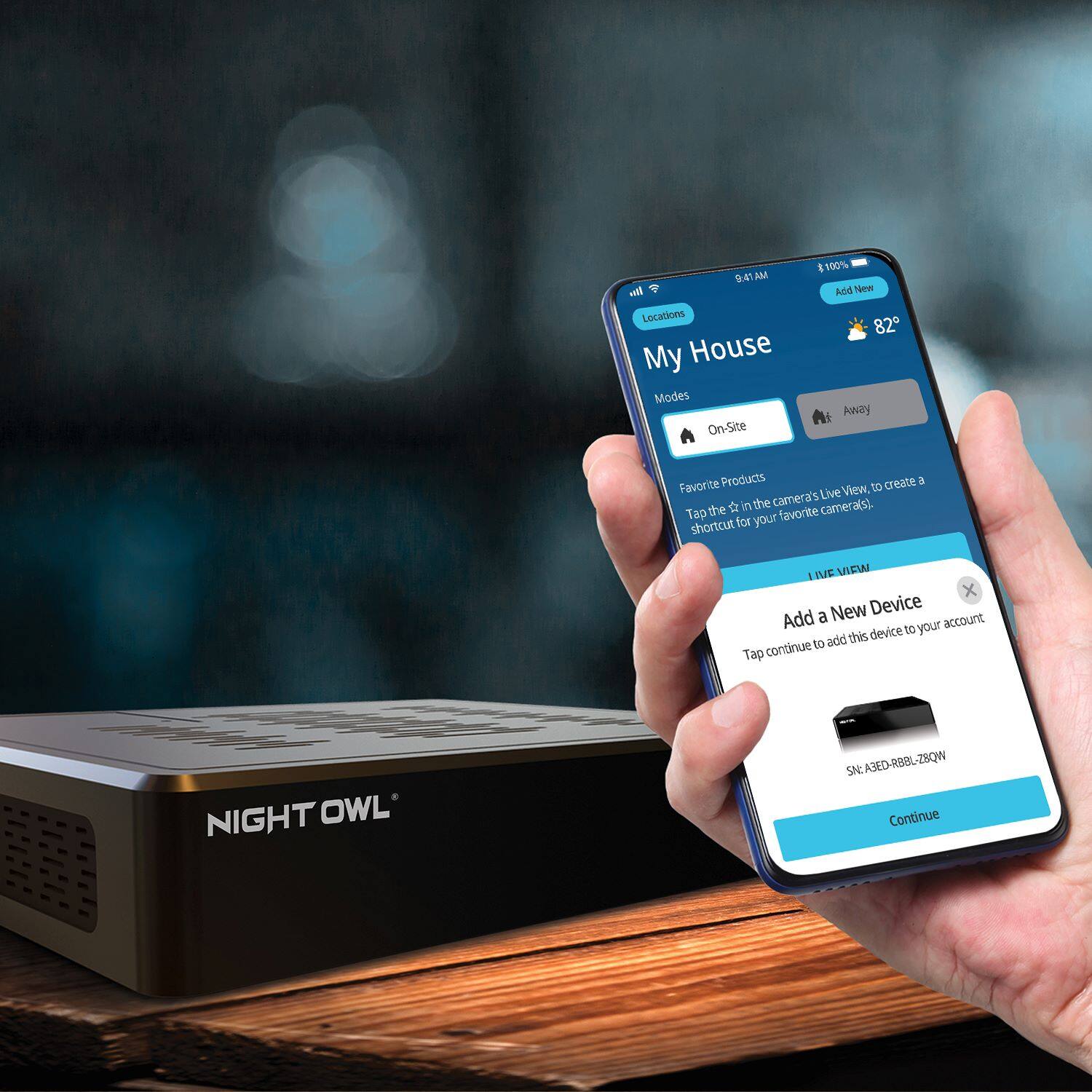
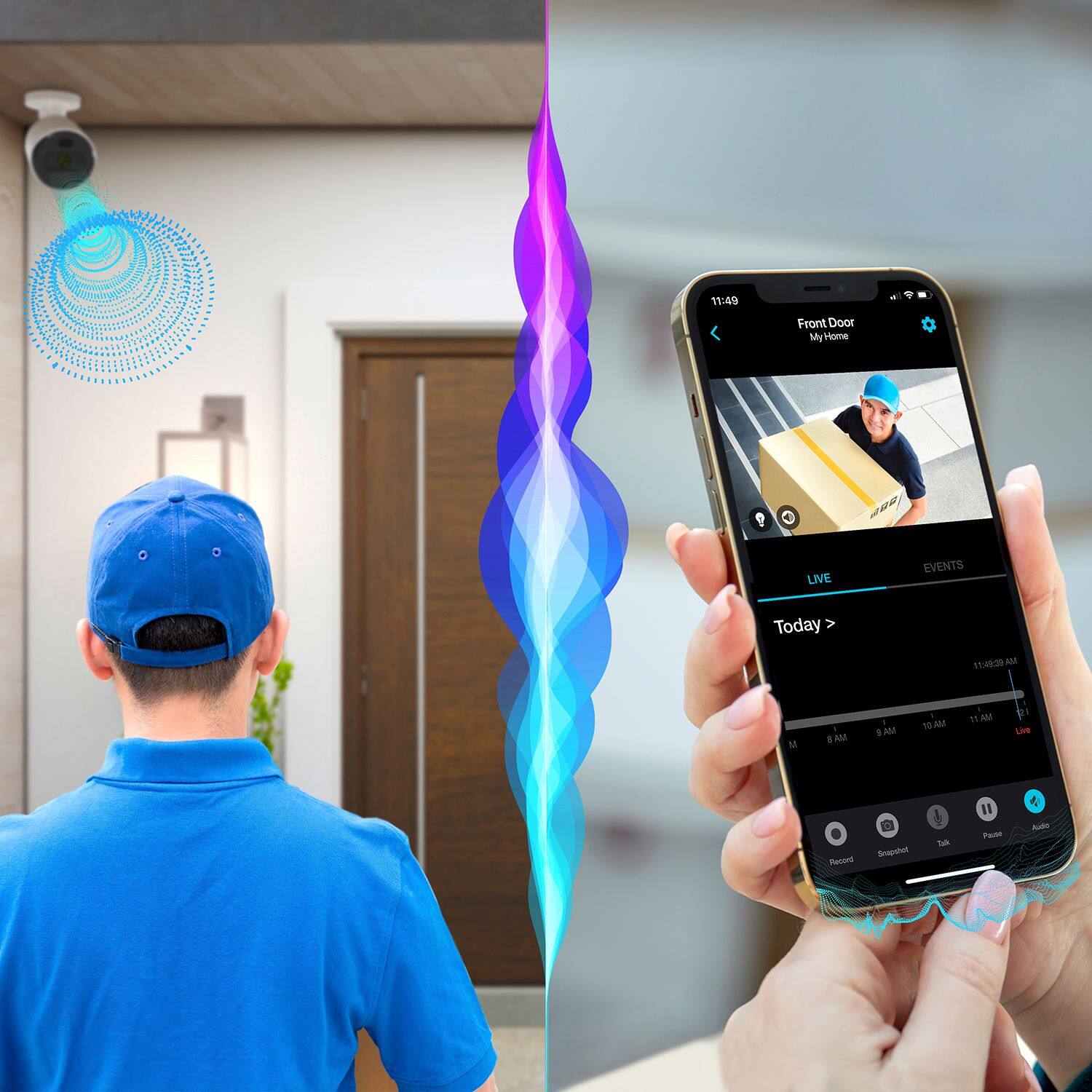
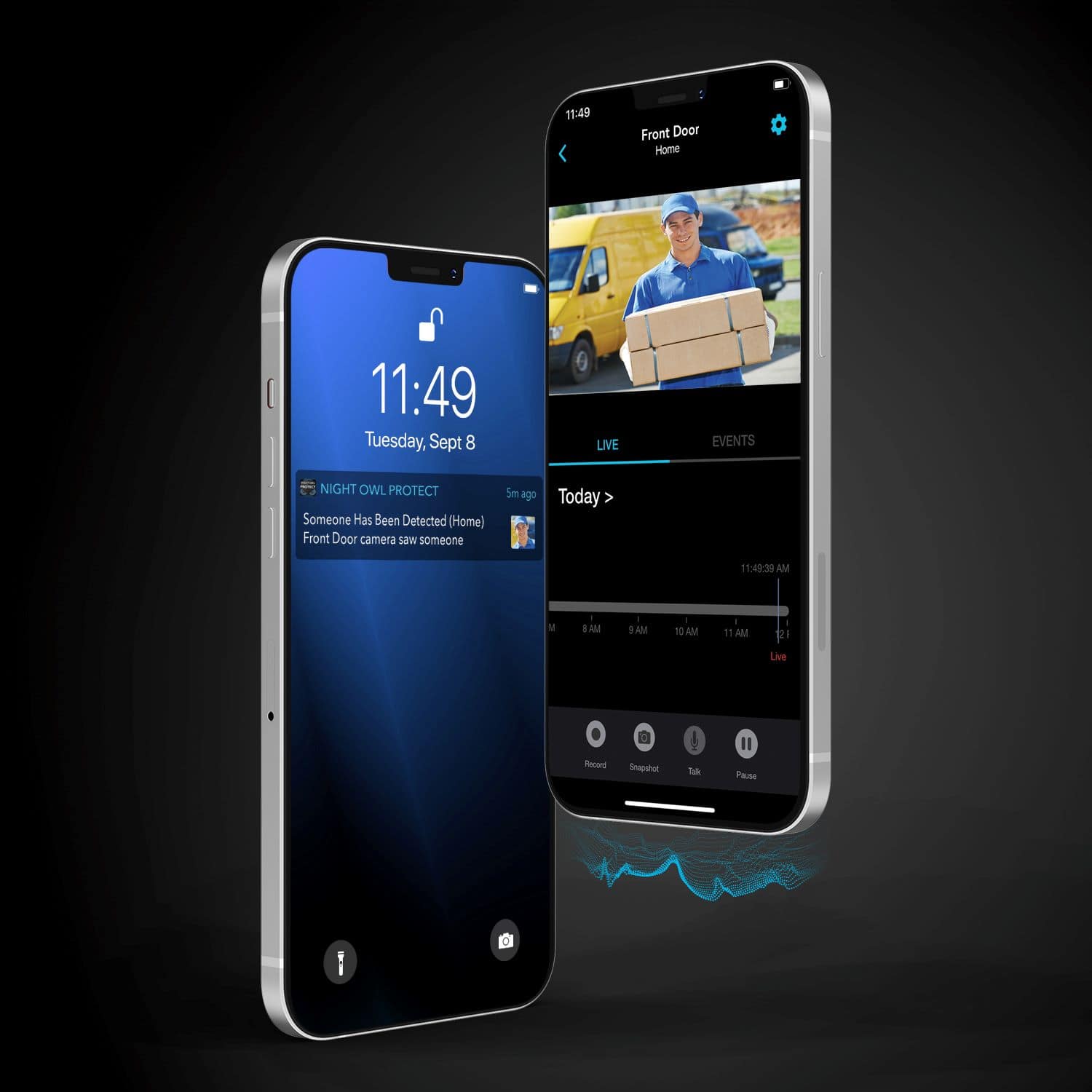
A:AnswerGreat question. You can view the system from the app and from a TV or monitor. You can do both at the same time or choose your preferred method. To setup and view the system from the app on your Smart Device you will need to connect the DVR to your router or working network access point via Ethernet cable. To view on a TV or monitor (1080p minimum) you would simply connect the DVR using the provided HDMI cable. Thank you for choosing Night Owl!
A:AnswerNo you don't. You can be in different network to view/access live stream. And Yes, from another county also with different internet service provider using the cell phones.
A:AnswerIt does loop back and record over older videos but this is pretty standard with recording devices of most kinds. It does have options or settings for what it should do once storage is full.
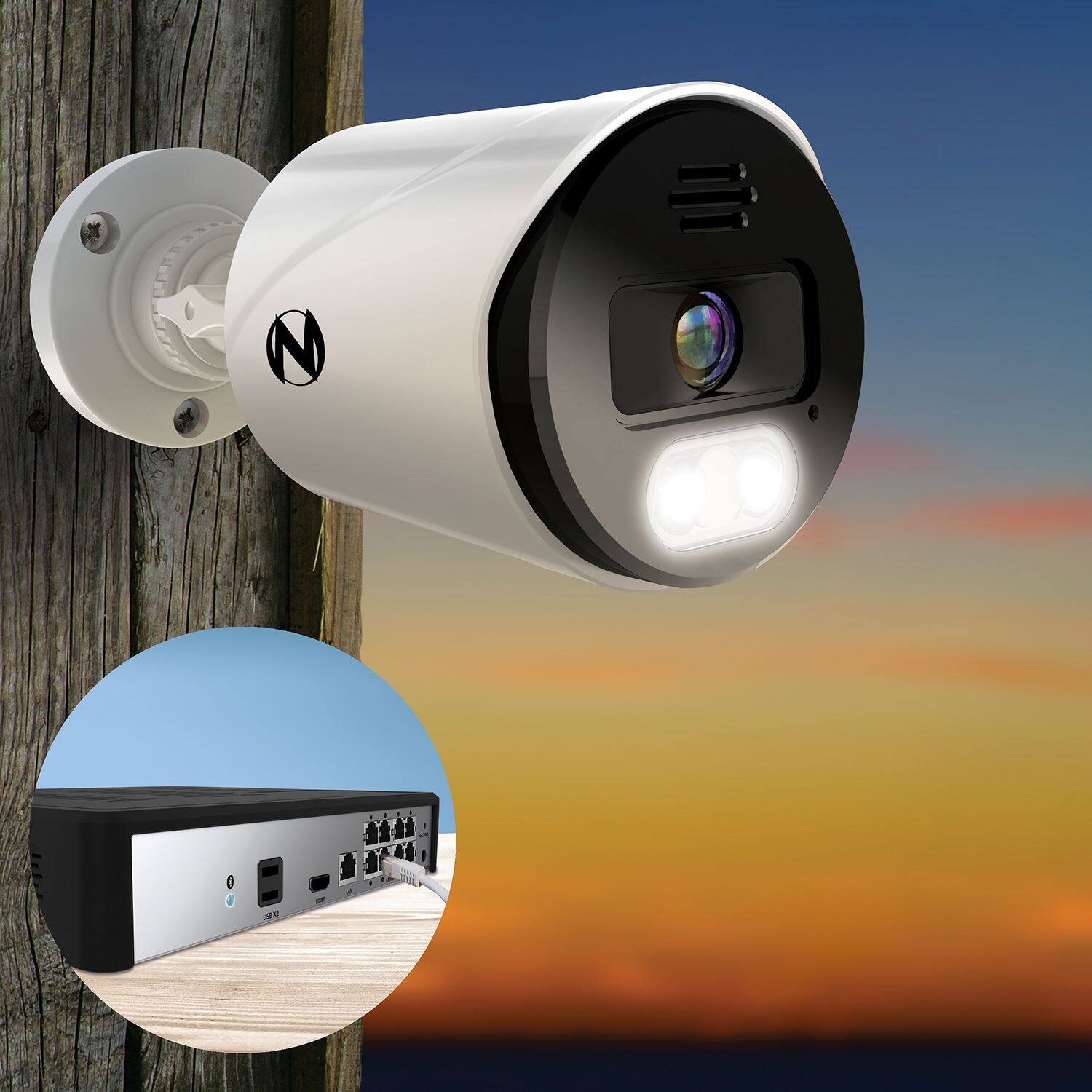
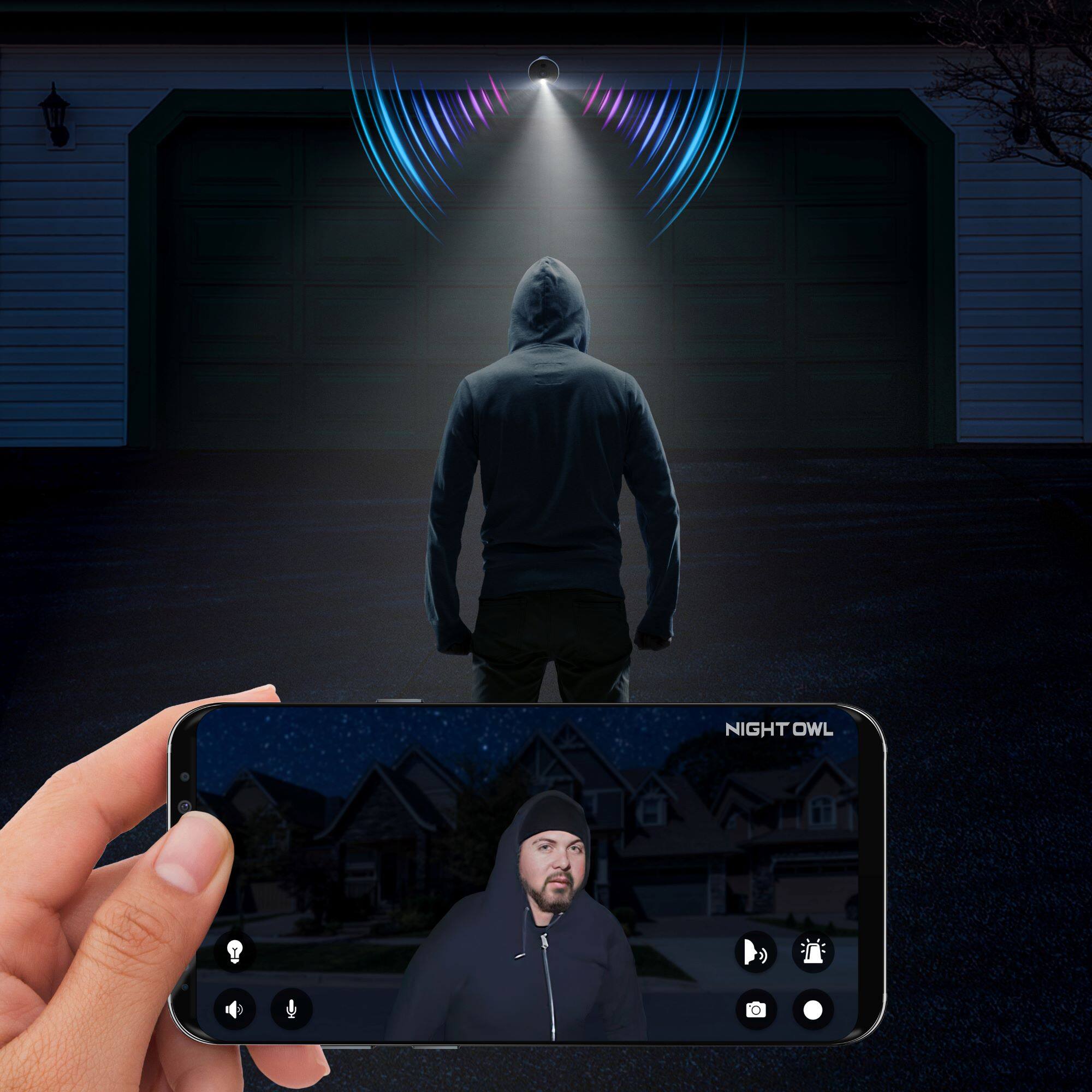
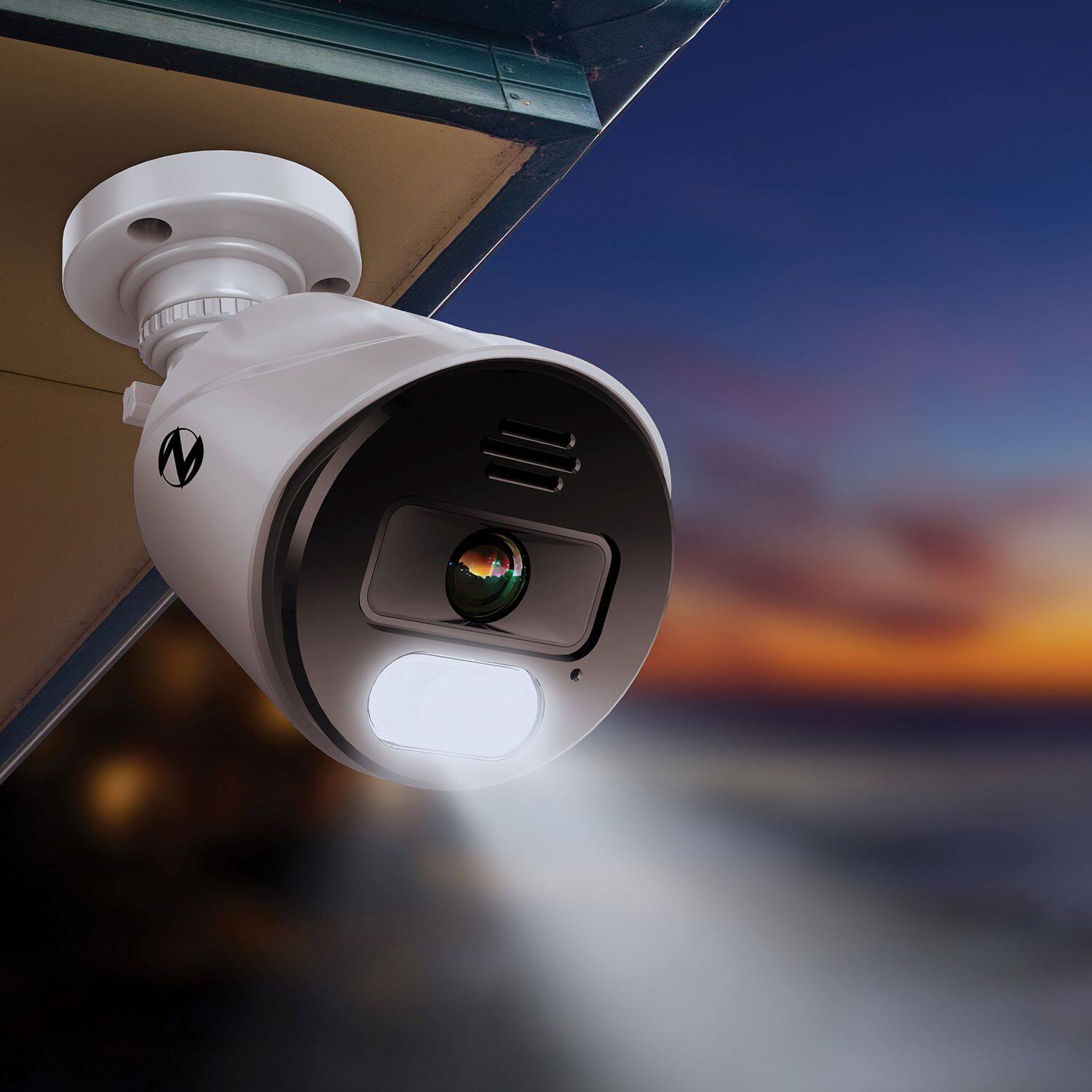
A:AnswerYes, the spotlight can be disabled for one or more cameras if desired. This can be done at the DVR/NVR level or remotely via the App. This may come in handy for cameras that are installed inside the home, or during special events where you anticipate a lot of camera activity. For more information on disabling the spotlight, please refer to your product's support material on our support site, linked below. Thank you for choosing Night Owl! https://support.nightowlsp.com/hc/en-us
A:AnswerHi Bob. Yes, you can. Please download and configure our CMS software. It can be located on your product support page at the following link. Thank you! https://support.nightowlsp.com/hc/en-us/articles/1260802062690
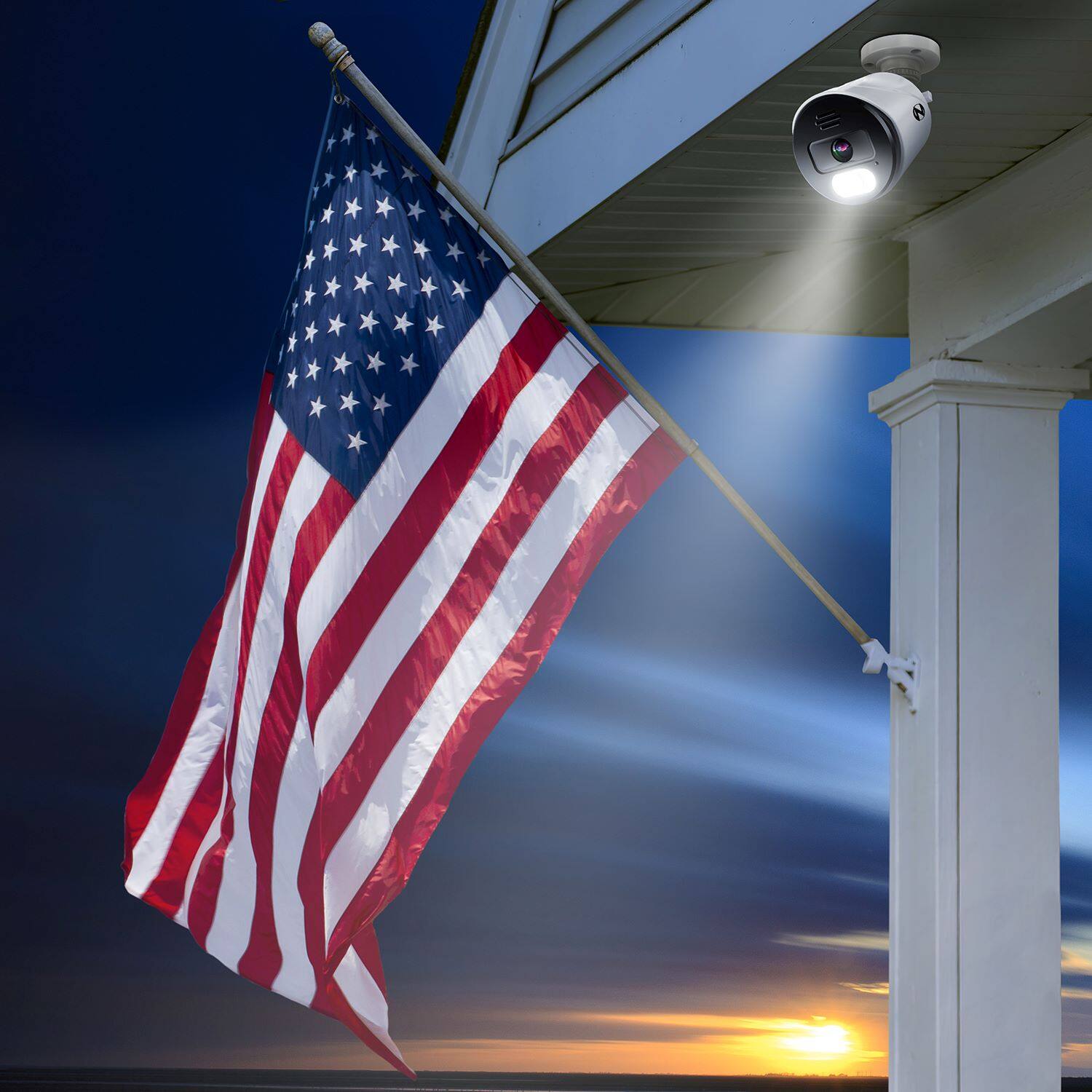
A:AnswerNight Owl's wired cameras are intended for indoor and outdoor use. When installing the cameras outside, we recommend placing them under some type of minimal protection such as an eave or awning. The cameras are weather-resistant, not waterproof (meaning they cannot be submerged under water). If they are overexposed to the elements it will reduce their lifespan. For your product's weather-resistant rating and operating temperature range, please check your product's specifications on the packaging or the product page at NightOwlSP.com. Thank you for choosing Night Owl!
A:AnswerOur video balun is used to convert BNC connectors to Ethernet ports. This allows customers to use an Ethernet cable (Cat5/Cat6) in lieu of the BNC coaxial cable to connect the camera to the DVR. One end of the video balun will connect to the camera and one end will connect to the DVR. Thank you for choosing Night Owl!
A:AnswerYou don’t need internet with this system. It will record on the DVR for you go back to see your recordings.
This system does not record audio. You can’t add cameras with mics on this system. It’s not supported