A:AnswerIt should be able to handle it, but a 1080 is definitely overkill with a Haswell (Unless you have a 4790 or 4790K) processor.
You should just upgrade your CPU to an i7-4790K, and go with a 1060-6GB or a 1070.
If you already have a 4770 or above, then a GTX 1080 would be perfect.
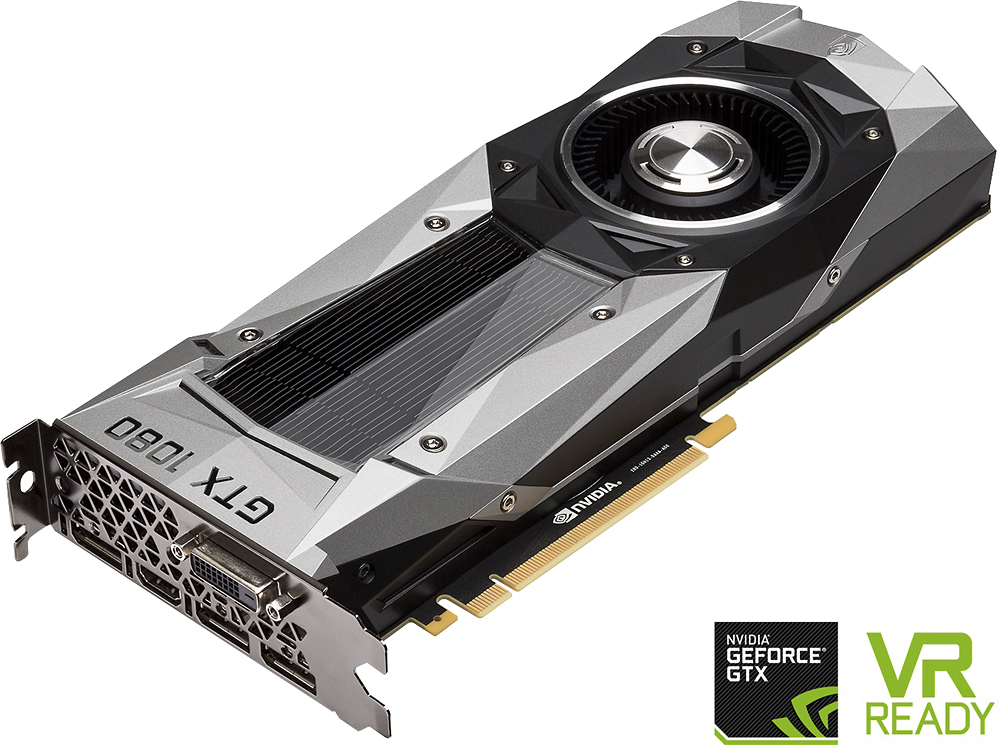
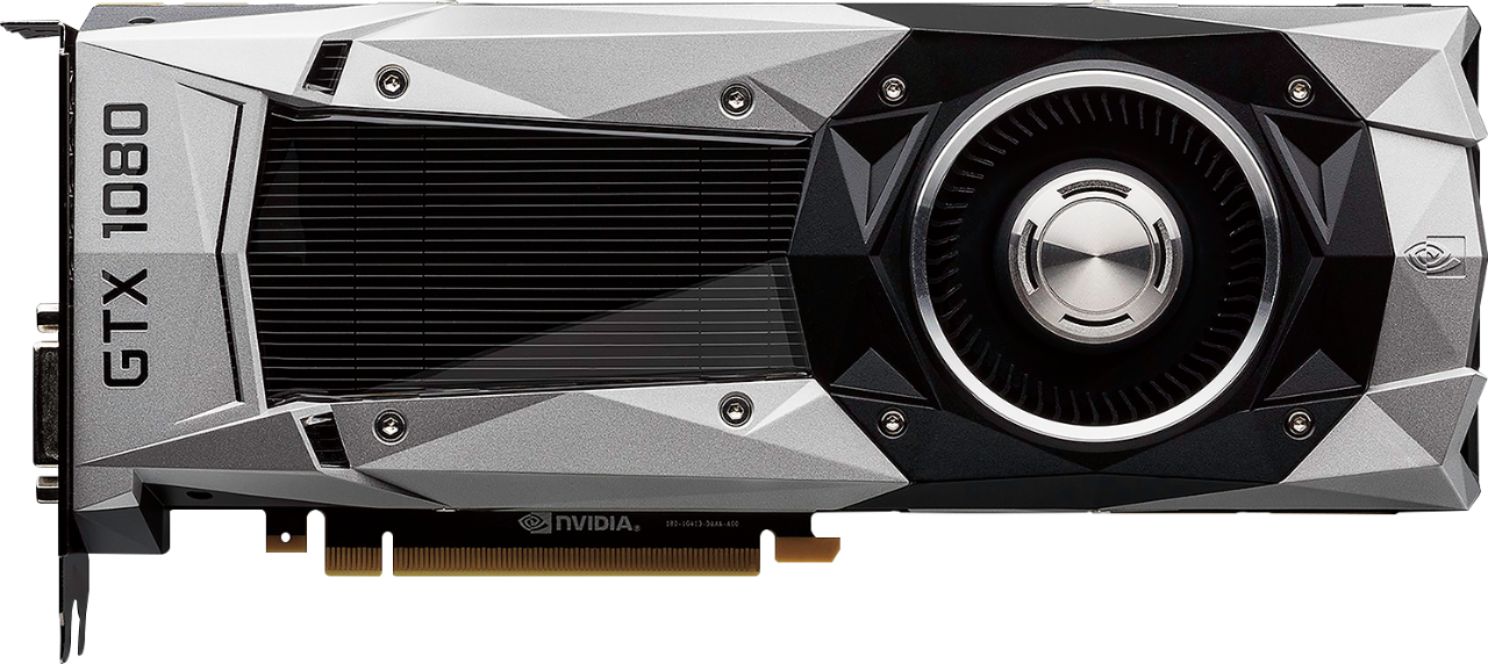
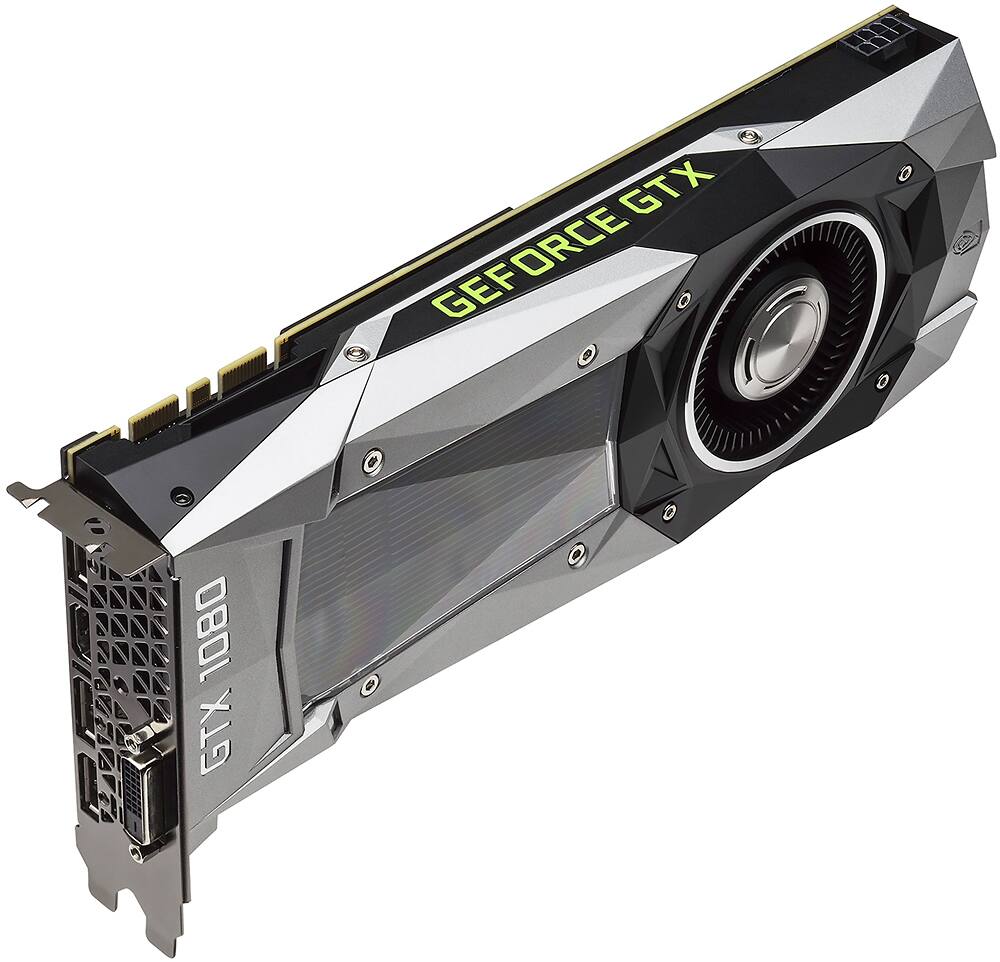
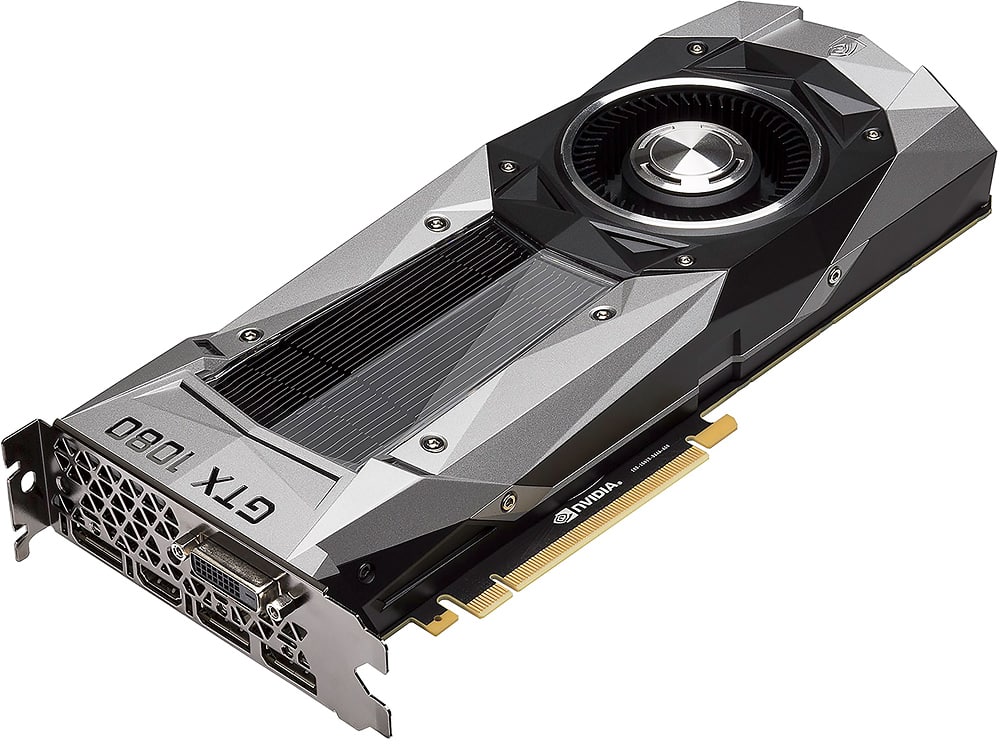
A:AnswerMost manufacturers like MSI offer a Founder's Edition version of the GTX 1080. The FE edition looks the same across the board because they are FE models. But Best Buy is offering the FE by the GPU manufacturer, NVIDIA. Those are NVIDIA 1080 FE models, not 3rd party. But many of the 3rd party video card vendors do make very good video cards, FE edition or other. You can tell by the Green and Black box it comes from with the NVIDIA label plastered all over it. The MSI FE comes in a red and black box with MSI on it.
A:AnswerGood question. We are not playing games, We are using the 1080 for display measurements on static images without compression on 4k displays. You don't describe what media you are watching or the display you are using (and size) or the distance you view the display, all which would help. The 970 should be able to drive HD TVs or computer monitors without signal compression (4:4:4, probably at 30 Hz, maybe not at 60 Hz), but it won't drive 4k TVs without compression (uses 4:2:0), if memory serves. The 1080 will drive 4k TVs without compression (4:4:4 at 30 Hz). However, most media, HD or 4k (DVDs or Blu-Ray), will be compressed at 4:2:2 or 4:2:0 to save space or bandwidth. At normal or ideal viewing distances (3.2 screen heights for HD, 1.6 screen heights for 4k) the human eye can't resolve the blue or red like it can resolve the white or gray shades (or even green to a slightly lesser amount). Thus, most media doesn't include high resolution for red and blue because you won't see the difference from uncompressed video at ideal viewing distances and beyond. What you see also depends upon the display device. Sometimes TVs will compress the video input to 4:2:2 or lower 4:2:0 (most TVs do this unless you deliberately set them up in a computer-monitor mode). Such a subsampling will blur the red and especially the blue. (If you don't understand video compression, see Chroma Subsampling at https://en.wikipedia.org/wiki/Chroma_subsampling.) I've attached HD and 4k (3840x2160) test patterns that we've used. Look at the 1x1 grilles. If the blue grilles are smeared out but the 1x1 white grilles are resolved, then something is subsampling the chroma, but at normal viewing distances you won't be able to resolved the red and blue grilles anyway. Hope this helps.
A:AnswerIt can be if the motherboard supports it and your case will fit it. I'm not familiar with the HP Phoenix so you might want to check the specifications for the measurements on this card and then see if there's enough room inside your case.
Then, make sure your motherboard has a PCI Express 3.0 slot (preferably x16). If so, you can pop out the 980, stick this bad boy in there, and you should see a substantial performance upgrade.
A:AnswerI ordered it online, so can't really say regarding which store. With the bic currency issue it is almost impossible to get a decent price. Best buy had the best price. Ordered it and it worked great. Research what your computer needs, based on power supply rating and processor.
A:AnswerIt will work if you upgrade the power supply, and the recommended wattage is 500 watts, but why would you put a GTX 1080 in that system? It would be a complete waste. 1 gig of system memory and and CPU that was launched in 2011 is going to be a huge bottleneck. You would be better served buying a pre built then upgrading a machine like that
A:AnswerThey don't do preorders in store or on their website for computer hardware, but these come in stock fairly regularly. Keep checking stores, early Saturdays are when I usually come upon them (assuming they actually make it to the floor). I've run across probably six or seven of these just kinda sitting around when I wasn't looking for one in the past two months alone.
A:AnswerThey can, but it'll cost extra. Almost everything in a computer can be installed by a complete novice after watching 5 minutes worth of YouTube video, and that's free.