A:Answer1. No reason you can't use your existing speakers.
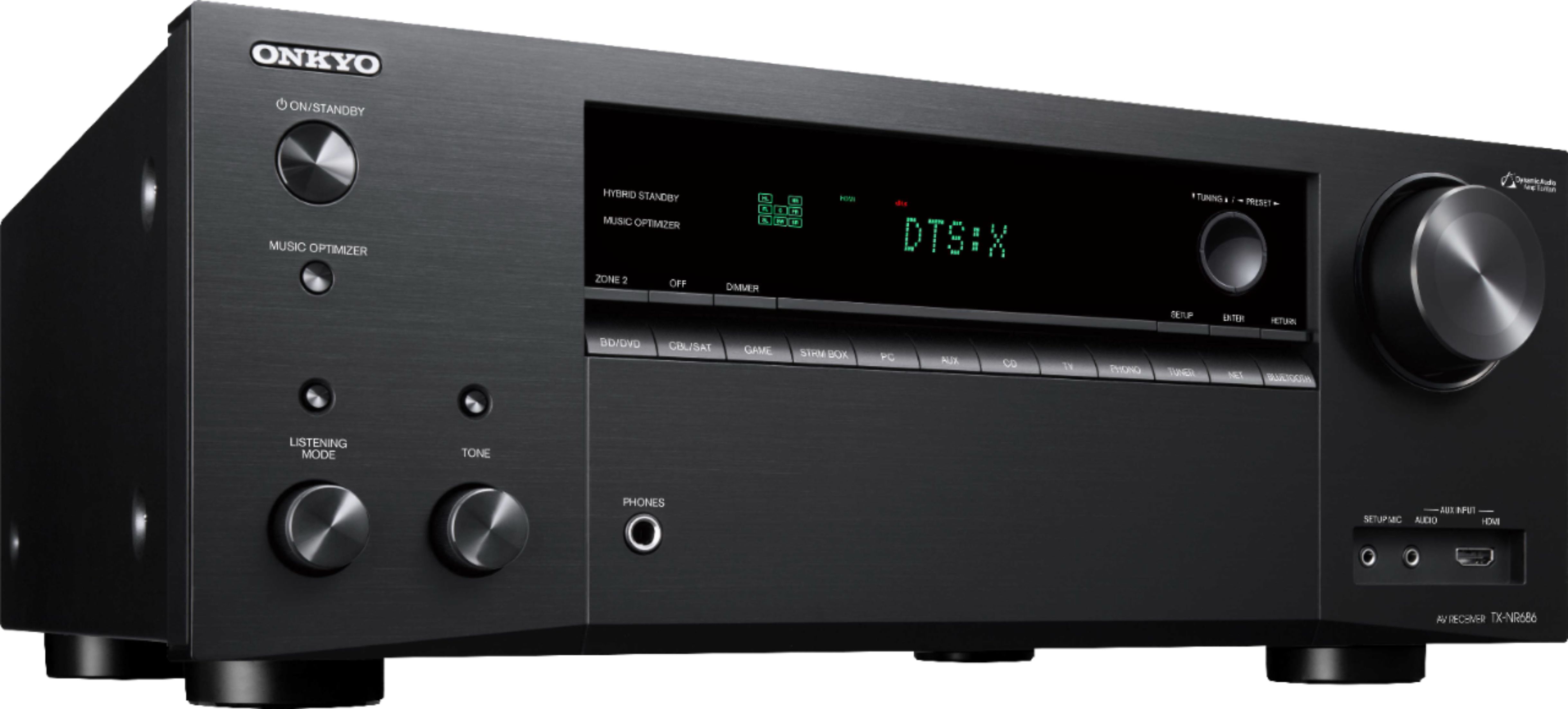
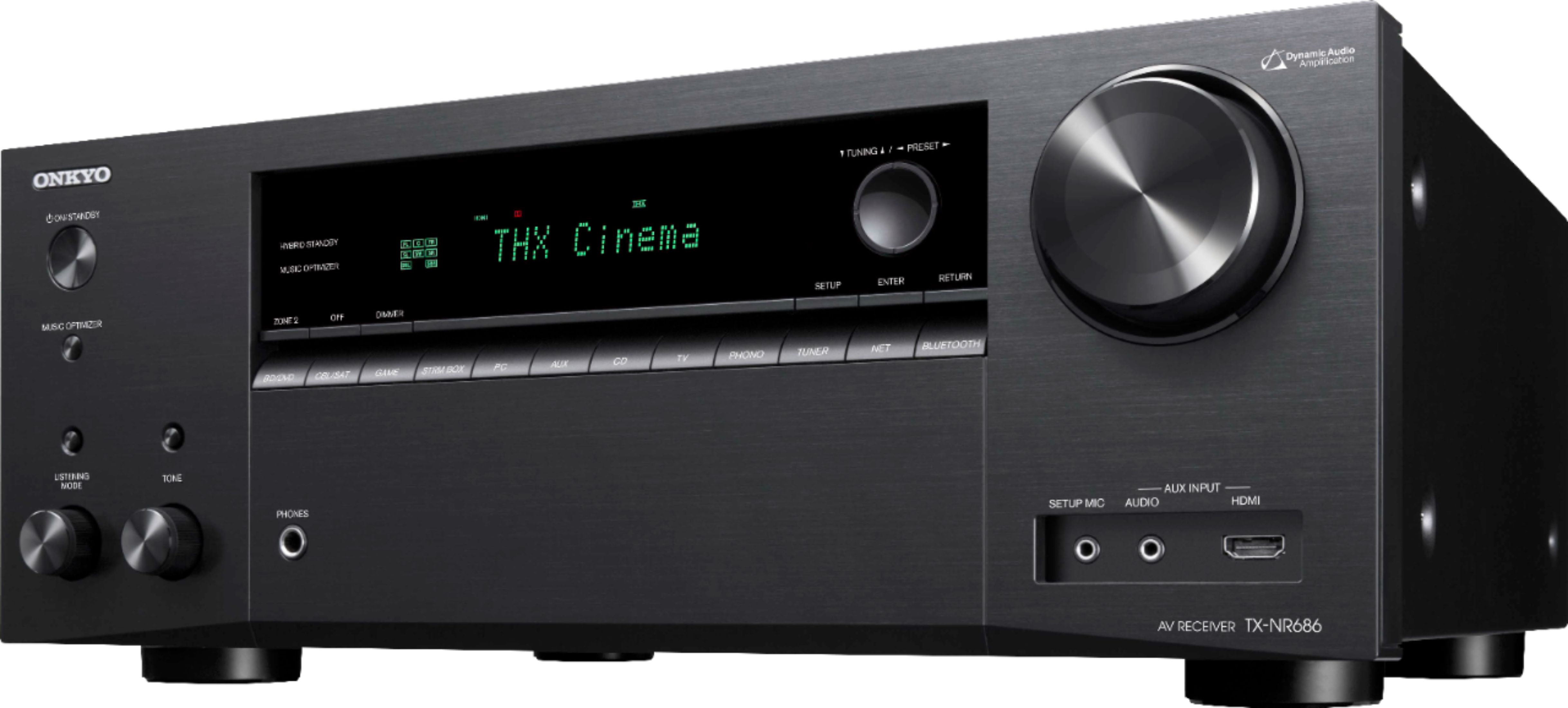
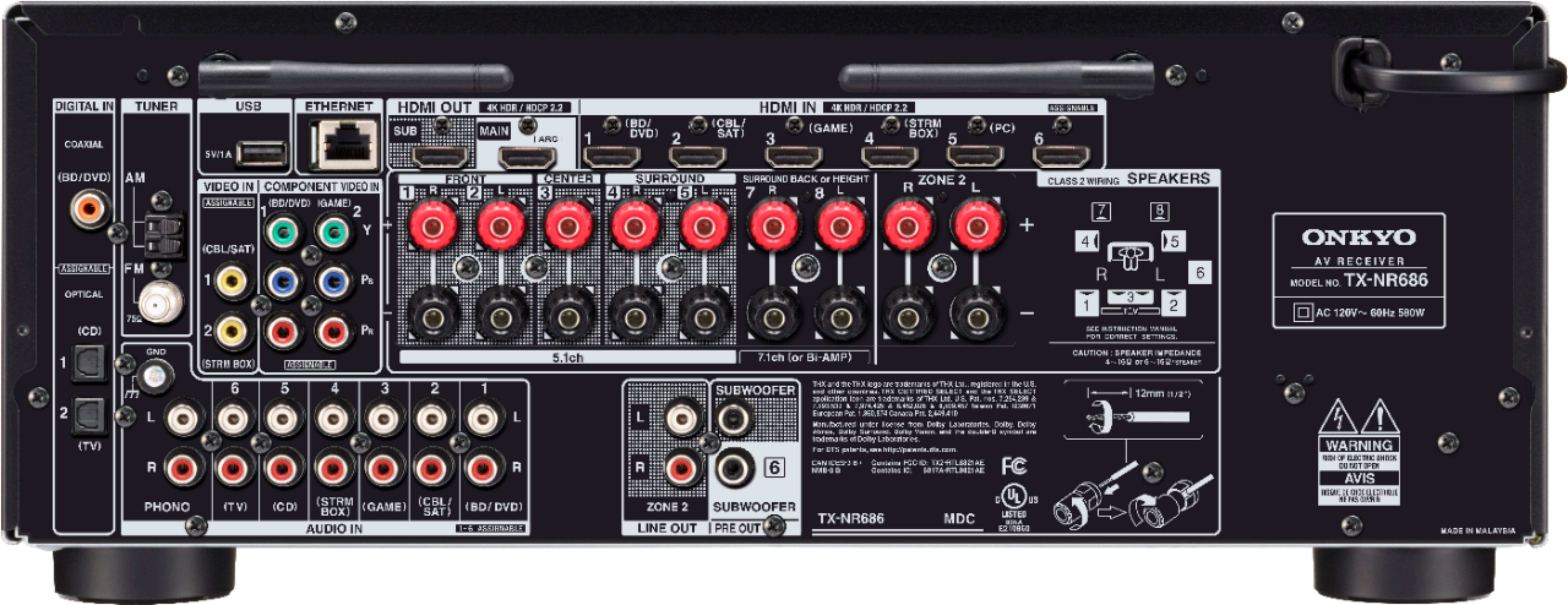
2. There are RCA outputs which are intended to output to "Zone 2" (like another room) but they are not simply audio line outs. I played a little bit with this but couldn't quite get it to work. Most likely "user error" but enabling the Zone 2 outputs was not simple or obvious.
A:AnswerFirst check the output cable from the receiver is connected to the correct TV input. Also, check to determine if you've selected the correct output on the remote. Example, my roku is connected to the streaming output.
A:AnswerI use Roku also. Depending on the Roku, yes. My newer Roku has an on/off button. You can turn on TV and adjust volume with Roku. Not sure if it would work with DVD player. I stream with Comcast, if that matters.
A:AnswerYes. All HDMI inputs are the same. Just watch your spacing as the stick is a bit thick. Consider a small HDMI extender or you may lose an input due to space.
A:AnswerThe Onkyo allows for any input, including digital inputs, to be directed to zone 2. I’ve been please with the performance and capabilities of the TX-NR686, although the many audio playback mode settings are confusing. See the user guide from Onkyo for more info:https://www.onkyousa.com/Products/model.php?m=TX-NR686&class=Receiver&source=prodClass
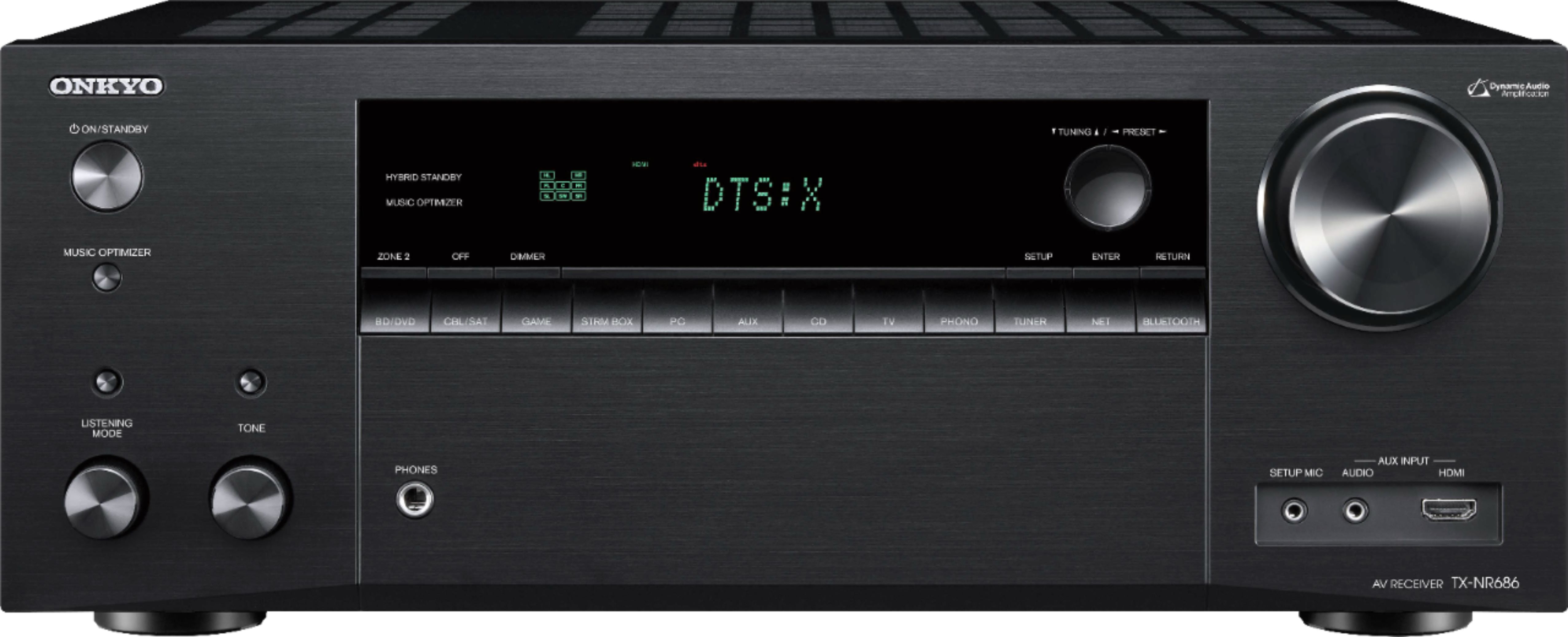
A:AnswerZone 2 is analog only on this receiver. Your cable box should also include a analog (RCA right/left) output that you could run to one of the analog inputs on the receiver.