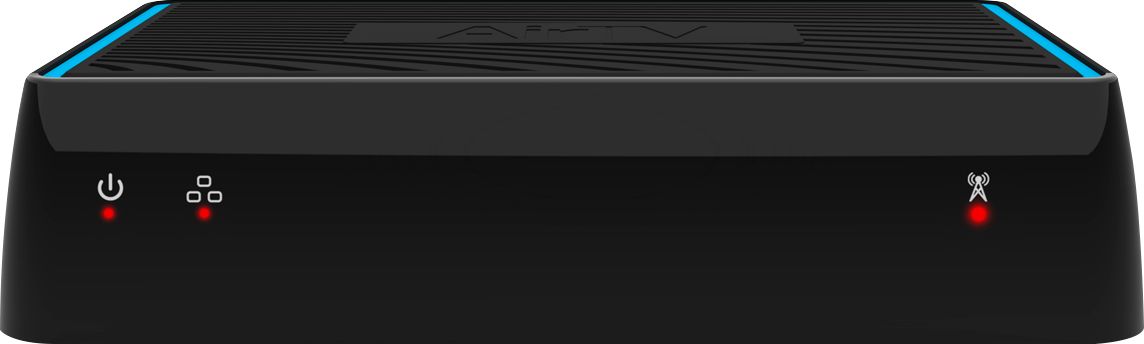
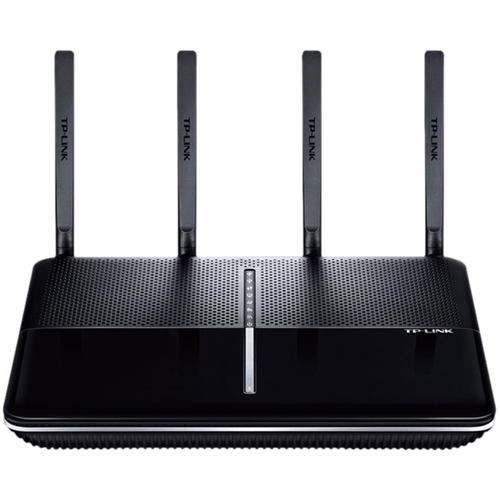
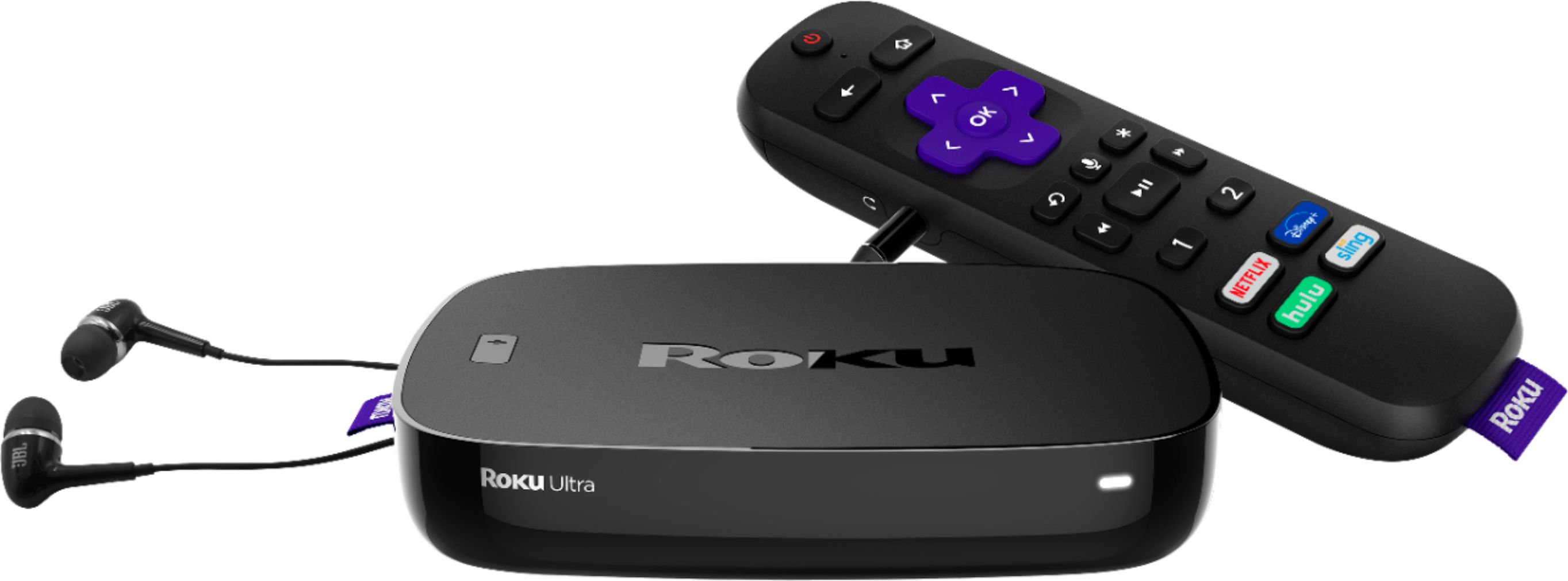
A:Answer You can use Air TV by itself or with Sling TV. You hook-up OTA antenna to Air TV box and it will send the channels to your router via wifi or direct CAT5 cable connection. You will then need a Smart TV or Roku with Air TV or Sling app installed to receive the OTA channels coming from your router to your TV. All TV's in your house that are capable of running the Air TV app can receive your OTA channels via wifi, (two TV's at the same time). You can use it as a DVR by connecting an external hard drive to the Air TV box to hold your recordings and they will be sent to your TV's via your routers wifi too. I highly recommend you use a Roku Ultra with Sling TV app and the Air TV box to receive OTA channels as well as free Roku channels. No monthly fee to use Roku, no monthly fee to use Sling app to receive your Air TV channels. If you do get a Sling subscription, (recommended) your OTA channels will also be included in the Sling channel guide. This combination works great, very similar to having cable but much cheaper. Do some research and go for it! Good luck!