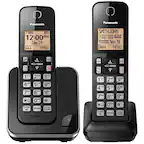
A:Answer Hello! Using a touch-tone phone, you can call your phone number from outside and access the unit to listen to messages or change answering system settings. The unit’s voice guidance prompts you to press certain dial keys to perform different operations. It is possible to repeat the message during playback, skip the message during playback, play all messages, play new messages, turn answering machine off, erase currently playing message, erase all messages and end remote operation. If you require further assistance, please contact the Support Team via Live Chat on the Panasonic Website, Contact Us option, Mon-Fri, 9am-5pm EST. -C