
Best Buy Tech Fest SaleEnds Sunday. Limited quantities. No rainchecks.Shop now

Main Content

Questions & Answers

$149.99
Save $60
The comparable value is $209.99
Page Showing 1-20 of 36 questions
  • QuestionDoes this TV support screen mirroring?

    • Answer Yes, this TV supports screen mirroring functionality.
    This question and answer was generated by AI based on customer and product data.
  • QuestionWhat is the refresh rate of this TV?

    • Answer The refresh rate of this TV is 60Hz.
    This question and answer was generated by AI based on customer and product data.
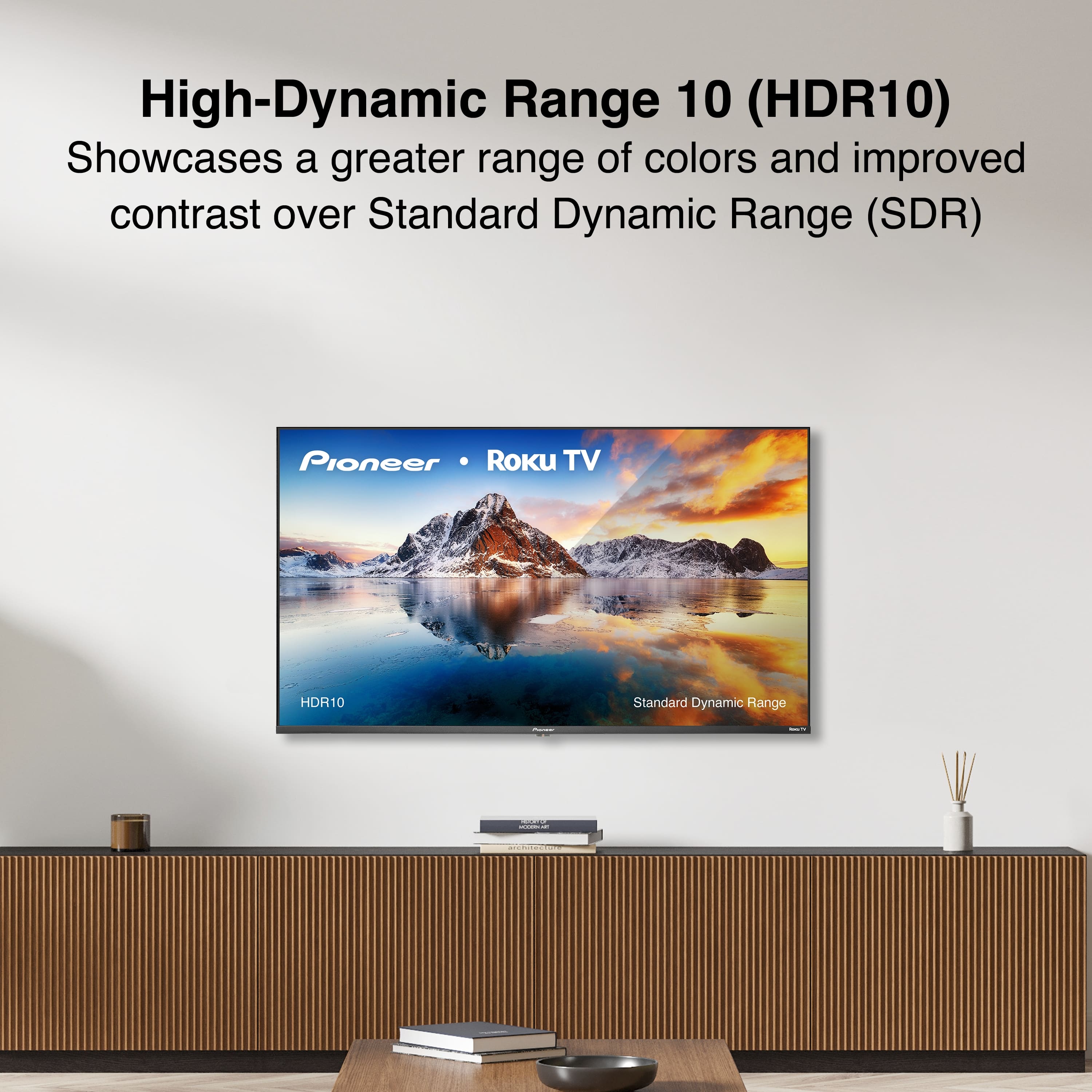
  • QuestionDoes this TV support HDR?

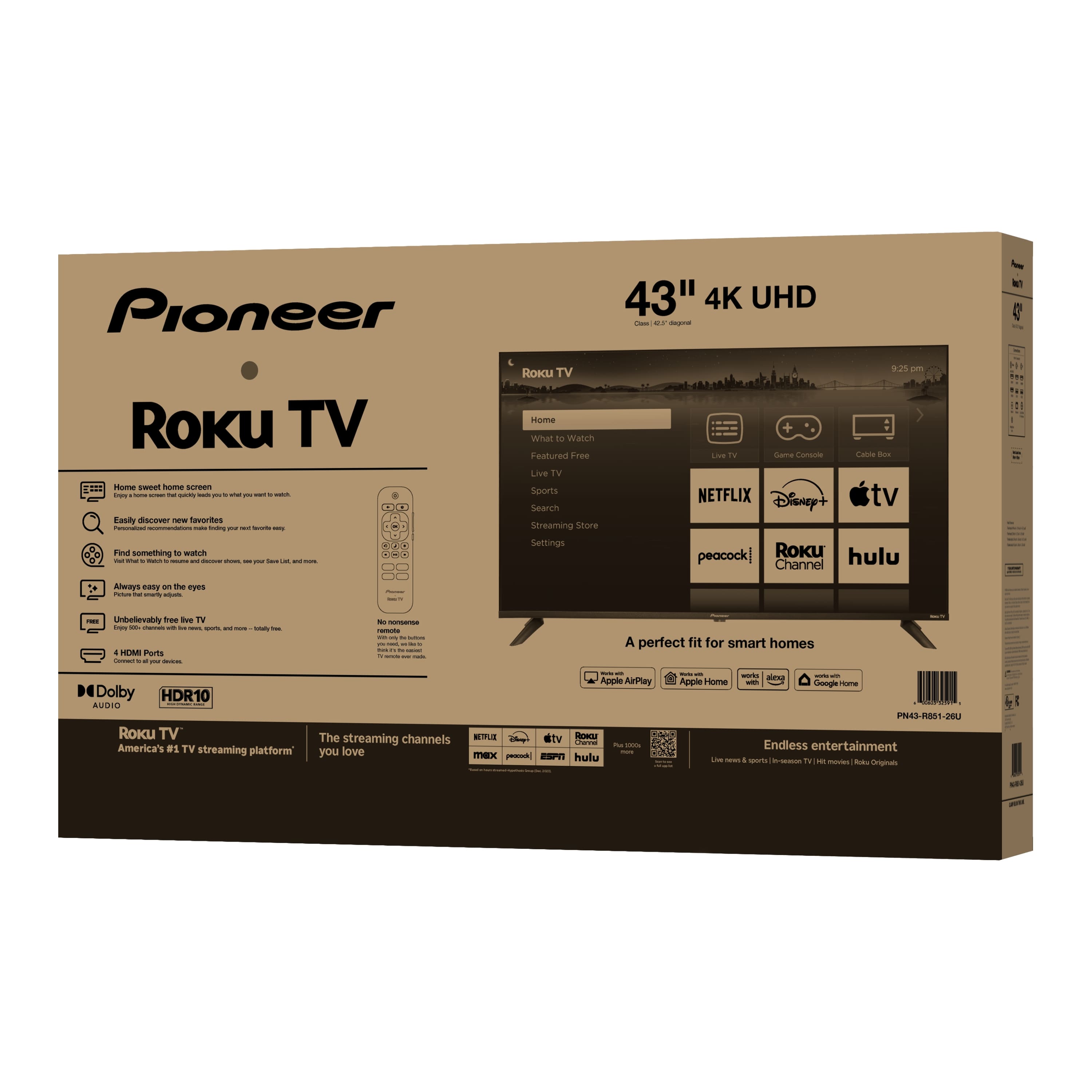
    • Answer Yes, this TV supports HDR (HDR10).
    This question and answer was generated by AI based on customer and product data.

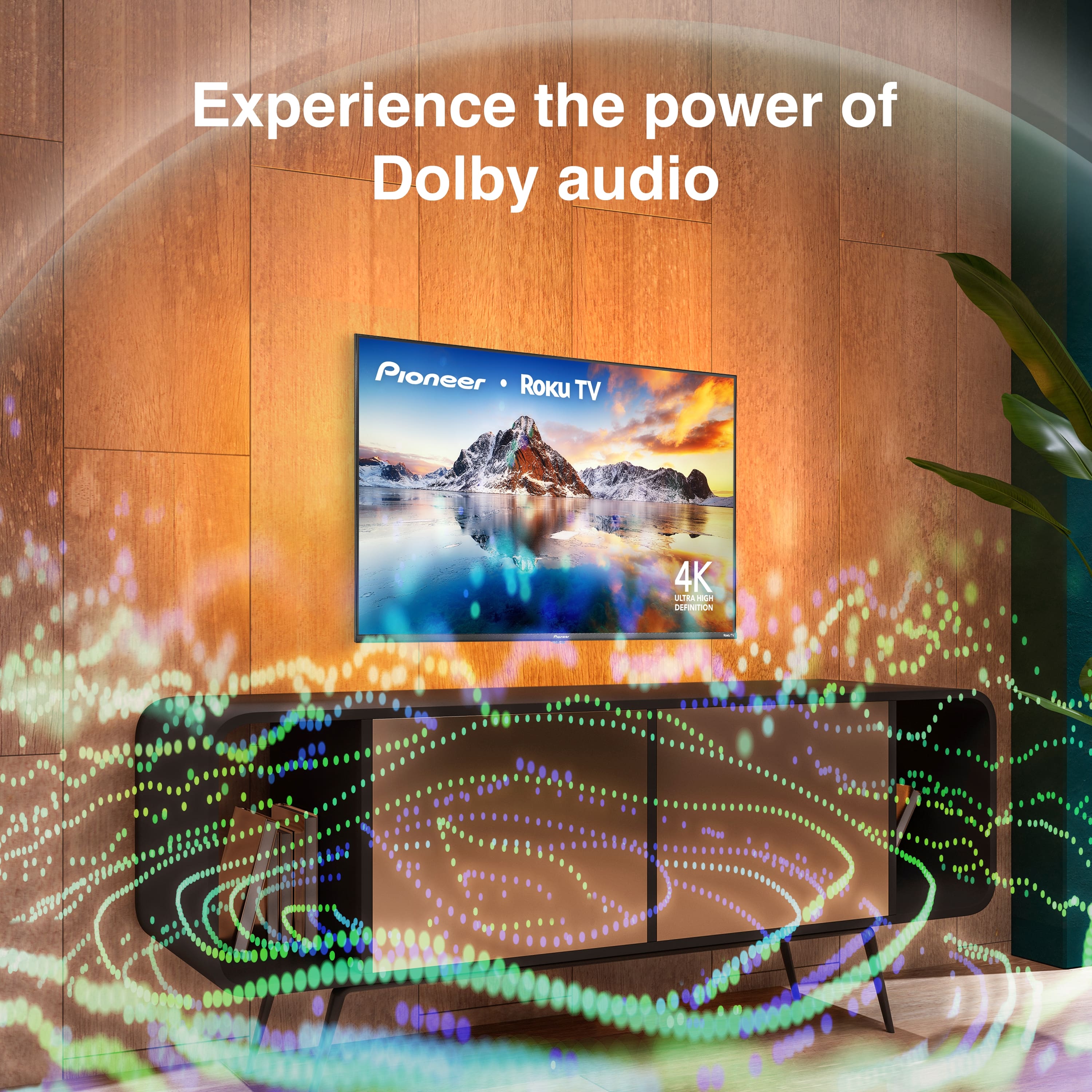
  • QuestionDoes this TV have built-in speakers?

    • Answer Yes, this TV has built-in speakers.
    This question and answer was generated by AI based on customer and product data.
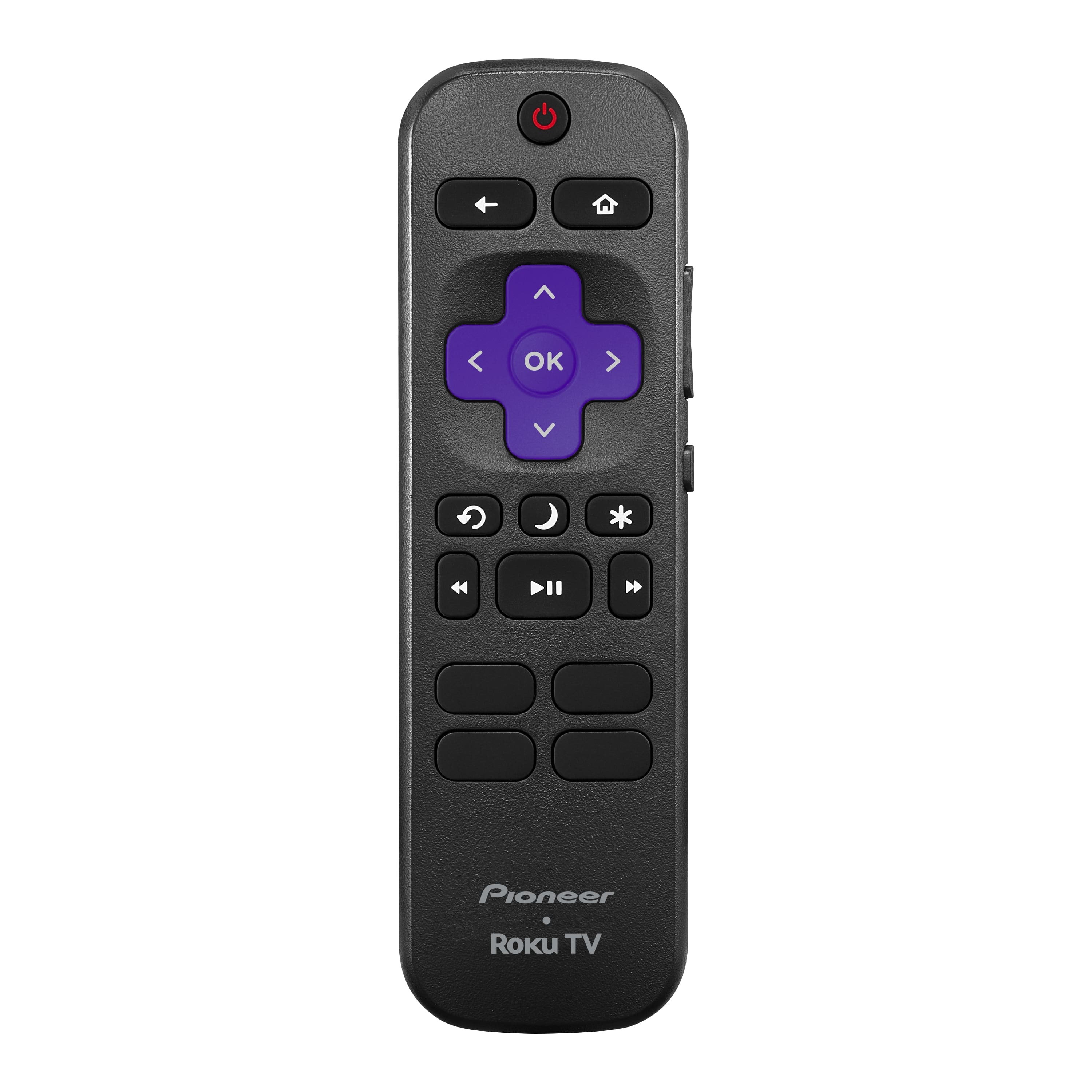
  • QuestionWhat type of batteries does the remote control use?

    • Answer The remote control uses AAA batteries.
    This question and answer was generated by AI based on customer and product data.

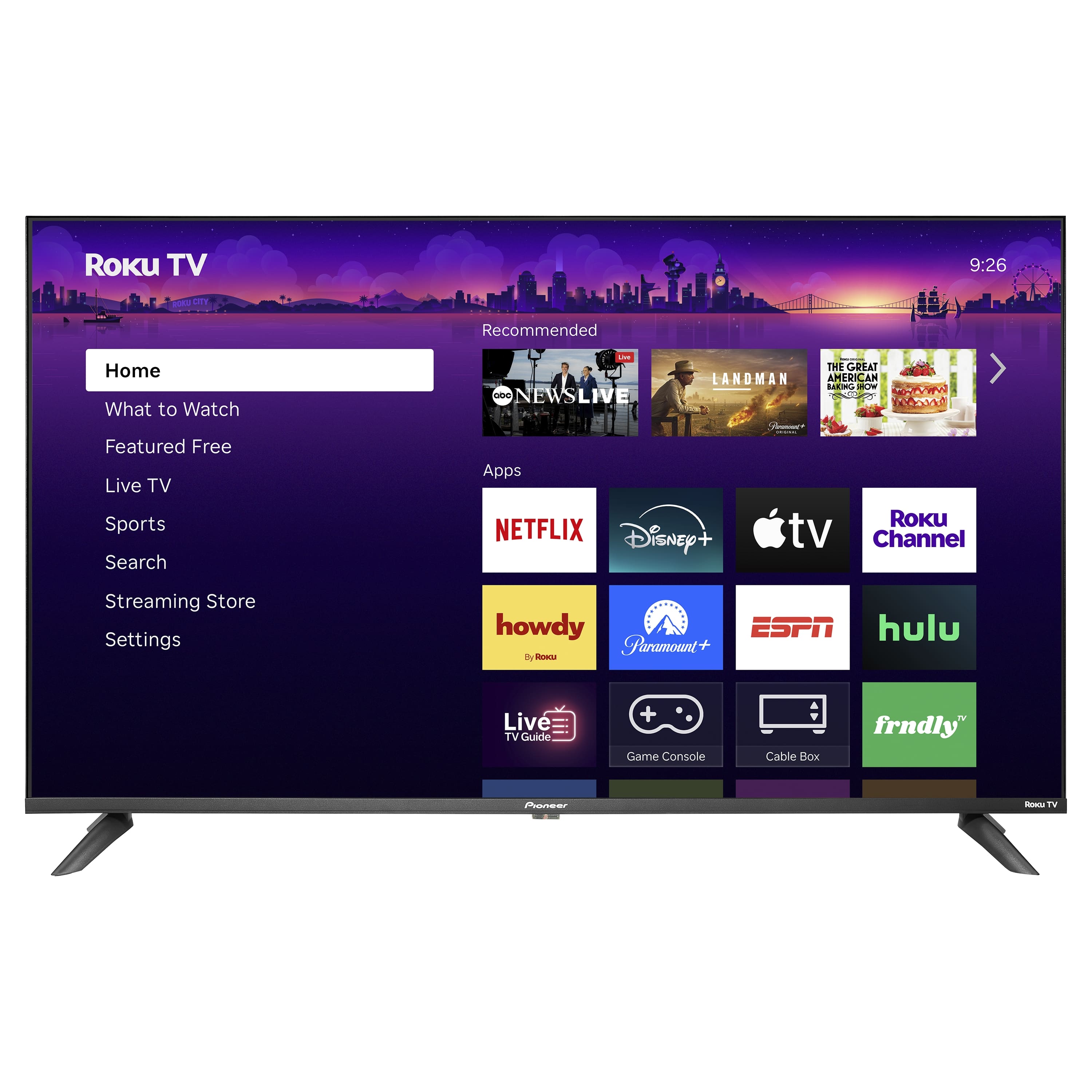
  • QuestionIs this TV considered a smart TV?

    • Answer Yes, this TV is smart capable.
    This question and answer was generated by AI based on customer and product data.
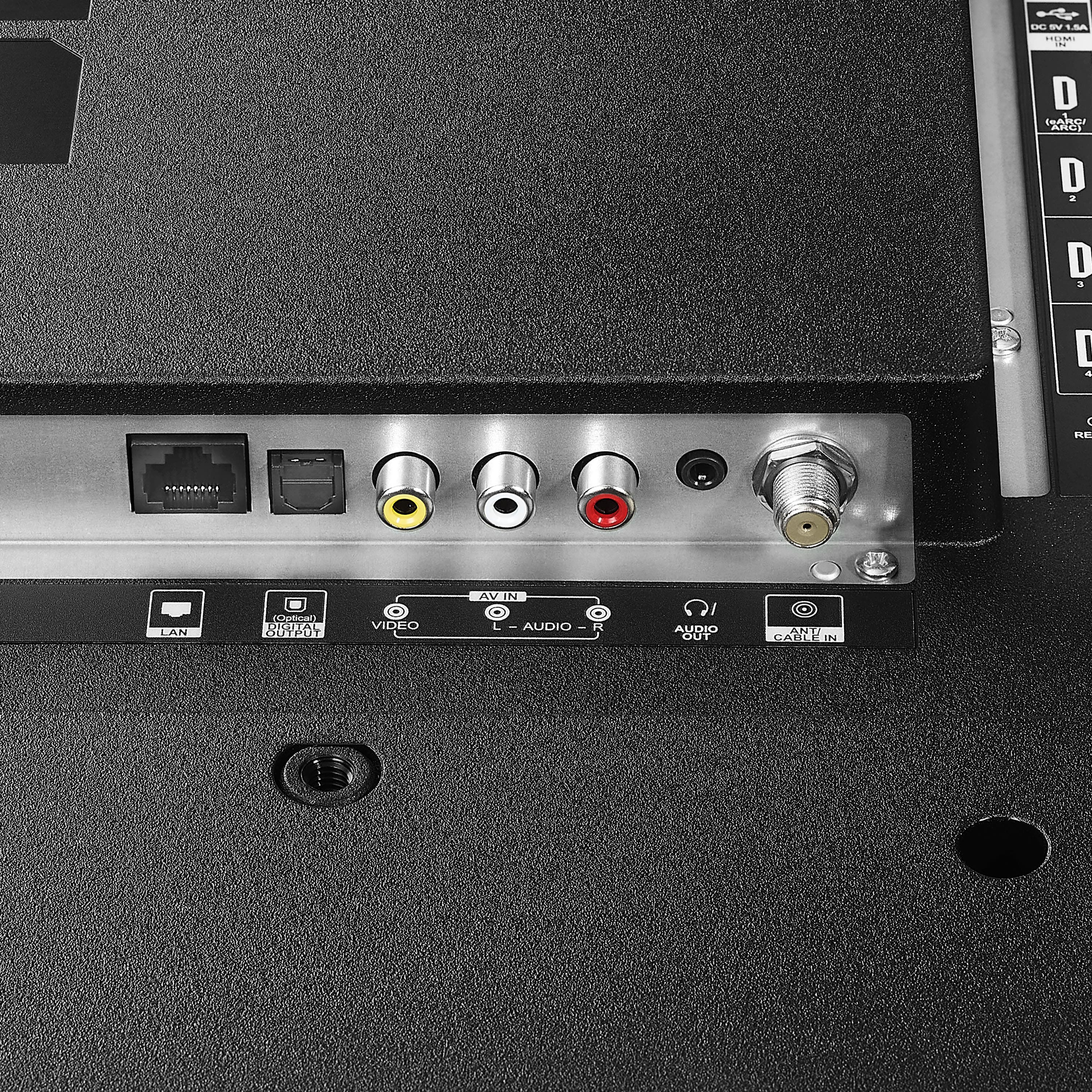
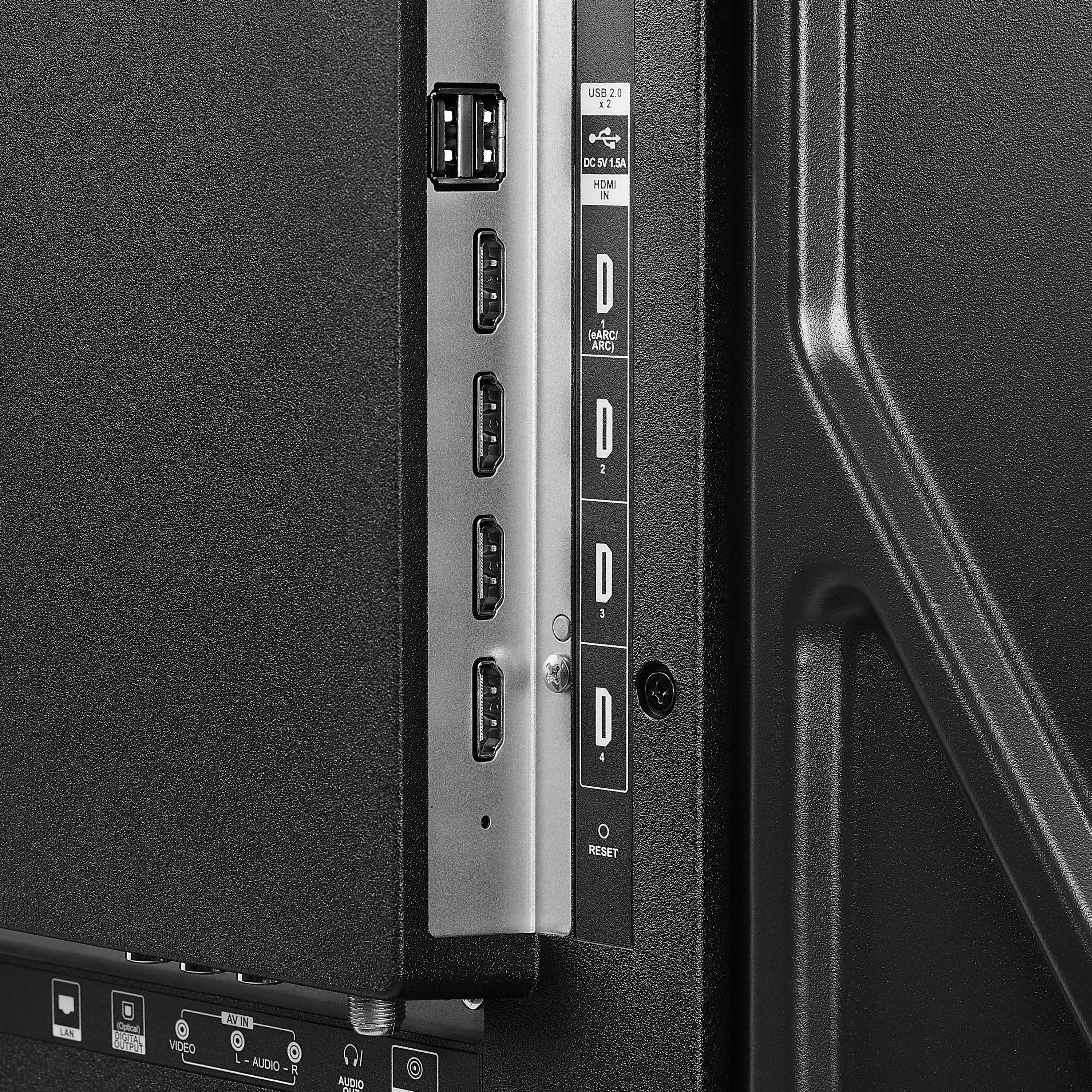
  • QuestionHow many HDMI ports does this TV have?

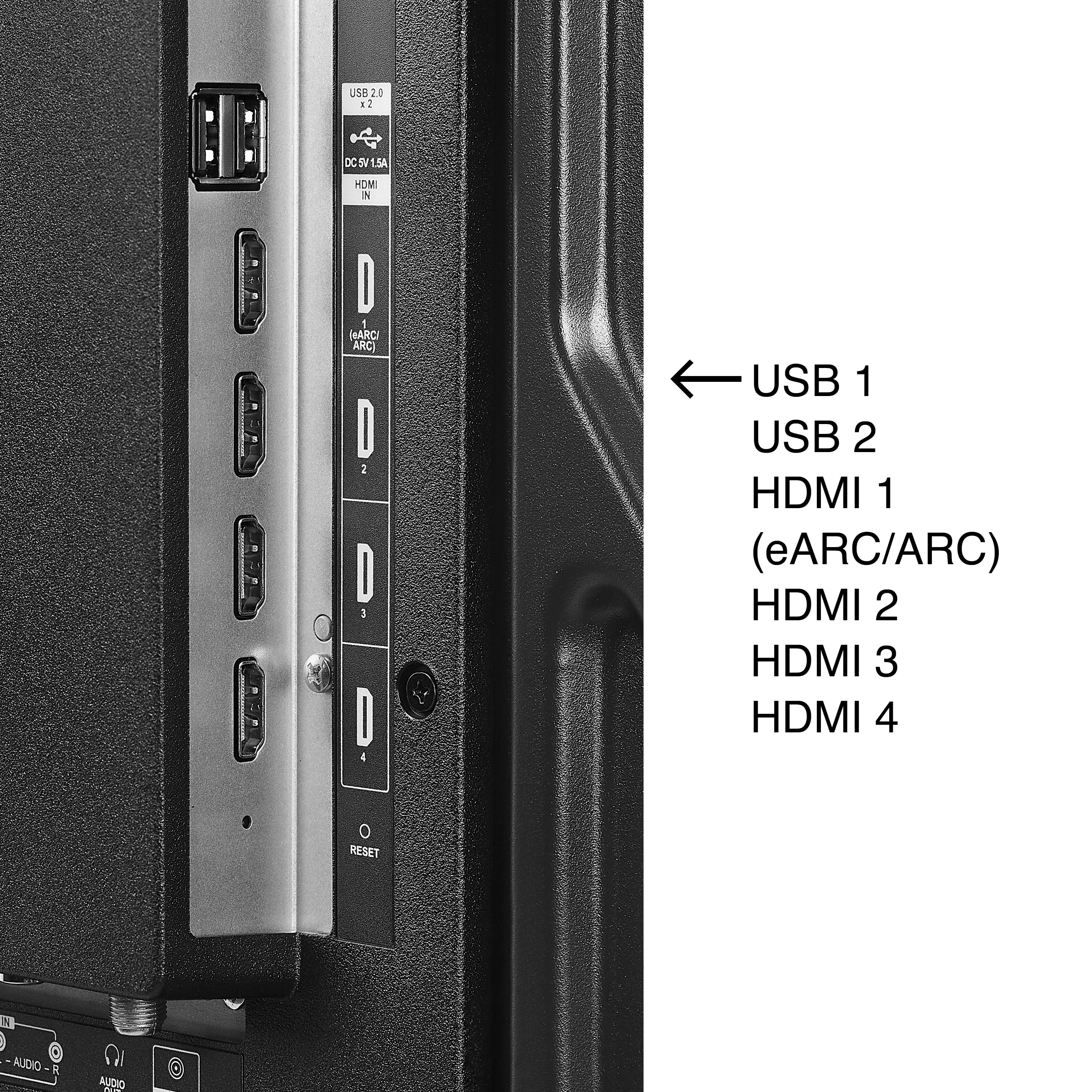
    • Answer This TV has a total of four HDMI ports.
    This question and answer was generated by AI based on customer and product data.

  • QuestionIs this tv Bluetooth compatible?

    Asked by Ron.

    • Answer Hi Ron, thank you for reaching out. I would like to inform you that this model does not include a Bluetooth connection feature. I hope this information helps with your setup! — Carl | Pioneer Support

      Answered by PioneerCustomerSupport

  • QuestionIs the remote voice activated?

    Asked by Gigi.

    • Answer Hi Gigi, thanks for your question! The remote included with this Pioneer - 43" Class LED 4K UHD Smart Roku TV is not voice‑activated. It’s a standard IR remote without a built‑in microphone. If you’d like voice control, you can use the Roku mobile app or pair a Roku Voice Remote that’s sold separately. Vennila | Pioneer

      Answered by PioneerCustomerSupport

  • QuestionDoes this TV have a power off auto timer? Sleep timer?

    Asked by Carl.

    • Answer Yes

      Answered by TAYLOR

  • QuestionIs it a good TV to game on

    Asked by Side.

    • Answer Yes! I got it for my gamer husband and he loves it! Perfect picture quality

      Answered by AudreyC

  • QuestionCan it be used as computer monitor though hdmi port

    Asked by Maiagame.

    • Answer Hello, thank you for the question. Yes, the Pioneer 43" Class 4K Roku TV can be used as a computer monitor through the HDMI port. It supports 4K resolution at 60Hz, making it suitable for everyday use, streaming, and office tasks. For the best experience, set your computer to 4K at 60Hz. Poojitha | Pioneer

      Answered by PioneerCustomerSupport

  • QuestionCan I buy a voice activated remote for this TV with numbers on it To input channels

    Asked by RobertP.

    • Answer Hello Robert! Thank you for your question. Yes, you can purchase voice activated remote for Pioneer - 43" Class LED 4K UHD Smart Roku TV with numbers on it to input channels. To make sure you get one that’s fully compatible with your exact model, the easiest option is to contact the Best Buy team at 1‑888‑237‑8289 and they can check compatibility and help you pick the right remote. Darshan | Pioneer

      Answered by PioneerCustomerSupport

  • QuestionI purchased the Pioneer 43" Class LED 4K UHD Smart Roku TV. How do I set it up to Cable box with cords?

    Asked by Third.

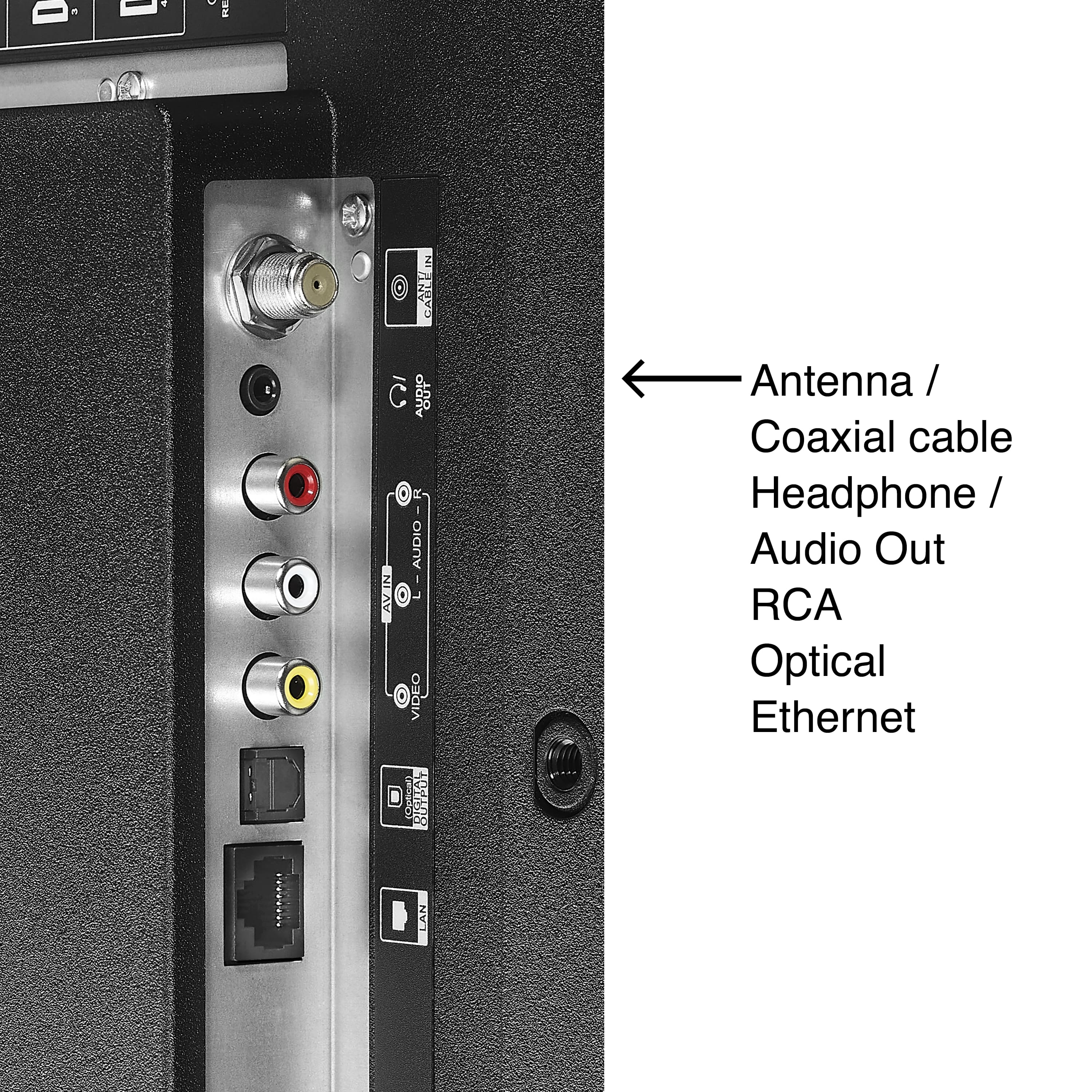
    • Answer Hello, thank you for your question. To connect your cable box to the Pioneer 43" 4K Roku TV, simply run an HDMI cable from the cable box’s HDMI OUT port to one of the TV’s HDMI ports, then select the matching HDMI input on the TV. If you’re using older AV cables, match the colors and select AV from the input list. You can also refer to the user manual, available on the product page under the Features section, for additional guidance. Vennila | Pioneer

      Answered by PioneerCustomerSupport

  • QuestionCan this TV be installed vertically?

    Asked by Anonymous.

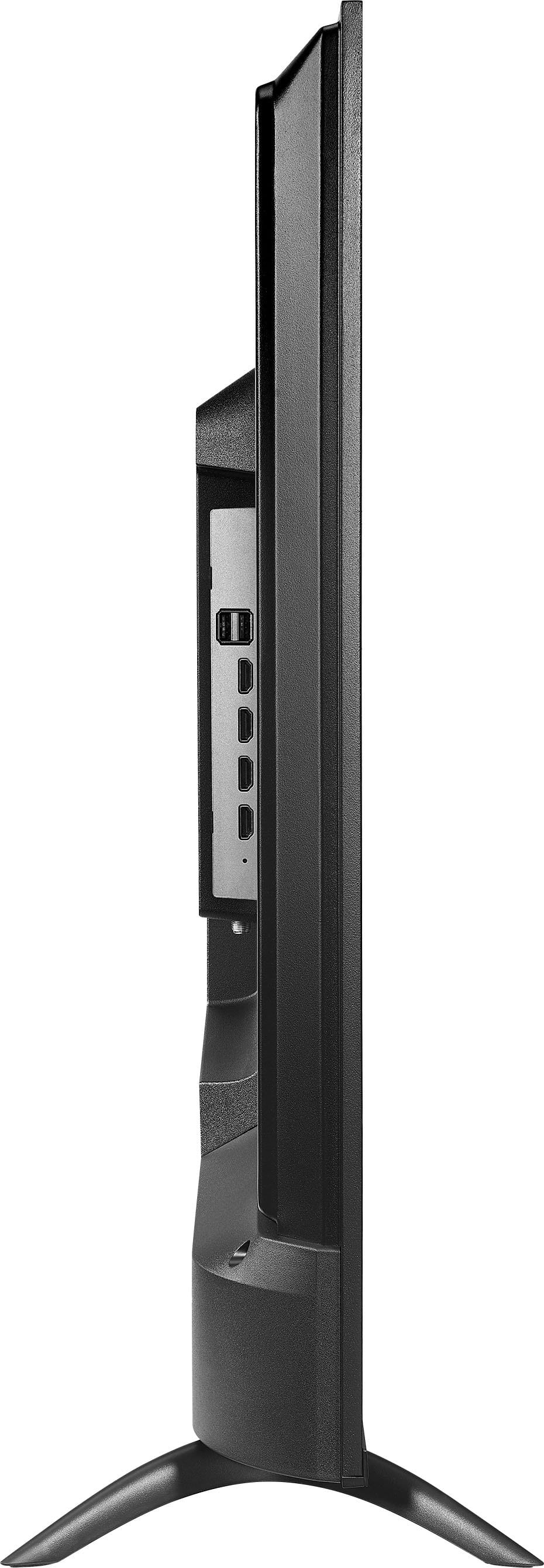
    • Answer Hello, and thank you for your question. The Pioneer 43" Class LED 4K UHD Smart Roku TV is not designed to be installed vertically. This model is intended for standard horizontal (landscape) mounting only, as rotating the TV can affect picture performance, ventilation, and overall safety. We appreciate you checking before installation. Sidhartha | Pioneer

      Answered by PioneerCustomerSupport

  • QuestionCan a wall mount be used with this TV?

    Asked by WallMount.

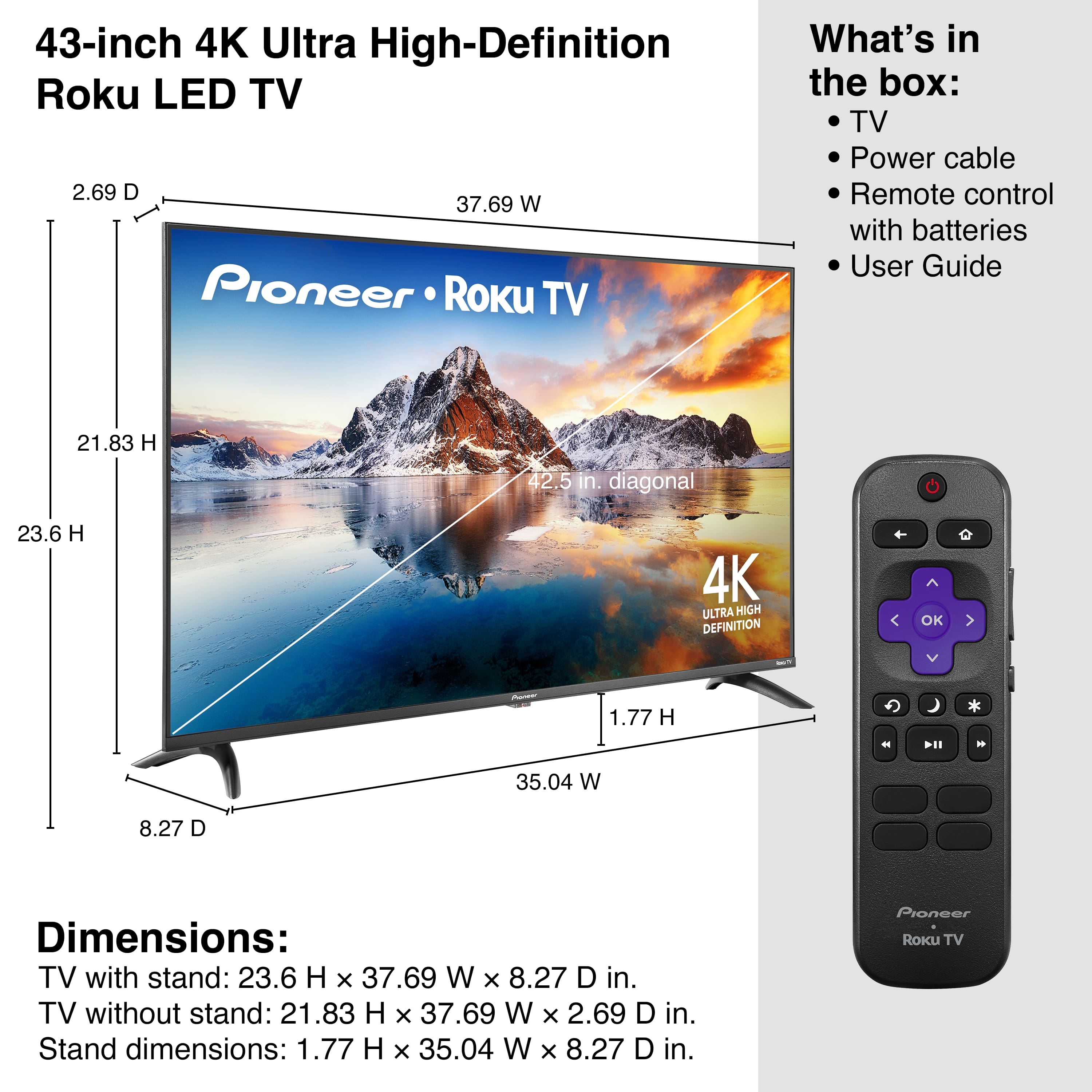
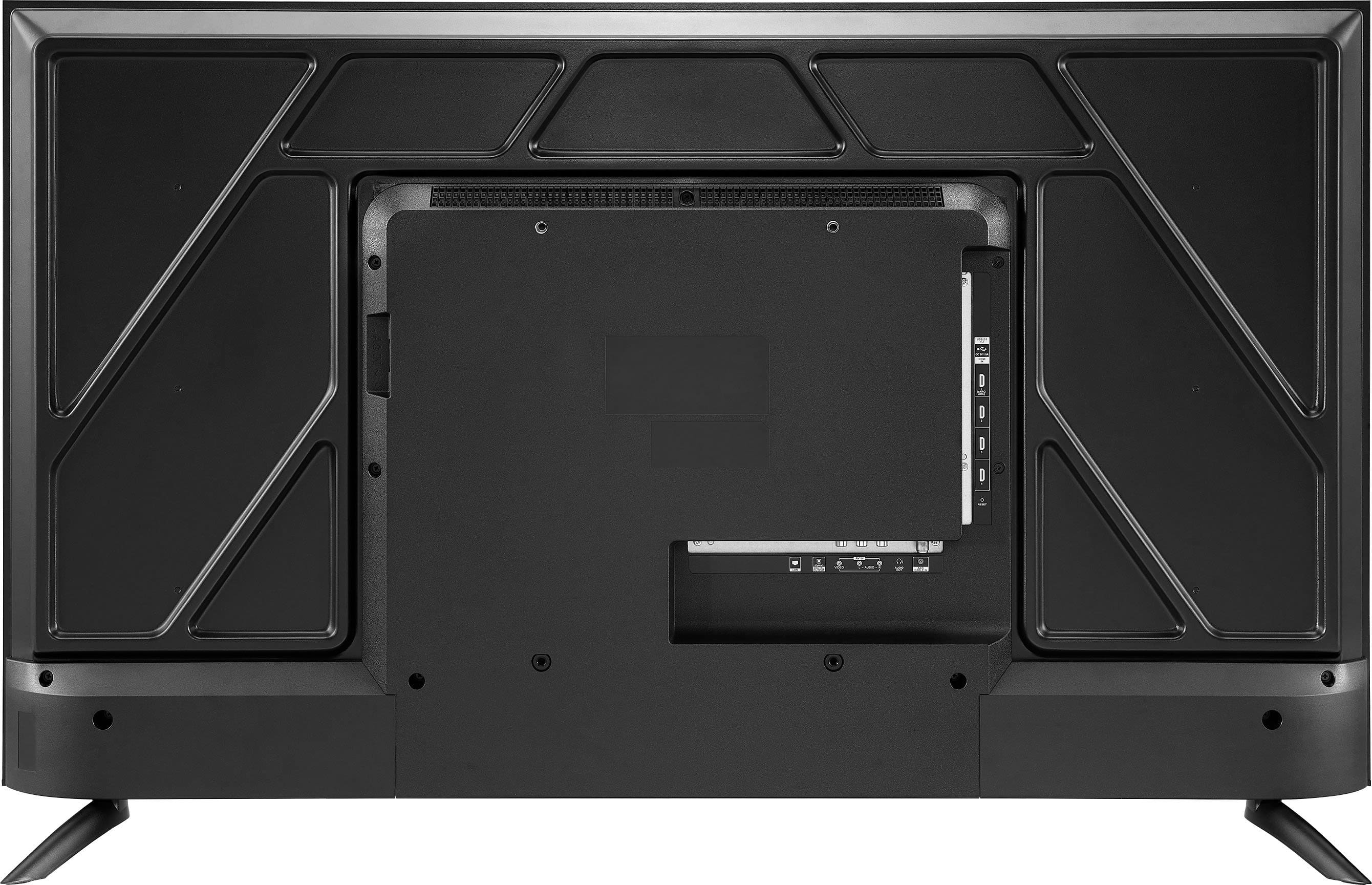
    • Answer Hello! Thank you for your question. Yes, the Pioneer 43" Class LED 4K UHD Smart Roku TV can be wall‑mounted. It uses a VESA 200mm x 300mm mounting pattern, so any compatible VESA wall mount that supports this size and the TV’s weight will work. Darshan | Pioneer

      Answered by PioneerCustomerSupport

  • QuestionThe mute button doesn't actually mute the sound. It makes a slash across a speaker icon, but I can still hear the sound. Is there a way to make it mute?

    Asked by Lance.

    • Answer Hi Lance, thanks for your question! If the mute icon appears on your Pioneer 43" Class LED 4K UHD Smart Roku TV but you still hear sound, we’d like to take a closer look at your setup to help resolve this. Please reach out to our support team so we can assist you directly: Phone: 1‑888‑287‑7658 Email: bbysupport@bestbuy.com Sidhartha | Pioneer

      Answered by PioneerCustomerSupport

  • QuestionCan this tv be mounted on a portable stand?

    Asked by Nottus.

    • Answer Yes, but be aware that the vesa mounting how are an odd dimension. Instead of the square it's a rectangle so the mount is something like 300mmx200mm or something

      Answered by Kf696